Waiting for a Custom Element to Be Ready in C# with HttpClient
HttpClient cannot wait for browser component initialization. Learn which readiness signal fits, when to use browser JavaScript, and how to poll a documented service endpoint in C#.
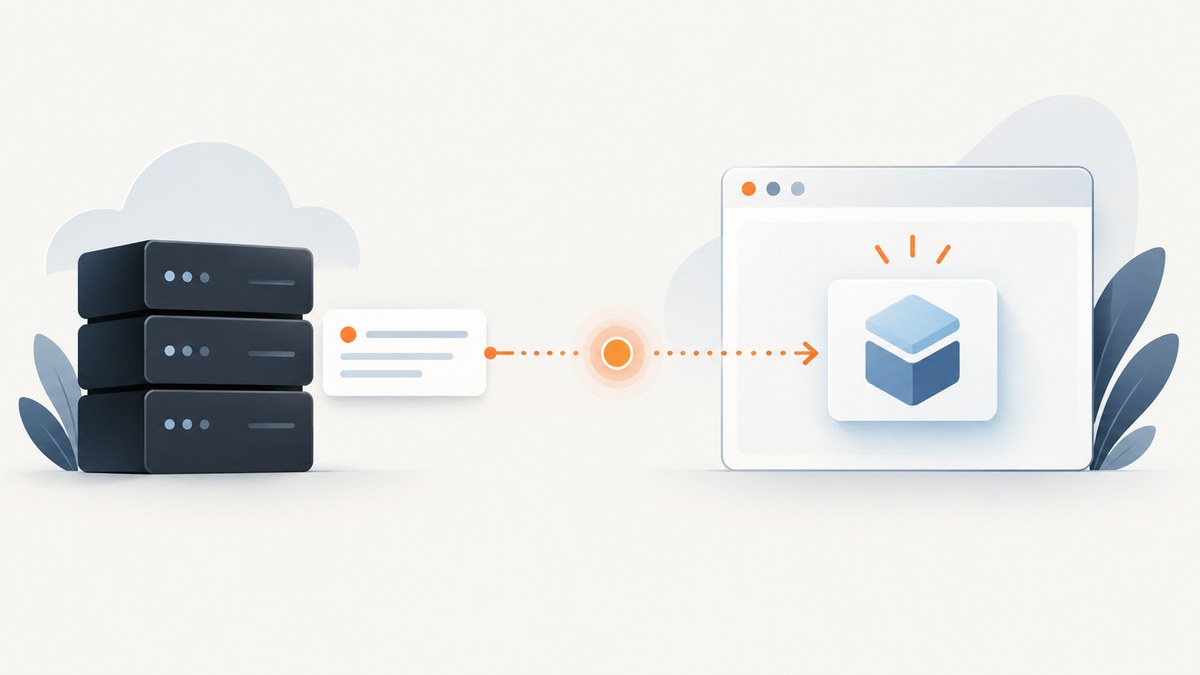
HttpClient cannot wait for a custom element inside a web page to become ready. It sends HTTP requests and receives HTTP responses; it does not run the page’s JavaScript, inspect its DOM, or subscribe to browser lifecycle callbacks. If you need a custom element in a browser, wait from browser JavaScript using the signal its component exposes. If you need a remote service to become available, poll that service’s documented readiness endpoint with C#.
The distinction matters because downloading HTML successfully says nothing about whether a custom element has been registered, connected, rendered, or finished its asynchronous setup. There is no universal “this instance is fully ready” signal for every custom element. HttpClient.SendAsync performs an HTTP operation; browser component readiness belongs to the browser and the component’s own contract.
1. Identify what “ready” means
Before writing a wait loop, identify the object you are waiting for and the runtime that owns its state.

| What you need | Use this signal | Where it runs | What it proves |
|---|---|---|---|
| The browser has registered a custom element name | customElements.whenDefined(tagName) |
Browser JavaScript | The definition exists; it does not prove instance initialization finished. |
| A particular component instance finished setup | The component’s documented promise or event | Browser JavaScript | Whatever the component author defines as ready. |
| A remote service can accept work | A documented health or readiness endpoint | C# with HttpClient |
The endpoint’s documented readiness condition. |
| HTML contains the custom element’s markup | HTML parsing or a DOM query in a browser | Browser JavaScript or browser automation | Markup is present; it does not prove the component is initialized. |
Custom elements have browser lifecycle callbacks. For example, connectedCallback() runs when an element is added to the document, but it is not a standard promise that all asynchronous work is complete. See MDN’s custom element lifecycle documentation. MDN’s whenDefined() reference describes the definition-level wait.
2. Wait for definition in browser JavaScript
If your requirement is only “make sure the browser knows this tag,” await the registry promise:
await customElements.whenDefined('my-element');
const element = document.querySelector('my-element');
console.log('Definition registered:', element);
This is runnable in a browser page or browser automation context after the page has loaded enough to access customElements. Replace my-element with the exact registered tag name, including its hyphen. The promise resolves when that name is defined. If no script ever registers it, the promise can remain pending, so apply a deadline when the page or third-party script is unreliable.
A bounded helper for a browser script is:
function withTimeout(promise, milliseconds, label) {
  return Promise.race([
    promise,
    new Promise((_, reject) =>
      setTimeout(() => reject(new Error(`${label} timed out`)), milliseconds)
    )
  ]);
}

await withTimeout(
  customElements.whenDefined('my-element'),
  10_000,
  'Custom element definition'
);
In production code, clear the timer when the original promise settles if the helper is called frequently. A timeout rejects your wait; it does not cancel registration or cause the browser to define the element.
3. Wait for one instance’s asynchronous initialization
Definition readiness is often too early. A component can fetch data, create a rendering context, or perform other asynchronous setup after it has been constructed or connected. Use the component library’s documented instance promise or readiness event. If you own the component, publish an explicit contract and resolve or dispatch it only after the promised work is complete.
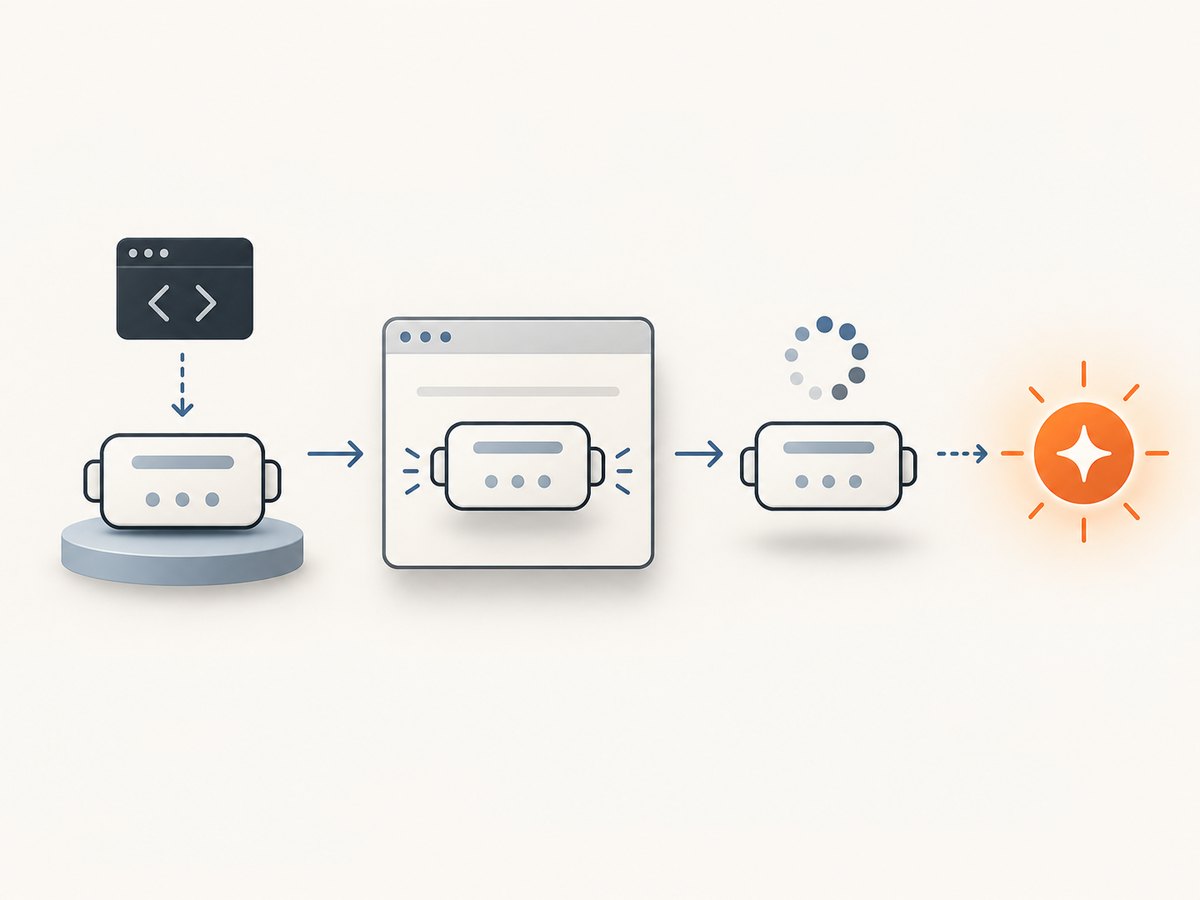
For example, a component API might document an instance method or property called ready. The consumer should follow that actual API:
await customElements.whenDefined('my-element');
const element = document.querySelector('my-element');
await element.ready;
// Now use the component according to its documented contract.
The property above is illustrative. It is not part of the Custom Elements standard. Do not assume arbitrary elements have ready, whenReady(), or a ready event. Check the component’s documentation for whether readiness is per instance, whether it can reject, and whether it can become unready after later input changes.
PlayCanvas documents a component-specific readiness approach, including a whenReady(element) helper, an instance ready() method, and a ready event. Those names and semantics belong to PlayCanvas and should not be copied as though they applied to unrelated components. See its programmatic access guide.
If a component only offers an event, install the listener before the action that triggers initialization when possible. Otherwise, a fast component could emit the event before the listener is attached. If the event may already have fired, ask the library for a state check or promise; an event alone is not a replayable readiness record.
4. What C# HttpClient can do
C# can wait for a service only when that service exposes an HTTP contract that reports readiness. The endpoint URL, expected status code, response body, retry policy, and meaning of “ready” must come from that service’s documentation. There is no generic endpoint for a page’s custom elements.
Here is a complete polling example for a service whose documentation says GET /ready returns HTTP 200 when ready and any other successful response status while it is starting. Substitute the real endpoint and rules for your service. This example targets modern .NET and uses the existing HttpClient rather than creating one for each poll:
using System;
using System.Net;
using System.Net.Http;
using System.Threading;
using System.Threading.Tasks;

static async Task WaitUntilReadyAsync(
    HttpClient client,
    Uri readinessUri,
    TimeSpan deadline,
    TimeSpan pollInterval,
    CancellationToken cancellationToken)
{
    using var deadlineCts = CancellationTokenSource.CreateLinkedTokenSource(cancellationToken);
    deadlineCts.CancelAfter(deadline);
    var token = deadlineCts.Token;

    while (true)
    {
        token.ThrowIfCancellationRequested();

        try
        {
            using var response = await client.GetAsync(
                readinessUri,
                HttpCompletionOption.ResponseHeadersRead,
                token);

            if (response.StatusCode == HttpStatusCode.OK)
                return;

            // Interpret other status codes according to this service's contract.
            // For this example, a non-200 response means “not ready yet.”
        }
        catch (HttpRequestException)
        {
            // This example treats a transient connection failure as “not ready.”
            // Re-throw here instead if the service contract says it is a hard failure.
        }

        await Task.Delay(pollInterval, token);
    }
}

using var client = new HttpClient();
using var stop = new CancellationTokenSource();

try
{
    await WaitUntilReadyAsync(
        client,
        new Uri("https://service.example/ready"),
        TimeSpan.FromSeconds(45),
        TimeSpan.FromSeconds(1),
        stop.Token);

    Console.WriteLine("Service reports ready.");
}
catch (OperationCanceledException)
{
    Console.Error.WriteLine("Readiness wait was cancelled or reached its deadline.");
    throw;
}
The example deliberately makes its assumptions visible. It treats HTTP 200 as ready, all other statuses as “keep waiting,” and connection errors as transient. That is appropriate only if the service documents those semantics. A 401, 403, 404, or 500 may indicate a configuration problem rather than a service that is still starting. Prefer an explicit allowlist of retryable responses and fail immediately on authentication, route, or request errors.
ResponseHeadersRead completes when response headers arrive rather than buffering the body. If readiness is represented in JSON or text, read and validate that body too, and bound the read. Always dispose each response, as the example does. GetAsync accepts a cancellation token; the underlying SendAsync API is asynchronous and supports cancellation.
5. Configure deadlines, retries, and cancellation
HttpClient.Timeout defaults to 100 seconds, and the value applies to requests made by that client. A cancellation token can impose a shorter per-operation limit; the shorter applicable timeout wins. See Microsoft’s Timeout property reference. For a polling operation, set an overall deadline as well as a per-request timeout so a sequence of slow requests cannot wait forever.
- Reuse the client. Create a long-lived
HttpClientor use the .NET client factory in a hosted application. Do not create and dispose one for every poll. - Bound each request. The overall deadline should be longer than the expected startup period, while the per-request limit should prevent one stalled request from consuming the entire wait.
- Honor caller cancellation. Pass the caller’s token through both the HTTP request and delay. This allows application shutdown or user cancellation to stop the whole loop.
- Choose a delay intentionally. A short fixed interval is simple, but many clients starting together can synchronize requests. Use capped exponential backoff with jitter for large fleets or shared services.
- Classify errors. Retry only documented transient statuses and transport failures. Surface malformed URLs, certificate failures, unauthorized requests, and invalid response content as useful errors.
- Avoid accidental overlap. Await each request and delay before starting the next poll. Do not fire-and-forget repeated checks.
6. Why downloading a page is not waiting for its component
A common attempted solution is to request the page HTML and search it for a tag:
using var response = await client.GetAsync(pageUrl, cancellationToken);
var html = await response.Content.ReadAsStringAsync(cancellationToken);
var present = html.Contains("<my-element", StringComparison.OrdinalIgnoreCase);
This can answer whether the server-rendered response contains text resembling the tag. It cannot establish that a browser registered the custom element or ran its lifecycle callbacks. The element may be inserted by JavaScript after the response arrives; the HTML may contain it before the definition script loads; shadow DOM content is not necessarily in the original response; and client-side initialization may depend on APIs, cookies, or data unavailable to a bare HTTP request.
Likewise, repeatedly downloading the same page does not advance its browser state. It only repeats an HTTP request. For browser DOM state, use a real browser or browser automation runtime and execute JavaScript there. For server process state, poll a server readiness endpoint.
7. Troubleshooting
| Symptom | Likely cause | Fix |
|---|---|---|
whenDefined() never resolves |
The registration script did not load, the tag name is misspelled, or the script never calls customElements.define(). |
Verify the exact tag name and inspect script/network errors in the browser. Add a bounded wait and report the missing definition. |
| The element is defined, but its content is absent | Definition readiness was mistaken for per-instance initialization. | Await the component’s documented instance promise/event or observe a documented state property. |
| The readiness event is missed | The listener was attached after the event fired. | Attach before triggering setup, or use a promise/state API that can report already-completed readiness. |
| C# receives the page HTML but no rendered component | HttpClient does not execute page JavaScript. |
Run the wait in a browser context, or use a documented service readiness endpoint if the target is a service. |
| Polling never succeeds | The endpoint path, expected status, auth, proxy, or readiness condition is wrong. | Check the service contract and inspect status/body; do not treat every non-200 response as a retry without justification. |
| Wait ends with cancellation | The caller cancelled, the overall deadline elapsed, or an HTTP timeout fired. | Log which deadline/token fired, then adjust the correct bound rather than removing all limits. |
| Requests keep timing out despite a generous overall deadline | The per-request HttpClient.Timeout is shorter than the outer deadline. |
Set a suitable client timeout or use a per-request cancellation token consistent with the service’s expected response time. |
| Repeated polls cause load spikes | Many callers poll at the same fixed interval. | Increase and cap the interval, add jitter, share readiness state where safe, or use server push if the service supports it. |
8. Performance, reliability, and cost
Browser definition waiting is event-driven through a promise, so it does not require repeatedly downloading a page. Instance readiness should also use the component’s promise or event when available. Polling is appropriate for a remote readiness endpoint when that is the documented contract, but its request rate depends on the interval and the number of waiting clients. A one-second interval means each waiter can make roughly one request per second until readiness or deadline; coordinate interval and jitter with the service owner.
For reliable waits, distinguish “not ready yet” from “cannot determine readiness.” Retry transient connection failures only when the operation is safe and the service contract allows it. Preserve a finite deadline, record the endpoint and last observed status, and make cancellation observable. Do not claim readiness based only on a successful TCP connection, an HTTP response from a proxy, or page markup unless that is exactly what the application needs.
Cost depends on the endpoint and hosting arrangement; the sources here do not establish a generic price or benchmark. A local browser promise has no polling traffic. A remote poll consumes requests and may count toward that service’s quotas, so use the lowest practical frequency and stop promptly at readiness, cancellation, or deadline.
9. When the task is capturing a page, use a browser capture tool
If you arrived here because you need a screenshot of a page after it renders, you need a browser-based capture flow. HttpClient can fetch the document, but it cannot render it or wait for the custom element’s browser-side state. In your own browser automation, wait for the element’s documented readiness signal, then capture. If the component has no readiness contract, define one or wait for a specific observable condition that matches the data you need.
Or skip the browser setup
For a screenshot without managing a browser runtime, ScreenshotNeo provides a one-request website screenshot API. Its API documentation covers parameters and response behavior:
curl -G "https://api.screenshotneo.com/v1/shot" -d access_key=YOUR_API_KEY --data-urlencode url=https://stripe.com -o shot.webpimport requests
r = requests.get("https://api.screenshotneo.com/v1/shot", params={"access_key": "YOUR_API_KEY", "url": "https://stripe.com"}, timeout=90)
open("shot.webp", "wb").write(r.content)const q = new URLSearchParams({ access_key: 'YOUR_API_KEY', url: 'https://stripe.com' });
const res = await fetch(`https://api.screenshotneo.com/v1/shot?${q}`);ScreenshotNeo accepts cookie or consent banners before capture and removes more than 60 known consent platforms, newsletter popups, and chat widgets; each of those steps can be turned off. Bot checks, blank pages, failed loads, timeouts, and cache hits are not billed, and the response identifies the page verdict and billing status in headers. Its MCP server gives AI agents tools for screenshots, page information, and PDF capture. The Free plan includes 1,000 screenshots per month without a card; paid plans start at $5 for 3,000 shots.
Sign up free for 1,000 screenshots a month, with no card required.
FAQ
Can HttpClient run JavaScript in the page?
No. It makes HTTP requests. Use a browser runtime or browser automation tool to execute scripts and inspect DOM state.
Does whenDefined wait until data has loaded?
No. It waits for the custom element definition to be registered. Data loading and instance setup need a component-specific readiness contract.
Can I poll a URL until it returns 200?
Yes, when that URL is a documented readiness endpoint and its response semantics say 200 means ready. Repeatedly requesting an ordinary page does not wait for its browser component.
Should readiness be represented as an event or a promise?
Either can work if documented. A promise is convenient for consumers that begin waiting before completion; an event needs careful listener timing or a separate state check for already-ready instances.


