How to Wait for an Element to Become Visible in Browser Tests
Use condition-based waits for visible elements in Playwright, Selenium, and Cypress, with semantics, timeouts, failures, and reliable patterns.
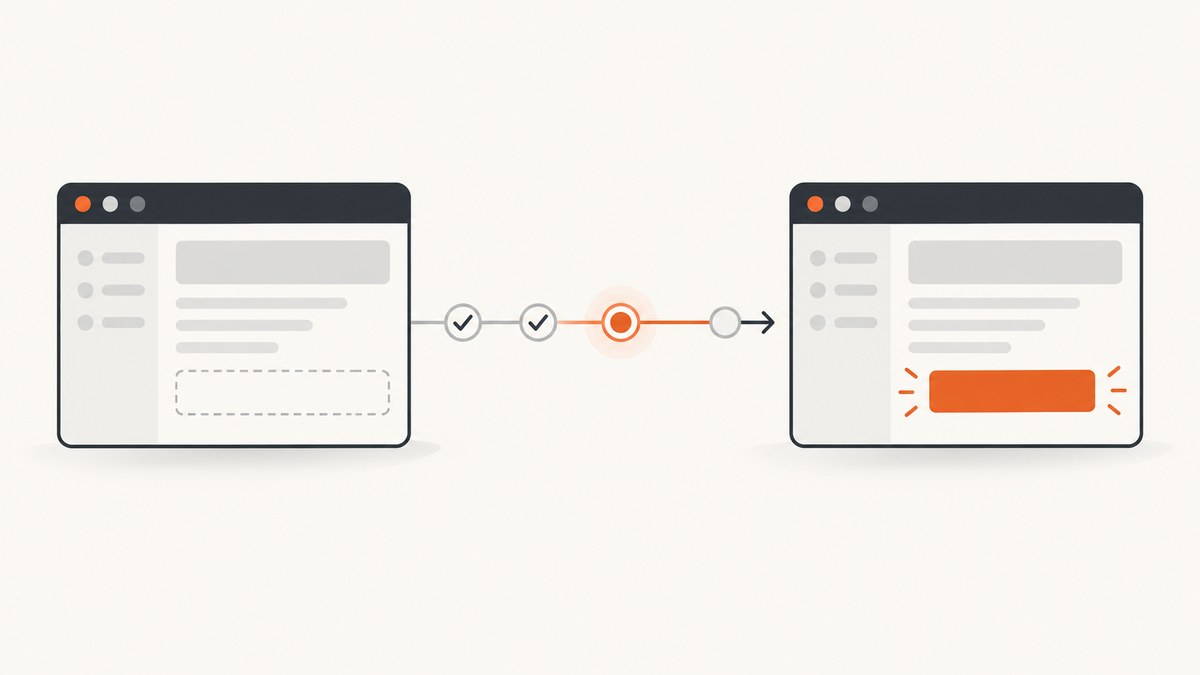
Use a condition-based wait or retrying assertion for visibility. In Playwright, wait with locator.waitFor({ state: 'visible' }) or assert with expect(locator).toBeVisible(). In Selenium, use WebDriverWait with visibility_of_element_located. In Cypress, use .should('be.visible'). These APIs wait for the application state you need instead of guessing with a fixed sleep.
Visibility is different from presence, and visibility does not always mean an element is ready to click. The exact definition and retry behavior depend on the framework version, so keep the framework-specific patterns below in your tests.
1. Choose the right kind of wait
| Framework | Recommended pattern | What it waits for | Important distinction |
|---|---|---|---|
| Playwright | await locator.waitFor({ state: 'visible' })await expect(locator).toBeVisible() |
A locator that satisfies Playwright’s visible-state rules. | isVisible() checks immediately. It does not wait. Clicking adds separate actionability checks. |
| Selenium | WebDriverWait(...).until(EC.visibility_of_element_located(...)) |
An element present in the DOM with non-zero width and height. | Presence alone is not visibility. |
| Cypress | cy.get(selector).should('be.visible') |
A retrying visibility assertion until it passes or times out. | Visibility assertions and actionability checks before actions are separate. |
Use an assertion when visibility is part of what the test promises to the user. Use a precondition wait when visibility is only one step before another operation. For a click, prefer the framework’s click command after locating the element; the click may also wait for it to be stable, unobscured, enabled, or otherwise actionable.
2. Playwright: wait for a visible locator
Direct wait
import { test } from '@playwright/test';

test('shows the success notice', async ({ page }) => {
  await page.goto('https://example.com/checkout');

  const notice = page.getByRole('status');
  await notice.waitFor({ state: 'visible' });

  // Continue after the status element is visible.
  console.log(await notice.textContent());
});
Playwright’s Locator API defines visible as a non-empty bounding box with no computed visibility: hidden. Elements with display: none, no content, or no layout box are not visible under this definition.
Retrying assertion
import { expect, test } from '@playwright/test';

test('renders the account banner', async ({ page }) => {
  await page.goto('https://example.com/account');

  const banner = page.getByRole('alert');
  await expect(banner).toBeVisible();
  await expect(banner).toContainText('Account ready');
});
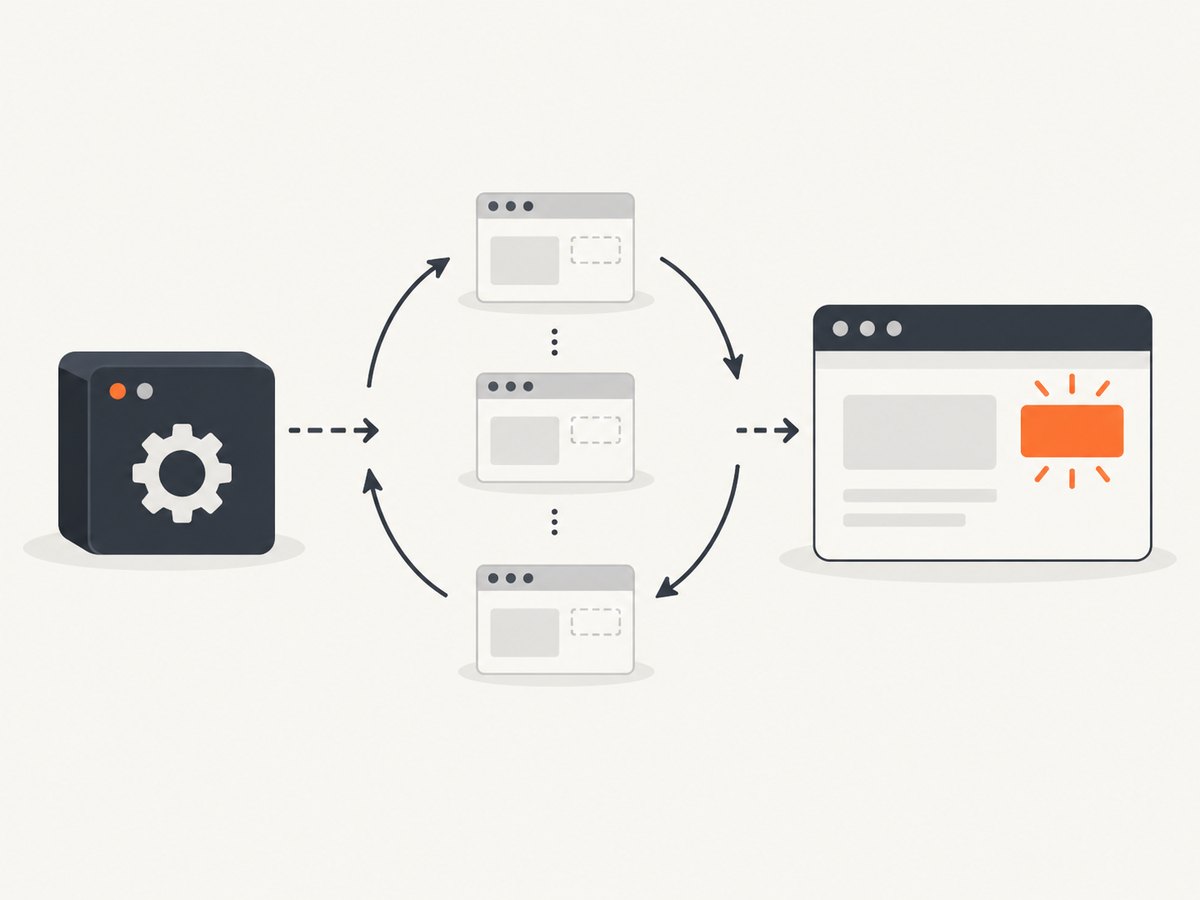
Retrying assertions are usually the clearest choice when the expected result is that a user can see something. Configure the assertion timeout in the test or project when a page has a known slower startup:
await expect(page.getByTestId('report')).toBeVisible({ timeout: 15_000 });Waiting for a hidden element to become visible
const panel = page.locator('#results-panel');
await panel.waitFor({ state: 'attached' });
await panel.waitFor({ state: 'visible' });
Use attached only when you need to know that a node exists. It does not prove that a user can see it. If a component is replaced after rendering, reacquire the locator or use a locator that describes the stable semantic target.
Do not use isVisible() as a wait
const visibleNow = await page.getByRole('status').isVisible();
// visibleNow is only the result at this instant.
For polling behavior, use waitFor or a retrying expect. A loop around isVisible() is harder to diagnose and can create its own timing bugs.
3. Selenium with Python: explicit visibility waits
from selenium import webdriver
from selenium.webdriver.common.by import By
from selenium.webdriver.support import expected_conditions as EC
from selenium.webdriver.support.wait import WebDriverWait

 driver = webdriver.Chrome()
try:
    driver.get('https://example.com/checkout')
    notice = (By.ID, 'notice')
    element = WebDriverWait(driver, timeout=10).until(
        EC.visibility_of_element_located(notice)
    )
    print(element.text)
finally:
    driver.quit()
Selenium’s visibility_of_element_located waits for the element to be present and have non-zero width and height. That is different from presence_of_element_located, which only checks that the element is in the DOM. Pick a timeout based on the application and environment; the two-second value in some examples is illustrative, not a universal setting.
Wait for a specific state, then interact
submit = (By.CSS_SELECTOR, 'button[type="submit"]')
button = WebDriverWait(driver, 15).until(
    EC.visibility_of_element_located(submit)
)
WebDriverWait(driver, 15).until(
    EC.element_to_be_clickable(submit)
).click()
The second wait matters because a visible button may still be disabled, covered by another element, or moving during an animation.
4. Cypress: retry a visibility assertion
describe('checkout', () => {
  it('shows the success notice', () => {
    cy.visit('/checkout');
    cy.get('[role="status"]').should('be.visible');
  });
});
Cypress retries .should() assertions until they pass or the command times out. Cypress 16 documents a browser-based Element.checkVisibility() algorithm for visibility. Keep the Cypress version in mind when diagnosing differences between local and CI runs.
Synchronize with the application signal
cy.intercept('GET', '/api/orders/*').as('order');
cy.get('[data-testid="load-order"]').click();
cy.wait('@order');
cy.get('[data-testid="order-details"]').should('be.visible');
A visibility check immediately followed by a click can still fail if the application replaces that node during rendering. Wait for the request, state transition, or other signal that controls the next interaction, then query the element again.
5. Visibility, presence, and actionability
Presence
Presence means a matching node exists in the DOM. A node can be present while hidden with display: none, visibility: hidden, zero dimensions, or a collapsed parent.
Visibility
Visibility means the framework considers the node renderable according to its own rules. Playwright uses layout-box and computed-visibility checks. Selenium’s expected condition requires DOM presence and non-zero dimensions. Cypress uses its documented browser visibility algorithm.
Actionability
An element can be visible but still not actionable. It may be covered, disabled, outside the required hit target, moving, detached and replaced, or blocked by an overlay. Playwright’s actionability checks and Cypress action commands handle more conditions than a visibility assertion. Selenium has separate expected conditions such as element_to_be_clickable.
6. Avoid fixed sleeps
A fixed delay waits the same amount of time whether the page is ready immediately or still loading. It makes fast runs slower and slow runs flaky. Replace this:
# Selenium
import time
time.sleep(3)
driver.find_element(By.ID, 'notice').click()
with a condition:
WebDriverWait(driver, 10).until(
    EC.element_to_be_clickable((By.ID, 'notice'))
).click()
Cypress specifically recommends retryable conditions and request aliases instead of translating a sleep into a fixed cy.wait(number). Playwright’s locators and assertions provide the same condition-based approach.
7. Selectors that make waits reliable
- Prefer accessible roles and names, such as
getByRole('status'), when they describe the user-visible contract. - Use stable test identifiers such as
data-testidfor internal components without a useful accessible name. - Avoid selectors tied to generated class names, animation details, or DOM positions.
- Scope a locator to the relevant component so an unrelated visible match cannot satisfy the wait.
- When multiple elements are expected, assert the intended count or use a specific locator rather than relying on the first match.
8. Timeouts and retries
Set a timeout long enough for the slowest supported environment, but short enough to expose a real failure. Separate timeout types where the framework allows it: navigation, locator actions, and assertions often have different causes and useful limits.
- Use a longer timeout for a known cold start or remote test environment.
- Keep the condition narrow. Waiting for a whole page when only one API-backed panel matters hides the source of delay.
- Do not increase timeouts to silence every failure. Capture logs, network events, and screenshots on timeout.
- Use test retries for infrastructure noise only after the test itself has deterministic waits.
9. Common failures and fixes
| Symptom | Likely cause | Fix |
|---|---|---|
| Timeout while the node is in the DOM | The node is hidden, has zero dimensions, or a parent is hidden. | Inspect computed styles and layout. Wait for the component’s visible state, not presence. |
| Visibility passes, click fails | An overlay covers the target, it is disabled, moving, or replaced. | Use the framework’s action command and actionability wait; wait for the overlay or transition to finish. |
| Playwright check returns false immediately | isVisible() is an immediate check. |
Use waitFor({ state: 'visible' }) or expect(locator).toBeVisible(). |
| Selenium finds the wrong match | The locator matches a hidden template and a visible instance. | Use a scoped, semantic locator or filter the intended component. |
| Cypress assertion passes, later command fails | The application replaced the element after the assertion. | Wait for the request or state change, then query the element again. |
| CI only: intermittent timeout | Slower CPU, network, fonts, animations, or an environment-dependent backend. | Record trace/video/network data, disable nonessential animation in tests, and wait for the relevant application signal. |
| Element is visually present but test says hidden | Framework visibility semantics differ from a human’s perception, such as opacity, clipping, or zero layout size. | Check the framework documentation and assert the state your product actually requires. |
10. Waiting for elements in screenshot workflows
If the goal is a visual artifact rather than an interaction, the same rule applies: capture after the page reaches a specific state. A browser script can wait for a selector, a request, or network idle before taking a screenshot. Make the readiness signal part of the capture contract so a screenshot does not randomly contain a loading skeleton.
11. Or skip the browser setup
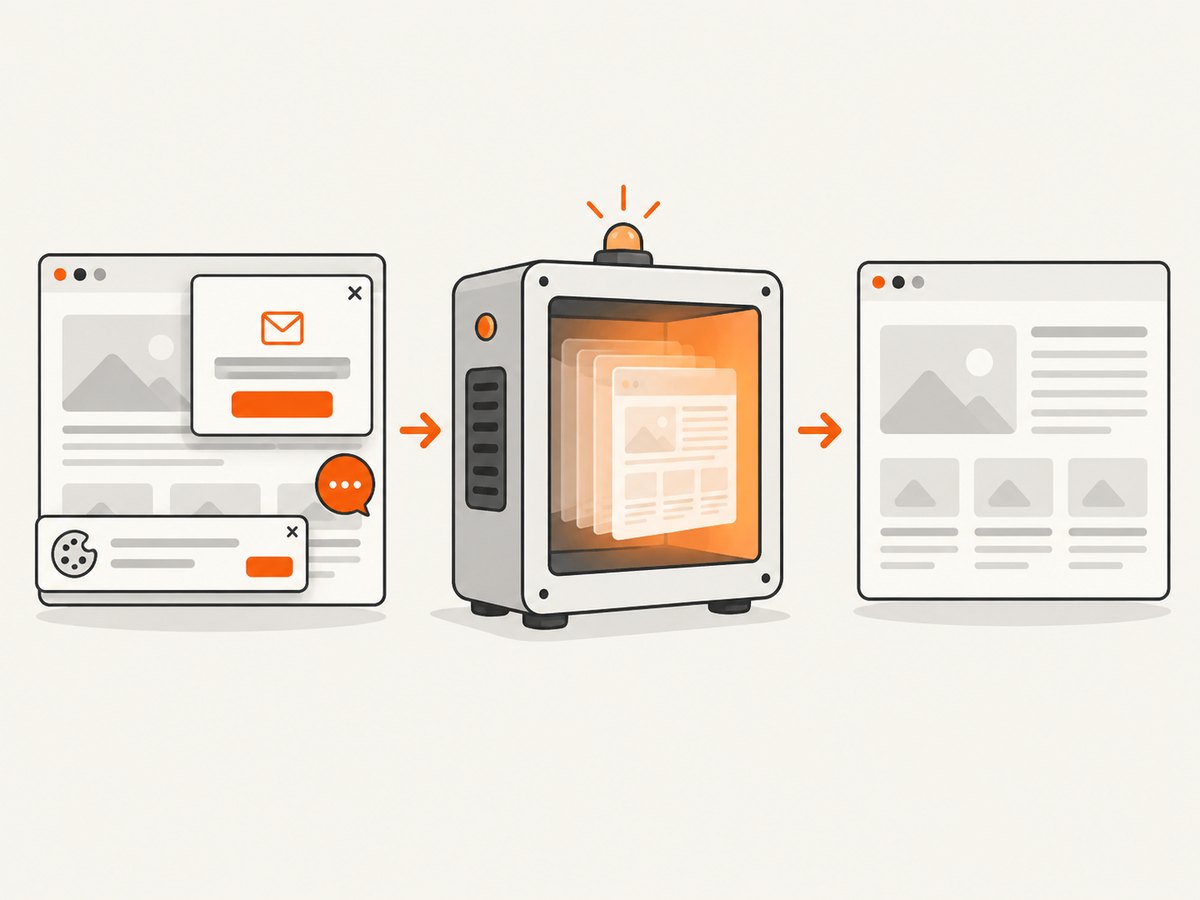
ScreenshotNeo provides a website screenshot API and MCP server. You can request a screenshot after the service loads the page instead of maintaining browser drivers and wait logic in your own process. Its capture options include waiting for a selector, a delay, or network idle, plus full-page capture with lazy images loaded.
For a one-call capture, see the ScreenshotNeo API documentation:
curl -G 'https://api.screenshotneo.com/v1/shot' -d access_key=YOUR_API_KEY --data-urlencode url=https://example.com -o shot.webpimport requests
r = requests.get('https://api.screenshotneo.com/v1/shot', params={'access_key': 'YOUR_API_KEY', 'url': 'https://example.com'}, timeout=90)
open('shot.webp', 'wb').write(r.content)const q = new URLSearchParams({ access_key: 'YOUR_API_KEY', url: 'https://example.com' });
const res = await fetch(`https://api.screenshotneo.com/v1/shot?${q}`);Cookie banners, newsletter popups, and chat widgets are removed before the shot. Bot checks, blank pages, timeouts, failed loads, and cache hits are not billed, and each response reports the result with X-Page-Verdict and X-Billed headers. An MCP server lets AI agents use take_screenshot, get_page_info, and capture_pdf. The free plan includes 1,000 screenshots a month with no card; paid plans start at $5 for 3,000 shots. Create a free ScreenshotNeo account.
12. Performance, reliability, and cost notes
- Performance: Condition waits finish as soon as the state is true, while sleeps always consume their full duration. Narrow selectors and request-level synchronization reduce unnecessary polling.
- Reliability: Use deterministic application signals, stable selectors, and framework-native retries. Record traces, console logs, and network failures on timeout.
- Parallelism: Keep independent tests isolated. Shared accounts, mutable data, and cross-test popups can make a correct visibility wait appear flaky.
- Cost: Browser sessions consume CI minutes and infrastructure. ScreenshotNeo charges only for clean shots; failed loads, bot checks, blank pages, timeouts, and cache hits are not billed.
13. FAQ
What is the shortest correct Playwright wait?
await locator.waitFor({ state: 'visible' }). Use expect(locator).toBeVisible() when visibility is an assertion.
Does Selenium presence mean an element is visible?
No. Presence only confirms a DOM match. Use visibility_of_element_located when dimensions and visibility matter.
Does Cypress retry cy.get()?
Cypress retries commands and chained assertions according to its command model. .should('be.visible') expresses the visibility condition explicitly.
Why can a visible element still fail to click?
Visibility does not guarantee that the element is unobscured, enabled, stable, or still attached. Use the framework’s actionability-aware command.
Should I wait for network idle everywhere?
No. Network idle can be delayed by analytics, streaming, or long polling. Prefer the specific request or UI state that proves the component is ready.


