How to Wait for Fonts Before Playwright Screenshots
Use document.fonts.ready and explicit font loads to make Playwright screenshots consistent, with runnable code, debugging steps, and production guidance.

Direct answer: wait in the page context for the fonts used by the final rendered content, then capture the screenshot:
import { test } from '@playwright/test';

test('capture after fonts are ready', async ({ page }) => {
  await page.goto('https://example.com', { waitUntil: 'domcontentloaded' });

  // Wait for the application content that determines what will be captured.
  await page.locator('[data-testid="report"]').waitFor();

  // Wait for fonts used by the rendered document and related layout work.
  await page.evaluate(() => document.fonts.ready);

  await page.screenshot({ path: 'page.png', fullPage: true });
});
document.fonts.ready resolves after the document has completed loading the fonts it currently uses and associated layout operations. It does not force every font declared in CSS to download: unused faces and optional subsets can remain unloaded. If a particular family, weight, style, or character subset matters, call document.fonts.load() for it explicitly before the screenshot. The browser APIs are documented by MDN FontFaceSet.ready, MDN Document.fonts, and MDN FontFaceSet.load(); Playwright’s capture methods are in the Page API.
Why font timing changes a screenshot
Web fonts can arrive after HTML and CSS. Until they do, the browser may render fallback glyphs, then recalculate line breaks, element heights, and alignment when the requested face is available. A screenshot taken during that interval can have different wrapping, button positions, and page height from a later capture.
Navigation completion alone is not a font readiness signal. page.goto() can resolve at load, domcontentloaded, or another chosen milestone while a font request is still pending. Likewise, networkidle is not a substitute for the font set: applications can keep analytics or polling requests open, and a font may be requested only after client-side rendering.
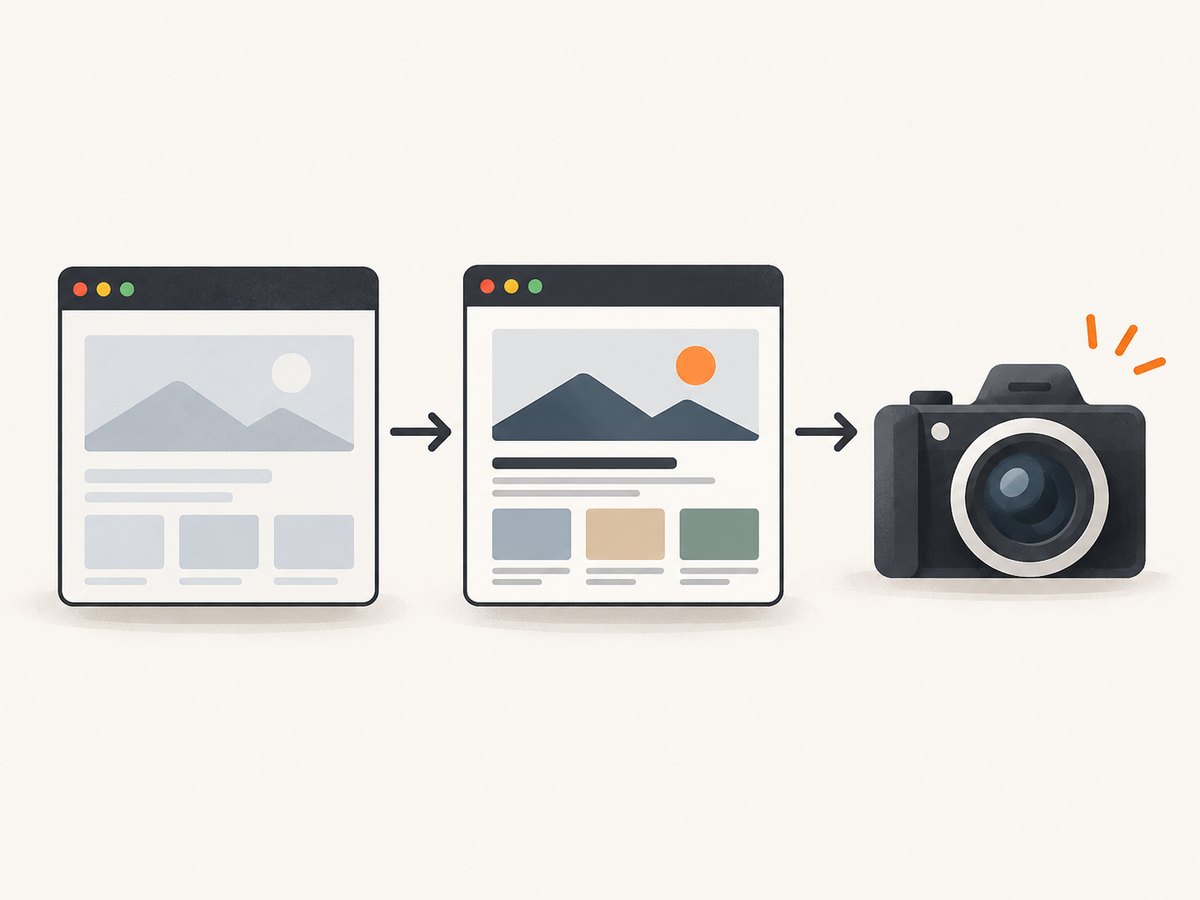
The reliable order is:
- Navigate.
- Wait for the route, hydration, data, or selector that defines the final content.
- Wait for the document’s used fonts.
- Optionally force-load critical faces or text subsets.
- Disable animation if motion can affect pixels.
- Capture the page or element.
Complete Playwright workflow
Basic JavaScript capture
import { chromium } from 'playwright';

const browser = await chromium.launch();
const page = await browser.newPage({
  viewport: { width: 1440, height: 900 },
  deviceScaleFactor: 1
});

try {
  await page.goto('https://example.com/dashboard', {
    waitUntil: 'domcontentloaded',
    timeout: 45_000
  });

  // Wait for the SPA to render the actual dashboard.
  await page.locator('[data-testid="dashboard"]').waitFor({
    state: 'visible',
    timeout: 30_000
  });

  await page.evaluate(() => document.fonts.ready);

  await page.screenshot({
    path: 'dashboard.png',
    fullPage: true,
    animations: 'disabled',
    timeout: 30_000
  });
} finally {
  await browser.close();
}
Use waitUntil: 'domcontentloaded' when your own selector or application signal is more precise. Use load when document subresources must finish before your app renders. Treat networkidle as a deliberate choice for pages that truly become quiet; it can make tests slow or hang on pages with long-lived connections.
Load a specific family, weight, and sample text
await page.evaluate(async () => {
  // CSS font shorthand: style, weight, size, family.
  await document.fonts.load('700 32px "Example Sans"', 'Revenue report 012345');
});

await page.evaluate(() => document.fonts.ready);
await page.screenshot({ path: 'report.png' });
The second argument to fonts.load() is representative text. Include the characters that must be shaped in the image, including numerals, currency signs, non-Latin scripts, or icon-font code points when applicable. The promise fulfills with matching loaded FontFace objects and rejects when loading fails, so let the rejection fail the test or handle it explicitly.
Verify readiness and diagnose missing faces
const fontState = await page.evaluate(() => ({
  status: document.fonts.status,
  ready: document.fonts.check('400 16px "Example Sans"'),
  faces: [...document.fonts].map(face => ({
    family: face.family,
    style: face.style,
    weight: face.weight,
    status: face.status
  }))
}));
console.log(fontState);
document.fonts.status reports the set’s loading state. document.fonts.check() tells you whether the browser considers a matching face available, but a successful check does not prove that every glyph in your screenshot uses the intended file. Inspect the browser’s network and console logs when a face is blocked by CORS, has an invalid URL, or lacks the required character subset.
Choosing the right wait condition
| Condition | Use it for | Limit |
|---|---|---|
document.fonts.ready |
Fonts currently used by the final document | Unused declared faces may stay unloaded |
document.fonts.load(font, text) |
A required family, style, weight, or text subset | Choose an accurate CSS shorthand and representative text; it can reject |
| Application selector or assertion | Hydration, route changes, API data, or a rendered component | It says nothing about font completion by itself |
page.waitForLoadState() |
Document lifecycle milestones | Load state is not a font-specific guarantee |
Always put the font wait after the final content state. If a component adds text after the first document.fonts.ready resolution, that new text can trigger another font request. Wait for the component or data first, then await readiness again.
Screenshot options that affect stability
- Animations: set
animations: 'disabled'to stop CSS animations, transitions, and Web Animations during capture. This solves motion, not font loading. - Full page:
fullPage: truecaptures the entire scrollable page. Lazy images may need scrolling or an application-specific “loaded” signal first. - Element capture: call
locator.screenshot()after the target is visible and fonts are ready. The same font wait applies because layout inside the element can change. - Scale: use a consistent
deviceScaleFactor. Retina scale changes pixel dimensions and can expose antialiasing differences. - Masking: use Playwright’s mask options for timestamps or user-specific data so visual comparisons focus on layout.
- Timeouts: set explicit navigation, selector, font, and screenshot timeouts appropriate to your CI environment. A timeout should produce diagnostics rather than silently accepting fallback text.
Playwright Test assertions
import { test, expect } from '@playwright/test';

test('visual snapshot uses the intended font', async ({ page }) => {
  await page.goto('https://example.com/pricing');
  await page.getByRole('heading', { name: 'Pricing' }).waitFor();

  await page.evaluate(async () => {
    await document.fonts.load('600 48px "Example Sans"', 'Pricing plans');
    await document.fonts.ready;
  });

  await expect(page).toHaveScreenshot('pricing.png', {
    fullPage: true,
    animations: 'disabled',
    caret: 'hide'
  });
});
toHaveScreenshot() waits for two consecutive screenshots to match before comparing the result. That improves general screenshot stability, but it is not a replacement for explicitly waiting for a font-dependent state. Use the font wait for typography and the assertion for pixel comparison.

Edge cases and production details
Variable fonts
A variable font can serve several weights from one file. Request the actual CSS weight used by the page, such as font-weight: 650, in document.fonts.load(). Loading only weight 400 does not prove that a 650 instance is ready.
Fallback stacks and missing glyphs
A family declaration can contain fallbacks. If the primary face lacks a character, the browser can intentionally use another face. Include multilingual and symbol-heavy sample text when validating a page whose screenshot contains those characters. A visually different fallback is not necessarily a loading bug.
Cross-origin font files
Font files served from another origin need a response policy that allows the requesting page. A CSS file can load successfully while its font file is rejected. Check the font request in DevTools or Playwright tracing and correct the server headers or URL.
Cached fonts and repeat captures
A warm browser context may make a second screenshot pass while a fresh context fails. Decide whether your test represents a cold visitor or a returning user. Keep the context and cache policy consistent across visual tests.
Headless versus headed differences
Browser version, operating-system font rasterization, and installed fallback fonts can alter pixels even when web fonts are ready. Pin the Playwright browser version and run visual comparisons in the same environment. Font readiness solves asynchronous loading; it does not make different rasterizers identical.
Print and PDF output
For PDF capture, wait for the same final content and font state before calling page.pdf(). Also set print media, paper format, margins, and page ranges deliberately. PDF pagination can change when a late font load changes line heights.
Common errors and fixes
| Symptom | Likely cause | Fix |
|---|---|---|
| Screenshot shows a system font | Capture occurred before the used face loaded, or the request failed | Await document.fonts.ready, explicitly load the needed face, then inspect network errors |
| Text wraps differently between runs | Content or fonts became ready in a different order | Wait for the final selector/data state before the font wait; disable animations |
fonts.load() rejects |
Invalid family specification or failed font request | Use valid CSS shorthand, verify the URL, CORS headers, certificate, and response status |
| Wait hangs in CI | Selector never appears, a connection prevents the chosen load state, or the page keeps requesting resources | Use bounded timeouts, a specific selector, and domcontentloaded instead of indiscriminate networkidle |
| Assertion is flaky despite font readiness | Animations, clocks, ads, random data, or rasterization differ | Disable motion, mask dynamic regions, freeze data, and pin browser/OS versions |
| Only some characters look wrong | Subset or fallback glyph behavior | Load representative text covering the affected script and inspect the selected face |
Performance, reliability, and cost
Font waits add only the time needed for outstanding font requests and layout. Waiting on a precise application selector before document.fonts.ready is usually faster than adding a large fixed delay. Fixed sleeps can be too short on a busy runner and unnecessarily slow on a warm cache.
For high-volume visual tests, reuse a browser process where safe, but create isolated contexts when cookies, permissions, or cache state must differ. Record URL, browser version, viewport, device scale, selected font faces, and timeout values with failures. A trace containing network requests and a screenshot is more useful than increasing a timeout blindly.
Screenshot cost depends on the service or infrastructure you choose. A self-hosted Playwright worker consumes browser CPU, memory, storage, and network bandwidth; concurrency should be limited to what the runner can sustain. Keep font files cacheable and avoid downloading unused weights. When a capture is deterministic, cache the resulting image with a key that includes URL, viewport, browser version, and relevant content revision.
Or skip the browser setup
ScreenshotNeo provides a website screenshot API and MCP server when you need an image or PDF without maintaining Playwright workers. It can wait for a selector, delay, or network idle, and supports custom CSS and JavaScript for page-specific readiness. Its clean-shot workflow accepts consent banners as a visitor and removes more than 60 known consent platforms, newsletter popups, and chat widgets before capture.
One request returns a PNG, JPEG, WebP, or PDF. See the ScreenshotNeo API documentation for all parameters:
curl -G "https://api.screenshotneo.com/v1/shot" \
  -d access_key=YOUR_API_KEY \
  --data-urlencode url=https://stripe.com \
  -o shot.webp
import requests
r = requests.get(
"https://api.screenshotneo.com/v1/shot",
params={"access_key": "YOUR_API_KEY", "url": "https://stripe.com"},
timeout=90,
)
r.raise_for_status()
open("shot.webp", "wb").write(r.content)const q = new URLSearchParams({ access_key: 'YOUR_API_KEY', url: 'https://stripe.com' });
const res = await fetch(`https://api.screenshotneo.com/v1/shot?${q}`);
if (!res.ok) throw new Error(`Screenshot failed: ${res.status}`);
const data = new Uint8Array(await res.arrayBuffer());
await Bun.write('shot.webp', data);ScreenshotNeo bills only clean shots. Bot checks or CAPTCHAs, blank pages, timeouts, failed loads, and cache hits cost nothing, and each response identifies the result with X-Page-Verdict and X-Billed headers. It also offers an MCP server with take_screenshot, get_page_info, and capture_pdf for Claude, Cursor, and other MCP clients.
Every plan includes the features: full-page capture with lazy images loaded, element selectors, dark mode, device presets and custom viewports, retina scale, PDF controls, custom CSS and JavaScript, clicks, hide selectors, request blocking, headers, cookies, user agents, authorization, timezone, geolocation, transparent backgrounds, resizing, configurable caching, signed links, asynchronous jobs with signed webhooks, bulk capture for 100 URLs per call, usage API, OpenAPI, and compatible parameter names for easier migration. The free plan includes 1,000 shots per month with no card; paid plans start at $5 for 3,000 shots. Create a free ScreenshotNeo account.
FAQ
Does document.fonts.ready load every font in my CSS?
No. It concerns fonts currently used by the document and related layout work. Explicitly call document.fonts.load() for faces and text that must be present.
Should I use a fixed delay instead?
Use a fixed delay only for a known application behavior that has no observable signal. A selector, data assertion, or font promise adapts to actual readiness and usually avoids both premature captures and wasted time.
Can I wait for fonts before navigation?
No. The page’s document.fonts belongs to the loaded document. Navigate first, render the final content, then wait.
Why does the screenshot still differ after the font wait?
Check animations, dynamic data, lazy content, browser versions, operating-system fonts, device scale, and image loading. Font readiness addresses one source of nondeterminism.
How do I capture one component?
Wait for the component, await the font state, then call page.locator('selector').screenshot(). The element’s layout can still change if its text uses a late-loading face.


