How to Wait for Animations to Finish in Playwright
Learn deterministic ways to wait for Playwright animations, transitions, overlays and screenshots without flaky timeouts.
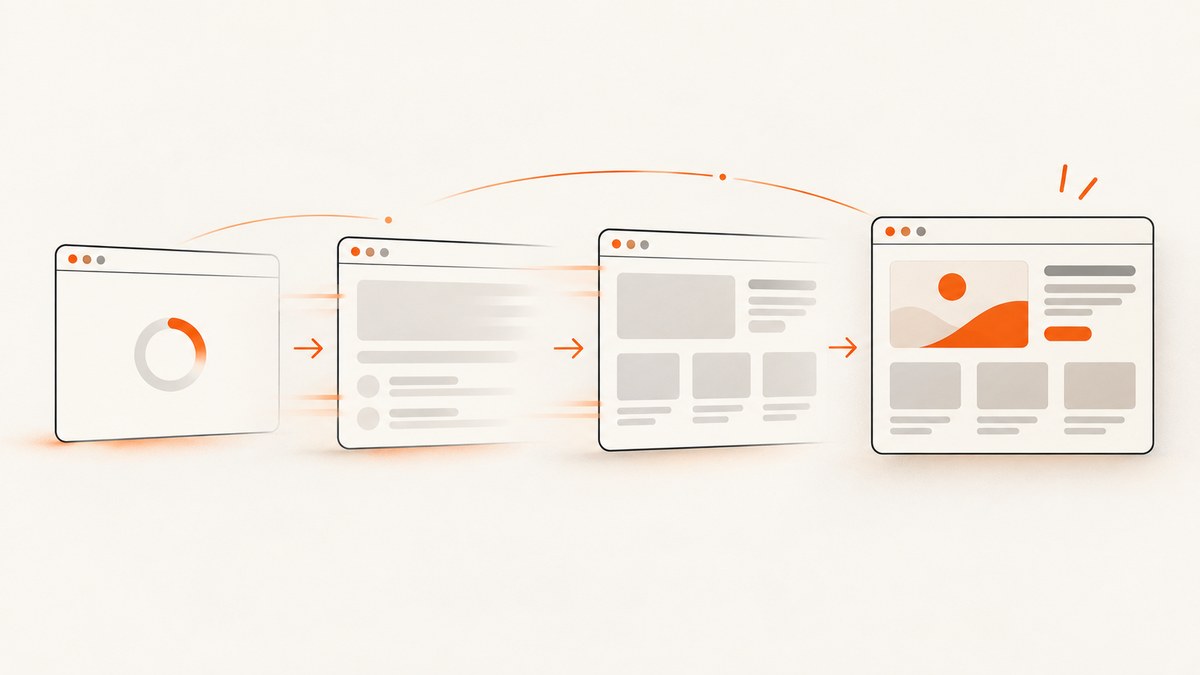
Playwright does not provide a universal waitForAnimations() call, and most tests do not need one. Locator actions already wait for actionability, including a stability check that requires the target to keep the same bounding box for two consecutive animation frames. For a screenshot, disable animations with animations: 'disabled' or wait for the specific component state that represents completion.
The reliable rule is to wait for the condition your test observes: an actionable target, a component state, an overlay becoming hidden, a response, or matching pixels. Avoid guessing with page.waitForTimeout(). Playwright documents fixed sleeps as discouraged because time based tests are inherently flaky. [Actionability details](https://playwright.dev/docs/actionability) and [the Page API](https://playwright.dev/docs/api/class-page#page-wait-for-timeout) describe these behaviors.
What Playwright waits for automatically
Before actions such as click(), fill() and check(), Playwright waits for the locator to resolve and be actionable. Depending on the action, that includes visibility, stability, event reception and enabled state. Stability means the element’s bounding box remains unchanged for at least two consecutive animation frames. A button sliding into place can therefore be retried until it stops moving.
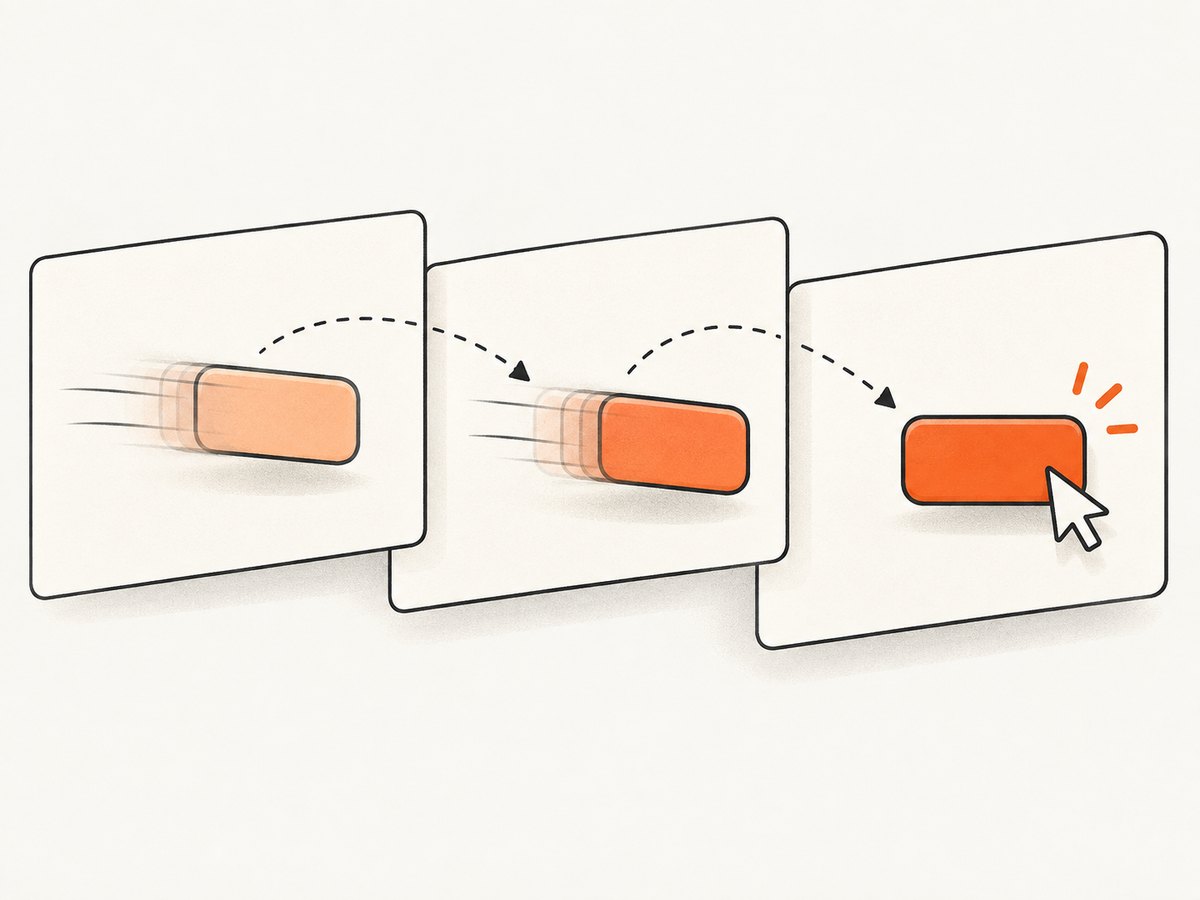
This is target scoped. Playwright does not interpret “the whole page has finished every animation” as a general readiness condition. An unrelated carousel, blinking cursor or infinite spinner can continue forever without preventing a button action. The load event also does not mean that hydration, data rendering or CSS transitions have completed. Modern pages often continue work after navigation.
import { test, expect } from '@playwright/test';

test('opens the menu after its trigger is actionable', async ({ page }) => {
  await page.goto('https://example.com');
  await page.getByRole('button', { name: 'Open menu' }).click();
  await expect(page.getByRole('menu')).toBeVisible();
});
The click waits for the trigger to become usable. The assertion waits for the menu’s observable result. This is stronger than sleeping for an assumed transition duration.
Choose the wait that matches the animation
| What you are observing | Preferred wait | Why |
|---|---|---|
| A user action | Locator action | Actionability includes target stability. |
| A component finishing | State assertion or component animation promise | It scopes the wait to the behavior under test. |
| A modal or loading layer | locator.waitFor({ state }) |
It expresses visible, hidden, attached or detached state. |
| A visual regression | toHaveScreenshot({ animations: 'disabled' }) |
It removes motion from the pixel comparison. |
| Data that drives the animation | Response or application signal | Network and state events are deterministic. |
Wait for the application state, not elapsed time
If opening a panel adds an expanded class or changes aria-expanded, assert that signal. It remains correct if the designer changes a 200 ms transition to 350 ms.
await page.getByRole('button', { name: 'Filters' }).click();
await expect(page.getByRole('button', { name: 'Filters' }))
  .toHaveAttribute('aria-expanded', 'true');
await expect(page.locator('#filters')).toBeVisible();
For an overlay or spinner, use the element’s state directly:
await page.locator('[role="dialog"]').waitFor({ state: 'visible' });
await page.locator('.loading-overlay').waitFor({ state: 'hidden' });
locator.waitFor returns immediately when the requested state is already true. A hidden state includes an element that is detached or not visible, which makes it useful for loaders that are removed from the DOM.
Explicitly wait for a component’s Web Animation
When the animation itself is the behavior under test, use the browser Web Animations API through evaluate. Scope the query to the component. Waiting for every animation in the document can hang on an intentionally infinite spinner or a looping background effect.
import { expect, test } from '@playwright/test';

test('waits for the panel transition', async ({ page }) => {
  await page.goto('https://example.com');
  const panel = page.locator('#panel');
  await page.getByRole('button', { name: 'Open panel' }).click();

  await panel.evaluate(async (element) => {
    const animations = element.getAnimations({ subtree: true });
    await Promise.all(animations.map((animation) => animation.finished));
  });

  await expect(panel).toHaveClass(/expanded/);
});
getAnimations({ subtree: true }) includes animations on descendants. animation.finished resolves when each finite animation completes. If an animation is canceled, the promise rejects; handle that only when cancellation is an expected part of your component’s behavior. An application-owned signal such as a class, ARIA state, URL change or response is usually more robust than relying on animation internals.
A reusable helper with cancellation handling
import type { Locator } from '@playwright/test';

export async function waitForFiniteAnimations(locator: Locator) {
  await locator.evaluate(async (element) => {
    const animations = element
      .getAnimations({ subtree: true })
      .filter((animation) => animation.effect?.getComputedTiming().iterations !== Infinity);

    await Promise.all(
      animations.map(async (animation) => {
        try {
          await animation.finished;
        } catch {
          // The component may cancel an animation while closing.
        }
      }),
    );
  });
}
Use this helper only when the test needs the animation’s natural end. For ordinary functional tests, asserting the resulting state is simpler and less coupled to CSS.
Disable animations for screenshots
Visual tests usually need a stable representation rather than a record of motion. Playwright’s screenshot option animations: 'disabled' disables CSS animations, CSS transitions and Web Animations. Finite animations are fast-forwarded to completion and fire transitionend. Infinite animations are canceled to their initial state and played over after the screenshot.
import { test, expect } from '@playwright/test';

test('captures the settled page', async ({ page }) => {
  await page.goto('https://example.com');
  await expect(page).toHaveScreenshot({ animations: 'disabled' });
});

test('captures one component without motion', async ({ page }) => {
  await page.goto('https://example.com');
  await page.locator('#panel').screenshot({
    animations: 'disabled',
    path: 'artifacts/panel.png',
  });
});
Screenshot assertions also wait for two consecutive screenshots to match. They are available in the Playwright test runner. If you use the lower-level screenshot API, explicitly wait for the state that should be visible before capturing.
CSS transitions and JavaScript animations
CSS transitions often have no named animation to await, but they still appear through getAnimations() in modern browsers. If your component exposes a completion event, await it in the page:
await page.locator('#drawer').evaluate((drawer) => new Promise((resolve) => {
  if (getComputedStyle(drawer).visibility === 'hidden') {
    resolve(undefined);
    return;
  }
  const done = () => {
    drawer.removeEventListener('transitionend', done);
    resolve(undefined);
  };
  drawer.addEventListener('transitionend', done, { once: true });
}));
Prefer a class or ARIA assertion when one exists. A transitionend listener can miss an event if the transition is canceled or if the property never changes. For JavaScript driven motion, expose a promise or final state from the component rather than making the test infer completion from coordinates.
Why waitForTimeout and networkidle fail
await page.waitForTimeout(1000) can be too short on a slow CI worker and unnecessarily long on a fast run. It also says nothing about whether the correct animation started. Playwright’s documentation explicitly says never to wait for a timeout in production tests.
page.waitForLoadState('networkidle') is not a generic animation barrier either. It means that there have been no network connections for at least 500 ms. A transition can still be running after the network is idle, and a page with analytics or polling may never become idle. The API documentation discourages using this state as a test readiness signal.
// Better: wait for the request that drives the view, then assert the view.
const responsePromise = page.waitForResponse((response) =>
  response.url().includes('/api/products') && response.ok(),
);
await page.getByRole('button', { name: 'Load products' }).click();
await responsePromise;
await expect(page.getByRole('heading', { name: 'Products' })).toBeVisible();
Debugging flaky animation tests
- Identify the observed result. Decide whether the test needs a clickable target, a visible panel, a hidden loader or stable pixels.
- Inspect the locator. Use a semantic role or a component-owned selector. Broad selectors can match an off-screen or duplicated element.
- Check for infinite motion. Spinners, carousels and blinking carets should be disabled or excluded from visual assertions.
- Log the state transition. Record class names, ARIA attributes and bounding boxes around the action. This reveals whether the app never reached its final state.
- Verify reduced-motion behavior. If the application supports
prefers-reduced-motion, test that CSS does not leave an element permanently hidden. - Keep waits local. Waiting on a panel should not include the entire document’s animations.
Common errors and fixes
| Error | Likely cause | Fix |
|---|---|---|
| Timeout while clicking | The target keeps moving, is covered, disabled or never appears. | Use a specific locator, wait for its owning state, and inspect overlays. Do not add a blind sleep. |
animation.finished never resolves |
The component has an infinite animation or a descendant spinner. | Scope the locator, filter infinite iterations, or disable motion for the test. |
animation.finished rejects |
The app canceled or replaced the animation. | Assert the final state and treat cancellation as expected only when appropriate. |
| Screenshot differs between CI runs | Motion, fonts, network content or time dependent data is changing pixels. | Disable animations, wait for app state, control data, and capture after fonts and content are ready. |
| Network idle never occurs | Polling, analytics or a long lived connection remains open. | Wait for the specific response or UI signal instead. |
| Transition event is missing | The property did not change, the transition was canceled, or the listener was attached too late. | Attach before triggering the change and prefer an application-owned completion signal. |
Performance and reliability guidance
State based waits finish as soon as the condition is true, so they usually reduce test time compared with fixed delays. Scoping getAnimations() to one component also avoids scanning unrelated motion. Screenshot assertions add work because Playwright captures and compares consecutive images; reserve them for visual checks and use semantic assertions for functional tests.
For parallel CI runs, keep test data deterministic and avoid animation durations that vary by environment. Use a consistent browser version and viewport for screenshot baselines. If a page contains a third party widget that cannot be controlled, hide it for visual tests or wait for the application region you own.
Or skip the browser setup
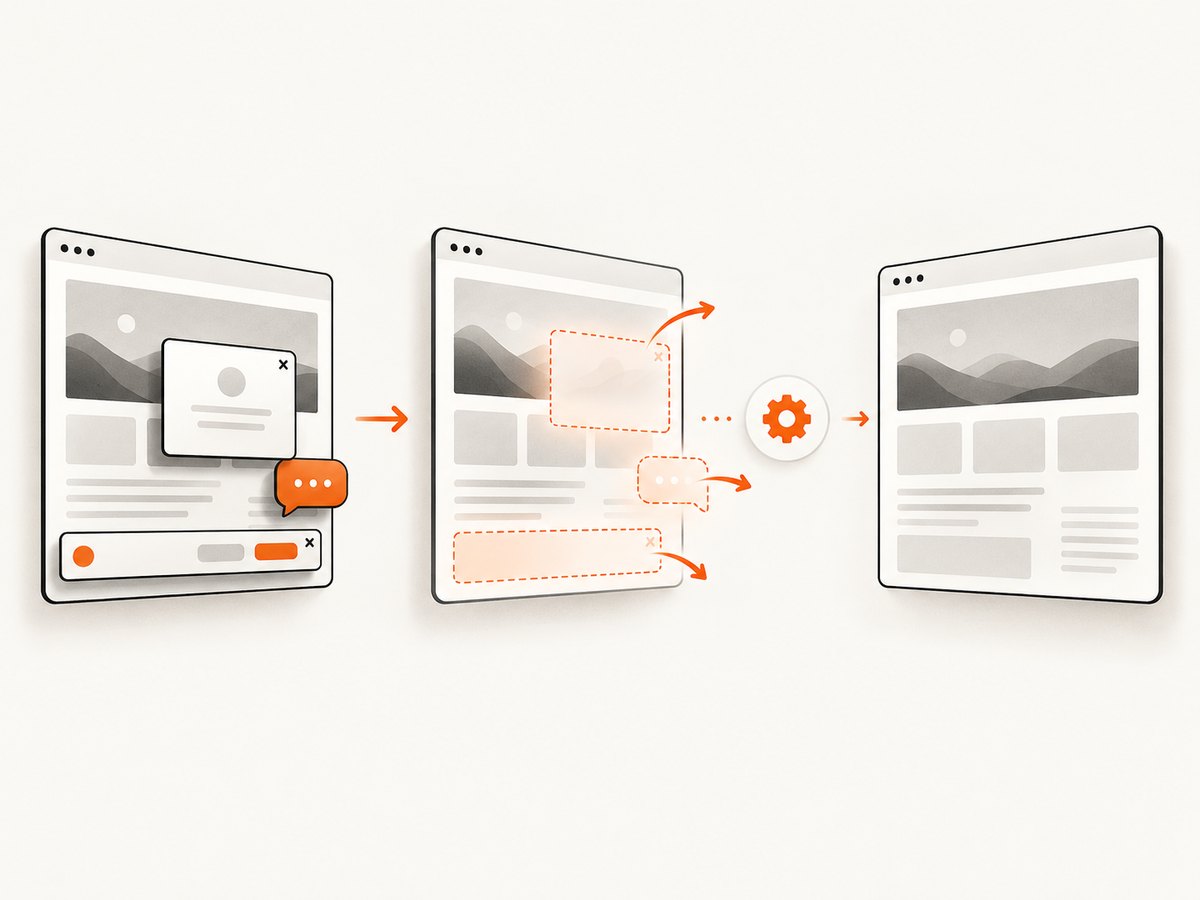
If your goal is a settled website image rather than browser interaction, ScreenshotNeo provides a single screenshot request. Its capture can accept cookie or consent banners and remove more than 60 known consent platforms, newsletter popups and chat widgets before the shot; each step can be turned off. Bot checks, blank pages, timeouts, failed loads and cache hits are not billed, and the response identifies the result with X-Page-Verdict and X-Billed headers.
See the ScreenshotNeo API documentation for all options, including full page capture with lazy images, element selectors, dark mode, device presets, retina scale, custom CSS and JavaScript, waits, request blocking, headers, cookies, user agents, timezone, geolocation, PDF output, caching, signed links, async jobs, bulk capture and usage information.
cURL
curl -G "https://api.screenshotneo.com/v1/shot" -d access_key=YOUR_API_KEY --data-urlencode url=https://stripe.com -o shot.webpPython
import requests

r = requests.get(
    "https://api.screenshotneo.com/v1/shot",
    params={"access_key": "YOUR_API_KEY", "url": "https://stripe.com"},
    timeout=90,
)
r.raise_for_status()
open("shot.webp", "wb").write(r.content)
Node.js
const q = new URLSearchParams({ access_key: 'YOUR_API_KEY', url: 'https://stripe.com' });
const res = await fetch(`https://api.screenshotneo.com/v1/shot?${q}`);
if (!res.ok) throw new Error(`Screenshot failed: ${res.status}`);
const bytes = Buffer.from(await res.arrayBuffer());
await import('node:fs/promises').then((fs) => fs.writeFile('shot.webp', bytes));
ScreenshotNeo also has an MCP server with take_screenshot, get_page_info and capture_pdf, so Claude, Cursor and other MCP clients can request captures. The Free plan includes 1,000 shots per month with no card; paid plans start at $5 for 3,000 shots, and every feature is available on every plan. Caching with a chosen TTL can reduce repeated work, while async jobs and signed webhooks suit slower pages or larger batches.
Create a free ScreenshotNeo account to get 1,000 screenshots each month without a card.
FAQ
Does Playwright wait for CSS transitions automatically?
It waits for the target of an action to be stable, including two consecutive stable animation frames. It does not wait for every transition on the page.
Can I wait for all animations in the page?
You can call document.getAnimations() and await their promises, but this is risky when the page contains infinite animations. Scope the wait to the component under test.
Should I use a longer timeout for slow animations?
Increase a timeout only when the application has a known, legitimate upper bound. First replace fixed sleeps with a state assertion or response wait.
What should visual tests do with spinners?
Disable animations for the screenshot and hide or replace intentionally infinite indicators. Otherwise the captured frame can vary on every run.
Is ScreenshotNeo a replacement for Playwright interaction tests?
No. Playwright remains useful when you must click, type or verify application behavior. ScreenshotNeo is useful when you need a website capture without maintaining browser setup.


