How to Wait for a Page to Finish Loading in Puppeteer
Learn which Puppeteer wait condition fits navigation, dynamic content, network activity, and reliable screenshots—without arbitrary sleeps.
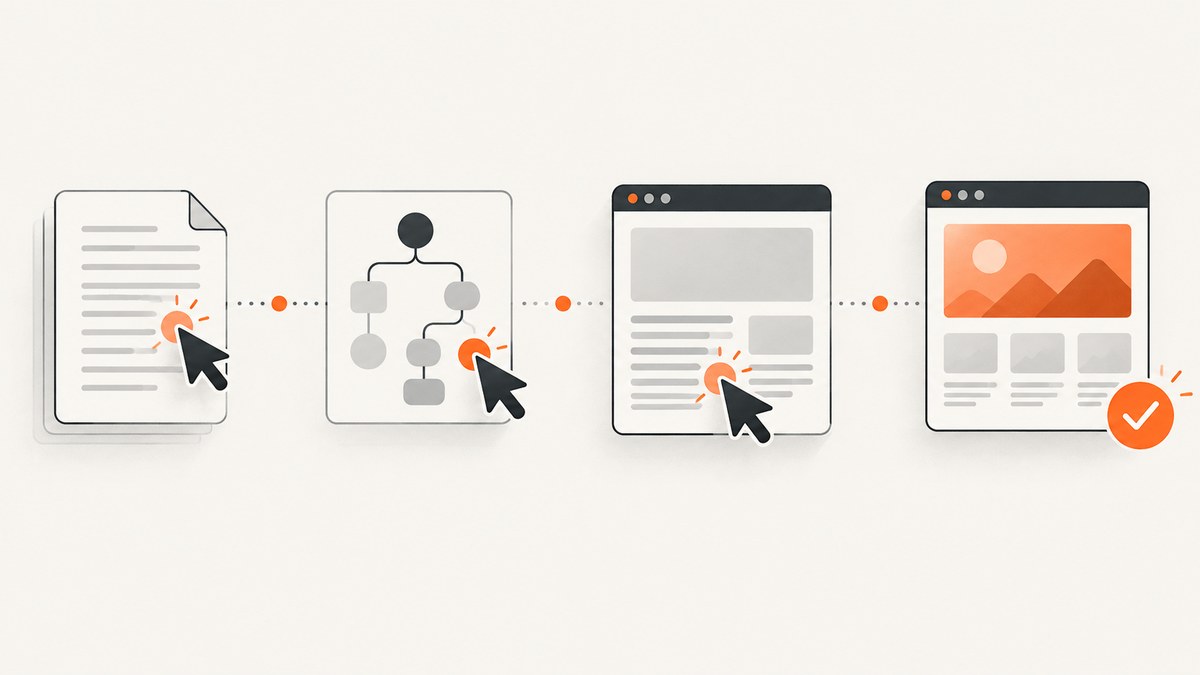
There is no single Puppeteer event that proves every page is finished. Choose the condition that matches the next operation: use page.goto() with load for the browser’s normal load milestone, domcontentloaded when parsed HTML is enough, a selector or predicate when an application must render specific content, and network idle only when a quiet network is the condition you actually need.
This distinction prevents two common failures: taking a screenshot before a client-rendered component appears, and waiting forever on a page that keeps analytics, sockets, polling, or advertisements active. The examples below use modern Puppeteer with JavaScript, then show equivalent capture options and a browser-free route with ScreenshotNeo.
Choose the wait condition that matches your task
| What you need | Use | What it establishes |
|---|---|---|
| Normal navigation milestone | await page.goto(url) or waitUntil: 'load' |
The page reached the browser’s load lifecycle event. This is Puppeteer’s documented default. |
| HTML has been parsed | waitUntil: 'domcontentloaded' |
The DOMContentLoaded event fired; subresources may still be loading. |
| A result is rendered | page.waitForSelector(), a locator, or a predicate |
The state your next operation depends on exists or is visible. |
| Network has gone quiet | waitUntil: 'networkidle0', 'networkidle2', or page.waitForNetworkIdle() |
Network activity stayed below the configured threshold for the idle interval. |
| A click causes navigation | Promise.all([page.waitForNavigation(), page.click()]) |
The navigation listener is installed before the action, avoiding a race. |
Puppeteer’s lifecycle documentation defines load, domcontentloaded, networkidle0, and networkidle2. The network-idle lifecycle conditions mean no more than zero or two connections for at least 500 milliseconds. The separate waitForNetworkIdle() API documents a default concurrency of zero and an idle time of 500 milliseconds. See the Page.goto reference, Page.waitForNavigation reference, Page.waitForSelector reference, and Page.waitForNetworkIdle reference.
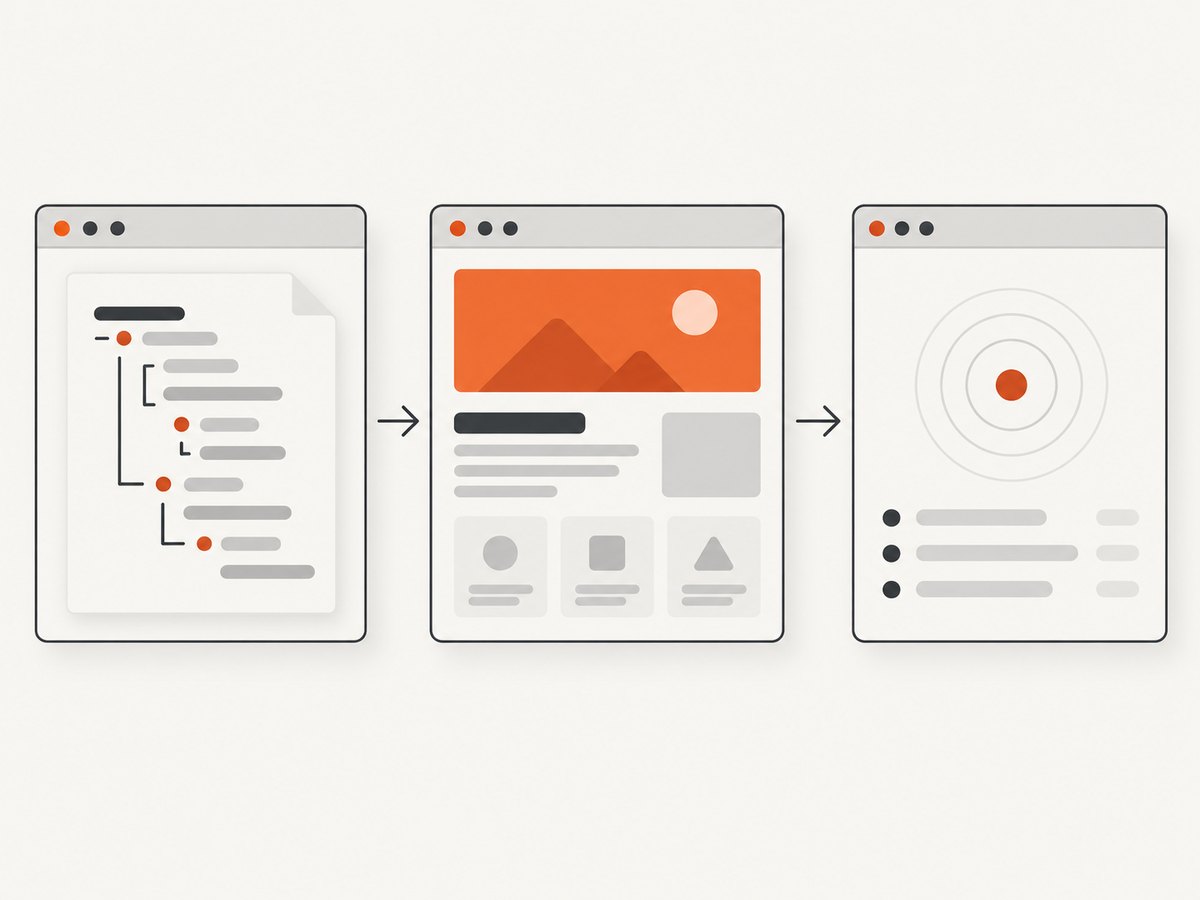
Complete Puppeteer setup
import puppeteer from 'puppeteer';

const browser = await puppeteer.launch({ headless: true });
const page = await browser.newPage();
page.setDefaultNavigationTimeout(30_000);
page.setDefaultTimeout(30_000);

try {
  await page.goto('https://example.com', {
    waitUntil: 'load',
    timeout: 30_000,
  });

  console.log('The load milestone was reached');
  await page.screenshot({ path: 'example.png', fullPage: true });
} finally {
  await browser.close();
}
goto() resolves after its selected lifecycle event. A navigation timeout rejects the promise; do not disable timeouts unless you also have an external cancellation strategy. waitForSelector() defaults to 30 seconds, and timeout: 0 disables that timeout. You can also pass an AbortSignal when your application owns cancellation.
Wait for ordinary navigation
load: the normal default
await page.goto('https://example.com', { waitUntil: 'load' });Use this for pages where the next step needs the browser’s standard load milestone. Spelling out load makes the intent clear in code review, even though it is the documented default.
domcontentloaded: parsed markup sooner
await page.goto('https://example.com', {
  waitUntil: 'domcontentloaded',
});
// The DOM is parsed; images, stylesheets, and app data may still be pending.
This is useful when you only need to inspect links or static markup. It is usually too early for a screenshot of an image-heavy or client-rendered interface.
Wait for content rendered by the application
Single-page applications often finish navigation before their data request and rendering work finishes. Wait for the state required by the next operation.
await page.goto('https://example.com/results', { waitUntil: 'domcontentloaded' });
await page.waitForSelector('.results-ready', {
  visible: true,
  timeout: 20_000,
});

const title = await page.locator('.results-ready').innerText();
console.log(title);
visible: true requires the selector to be present and visible. Use hidden: true when a loading mask must disappear, or wait for an element to be absent when that is the success condition. For interactions, Puppeteer’s current guide recommends locators because they wait for element presence and action preconditions:
await page.locator('button.load-more').click();
await page.waitForSelector('.result-card:nth-child(10)', { visible: true });
Wait for a measurable application state
await page.goto('https://example.com/dashboard');
await page.waitForFunction(
  () => document.querySelectorAll('[data-row]').length >= 20,
  { timeout: 30_000 }
);
A predicate is appropriate when no stable “ready” selector exists. Keep the predicate deterministic and tied to the operation you will perform. Waiting for an arbitrary delay hides the real condition and becomes flaky when the server or CI runner is slower.
Handle navigation caused by a click
Install the navigation wait before triggering the action. Otherwise a fast navigation can begin before the listener is attached.
const [response] = await Promise.all([
  page.waitForNavigation({
    waitUntil: 'domcontentloaded',
    timeout: 30_000,
  }),
  page.click('a.my-link'),
]);

console.log('Main response:', response ? response.status() : 'history or fragment change');
waitForNavigation() resolves with the main resource response, or null for a fragment or History API URL change. History API changes count as navigation to Puppeteer even though a traditional document request may not occur.
Use network idle carefully
Navigation lifecycle options
await page.goto('https://example.com', { waitUntil: 'networkidle0' });
// Or allow up to two active connections:
await page.goto('https://example.com', { waitUntil: 'networkidle2' });
networkidle0 waits for zero active connections during the documented idle interval; networkidle2 permits up to two. A page with an open connection, periodic polling, delayed analytics, or an embedded stream may never satisfy your chosen condition.
Wait after navigation
await page.goto('https://example.com', { waitUntil: 'domcontentloaded' });
await page.waitForNetworkIdle({
  concurrency: 0,
  idleTime: 500,
  timeout: 15_000,
});
Use this when network quiet itself matters, such as a controlled static page or a workflow that has no long-lived requests. It does not prove that a particular chart, image, or business operation is ready. Prefer a selector or predicate when the page can remain network-active after the required content is visible.
Combine waits for screenshots
await page.goto('https://example.com/catalog', {
  waitUntil: 'domcontentloaded',
});
await page.waitForSelector('.product-grid', { visible: true });
await page.waitForFunction(() => {
  const images = [...document.images];
  return images.every(image => image.complete);
});
await page.screenshot({ path: 'catalog.png', fullPage: true });
Each wait answers a different question: did navigation parse, did the grid render, and did the images finish loading? Do not add every possible wait by habit. Extra conditions increase latency and can make a workflow fail on harmless background requests.
Timeouts, cancellation, and failures
Set a timeout that reflects the page and environment, then report which condition failed. A useful error should include the URL, selected wait mode, and selector or predicate.

try {
  await page.goto(url, { waitUntil: 'load', timeout: 30_000 });
  await page.waitForSelector('.ready', { visible: true, timeout: 10_000 });
} catch (error) {
  console.error({
    url,
    message: error instanceof Error ? error.message : String(error),
  });
  await page.screenshot({ path: 'failure-debug.png', fullPage: true });
  throw error;
}
Use an AbortController when a job, request, or server shutdown should cancel a wait. Keep cleanup in finally so a rejected wait does not leak browser processes.
Common problems and fixes
| Symptom | Likely cause | Fix |
|---|---|---|
goto times out |
The selected lifecycle event never occurs, the server is slow, or the page keeps connections open. | Use a suitable timeout, try domcontentloaded, or wait for the task-specific selector instead of network idle. |
| Screenshot lacks app data | Navigation completed before client rendering. | Wait for a stable ready selector or application predicate. |
| Click navigation is missed | waitForNavigation() was started after the click. |
Start it in Promise.all before the action. |
| Selector timeout | Wrong selector, hidden state, consent overlay, authentication redirect, or an error response. | Inspect the URL and page text, verify the selector in DevTools, and capture a diagnostic screenshot. |
| Network idle never resolves | Polling, WebSockets, analytics, ads, or streaming requests remain active. | Use a selector or predicate; if quiet network is essential, block irrelevant requests and set a bounded timeout. |
| Element exists but click fails | It is covered, moving, disabled, or outside the viewport. | Use a locator, wait for visibility and enabled state, scroll into view, and investigate overlays. |
| Works locally but fails in CI | Different CPU, fonts, credentials, viewport, or network timing. | Set explicit viewport and timeouts, wait on state rather than time, and save failure artifacts. |
Performance and reliability guidance
- Start with the earliest milestone that satisfies the task.
domcontentloadedis faster than waiting for all resources when you only inspect markup. - Use one stable selector or predicate instead of stacking long fixed delays.
- Reuse a browser process for multiple pages when appropriate, but isolate cookies and storage with separate contexts.
- Set a viewport, locale, timezone, and authentication state explicitly when rendered output depends on them.
- Record navigation status, final URL, elapsed time, and the wait condition. These fields make flaky pages diagnosable.
- Keep retries bounded. Retrying a deterministic selector typo only increases load and cost; retry transient navigation failures with backoff.
- For full-page screenshots, wait for lazy content deliberately. Scroll or trigger the site’s lazy-loading mechanism before capture if the page requires it.
Or skip the browser setup
If your goal is a clean screenshot rather than browser-wait orchestration, ScreenshotNeo provides a single GET request that returns PNG, JPEG, WebP, or PDF. Its capture pipeline accepts cookie and consent banners like a visitor, then removes more than 60 known consent platforms, newsletter popups, and chat widgets before the shot. Each step can be turned off.
Only clean shots are billed. Bot checks or CAPTCHAs, blank pages, timeouts, failed loads, and cache hits cost nothing, and the response reports the result in X-Page-Verdict and X-Billed headers. It also offers an MCP server with take_screenshot, get_page_info, and capture_pdf for Claude, Cursor, and other MCP clients.
cURL
curl -G "https://api.screenshotneo.com/v1/shot" \
  -d access_key=YOUR_API_KEY \
  --data-urlencode url=https://stripe.com \
  -o shot.webp
Python
import requests

r = requests.get(
    "https://api.screenshotneo.com/v1/shot",
    params={"access_key": "YOUR_API_KEY", "url": "https://stripe.com"},
    timeout=90,
)
r.raise_for_status()
open("shot.webp", "wb").write(r.content)
Node.js
const q = new URLSearchParams({
  access_key: 'YOUR_API_KEY',
  url: 'https://stripe.com'
});
const res = await fetch(`https://api.screenshotneo.com/v1/shot?${q}`);
if (!res.ok) throw new Error(`Screenshot failed: ${res.status}`);
require('fs').writeFileSync('shot.webp', Buffer.from(await res.arrayBuffer()));
See the ScreenshotNeo documentation for the complete parameter list. Relevant options include full-page capture with lazy images loaded, CSS-element capture, dark mode, 12 device presets or any viewport, retina scale, PDF paper size and margins, custom CSS and JavaScript, clicks, selector or network-idle waits, request and resource blocking, headers, cookies, user agent, Authorization, timezone, geolocation, transparent backgrounds, resizing, selectable cache TTL, signed links, async jobs with signed webhooks, bulk capture for 100 URLs per call, a usage API, and an OpenAPI specification. Parameter names used by other screenshot APIs also work, which can simplify migration.
Plans include 1,000 shots per month free with no card; paid plans start at $5 for 3,000 shots. Yearly billing gives two months free, and every feature is available on every plan. Create a free ScreenshotNeo account and start with the 1,000 monthly shots.
Cost and operational considerations
Self-hosted Puppeteer consumes your own browser CPU, memory, bandwidth, and maintenance time. Browser startup, fonts, Chromium updates, sandbox configuration, proxy behavior, and concurrency all affect operational cost. A hosted API shifts those concerns to request pricing and service limits. With ScreenshotNeo, failed loads, bot checks, blank pages, timeouts, and cache hits are not billed, while successful clean shots are identified in response headers so a queue can make informed retry decisions.
FAQ
Does page.goto() mean the page is fully loaded?
No. It means the selected lifecycle condition was reached. Client rendering, lazy images, and background requests may continue.
Should I always use networkidle0?
No. Use it only when network quiet is the requirement. Persistent connections and polling can prevent it from resolving.
What is the safest wait before clicking a rendered button?
Use a locator or wait for a selector that proves the button is present and visible, then let the locator handle action readiness.
Why does waitForNavigation() return null?
Fragment and History API navigations may change the URL without a main document response.
How long should a wait timeout be?
Use a bounded value based on the page and environment. Puppeteer’s documented defaults for navigation and selectors are commonly 30 seconds; choose shorter task-specific limits when possible.
Can I avoid managing Chromium for screenshot jobs?
Yes. ScreenshotNeo exposes a GET screenshot API and an MCP server; its free plan includes 1,000 shots per month without a card.


