How to Wait for a Protractor Element’s Class to Change or Disappear
Use browser.wait to detect a class change, class removal, DOM removal, or invisibility in a legacy Protractor suite.
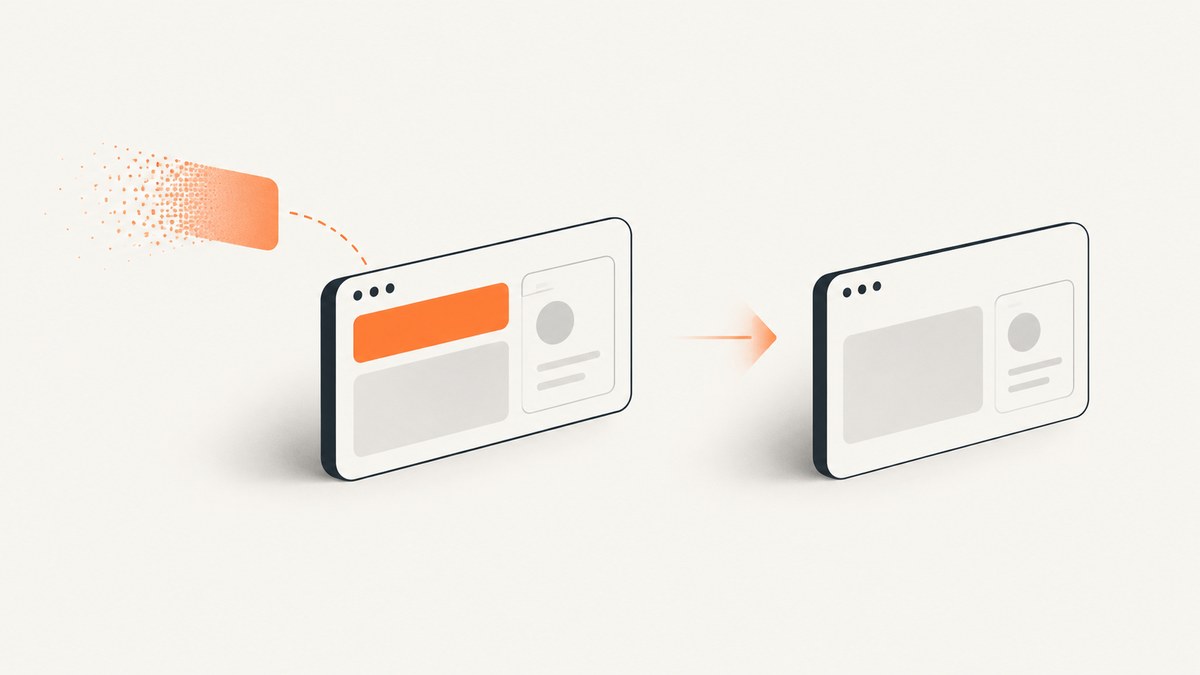
In a legacy Protractor suite, use browser.wait with a callback that re-reads the element and resolves to true when the condition is met. For a transition, save the starting class before the action that changes it. For disappearance, decide whether the test requires the node to leave the DOM or merely become invisible; those are different states.
The examples below use JavaScript and a bounded five-second wait. Protractor’s repository was archived on July 29, 2024, so treat these as maintenance patterns for existing suites; teams starting new end-to-end tests should evaluate a maintained framework-agnostic alternative. The snippets are documentation-based patterns, not claims of execution against a particular Protractor version.
1. Wait for any class change
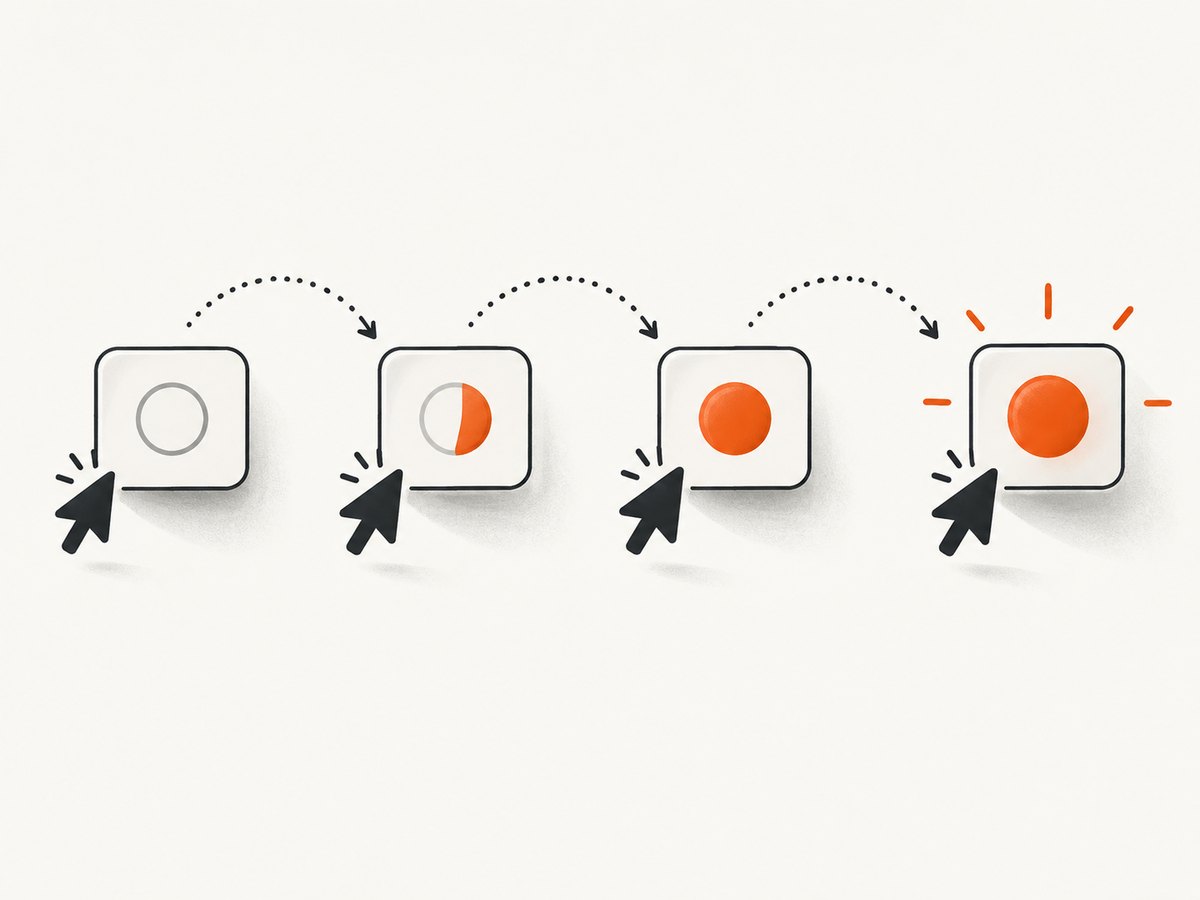
Read the initial class before triggering the behavior. Then poll by locator and compare the current value with the saved one. Protractor ElementFinders support getAttribute('class'), and browser.wait can retry a condition that returns a promise resolving to a boolean.
var notice = element(by.css('.notice'));
var initialClass;

notice.getAttribute('class').then(function(className) {
  initialClass = className || '';

  // Trigger the application behavior only after saving the before-state.
  element(by.css('[data-test="save"]')).click();

  return browser.wait(function() {
    return element(by.css('.notice')).getAttribute('class').then(function(currentClass) {
      return (currentClass || '') !== initialClass;
    });
  }, 5000, 'Expected the notice class to change');
}).then(function() {
  // Continue with assertions that depend on the transition.
});
Capturing the before-state first matters. If the action completes before the first poll, a callback that initializes initialClass on its first run may see only the new state and never observe a difference. If the element might not exist initially, wait for presence first, then read its class, trigger the action, and start the change wait.
Wait for a specific class to appear
When the expected destination is known, test for that state directly. Match a complete whitespace-separated class token; substring matching can mistake is-ready-old for is-ready.
var readyClass = /(^|\s)is-ready(\s|$)/;

element(by.css('.notice')).getAttribute('class').then(function(className) {
  // Optionally assert that the transition has not already happened.
  element(by.css('[data-test="load"]')).click();

  return browser.wait(function() {
    return element(by.css('.notice')).getAttribute('class').then(function(currentClass) {
      return readyClass.test(currentClass || '');
    });
  }, 5000, 'Expected the notice to gain the is-ready class');
});
If the test must prove that the class was absent before the action and present afterward, assert the initial state explicitly. A wait for the final state alone does not prove a transition occurred during this test.
Wait for a class to disappear
Invert the token check when the requirement is that a particular class is removed:
var loadingClass = /(^|\s)is-loading(\s|$)/;

element(by.css('.panel')).getAttribute('class').then(function(className) {
  element(by.css('[data-test="refresh"]')).click();

  return browser.wait(function() {
    return element(by.css('.panel')).getAttribute('class').then(function(currentClass) {
      return !loadingClass.test(currentClass || '');
    });
  }, 5000, 'Expected the panel to lose the is-loading class');
});
Make sure the panel is initially loading if the test intends to verify removal. Otherwise, the condition is already true and the wait can pass without observing any change.
2. Choose what “disappear” means
A user-facing phrase such as “the notice disappears” can describe two DOM outcomes. Choose the assertion that matches the application behavior and what the test needs to guarantee.
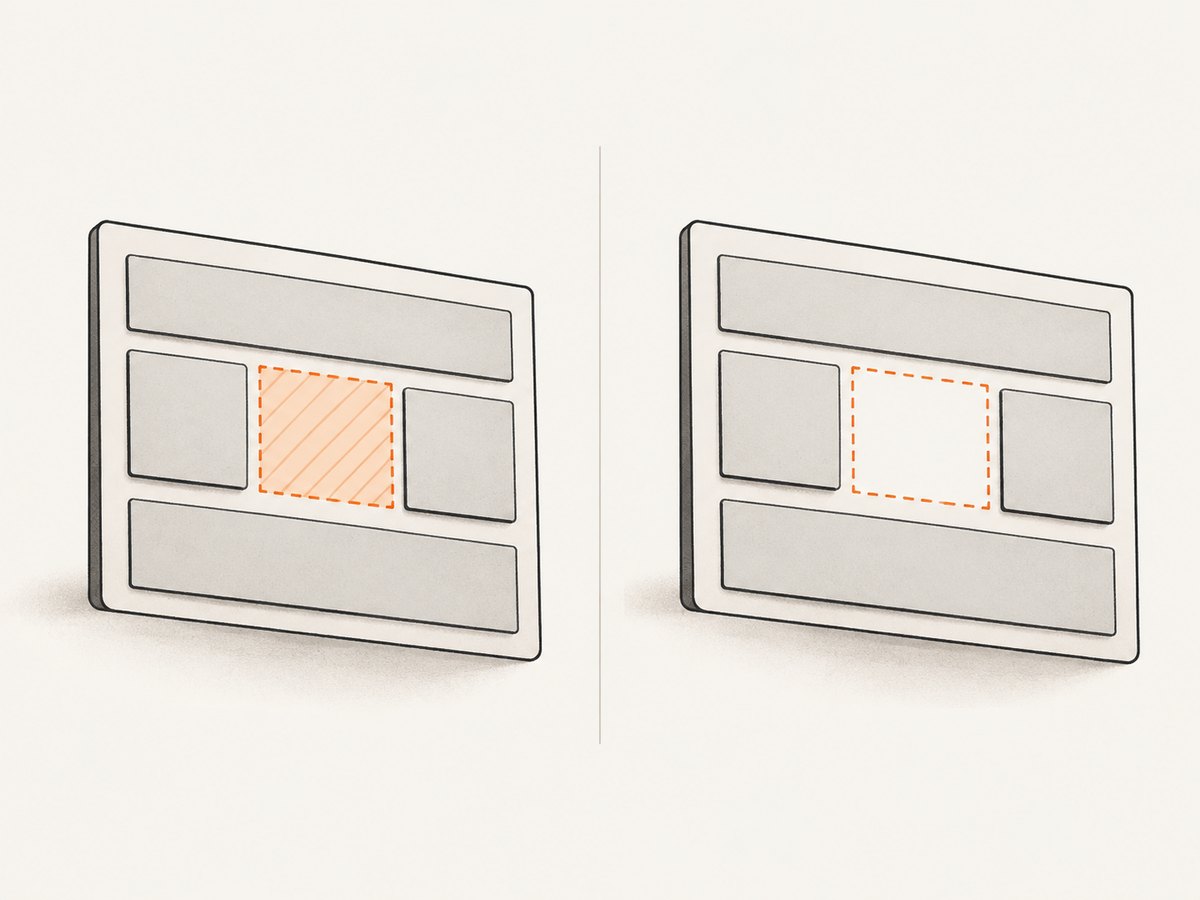
| Requirement | What to wait for | When it fits |
|---|---|---|
| Removed from DOM | A fresh lookup reports isPresent() as false. |
The application destroys the node, and continued DOM attachment would be a defect. |
| Invisible | The element is hidden or absent according to the available invisibility expected condition. | The application may keep a hidden node for reuse, and the user cannot see it. |
Wait until the element is removed from the DOM
For explicit DOM absence, look up the locator on every poll and wait for isPresent() to resolve false:
browser.wait(function() {
  return element(by.css('.notice')).isPresent().then(function(present) {
    return !present;
  });
}, 5000, 'Expected the notice to be removed from the DOM');
A new locator lookup is important here: keep checking whether an element matching the selector exists, rather than asking an old reference about a node that may have been detached. Ensure the selector uniquely identifies the notice; if another matching node remains, the condition will correctly keep waiting.
Wait until it is hidden or absent
Where your installed Protractor version exposes the expected-condition helper, use it for invisibility:
var EC = protractor.ExpectedConditions;
var notice = element(by.css('.notice'));

browser.wait(
  EC.invisibilityOf(notice),
  5000,
  'Expected the notice to become invisible'
);
Check the API exposed by the version pinned in your project before relying on a helper name. Invisibility generally means that the target is not visible or is absent; it does not require DOM removal. If the requirement is removal, assert isPresent() instead. If the application keeps a hidden element attached, a visibility wait is usually less brittle than requiring the node to be destroyed.
3. Handle DOM replacement and stale references
Modern UI updates sometimes replace a node instead of editing its class in place. A previously resolved WebElement can then point to a detached node and produce a stale-element error. Build the lookup inside the wait callback so each poll locates the current matching element:
browser.wait(function() {
  return element(by.css('.notice')).getAttribute('class').then(function(className) {
    return /(^|\s)is-ready(\s|$)/.test(className || '');
  });
}, 5000, 'Expected the current notice element to gain is-ready');
Keep the callback focused on reading state. The wait retries it, so putting a click or other state-changing action inside the callback can repeat that action several times. Perform the action once before starting the wait. If replacement itself is the requirement, express replacement directly using the API available in your pinned Protractor/WebDriver version, then locate and inspect the replacement.
4. Configure the wait to fail clearly
The second browser.wait argument is a timeout in milliseconds. Use an explicit, bounded value suited to the operation and a message that names the expected state. A timeout message makes failures distinguishable in CI logs.
- Poll a stable condition. The callback should return a promise that settles to a boolean for each poll.
- Return true only for the target state. Do not return an ElementFinder or a class string when the wait expects a condition.
- Use a precise locator. A broad selector can match a different node and make the wait misleading.
- Account for the before-state. Capture it before the triggering action if detecting a transition matters.
- Keep side effects outside the callback. Wait callbacks can run repeatedly.
Do not stretch the timeout to hide a condition that can never become true. First confirm the locator, expected class token, initial state, and application behavior. Then choose a timeout appropriate for the slowest legitimate response in that suite.
5. Troubleshoot common failures
| Symptom | Likely cause | Fix |
|---|---|---|
| The wait times out, but the page looks updated. | The selector points to a different or duplicate element, or the expected class token is wrong. | Inspect the matched element’s class and tighten the locator. Match a whole token, including whitespace boundaries. |
| The wait passes immediately. | The predicate was already true, such as waiting for a class to be absent when it was absent before the action. | Assert the initial state before the action, then wait for the destination state. |
| Stale element reference during the wait. | The UI replaced the node after it was located. | Re-query by locator inside each poll. Avoid retaining a resolved element through a DOM replacement. |
| Class comparison never detects a change. | The baseline was recorded on the first poll, after the action had already completed. | Read and save the starting class before triggering the action. |
| Invisibility wait succeeds while the node remains attached. | Invisibility permits a hidden node to remain in the DOM. | Use an isPresent() predicate when removal is the required outcome. |
| ExpectedConditions helper is undefined. | The helper name or export differs in the installed Protractor version. | Check the pinned version’s API and use a promise-returning predicate for the required state if needed. |
| The callback fails with an element-not-found error. | The callback assumes the element exists while it is being added or removed. | For a disappearing node, use a presence predicate that treats absence as success. For a node being added, wait for presence before reading attributes. |
6. Performance, reliability, and maintenance
A polling wait adds browser queries until the condition succeeds or the timeout expires. Keep each poll cheap: one locator lookup and one state read are usually enough. Avoid loading unrelated page data or performing actions in the callback. Faster, stable selectors and a condition tied directly to the expected UI state make failures easier to diagnose.
Reliability depends on testing the right state. “Class changed” is broad: an unrelated class addition can satisfy it. Prefer a specific destination class when the product behavior has a known result. Conversely, a generic before-and-after comparison is useful when any class transition is the requirement. For disappearance, choose DOM absence or invisibility based on the application’s actual lifecycle.
Protractor is archived, and the project’s future-testing discussion recommends moving toward a modern framework-agnostic platform. For an existing suite, pin and verify the APIs your code uses, keep waits explicit, and migrate incrementally when practical. Do not assume historical documentation exactly matches every installed version.
7. Capture a screenshot when a wait fails
A screenshot can help show whether a timed-out element was still visible, whether a popup covered it, or whether the page was blank. In a test pipeline, capture evidence near the failure and keep the screenshot step separate from the wait predicate so polling does not create repeated artifacts.
var fs = require('fs');

browser.takeScreenshot().then(function(data) {
  fs.writeFileSync('protractor-failure.png', data, 'base64');
});
This is useful when the issue is visual state. For class-specific debugging, also report the current class attribute in the test failure path; a screenshot does not reveal hidden DOM state or explain which token the predicate observed.
Or skip the browser setup
If the immediate goal is a screenshot of a page rather than a Protractor assertion, ScreenshotNeo provides a one-request screenshot API. See the ScreenshotNeo API documentation for request options.
curl -G "https://api.screenshotneo.com/v1/shot" \
  -d access_key=YOUR_API_KEY \
  --data-urlencode url=https://stripe.com \
  -o shot.webp
import requests
r = requests.get(
"https://api.screenshotneo.com/v1/shot",
params={"access_key": "YOUR_API_KEY", "url": "https://stripe.com"},
timeout=90,
)
open("shot.webp", "wb").write(r.content)const q = new URLSearchParams({
access_key: 'YOUR_API_KEY',
url: 'https://stripe.com'
});
const res = await fetch(`https://api.screenshotneo.com/v1/shot?${q}`);
if (!res.ok) throw new Error(`Screenshot request failed: ${res.status}`);
await Bun.write('shot.webp', res);ScreenshotNeo accepts cookie and consent banners like a visitor and removes more than 60 known consent platforms, newsletter popups, and chat widgets before capture; each of those steps can be turned off. Bot checks, blank pages, timeouts, and failed loads are not billed, and cache hits cost nothing; response headers report the page verdict and billing status. Its MCP server gives AI agents tools for screenshots, page information, and PDF capture. The free plan includes 1,000 screenshots per month with no card; paid plans start at $5 for 3,000. Sign up for 1,000 free screenshots a month, with no card.
FAQ
Can I wait for the class attribute to equal an exact string?
Yes. Compare the returned class string with the expected string if class order and every token are significant. If only one token matters, test token membership instead so unrelated classes do not cause a failure.
Should I use a fixed sleep?
A state-based wait is usually clearer because it ends when the condition becomes true and fails with a timeout if it does not. A fixed sleep can waste time on fast runs and still be too short on slow ones.
Does a class change prove that the user saw a visual change?
No. A class can change without affecting visibility or appearance. If the requirement is that the element becomes hidden, wait for invisibility; if it must be removed, wait for DOM absence.
Is this the recommended approach for a new Protractor project?
Protractor’s repository is archived. These patterns are for maintaining existing suites; evaluate a maintained testing framework for a new suite.


