How to Wait for reCAPTCHA to Load in Puppeteer and Pyppeteer
Use reCAPTCHA’s onload callback and waitForFunction instead of fixed sleeps. Here are reliable Puppeteer and Pyppeteer patterns, errors, and fixes.
Use a page-owned flag set by reCAPTCHA’s documented API onload callback, then wait for that flag with page.waitForFunction. Define the callback before loading the reCAPTCHA script. If your next step needs the widget rendered, set a second flag after grecaptcha.render() returns. A loaded API or rendered widget does not mean the user has passed verification; wait separately for the success callback and handle expiration and errors.
This guide covers integrations you control. It does not bypass or solve CAPTCHA challenges on third-party sites.
1. The reliable readiness pattern
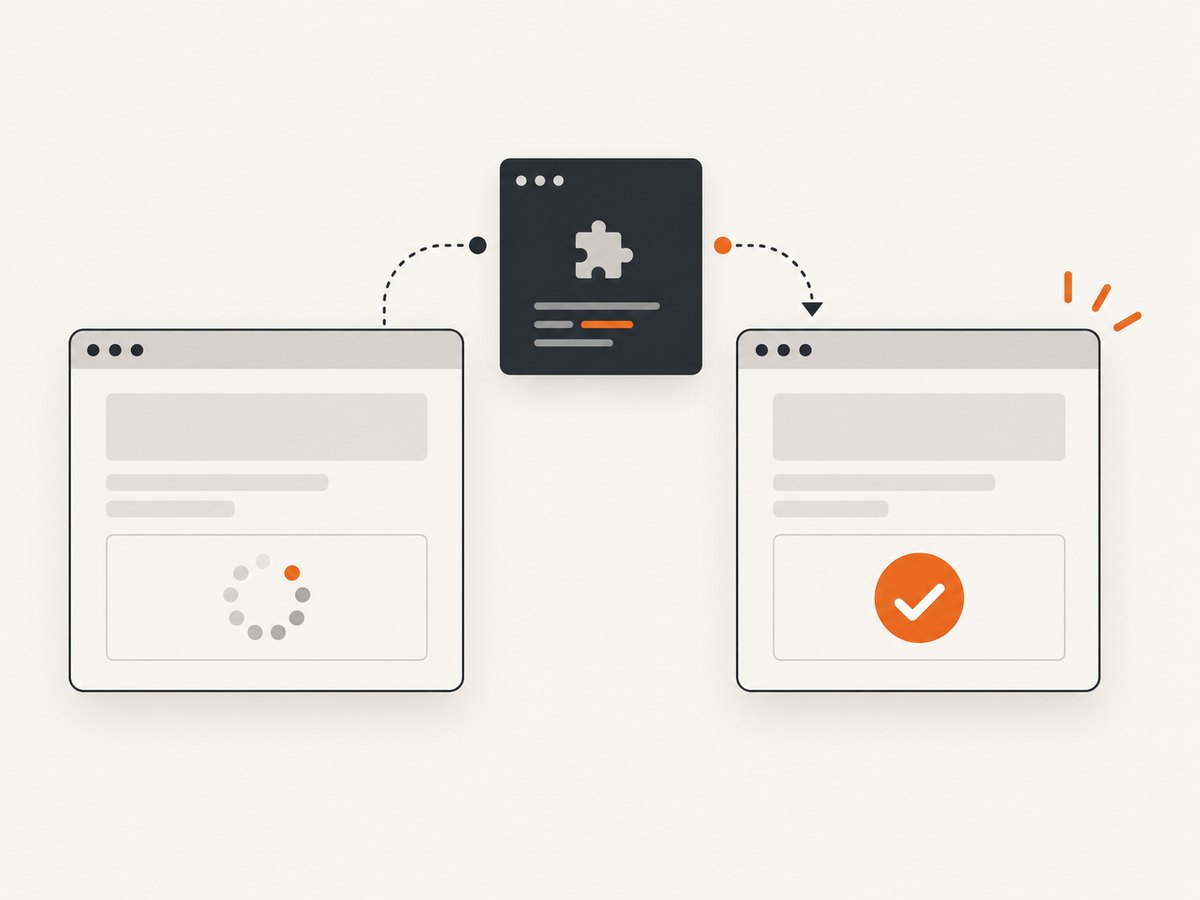
Google’s explicit-render flow gives you a synchronization point. Create the callback first, initialize application state, and load the API with onload=... and render=explicit. Google documents that the callback runs after dependencies load and warns that it must be defined before the API script.
<!doctype html>
<html>
  <body>
    <div id="recaptcha-container"></div>

    <script>
      window.recaptchaApiReady = false;
      window.recaptchaWidgetReady = false;
      window.recaptchaVerified = false;
      window.recaptchaExpired = false;
      window.recaptchaError = false;

      window.onRecaptchaApiLoad = function () {
        window.recaptchaApiReady = true;

        const widgetId = grecaptcha.render('recaptcha-container', {
          sitekey: 'YOUR_SITE_KEY',
          callback: function (token) {
            window.recaptchaVerified = Boolean(token);
            window.recaptchaExpired = false;
          },
          'expired-callback': function () {
            window.recaptchaVerified = false;
            window.recaptchaExpired = true;
          },
          'error-callback': function () {
            window.recaptchaVerified = false;
            window.recaptchaError = true;
          }
        });

        window.recaptchaWidgetId = widgetId;
        window.recaptchaWidgetReady = true;
      };
    </script>

    <script src="https://www.google.com/recaptcha/api.js?onload=onRecaptchaApiLoad&render=explicit" async defer></script>
  </body>
</html>
The API-ready flag means dependencies loaded. The widget-ready flag means your explicit render call returned. The verified flag is set only when Google supplies a response token.
2. Puppeteer: wait for the API or widget
page.waitForFunction evaluates a function in the page until it returns a truthy value. The example below waits for the widget, checks for an integration error, and then continues. The timeout is an explicit limit for this operation, not a promise that reCAPTCHA will load within that time.
import puppeteer from 'puppeteer';

const browser = await puppeteer.launch({headless: true});
const page = await browser.newPage();

try {
  await page.goto('https://your-controlled-site.example/form', {
    waitUntil: 'domcontentloaded',
    timeout: 30_000
  });

  await page.waitForFunction(
    () => window.recaptchaApiReady === true,
    {timeout: 30_000}
  );

  await page.waitForFunction(
    () => window.recaptchaWidgetReady === true || window.recaptchaError === true,
    {timeout: 30_000}
  );

  const state = await page.evaluate(() => ({
    apiReady: window.recaptchaApiReady,
    widgetReady: window.recaptchaWidgetReady,
    error: window.recaptchaError
  }));

  if (state.error) {
    throw new Error('reCAPTCHA reported an API error');
  }

  console.log('reCAPTCHA widget is rendered');
  // Continue with the step that requires a rendered widget.
} finally {
  await browser.close();
}
Wait for successful verification
Only use this condition when your workflow requires a user response. In a real form, the user must interact with the challenge; automation should not attempt to solve it.
await page.waitForFunction(
  () => window.recaptchaVerified === true,
  {timeout: 120_000}
);

const token = await page.evaluate(() => grecaptcha.getResponse(window.recaptchaWidgetId));
if (!token) throw new Error('No reCAPTCHA response token');
If the response expires, recaptchaVerified becomes false and the user must verify again. If the error callback runs, stop or show a retry path rather than treating the widget as ready.
Pass arguments to a wait function
Puppeteer can pass values from Node.js into the browser function. This is useful when the flag name or selector is configurable.
const flagName = 'recaptchaWidgetReady';
await page.waitForFunction(
  name => window[name] === true,
  {timeout: 30_000},
  flagName
);
3. Pyppeteer: the equivalent wait
Pyppeteer exposes the same truthy-condition approach. Its 0.0.25 reference documents a 30-second default timeout; set the timeout explicitly so the behavior is visible in your code.
import asyncio
from pyppeteer import launch

async def main():
    browser = await launch(headless=True)
    page = await browser.newPage()

    try:
        await page.goto(
            'https://your-controlled-site.example/form',
            {'waitUntil': 'domcontentloaded', 'timeout': 30000}
        )

        await page.waitForFunction(
            '() => window.recaptchaApiReady === true',
            {'timeout': 30000}
        )

        await page.waitForFunction(
            '() => window.recaptchaWidgetReady === true || window.recaptchaError === true',
            {'timeout': 30000}
        )

        state = await page.evaluate('''() => ({
            apiReady: window.recaptchaApiReady,
            widgetReady: window.recaptchaWidgetReady,
            error: window.recaptchaError
        })''')

        if state['error']:
            raise RuntimeError('reCAPTCHA reported an API error')

        print('reCAPTCHA widget is rendered')
    finally:
        await browser.close()

asyncio.get_event_loop().run_until_complete(main())
Pyppeteer also supports polling options. Use a normal interval for most pages; choose polling: 'mutation' only when the state change is caused by DOM mutations and you understand the page’s behavior. Setting timeout: 0 disables the timeout, which can leave a job hanging indefinitely and is rarely appropriate for production automation.
4. Which condition should you wait for?
| Condition | What it proves | Use it when | What it does not prove |
|---|---|---|---|
| API onload flag | reCAPTCHA dependencies finished loading | Your next code needs the API object | The widget rendered or a user verified |
Flag after grecaptcha.render |
Your explicit render call returned | You need a widget in the DOM | Verification succeeded |
waitForSelector |
A matching element exists; visibility can also be requested | Element presence is the actual requirement | API dependencies or application work are complete |
| Success callback flag | Google supplied a response token | Your workflow requires user verification | The token will never expire |
| Fixed sleep | Only that a duration elapsed | Almost never as a readiness test | Any reliable state |
5. Selector waits: when they help and when they mislead
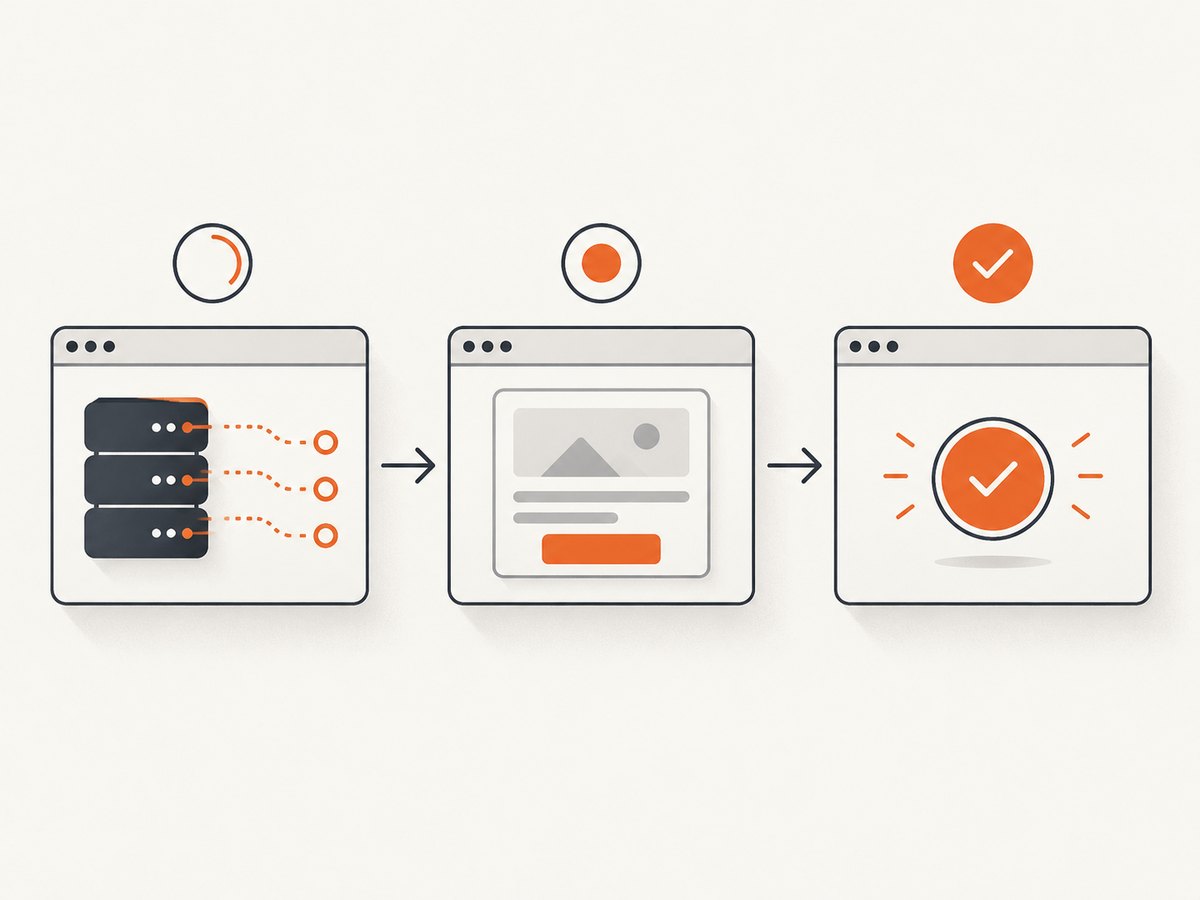
waitForSelector is correct when the requirement is “this element must exist” or “this element must be visible.” It is weaker than the documented API callback for reCAPTCHA readiness: an iframe or container can exist while scripts, dependencies, or your own render work are still incomplete.
await page.waitForSelector('#recaptcha-container iframe', {
  visible: true,
  timeout: 30_000
});
Use the selector as an additional sanity check, not as a substitute for an application-owned state flag when you control the page.
6. Common errors and fixes
Timeout waiting for recaptchaApiReady
- Cause: the callback was declared after the API script, the script URL is wrong, HTTPS is missing, or the browser cannot reach Google.
- Fix: put the callback script before the API script, use
https://www.google.com/recaptcha/api.js, inspect browser console and network errors, and verify outbound access.
grecaptcha is not defined
- Cause: code called
grecaptcha.renderbefore the onload callback. - Fix: call render inside the callback or after waiting for the API-ready flag.
The flag never becomes true
- Cause: a spelling mismatch, an exception inside the callback, or a callback name that does not match the query parameter.
- Fix: initialize flags before loading the script, log at the first callback line, and check that
onload=onRecaptchaApiLoadmatcheswindow.onRecaptchaApiLoad.
The widget is visible but verification is false
- Cause: rendering and user verification are separate states.
- Fix: wait for the success callback only when your flow requires a token; handle expired and error callbacks separately.
Works locally, fails in CI
- Cause: blocked network access, different browser permissions, a shorter CI timeout, or a site key/domain mismatch.
- Fix: capture console and request failures, confirm the CI environment can reach Google, and keep navigation, API, and verification timeouts distinct.
Pyppeteer behavior differs from current Puppeteer
- Cause: the cited Pyppeteer reference is for version 0.0.25 and APIs can change.
- Fix: check the installed package documentation and pin versions in your project.
7. Reliability and performance guidance
- Prefer event or state-based waits over arbitrary sleeps. They finish as soon as the required condition is true and avoid guessing a load duration.
- Use separate deadlines for navigation, API readiness, widget rendering, and user verification so logs identify the failing stage.
- Keep a bounded timeout for unattended jobs. On timeout, record URL, stage, console errors, and failed requests before closing the browser.
- Do not retry a verification challenge blindly. Retry loading only when diagnostics show a transient network failure, and respect the site’s own limits.
- Wait for the smallest state that satisfies your requirement. If you only need the API object, do not wait for user verification.
8. Or skip the browser setup
If your goal is a clean screenshot or PDF of a page rather than interacting with a CAPTCHA, ScreenshotNeo provides a single HTTP request. Its capture flow removes cookie banners, newsletter popups, and chat widgets before the shot. Bot checks, blank pages, failed loads, timeouts, and cache hits are not billed, and the response identifies the result with X-Page-Verdict and X-Billed headers. An MCP server provides take_screenshot, get_page_info, and capture_pdf for Claude, Cursor, and other MCP clients.
See the ScreenshotNeo API documentation for options such as full-page capture, selector capture, waits, custom headers, cookies, user agents, blocking rules, PDF settings, caching, signed links, asynchronous jobs, and bulk capture.
curl -G "https://api.screenshotneo.com/v1/shot" \
  -d access_key=YOUR_API_KEY \
  --data-urlencode url=https://stripe.com \
  -o shot.webp
import requests
r = requests.get(
"https://api.screenshotneo.com/v1/shot",
params={"access_key": "YOUR_API_KEY", "url": "https://stripe.com"},
timeout=90,
)
r.raise_for_status()
open("shot.webp", "wb").write(r.content)const q = new URLSearchParams({
access_key: 'YOUR_API_KEY',
url: 'https://stripe.com'
});
const res = await fetch(`https://api.screenshotneo.com/v1/shot?${q}`);
if (!res.ok) throw new Error(`Screenshot failed: ${res.status}`);
const image = Buffer.from(await res.arrayBuffer());
await import('node:fs/promises').then(fs => fs.writeFile('shot.webp', image));The Free plan includes 1,000 screenshots each month with no card. Paid plans start at $5 for 3,000 shots, and every feature is available on every plan. Create a free ScreenshotNeo account.
9. Cost and operational notes
- Browser automation consumes compute while a page loads and waits. Keep waits tied to a real state and close pages and browsers in
finallyblocks. - ScreenshotNeo bills only clean shots; bot checks, blank pages, timeouts, failed loads, and cache hits cost nothing. Check the verdict and billing headers when accounting for usage.
- For repeated captures, choose a cache TTL, use bulk capture for up to 100 URLs per call, or use asynchronous jobs with signed webhooks as described in the docs.
10. FAQ
Can I wait for the reCAPTCHA iframe instead?
Yes, when iframe presence is the requirement. For API readiness, the documented onload callback plus a page-owned flag is a stronger signal.
Does API readiness mean the challenge is solved?
No. API loading, widget rendering, successful response, expiration, and API errors are separate states.
Should I use a longer timeout?
Only after checking script order, network access, callback exceptions, and site-key configuration. A longer timeout cannot fix a callback that never runs.
What if I do not control the page?
You may not have a stable callback or flag. Limit your automation to observable DOM conditions, treat a timeout as unresolved, and do not attempt to bypass the challenge.
Why avoid Pyppeteer’s generic waitFor?
The reference describes it as a convenience method that guesses whether its argument is a selector, JavaScript function string, or timeout. Use waitForFunction or waitForSelector directly so the intended condition is explicit.


