How to Wait Until a File Is Completely Written in Node.js
Await the right signal before reading or serving a file in Node.js. Learn safe patterns for one-shot writes, streams, atomic publication, watchers, and downloads.
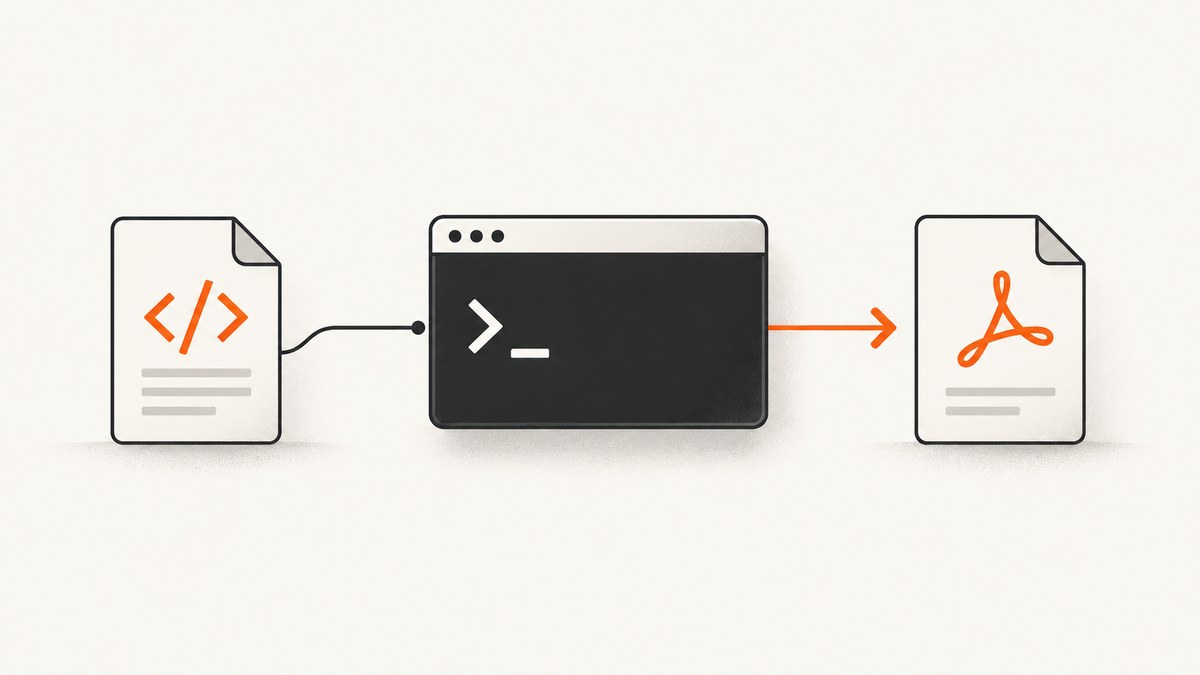
To know when a file is completely written in Node.js, await the promise returned by fs/promises.writeFile(). For a writable stream, await finished() or pipeline(). If other processes must never see a partially written destination, write to a temporary path, wait for the write to finish, then rename it to the final path. A filesystem watcher event by itself does not prove that writing is complete.
The right pattern depends on who writes the file, how it is written, whether readers can tolerate partial content, and whether you need protection against process or machine failure. This guide covers those choices, including downloads, multiple writers, watcher notifications, common errors, and durability.
1. Choose a completion signal for the write
A completed write is a signal from the operation that owns the write. If your code called writeFile(), its promise is that signal. If your code produced bytes through a stream, use the stream’s completion promise. If another process owns the write, coordinate through a protocol that process controls, such as an atomic rename or a done marker.
| Situation | Wait for | Can readers see a partial final file? |
|---|---|---|
| One-shot write in this process | await writeFile() |
Potentially, if another reader opens the destination during the operation |
| Stream in this process | await pipeline(), or await finished() |
Potentially, while the stream is writing |
| Publish a complete file for other readers | Finish a temporary file, then await rename() |
Readers opening the final path see a completed version, subject to filesystem semantics |
| File written by another process | An agreed marker or atomic publication protocol; watcher events only notify | Depends on the producer’s protocol |
Do not start a write and then immediately start a read, stat, or rename without awaiting the write. Independent filesystem calls are not automatically ordered. Node.js specifically warns that repeated writeFile() calls to the same file without waiting for settlement are unsafe, and documents examples where a stat() can run before a separately started rename().
2. Wait for a one-shot writeFile operation
writeFile() from node:fs/promises returns a promise. Await it before reading, serving, or handing off the output. This runnable ES module writes JSON and then reads it back:
import { writeFile, readFile } from 'node:fs/promises';

const payload = { status: 'ready', count: 3 };
const path = 'output.json';

try {
  await writeFile(path, JSON.stringify(payload, null, 2), 'utf8');
  const text = await readFile(path, 'utf8');
  console.log(text);
} catch (error) {
  console.error('Could not write or read output.json:', error);
  process.exitCode = 1;
}
Save it as write.mjs and run node write.mjs. The promise resolves when Node.js completes the write operation, or rejects if it fails. Keep dependent work after the await; a callback, route handler, or job queue handoff should likewise happen only after it resolves.
Common one-shot mistakes
- Missing
await:writeFile(path, data); readFile(path)starts both operations without ordering them. Await the write first. - Unobserved rejection: If a write fails and the rejection is not handled, later code may act on missing or stale output. Use
try/catchor return the promise to a caller that handles it. - Overlapping writes: Two calls targeting the same path can interleave or replace one another. Serialize them with
awaitor a queue/mutex when order matters.
Awaiting completion is not the same as a crash-proof durability guarantee. The Node.js file-system documentation notes that promise APIs perform file-system work in the underlying threadpool, off the event-loop thread. It does not mean that successful promise settlement guarantees the bytes have survived sudden power loss.
3. Wait for streamed output
For data arriving incrementally, use pipeline() where possible. It connects streams, propagates errors, and returns a promise that settles when the pipeline finishes or fails. This example copies a file stream to a destination:
import { createReadStream, createWriteStream } from 'node:fs';
import { pipeline } from 'node:stream/promises';

try {
  await pipeline(
    createReadStream('source.bin'),
    createWriteStream('output.bin')
  );
  console.log('output.bin is complete');
} catch (error) {
  console.error('Copy failed:', error);
  process.exitCode = 1;
}
Do not print “complete,” open the destination for a dependent operation, or report a successful download until pipeline() resolves. If the source errors or the destination cannot be written, the promise rejects so your code can report failure.
Use finished() when you already have the stream
finished() is useful when a stream is already created or connected elsewhere and your code needs to wait for its terminal state. The following pattern awaits a writable stream after piping a source into it:
import { createReadStream, createWriteStream } from 'node:fs';
import { finished } from 'node:stream/promises';

const out = createWriteStream('output.bin');
createReadStream('source.bin').pipe(out);

try {
  await finished(out);
  console.log('output.bin is complete');
} catch (error) {
  console.error('Stream failed:', error);
  process.exitCode = 1;
}
For new stream plumbing, prefer pipeline() because it handles errors across the connected stream chain. finished() waits for the stream you pass; it does not replace careful error handling for every independent producer or transform in a custom arrangement.
4. Publish the file atomically with a temporary path
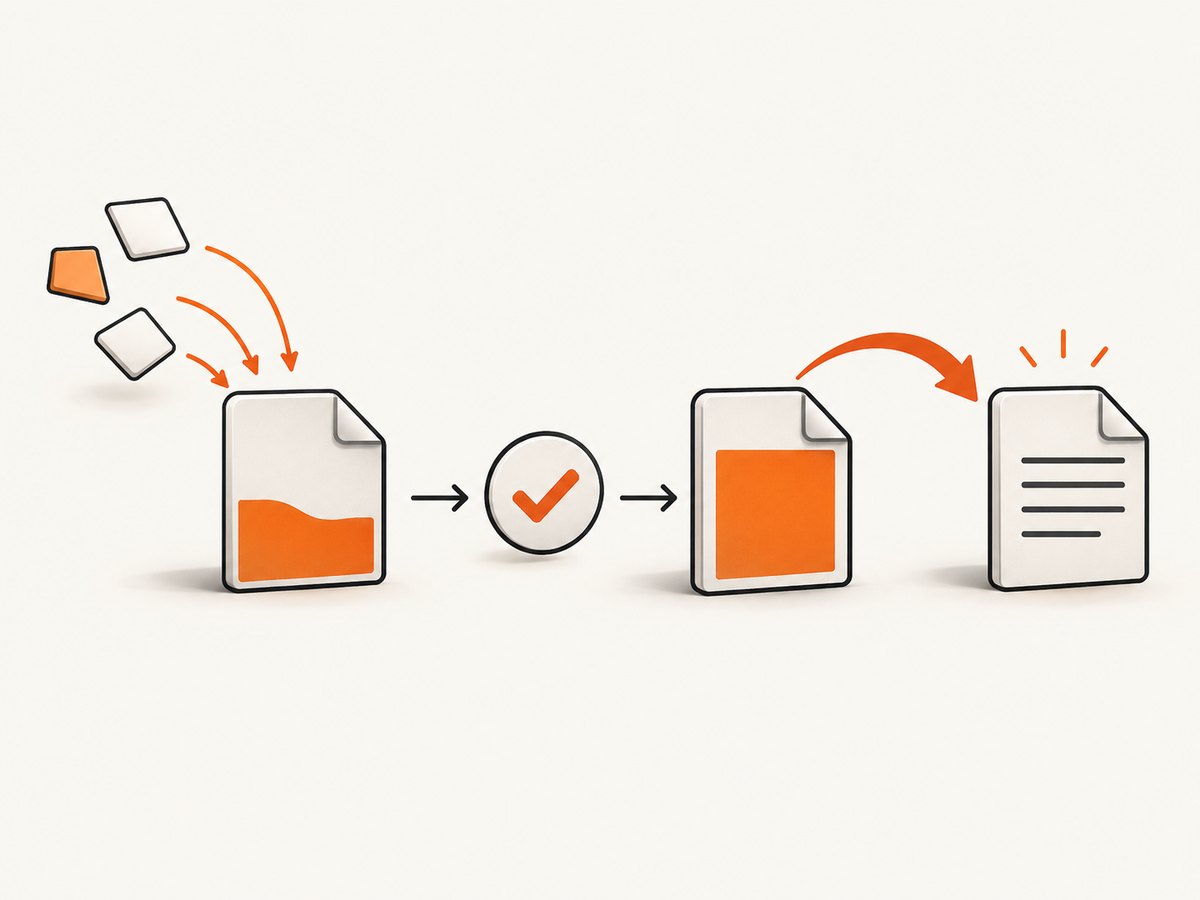
If a consumer must never open the final filename while its contents are still being written, write to a temporary file in the same directory. Await completion, then rename the temporary file to the public path:
import { writeFile, rename, rm } from 'node:fs/promises';
import { randomUUID } from 'node:crypto';
import { dirname, join, basename } from 'node:path';

const finalPath = 'public/report.json';
const tempPath = join(
  dirname(finalPath),
  `.${basename(finalPath)}.${randomUUID()}.tmp`
);
const data = JSON.stringify({ generatedAt: new Date().toISOString() });

try {
  await writeFile(tempPath, data, { encoding: 'utf8', flag: 'wx' });
  await rename(tempPath, finalPath);
  console.log('Published complete report');
} catch (error) {
  await rm(tempPath, { force: true }).catch(() => {});
  throw error;
}
The unique temporary name and exclusive wx flag reduce collisions between concurrent attempts. Put the temporary file in the destination directory so the rename stays on the same filesystem; cross-filesystem moves may not have the same behavior and can fail. Await rename() too: only after it completes should your code tell consumers the final path is ready.
With the common atomic-publication pattern, readers that open the final path observe the old complete version or the new complete version after the rename, rather than the bytes being incrementally written to that path. Exact guarantees can vary by filesystem and operating system, so validate the behavior required by your deployment environment. If several producers publish to the same destination, define which one wins or serialize publication; unique temp names alone do not resolve competing final renames.
When durability matters
Atomic visibility and durability are separate concerns. Rename protects readers from seeing the destination being filled in stages, but a successful JavaScript promise is not by itself a guarantee that data survives power loss. If that failure mode matters, use an explicit file-handle sync strategy appropriate to your filesystem and operational requirements, and account for syncing the containing directory where the platform and protocol require it. Test those guarantees on the target storage rather than assuming identical semantics everywhere.
5. Handle a download that writes to disk
A download is complete when the response body has been fully consumed and the destination writable has finished successfully. With Node.js fetch, bridge the response’s web stream to a Node writable and await pipeline():
import { createWriteStream } from 'node:fs';
import { pipeline } from 'node:stream/promises';
import { Readable } from 'node:stream';

const response = await fetch('https://example.com/archive.zip');
if (!response.ok || !response.body) {
  throw new Error(`Download failed: HTTP ${response.status}`);
}

await pipeline(
  Readable.fromWeb(response.body),
  createWriteStream('archive.zip')
);
console.log('Download finished');
This waits for a successful response body stream and the destination stream to finish. For a download that other processes may open before completion, write to a temporary path and rename only after the pipeline resolves. A network interruption should reject the pipeline; do not treat an existing file or a watcher event as proof that all expected bytes arrived.
6. Coordinate with a different process
If a different program writes the file, your Node.js process cannot await that program’s internal promise. Agree on a producer-consumer protocol. Robust choices include:
- Atomic rename: The producer writes a temporary file, closes it, then renames it to the agreed final name. The consumer reacts to the final name and validates or opens it.
- Done marker: The producer finishes and closes the data file, then creates a marker such as
report.json.done. The consumer waits for the marker and still validates the file if partial or corrupted output is possible. - Manifest or checksum: The producer publishes expected size, record count, or checksum only after closing the data output. The consumer verifies those expectations before using it.
Polling file size until it stops changing is a weak fallback: a slow writer may pause, and an idle interval does not prove the producer has closed the file. Use polling only when you cannot change the producer protocol, apply a bounded timeout, and validate the completed content before use.
7. Use filesystem watchers as notifications
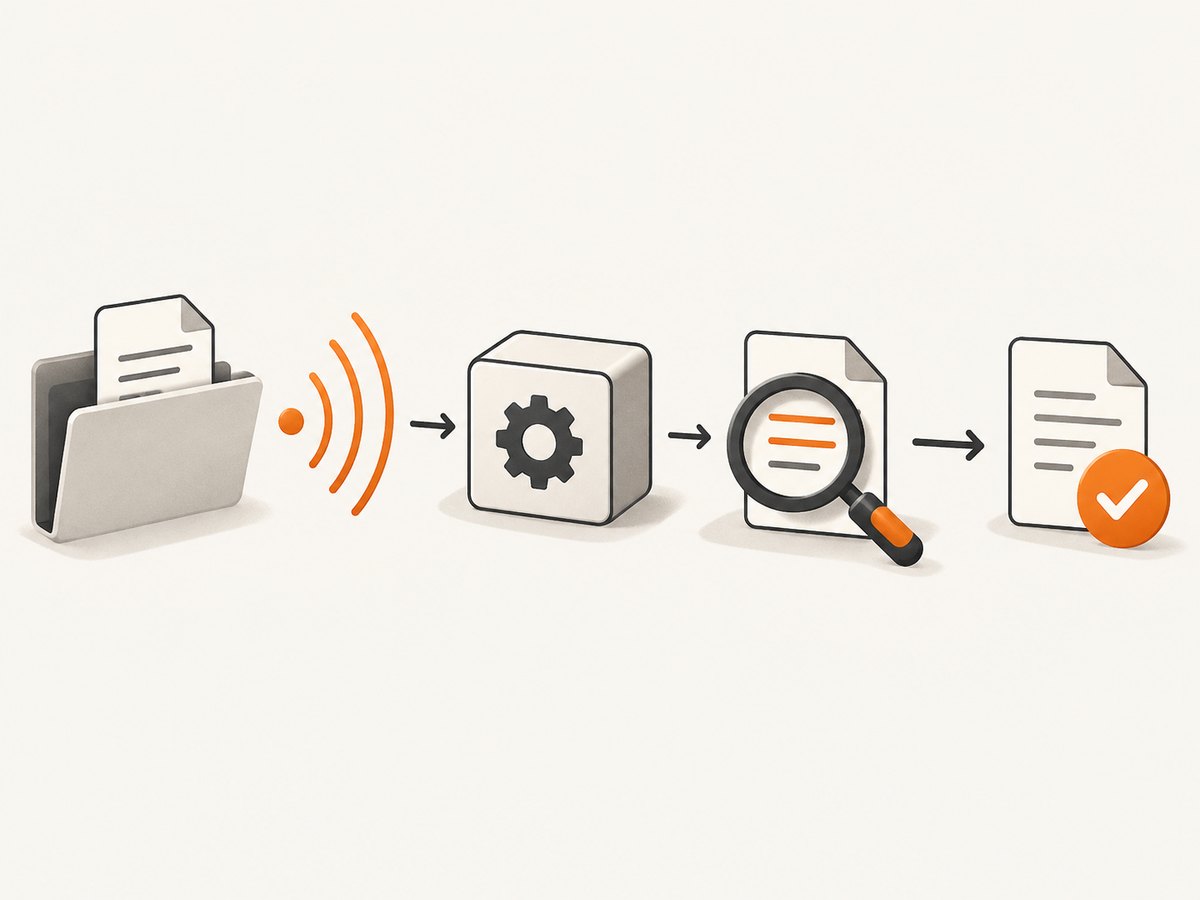
fs.watch() and fsPromises.watch() report changes, but Node.js documents platform-specific caveats. Event names and behavior differ; a rename event can mean a name appeared or disappeared. Watchers can also be unsuitable as the only coordination mechanism in some environments. Treat an event as a reason to check, not as an explicit “done” signal.
import { watch } from 'node:fs/promises';
import { stat, readFile } from 'node:fs/promises';

const directory = './incoming';
const targetName = 'report.json';

for await (const event of watch(directory)) {
  if (event.filename !== targetName) continue;

  try {
    const path = `${directory}/${targetName}`;
    const info = await stat(path);
    if (!info.isFile() || info.size === 0) continue;

    const text = await readFile(path, 'utf8');
    JSON.parse(text); // Validate the expected format before consuming.
    console.log('Validated report.json');
    break;
  } catch {
    // The file may have disappeared or still be incomplete; wait for another event.
  }
}
This example assumes the producer eventually emits an event for the target and that a valid JSON document is the acceptance condition. For resilient coordination, combine watcher notifications with a producer-owned marker, retries, validation, and a timeout. Consider watching the directory rather than a single file because the producer may publish through rename, replacing the directory entry.
8. Troubleshooting common failures
| Symptom | Likely cause | Fix |
|---|---|---|
| Reader sees old or truncated contents | Read started before the write settled, or a consumer opened the destination during a direct write | Await the write; use a temporary file and rename for publication |
| Output file exists but is empty | Existence was mistaken for completion, or stream data had not arrived | Await writeFile() or pipeline completion; validate size/content after an external write |
| Process exits before stream output finishes | Completion was not awaited, or the stream error was not observed | Await pipeline() or finished() and handle rejection |
ENOENT |
Parent directory or source path does not exist, or a watched file was renamed/deleted | Create/verify the directory first; re-check the path after watcher events |
EACCES or EPERM |
Insufficient permissions, restrictive directory rights, or platform-specific file locking | Check process identity and directory permissions; close competing handles and retry only when appropriate |
EBUSY or rename failure |
Target is busy, on another filesystem, or replacement semantics differ by platform | Use a temp file beside the destination; define replacement behavior and handle the error explicitly |
| Watcher fired but parsing fails | The event arrived before the producer completed, or it described a rename/removal | Use an explicit done protocol; retry validation with a deadline |
| Two jobs overwrite each other’s results | Concurrent writes target the same path | Use unique output names, serialize writers, or coordinate which job owns publication |
Log the operation, destination, error code, and whether the failure came from writing, streaming, or renaming. Avoid logging sensitive file contents. Retry transient errors only with a bounded policy; repeating a write blindly can overwrite a valid output or duplicate higher-level work.
9. Performance, reliability, and cost
Waiting does not make disk I/O faster; it makes the order of dependent work correct. Node.js promise-based file-system methods run their work through the underlying threadpool rather than on the event-loop thread, but a large number of concurrent operations can still contend for system resources. Keep concurrency appropriate to your workload and storage, and avoid unnecessary repeated reads used only to guess whether a write finished.
writeFile() is convenient for data already available in memory. Streams suit large or incrementally produced output because they let the producer and destination exchange data progressively rather than requiring your application to assemble the whole result first. In either case, completion is an awaited operation; do not poll a local file when the writer can signal completion directly.
Temporary-file publication adds a rename operation and cleanup path, but reduces the chance that consumers observe an incomplete destination. Watcher-based coordination can avoid frequent polling, but must tolerate missed, coalesced, or platform-specific notifications through validation and a fallback protocol. The direct cost is local I/O and any storage or compute usage your environment charges; there is no universal timing or price figure for a write because hardware, filesystem, file size, and workload vary.
10. Browser screenshot jobs that save a result
The same rule applies when a Node.js job saves a browser screenshot: await the API response body or file stream before serving or uploading the image. If the screenshot is a local browser capture, wait for the browser library’s own screenshot operation to resolve, then publish via a temporary path if readers need an all-or-nothing destination. For a remote capture API, HTTP success and a complete response body are distinct from any asynchronous job protocol the service may expose; follow that service’s documented completion mechanism.
Or skip the browser setup
ScreenshotNeo is a website screenshot API and MCP server from Yorker Media. One GET request can return a PNG, JPEG, WebP, or PDF; the API response still needs to be fully received and saved before your application uses the file.
const q = new URLSearchParams({ access_key: 'YOUR_API_KEY', url: 'https://stripe.com' });
const res = await fetch(`https://api.screenshotneo.com/v1/shot?${q}`);
if (!res.ok) throw new Error(`Screenshot request failed: HTTP ${res.status}`);
await pipeline(Readable.fromWeb(res.body), createWriteStream('shot.webp'));
For that snippet, import pipeline from node:stream/promises, Readable from node:stream, and createWriteStream from node:fs. See the ScreenshotNeo API documentation for request details. Cookie banners, popups, and chat widgets are removed before the shot; bot checks, blank pages, and failed loads are never billed. Its MCP server lets AI agents take screenshots. The free plan includes 1,000 screenshots per month with no card, and paid plans start at $5 for 3,000.
Get 1,000 free screenshots a month with no card.
11. FAQ
Does the writeFile callback fire when the file is complete?
Yes, the callback form reports completion or an error. In promise-based code, awaiting writeFile() makes the ordering explicit and easier to compose.
Can I use setTimeout to wait for a file?
A delay only guesses how long writing might take. It does not prove completion; use the writer’s promise, stream completion, or an agreed external-process protocol.
Is checking that the file exists enough?
No. A destination may be created before its contents are complete, and an existing path may contain stale data. Wait for completion and validate the expected output.
Should I use fs.watch() for a file written by another program?
It can wake your consumer when a change occurs, but use it with validation or an explicit completion marker because event semantics vary by platform.
Does awaiting a write guarantee data survives a power outage?
No. Promise settlement indicates the operation completed from Node.js’s perspective. Stronger durability needs a filesystem-appropriate sync strategy.
Primary references
- Node.js file system documentation: promise-based file operations, ordering, watcher behavior, and durability context.
- Node.js stream documentation: stream completion utilities.


