How to Wait for WebDriverJS takeScreenshot to Finish
Await WebDriverJS takeScreenshot correctly, distinguish command completion from page readiness, and fix common timing errors.
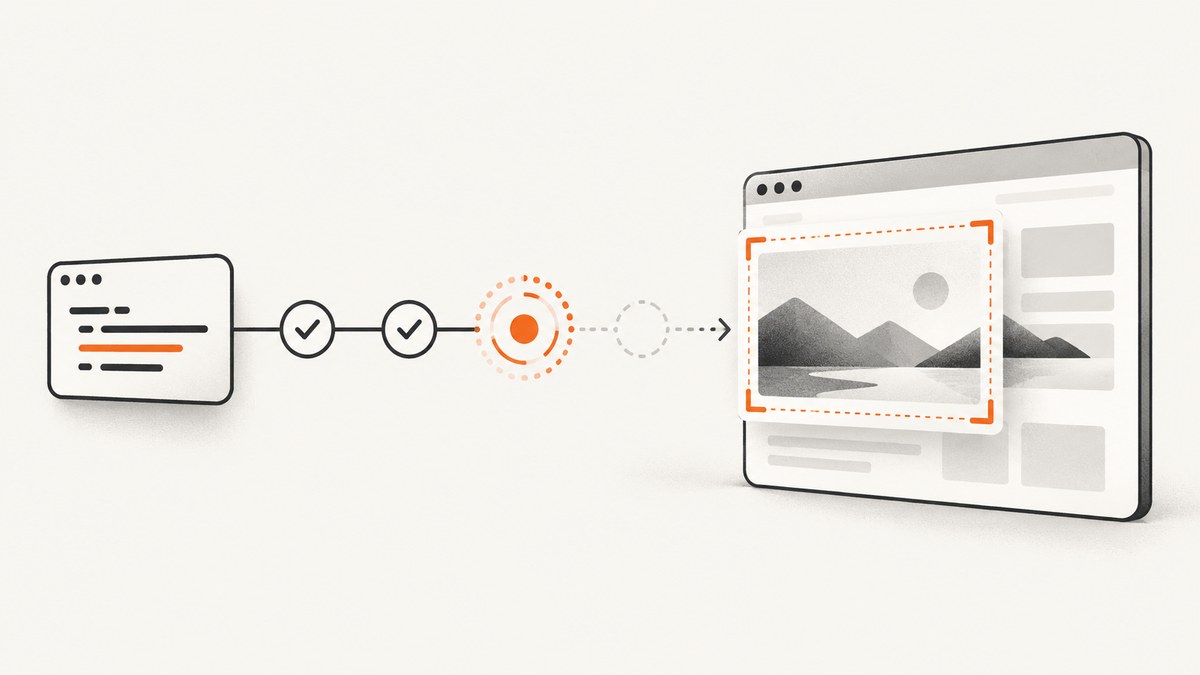
Use await driver.takeScreenshot() inside an async function. Selenium’s JavaScript WebDriver API returns a promise that resolves to a base64-encoded PNG. Code that uses the screenshot must run after that promise resolves.
const pngBase64 = await driver.takeScreenshot();
// The screenshot command has completed here.
// pngBase64 is a base64-encoded PNG string.
Awaiting this promise waits for the screenshot command itself. It does not promise that your application has finished animations, lazy loading, or other rendering work. If the image must show a particular state, wait for an explicit condition first, then call takeScreenshot().
Async and non-async WebDriverJS patterns
Inside an async function
const { Builder, By } = require('selenium-webdriver');
const fs = require('node:fs/promises');

async function capture() {
  const driver = await new Builder().forBrowser('chrome').build();

  try {
    await driver.get('https://example.com');

    const pngBase64 = await driver.takeScreenshot();
    await fs.writeFile('screenshot.png', Buffer.from(pngBase64, 'base64'));
  } finally {
    await driver.quit();
  }
}

capture().catch(console.error);
The await pauses capture until WebDriver returns the image data. It does not block Node.js’s event loop.
Return the promise from a regular function
function capture(driver) {
  return driver.takeScreenshot().then((pngBase64) => {
    // Dependent work belongs in this callback.
    return pngBase64;
  });
}

capture(driver)
  .then((pngBase64) => {
    // This runs after takeScreenshot has resolved.
  })
  .catch(console.error);
Returning the promise lets the caller decide whether to await it or attach another then handler.
Save the result safely
const pngBase64 = await driver.takeScreenshot();
const pngBytes = Buffer.from(pngBase64, 'base64');
await require('node:fs/promises').writeFile('shot.png', pngBytes);
Do not write the base64 text directly as if it were binary PNG data. Decode it first.
Wait for page readiness before taking the screenshot
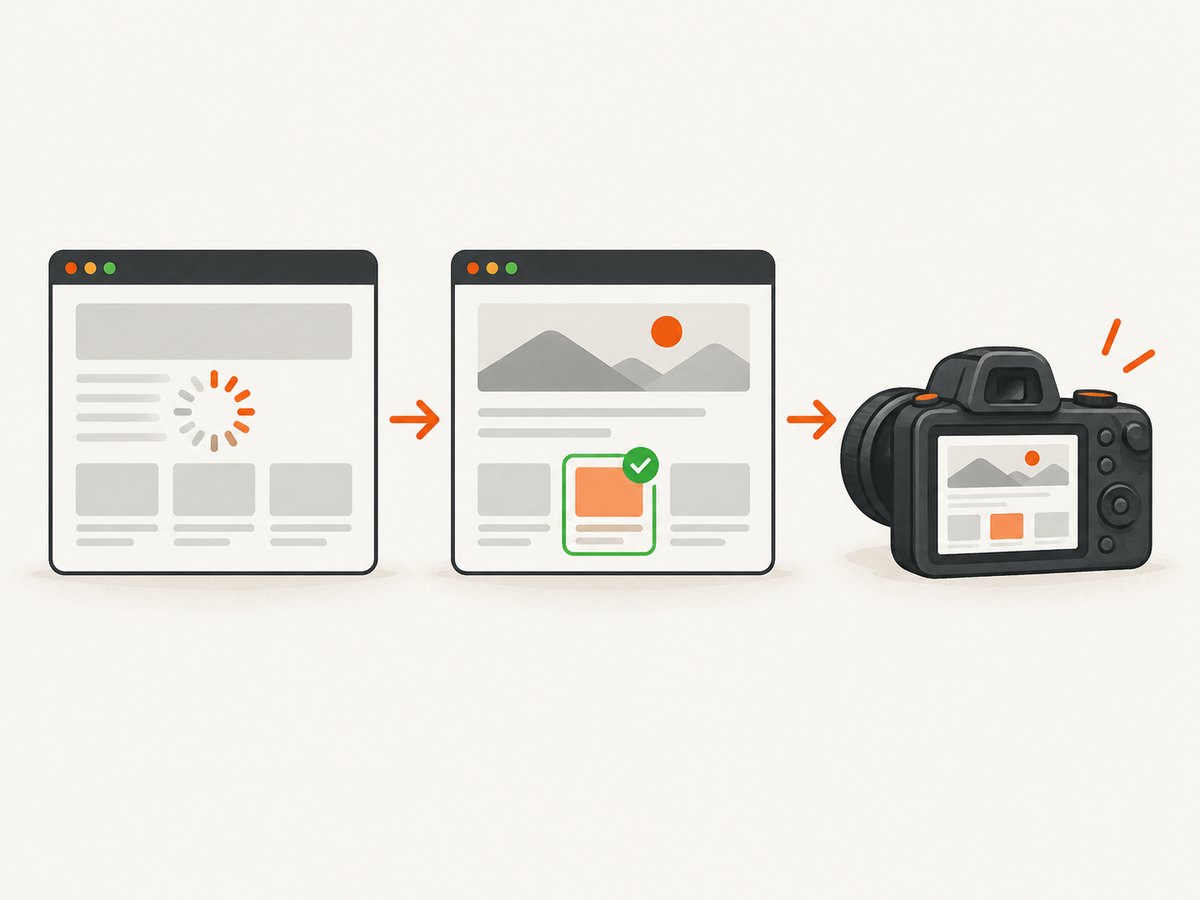
A completed screenshot command and a ready page are separate events. Choose a condition that represents the visual state your test needs.
Wait for an element to be present
const { By, until } = require('selenium-webdriver');

await driver.wait(
  until.elementLocated(By.css('[data-testid="dashboard"]')),
  10000,
  'Dashboard did not appear'
);

const pngBase64 = await driver.takeScreenshot();
Wait for an element to be visible
const chart = await driver.wait(
  until.elementIsVisible(
    driver.findElement(By.css('.chart'))
  ),
  10000,
  'Chart did not become visible'
);

const pngBase64 = await driver.takeScreenshot();
Wait for application state
await driver.wait(async () => {
  return (await driver.executeScript(
    'return window.appReady === true'
  )) === true;
}, 15000, 'Application did not report ready');

const pngBase64 = await driver.takeScreenshot();
Prefer a state or element condition over a fixed sleep. A sleep can be too short on a slow run and unnecessarily long on a fast run.
Wait for an image to finish loading
await driver.wait(async () => {
  return await driver.executeScript(() => {
    const images = Array.from(document.images);
    return images.every((img) => img.complete && img.naturalWidth > 0);
  });
}, 15000, 'Images did not finish loading');

const pngBase64 = await driver.takeScreenshot();
This checks images currently in the document. Images loaded later by scrolling or interaction may need a separate condition.
Wait for a transition or animation
If a screenshot must capture a stable visual state, expose a deterministic application flag, wait for a class that marks completion, or disable animations in test CSS. A generic delay is a last resort because the Selenium API does not define a universal “all rendering is complete” event.
What takeScreenshot() returns
Selenium documents the return value as a promise resolved with a base64-encoded PNG. The value is a string, so it can be decoded, stored, uploaded, or passed to another service after the promise resolves. See the Selenium WebDriver JavaScript API.
WebDriverJS and WebdriverIO are separate libraries. WebdriverIO also uses await browser.takeScreenshot(), but its command documentation describes a screenshot of the top-level browsing context’s viewport. Do not assume that behavior, options, or return types are interchangeable between libraries. See the WebdriverIO takeScreenshot documentation.
Complete example with navigation, readiness, capture, and cleanup
const { Builder, By, until } = require('selenium-webdriver');
const fs = require('node:fs/promises');

async function main() {
  const driver = await new Builder().forBrowser('chrome').build();

  try {
    await driver.get('https://example.com');

    await driver.wait(
      until.elementLocated(By.css('h1')),
      10000,
      'Expected heading was not found'
    );

    const pngBase64 = await driver.takeScreenshot();
    await fs.writeFile(
      'example.png',
      Buffer.from(pngBase64, 'base64')
    );
  } finally {
    await driver.quit();
  }
}

main().catch((error) => {
  console.error(error);
  process.exitCode = 1;
});
Common errors and fixes
| Error or symptom | Cause | Fix |
|---|---|---|
| The file is empty or incomplete | Code used the result before the promise resolved. | Use await, return the promise, or chain .then(). |
await is only valid in async functions |
The surrounding function is not declared async. |
Add async or return the promise from that function. |
pngBase64 is undefined |
The value was declared in another scope or the function was not awaited. | Return the screenshot from the capture function and await that function at the call site. |
| Screenshot shows a spinner or old data | The command completed before application rendering completed. | Wait for a relevant element, state flag, network-driven result, or image condition before capture. |
| Timeout while waiting for readiness | The selector or state never becomes true, or the timeout is too short. | Verify the selector, inspect the page state, and set a timeout based on the slowest expected environment. |
| Screenshot is valid but not the expected area | Viewport and capture semantics differ by library and driver. | Check the Selenium/browser version and the documented behavior for that API. WebdriverIO’s command is documented as viewport capture. |
| Invalid PNG after writing | Base64 text was written without decoding. | Use Buffer.from(pngBase64, 'base64') before writing bytes. |
| Driver hangs or resources remain open | quit() was skipped after an exception. |
Put cleanup in a finally block. |
Reliability and performance checklist
- Wait on the smallest condition that proves the required visual state.
- Use explicit timeouts and include a useful timeout message.
- Keep navigation, readiness, capture, and cleanup in one controlled async flow.
- Decode base64 once and stream or write the resulting bytes where possible.
- Capture only after required fonts, images, and data are ready.
- Use a fresh driver per isolated test when state could leak between cases.
- Record browser, driver, URL, readiness condition, and timeout when diagnosing flaky captures.
- Do not add a fixed delay after
takeScreenshot(); the returned promise already signals command completion.
Or skip the browser setup
If you only need a clean image from a URL, ScreenshotNeo provides a one-call screenshot API. The API accepts a URL and returns PNG, JPEG, WebP, or PDF; its documentation lists the options.
curl -G "https://api.screenshotneo.com/v1/shot" -d access_key=YOUR_API_KEY --data-urlencode url=https://stripe.com -o shot.webpimport requests
r = requests.get("https://api.screenshotneo.com/v1/shot", params={"access_key": "YOUR_API_KEY", "url": "https://stripe.com"}, timeout=90)
open("shot.webp", "wb").write(r.content)const q = new URLSearchParams({ access_key: 'YOUR_API_KEY', url: 'https://stripe.com' });
const res = await fetch(`https://api.screenshotneo.com/v1/shot?${q}`);Cookie banners, newsletter popups, and chat widgets are removed before the shot. Bot checks, blank pages, failed loads, timeouts, and cache hits are not billed, and response headers identify the page verdict and billing status. An MCP server lets AI agents such as Claude and Cursor take screenshots. The Free plan includes 1,000 screenshots each month with no card; paid plans start at $5 for 3,000 screenshots.
Create a free ScreenshotNeo account and start with the included monthly screenshots.
FAQ
Does awaiting the command wait for every network request?
No. It waits for the screenshot command to return. Define and await an application-specific readiness condition when late data or assets matter.

Can I use driver.wait() on the screenshot promise?
Selenium’s wait API accepts conditions and promise-like thenables, but directly awaiting driver.takeScreenshot() communicates command completion most clearly.
Is the result a Buffer?
No. Selenium’s documented result is a base64-encoded PNG string. Decode it to bytes before writing a file or sending binary data.
Is WebdriverIO’s command identical?
No. WebdriverIO is a separate framework with its own command documentation and capture semantics. Follow the API and version used by your project.


