How to Wait for WebView HTML to Load Before Taking a Screenshot
Use Android’s visual-state callback and WKWebView’s asynchronous snapshot API to capture rendered HTML reliably, including dynamic pages.
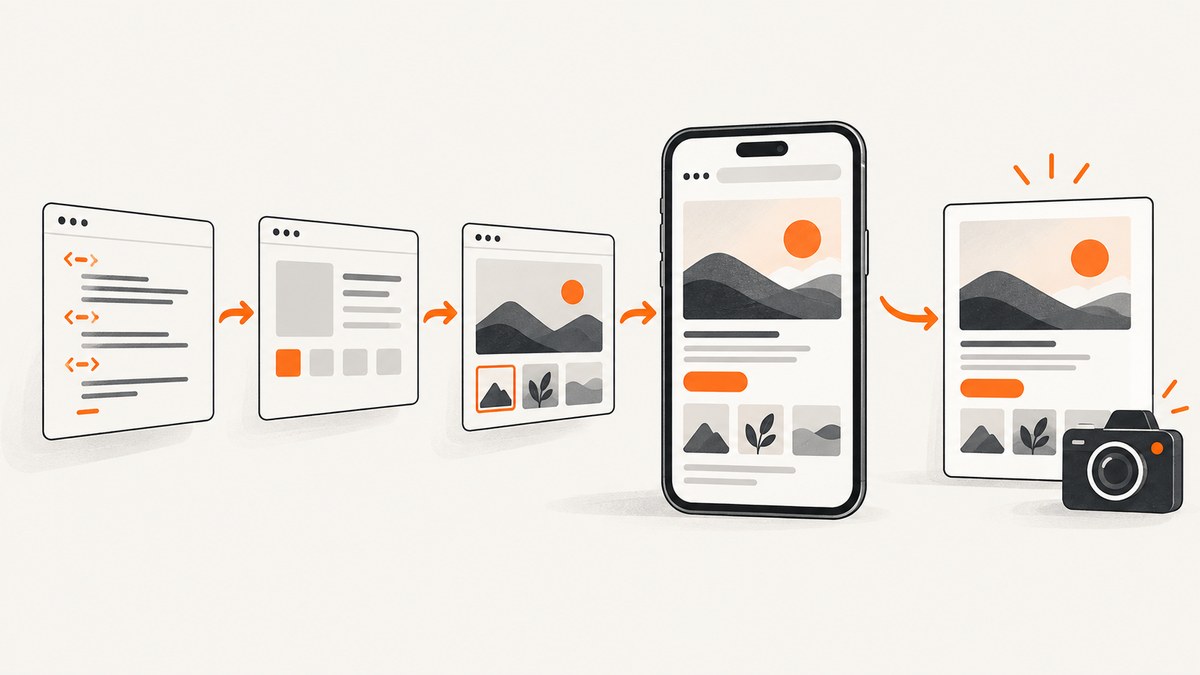
Direct answer: On Android, do not capture immediately from WebViewClient.onPageFinished(). That callback means navigation finished, but Android says it does not guarantee that the next drawn frame reflects the current DOM. Request WebView.postVisualStateCallback() from onPageFinished(), then capture only from its callback. On Apple platforms, use WKWebView navigation callbacks to track loading and call the asynchronous takeSnapshot API; define a page-specific ready condition when JavaScript continues changing the page.
“Loaded” has several meanings:
- Navigation completed.
- The DOM contains the expected elements.
- CSS, images, fonts and other resources are available.
- The next rendered frame visibly contains the state you want to capture.
A screenshot needs the last condition. A fixed sleep such as 500 milliseconds, document.readyState === "complete", or a navigation-finished callback alone is not a reliable cross-platform guarantee.
Android WebView: wait for the visual state
Android’s WebViewClient reference explicitly warns that receiving onPageFinished() does not guarantee that the next frame drawn by WebView reflects the DOM state at that point. The documented rendering boundary is postVisualStateCallback(). See the Android WebViewClient API reference.
Kotlin example
class CaptureActivity : AppCompatActivity() {
    private lateinit var webView: WebView

    override fun onCreate(savedInstanceState: Bundle?) {
        super.onCreate(savedInstanceState)

        webView = WebView(this)
        setContentView(webView)

        webView.settings.javaScriptEnabled = true
        webView.settings.domStorageEnabled = true
        webView.webViewClient = object : WebViewClient() {
            override fun onPageFinished(view: WebView, url: String) {
                super.onPageFinished(view, url)

                // This callback marks a rendered visual state for the current DOM.
                view.postVisualStateCallback(
                    0L,
                    object : WebView.VisualStateCallback() {
                        override fun onComplete(requestId: Long) {
                            captureWebView(view)
                        }
                    }
                )
            }
        }

        webView.loadUrl("https://example.com")
    }

    private fun captureWebView(view: WebView) {
        val bitmap = Bitmap.createBitmap(
            view.width,
            view.height,
            Bitmap.Config.ARGB_8888
        )
        val canvas = Canvas(bitmap)
        view.draw(canvas)

        FileOutputStream(File(cacheDir, "webview.png")).use { output ->
            bitmap.compress(Bitmap.CompressFormat.PNG, 100, output)
        }
        bitmap.recycle()
    }
}
The example captures the visible WebView bounds. For a full-page image, you need a separate layout strategy: determine the document height with JavaScript, resize the WebView or capture scrollable segments, and stitch the segments. A visual-state callback solves render timing; it does not automatically create a full-page bitmap.
JavaScript-enabled pages
JavaScript is disabled by default in Android WebView. Enable it only when the page requires it:
webView.getSettings().setJavaScriptEnabled(true);
webView.getSettings().setDomStorageEnabled(true);
Enabling JavaScript does not mean application-specific asynchronous work has finished. A single-page app may fetch data, render a chart, or replace placeholders after navigation completes.
Why not use onPageCommitVisible()?
onPageCommitVisible() is useful for knowing that response content has entered the DOM and old-page content should no longer be drawn. Android documents it as an early visibility transition; linked CSS and images may still be unavailable. Use it to prevent stale content during navigation, not as the final screenshot-readiness test. The same WebViewClient documentation describes this distinction.
Waiting for application-specific content
Platform callbacks cannot know whether your page’s chart, feed, animation, or user-specific data is ready. If you control the HTML, expose a page-specific condition and combine it with the platform rendering callback.

HTML readiness marker
<body>
  <main id="report"></main>
  <script>
    renderReport().then(() => {
      document.documentElement.dataset.screenshotReady = "true";
    });
  </script>
</body>
Check the marker from Android
private fun waitForAppReady(view: WebView, onReady: () -> Unit) {
    view.evaluateJavascript(
        "document.documentElement.dataset.screenshotReady === 'true'"
    ) { result ->
        if (result == "true") {
            view.postVisualStateCallback(0L,
                object : WebView.VisualStateCallback() {
                    override fun onComplete(requestId: Long) {
                        onReady()
                    }
                })
        } else {
            view.postDelayed({ waitForAppReady(view, onReady) }, 50L)
        }
    }
}
Use a deadline in production so a broken page cannot poll forever. The 50 millisecond polling interval is an implementation choice, not a platform guarantee; choose it according to your UI and timeout budget.
Apple WKWebView: snapshot asynchronously
WKWebView provides navigation delegate hooks, JavaScript evaluation, and asynchronous takeSnapshot. Apple’s documentation states that embedded resources such as images and videos are loaded as part of the initial load request, but it does not promise that later JavaScript updates, animations, or app work have settled when navigation finishes. See Apple’s WKWebView documentation.
Swift example
import UIKit
import WebKit

final class CaptureViewController: UIViewController, WKNavigationDelegate {
    private var webView: WKWebView!

    override func viewDidLoad() {
        super.viewDidLoad()

        webView = WKWebView(frame: view.bounds)
        webView.autoresizingMask = [.flexibleWidth, .flexibleHeight]
        webView.navigationDelegate = self
        view.addSubview(webView)

        webView.load(URLRequest(url: URL(string: "https://example.com")!))
    }

    func webView(_ webView: WKWebView, didFinish navigation: WKNavigation!) {
        waitForAppReady {
            let configuration = WKSnapshotConfiguration()
            webView.takeSnapshot(with: configuration) { image, error in
                guard let image = image, error == nil else {
                    print("Snapshot failed: \(error?.localizedDescription ?? "unknown error")")
                    return
                }
                UIImageWriteToSavedPhotosAlbum(image, nil, nil, nil)
            }
        }
    }

    private func waitForAppReady(completion: @escaping () -> Void) {
        let script = "document.documentElement.dataset.screenshotReady === 'true'"
        webView.evaluateJavaScript(script) { value, error in
            if (value as? Bool) == true {
                completion()
            } else {
                DispatchQueue.main.asyncAfter(deadline: .now() + 0.05) {
                    self.waitForAppReady(completion: completion)
                }
            }
        }
    }
}
If your page has no app-specific marker, call takeSnapshot from didFinish and handle its completion asynchronously. For dynamic pages, a marker is safer because the navigation callback describes navigation, while the page may continue updating.
Choosing a readiness strategy
| Signal | What it tells you | Use for final capture? |
|---|---|---|
onPageFinished() |
Main-frame navigation completed | No, not alone on Android |
onPageCommitVisible() |
New response content is reflected and old content should stop drawing | No; resources can still be missing |
postVisualStateCallback() |
The current DOM has reached a rendered visual state | Yes, for Android’s rendering boundary |
WKNavigationDelegate.didFinish |
Navigation completed | Pair with your page condition when content is dynamic |
WKWebView.takeSnapshot completion |
The snapshot image is available | Yes; this is image-delivery completion |
| Fixed delay | Only that time elapsed | No; timing varies |
Handling images, fonts, lazy content and animations
- Images: wait for the application’s image promises or a readiness marker if images are inserted after navigation.
- Lazy loading: scroll or explicitly request the content before capture; viewport screenshots may not trigger below-the-fold loading.
- Fonts: if typography matters, wait for
document.fonts.readyinside your page before setting the ready marker. - Animations: disable them with page CSS or capture after your own animation-complete event. A platform navigation callback does not settle arbitrary animations.
- Network data: handle failed requests in the page and set a failure state rather than waiting indefinitely.
- Cookies and permissions: configure the WebView’s cookie store and permission behavior before loading the URL.
Common errors and fixes
| Symptom | Likely cause | Fix |
|---|---|---|
| Screenshot shows old or blank content | Captured directly from onPageFinished |
Request postVisualStateCallback and capture in its completion callback. |
| CSS or images are missing | Captured at onPageCommitVisible or before resources arrived |
Use the visual-state callback and, for app content, a readiness marker. |
| WebView stays on a loading screen | JavaScript or DOM storage is disabled | Enable the required WebView settings and verify the page’s console/network errors. |
| Dynamic data is absent | Navigation finished before fetch/render work | Expose a page-specific ready condition and wait for it before the platform capture step. |
| Polling never ends | The page never sets its marker | Add a monotonic deadline, capture diagnostics, and return a clear timeout error. |
| Snapshot callback returns an error | WebView was dismissed, navigation changed, or the snapshot configuration was invalid | Keep the WebView alive, cancel superseded captures, and inspect the completion error. |
| Capture differs between devices | Viewport, scale, fonts, network speed, or animations differ | Set viewport-related CSS, use deterministic test data, disable animations, and capture at a consistent scale. |
Performance and reliability checklist
- Set a clear navigation and readiness deadline.
- Cancel an older capture when a new navigation begins.
- Keep all WebView and snapshot operations on the platform UI thread.
- Reuse a configured WebView when safe, but clear cookies and storage when isolation is required.
- Record the URL, viewport, readiness phase, elapsed time, and failure reason.
- Do not treat a timeout as a valid screenshot; return an explicit failure.
- For visual regression, freeze data, timezone, locale, viewport, device scale, and animation state.
There is no universal delay or timing number that guarantees correctness. Page complexity and network conditions determine how long readiness takes, so measure your own pages and enforce a maximum duration.
Or skip the browser setup
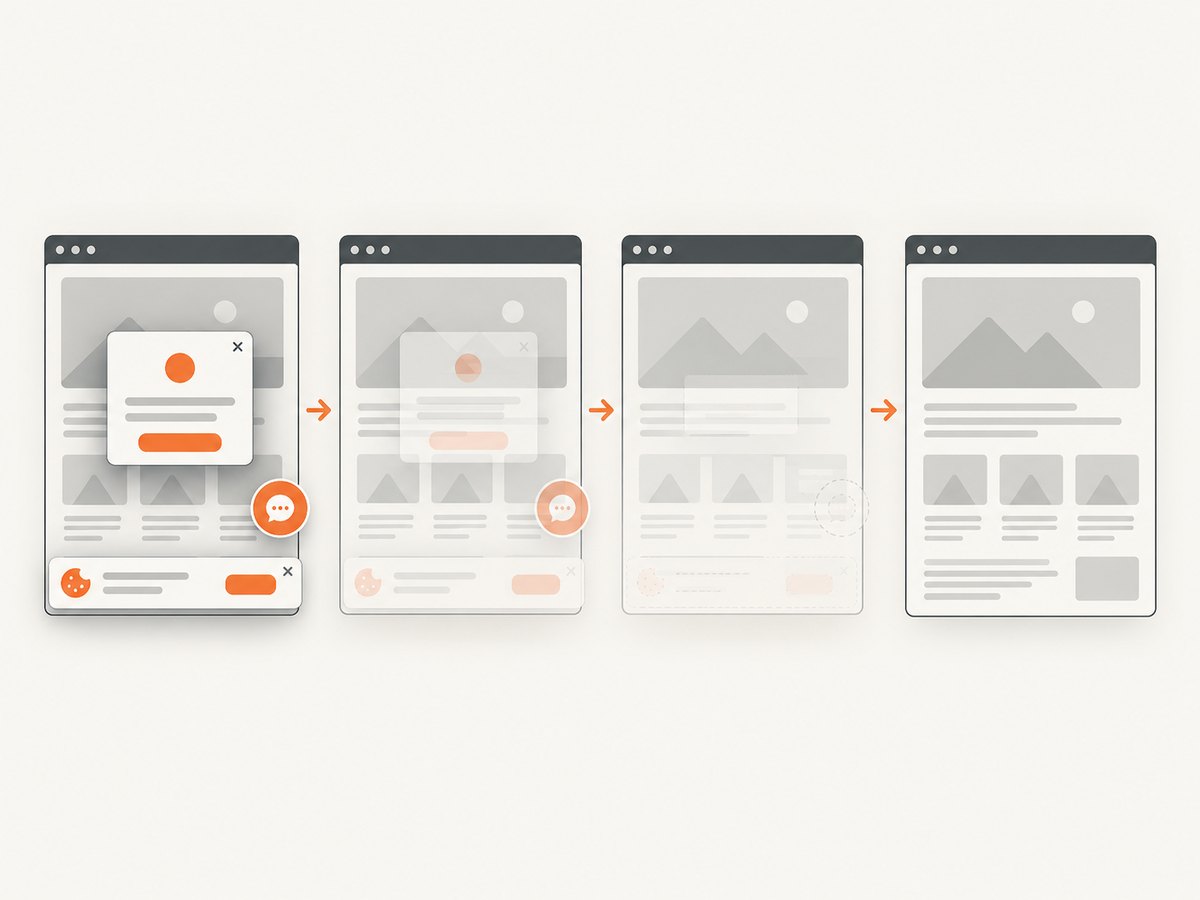
If you need a screenshot from a URL rather than an in-app WebView, ScreenshotNeo provides a one-request API for PNG, JPEG, WebP or PDF output. Its cleanup steps accept cookie and consent banners and remove more than 60 known consent platforms, newsletter popups and chat widgets before capture; each step can be disabled. Bot checks, blank pages, timeouts, failed loads and cache hits are not billed, and the response reports the result with X-Page-Verdict and X-Billed headers.
See the ScreenshotNeo API documentation for the complete option set, including full-page capture, element selectors, dark mode, device presets, retina scale, custom CSS and JavaScript, click actions, waits, request blocking, headers, cookies, user agents, authorization, timezone, geolocation, transparent backgrounds, resizing, caching, signed links, asynchronous jobs, webhooks, bulk capture and usage reporting.
cURL
curl -G "https://api.screenshotneo.com/v1/shot" -d access_key=YOUR_API_KEY --data-urlencode url=https://stripe.com -o shot.webpPython
import requests

r = requests.get(
    "https://api.screenshotneo.com/v1/shot",
    params={"access_key": "YOUR_API_KEY", "url": "https://stripe.com"},
    timeout=90,
)
r.raise_for_status()
open("shot.webp", "wb").write(r.content)
Node.js
const q = new URLSearchParams({ access_key: 'YOUR_API_KEY', url: 'https://stripe.com' });
const res = await fetch(`https://api.screenshotneo.com/v1/shot?${q}`);
if (!res.ok) throw new Error(`Screenshot failed: ${res.status}`);
require('fs').writeFileSync('shot.webp', Buffer.from(await res.arrayBuffer()));
ScreenshotNeo also includes an MCP server with take_screenshot, get_page_info and capture_pdf tools for Claude, Cursor and other MCP clients. The Free plan includes 1,000 shots per month without a card; paid plans start at $5 for 3,000 shots. Create a free ScreenshotNeo account.
FAQ
Is onPageFinished() ever enough?
It can be sufficient for simple static pages in controlled conditions, but Android does not define it as a guarantee that the next frame reflects the DOM. Use the visual-state callback when screenshot correctness matters.
Does postVisualStateCallback() wait for every network request?
No. It marks a rendered visual state for the current DOM. Your page still needs its own condition for late API data, animations, or content inserted after navigation.
Does takeSnapshot wait for a fully settled web app?
It asynchronously delivers the snapshot image, but Apple’s documentation does not define navigation completion as a universal application-ready signal. Add a page-specific condition for dynamic content.
Should I use a longer fixed sleep?
No fixed duration is reliable across pages and devices. Use explicit readiness plus a maximum timeout.
Can these APIs capture a full webpage?
The basic Android drawing example captures the visible WebView bounds, and takeSnapshot captures according to its snapshot configuration. Full-page capture requires a deliberate sizing or scrolling strategy. A URL screenshot API such as ScreenshotNeo can perform full-page capture directly.


