Top 14 Wayback Machine Alternatives to Check Website History
Compare 14 Wayback Machine alternatives for old snapshots, monitoring, legal evidence, regional archives and private website history.
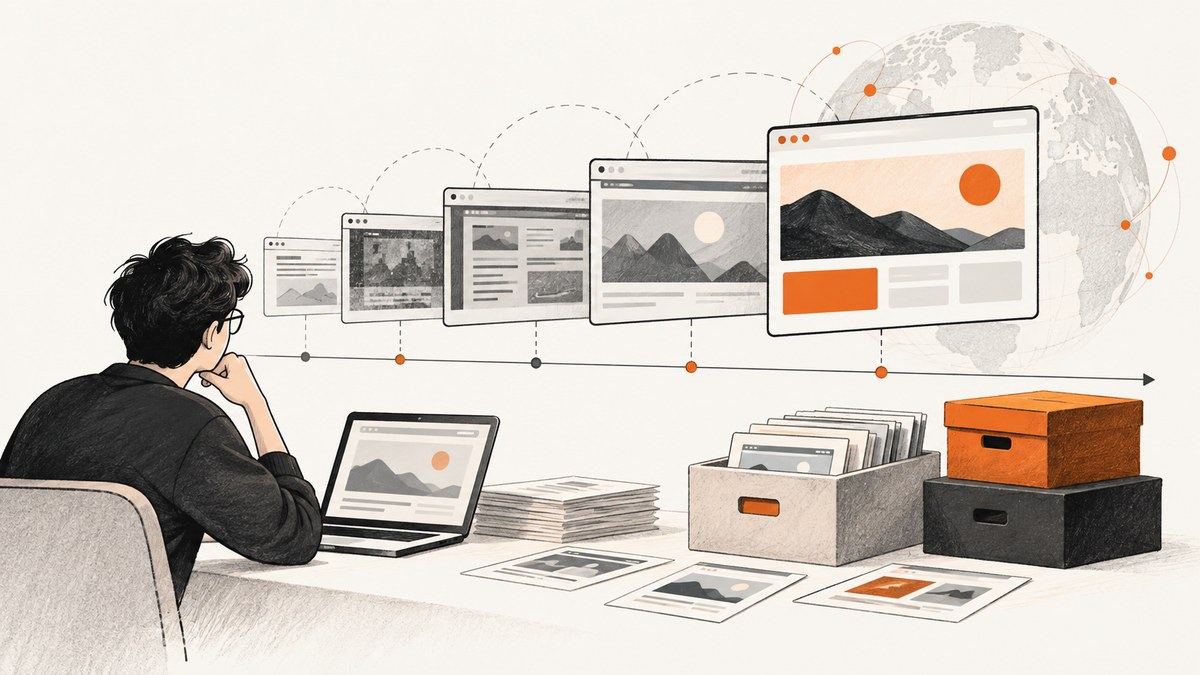
Wayback Machine is the first place most developers check for an old page, but it cannot capture every site or every version. A page may be missing because crawlers never discovered it, access was password protected, robots.txt blocked it, or the owner requested exclusion. JavaScript, server-side image maps and orphan pages can also make a replay incomplete. Even Save Page Now saves one specified page; it does not schedule future crawls or archive an entire site. The Internet Archive also documents a typical 3–10 hour delay between crawling and appearing in Wayback.
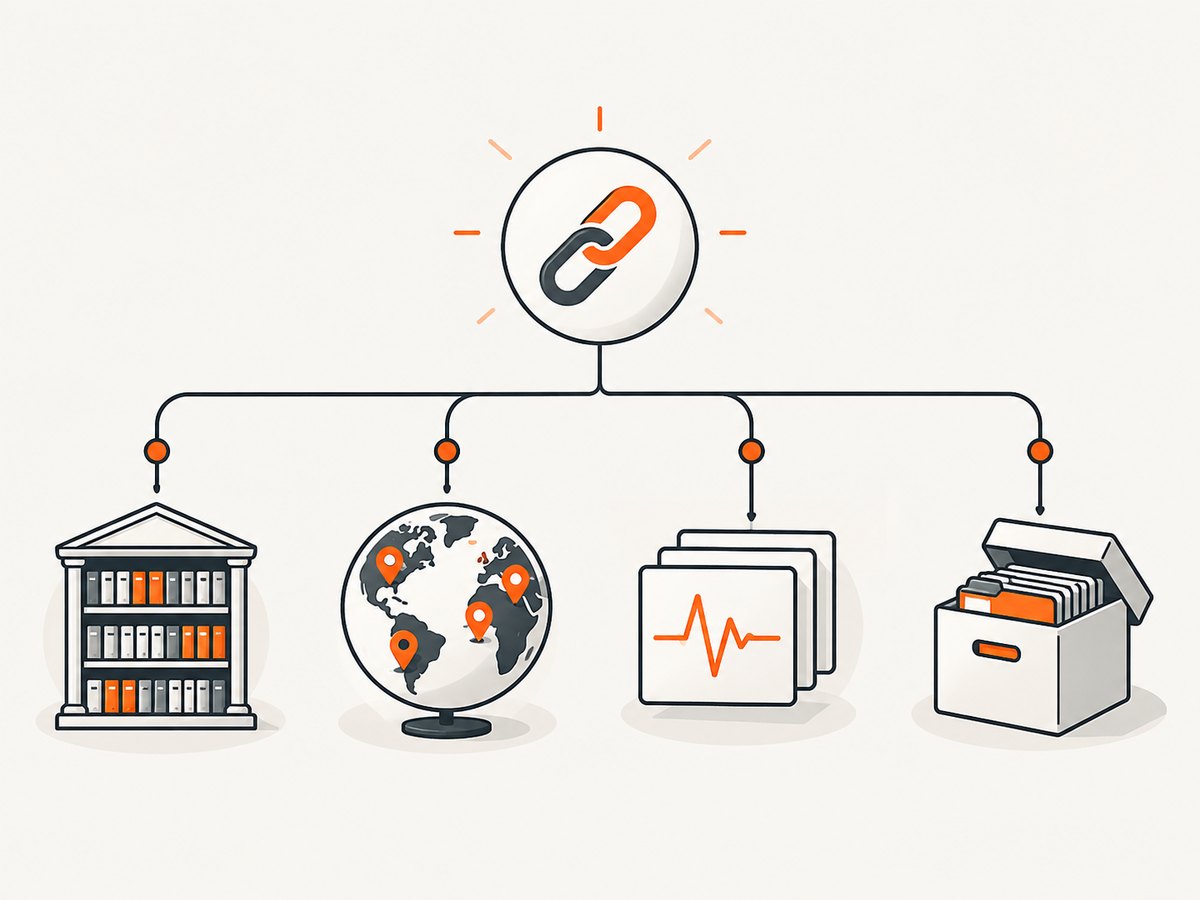
The best alternative depends on the job. Use Memento Time Travel to query many archives for an existing capture, archive.today for a quick public snapshot, Visualping or ChangeTower for future changes, Perma.cc for a citation, PageFreezer/Page Vault/Smarsh for legal or compliance evidence, ArchiveBox for a private self-hosted archive, and national collections for regional history.
Quick decision guide
| Need | Start here | Why |
|---|---|---|
| Find any existing historical copy | Memento Time Travel, then Wayback | Queries more than 20 archives, including regional and institutional collections. |
| Save one page now | archive.today | On-demand public snapshot with no scheduled monitoring. |
| Get change alerts | Visualping | Scheduled visual captures, diffs, alerts, APIs and webhooks. |
| Track text, code or selected regions | ChangeTower | Rules can target code, text, images or page sections. |
| Capture at a fixed interval | Stillio | Hourly, daily, weekly or monthly screenshots with device controls. |
| Preserve a citation | Perma.cc | Immutable links designed for journals, libraries, courts and universities. |
| Legal or regulatory evidence | PageFreezer, Page Vault or Smarsh | Look for hashes, timestamps, retention, audit trails, legal holds and exports. |
| Private technical archive | ArchiveBox | Self-hosted HTML, PDF, screenshots, WARC, text and media. |
| Singapore public history | Web Archive Singapore | National collection with geographic relevance. |
| US government or cultural records | Library of Congress Web Archives | Selective institutional collections rather than arbitrary web crawling. |
1. Visualping
Visualping is for watching what changes next, rather than only recovering what changed before. Schedule captures, compare visual differences, send alerts, and connect through APIs or webhooks. It suits competitor prices, policy pages and regulatory notices. Geekflare lists a free tier and plans from $10 per month; verify current limits before purchase. Visualping reports that 40% of monitored pages detect a change in a given month, more than 31,000 journalists and researchers use the platform, and nearly 60% of active monitors are run by business teams. Those are vendor-reported figures, not an independent benchmark.
2. PageFreezer
PageFreezer targets enterprise archiving of websites, social channels and collaboration platforms. Its workflow includes timestamps, SHA-256 signatures, retention scheduling, legal holds and compliance processes. Pricing is sales-led and custom. Choose it when governance, access controls and defensible retention matter more than a quick personal snapshot.
3. Perma.cc
Perma.cc was developed by the Harvard Library Innovation Lab for permanent citation links. Journals, libraries, courts and universities use it to preserve the source behind a reference. Registrar affiliates may provide it free; individual plans are paid. It is a citation service, not a general-purpose historical search engine or visual monitoring product.
4. Stillio
Stillio schedules full-page screenshots hourly, daily, weekly or monthly. Device and resolution controls, tags, notifications and storage integrations help teams create a visual record of a site over time. Geekflare lists plans beginning at $29 per month and a 14-day trial. It is a strong fit when the deliverable is a regular image timeline.
5. MirrorWeb
MirrorWeb provides managed archiving for dynamic websites in WARC format, with date comparisons, search filters, exports and communications or social-media capture. It is aimed at organizations and uses custom pricing. Ask which scripts, authenticated areas, media types and interactions are replayable before signing a contract.
6. ChangeTower
ChangeTower monitors code, text, images or selected page sections and sends custom alerts. It stores screenshots, text captures and source code. Geekflare lists a free tier for three pages and paid plans from $10 per month. Define the smallest meaningful region to reduce noise from rotating ads, timestamps and personalization.
7. Smarsh
Smarsh provides enterprise recordkeeping for websites and more than 100 communication channels. Audit trails, WORM-compliant retention and legal-review exports are aimed at regulated organizations. Pricing is custom and no personal plan is listed. Evaluate legal hold, reviewer permissions, export format and retention policy with your compliance team.
8. ArchiveBox
ArchiveBox is open-source and self-hosted. It can import URL lists, bookmarks, RSS feeds and browser history, then save HTML, PDF, screenshots, WARC, text and media. The software is free, but you supply Docker or command-line setup, storage, scheduling, updates and backups. It is the most flexible option when pages or URLs cannot be sent to a hosted vendor.
9. Page Vault
Page Vault focuses on legal evidence for websites, social media and documents. Captures include timestamps, SHA-256 hashes, metadata and affidavits. Geekflare reports on-demand pricing of $149–$299. Confirm jurisdictional requirements and whether the export includes the chain of custody your matter requires.
10. Ahrefs Page Inspect
Ahrefs Page Inspect is an SEO history tool. It keeps historical HTML snapshots and supports side-by-side crawl comparisons for titles, metadata, headings, canonical tags and structured data. It requires an Ahrefs subscription, so it makes sense when SEO crawling is already part of your workflow.
11. Web Archive Singapore
Web Archive Singapore is a national collection. It is useful when the page, organization or public record has a Singapore connection. National archives are selective, so absence there does not prove that a page never existed.
12. Library of Congress Web Archives
The Library of Congress maintains selective US government and cultural collections. Use it for curated institutional history and collections with a US public-interest connection, rather than expecting arbitrary commercial URLs.
13. Ghostarchive
Ghostarchive is another public archiving option listed by Geekflare. Check current coverage, capture dates and replay behavior for the exact URL before relying on it. Public availability and supported media can change.
14. archive.today
archive.today (also available through archive.is, archive.ph and archive.li) creates an on-demand snapshot for a public URL. Visualping’s comparison calls it the closest free direct replacement for a quick manual snapshot. It does not provide scheduled change alerts, so pair it with a monitoring service when you need a future change history.
How to find a missing old page
- Search the exact URL in Wayback with date ranges around the event you care about.
- Try URL variants: http/https, www/non-www, trailing slash, query strings and the page’s former path.
- Check Memento Time Travel, which queries more than 20 archives.
- Search archive.today and relevant national or institutional collections.
- Look for the page title, unique phrases, author name and inbound links. A title search can reveal a moved URL.
- Record the archive URL, capture timestamp, access date, redirects and visible gaps. For evidence, preserve the original export and hashes according to your organization’s policy.
Capture a page yourself with a browser
A browser renderer is useful for JavaScript-heavy pages, authenticated sessions and repeatable local archives. The examples below use Playwright. Install it with npm install playwright and npx playwright install chromium.
Node.js: full-page PNG and HTML metadata
import { chromium } from 'playwright';

const browser = await chromium.launch();
const page = await browser.newPage({ viewport: { width: 1440, height: 900 }, deviceScaleFactor: 1 });
await page.goto('https://example.com', { waitUntil: 'networkidle', timeout: 60000 });
await page.screenshot({ path: 'example.png', fullPage: true });
await page.content().then(html => Bun.write('example.html', html));
await browser.close();
Python: wait for a selector and save a PDF
from playwright.sync_api import sync_playwright

with sync_playwright() as p:
    browser = p.chromium.launch()
    page = browser.new_page(viewport={"width": 1440, "height": 900})
    page.goto("https://example.com", wait_until="networkidle", timeout=60000)
    page.wait_for_selector("main", timeout=15000)
    page.screenshot(path="example.png", full_page=True)
    page.pdf(path="example.pdf", format="A4", print_background=True)
    browser.close()
cURL for an archive submission
Archive services expose different endpoints and policies; use the endpoint documented by the service you selected. Do not assume that a successful HTTP response means every resource, script or video was preserved.
Capture options that affect historical fidelity
| Option | Use it when | Trade-off |
|---|---|---|
| Full page | You need content below the fold. | Long pages consume more time and storage. |
| Fixed viewport and device scale | You need comparable screenshots. | Responsive layouts differ at other widths. |
| Network idle plus selector wait | Apps render after initial HTML. | Analytics or long polling may prevent idle. |
| Authenticated context | The page requires login. | Handle session secrets and access rights carefully. |
| Resource blocking | You need speed or fewer trackers. | Blocking fonts, CSS or scripts can change the page. |
| Locale, timezone and geolocation | Content varies by visitor location. | Results become less comparable across runs. |
Or skip the browser setup
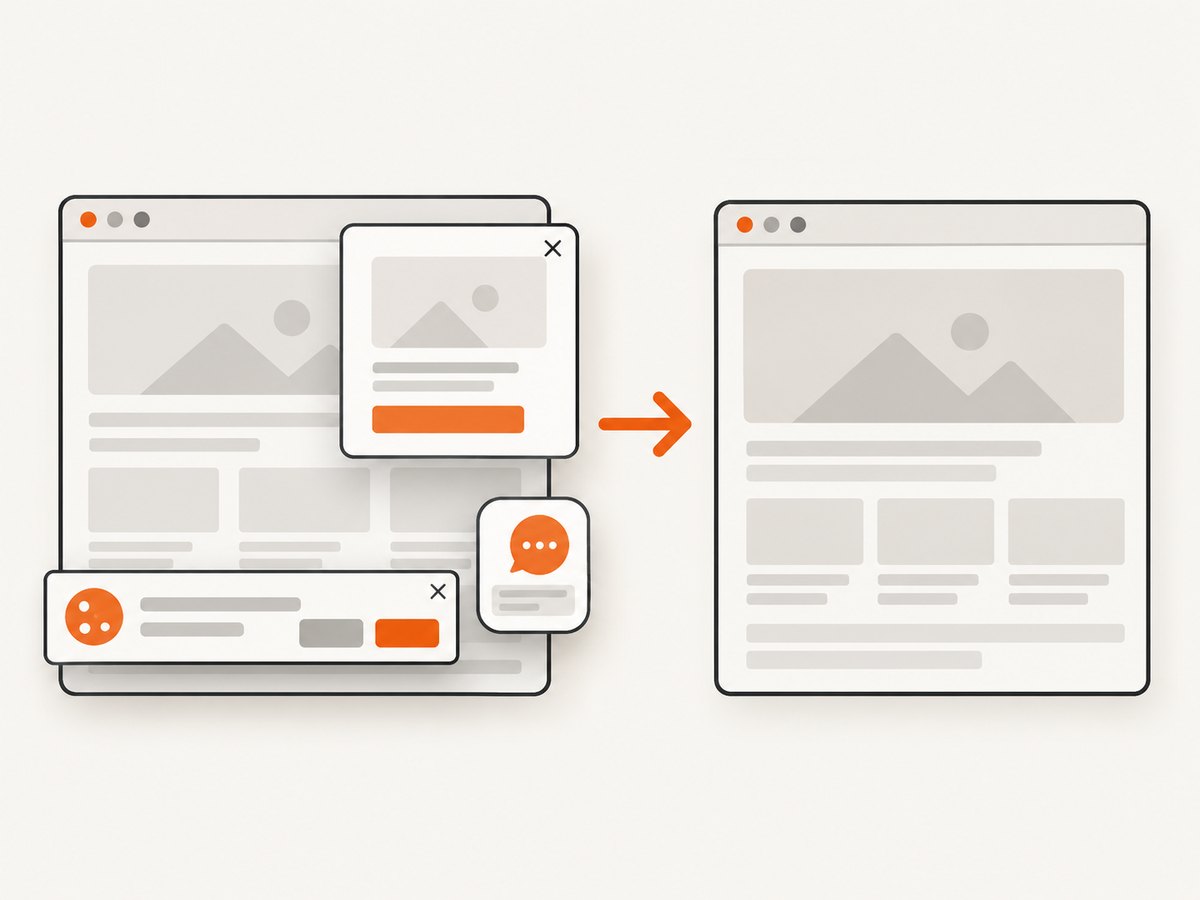
ScreenshotNeo is the alternative to try first when you need a clean current capture for an archive workflow: cookie and consent banners, newsletter popups and chat widgets are removed before the shot; bot checks, blank pages and failed loads are never billed; an MCP server lets Claude, Cursor and other AI agents take screenshots; 1,000 screenshots a month are free with no card and paid plans start at $5 for 3,000. Only clean shots are billed, and response headers identify the page verdict and billing result.
See the ScreenshotNeo API documentation for all options. This one-call example returns WebP:
curl -G "https://api.screenshotneo.com/v1/shot" -d access_key=YOUR_API_KEY --data-urlencode url=https://example.com -o shot.webpimport requests
r = requests.get("https://api.screenshotneo.com/v1/shot", params={"access_key": "YOUR_API_KEY", "url": "https://example.com"}, timeout=90)
open("shot.webp", "wb").write(r.content)const q = new URLSearchParams({ access_key: 'YOUR_API_KEY', url: 'https://example.com' });
const res = await fetch(`https://api.screenshotneo.com/v1/shot?${q}`);ScreenshotNeo supports PNG, JPEG, WebP and PDF; full-page capture with lazy images, CSS element capture, dark mode, device presets or custom viewports, retina scale, custom CSS and JavaScript, clicks, selector waits, delays, network-idle waits, request blocking, headers, cookies, user agents, authorization, timezone, geolocation, transparent backgrounds, resizing, TTL caching, signed image links, async jobs with signed webhooks, bulk capture of up to 100 URLs, a usage API and an OpenAPI specification. Familiar parameter names used by other screenshot APIs also work, which helps when switching. Create a free account with 1,000 screenshots per month and no card.
Troubleshooting
There is no snapshot
Try URL variants, Memento and regional collections. Password protection, robots.txt, owner exclusion and crawler discovery gaps are documented causes of absence.
The replay is broken
JavaScript, server-side image maps and orphan pages can fail in an archive. Look for another capture date, a static export, or capture the page with a real browser.
The page differs by location
Set a consistent viewport, locale, timezone and geolocation. Record those values with the capture.
The screenshot is blank or incomplete
Wait for a meaningful selector, scroll to trigger lazy loading, increase the timeout and check whether a consent dialog blocks rendering. In a hosted API, inspect verdict and billing headers before retrying.
Monitoring sends noisy alerts
Watch a CSS region instead of the entire page, suppress rotating areas, and use a longer baseline interval. Text, image and code rules can be more stable than full-page pixels.
Evidence is challenged
Use a service designed for legal preservation and confirm timestamps, hashes, affidavits, retention, access controls and export format. A normal screenshot alone may not establish chain of custody.
Performance, reliability and cost
Browser captures are slower when pages contain third-party scripts, videos, fonts or long polling. Reuse a browser process, set explicit timeouts, wait for a stable selector, and save the URL, timestamp, viewport and final response status beside each artifact. For schedules, separate capture from alert delivery and retry transient network failures with backoff. Cache only when a repeat request can safely use an older page.
Hosted pricing changes, so verify current plans. The dossier reports indicative prices: Visualping from $10/month, Stillio from $29/month, ChangeTower from $10/month and Page Vault on-demand at $149–$299. Enterprise products such as PageFreezer, MirrorWeb and Smarsh use custom pricing. ArchiveBox has no license fee when self-hosted, but storage, compute and maintenance are your cost. For ScreenshotNeo, the Free plan includes 1,000 shots monthly, Starter is $5 for 3,000, Growth $15 for 15,000, Pro $39 for 60,000, Scale $99 for 250,000 and Business $249 for 1,000,000; yearly billing gives two months free and every feature is on every plan.
FAQ
Is there a complete replacement for Wayback Machine?
No. Coverage, replay quality, schedules, legal controls and regional collections differ. Query several archives for important research.
Which option is best for a legal citation?
Start with Perma.cc for immutable citations. For formal evidence, evaluate PageFreezer, Page Vault or Smarsh against your jurisdiction and retention policy.
Can I monitor a page that has never been archived?
Yes. Start a schedule with Visualping, ChangeTower or Stillio; the first capture becomes your baseline.
Should I self-host?
Choose ArchiveBox when privacy, ownership and custom import sources justify operating storage and updates yourself.
What happened to Google Cache?
Google Cache was removed in February 2024 and is not an active recommendation. Conifer is reported as discontinued in June 2026; verify service status before relying on any older list.


