How to Web Scrape with Puppeteer and Node.js in 2026
Build a reliable Puppeteer scraper in Node.js: install Chrome, wait for dynamic content, extract data, troubleshoot failures, and deploy it safely.
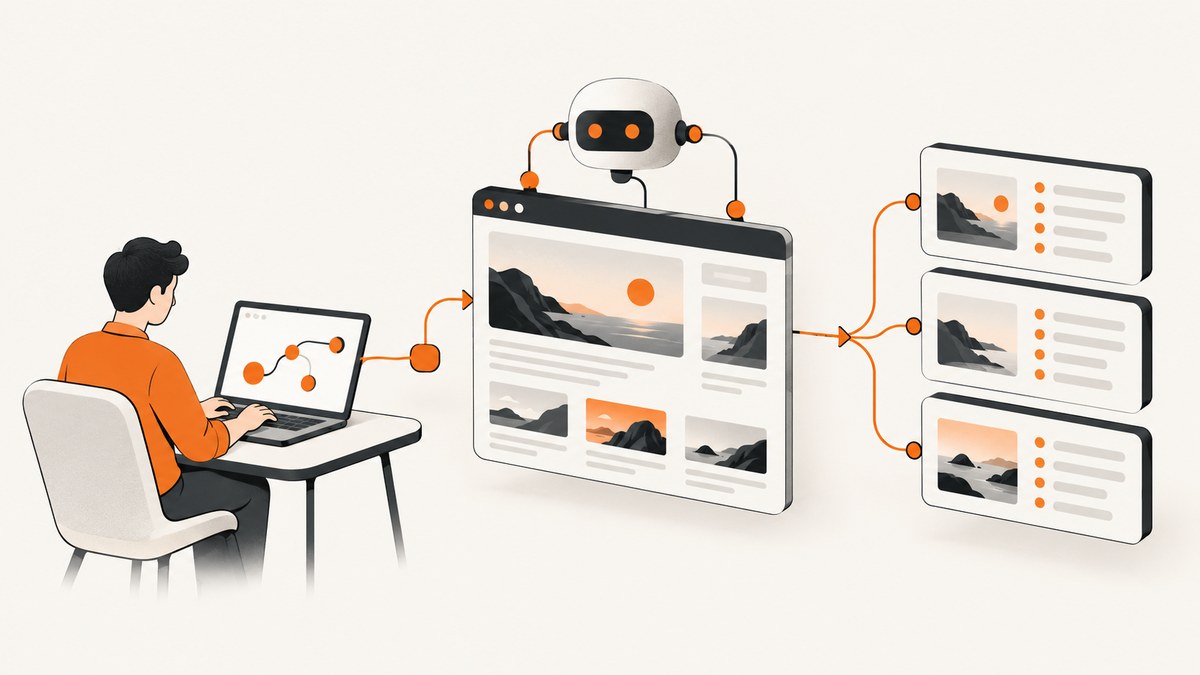
Puppeteer is a JavaScript library for controlling Chrome or Firefox through the DevTools Protocol or WebDriver BiDi. It runs headless by default, so a Node.js program can open pages, wait for JavaScript-rendered content, interact with controls, and extract data without displaying a browser window. The most dependable scraper uses an explicit readiness signal, stable selectors, validation, timeouts, and a browser setup that is deliberate about its executable.
This guide builds a complete scraper, explains puppeteer versus puppeteer-core, covers dynamic pages and navigation races, and shows how to operate the result in CI, containers, and production.
1. Install Puppeteer and choose who owns Chrome
Use the full puppeteer package when you want Puppeteer to download a compatible Chrome for Testing browser:
mkdir product-scraper
cd product-scraper
npm init -y
npm install puppeteer
The install normally downloads a browser. If your package manager blocks install scripts, install the browser explicitly:
npx puppeteer browsers install chrome
Use puppeteer-core when your operating system, container image, or remote browser service already provides Chrome or Chromium. It does not download a browser, so launch it with an explicit executable path, a supported channel, or a connection to a remote browser.
npm install puppeteer-core
Pin and review the Puppeteer version used by your project. Keep its compatible browser available in every build and runtime image. The browser download is substantial (the installation guide lists approximately 170 MB on macOS, 282 MB on Linux, and 280 MB on Windows, depending on version). Puppeteer documents ~/.cache/puppeteer as the default cache location from v19 onward; configure a persistent cache in CI when that reduces repeated downloads.
2. A minimal, runnable scraper
Create scrape.mjs. This example waits for the page’s item elements, extracts plain serializable objects, and always closes the browser:
import puppeteer from 'puppeteer';

const browser = await puppeteer.launch({
  headless: true
});

try {
  const page = await browser.newPage();
  await page.goto('https://example.com/products', {
    waitUntil: 'domcontentloaded',
    timeout: 30_000
  });

  await page.waitForSelector('[data-item]', {
    visible: true,
    timeout: 15_000
  });

  const rows = await page.$$eval('[data-item]', nodes => nodes.map(node => ({
    title: node.querySelector('.title')?.textContent?.trim() ?? null,
    url: node.querySelector('a')?.href ?? null
  })));

  if (rows.length === 0 || rows.some(row => !row.title)) {
    throw new Error('Expected product data was not found');
  }

  console.log(JSON.stringify(rows, null, 2));
} finally {
  await browser.close();
}
Run it with node scrape.mjs. Replace the URL and selectors with the site you are authorized to process. A successful HTTP response only proves that a response arrived; it does not prove that the application rendered the data you need.
3. Waiting for JavaScript-rendered content
Do not use an arbitrary long sleep as your primary readiness strategy. Choose a signal that represents the data you need.
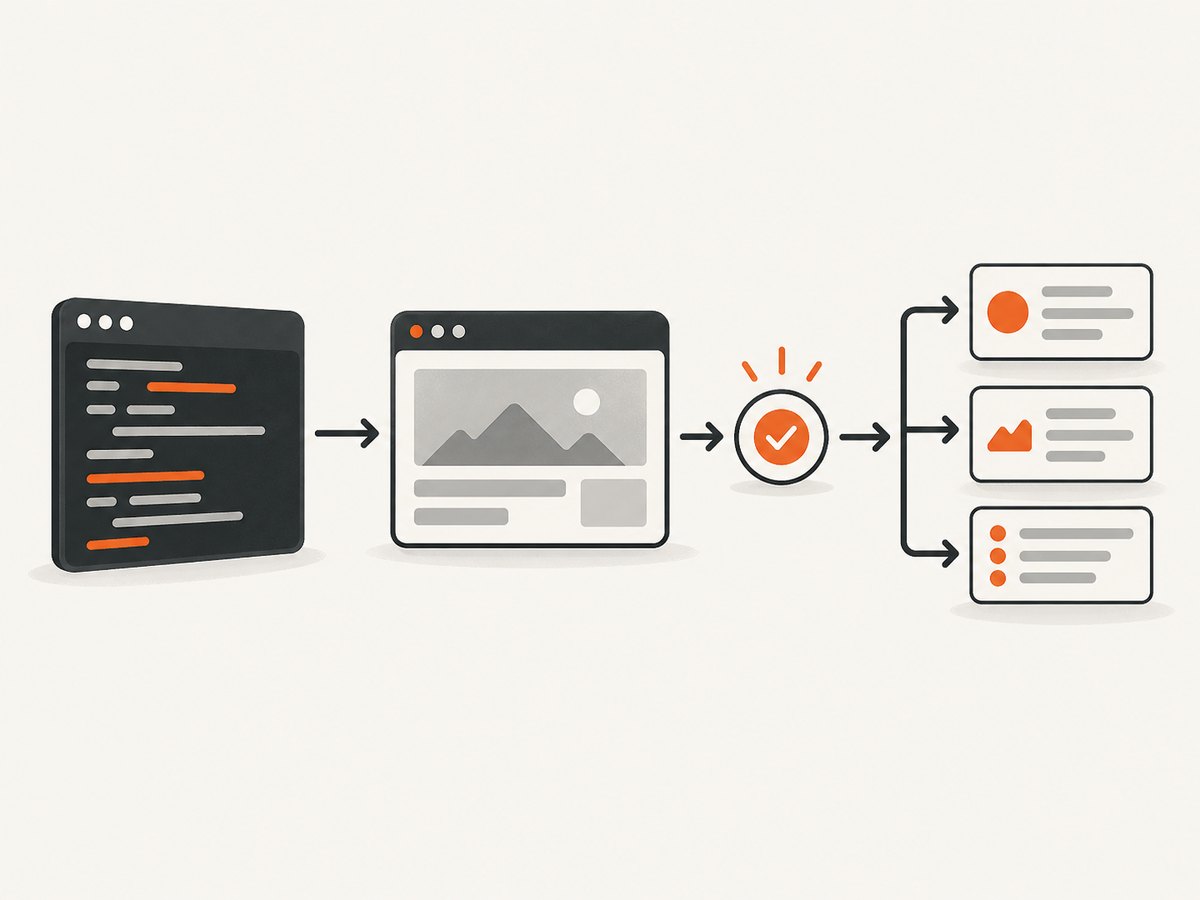
| Readiness method | Use it when | Limit |
|---|---|---|
waitForSelector |
A specific element proves that rendering completed. | Throws if the selector never appears; choose a deliberate timeout. |
waitForNetworkIdle |
Several background requests must settle before extraction. | Pages with analytics, streams, or polling may never become idle; it still waits at least the configured idle period. |
waitForResponse |
The data arrives from a known API request. | Validate the response status and payload; the request can succeed while the UI shows an error. |
| Short targeted delay | A known animation or debounce is the final step after a real signal. | It is timing-sensitive and should not replace a selector or response check. |
await page.goto(url, { waitUntil: 'domcontentloaded' });
await page.waitForSelector('[data-results]', { visible: true });

const apiResponse = await page.waitForResponse(
  response => response.url().includes('/api/search') && response.request().method() === 'GET',
  { timeout: 20_000 }
);
if (!apiResponse.ok()) throw new Error(`Search API returned ${apiResponse.status()}`);
Prefer selectors that express stable semantics: data-* attributes, accessible roles, or a documented element ID. Avoid deeply nested class chains generated by a framework. After extraction, verify required fields, expected URL or page identity, and reasonable row counts.
4. Clicks, pagination, and navigation races
If a click triggers navigation, begin waiting before the click. Starting the wait afterward can miss a fast navigation:
const [response] = await Promise.all([
  page.waitForNavigation({ waitUntil: 'networkidle0', timeout: 30_000 }),
  page.click('a.next')
]);

if (!response || !response.ok()) {
  throw new Error('Next page navigation failed');
}
For client-side routing, there may be no traditional navigation. Wait for the next page’s selector or its API response instead:
await page.click('button.next');
await page.waitForSelector('[data-page="2"]', { visible: true });
A pagination loop should stop on an explicit condition and enforce a maximum page count:
const allRows = [];
for (let pageNumber = 1; pageNumber <= 100; pageNumber++) {
  await page.waitForSelector('[data-item]', { visible: true });
  const rows = await page.$$eval('[data-item]', nodes => nodes.map(n => ({
    title: n.querySelector('.title')?.textContent?.trim(),
    url: n.querySelector('a')?.href
  })));
  allRows.push(...rows);

  const next = await page.$('a.next:not([aria-disabled="true"])');
  if (!next) break;
  await Promise.all([
    page.waitForNavigation({ waitUntil: 'domcontentloaded' }),
    next.click()
  ]);
}
5. Selectors, locators, and extraction details
$$eval runs a function in the page and returns serializable values. Return strings, numbers, booleans, arrays, and plain objects rather than element handles that become invalid after navigation. Normalize whitespace and handle missing optional fields with optional chaining.
const records = await page.$$eval('article[data-item]', cards => cards.map(card => ({
  name: card.querySelector('h2')?.textContent?.replace(/\s+/g, ' ').trim() ?? '',
  priceText: card.querySelector('[data-price]')?.textContent?.trim() ?? '',
  tags: [...card.querySelectorAll('[data-tag]')].map(tag => tag.textContent.trim())
})));
When a site exposes data in a JSON response, capturing and validating that response can be faster and less fragile than parsing presentation markup. Use request interception only when you understand the consequences: blocking fonts or images may save bandwidth, but blocking a script or API request can prevent the application from rendering the records.
6. Browser and page configuration that matters
- Headless or headful: headless is the default and suits servers. Use headful mode while diagnosing selectors or consent flows.
- Viewport and device: set a viewport that matches the site layout you intend to collect. Responsive markup can change at mobile widths.
- Timeouts: set navigation and action timeouts explicitly; catch failures and record the URL and phase that failed.
- Authentication: use page cookies or headers only for accounts and data you are authorized to access. Keep secrets out of source control.
- Proxy: configure a proxy supplied by your environment when required, and observe the target’s rate limits and terms.
- Locale and timezone: set them when localized prices, dates, or content affect extraction.
- Resource blocking: skip unnecessary media only after confirming the data does not depend on it.
For a managed browser, the launch shape is explicit:
import puppeteer from 'puppeteer-core';

const browser = await puppeteer.launch({
  executablePath: process.env.CHROME_BIN,
  headless: true,
  args: ['--no-sandbox']
});
Only add runtime flags required by your container or security model. Verify that the executable is compatible with the Puppeteer version.
7. Handling failures and validating results
Wrap each URL in an operation-level try/catch so one bad page does not silently corrupt the batch. Record the final URL, response status, elapsed time, and a short error category. Retry transient navigation failures with a bounded backoff, but do not retry deterministic selector failures forever.
async function scrapeOne(browser, url) {
  const page = await browser.newPage();
  page.setDefaultNavigationTimeout(30_000);
  page.setDefaultTimeout(15_000);
  try {
    const response = await page.goto(url, { waitUntil: 'domcontentloaded' });
    if (!response?.ok()) throw new Error(`HTTP ${response?.status() ?? 'unknown'}`);
    await page.waitForSelector('[data-item]', { visible: true });
    return await page.$$eval('[data-item]', nodes => nodes.map(n => ({
      title: n.querySelector('.title')?.textContent?.trim() ?? null
    })));
  } finally {
    await page.close();
  }
}
8. Troubleshooting common Puppeteer errors
| Symptom | Likely cause | Fix |
|---|---|---|
| “Could not find Chrome” or launch failure after install | Install scripts were disabled, the browser cache is unavailable, or puppeteer-core was used without a browser. |
Run npx puppeteer browsers install, preserve the cache, or provide executablePath/channel. |
waitForSelector timeout |
Wrong selector, consent wall, login requirement, slow rendering, or the data is inside a frame. | Inspect headful, wait for the actual readiness signal, handle the frame or consent state, and validate the URL. |
| Navigation timeout | Slow server, blocked resource, proxy problem, or a page that never finishes loading. | Use a suitable waitUntil, set a bounded timeout, inspect response/status, and retry transient failures. |
| Click does nothing | Element is hidden, covered, disabled, or the app updates without navigation. | Wait for visibility, scroll if needed, then wait for the resulting selector or API response. |
| Empty text or missing fields | Extraction ran before hydration, selector matched a shell, or content is in shadow DOM/iframe. | Wait for a content-specific marker and inspect the correct frame or DOM root. |
| Works locally but fails in CI | Different browser binary, missing OS libraries, restricted sandbox, cache, proxy, or viewport. | Pin versions, install the browser in the image, persist cache, log executable path, and reproduce with the CI image. |
9. Performance, reliability, and cost
Reuse one browser process and create pages per job instead of launching Chrome for every URL. Limit concurrent pages to what the CPU and memory can sustain. Close pages in finally blocks, cap pagination, and avoid retaining large HTML strings. Cache results where freshness permits. Measure navigation time, extraction time, browser memory, and retry counts.
Network interception can reduce transfer costs, but aggressive blocking can remove the very scripts or API calls that produce the data. A selector wait is usually cheaper and more predictable than a multi-second fixed delay. For continuously active applications, prefer a known response or content marker over networkidle.
Respect terms of service, robots directives where applicable, authentication boundaries, privacy obligations, and published rate limits. Collect only data you are authorized to process. Puppeteer supports screenshots, PDFs, network interception, headful debugging, and performance analysis; choose it when you need browser execution and interaction rather than a simple HTTP client.
10. Or skip the browser setup
If your goal is a clean screenshot or PDF rather than custom DOM extraction, ScreenshotNeo provides a website screenshot API and MCP server. One GET request returns a PNG, JPEG, WebP, or PDF. The API accepts the URL and many familiar screenshot parameters, so switching from another screenshot service is straightforward. See the ScreenshotNeo API documentation for the complete option list.
curl -G "https://api.screenshotneo.com/v1/shot" -d access_key=YOUR_API_KEY --data-urlencode url=https://stripe.com -o shot.webpimport requests
r = requests.get("https://api.screenshotneo.com/v1/shot", params={"access_key": "YOUR_API_KEY", "url": "https://stripe.com"}, timeout=90)
r.raise_for_status()
open("shot.webp", "wb").write(r.content)
const q = new URLSearchParams({ access_key: 'YOUR_API_KEY', url: 'https://stripe.com' });
const res = await fetch(`https://api.screenshotneo.com/v1/shot?${q}`);
if (!res.ok) throw new Error(`Screenshot failed: ${res.status}`);
const buffer = Buffer.from(await res.arrayBuffer());
await import('node:fs/promises').then(fs => fs.writeFile('shot.webp', buffer));
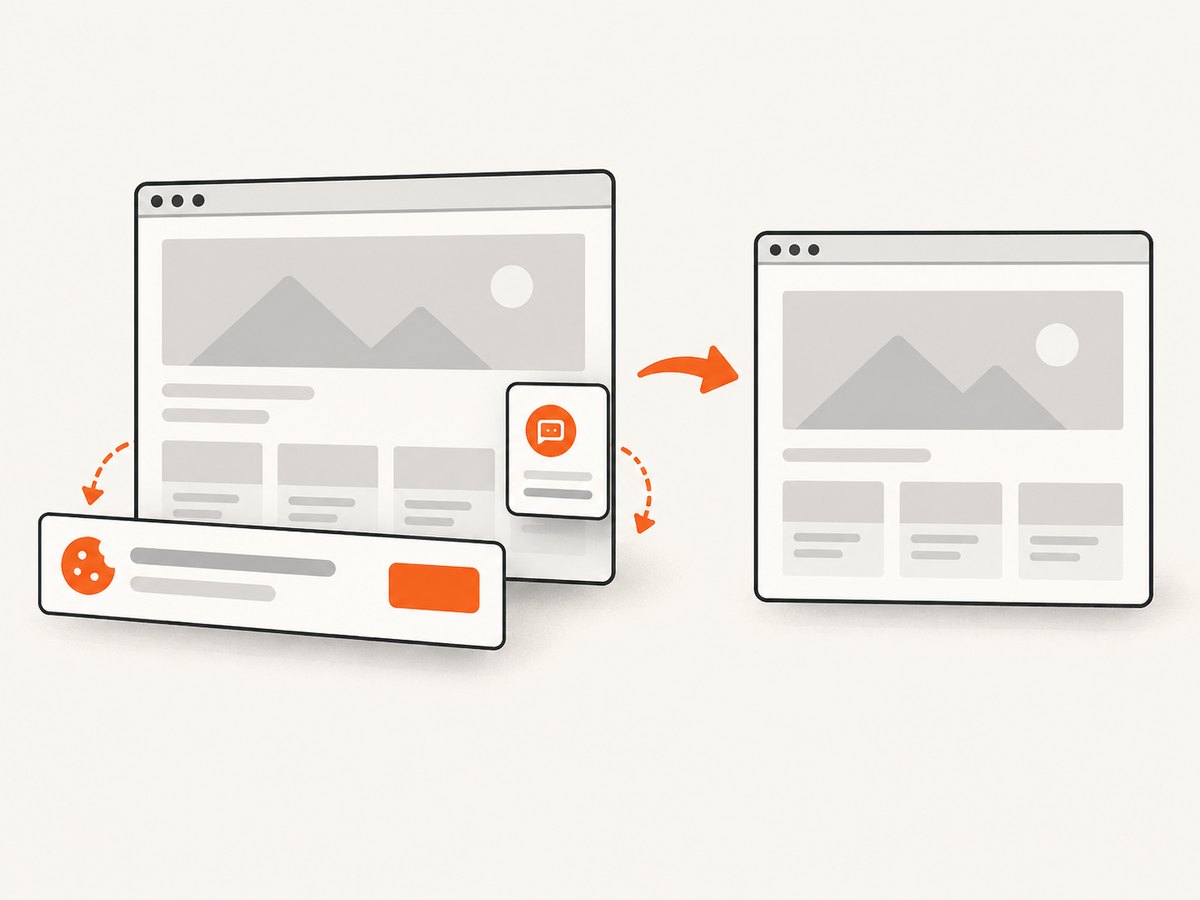
ScreenshotNeo accepts cookie and consent banners as a visitor and removes more than 60 known consent platforms, newsletter popups, and chat widgets before capture; each step can be turned off. Bot checks or CAPTCHAs, blank pages, timeouts, failed loads, and cache hits cost nothing, and the response identifies the result with X-Page-Verdict and X-Billed headers. Options include full-page lazy-image capture, CSS element capture, dark mode, device presets or custom viewports, retina scale, PDF paper settings, custom CSS and JavaScript, clicks, waits, request blocking, headers, cookies, user agents, authorization, timezone, geolocation, transparent backgrounds, resizing, caching with a chosen TTL, signed links, asynchronous jobs with signed webhooks, bulk capture of up to 100 URLs per call, a usage API, and an OpenAPI specification. Its MCP server exposes take_screenshot, get_page_info, and capture_pdf to Claude, Cursor, and other MCP clients.
The Free plan includes 1,000 screenshots per month with no card. Starter is $5 for 3,000, Growth $15 for 15,000, Pro $39 for 60,000, Scale $99 for 250,000, and Business $249 for 1,000,000; yearly billing gives two months free and every feature is on every plan. Sign up for the free plan and start with 1,000 screenshots a month at no charge.
11. FAQ
Should I use Puppeteer or puppeteer-core?
Use puppeteer when the project should download and manage a compatible Chrome. Use puppeteer-core when Chrome is managed elsewhere or you connect to a remote browser, and provide the executable or connection explicitly.
Is Puppeteer suitable for static HTML?
It works, but a direct HTTP client and HTML parser usually use fewer resources when JavaScript execution and interaction are unnecessary.
Why is network idle unreliable?
Analytics, polling, WebSockets, and advertisements can keep requests active indefinitely. A selector proving that the required records exist or a validated API response is usually a better boundary.
Can I run the scraper in a container?
Yes. Install a compatible browser and its system dependencies, decide how sandboxing is handled by the image, preserve the Puppeteer cache when useful, and test with the same image used in production.
How do I avoid duplicate records?
Normalize URLs or stable IDs, store a seen set, and validate pagination termination. Do not rely only on the visible title, which may change or be missing.


