Web Scraping Beyond HTML: XHRs, Metadata, and JavaScript Variables
Learn how to extract data from metadata, embedded JavaScript state, and XHR or fetch calls with reliable browser and HTTP workflows.

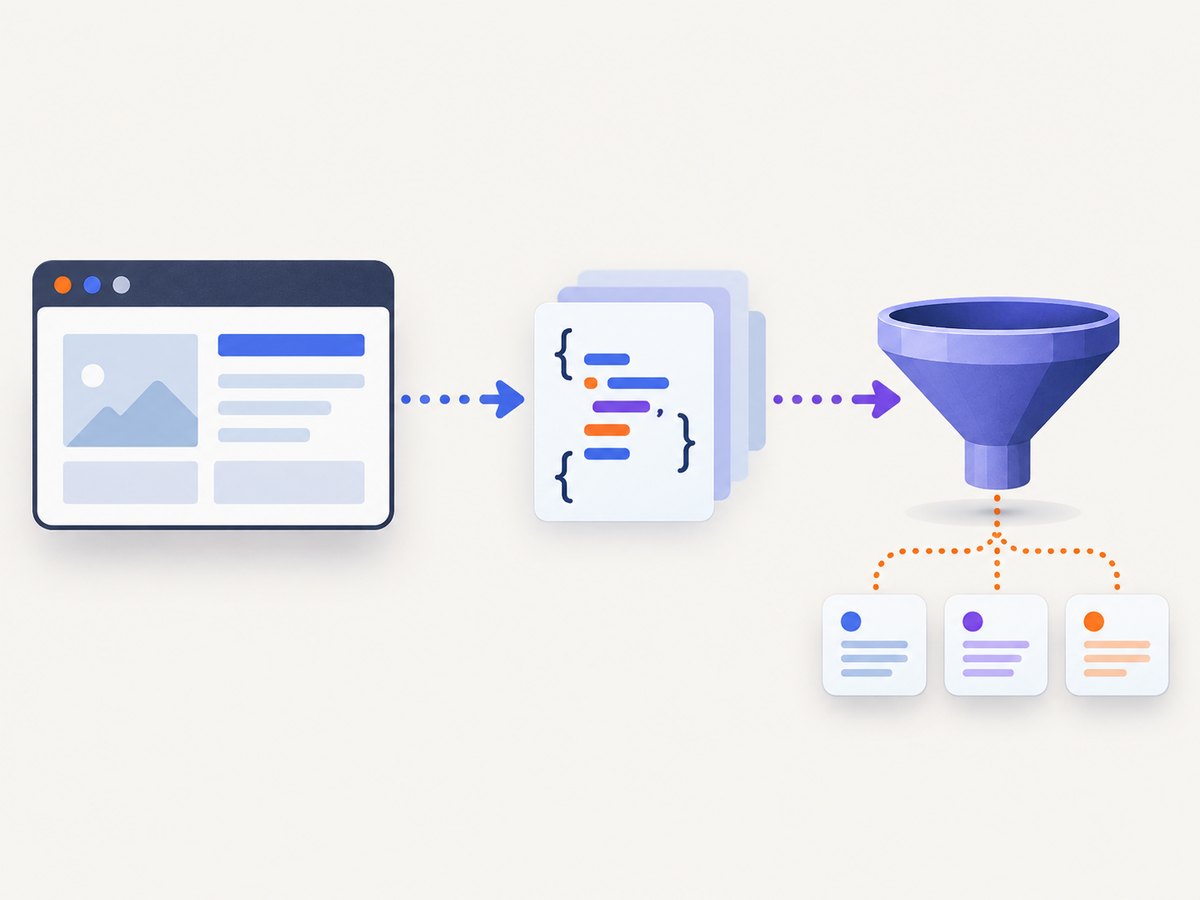
Raw HTML is only the first layer of many modern web pages. A page can render almost no useful data in its initial response, then fetch JSON through XHR or fetch, hydrate a JavaScript application with embedded state, and update the DOM after the load event. Reliable scraping means identifying the layer that contains the data, waiting for it to become available, and choosing the least complex authorized method that works.
What to scrape first
Use this order for most projects:
- Metadata and embedded state: inspect the head and JSON data blocks before starting a browser.
- Network requests: identify the XHR or fetch response that contains structured data.
- Direct HTTP: reproduce a stable, permitted endpoint with an HTTP client.
- Browser automation: use Playwright, Selenium, Puppeteer, or CDP when tokens, cookies, interaction, or client-side computation require a real browser.
Playwright documents that requests made by a page, including XHR and fetch requests, can be tracked, modified, and handled. Its guidance also warns that applications may populate the interface after the load event, so synchronization must target an application signal rather than assuming the page is ready. Read the Playwright network documentation.
1. Establish the page layers with a plain HTTP request
Start by recording the final URL, status, content type, and response headers. Save the raw response so you can inspect it repeatedly without generating more traffic. A direct request is faster and easier to operate than a browser when the required data is already in HTML.
python -m pip install requests beautifulsoup4
import json
import requests
from bs4 import BeautifulSoup

url = 'https://example.com/page'
r = requests.get(url, timeout=30, headers={'User-Agent': 'MyResearchBot/1.0'})
r.raise_for_status()

print('final URL:', r.url)
print('status:', r.status_code)
print('content type:', r.headers.get('content-type'))

soup = BeautifulSoup(r.text, 'html.parser')
print('title:', soup.title.get_text(strip=True) if soup.title else None)
for tag in soup.find_all('meta'):
    print('meta:', tag.attrs)

for link in soup.find_all('link', href=True):
    print('link:', link.get('rel'), link['href'])

for script in soup.find_all('script', type='application/json'):
    try:
        data = json.loads(script.string or script.get_text())
        print('embedded JSON:', data)
    except json.JSONDecodeError:
        print('invalid JSON block at script tag')
The HTML <meta> element represents metadata that cannot be represented by elements such as <base>, <link>, <script>, <style>, or <title>. Check name/content pairs, Open Graph properties, canonical and alternate links, language declarations, JSON-LD, and vendor-specific fields. Preserve duplicate keys and their source locations because pages sometimes expose conflicting values. MDN meta element reference.
Extract metadata safely
from collections import defaultdict

metadata = defaultdict(list)
for tag in soup.find_all('meta'):
    key = tag.get('name') or tag.get('property') or tag.get('http-equiv') or tag.get('itemprop')
    if key and tag.get('content') is not None:
        metadata[key].append(tag['content'])

for key, values in metadata.items():
    print(key, values)
Also search inline scripts for hydration payloads, recognizable object assignments, and serialized state. Prefer <script type='application/json'> blocks: MDN documents this pattern for embedding data during server-side rendering. Parse the text as JSON; do not evaluate arbitrary JavaScript from an untrusted page.
2. Discover XHR and fetch responses
Open browser DevTools, reload the page, filter the Network panel to Fetch/XHR, and repeat the interaction that reveals the data. Record the request method, URL, query parameters, request body, relevant headers, cookies, response content type, pagination fields, and the event that triggered the call.
The Chrome DevTools Protocol exposes structured Network, DOM, and Debugger events. Its protocol reference is powerful but tip-of-tree: versions can change without backward compatibility. CDP documentation.
Capture responses with Playwright
import asyncio
from playwright.async_api import async_playwright

async def main():
    async with async_playwright() as p:
        async with await p.chromium.launch() as browser:
            page = await browser.new_page()
            wanted = []

            async def on_response(response):
                resource = response.request.resource_type
                if resource in ('xhr', 'fetch'):
                    content_type = response.headers.get('content-type', '')
                    if 'json' in content_type:
                        try:
                            wanted.append({
                                'url': response.url,
                                'status': response.status,
                                'body': await response.json()
                            })
                        except Exception:
                            pass

            page.on('response', on_response)
            await page.goto('https://example.com/app', wait_until='domcontentloaded')
            await page.get_by_role('button', name='Load data').click()
            await page.wait_for_timeout(1000)
            print(wanted)
            await browser.close()

asyncio.run(main())
For deterministic extraction, wait for the specific response instead of sleeping:
async with page.expect_response(lambda r: '/api/items' in r.url and r.status == 200) as event:
    await page.get_by_role('button', name='Load data').click()
response = await event.value
payload = await response.json()
A response predicate, target selector, known state variable, or application-ready marker distinguishes a real result from a page that merely finished loading. Keep timeout failures separate from valid empty datasets.
3. Reproduce the endpoint directly
If the endpoint is public, stable, and permitted for your use, switch to an HTTP client. Copy the method, query string or body encoding, pagination cursor, and required authorization state. A URL alone is often insufficient: origin or referer checks, cookies, short-lived tokens, and browser-generated signatures may matter.
import requests

s = requests.Session()
s.headers.update({'User-Agent': 'MyResearchBot/1.0', 'Accept': 'application/json'})

r = s.get(
    'https://example.com/api/items',
    params={'page': 1, 'limit': 50},
    timeout=30,
)
r.raise_for_status()
if 'application/json' not in r.headers.get('content-type', ''):
    raise ValueError('Expected JSON response')
data = r.json()
print(data)
Fetch is the browser network interface and a more powerful replacement for XMLHttpRequest. MDN Fetch API. Keep browser automation as a fallback when a token is generated at runtime, a login cookie is required, an interaction changes the request, or the client computes a signature.
4. Extract JavaScript variables without scraping rendered text
Rendered text is often a lossy view of the data. Look for JSON state first, then narrowly parse known assignments. Never execute page code merely to read a value.
import json
import re

html = r.text
match = re.search(r"window\.__INITIAL_STATE__\s*=\s*(\{.*?\});", html, re.S)
if match:
    state = json.loads(match.group(1))
    print(state.get('products'))
Regex is appropriate only for a stable, tightly scoped assignment. For nested JavaScript literals, prefer a parser or the page’s documented JSON endpoint. Treat escaped characters, trailing commas, duplicated assignments, and script-delivery changes as expected maintenance cases.
5. Choosing an implementation
| Option | Best fit | Trade-offs |
|---|---|---|
| Direct HTTP client | Stable JSON endpoint with no browser-only state | Fast and inexpensive, but sensitive to auth and endpoint changes |
| Playwright | Cross-browser automation, robust waits, and request interception | Uses more CPU and memory; browser lifecycle needs management |
| Selenium WebDriver/BiDi | WebDriver-standard environments and broad language support | Driver and browser coordination add operational work |
| Puppeteer | JavaScript-first Chromium and CDP workflows | Strong Chrome integration; browser portability depends on target |
| CDP directly | Low-level Chromium instrumentation | Most control, but Chromium-specific and version-sensitive |
Selenium describes WebDriver as driving a browser natively. Puppeteer supports Chrome DevTools Protocol and WebDriver BiDi, including request and response interception. Use the stack already supported by your deployment language unless a specific protocol feature decides the choice.
6. Synchronization, pagination, and state
- Wait for the response that contains the target field, not just
loador network idle. - Capture pagination cursors and stop when the server indicates there is no next page.
- Persist cookies and authorization only in a protected secret store.
- Record final URL, status, content type, request ID, and extraction timestamp with every result.
- Cache immutable responses and use exponential backoff for 429 and transient 5xx responses.
- Limit concurrency and identify your client with an honest user agent where appropriate.
Robots.txt communicates crawler preferences; it does not grant permission. Review the site’s terms, authentication boundaries, privacy obligations, and rate limits before collecting data. Google’s robots.txt guidance.
Or skip the browser setup
When your goal is a clean visual record of a page or element, ScreenshotNeo handles the capture request for you. It accepts consent banners like a visitor and removes more than 60 known consent platforms, newsletter popups, and chat widgets before the shot; each cleanup step can be disabled. Only clean shots are billed: bot checks or CAPTCHAs, blank pages, timeouts, failed loads, and cache hits cost nothing, and response headers identify the page verdict and billing status.

See the ScreenshotNeo API documentation for all options, including full-page lazy-image loading, CSS element capture, custom CSS and JavaScript, waits, blocked resources, headers, cookies, user agents, authorization, timezone, geolocation, transparent backgrounds, resizing, caching, signed links, asynchronous jobs, bulk capture, PDFs, and usage reporting.
curl -G 'https://api.screenshotneo.com/v1/shot' -d access_key=YOUR_API_KEY --data-urlencode url=https://stripe.com -o shot.webpimport requests
r = requests.get('https://api.screenshotneo.com/v1/shot', params={'access_key': 'YOUR_API_KEY', 'url': 'https://stripe.com'}, timeout=90)
open('shot.webp', 'wb').write(r.content)
const q = new URLSearchParams({ access_key: 'YOUR_API_KEY', url: 'https://stripe.com' });
const res = await fetch(`https://api.screenshotneo.com/v1/shot?${q}`);
const image = Buffer.from(await res.arrayBuffer());
await import('node:fs/promises').then(fs => fs.writeFile('shot.webp', image));
ScreenshotNeo also provides an MCP server with take_screenshot, get_page_info, and capture_pdf tools for Claude, Cursor, and other MCP clients. The Free plan includes 1,000 shots each month with no card; paid plans start at $5 for 3,000 shots. Create a free ScreenshotNeo account.
Troubleshooting
The HTML contains no records
Cause: data is fetched after navigation. Fix: inspect Fetch/XHR traffic, identify the response, and wait for that response or a data-bearing selector.
The endpoint returns 401 or 403
Cause: missing login cookies, authorization, CSRF token, origin header, or a short-lived signature. Fix: capture the complete authorized request in a browser session. Do not bypass access controls.
The request returns HTML instead of JSON
Cause: redirect, bot check, error page, or expired session. Fix: inspect the final URL and content type, preserve redirects for diagnosis, and refresh the authorized session.
Data is intermittently empty
Cause: a race between navigation and lazy application requests. Fix: wait for a specific response or application-ready marker and record timeout versus empty-result outcomes.
Copied requests stop working
Cause: undocumented endpoints, rotating tokens, changed schemas, or browser-owned headers. Fix: validate the schema, refresh discovery periodically, and retain a browser fallback.
Automation is slow or expensive
Cause: launching a browser for every URL and downloading unnecessary assets. Fix: reuse browser contexts, block irrelevant resource types, limit concurrency, cache stable responses, and use direct HTTP once the endpoint is understood.
Performance, reliability, and cost checklist
- Prefer metadata or a direct JSON request when it contains everything required.
- Reuse sessions and browser instances; isolate cookies between accounts.
- Set explicit connect, response, and total job timeouts.
- Retry only transient failures, with capped exponential backoff and jitter.
- Respect server pagination and rate limits; never create unbounded parallel work.
- Store raw response samples and schema versions so extractor changes are reviewable.
- Measure request count, response size, browser time, retry count, and useful-record yield.
- Budget for browser memory and proxy or network costs when direct requests are not possible.
FAQ
Is scraping an API endpoint better than scraping the DOM?
Usually, if the endpoint is authorized, stable, and returns the required fields. The DOM remains useful when the endpoint needs browser state or when the rendered result itself is the target.
Does network idle mean the page is ready?
No. Applications can issue later requests or render after hydration. Wait for a target response, selector, or explicit ready signal.
Can I read any JavaScript variable from a page?
You can read data delivered to the page when your access is authorized, but parse serialized state rather than evaluating arbitrary scripts.
Which browser tool should a Python team use?
Playwright is a practical default for cross-browser automation and network interception. Selenium is a good fit where WebDriver standards and existing infrastructure matter.
How should I handle robots.txt?
Treat it as a crawler preference that informs your policy, then separately review terms, privacy requirements, authentication boundaries, and rate limits.


