Introduction to Web Scraping Images with Python
Learn to find, resolve, download, validate and safely store images from web pages with Python, plus a reliable option for JavaScript-rendered sites.

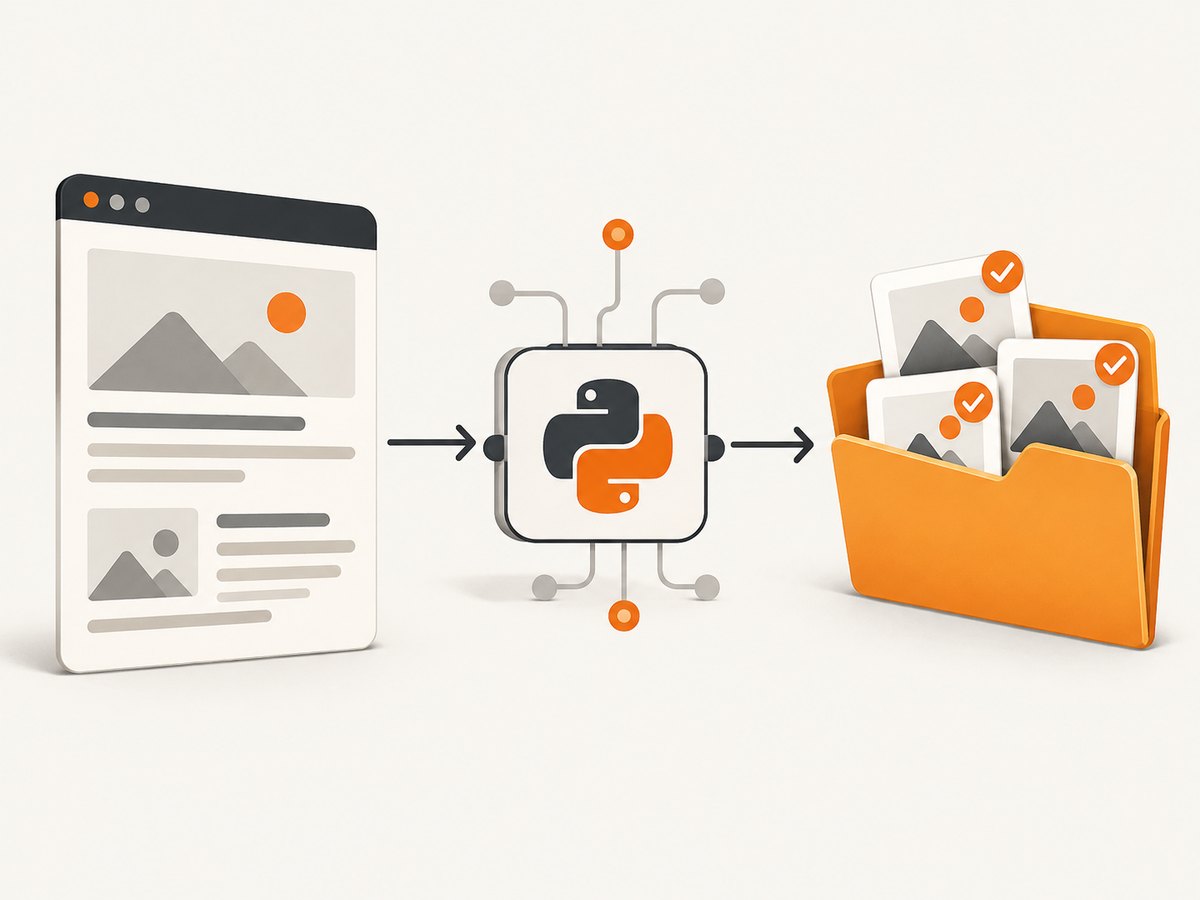
Web scraping images with Python usually means four jobs: request the page, find image references in its HTML, turn those references into absolute URLs, and download the bytes safely. A short script can handle a static gallery. A production crawler also needs redirects, lazy-loading attributes, duplicate detection, content validation, size limits, retries, rate limiting and permission checks.
This guide builds the process from first principles. It starts with a requests and Beautiful Soup implementation, then adds support for srcset, robust filenames, streaming downloads, retries and logging. It also explains why a parser may find a page but no images, and when an authorized browser-rendering service is a better fit.
1. Check permission and define the job
Before writing code, check the site’s robots.txt, terms of use, authentication boundary and applicable copyright rules. Python’s urllib.robotparser can read crawler rules. A permission to view a page does not automatically grant permission to republish its images. If automated access is disallowed, stop or use the site’s official API or export.
Decide what “all images” means:
- Only visible content images (
<img>)? - Responsive candidates in
srcset? - CSS background images?
- Images loaded after JavaScript runs?
- Original files, or the largest URL offered by the page?
Those choices affect both the selector and the tool. The examples below collect image elements from the HTML response and can be extended for other cases.
2. Install the Python dependencies
python -m venv .venv
# macOS/Linux
source .venv/bin/activate
# Windows PowerShell: .venv\\Scripts\\Activate.ps1

python -m pip install requests beautifulsoup4
urllib.request is available in the standard library, while Requests provides a convenient session, timeout and exception API. Beautiful Soup converts HTML into a searchable tree.
3. Minimal static-page scraper
Start by checking the response before parsing it. Then inspect the attributes that sites commonly use for immediate and lazy-loaded images.
from pathlib import Path
from urllib.parse import urljoin
import mimetypes
import requests
from bs4 import BeautifulSoup

PAGE_URL = "https://example.com/gallery"
OUT = Path("images")
OUT.mkdir(exist_ok=True)

page = requests.get(
    PAGE_URL,
    headers={"User-Agent": "image-research-bot/1.0"},
    timeout=15,
)
page.raise_for_status()
soup = BeautifulSoup(page.content, "html.parser")

seen = set()
for index, tag in enumerate(soup.select("img"), start=1):
    raw = tag.get("src") or tag.get("data-src") or tag.get("data-lazy-src")
    if not raw:
        continue
    image_url = urljoin(PAGE_URL, raw)
    if image_url in seen:
        continue
    seen.add(image_url)

    image = requests.get(image_url, timeout=15)
    image.raise_for_status()
    content_type = image.headers.get("content-type", "").split(";", 1)[0].lower()
    if not content_type.startswith("image/"):
        continue
    extension = mimetypes.guess_extension(content_type) or ".bin"
    (OUT / f"image_{index:04d}{extension}").write_bytes(image.content)
    print(f"saved {image_url}")
Run it with python scrape_images.py. The deterministic names avoid unsafe path characters and preserve ordering. The content type comes from the response rather than the URL, because image URLs often have no extension or include query strings.
4. Resolve lazy images, responsive images and duplicates
Many pages put a tiny placeholder in src and the real file in data-src, data-original or data-lazy-src. Responsive pages may provide candidates in srcset. The function below chooses the largest declared candidate and normalizes whitespace.
from urllib.parse import urljoin

def image_reference(tag, page_url):
    for name in ("src", "data-src", "data-original", "data-lazy-src"):
        value = tag.get(name)
        if value and not value.startswith("data:"):
            return urljoin(page_url, value.strip())

    srcset = tag.get("srcset") or tag.get("data-srcset")
    if srcset:
        candidates = []
        for item in srcset.split(","):
            bits = item.strip().split()
            if not bits:
                continue
            width = 0
            if len(bits) > 1 and bits[1].endswith("w"):
                try:
                    width = int(bits[1][:-1])
                except ValueError:
                    pass
            candidates.append((width, bits[0]))
        if candidates:
            return urljoin(page_url, max(candidates)[1])
    return None

for tag in soup.select("img"):
    image_url = image_reference(tag, PAGE_URL)
    if image_url:
        print(image_url)
Use a set of canonical URLs to deduplicate repeated thumbnails, logos and responsive variants. For stricter normalization, remove only URL fragments (#...); query parameters can identify different image transformations and should usually remain.
5. Download safely with streaming, limits and retries
response.content loads an entire file into memory. Streaming is safer for large files. A retry policy handles transient 429 and 5xx responses, while a byte limit prevents an accidental multi-gigabyte download.
from pathlib import Path
from urllib.parse import urlparse
import hashlib
import mimetypes
import time
import requests

session = requests.Session()
session.headers.update({"User-Agent": "image-research-bot/1.0"})

RETRY_STATUS = {429, 500, 502, 503, 504}
MAX_BYTES = 25 * 1024 * 1024

def safe_name(url, index, content_type):
    digest = hashlib.sha256(url.encode("utf-8")).hexdigest()[:12]
    ext = mimetypes.guess_extension(content_type.split(";", 1)[0].lower()) or ".bin"
    return f"image_{index:04d}_{digest}{ext}"

def download(url, index, out_dir):
    for attempt in range(4):
        try:
            with session.get(url, stream=True, timeout=(10, 30), allow_redirects=True) as r:
                if r.status_code in RETRY_STATUS:
                    raise requests.HTTPError(f"retryable status {r.status_code}")
                r.raise_for_status()
                content_type = r.headers.get("content-type", "")
                if not content_type.lower().startswith("image/"):
                    return "skipped: non-image content"
                length = r.headers.get("content-length")
                if length and int(length) > MAX_BYTES:
                    return "skipped: declared size too large"
                target = Path(out_dir) / safe_name(url, index, content_type)
                total = 0
                with target.open("wb") as f:
                    for chunk in r.iter_content(64 * 1024):
                        if not chunk:
                            continue
                        total += len(chunk)
                        if total > MAX_BYTES:
                            target.unlink(missing_ok=True)
                            return "skipped: stream exceeded limit"
                        f.write(chunk)
                return str(target)
        except (requests.RequestException, ValueError) as exc:
            if attempt == 3:
                return f"failed: {exc}"
            time.sleep(2 ** attempt)
    return "failed"

print(download("https://example.com/photo.jpg", 1, "images"))
For stronger validation, inspect magic bytes with Pillow after download and reject files whose declared type does not match their content. Keep a manifest containing source URL, final URL, status, content type, byte count, timestamp and local filename so a run can be audited or resumed.
6. A reusable crawler pattern
- Maintain a queue of page URLs and a set of visited pages.
- Apply a per-host rate limit and a maximum page count.
- Fetch with a session, explicit connect/read timeouts and bounded retries.
- Parse each successful HTML response and resolve image references.
- Deduplicate image URLs before downloading.
- Write downloads and metadata atomically, then checkpoint progress.
Use caching for pages already fetched, and honor Retry-After on 429 responses. Keep concurrency low enough for the site’s published limits. Never use this pattern to bypass login controls, CAPTCHAs or anti-bot restrictions.
7. Why Beautiful Soup finds no images
A plain HTTP parser sees only the HTML returned by the server. If a browser later inserts <img> elements through JavaScript, soup.select("img") legitimately returns nothing. Other causes include:
- The image is in
srcset, a lazy attribute or a<picture>source. - The URL is inside CSS, JSON or an embedded script rather than an image tag.
- The request received a consent wall, bot check, redirect or error page.
- The page requires authentication or a location-specific session.
Inspect response.status_code, response.url, response.headers["content-type"] and a short prefix of response.text. For authorized JavaScript pages, use a browser automation tool or a rendering API. Do not attempt to defeat access controls.
8. Or skip the browser setup
When you need a rendered page image rather than the underlying file URLs, ScreenshotNeo provides one GET request for a PNG, JPEG, WebP or PDF. It accepts consent banners before capture and removes more than 60 known consent platforms, newsletter popups and chat widgets. Bot checks, blank pages, timeouts, failed loads and cache hits are not billed; response headers identify the page verdict and billing status. The service also offers an MCP server for AI agents with take_screenshot, get_page_info and capture_pdf.

See the ScreenshotNeo API documentation for all options, including full-page and element capture, dark mode, device presets, custom CSS and JavaScript, waits, request blocking, headers, cookies, geolocation, caching, signed links, asynchronous jobs and bulk capture.
curl -G "https://api.screenshotneo.com/v1/shot" \
  -d access_key=YOUR_API_KEY \
  --data-urlencode url=https://stripe.com \
  -o shot.webp
import requests
r = requests.get(
"https://api.screenshotneo.com/v1/shot",
params={"access_key": "YOUR_API_KEY", "url": "https://stripe.com"},
timeout=90,
)
r.raise_for_status()
open("shot.webp", "wb").write(r.content)const q = new URLSearchParams({ access_key: 'YOUR_API_KEY', url: 'https://stripe.com' });
const res = await fetch(`https://api.screenshotneo.com/v1/shot?${q}`);
if (!res.ok) throw new Error(`HTTP ${res.status}`);
const bytes = Buffer.from(await res.arrayBuffer());
require('fs').writeFileSync('shot.webp', bytes);Free usage includes 1,000 screenshots each month with no card. Paid plans start at $5 for 3,000 shots, and every feature is available on every plan. Create a free ScreenshotNeo account.
9. Troubleshooting checklist
| Symptom | Likely cause | Fix |
|---|---|---|
| 403 or 429 | Access policy or rate limit | Check terms and robots rules, slow down, identify your client and use an official API if required. |
| HTML parses but zero images | JavaScript rendering or lazy attributes | Inspect raw HTML for data-src/srcset; use an authorized renderer for post-load content. |
| Downloaded file is HTML | Redirect, login page or bot check | Check final URL and content type before writing; authenticate only through an approved flow. |
| Broken filenames | URL has query strings or unsafe characters | Generate deterministic names from an index and hash, and derive extension from content type. |
| Memory spikes | Large files loaded with .content |
Stream in chunks and enforce a byte limit. |
| Intermittent failures | Transient network or server errors | Use bounded retries with exponential backoff and log each attempt. |
10. Performance, reliability and cost notes
- Performance: Reuse a
requests.Session, stream files, avoid duplicate URLs and choose bounded concurrency only after checking site limits. - Reliability: Set connect and read timeouts separately, retry only transient statuses, honor
Retry-After, checkpoint manifests and make output writes atomic. - Storage: Keep source metadata and hashes so repeated runs can skip unchanged files. Enforce maximum dimensions or bytes when downstream processing is expensive.
- Cost: A local script mainly consumes bandwidth, storage and runtime. Rendered browser capture adds service usage; ScreenshotNeo’s free tier and non-billing of failed or blank captures can make experimentation predictable.
FAQ
Can I scrape images without installing third-party packages?
Yes. Use urllib.request.urlopen to fetch bytes, html.parser or another parser to inspect markup, and urllib.parse.urljoin for absolute URLs. Requests and Beautiful Soup reduce boilerplate.
How do I get the original instead of a thumbnail?
Prefer the largest candidate in srcset, inspect data-original and related attributes, and follow links around the thumbnail when the site provides them. There is no universal rule that guarantees an original file.
Should I save images by URL extension?
No. URLs can omit extensions or return a different format. Use the response content type, then validate the file bytes before processing.
When should I use a browser renderer?
Use one when images appear only after JavaScript executes, depend on interaction, or require a consent step that must be handled in a browser. Confirm that the page and automation are authorized.


