Web Scraping vs API: What’s the Difference?
APIs return data through provider-defined interfaces; scraping extracts it from web pages. Compare coverage, access, structure, limits, and maintenance to choose.
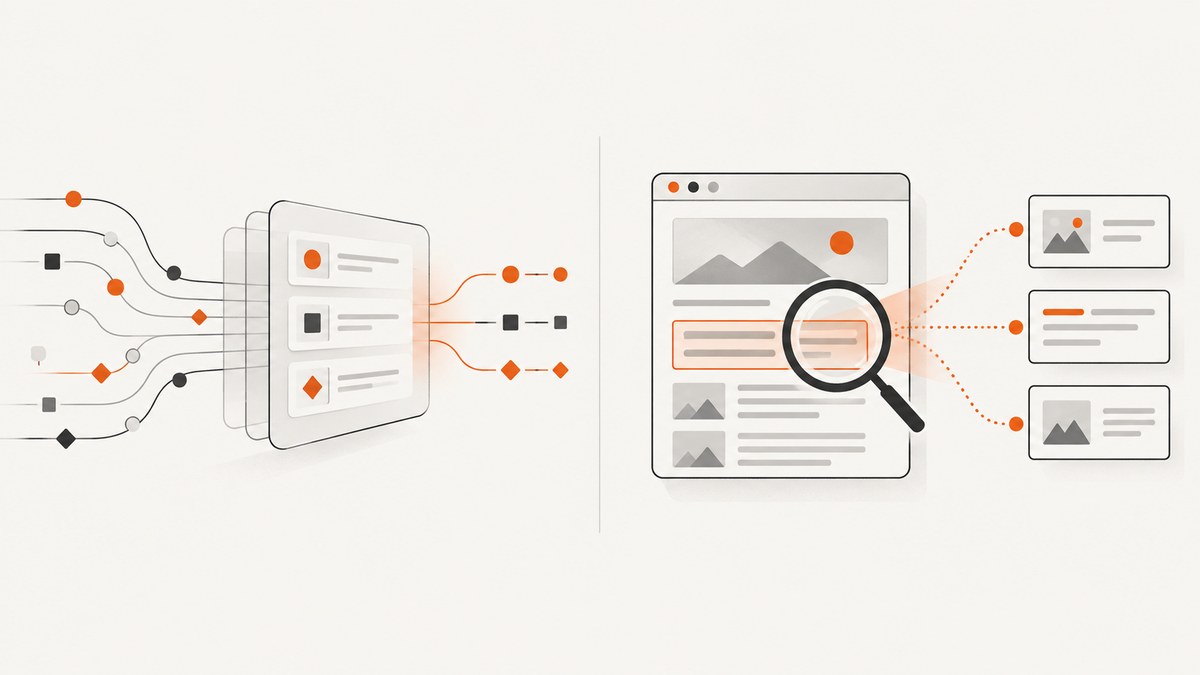
An API is a provider-defined interface for requesting data, usually through documented endpoints and parameters. Web scraping extracts information from pages presented to site visitors, so your code must interpret page content. Use an API when it provides the fields and access terms your project needs; consider scraping when the API is absent or incomplete and page extraction is permitted and maintainable. Some projects use both.
The practical difference is who defines the interface. With an API, the provider specifies how to ask for data and what comes back. With scraping, your program reads a website’s presentation and turns it into records. Neither method is automatically faster, cheaper, more complete, or allowed for every use case.
1. What is an API?
An application programming interface (API) is a defined way for one program to request information or actions from another. A web API commonly exposes endpoints: URLs representing resources or operations, with request parameters that narrow or configure the result. The response may be JSON, XML, or another format chosen by the provider.
For example, an API might let a caller request records by date, location, or status and return named fields that can be decoded directly. The provider controls which endpoints and fields exist, who may use them, authentication, request limits, and any charges. An API is structured, but that does not mean it exposes everything shown on the provider’s website.
The Federal Trade Commission’s developer documentation illustrates these specifics: its API returns JSON, supports selected information through endpoints, requires a Data.gov key for the documented use, and limits responses to 50 results. It also documents throttling. Those are FTC API details, not universal rules for APIs.
2. What is web scraping?
Web scraping is the automated extraction of information from website pages. A scraper requests a page, examines its HTML or rendered content, identifies the elements that contain the desired information, and converts them into useful records. If a page relies on JavaScript to display its content, a scraper may need a browser that runs that JavaScript before it can read the result.
Unlike an API, a page is primarily designed for people. Its layout, element names, and loading behavior may change as the site is redesigned. A scraper therefore needs selectors or parsing rules, validation, and ongoing maintenance. It may reach information presented on a page that is not exposed by an API, but that possibility does not establish permission to collect it.
3. API vs web scraping: the practical differences
| Question | API | Web scraping |
|---|---|---|
| What do you read? | Provider-defined endpoints and response fields. | Information presented in HTML or rendered pages. |
| How structured is the result? | Usually a documented machine-readable format; check the API. | You parse and normalize page content yourself. |
| Can you get every field you see on the site? | Only fields and resources the provider exposes. | Potentially page-visible details outside an API’s scope, subject to access rules. |
| What can limit collection? | Authentication, quotas, throttling, response caps, pricing, and terms. | Site directions, access controls, page behavior, request load, and terms. |
| What breaks when the site changes? | API versions, schema, endpoint behavior, and documented limits can change. | Page layout, selectors, markup, and client-side rendering can change. |
| Who maintains the data interface? | The provider defines and documents the API. | Your team maintains extraction and validation logic. |
These are tendencies, not guarantees. A poorly documented API can be awkward to use; a stable, simple page may be straightforward to parse. Assess the actual source and project rather than assuming one method always wins.
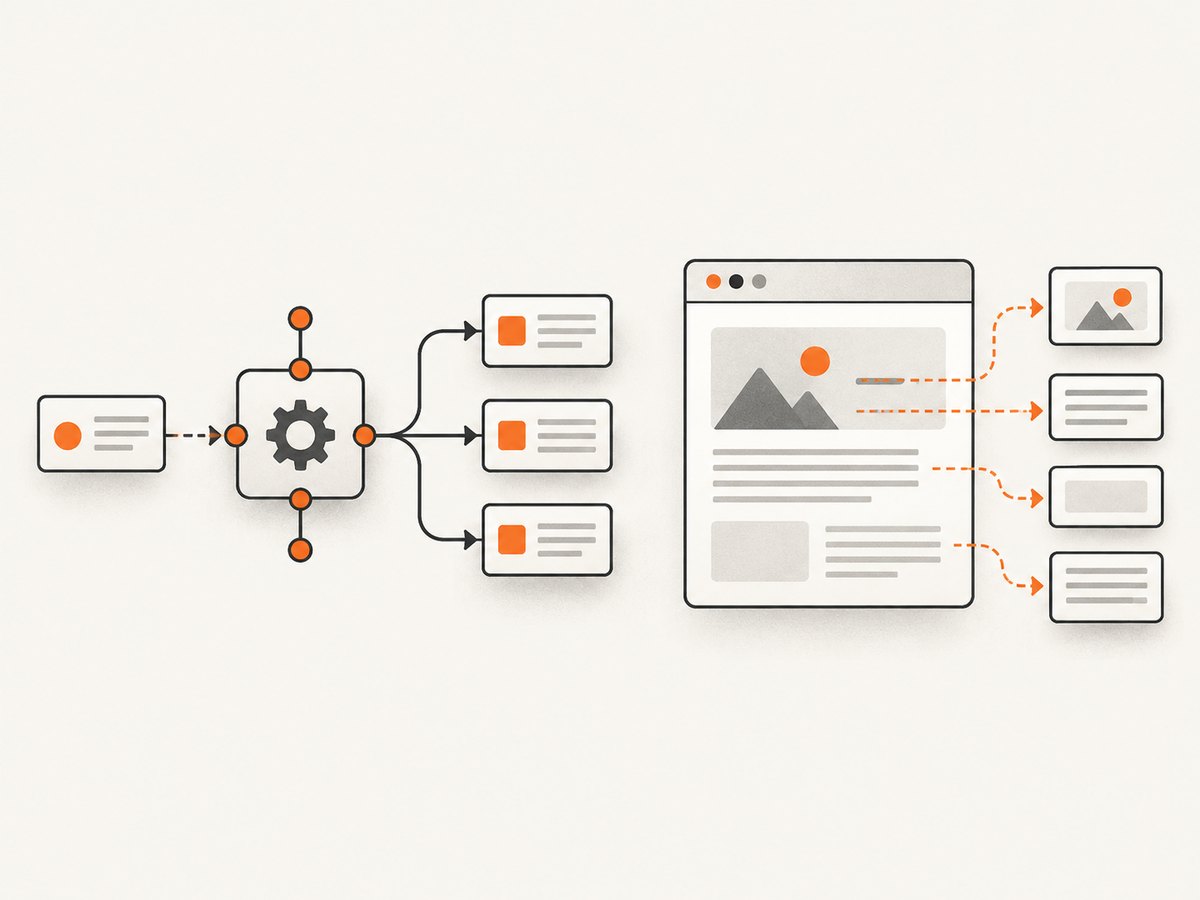
4. How to choose the right method
- Write down the data requirements. List exact fields, geography, update frequency, volume, and acceptable delay. “Get product details” is too broad; name the fields and how current they must be.
- Find the official API and check its fit. Confirm that it exposes the required fields and record the response format, authentication, quotas, result limits, terms, and price. Check the current documentation: limits are provider-specific and can change.
- Check access conditions before scraping. Review the target site’s terms and technical directions. For login-protected access, review the applicable terms and authorization. Do not treat the ability to fetch a page as permission to collect it.
- Estimate ongoing work. For an API, account for schema/version changes and handling throttling or errors. For scraping, budget for fetching or rendering pages, parsing, normalization, validation, and repairs when page structure changes.
- Estimate impact and scale. Calculate how many requests the job will make, how often it will run, and how it will behave when a request fails. Use reasonable pacing and avoid unnecessary repeated requests. GSA guidance for federal agencies calls for minimizing impact and considering off-peak collection; it is agency guidance, not a universal legal ruling.
- Choose a fallback or a mixed design. If an API provides reliable identifiers but omits a needed page field, it may be practical to use the API for its supported fields and page extraction for the rest, if permitted. Keep each source’s provenance clear.
Google documents that its own crawlers read robots.txt and adjust crawl rates when sites slow down or return errors. That describes Google’s crawlers; robots.txt should not be interpreted as a general permission ruling for every scraper. Follow the target site’s applicable access conditions and your organization’s policies.
5. Minimal implementation patterns
The examples below show the shape of each approach. The FTC example is specific: consult its current developer documentation for the active endpoint, parameters, and key requirements before running it. The scraper example is deliberately generic and targets a page you own or are authorized to access. It extracts headings from static HTML; it is not a recipe for bypassing access controls.
API request in Python
import requests

url = "https://api.example.com/v1/items"
params = {"limit": 50}
headers = {"Authorization": "Bearer YOUR_API_KEY"}

response = requests.get(url, params=params, headers=headers, timeout=30)
response.raise_for_status()
data = response.json()

for item in data["items"]:
    print(item.get("name"))
Replace the example endpoint, authentication scheme, and response field names with those in the provider’s documentation. Keep credentials out of source control. Handle pagination if the API returns a continuation token or page link; a response cap may mean the first response is not the full result.
Scraping static HTML in Python
import requests
from bs4 import BeautifulSoup

url = "https://example.com/your-authorized-page"
response = requests.get(
    url,
    headers={"User-Agent": "ExampleResearchBot/1.0 contact: dev@example.com"},
    timeout=30,
)
response.raise_for_status()

soup = BeautifulSoup(response.text, "html.parser")
for heading in soup.select("h2"):
    text = heading.get_text(" ", strip=True)
    if text:
        print(text)
Install the dependencies with python -m pip install requests beautifulsoup4. Choose selectors based on the page you are authorized to collect from, validate extracted values, and expect selectors to need review if the page changes. For JavaScript-rendered content, this simple HTTP request may return only the initial document; use an authorized browser-rendering approach where appropriate.
6. What to plan for in production
Data quality and validation
For API data, validate required fields and types; a successful HTTP response can still contain missing or changed values. For scraped data, validate that selectors found the expected number and shape of records. A page redesign can produce empty fields without causing a network error. Record source URLs and collection timestamps so you can investigate anomalies.
Retries and reliability
Set finite timeouts. Retry transient network failures and server errors with a backoff, but do not retry indefinitely or hammer a service that is throttling you. Honor the API’s documented rate limits and retry guidance. For scraping, pause or stop on repeated errors or signs that the target is under load. Make jobs restartable, and avoid duplicating output when a page is retried.
Performance and request volume
An API response can be compact and purpose-built, while scraping may require downloading and parsing a full page or rendering it in a browser. Actual performance depends on the provider, page, network, requested volume, and implementation. Measure the whole job, including pagination, rendering, parsing, and retries. Cache results when freshness requirements allow, and request only the fields or pages needed.
Cost and maintenance
API costs may come from a paid tier, quotas, or the engineering work needed to integrate and monitor it. Scraping can avoid a specific API charge but still uses compute, bandwidth, browser infrastructure, and developer time. Maintenance burden is part of cost: compare the value of the data with recurring work to keep extraction correct and access compliant. No general price comparison is possible without the target API and workload.
7. Troubleshooting
| Symptom | Likely cause | What to do |
|---|---|---|
| API returns 401 or 403 | Missing or invalid credentials, insufficient access, or a permissions issue. | Check the documented authentication method, key scope, account status, and access terms. Never paste secrets into logs. |
| API returns 429 | Rate limit or quota reached. | Reduce request frequency, use documented backoff and retry guidance, and check quota or plan limits. |
| API data is incomplete | Response cap, pagination, filters, or endpoint scope. | Read the endpoint docs, follow pagination, check filters, and verify the API exposes the missing fields at all. |
| API JSON parsing fails | The response may be an error page or another format rather than expected JSON. | Check status code and content type before decoding; inspect a redacted response body and correct the endpoint or request. |
| Scraper finds no elements | Selector mismatch, changed markup, or content rendered by JavaScript. | Inspect the authorized page response, verify the selector, and determine whether rendering is required. |
| Scraped fields suddenly shift | Layout change or selector matching a different element. | Add validation and alerts for counts and field shape; update parsing rules against the changed page. |
| Requests time out or fail intermittently | Network instability, slow responses, throttling, or site errors. | Use finite timeouts, bounded backoff, and a small concurrency level; reduce load and stop if errors persist. |
| Page shows a block or consent gate | The site is restricting or gating access. | Respect the site’s access conditions. Use an authorized API or request permission rather than trying to evade controls. |
8. When the job is to capture a page, use a screenshot API
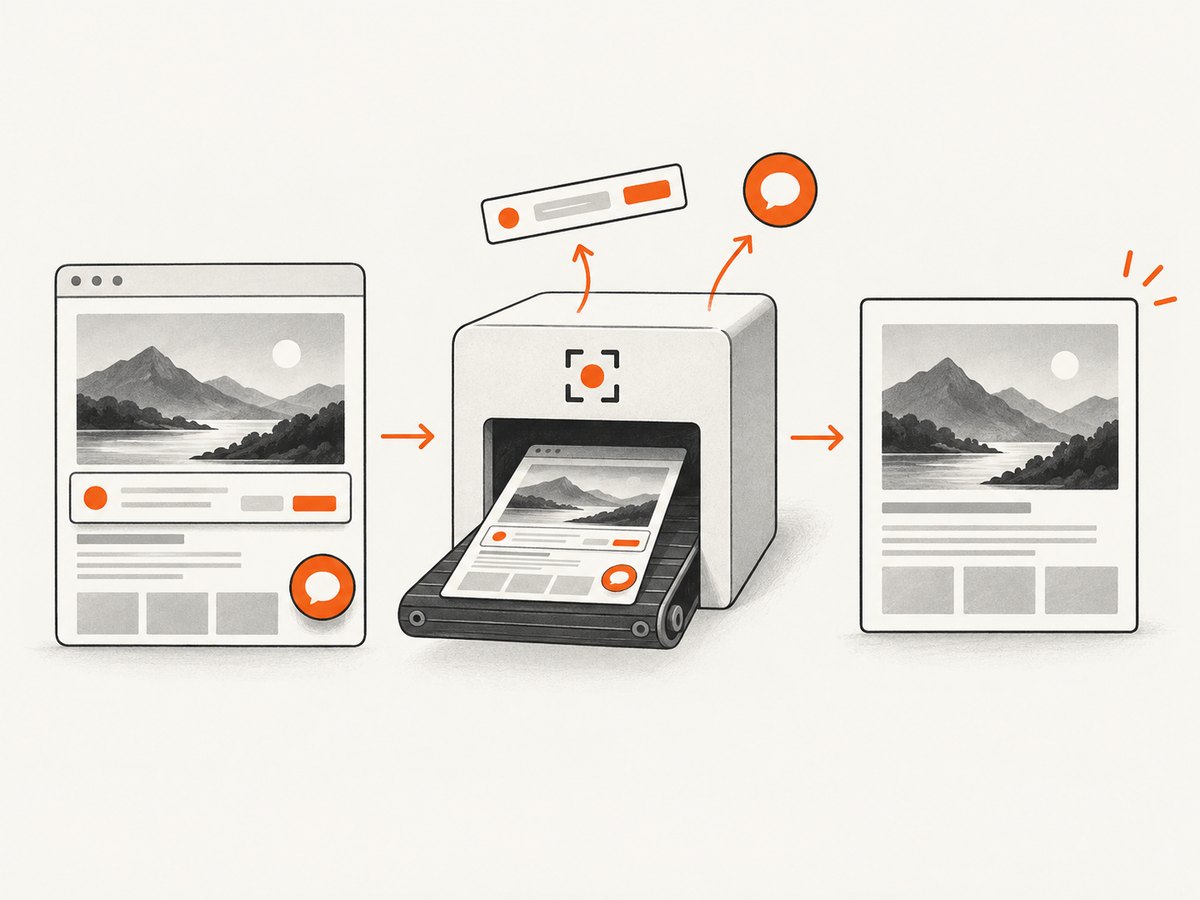
Scraping and screenshot capture solve different problems. If the desired output is a visual record of a page rather than a structured dataset, a screenshot API can return an image or PDF without requiring you to maintain a browser capture stack. ScreenshotNeo is a website screenshot API and MCP server from Yorker Media. It accepts one GET request with a URL and can return PNG, JPEG, WebP, or PDF. It is not a substitute for a data API when you need structured fields.
9. DIY: capture a page with a browser
For a one-off screenshot or a capture workflow you control, use a browser automation library. The following Node.js example uses Playwright to open a page and save a full-page PNG. It is intended for a page you own or may access.
import { chromium } from "playwright";

const browser = await chromium.launch({ headless: true });
const page = await browser.newPage({ viewport: { width: 1440, height: 900 } });
try {
  await page.goto("https://example.com", {
    waitUntil: "networkidle",
    timeout: 60000,
  });
  await page.screenshot({ path: "page.png", fullPage: true });
} finally {
  await browser.close();
}
Install with npm install playwright and install the browser binary using npx playwright install chromium. In production, choose a wait condition that matches the site: network idle can take a long time on pages with persistent requests. Waiting for a specific selector is often more predictable. Set timeouts, close the browser even on errors, and control concurrency to avoid exhausting memory.
10. Or skip the browser setup
ScreenshotNeo’s API uses a single request, and its [docs](https://screenshotneo.com/docs/) describe the available parameters. These examples use the supplied API base and return the response body as an image. Replace YOUR_API_KEY with your key.
cURL
curl -G "https://api.screenshotneo.com/v1/shot" -d access_key=YOUR_API_KEY --data-urlencode url=https://stripe.com -o shot.webpPython
import requests

r = requests.get(
    "https://api.screenshotneo.com/v1/shot",
    params={"access_key": "YOUR_API_KEY", "url": "https://stripe.com"},
    timeout=90,
)
open("shot.webp", "wb").write(r.content)
Node.js
const q = new URLSearchParams({ access_key: 'YOUR_API_KEY', url: 'https://stripe.com' });
const res = await fetch(`https://api.screenshotneo.com/v1/shot?${q}`);
ScreenshotNeo accepts cookie and consent banners before capture and removes more than 60 known consent platforms, newsletter popups, and chat widgets; each cleanup step can be turned off. Bot checks, CAPTCHAs, blank pages, timeouts, failed loads, and cache hits cost nothing, and response headers identify the page verdict and billing status. Its MCP server provides take_screenshot, get_page_info, and capture_pdf for Claude, Cursor, and other MCP clients. The free plan includes 1,000 screenshots a month with no card; paid plans start at $5 for 3,000 shots. Every feature is available on every plan.
Sign up for ScreenshotNeo’s free 1,000 screenshots a month, with no card required.
11. Frequently asked questions
Is web scraping an API?
No. Scraping is a way to extract information from pages; an API is a provider-defined interface for requests and responses. A scraping tool could call an API if one is available, but the terms describe different interfaces.
Is scraping always slower than using an API?
No universal answer follows from the method alone. Page rendering can add work, but actual speed depends on the API, site, network, data volume, and implementation.
Can I combine an API and scraping?
Yes, if the access terms permit both. A project may use an API for fields it exposes and page extraction for other information, while tracking the source and validating each field.
Does robots.txt decide whether scraping is allowed?
Do not treat robots.txt as a universal legal decision. Review the target site’s applicable terms and access conditions, authorization, and relevant organizational or jurisdictional requirements.
12. Decision checklist
- Do I know the exact fields, volume, geography, and freshness required?
- Does an official API provide them under workable terms, limits, format, and cost?
- If I need to scrape, have I checked the site’s access conditions and planned to minimize load?
- Can I detect missing or malformed data, throttling, and changes to the interface?
- Have I included recurring maintenance and operating cost in the decision?
Choose the method that delivers the required data under the applicable access terms with a sustainable level of cost and maintenance. If an API fits, start there. If it does not, assess whether page extraction is appropriate and build validation and maintenance into the plan.


