Why WebGL Content Cannot Be Downloaded with html2canvas
html2canvas rebuilds a page from the DOM; it does not capture the browser’s final pixels. Learn why WebGL canvases go missing and how to capture them reliably.
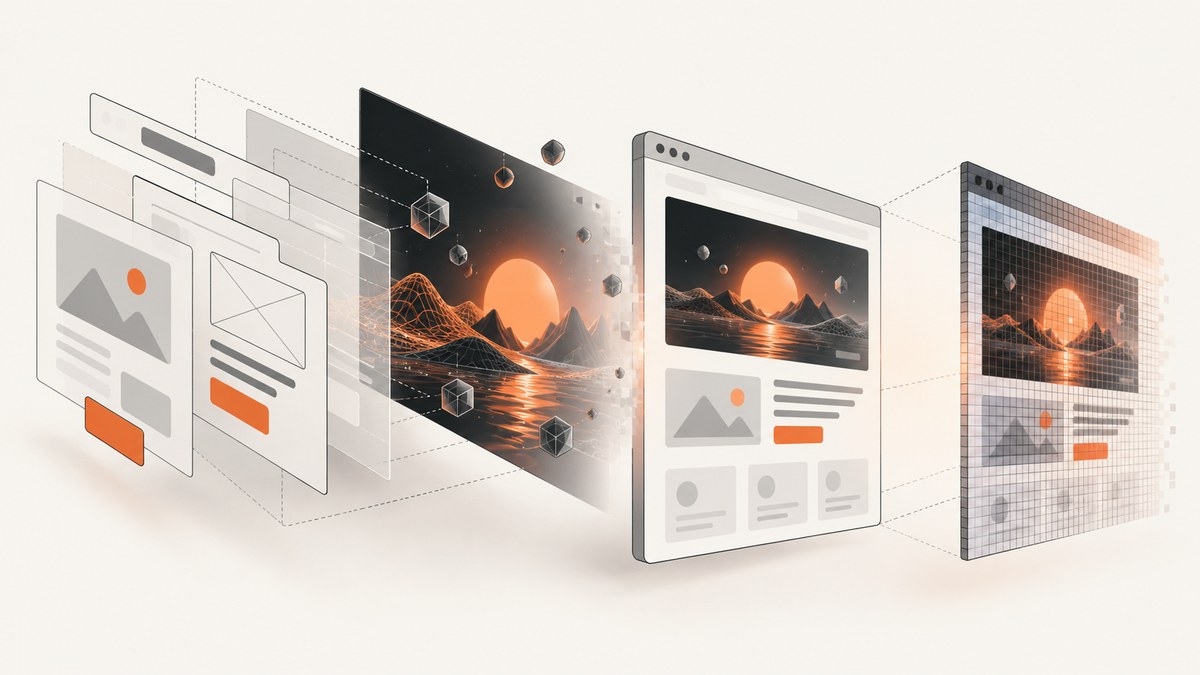
WebGL content is often missing from an html2canvas download because html2canvas does not photograph the browser window. It reads the DOM and CSS it understands, then builds a new canvas representation. A WebGL canvas is a rendering surface whose pixels may not be represented by that reconstruction. Even if you export html2canvas’s result correctly, that export cannot restore pixels that were never captured.
There is a second, separate failure mode: WebGL’s drawing buffer is cleared after compositing by default. If code reads the canvas after the render call has returned and the context was created with preserveDrawingBuffer: false, the pixels may no longer be available. Diagnose both the reconstruction limitation and the buffer lifetime before changing export code. html2canvas documentation · Khronos WebGL specification
1. What html2canvas captures—and what it does not
Despite its name, html2canvas is not a native screenshot API. It traverses page elements and creates a canvas from the DOM and the CSS and other information it can read. The project describes the result as a DOM-based reconstruction rather than an actual screenshot of the displayed page. This means the output can differ from what the browser composited, and content rendered into specialized surfaces such as WebGL needs separate consideration.
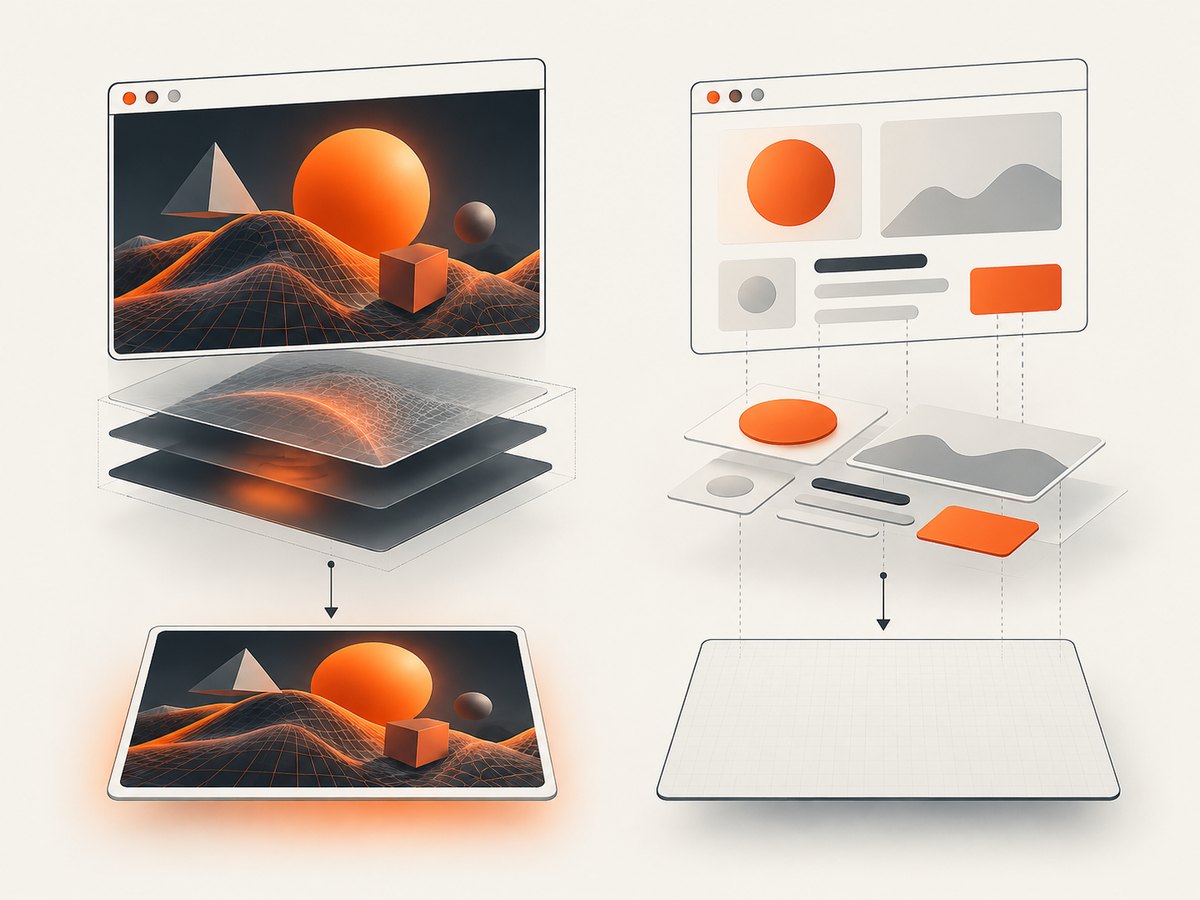
Think of the pipeline as two different operations:
- Browser rendering: the browser, GPU, DOM, CSS, and rendering contexts produce the visible page.
- DOM reconstruction: html2canvas interprets available page information and draws a new canvas.
- Download: your code encodes that new canvas, for example as PNG.
The download step can faithfully save the canvas html2canvas produced. It cannot turn the reconstruction into a native browser screenshot or recover content that was absent from the reconstructed canvas.
2. Why WebGL pixels may be unavailable
DOM reconstruction is not pixel capture
A WebGL canvas is drawn by a WebGL context. Its visible appearance is the browser’s composited output, not ordinary DOM text or CSS that html2canvas can simply re-create. A WebGL scene can therefore appear on screen while missing, incomplete, or blank in the html2canvas result.
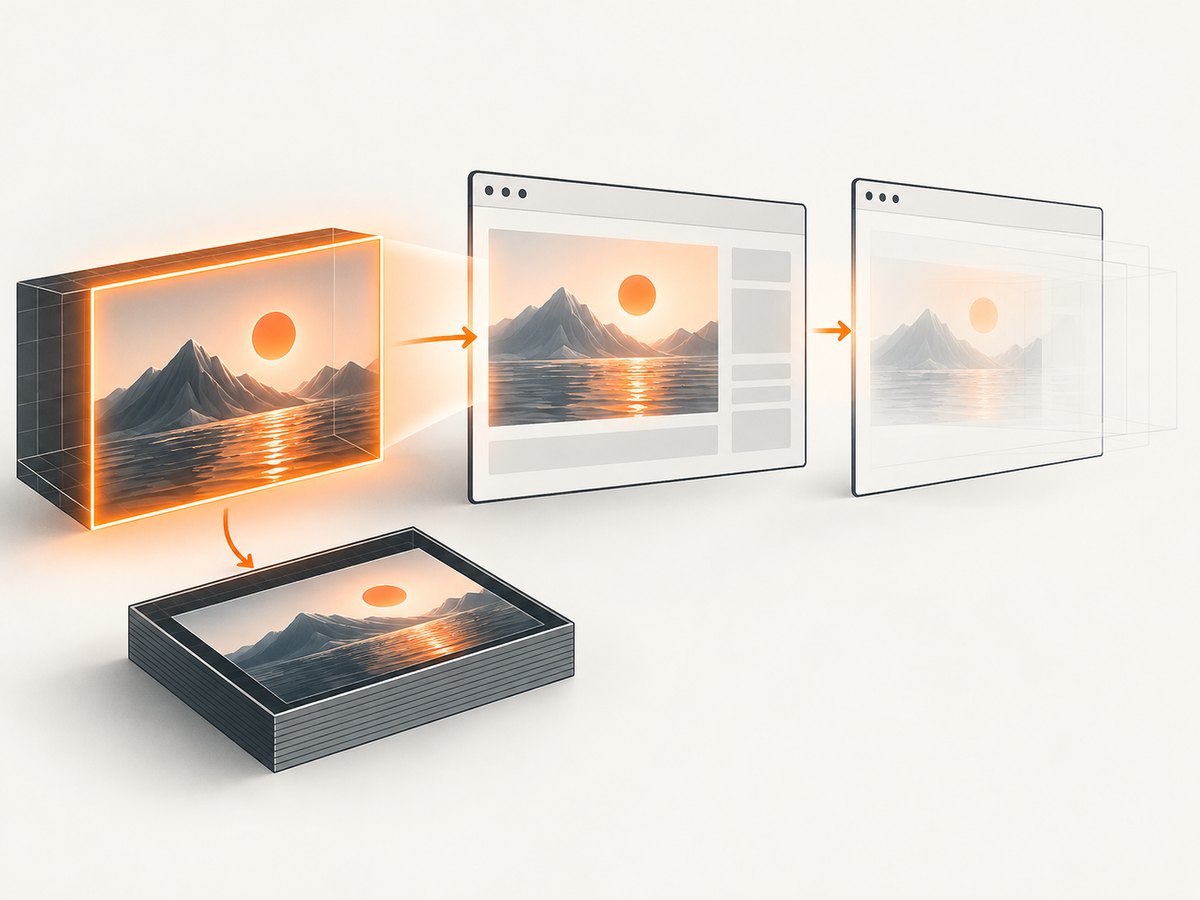
The drawing buffer can be cleared after display
WebGL renders into a drawing buffer. By default, the browser clears the buffer’s contents after compositing. The Khronos specification says that when preserveDrawingBuffer is false, reading the drawing buffer after the rendering function returns can have undefined behavior. That affects readPixels(), toDataURL(), and using the canvas as an image source.
These are independent problems. Enabling buffer preservation may make pixels available for later reading, but it does not make html2canvas a native screenshot tool. Conversely, choosing a native screenshot path can capture the browser’s composited output without changing your WebGL renderer.
Cross-origin tainting is a third, separate issue
Canvas readback can also be blocked when cross-origin content taints the canvas. That browser content-policy restriction is not the same as html2canvas’s DOM reconstruction model or the WebGL drawing-buffer lifetime. html2canvas documents useCORS: true for resources whose servers provide suitable CORS headers, and a proxy as another option. These do not solve the general WebGL capture problem. See its content restrictions.
3. Choose a capture path
| Situation | Recommended route | Tradeoff |
|---|---|---|
| You own the renderer and need its pixel data | Read synchronously during rendering or render into a framebuffer object | Requires renderer changes and correct capture timing |
| You own the renderer and can change context creation | Consider preserveDrawingBuffer: true |
Can cause significant performance loss on some platforms |
| You need the browser’s actual composited page | Use an extension screenshot API or real-browser automation | Capture scope depends on execution context and browser permissions |
| You only need to save an existing html2canvas result | Export its returned canvas with toDataURL() |
Saves only what html2canvas rendered |
The Khronos specification identifies synchronous drawing-buffer access and framebuffer objects as ways to obtain WebGL pixels. The html2canvas FAQ points to native extension capture APIs for extensions and Puppeteer or Playwright for server-side browser screenshots. The right choice depends on whether you need renderer data or a screenshot of what the browser showed.
4. If you control the WebGL renderer
Read synchronously in the render function
When you need the drawing buffer itself, arrange the read while the rendered frame is available, in the same function that renders it. Do not assume a later timer, promise callback, or html2canvas invocation will see the same contents. The precise API calls depend on your renderer and pixel format; follow its normal framebuffer and viewport setup and restore any modified state before returning to the render loop.
// Pattern only: place the readback in your renderer's frame function.
function renderAndCapture() {
  renderScene();

  // Read pixels here, synchronously, while the frame is available.
  // Configure dimensions, format, buffer, and WebGL state for your renderer.
  // Then encode or hand the pixel data to your application's image pipeline.
}
This is a timing pattern, not a complete renderer implementation: buffer dimensions, row orientation, pixel format, and framebuffer binding are application-specific. Keep the readback out of every animation frame unless continuous pixel access is actually required; the act of reading GPU data can impose synchronization work.
Render into a framebuffer object
If your renderer can direct output to an application-owned framebuffer object, it can read pixels from that target according to its rendering pipeline. This makes the capture target explicit and avoids depending on the default drawing buffer remaining preserved. You still need to handle dimensions, attachment formats, state restoration, and any conversion or vertical flip required by the output format.
Consider preserving the drawing buffer
The context attribute preserveDrawingBuffer is selected when creating the WebGL context:
const canvas = document.querySelector('canvas');
const gl = canvas.getContext('webgl', {
  preserveDrawingBuffer: true
});

if (!gl) {
  throw new Error('WebGL is unavailable');
}

// Set up the renderer and draw as usual. The buffer remains available
// until cleared or overwritten, subject to browser/platform behavior.
Use this only when later access to the default buffer is part of the design. The specification warns that preserving it can cause significant performance loss on some platforms. This is a context-creation option, not a switch to apply after a context already exists. If a library creates the context for you, check whether it exposes the attribute during initialization; do not assume changing an option afterward alters the existing context.
5. If you need a screenshot of the browser output
Use a screenshot facility in the environment where the page runs. For an extension, the html2canvas FAQ names the visible-tab screenshot methods chrome.tabs.captureVisibleTab() for Chrome, Edge, and Opera, and browser.tabs.captureVisibleTab() for Firefox. Check the relevant browser’s extension permissions and the method’s capture scope for your use case. A visible-tab capture is not interchangeable with an arbitrary offscreen page capture.
For server-side capture, the FAQ recommends driving a real browser with Puppeteer or Playwright. This captures browser-rendered output and is appropriate when the workflow runs on a server. A minimal Playwright example follows; install the package and browser as described in the official Playwright documentation.
import { chromium } from 'playwright';

const browser = await chromium.launch({ headless: true });
try {
  const page = await browser.newPage({ viewport: { width: 1440, height: 900 } });
  await page.goto('https://example.com', { waitUntil: 'networkidle' });
  await page.screenshot({ path: 'page.png', fullPage: true });
} finally {
  await browser.close();
}
Replace the example URL with your page. If the WebGL scene animates, wait for the application’s own ready signal or a known frame before taking the screenshot; a generic network-idle condition does not guarantee the desired animation frame. Use a fixed viewport for repeatability, and avoid relying on full-page capture when your target is only the current visible viewport.
6. Downloading an html2canvas result correctly
If the desired output is the DOM reconstruction and the WebGL content is not required, export the returned canvas. The official examples show toDataURL('image/png') with an anchor download:
import html2canvas from 'html2canvas';

const canvas = await html2canvas(document.querySelector('#capture-target'));
const link = document.createElement('a');
link.download = 'page.png';
link.href = canvas.toDataURL('image/png');
link.click();
This code downloads the image html2canvas generated. It does not fix a blank WebGL area. Also note that browser canvas security rules can make encoding fail if the canvas has been tainted by disallowed cross-origin content. The html2canvas examples explain output export; its documentation covers cross-origin limitations.
7. Or skip the browser setup
For server-side page capture, ScreenshotNeo is a website screenshot API and MCP server. A single GET request returns a screenshot or PDF. For a WebGL page, it captures browser-rendered output; it does not give your application direct access to GPU pixel buffers or replace renderer-side readback when you need raw pixel data.
See the ScreenshotNeo API documentation for request options. Minimal cURL, Python, and Node.js examples:
curl -G "https://api.screenshotneo.com/v1/shot" -d access_key=YOUR_API_KEY --data-urlencode url=https://stripe.com -o shot.webpimport requests
r = requests.get("https://api.screenshotneo.com/v1/shot", params={"access_key": "YOUR_API_KEY", "url": "https://stripe.com"}, timeout=90)
open("shot.webp", "wb").write(r.content)const q = new URLSearchParams({ access_key: 'YOUR_API_KEY', url: 'https://stripe.com' });
const res = await fetch(`https://api.screenshotneo.com/v1/shot?${q}`);These calls use the provided example target; replace it with your page URL. The API supports PNG, JPEG, WebP, and PDF, plus options such as viewport and device presets, full-page and element capture, wait conditions, custom headers and cookies, and custom CSS or JavaScript. Consent banners, newsletter popups, and chat widgets are removed before capture by default, with each step configurable. Bot checks, blank pages, timeouts, failed loads, and cache hits cost nothing; response headers report page verdict and billing status. Its MCP server provides take_screenshot, get_page_info, and capture_pdf for AI agents.
ScreenshotNeo includes 1,000 shots per month free with no card. Paid plans start at $5 for 3,000 shots; every feature is on every plan. Create a free ScreenshotNeo account.
8. Troubleshooting missing or blank output
| Symptom | Likely cause | What to do |
|---|---|---|
| WebGL is visible in the tab but absent in html2canvas | DOM reconstruction did not reproduce the WebGL output | Use a native browser screenshot for composited pixels, or capture through the renderer |
toDataURL() is blank after rendering |
The drawing buffer may have been cleared after compositing | Read synchronously during rendering, use an FBO, or evaluate preservation at context creation |
| Capture works only immediately after drawing | Readback occurs too late for a non-preserved default buffer | Move readback into the render function or use an explicit framebuffer |
| Encoding throws a security error | Cross-origin content tainted the canvas | Use resources with suitable CORS headers and useCORS: true, or a proxy; this does not solve WebGL reconstruction |
| Preservation option appears to have no effect | The context may already have been created | Set the attribute at context creation; recreate the context through the owning renderer if needed |
| Automated screenshot shows an empty scene | Capture ran before the scene rendered or initialized | Wait for an application-ready signal or known frame before capture |
| Extension screenshot fails | Permission or capture scope does not match the operation | Check the extension API’s documented permissions and visible-tab constraints |
| Image is upside down or colors differ after readback | Pixel layout and orientation are not the encoded image’s expected layout | Handle row order and format conversion in your renderer’s readback pipeline |
9. Performance, reliability, and cost considerations
For application-owned capture, synchronous readback has timing and synchronization implications, while preserving the default drawing buffer may carry a significant platform-dependent performance cost. An explicit framebuffer gives the renderer a defined target but requires integration with its render state. There is no universal benchmark in the cited sources; measure with your renderer and target devices if capture frequency affects frame time.
For whole-page capture, browser automation adds browser startup, navigation, page readiness, and resource-loading work to the workflow. Reuse browser processes where the automation architecture permits, set explicit navigation and capture timeouts, and wait on page-specific readiness rather than assuming network quiet means the WebGL scene is ready. A screenshot represents one moment: animated or interactive scenes need a deterministic state if repeated output must match.
Cost depends on the chosen route. In-browser readback and extension APIs use your application or browser environment; browser automation uses the compute and maintenance resources of the system you operate. If you use ScreenshotNeo, its published tiers are 1,000 free shots monthly without a card, then $5 for 3,000, $15 for 15,000, $39 for 60,000, $99 for 250,000, and $249 for 1,000,000; yearly billing gives two months free. Only clean shots are billed according to the product’s stated rules, and cache hits are not billed. Check the docs for options and response headers before building billing or retry logic around a capture result.
10. FAQ
Does adding allowTaint: true make html2canvas capture WebGL?
No. That setting concerns canvas security behavior; it does not change html2canvas into a native browser screenshot or restore a cleared drawing buffer.
Can I turn on preserveDrawingBuffer after the renderer starts?
It is a context creation attribute. Configure it when the WebGL context is created; changing a JavaScript option later does not retroactively reconfigure that context.
Will a browser screenshot API let me read the WebGL pixel array?
No. It produces an image of browser output. Use renderer-side readback or a framebuffer when your code needs pixel data for processing.
Is a canvas download always PNG?
No. toDataURL() accepts an image MIME type, though the browser’s support determines available encodings. The html2canvas example uses PNG.


