How to Take Webpage Screenshots with wkhtmltopdf
Use wkhtmltoimage for webpage images, with practical commands for sizing, JavaScript timing, cropping, troubleshooting, and a modern API alternative.
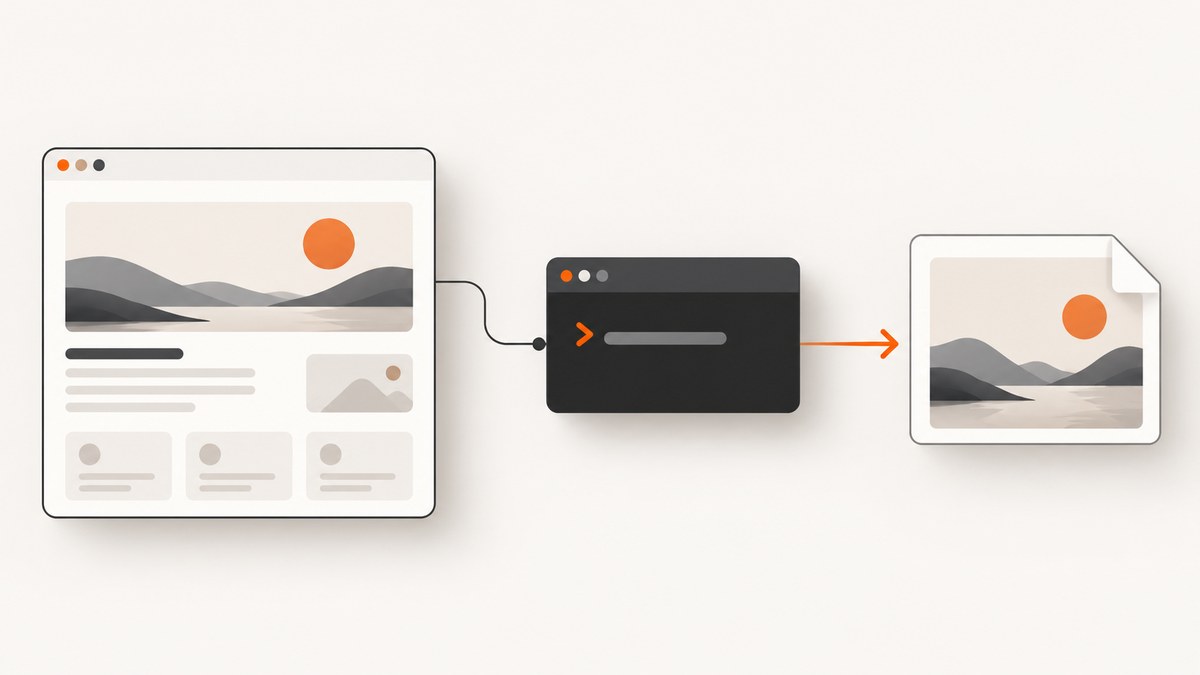
To take a webpage screenshot as an image, use wkhtmltoimage, not wkhtmltopdf. The two commands are companion tools: wkhtmltoimage writes PNG, JPEG, or other image output, while wkhtmltopdf creates PDF documents. Both are headless Qt WebKit command-line programs, so they do not require a display service.
The shortest working command is:
wkhtmltoimage https://example.com screenshot.pngThis guide shows how to install and verify the executable, control viewport size and output format, wait for JavaScript content, crop an image, capture local HTML, troubleshoot failures, and decide when an API is a better fit.
1. Check which executable you have
Package names and option availability vary by operating system and build. The upstream repository is archived and read-only, so inspect the binary installed on your machine before depending on a flag.
wkhtmltoimage --version
wkhtmltoimage --help
wkhtmltopdf --version
wkhtmltopdf --help
The project documents the image utility in its wkhtmltoimage usage manual and the PDF utility in the wkhtmltopdf manual. The source repository is available on GitHub.
2. Capture a basic webpage image
Pass an input URL or local HTML file followed by the output path:
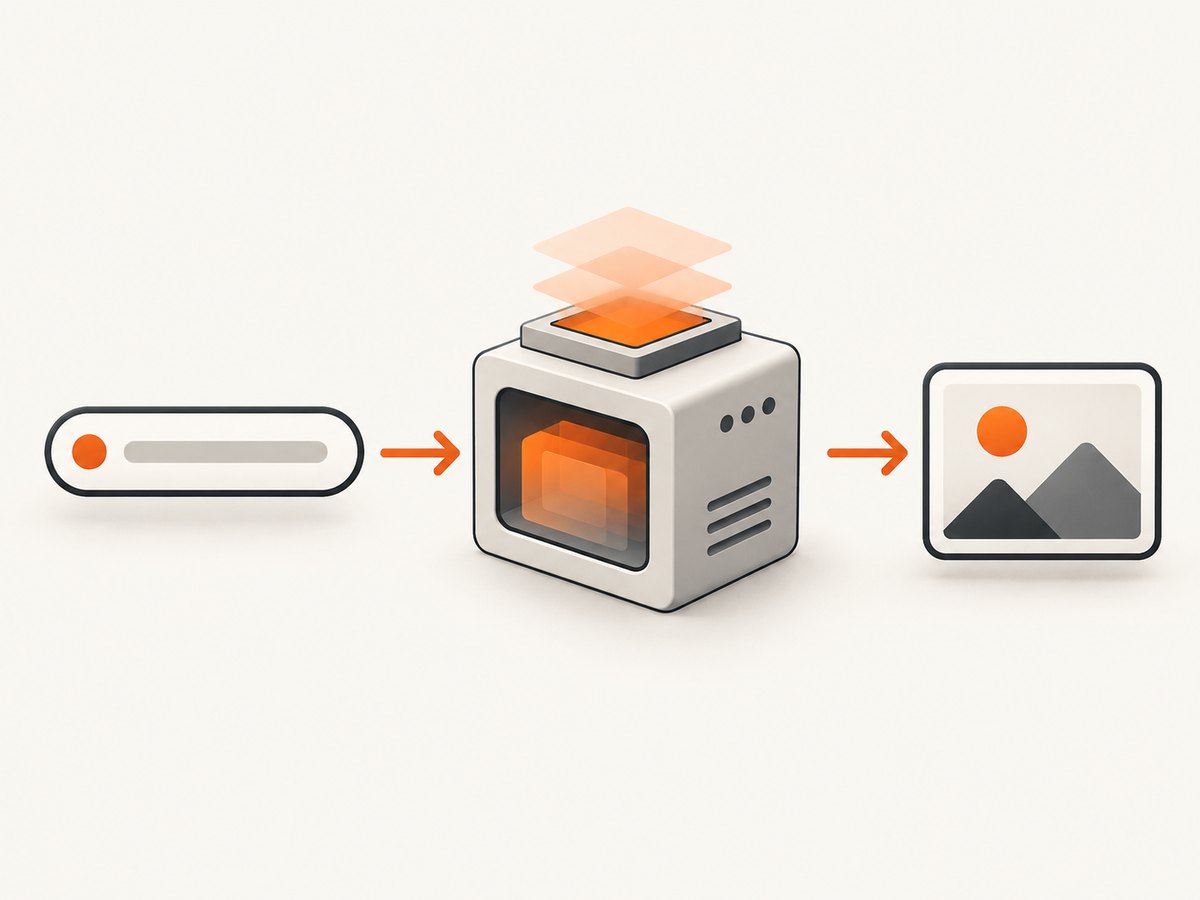
wkhtmltoimage https://example.com screenshot.png
wkhtmltoimage ./index.html local-page.png
The output extension normally determines the image type. Use --format when your workflow needs an explicit format:
wkhtmltoimage --format png https://example.com page.png
wkhtmltoimage --format jpg https://example.com page.jpg
wkhtmltoimage --format webp https://example.com page.webp
Open the resulting file and verify the dimensions, loaded assets, and page state. A successful process exit does not prove that every remote image, font, or JavaScript component rendered.
3. Set the viewport and output dimensions
| Option | Purpose | Example |
|---|---|---|
--width <pixels> |
Guides the screen width used for layout. | --width 1440 |
--height <pixels> |
Sets the screen height. Without it, height is calculated from page content. | --height 900 |
--crop-x, --crop-y |
Sets the crop rectangle origin. | --crop-x 0 --crop-y 100 |
--crop-w, --crop-h |
Sets crop width and height. | --crop-w 1200 --crop-h 800 |
Example for a desktop-shaped capture:
wkhtmltoimage --width 1440 --height 900 https://example.com desktop.pngThe manual describes width as a guideline unless strict-width behavior is enabled by the installed build. Treat responsive breakpoints as build-dependent and inspect the output rather than assuming CSS will match a modern browser exactly.
4. Wait for JavaScript-rendered content
JavaScript is enabled by default. If a page renders asynchronously, add a fixed delay:
wkhtmltoimage --javascript-delay 3000 https://example.com delayed.pngWhen the page can set a known window.status value after rendering, wait for that value instead:
wkhtmltoimage --window-status ready https://example.com ready.pngThese controls only define when capture occurs. They do not guarantee that a modern framework, animation, third-party widget, or client-side data request will render correctly. Disable scripts for a static diagnostic capture:
wkhtmltoimage --disable-javascript https://example.com no-js.pngChoosing a wait strategy
- Use
--javascript-delaywhen the page has predictable load time and you need a simple command. - Use
--window-statuswhen you control the page and can set a completion marker after data and assets are ready. - Use a delay plus a visual check when third-party content controls the final state.
5. Crop a region of the page
Capture a selected rectangle after the page has loaded:
wkhtmltoimage --crop-x 100 --crop-y 200 --crop-w 1200 --crop-h 700 https://example.com region.pngCoordinates are measured from the rendered page origin. If the target moves because of responsive layout, fonts, banners, or delayed content, the same crop values can select the wrong area. Set the viewport first, wait for stable content, then crop.
6. Capture local HTML and restricted resources
For a local file, pass its path directly:
wkhtmltoimage ./report.html report.pngLocal pages often reference CSS, images, or fonts in nearby directories. The manual provides controls for local-file access:
wkhtmltoimage --disable-local-file-access --allow ./assets ./report.html report.pngUse the narrowest allowed directory that contains the assets you need. Confirm how your installed build interprets these flags with --help; package behavior can differ.
7. Send cookies and custom headers
Authenticated or personalized pages may require request metadata. The documented options include --cookie and --custom-header:
wkhtmltoimage --cookie session_id abc123 --custom-header Authorization 'Bearer TOKEN' https://example.com/account account.pngDo not place secrets in shell history or shared process logs. Prefer a short-lived session and a protected execution environment. A header or cookie only helps if the target server accepts it for the requested resource; it cannot bypass a bot check or CAPTCHA.
8. When to use wkhtmltopdf instead
If the required artifact is a PDF, use wkhtmltopdf:
wkhtmltopdf https://example.com page.pdfIts documented synopsis accepts global options and one or more page objects before the output file. For an image file, switch back to wkhtmltoimage; changing only the output extension does not turn the PDF command into an image renderer.
9. A repeatable command-line workflow
- Run
wkhtmltoimage --versionand inspect help for supported options. - Capture the URL with a simple output filename.
- Set
--widthand, when needed,--heightto match the intended layout. - Add a JavaScript delay or window-status wait for asynchronous content.
- Add cookies or headers only when the page requires authentication.
- Use crop coordinates after the page layout is stable.
- Inspect dimensions, missing assets, and dynamic state before publishing the image.
10. Troubleshooting
| Symptom | Likely cause | Fix |
|---|---|---|
wkhtmltoimage: command not found |
The executable is not installed or is not on PATH. |
Install a package for your operating system, then run --version from the shell that will perform captures. |
| Output is blank or only partly rendered | The page needs JavaScript, remote assets failed, or capture happened too early. | Try --javascript-delay, use --window-status when available, and inspect the URL from the same machine. |
| Modern layout differs from Chrome | wkhtmltoimage uses Qt WebKit and does not promise browser-identical rendering for every current site. | Reduce CSS and JavaScript dependencies, choose a fixed viewport, or use a current browser-based capture service. |
| Images or fonts are missing | Network access, relative paths, local-file restrictions, or CORS/server rules prevented loading. | Check resource URLs, use --allow for required local assets, and verify the page from the capture host. |
| Crop selects the wrong content | Responsive layout, delayed banners, or font loading changed coordinates. | Fix viewport dimensions, wait for stable content, then recalculate crop values. |
| Authenticated page redirects to login | Required cookies or headers were not sent, or the session expired. | Pass the needed --cookie or --custom-header values and verify they are valid. |
| Local HTML cannot read assets | Local-file access is disabled or the asset directory is outside the permitted path. | Use --allow /path/to/assets where supported and keep the allowed path narrow. |
| Command works on one machine but not another | Different packaged builds expose different flags or rendering behavior. | Compare --version and --help, then pin the executable used by automation. |
11. Performance, reliability, and cost considerations
Performance
- Every capture starts a renderer and loads the page, so simple static pages finish sooner than JavaScript-heavy pages.
- A shorter delay reduces waiting but can produce incomplete output; a longer delay increases latency without guaranteeing third-party content.
- Set the smallest practical viewport and crop only after layout stabilization.
- For batches, run controlled parallel workers and monitor CPU, memory, network bandwidth, and file size on the capture host.
Reliability
Pin and record the binary version, capture URL, options, and timestamp. Keep a sample output for visual regression checks. Because the upstream repository is archived and read-only, treat option availability and rendering as package- and site-dependent. The documented manuals describe controls, not pixel parity with current browsers or guaranteed success on every website.
Cost
The tools are open source under LGPLv3, so there is no per-shot vendor charge for the command itself. Your costs are the machine, storage, network traffic, and engineering time needed to maintain the executable and handle failures. If you need hosted rendering, billing rules, retries, authentication, and modern browser support in one endpoint, an API can reduce that operational work.
12. Or skip the browser setup
ScreenshotNeo provides a website screenshot API and MCP server. One GET request returns a PNG, JPEG, WebP, or PDF. Its capture flow accepts cookie and consent banners like a visitor, then removes more than 60 known consent platforms along with newsletter popups and chat widgets; each cleanup step can be turned off. Bot checks or CAPTCHAs, blank pages, timeouts, failed loads, and cache hits are not billed, and response headers identify the page verdict and billing result.
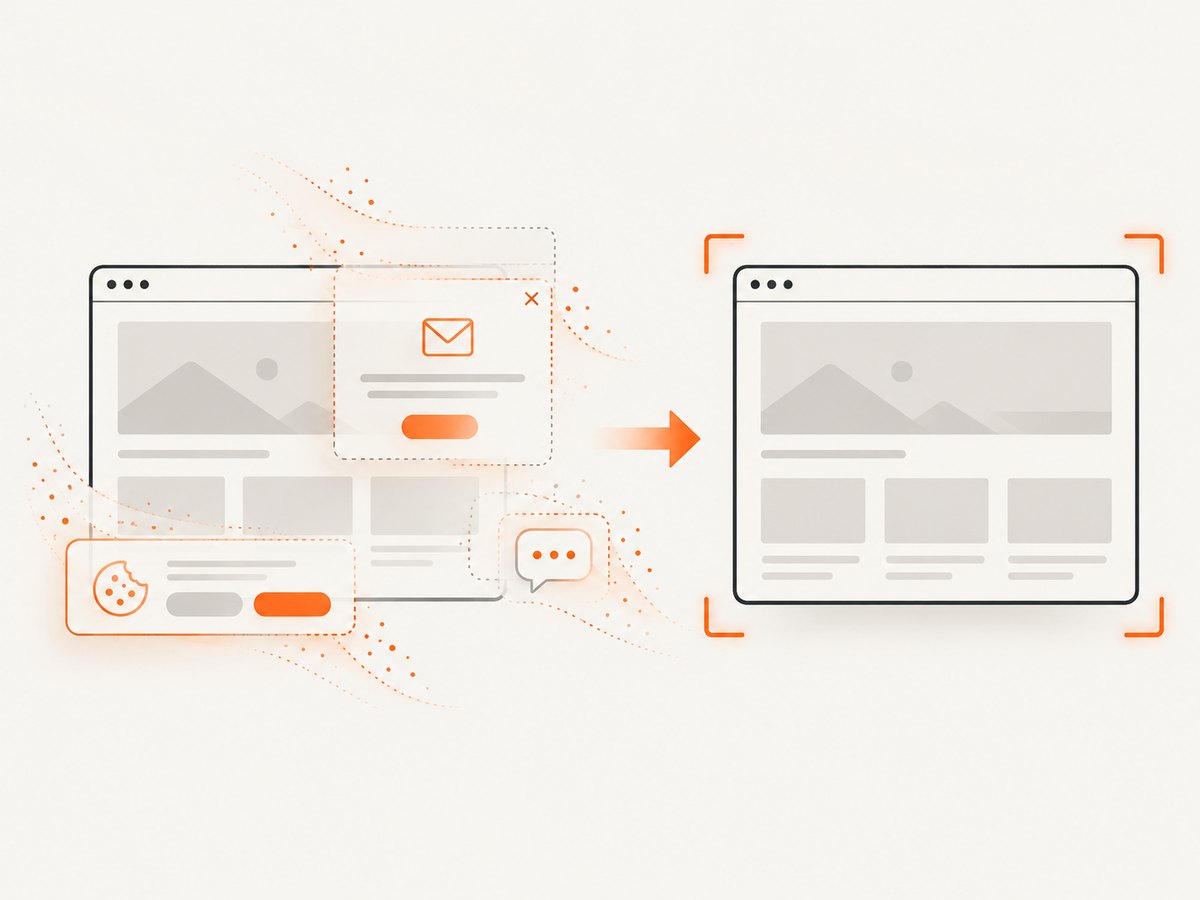
See the ScreenshotNeo API documentation for all options, including full-page captures with lazy images loaded, CSS-selector element shots, dark mode, device presets, retina scale, custom CSS and JavaScript, clicks, waits, blocked requests, headers, cookies, user agents, authorization, timezone, geolocation, transparency, resizing, caching, signed links, async jobs, bulk capture, usage reporting, and the OpenAPI specification.
cURL
curl -G "https://api.screenshotneo.com/v1/shot" -d access_key=YOUR_API_KEY --data-urlencode url=https://stripe.com -o shot.webpPython
import requests
r = requests.get("https://api.screenshotneo.com/v1/shot", params={"access_key": "YOUR_API_KEY", "url": "https://stripe.com"}, timeout=90)
open("shot.webp", "wb").write(r.content)
Node.js
const q = new URLSearchParams({ access_key: 'YOUR_API_KEY', url: 'https://stripe.com' });
const res = await fetch(`https://api.screenshotneo.com/v1/shot?${q}`);
An MCP server lets Claude, Cursor, and other MCP clients call take_screenshot, get_page_info, and capture_pdf. The Free plan includes 1,000 shots each month with no card; paid plans start at $5 for 3,000 shots, and every feature is available on every plan.
Create a free ScreenshotNeo account and start with 1,000 screenshots per month without adding a card.
13. FAQ
Can wkhtmltopdf create a PNG?
No. Use its companion executable, wkhtmltoimage, for image output. Use wkhtmltopdf when the desired output is a PDF.
Do I need X11 or a display server?
The project documents both utilities as headless programs that do not require a display or display service.
Should I use a delay or window status?
Use a fixed delay when timing is predictable. Use --window-status when the page can signal a known completion state.
Can it capture a private page?
It can send cookies and custom headers, but the session, server rules, and page behavior still determine whether the private content loads.
Why is my result different from a Chrome screenshot?
wkhtmltoimage renders with Qt WebKit. Current browser features and site scripts may behave differently, so validate the output for the specific page and build you use.


