How to Use WebRTC getDisplayMedia Without the Screen Area Selector
You cannot remove WebRTC’s screen picker, but you can hide monitor choices, express preferences, and handle selection safely.
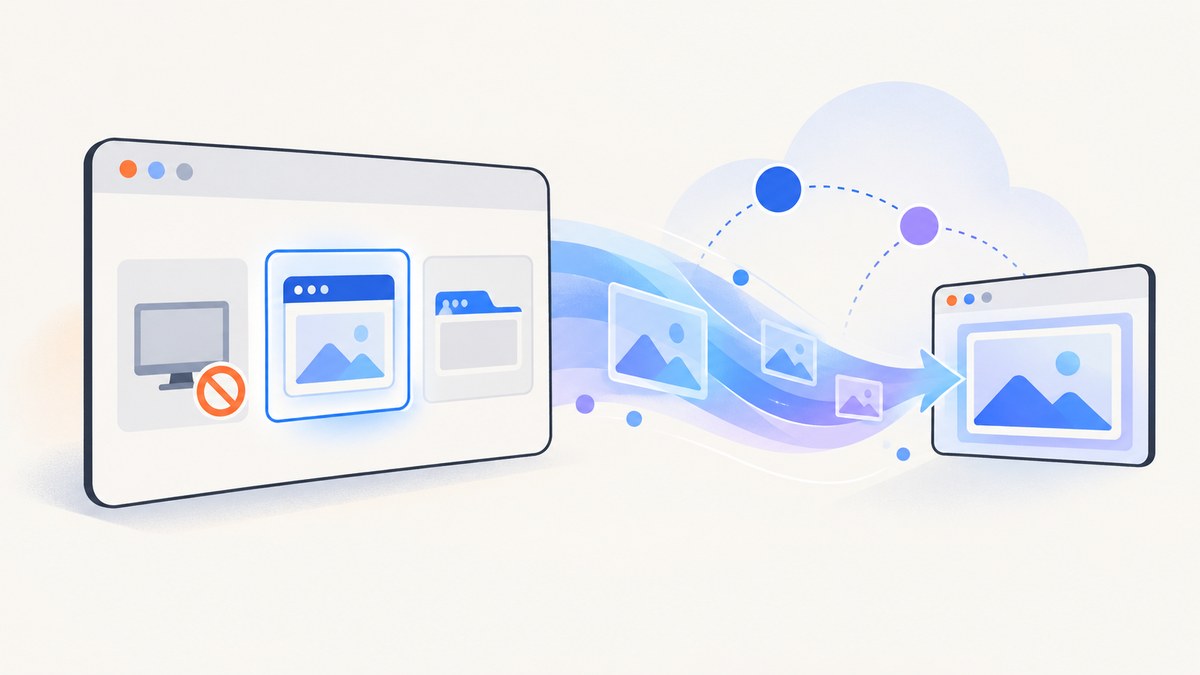
Short answer: a web page cannot remove the browser’s entire getDisplayMedia() picker or silently select a screen, window, or tab. The browser must let the person choose a display surface every time. You can request that whole-monitor choices be excluded with monitorTypeSurfaces: "exclude", express a preferred surface with video.displaySurface, and inspect what the person selected after permission is granted.
The distinction matters. These are browser hints, not security controls. A browser may ignore a hint, and no option identifies a particular window or tab in advance. The reliable design is to configure the picker as helpfully as possible, explain the expected choice, and handle cancellation and unsupported options.
What the specification allows
The W3C Screen Capture specification requires user choice on every call. It says the user agent must let the end user choose which display surface to share and must not use media constraints to limit that choice. Read the normative text in the W3C Screen Capture specification.
That rule prevents a site from choosing your entire desktop or a particular application window without an explicit action. It also means that video: { displaySurface: "window" } cannot turn the picker into a window-only selector. It communicates a preference that a browser may use when arranging its chooser.
| Option or API | What it does | What it cannot do |
|---|---|---|
monitorTypeSurfaces: "exclude" |
Requests that entire-monitor sources be left out of the picker. | It cannot force a browser to honor the request or remove every other source. |
video.displaySurface: "browser" |
Suggests a browser-tab preference. | It cannot select a specific tab or hide windows and monitors. |
video.displaySurface: "window" |
Suggests an application-window preference. | It cannot identify one particular window. |
video.displaySurface: "monitor" |
Suggests an entire-monitor preference. | It must not be combined with monitor exclusion. |
track.getSettings().displaySurface |
Reports the type selected after sharing starts. | It does not change the user’s choice. |
Minimal JavaScript implementation
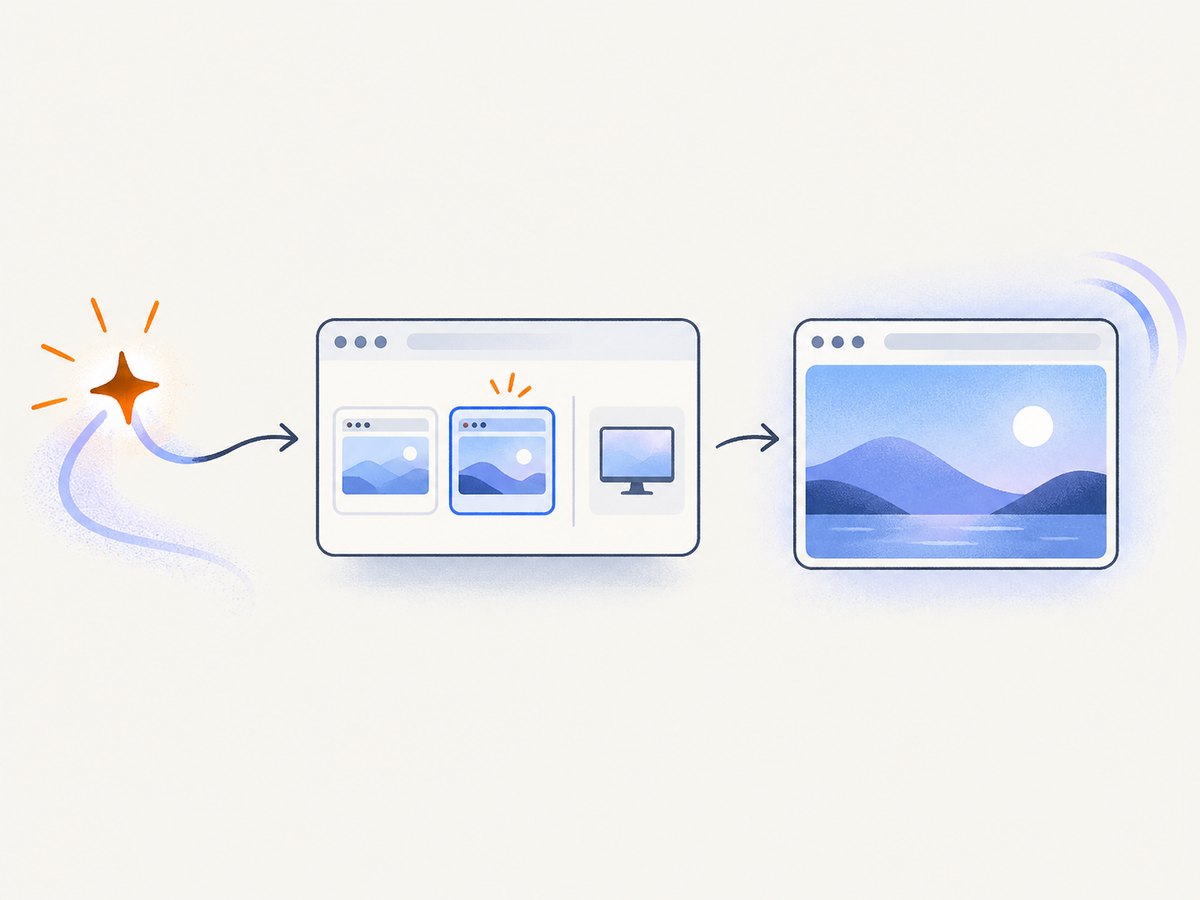
This example asks the browser to omit monitor surfaces when supported, then reports the selected type. The user still sees a picker and must approve a source.
async function startScreenShare() {
  try {
    const stream = await navigator.mediaDevices.getDisplayMedia({
      video: true,
      audio: false,
      monitorTypeSurfaces: "exclude",
    });

    const [videoTrack] = stream.getVideoTracks();
    const selectedSurface = videoTrack.getSettings().displaySurface;
    console.log("User selected surface:", selectedSurface);

    return stream;
  } catch (error) {
    if (error.name === "NotAllowedError") {
      console.log("The user cancelled or denied screen sharing.");
    } else {
      console.error("Unable to start screen sharing:", error);
    }
    throw error;
  }
}
Attach the returned stream to a preview with a normal video element:
const preview = document.querySelector("video");
const stream = await startScreenShare();
preview.srcObject = stream;
preview.play();
Stop every track when sharing ends. This releases the capture indicator and makes your application state accurate.
function stopScreenShare(stream) {
  for (const track of stream.getTracks()) {
    track.stop();
  }
}

stream.getVideoTracks()[0].addEventListener("ended", () => {
  console.log("The user stopped sharing from the browser controls.");
});
Request a preferred surface
If your workflow works best with a tab or window, put the preference inside video. This still leaves the final decision to the browser and user.
const stream = await navigator.mediaDevices.getDisplayMedia({
  video: { displaySurface: "window" },
  audio: false,
  monitorTypeSurfaces: "exclude",
  selfBrowserSurface: "exclude",
});
This configuration asks for a window, requests removal of monitor choices, and asks the browser not to offer the current tab where that hint is implemented. The MDN getDisplayMedia documentation describes these optional hints and their browser-dependent behavior.
Tab preference
const stream = await navigator.mediaDevices.getDisplayMedia({
  video: { displaySurface: "browser" },
  audio: false,
});
Current-tab preference
preferCurrentTab: true can make the current tab prominent in implementations that support it. It has a different goal from selfBrowserSurface: "exclude", which discourages sharing the current tab. Do not set both when they express opposing UX goals.
Never create a contradictory configuration
Do not combine monitorTypeSurfaces: "exclude" with video.displaySurface: "monitor". MDN documents this as contradictory and notes that the call can fail with a TypeError.
// Contradictory: avoid this
await navigator.mediaDevices.getDisplayMedia({
  video: { displaySurface: "monitor" },
  monitorTypeSurfaces: "exclude",
});
Build a complete WebRTC sharing flow
getDisplayMedia() only supplies a local media stream. To send it to another peer, add its tracks to an RTCPeerConnection, exchange an offer and answer through your signaling service, and react to the track ending.
async function createShareConnection(remoteDescription) {
  const stream = await navigator.mediaDevices.getDisplayMedia({
    video: { displaySurface: "browser" },
    audio: false,
    monitorTypeSurfaces: "exclude",
  });

  const peer = new RTCPeerConnection();
  for (const track of stream.getTracks()) {
    peer.addTrack(track, stream);
  }

  const offer = await peer.createOffer();
  await peer.setLocalDescription(offer);

  // Send peer.localDescription to your signaling server here.
  // Apply the remote peer's answer after receiving it.
  if (remoteDescription) {
    await peer.setRemoteDescription(remoteDescription);
  }

  stream.getVideoTracks()[0].addEventListener("ended", () => {
    peer.getSenders().forEach((sender) => peer.removeTrack(sender));
    peer.close();
  });

  return { peer, stream };
}
Keep signaling separate from capture. A canceled picker should not be treated as a failed network connection, and a peer connection error should not prompt the user repeatedly without explanation.
Permissions, timing, and browser requirements
- Call
getDisplayMedia()from a user gesture such as a button click. Browsers commonly reject calls made during unrelated background work. - Serve the page from a secure context, normally HTTPS. Local development on
localhostis treated specially by browsers. - Ask for audio only when you need it. System audio support varies by browser and operating system, while video display capture is the core feature.
- Do not persist an assumption that a previous choice remains valid. The picker and permission decision are user-controlled for each call.
Why the selector cannot be removed
A screen capture permission is unusually powerful: it can expose private documents, other applications, notifications, or credentials. If a page could name a source without showing the chooser, a compromised site or injected script could capture sensitive content silently. The mandatory picker is therefore a security boundary, not an incidental browser widget.
Inspect and validate the selected source
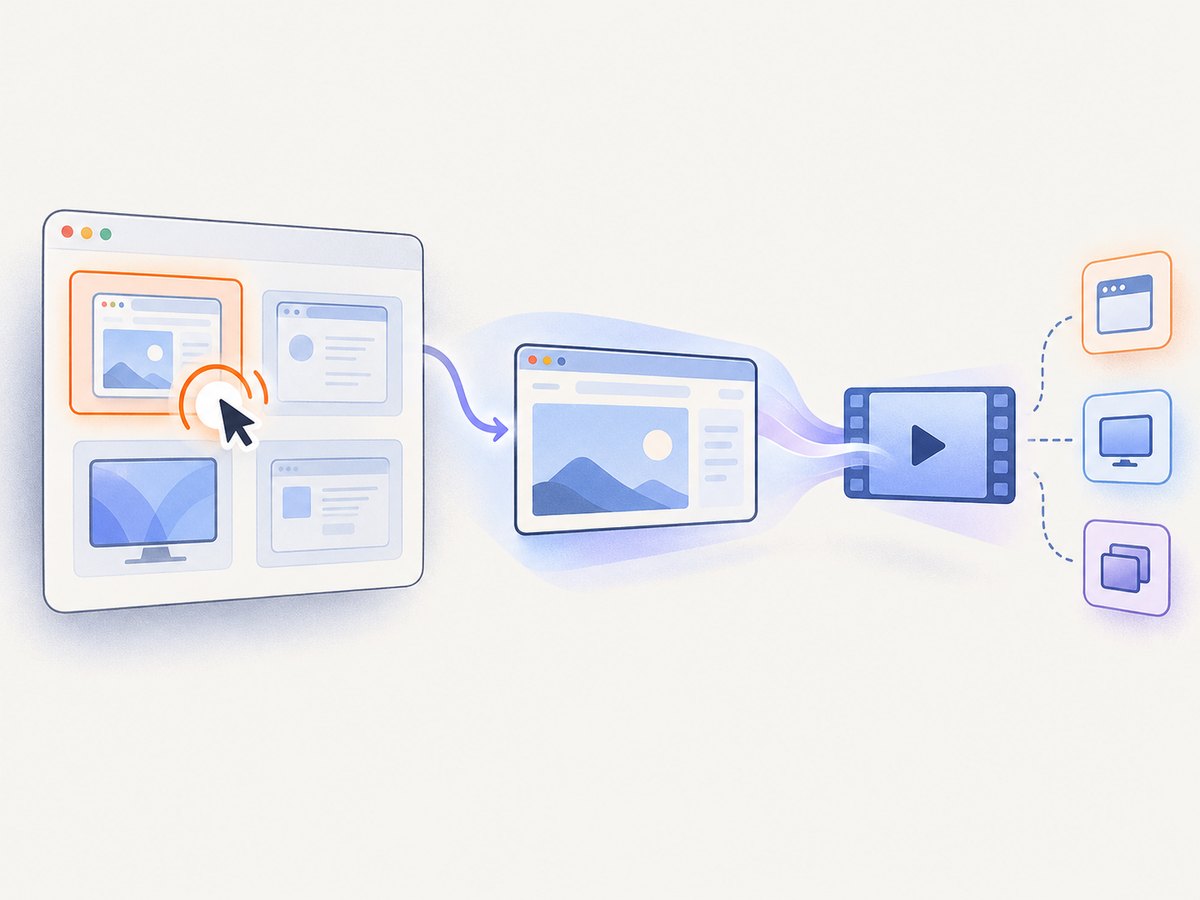
After the promise resolves, read the track settings. The value is useful for enforcing application policy after selection. For example, a presentation tool can reject a monitor capture and ask the user to choose a tab.
async function requireTabShare() {
  const stream = await navigator.mediaDevices.getDisplayMedia({
    video: { displaySurface: "browser" },
    audio: false,
  });

  const track = stream.getVideoTracks()[0];
  const kind = track.getSettings().displaySurface;

  if (kind !== "browser") {
    track.stop();
    throw new Error(`Please share a browser tab, not ${kind || "an unknown surface"}.`);
  }

  return stream;
}
This is post-selection validation. It does not prevent the user from seeing or choosing other source types in the first place.
Troubleshooting common errors
| Symptom | Likely cause | Fix |
|---|---|---|
NotAllowedError |
The user canceled, denied permission, or the browser blocked the request. | Call from a visible user action, explain the requested source, and provide a retry button. |
TypeError before the picker opens |
Options are contradictory, such as monitor exclusion with a monitor preference. | Remove the contradiction and validate option construction before calling the API. |
| Monitor still appears | The browser ignored monitorTypeSurfaces, or the version does not implement it. |
Treat it as a hint, test supported browser versions, and validate the result with getSettings(). |
| The current tab causes a recursive preview | The user selected the tab containing your preview. | Request selfBrowserSurface: "exclude" where supported, or explain which tab to select. |
| Sharing stops unexpectedly | The user pressed the browser’s stop-sharing control, closed the source, or the OS revoked capture. | Listen for the video track’s ended event and update the UI. |
| Black or frozen video | The stream was not attached, playback was blocked, or the source became unavailable. | Set video.srcObject, call play() after the gesture, and inspect track state. |
| Works in one browser only | Picker hints and system-audio behavior differ by browser and operating system. | Feature-detect, document your support matrix, and keep the basic video: true path available. |
Performance and reliability practices
- Use the smallest capture workflow that meets the requirement. A tab preference reduces user confusion even though it cannot restrict the picker.
- Do not continuously recreate streams. Keep one stream per sharing session and stop tracks deterministically.
- Monitor
track.readyState,mute, andendedevents so the remote peer receives a useful status instead of a frozen preview. - Use WebRTC statistics such as
RTCRtpSender.getStats()to observe frame rate and packet loss when quality matters. Adapt encoding in your peer connection rather than trying to influence source selection. - Explain what will be visible before opening the picker. Clear instructions reduce cancellations and accidental sharing.
Or skip the browser setup
If your actual goal is to save a website image or PDF rather than interactively share a person’s screen, ScreenshotNeo removes the browser-capture setup. Its HTTP API accepts a URL and returns a PNG, JPEG, WebP, or PDF.
See the ScreenshotNeo API documentation for all options. A minimal request is:
curl -G "https://api.screenshotneo.com/v1/shot" -d access_key=YOUR_API_KEY --data-urlencode url=https://stripe.com -o shot.webpimport requests
r = requests.get(
"https://api.screenshotneo.com/v1/shot",
params={"access_key": "YOUR_API_KEY", "url": "https://stripe.com"},
timeout=90,
)
r.raise_for_status()
open("shot.webp", "wb").write(r.content)const q = new URLSearchParams({
access_key: 'YOUR_API_KEY',
url: 'https://stripe.com'
});
const res = await fetch(`https://api.screenshotneo.com/v1/shot?${q}`);
if (!res.ok) throw new Error(`HTTP ${res.status}`);
const bytes = await res.arrayBuffer();
await Bun.write('shot.webp', bytes);ScreenshotNeo accepts cookie and consent banners before capture and removes more than 60 known consent platforms, newsletter popups, and chat widgets; each step can be turned off. Bot checks, blank pages, timeouts, failed loads, and cache hits are not billed, and response headers identify the page verdict and billing result. It also provides an MCP server with take_screenshot, get_page_info, and capture_pdf tools for Claude, Cursor, and other MCP clients.
The free plan includes 1,000 screenshots each month with no card. Paid plans start at $5 for 3,000 shots. Create a free ScreenshotNeo account.
FAQ
Can JavaScript choose a specific window?
No. JavaScript can express a preferred type, but the browser must present user-controlled choices.
Does monitorTypeSurfaces work everywhere?
It is a preference that browsers may ignore. Test the exact browser and version combinations you support.
Can I hide only the current tab?
Request selfBrowserSurface: "exclude" where supported. It remains a hint, and other sources remain under user control.
How do I know what was shared?
Read getSettings().displaySurface on the returned video track after the user selects a source.
Can ScreenshotNeo capture a user’s desktop?
No. ScreenshotNeo captures web URLs through its API. Interactive desktop sharing remains a WebRTC and browser-permission task.


