WebScraper.io Alternatives for Web Scraping
Compare visual scrapers, browser robots, developer APIs, and enterprise data services to find the right WebScraper.io alternative for your workflow.
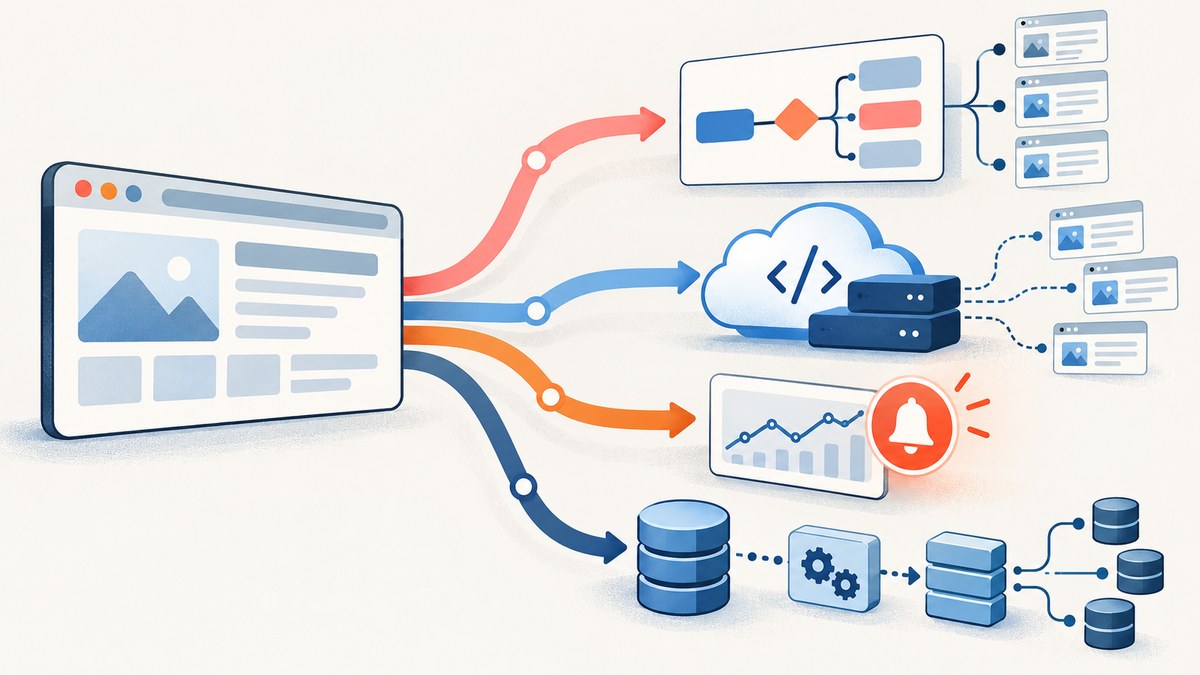
There is no single best WebScraper.io alternative. Choose Octoparse or ParseHub for guided visual workflows, Browse AI for recorded browser robots and change alerts, Apify for programmable jobs and cloud runs, Firecrawl for API-driven crawling and clean content in AI applications, or Bright Data for supported enterprise targets, datasets, and managed collection. The right fit depends on how much code you want to maintain, whether you need browser rendering, how you schedule and deliver results, and how the vendor meters usage.
If your requirement is to capture how a page looks rather than extract fields into a dataset, try ScreenshotNeo first: it returns screenshots or PDFs and bills only clean shots. A screenshot is not structured scraping, but it can be a better fit for visual records, page reviews, and image-based workflows.
1. What WebScraper.io offers
Web Scraper’s official documentation describes a workflow in which you build a sitemap in the browser extension, test it against the target, then run it locally or in Web Scraper Cloud. Its current platform comparison describes visual or AI-assisted sitemap building, cloud schedules, API-triggered jobs, webhooks, parsers, exports to files or storage, and controls for record counts, failed or empty pages, and field completion.
That is a useful baseline: the product spans browser-based configuration and hosted execution. Alternatives differ in whether they keep that visual approach, provide a programmable runtime, focus on monitoring, or sell target-specific collection. Before switching, list the parts you actually use: selectors and pagination, JavaScript rendering, retries, schedules, output format, validation, and delivery destination.
2. Choose by workflow
| Your priority | Start with | Trade-off to check |
|---|---|---|
| Guided visual setup and local or cloud runs | Octoparse | Capacity depends on tasks, concurrency, and plan features. |
| Point-and-click extraction for dynamic pages | ParseHub | Check current plan limits and whether the workflow scales as needed. |
| Change monitoring and notifications | Browse AI | Detail-page visits and premium sites can consume credits quickly. |
| Custom code, APIs, reusable cloud jobs | Apify | Compute, memory, storage, proxies, and transfer can affect cost. |
| Search, crawl, and clean content for AI applications | Firecrawl | It is API/SDK oriented, not a visual multi-page dataset builder. |
| Supported difficult targets, datasets, managed collection | Bright Data | Identify the exact product and billing unit before estimating spend. |
| Visual page evidence rather than extracted fields | ScreenshotNeo | It captures images or PDFs; it does not turn page content into a dataset. |
For any target, test a small representative sample before migrating production work. Compare required fields, missing values, pagination coverage, and behavior after a page changes. Available sources do not establish a controlled cross-vendor accuracy winner, so treat performance on your target as something to verify.
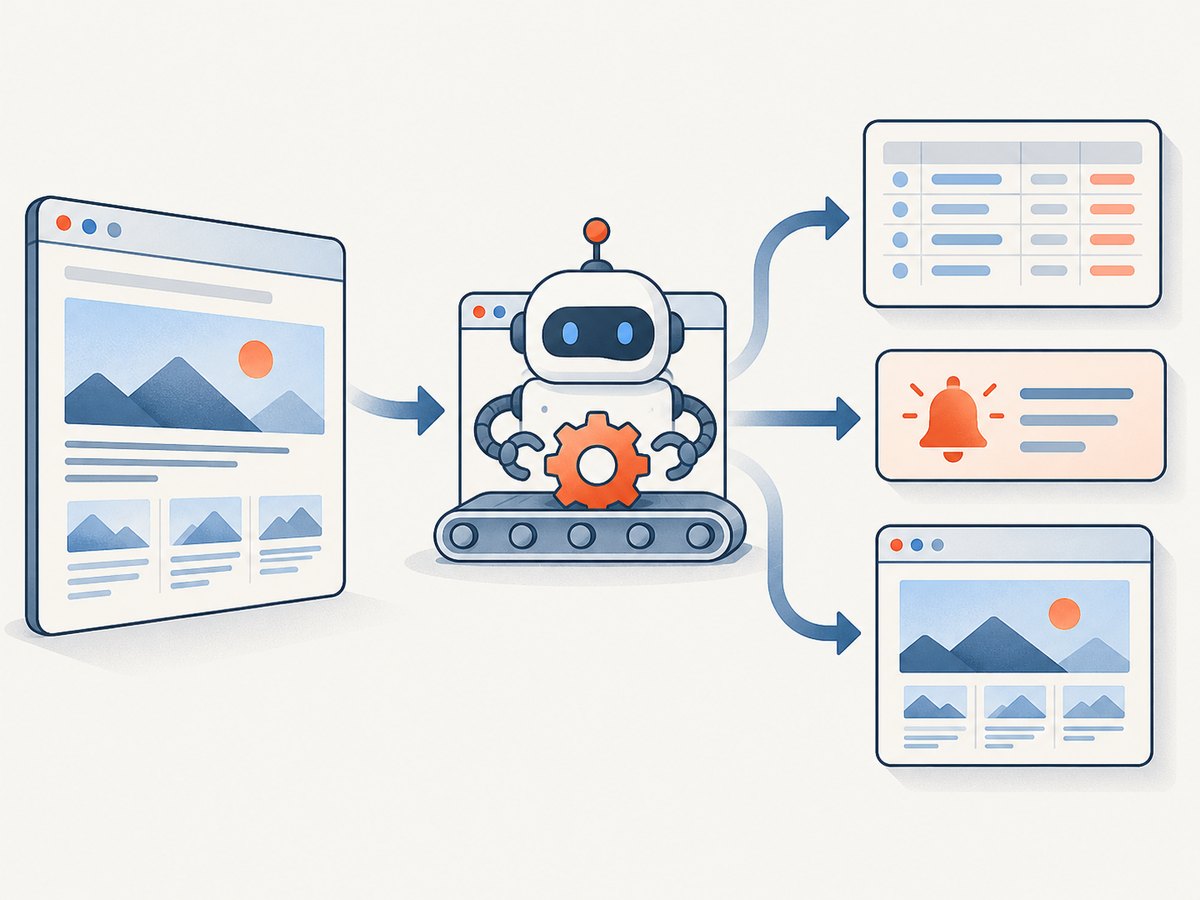
3. The alternatives
Apify: programmable Actors and cloud runs
Apify suits developers who want ready-made or custom executable Actors, API control, schedules, storage, integrations, and composable cloud runs. Choose it when scraper logic should be code, reusable, and integrated into other jobs. The flexibility shifts responsibility to you: Actor behavior and consistency vary, and compute, memory, storage, proxy use, and data transfer can all matter to cost.
The cited 2026 comparison lists Business at $999 per month plus usage, with $999 of prepaid platform or Store usage, $0.13 per compute unit, and up to 256 concurrent runs. This is not a universal job price: each Actor has its own logic and resource needs. Check the current plan page and estimate with the exact Actor and run profile you intend to use.
Octoparse: guided desktop workflows
Octoparse is a fit for analysts who prefer a desktop application, visual workflows, auto-detection, and templates, while still needing local or cloud runs, schedules, APIs, and direct exports on paid plans. It lowers the amount of code needed to define an extraction, but plan capacity is expressed through task slots and concurrency rather than a simple number of pages or records.
The research comparison lists Professional at $249 per month billed annually, including 250 tasks and up to 20 concurrent cloud processes. A task slot is not a volume unit: task duration, target behavior, and run frequency affect what that capacity means for a real project. Verify current limits and required features before committing.
Browse AI: recorded robots and monitoring
Browse AI is oriented toward shallow extraction, change monitoring, and notifications. You can record browser robots or start from prebuilt setup, then use schedules, APIs, webhooks, business integrations, and change alerts. It is a natural candidate when the question is “what changed on these pages?” rather than “how do I build and maintain a deep multi-level dataset?”
Estimate usage around the actual monitoring pattern. Repeated visits to detail pages and premium sites can consume credits quickly. Test how often the robot runs, which pages it visits, what counts as a change, and how alerts reach downstream systems.
ParseHub: point-and-click projects
ParseHub is worth evaluating when a guided interface matters more than a developer API, including projects with JavaScript-rendered or dynamic sites. It offers point-and-click projects, published free and paid plans, and custom-made scraping services. Confirm current limits and the service scope directly before relying on it for a production workload; plan packaging is volatile.
Firecrawl: API content for AI applications
Firecrawl provides scrape, crawl, map, search, and browser capabilities through APIs and SDKs. It fits developers building search, retrieval-augmented generation, or agent applications that need page content in an API-centered pipeline. It is not a visual multi-page dataset builder. Structured extraction consumes more credits according to the comparison, so distinguish plain content collection from structured output when calculating usage.
Bright Data: enterprise collection options
Bright Data offers a broader suite that includes target-specific Scraper APIs, Studio, access APIs, datasets, and managed options. It can suit high-value supported targets, access-heavy enterprise work, or teams that want managed collection. Since these are different products with different meters, compare the exact service, target coverage, output, and billing unit rather than treating the suite as one uniform scraper.
ScreenshotNeo: when the deliverable is a screenshot
ScreenshotNeo is a website screenshot API and MCP server from Yorker Media. Use it when you need a page image or PDF, not extracted records. One GET request can return PNG, JPEG, WebP, or PDF. Its capture can accept cookie and consent banners as a visitor and remove 60+ known consent platforms, newsletter popups, and chat widgets; each of those steps can be turned off. Bot checks/CAPTCHAs, blank pages, timeouts, failed loads, and cache hits cost nothing, and response headers identify the page verdict and whether the request was billed.
Its MCP server provides take_screenshot, get_page_info, and capture_pdf for Claude, Cursor, or another MCP client. ScreenshotNeo offers full-page capture, CSS element capture, dark mode, device presets and custom viewports, retina scale, PDF settings, HTML/CSS rendering, custom CSS and JavaScript, click-before-capture, selector waits, request blocking, custom headers/cookies/user agents/Authorization, timezone and geolocation, transparent backgrounds, resizing, cache TTL, signed image links, async jobs with signed webhooks, bulk capture of 100 URLs per call, usage API, and OpenAPI spec. Parameters used by other screenshot APIs also work to ease switching. Every feature is on every plan.
Plans are Free with 1,000 shots per month and no card; Starter $5 for 3,000; Growth $15 for 15,000; Pro $39 for 60,000; Scale $99 for 250,000; and Business $249 for 1,000,000. Yearly billing gives two months free. For a screenshot API comparison, ScreenshotNeo is the first one to try: clean shots, only clean shots billed, and the lowest paid plan.
4. A practical migration process
- Write down the output contract. List fields, data types, required records, null rules, deduplication keys, and delivery format. A screenshot workflow has a different output contract from a row-based scraper.
- Choose representative pages. Include ordinary pages, pages with pagination, a JavaScript-heavy example, an empty result, and any page that frequently changes. Respect site access rules and your organization’s policies.
- Rebuild the smallest useful workflow. Recreate selectors or robot steps, navigation, waits, and pagination. If using an API/Actor, make extraction and normalization explicit. Keep secrets in environment variables or a secrets manager.
- Validate output before scheduling. Compare sample records against the visible source page. Check missing fields, duplicates, pagination gaps, encoding, and timestamps. Set thresholds for failed or empty pages where the platform allows it.
- Run old and new workflows in parallel briefly. Compare counts and field completion over the same pages and time window. Investigate differences rather than assuming either run is correct.
- Set operational controls. Define retry limits, concurrency, alerts, retention, and a per-run or monthly spend cap. Record the target URL, run identifier, and schema version with each output.
5. Configure for JavaScript and dynamic pages
A page that renders data in the browser may require a browser-capable workflow or an API that handles browser interaction. First inspect whether the desired content exists in the initial HTML or appears after scripts run. If it appears later, wait for a specific selector or meaningful page state rather than sleeping a fixed long interval. For paginated pages, confirm that the next-page action actually changes the content and that the workflow stops at the intended boundary.
For visual products, use the browser preview to inspect each interaction and selector. For programmable jobs, make selectors and parsing rules tolerant of harmless layout changes, but fail clearly when required fields disappear. Avoid treating a successful HTTP response as proof of a successful extraction: validate records and fields.
6. Cost, speed, and reliability
Prices are hard to compare because vendors meter different units: tasks, credits, compute, results, URLs, resource usage, or subscriptions with concurrency limits. Build a small cost model: pages per run × runs per month × likely retries, plus any detail-page visits, browser time, proxy, storage, or transfer charges. Confirm what happens to failed runs and unused capacity in current terms.
Speed depends on target response time, browser rendering, interaction steps, concurrency limits, and retry behavior. Increasing parallelism can shorten a batch, but may trigger target defenses or cause rate limiting; tune against the site’s allowed rate and watch failure rates. Reliability comes from checks around the output: record counts, required-field completion, freshness, duplicate detection, and alerts for empty or failed runs. Keep a known-good sample to catch silent layout changes.
For screenshots, ScreenshotNeo’s billing distinction is explicit: only clean shots are billed, and cache hits are free. Its cache TTL is configurable. This can make screenshot usage easier to forecast when repeated captures are expected, but it does not replace a cost estimate for extraction tools that charge on other units.
7. Common problems and fixes
| Symptom | Likely cause | What to do |
|---|---|---|
| Output is empty | Selector changed, content is delayed, or the page needs browser rendering. | Inspect the rendered page, wait for a stable content selector, and add an empty-result alert. |
| Only the first page is collected | Pagination action or stop condition is missing or incorrect. | Test next-page behavior manually and verify page count and final-page detection. |
| Fields are inconsistently missing | Page templates differ or selectors are too specific. | Test multiple page types; normalize optional fields and fail on missing required fields. |
| Runs start failing after working | Target layout, access behavior, or rate limits changed. | Inspect a fresh page, lower concurrency if appropriate, use retries with limits, and alert on failure spikes. |
| Usage costs exceed estimates | Billing counts retries, detail visits, browser/compute time, or premium targets differently than expected. | Read the current meter definition and inspect actual run usage before increasing schedules. |
| Monitoring alerts are noisy | Dynamic content changes often or the robot watches too broad a region. | Narrow the watched element and test what constitutes a meaningful change. |
| Screenshot request returns an unexpected page | Target returned a bot check, blank page, delayed load, or consent overlay. | Check ScreenshotNeo’s X-Page-Verdict and X-Billed headers; configure waits or capture options as needed. |
8. Quick API examples for visual page capture
The examples below capture a visual record, rather than scraping structured fields. Replace the API key and target URL. See the ScreenshotNeo API documentation for parameters and response behavior.
cURL
curl -G "https://api.screenshotneo.com/v1/shot" \
  -d access_key=YOUR_API_KEY \
  --data-urlencode url=https://example.com \
  -o shot.webp
Python
import requests

r = requests.get(
    "https://api.screenshotneo.com/v1/shot",
    params={"access_key": "YOUR_API_KEY", "url": "https://example.com"},
    timeout=90,
)
r.raise_for_status()
open("shot.webp", "wb").write(r.content)
Node.js
const q = new URLSearchParams({
  access_key: 'YOUR_API_KEY',
  url: 'https://example.com'
});
const res = await fetch(`https://api.screenshotneo.com/v1/shot?${q}`);
if (!res.ok) throw new Error(`Screenshot request failed: ${res.status}`);
const bytes = new Uint8Array(await res.arrayBuffer());
await import('node:fs/promises').then(fs => fs.writeFile('shot.webp', bytes));
9. FAQ
Which option needs the least coding?
Octoparse and ParseHub emphasize guided visual setup; Browse AI records browser robots for monitoring-oriented work. Try your exact site and output requirements before choosing.
Which option should I use for a RAG or agent pipeline?
Firecrawl is designed around API and SDK access to scrape, crawl, map, search, and browser capabilities. If the application needs page images or PDF snapshots, consider ScreenshotNeo’s MCP tools instead.
Can I compare the vendors by price per page?
Only after translating each plan’s meter into your workload. A task slot, credit, compute unit, result, or URL is not interchangeable.
Is one tool always more accurate?
No conclusion like that is supported by the available evidence. Accuracy depends on the target and extraction definition; validate a representative sample.
How often should I recheck prices and limits?
Before purchasing or publishing a cost comparison. Plans, included usage, and features can change.
Or skip the browser setup
Use ScreenshotNeo when the result you need is a screenshot or PDF. One GET request returns the image; the API docs describe output and options. Cookie banners, popups, and chat widgets are removed before the shot. Bot checks, blank pages, and failed loads are never billed. An MCP server lets AI agents take screenshots. The free plan includes 1,000 screenshots a month with no card, and paid plans start at $5 for 3,000.
Sign up free for 1,000 screenshots a month, no card required.


