Webshare Proxy Saver: How It Reduces Proxy Costs
Learn how to lower Webshare proxy costs by matching proxy type, bandwidth, and commitment to your workload—and when to change plans.
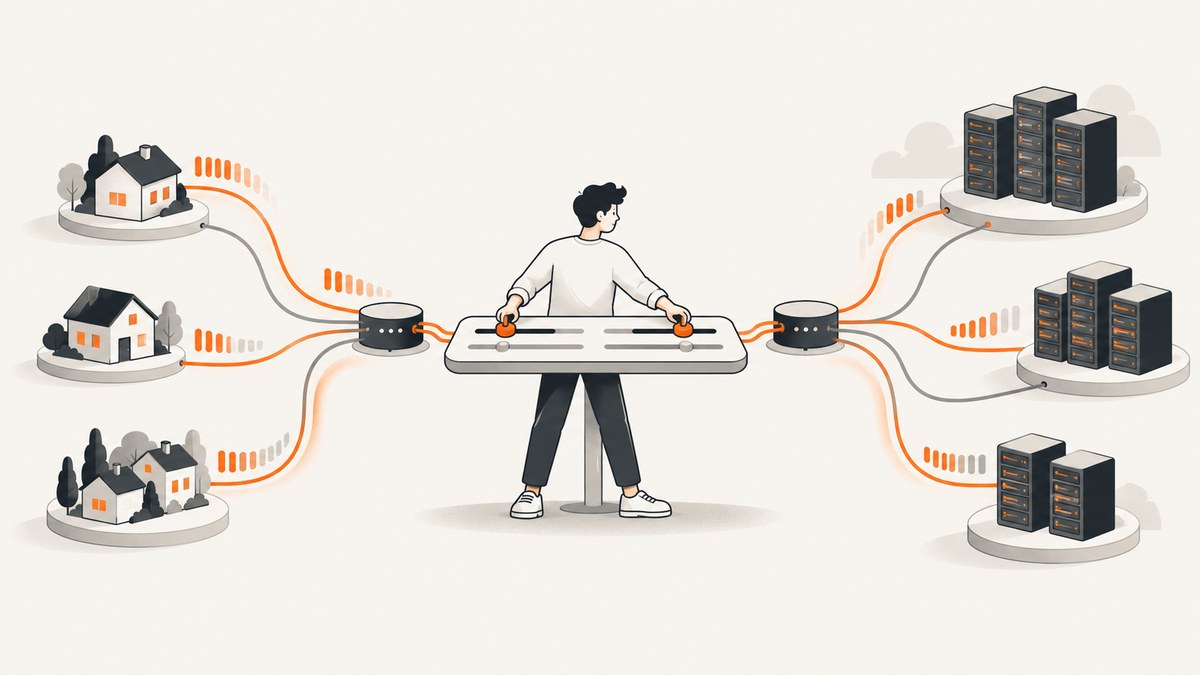
Webshare Proxy Saver is a plan-selection and usage-management approach: use the least expensive proxy type that can reliably reach your target, measure bandwidth before choosing a limit, and change plans when your workload changes. Shared datacenter proxies are usually the low-cost starting point for large request volumes. Static residential or ISP proxies cost more but provide ISP-associated addresses, while rotating residential proxies trade per-gigabyte pricing for changing IPs and geographic distribution.
The central cost question is not simply “Which plan is cheapest?” It is “What proxy type, IP count, bandwidth allowance, and commitment can complete this job without paying for unused capacity?” Webshare pricing and plan terms can change, so check the official Webshare pricing page before purchasing.
1. Identify what Webshare charges for
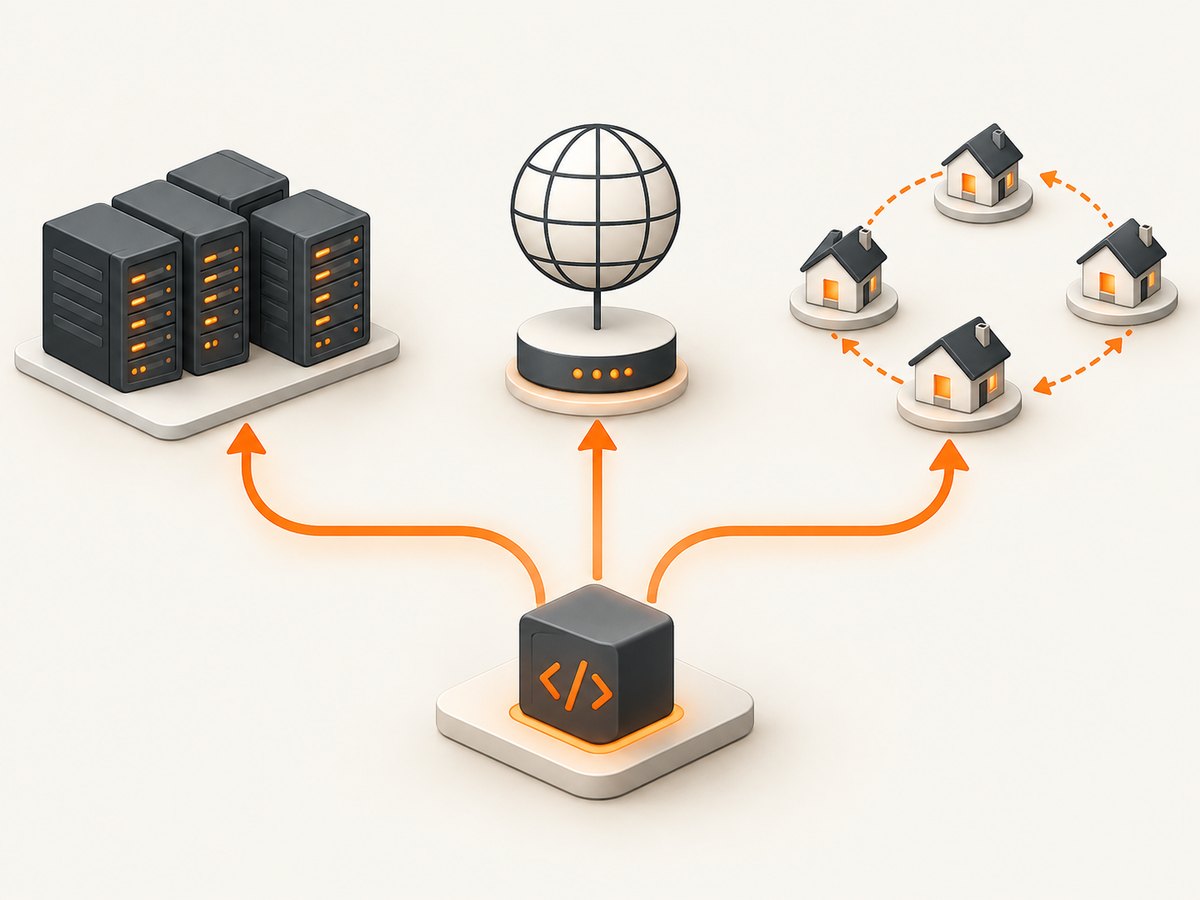
Webshare uses different pricing units across its proxy products. Proxy-server and static-residential plans are mainly priced by IP count. Rotating residential plans are priced by bandwidth. That difference changes how you should estimate cost: for an IP-count plan, evaluate how many addresses and what stability you need; for a rotating plan, estimate the data transferred through the proxy.
| Proxy type | Typical pricing basis | Cost-control fit | Trade-off to evaluate |
|---|---|---|---|
| Shared datacenter | Proxy count | High-volume requests when datacenter IPs work | Shared IPs can be blocked or have reputation limits |
| Static residential / ISP | Proxy count | Stable ISP-associated address with datacenter-like speed | Higher cost than shared datacenter options |
| Rotating residential | Bandwidth, commonly per GB | Changing IPs and geographic distribution | Large responses can make usage expensive |
There is no universal “best” proxy. A small SEO rank check may work with a shared datacenter IP. A price tracker facing blocks in one country may need residential rotation or an ISP-associated address. The right comparison includes effective cost per proxy or gigabyte, bandwidth ceiling, sharing or exclusivity, IP stability, target geography, block and CAPTCHA risk, concurrency, and total workload size.
2. Start with the free tier to test compatibility
Webshare’s help article says the free plan includes 10 datacenter proxies, up to 1 GB of bandwidth per month, and no expiration for the proxies. Shared free addresses may be blocked by some sites, so treat this tier as a compatibility check rather than assumed production capacity. See Webshare’s free proxy plan details.
- Choose a representative target and run a small, permitted request sample.
- Record whether requests succeed, the response sizes, the target’s geographic requirements, and any blocks or CAPTCHAs.
- Measure total bandwidth over a representative period, including retries and assets if your workflow fetches them.
- Use the results to estimate monthly usage and choose a paid type only if the free addresses are unsuitable or capacity is insufficient.
The free tier can reveal that a target rejects shared datacenter ranges before you commit to a large plan. It cannot establish that every target, region, or production concurrency level will behave the same way.
3. Estimate bandwidth before selecting a limit
Webshare states that the bandwidth limit applies to the whole plan, resets monthly, and does not roll over. When the limit is exceeded, proxy operation stops. This makes bandwidth planning a reliability concern as well as a cost decision. Details are in Webshare’s bandwidth-limit guide.

Estimate monthly transfer with a simple model:
monthly_GB = requests_per_month * average_response_MB / 1024Then add expected retries, redirects, and any other traffic that passes through the proxy. For example, 200,000 requests averaging 0.4 MB transfer about 78.1 GB before retries or overhead. This is an estimate based on your inputs, not a Webshare benchmark. Measure actual use in a pilot and leave reasonable headroom for traffic variation.
- Small, predictable transfers: a metered allowance may avoid paying for unused capacity.
- High or unpredictable transfers: compare the price of a larger metered allowance with an unlimited-bandwidth plan.
- Large responses: account for payload size, not only request count. A few image-heavy pages can transfer more than many small HTML responses.
Webshare defines unlimited bandwidth as not metering or charging based on transferred data on the applicable proxy plan. Unlimited can make a high-transfer workload easier to budget, but it does not automatically make the plan cheapest. Compare the plan price and its other limits with measured usage.
4. Compare current prices and commitment terms
The official pricing page’s displayed monthly shared datacenter prices include $2.99 for 100 proxies, $26.91 for 1,000, $119.60 for 5,000, and $1,076.40 for 60,000. Its displayed yearly table lists monthly-equivalent prices of $1.99, $17.95, $79.77, and $717.96 for those counts. These are page figures retrieved on September 30, 2026; confirm the current checkout price and terms before relying on them.
The same page displays yearly rotating residential rates from $2.45/GB at 1 GB to $0.98/GB at 3,000 GB. Larger volumes and annual commitment can lower displayed unit prices, but a discount only saves money if you use the capacity and can accept the commitment. Annual billing is a poor fit for a short experiment or uncertain workload even when its unit price is lower.
- Calculate the monthly cost at your expected IP count or bandwidth.
- Compare the same workload on monthly and yearly terms.
- Estimate the cost of unused capacity if demand falls.
- Check whether the plan’s bandwidth ceiling and proxy type match your target behavior.
- Recheck the live pricing page at purchase time because prices and tiers are volatile.
5. Decide whether unlimited bandwidth is worth it
Unlimited bandwidth is most useful when transfer is high or hard to forecast and exceeding a metered cap would interrupt an important workflow. A smaller metered plan is often the more economical test for light, stable usage. Compare total plan price, not just the per-GB rate shown for a large tier.
| Usage pattern | Likely starting choice | Reason |
|---|---|---|
| Low-volume checks with small responses | Free tier or low metered tier | Validate compatibility and avoid buying unused transfer |
| Stable, measured monthly transfer | Metered plan sized with headroom | Cost tracks a known workload |
| Large or bursty transfer | Compare unlimited with the next metered tier | Reduces risk of a bandwidth cutoff and simplifies budget estimates |
| Target blocks datacenter ranges | Test ISP/static-residential or rotating residential | Proxy class may matter more than raw IP count |
6. Change plans without ignoring the credit rules
Webshare says unused time and bandwidth from a previous subscription can be credited toward a replacement plan. The credit is limited by whichever resource has less remaining. If little bandwidth remains, the credit may be small even when much of the calendar period is left. Editing a plan resets the bandwidth limit and billing cycle.
Before changing plans, note the current usage and renewal timing. Estimate whether the credit is meaningful, and make the change before a bandwidth ceiling interrupts work. Keeping proxy type, country allocation, and proxy count unchanged can preserve existing proxies when adding bandwidth or features, according to Webshare’s plan-edit guidance. Check the current account interface and applicable terms for your specific edit.
7. Match a proxy plan to common workloads
SEO rank checks
For a modest volume of location-specific searches, start with the least expensive datacenter option that can reach the search engine reliably. Test the required geography and block rate first. If the target blocks the shared range, evaluate a more suitable proxy class instead of repeatedly retrying failed requests and wasting time.
Price tracking and catalog monitoring
Estimate page and product-data response sizes, then multiply by the schedule and number of monitored URLs. Datacenter proxies may fit broad, low-friction coverage. Sites that block those ranges may justify ISP/static-residential or rotating residential spend. Geographic distribution and IP rotation should solve a measured requirement rather than be purchased by default.
High-volume scraping
Separate request volume from transferred bytes. A large crawl of compact responses may need many IPs but modest bandwidth; a smaller crawl of media-rich pages can consume substantial transfer. Compare the cost of shared datacenter volume, bandwidth constraints, and any unlimited option. Concurrency is also a practical limit: increasing parallelism can accelerate collection but may raise failure rates or trigger target defenses. Use a controlled ramp and follow the target site’s rules.
8. Keep a monthly cost-control checklist
- Track requests, successful responses, failures, retries, and transferred bytes by job.
- Review plan-wide bandwidth before the reset date; unused bandwidth does not roll over.
- Investigate rising response size or retry rates before increasing the plan.
- Separate targets by geography and block behavior so one difficult target does not drive every proxy purchase.
- Compare current monthly and annual prices against actual usage before renewing.
- Revisit the proxy type when a workload’s block rate or geography changes.
- Do not treat advertised network capacity or uptime as an independent performance result; the pricing page’s 100+ Gbps and 99.97% figures are Webshare claims.
9. Troubleshooting common cost and access problems
| Symptom | Likely cause | What to do |
|---|---|---|
| Proxy stops working mid-cycle | Plan-wide bandwidth limit reached | Check usage, reduce transferred data where appropriate, and compare a larger or unlimited plan. Remember the cycle reset behavior. |
| Free proxy requests are blocked | Shared IP reputation or target restrictions | Use the free tier as a test; verify whether the target permits the traffic, then evaluate an appropriate paid proxy class. |
| Costs exceed the estimate | Responses are larger than assumed, retries are high, or more jobs share the plan | Measure bytes per request and segment usage by job; update the estimate before changing tiers. |
| Annual plan looks cheaper but is poor value | Workload is temporary or unused capacity outweighs the discount | Compare total commitment cost and expected utilization, not only monthly-equivalent unit price. |
| Plan edit credit is unexpectedly small | Credit is constrained by the resource with less remaining | Review remaining bandwidth and time before editing; factor in the bandwidth and billing-cycle reset. |
| Rotating residential charges grow quickly | High response sizes or repeated downloads consume per-GB allowance | Measure transfer, avoid unnecessary fetches, and compare the next volume tier or unlimited alternatives where applicable. |
10. ScreenshotNeo for the screenshot part of a proxy workflow
If your goal is to save a visual record of pages that your workflow can access, ScreenshotNeo is a website screenshot API and MCP server from Yorker Media. It can complement a proxy-based collection system when you need screenshots rather than raw page responses. It does not replace Webshare proxies for routing traffic or providing proxy IPs.
For capturing an accessible page without managing a browser, send one GET request. See the ScreenshotNeo API documentation for parameters and formats.
curl -G "https://api.screenshotneo.com/v1/shot" -d access_key=YOUR_API_KEY --data-urlencode url=https://stripe.com -o shot.webpimport requests
r = requests.get(
"https://api.screenshotneo.com/v1/shot",
params={"access_key": "YOUR_API_KEY", "url": "https://stripe.com"},
timeout=90,
)
open("shot.webp", "wb").write(r.content)const q = new URLSearchParams({ access_key: 'YOUR_API_KEY', url: 'https://stripe.com' });
const res = await fetch(`https://api.screenshotneo.com/v1/shot?${q}`);
if (!res.ok) throw new Error(`Screenshot request failed: ${res.status}`);
await Bun.write('shot.webp', res);ScreenshotNeo supports PNG, JPEG, WebP, and PDF output, plus full-page and selector captures, device and viewport settings, wait conditions, custom CSS and JavaScript, request blocking, headers, cookies, caching, async jobs, bulk capture, signed image links, and more. Its MCP server exposes take_screenshot, get_page_info, and capture_pdf to Claude, Cursor, and other MCP clients. Review the docs for configuration details before adding it to a workflow.
Or skip the browser setup
ScreenshotNeo removes cookie banners, newsletter popups, and chat widgets before the shot; each cleanup step can be turned off. Bot checks, blank pages, failed loads, timeouts, and cache hits are not billed, and response headers report the page verdict and billing status. An MCP server lets AI agents take screenshots. The free plan includes 1,000 screenshots a month with no card; paid plans start at $5 for 3,000. Every feature is available on every plan.
Sign up free for ScreenshotNeo.
FAQ
Do unused Webshare bandwidth credits carry into the next month?
No. The monthly bandwidth limit resets and does not roll over. Plan edits have separate credit rules and reset the bandwidth cycle.
Is an IP-count plan always cheaper than a bandwidth plan?
No. The products serve different needs and have different pricing units. Compare the total cost for your transfer volume, proxy behavior, and required address type.
Should I buy residential proxies to avoid every block?
No proxy class guarantees that a target will accept requests. Test the smallest suitable plan and account for target-specific blocking and access rules.
Are Webshare uptime and network figures independent measurements?
No. Figures shown on its pricing page are vendor claims; the research used here does not include independent performance testing.


