Website Screenshot to AVIF: API Guide
Capture a website with a screenshot API, return AVIF directly when supported, or convert PNG/JPEG/WebP safely in your own pipeline.
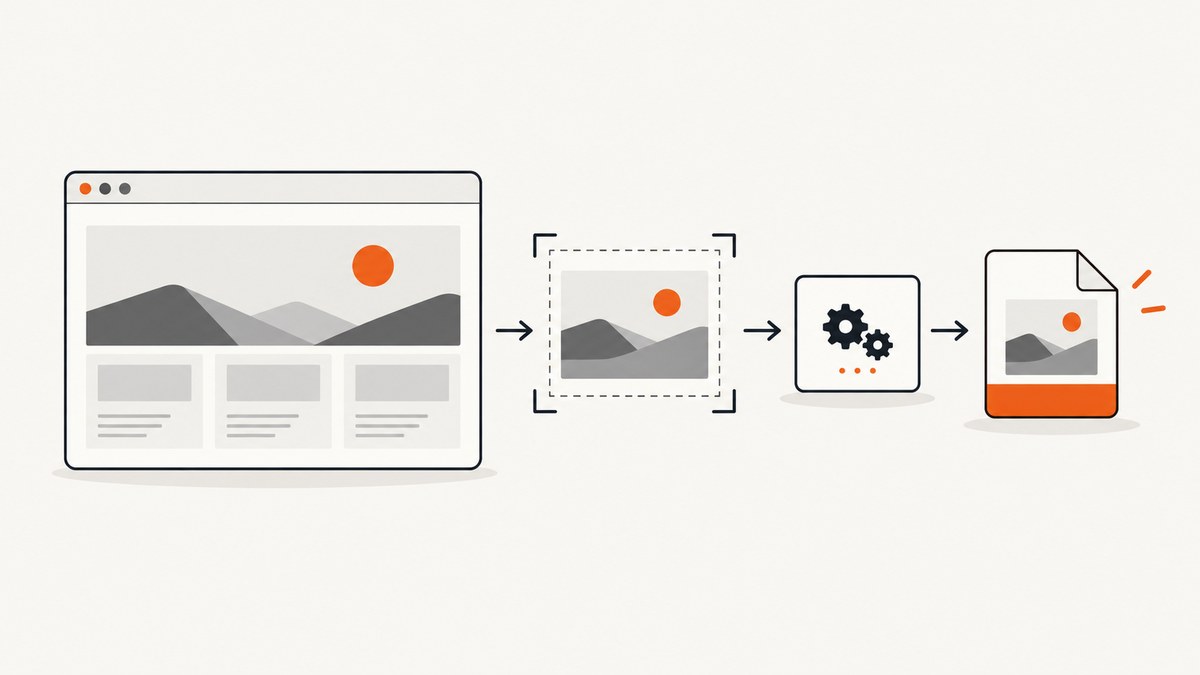
To turn a website into an AVIF image, render the page with a screenshot API, then either request AVIF directly from a provider that supports it or capture PNG/JPEG/WebP and convert the returned image bytes to AVIF. The second route works with more screenshot services, but adds an encoding step. In both cases, validate the response, choose quality based on representative pages, and serve the final file as image/avif.
AVIF is an image format that encodes AV1 bitstreams in a HEIF container. It can reduce image bytes, but file size and visual quality depend on the source page and encoding settings. There is no universal quality value or compression ratio. See MDN’s image format guide.
1. Choose direct AVIF output or a conversion step
First check the screenshot API’s current format list and response contract. Providers change supported formats and parameters, so don’t infer AVIF support from a generic “image formats” description.
| Workflow | Use it when | Trade-off |
|---|---|---|
| Request AVIF from the capture API | The API documents AVIF output and the controls you need | Fewer pipeline steps; provider controls and output behavior apply |
| Capture PNG/JPEG/WebP, then encode AVIF | The capture API lacks AVIF or you need control over encoding | Requires CPU, storage or streaming work for the extra conversion |
For example, APIVoid documents a POST screenshot endpoint that can return base64 output and includes AVIF among its supported formats. LaunchBrightly documents AVIF output with quality, lossless, and effort controls. Check their current documentation for exact parameter names and limits: APIVoid Screenshot API and LaunchBrightly options.
Cloudflare’s documented Browser Rendering screenshot endpoint lists PNG, JPEG, and WebP, so a workflow using that endpoint needs a separate encoder for AVIF. AWS’s Dynamic Image Transformation solution documents AVIF retrieval and 8-bit AVIF modification, which may fit a pipeline already using CloudFront image processing. Those are image processing options; check each service’s current format and request documentation before building around it: Cloudflare screenshot method and AWS image requests.
2. Capture the page with an API
A typical request supplies a URL and API credential, then selects a viewport, capture behavior, and source format. Authentication, parameter names, and whether the result is raw bytes, a URL, JSON, or base64 are provider-specific. Keep credentials on a server; don’t put them in browser JavaScript or public HTML.
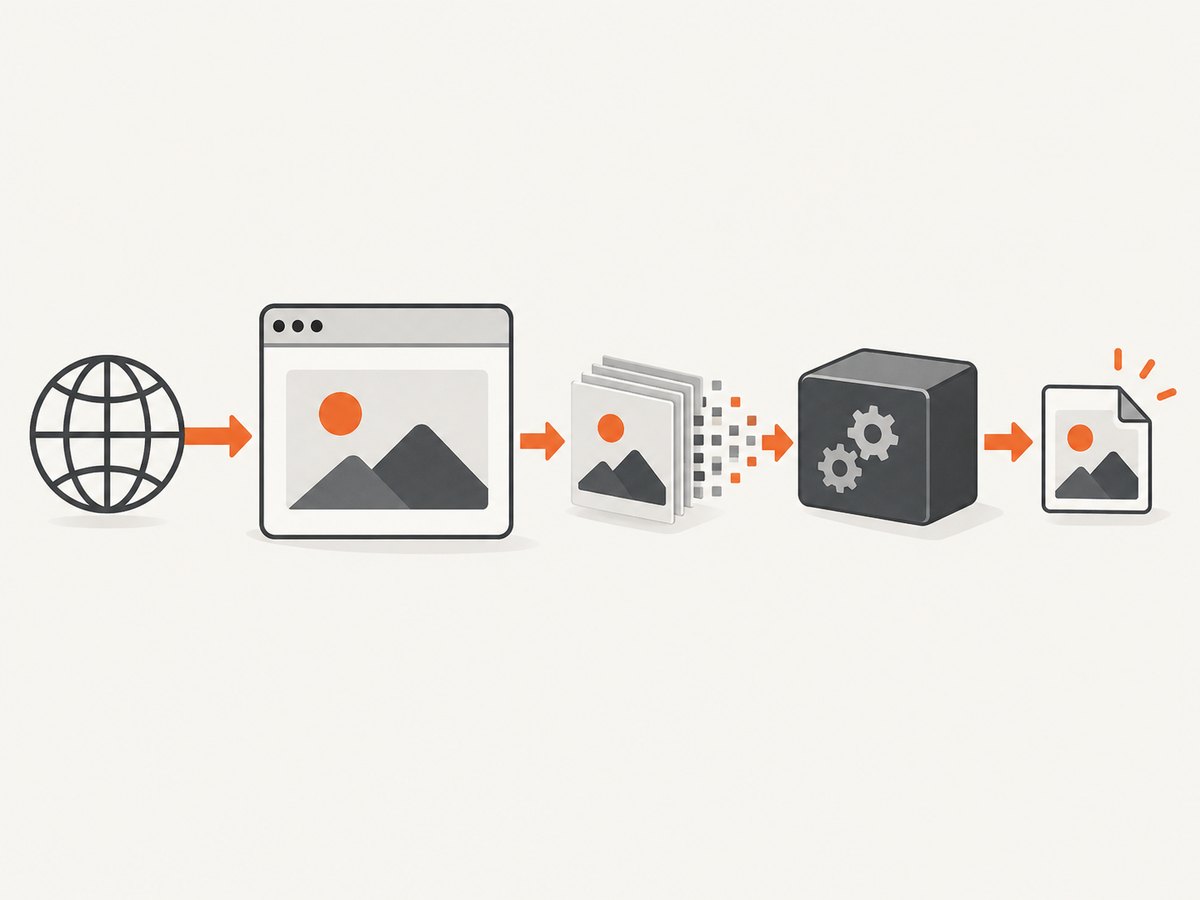
Here is a generic cURL shape for an API that returns raw image bytes. Replace the endpoint and parameter names with those in the provider’s documentation. This is a request pattern, not a claim about a specific provider’s API:
curl --fail-with-body --silent --show-error \
  -H "Authorization: Bearer $SCREENSHOT_API_KEY" \
  -G "https://api.example.com/screenshot" \
  --data-urlencode "url=https://example.com" \
  --data-urlencode "width=1440" \
  --data-urlencode "height=900" \
  --data-urlencode "format=png" \
  -o page.png
For an API that returns JSON or base64, don’t save the response body directly as an image. Parse the documented response, decode the image payload, and validate the resulting bytes. Likewise, a response containing a temporary download URL needs a separate download request and may have retention limits.
3. Convert a captured image to AVIF
If the provider doesn’t produce AVIF, one established command-line route is avifenc. The web.dev AVIF tutorial documents converting PNG and JPEG with this tool and notes that quality is typically the main encoding parameter developers need to change. Its sample image shrank from 3340 kB to 378 kB; that is one tutorial example, not a general compression guarantee. See web.dev: Serving AVIF Images.
Command line
# Install libavif using your operating system's package manager or build instructions.
# Then convert a capture:
avifenc --min 20 --max 30 page.png page.avif
The numeric quality range above is an example starting point, not a universal recommendation. Check avifenc --help for the installed version’s options. Run a visual and byte-size comparison on the pages your application captures before choosing a default.
Python: request a capture, then invoke avifenc
This example assumes a provider endpoint that returns raw PNG bytes for the illustrative request shape above, and that avifenc is installed and on PATH. Adapt authentication and parameter names to the provider’s actual docs.
import os
import subprocess
import requests

api_key = os.environ["SCREENSHOT_API_KEY"]
response = requests.get(
    "https://api.example.com/screenshot",
    headers={"Authorization": f"Bearer {api_key}"},
    params={
        "url": "https://example.com",
        "width": 1440,
        "height": 900,
        "format": "png",
    },
    timeout=90,
)
response.raise_for_status()
content_type = response.headers.get("Content-Type", "").split(";")[0].lower()
if content_type != "image/png":
    raise RuntimeError(f"Expected image/png, got {content_type or 'no Content-Type'}")

with open("page.png", "wb") as image_file:
    image_file.write(response.content)

subprocess.run(
    ["avifenc", "--min", "20", "--max", "30", "page.png", "page.avif"],
    check=True,
)
If your endpoint returns JPEG, request or save a JPEG and pass that file to avifenc. If the response is base64 JSON, decode that field instead of treating the JSON as an image. Avoid logging API keys or full authorization headers when reporting failures.
Node.js: request bytes, then encode
This runnable Node.js example uses the same illustrative raw-PNG endpoint and calls the installed avifenc program. It requires a Node version with built-in fetch, or a compatible fetch implementation.
import { writeFile } from "node:fs/promises";
import { spawn } from "node:child_process";

const apiKey = process.env.SCREENSHOT_API_KEY;
if (!apiKey) throw new Error("Set SCREENSHOT_API_KEY");
const query = new URLSearchParams({
  url: "https://example.com",
  width: "1440",
  height: "900",
  format: "png",
});
const response = await fetch(`https://api.example.com/screenshot?${query}`, {
  headers: { Authorization: `Bearer ${apiKey}` },
  signal: AbortSignal.timeout(90_000),
});
if (!response.ok) throw new Error(`Capture failed: HTTP ${response.status}`);
const type = (response.headers.get("content-type") || "").split(";")[0].toLowerCase();
if (type !== "image/png") throw new Error(`Expected image/png, got ${type || "none"}`);
await writeFile("page.png", Buffer.from(await response.arrayBuffer()));

await new Promise((resolve, reject) => {
  const encoder = spawn("avifenc", ["--min", "20", "--max", "30", "page.png", "page.avif"]);
  encoder.on("error", reject);
  encoder.on("close", (code) => code === 0 ? resolve() : reject(new Error(`avifenc exited ${code}`)));
});
For production, set a bounded request timeout, cap accepted response size, and clean up temporary files. If captures run in a job queue, record the source URL, capture settings, encoder settings, and output metadata with the job so a failed conversion can be diagnosed or retried.
4. Select capture settings deliberately
AVIF encoding cannot correct a poor capture. Decide what the screenshot should contain before tuning compression.
| Setting | What to decide | Edge case |
|---|---|---|
| Viewport width and height | Match the intended presentation or device size | Responsive breakpoints can change layout, text wrapping, and image choice |
| Full page | Use when the deliverable includes content below the fold | Long pages increase render time and output dimensions; lazy images may need scrolling or provider-specific support |
| Wait condition | Wait for a selector, delay, or network idle if the API offers it | Network idle may never occur on pages with polling, analytics, or streaming requests |
| Authentication and cookies | Supply only the session data the page needs | Expired sessions, consent state, or regional content can change the result |
| CSS and JavaScript | Use documented injection options to hide or prepare page elements | Injected code can alter page behavior; keep it narrowly scoped |
| Geographic rendering | Set region, timezone, or geolocation when the page varies by locale | IP-based and browser-location behavior may differ |
| Format and quality | Request the supported source or AVIF output and tune encoding | Alpha, color, bit depth, and encoder behavior can differ by service |
Check viewport limits, full-page limits, supported wait controls, authentication methods, response retention, geographic availability, and pricing in the current API docs. Do not assume two services interpret similarly named options identically.
5. Validate and deliver the AVIF
A successful HTTP status does not prove that the response is a valid screenshot. A proxy error page or JSON error body can arrive with an unexpected status or content type. Validate these properties before publishing the file:
- Check the HTTP status and provider-specific error fields.
- Check the response MIME type and the file signature; confirm the output is actually AVIF after encoding.
- Read image dimensions and reject unexpected zero-size or excessive outputs.
- Record the byte size and compare it against your delivery budget.
- Store a fallback format if the clients you support may not decode AVIF.
Serve an AVIF file with the image/avif media type. If older browsers or embedded webviews matter, provide a fallback with <picture>:
<picture>
  <source srcset="/captures/page.avif" type="image/avif">
  <source srcset="/captures/page.webp" type="image/webp">
  <img src="/captures/page.jpg" alt="Screenshot of the page">
</picture>
MDN lists Chrome 85, Firefox 93, and Safari 16.1 as AVIF support milestones. Those version facts don’t guarantee support in every embedded browser or older device. Check the actual clients you serve and keep a fallback where necessary: MDN format compatibility guidance.
6. Or skip the browser setup
ScreenshotNeo is a website screenshot API and MCP server. It returns PNG, JPEG, WebP, or PDF, so for AVIF use its WebP or PNG response as the encoder input; it does not directly return AVIF. The capture call is one GET request. See the ScreenshotNeo API docs for authentication and response details.
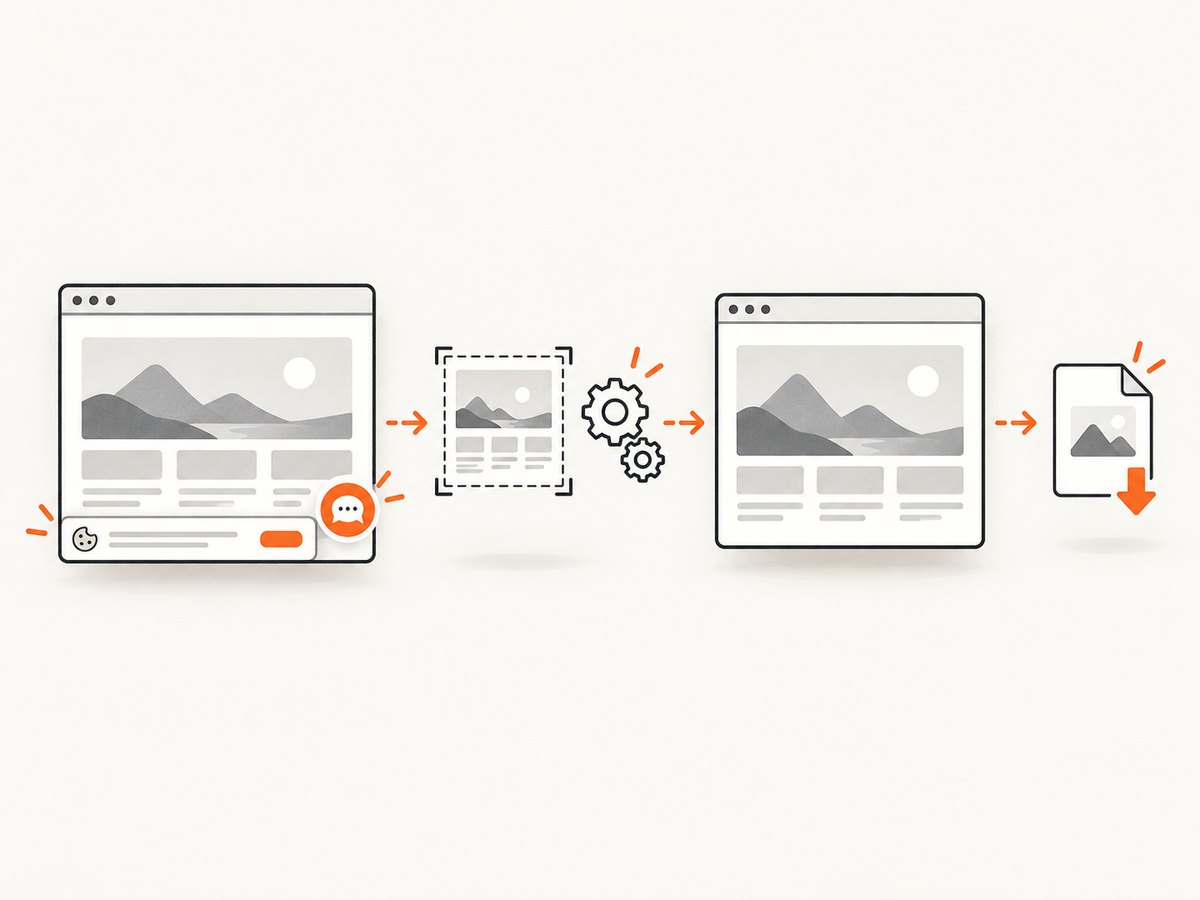
curl -G "https://api.screenshotneo.com/v1/shot" \
  -d access_key=YOUR_API_KEY \
  --data-urlencode url=https://stripe.com \
  -o shot.webp

avifenc --min 20 --max 30 shot.webp shot.avif
ScreenshotNeo accepts cookie and consent banners like a visitor and removes 60+ known consent platforms, newsletter popups, and chat widgets before capture; each step can be turned off. Bot checks, blank pages, timeouts, failed loads, and cache hits cost nothing, and response headers report the page verdict and billing status. Its MCP server gives AI agents tools named take_screenshot, get_page_info, and capture_pdf. The Free plan includes 1,000 shots a month with no card; paid plans start at $5 for 3,000 shots. Every feature is on every plan.
Sign up for 1,000 free screenshots a month, with no card required.
7. Performance, reliability, and cost
A screenshot pipeline has at least two cost centers: browser rendering and image encoding. Full-page pages and high device scale factors create more pixels and can increase both render work and encoder time. AVIF effort controls can trade encoding time for output size where the provider exposes them. Measure wall time and output size on a representative set of short pages, long pages, and media-heavy pages before setting timeouts or worker capacity.
For reliability, set request and job timeouts, retry only transient failures, and use bounded retries with backoff. Don’t retry invalid URLs, authentication errors, unsupported formats, or deterministic page failures indefinitely. If the screenshot API supports caching, choose a TTL based on how often the source page changes. A cache hit can reduce repeated rendering but may return stale content; include relevant viewport, locale, and capture settings in the cache identity.
For cost, compare the provider’s billing unit and retention rules with your expected successful captures, then include encoding compute, storage, and fallback copies. A smaller AVIF file may lower transfer or storage costs, but only if the savings exceed conversion and operational costs for your workload. Measure rather than assuming a fixed percentage reduction.
8. Troubleshooting
| Symptom | Likely cause | Fix |
|---|---|---|
| Encoder says input is invalid | The saved response is JSON/base64, an HTML error page, or truncated bytes | Inspect status, content type, response contract, and file signature; decode the documented image field if needed |
| AVIF output is larger than the source | Source image is already efficient, quality is high, or settings favor fidelity | Compare representative samples, adjust quality/effort, and keep the smaller suitable format when AVIF offers no benefit |
| Screenshot is blank or incomplete | Capture happened before rendering, the page failed, or content requires authentication | Use a documented selector or wait option, verify cookies/session, and inspect the provider’s page status details |
| Some images are missing in full-page output | Lazy-loaded content did not load before capture | Use provider-supported full-page lazy-load behavior or a suitable wait condition; verify on the target page |
| Request times out | Slow target, excessive wait condition, or oversized full-page capture | Set bounded waits, reduce unnecessary capture area, and distinguish provider timeout from your client timeout |
| AVIF fails on a device | Old or embedded browser lacks decoder support | Use feature negotiation with <picture> and provide WebP/JPEG fallback |
| Colors or transparency differ | Different source, bit depth, alpha handling, or encoder defaults | Test actual image types and settings; do not assume all providers produce identical AVIF output |
| 401/403 or rate limit | Bad credential, wrong auth scheme, quota, or request rate | Check provider docs and account status; protect keys and apply backoff for rate limiting |
9. Frequently asked questions
Can every screenshot API return AVIF directly?
No. Check the provider’s current supported output formats. If AVIF is absent, capture a supported raster format and convert it.
Should I capture PNG or JPEG before encoding?
Choose based on the page and API. PNG is lossless and useful when sharp text or flat graphics matter; JPEG is lossy and may be smaller for photographic content. Compare the resulting AVIF quality and size on your own pages.
Does AVIF always make screenshots smaller?
No. The result depends on the source and encoding settings. Measure both bytes and visual quality before choosing AVIF by default.
Can I put my screenshot API key in frontend code?
Keep it server-side. Browser code exposes credentials to visitors. Use a backend endpoint or a provider-supported signed public URL pattern when appropriate.
What should I monitor in production?
Track capture and conversion success separately, along with latency, response format, dimensions, bytes, retry counts, and fallback delivery. This shows whether failures come from rendering, encoding, or client compatibility.


