How to Use Wget with a Proxy
Configure Wget with proxy variables, wgetrc, bypass rules, authentication, troubleshooting, and reliable command-line patterns.
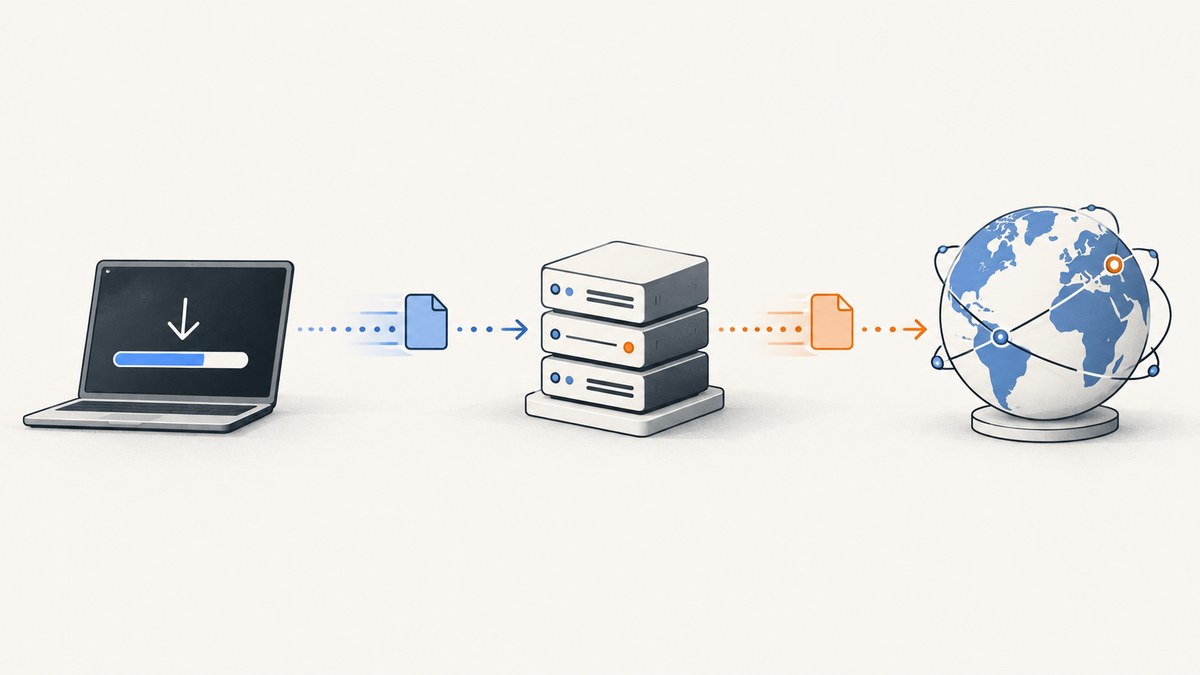
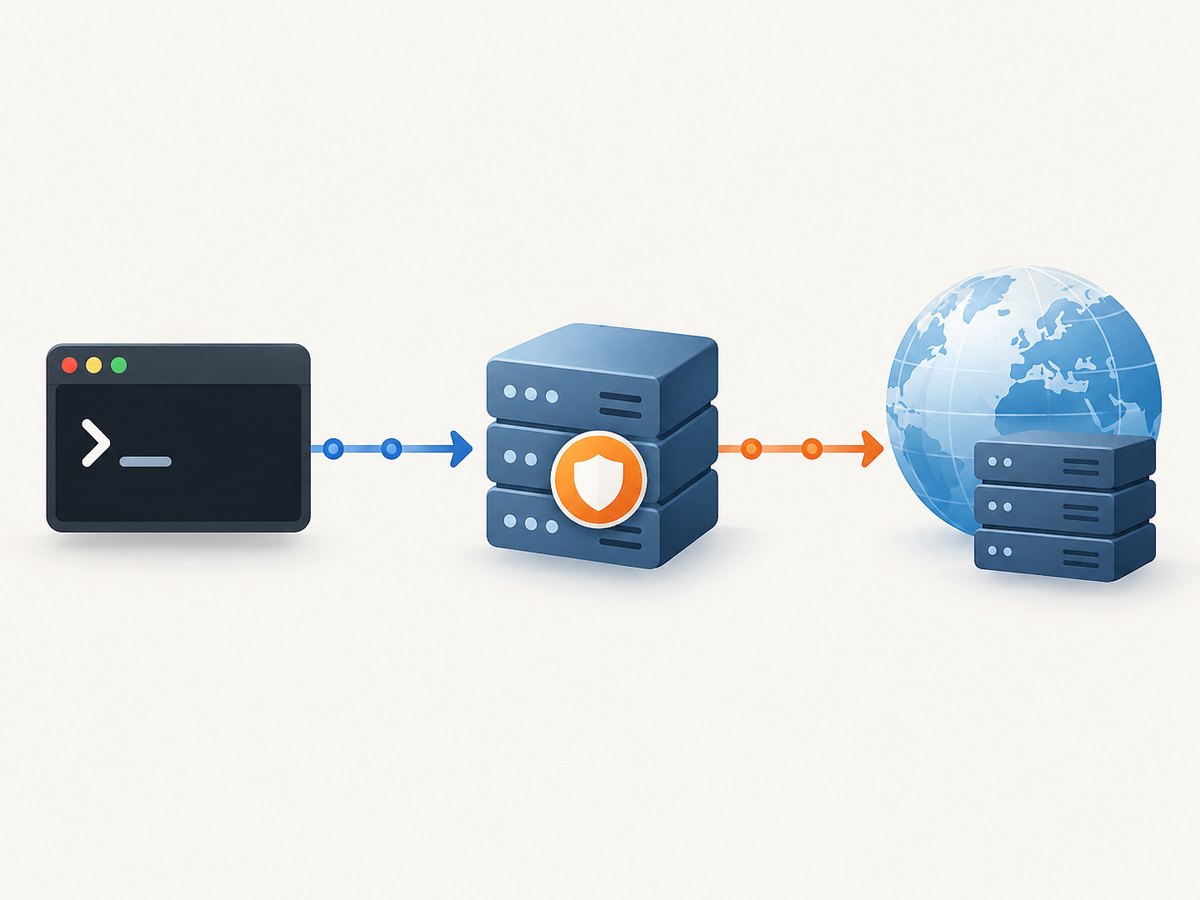
GNU Wget can send HTTP, HTTPS, and FTP downloads through a proxy. The usual setup is to define http_proxy and https_proxy environment variables, then run Wget normally. Use no_proxy for hosts that should connect directly, --no-proxy to bypass the proxy for one command, and wgetrc settings when you need a persistent configuration.
This guide covers one-command usage, shell configuration, wgetrc, proxy credentials, bypass rules, diagnostics, automation, and common failure modes. The proxy hostname, port, access policy, and credentials must come from your network administrator or proxy provider.
1. Quick answer: the commands you need
For an HTTPS destination, set https_proxy for the command:
https_proxy=http://proxy.example.net:8080 wget https://example.org/file.zipFor an HTTP destination, use http_proxy:
http_proxy=http://proxy.example.net:8080 wget http://example.org/file.zipTo disable proxy use for one invocation:
wget --no-proxy https://example.org/file.zipTo proxy most traffic but connect directly to selected domains:
https_proxy=http://proxy.example.net:8080 \
no_proxy=.internal.example,localhost,127.0.0.1 \
wget https://downloads.example.org/file.zip
These are POSIX-style shell assignments. Wget documents lowercase http_proxy, https_proxy, and ftp_proxy variables, plus a comma-separated no_proxy list. See the GNU Wget manual’s proxy section.
2. How Wget chooses and uses a proxy
Wget decides whether a request is proxied from three related inputs:
| Setting | Purpose | Typical value |
|---|---|---|
http_proxy |
Proxy URL for HTTP retrievals | http://proxy.example.net:8080 |
https_proxy |
Proxy URL for HTTPS retrievals | http://proxy.example.net:8080 |
ftp_proxy |
Proxy URL for FTP retrievals | http://proxy.example.net:8080 |
no_proxy |
Comma-separated domain extensions and hosts that bypass the proxy | .internal.example,localhost |
The variable name follows the destination protocol. It does not have to match the scheme in the proxy URL: an HTTPS download can use an HTTP proxy endpoint when that is what the provider supplies. Confirm the endpoint and port with the operator.
Wget supports proxies for HTTP and FTP retrievals. If a request unexpectedly goes direct, inspect no_proxy, command-line options, and wgetrc. If it unexpectedly uses a proxy, check inherited environment variables and persistent configuration.
3. Configure a proxy for one command
A temporary assignment affects only the command that follows it. This is useful for testing or for jobs that use different proxy routes.
https_proxy=http://proxy.example.net:8080 \
wget --server-response https://example.org/file.zip
Set both variables when a script may retrieve mixed HTTP and HTTPS URLs:
http_proxy=http://proxy.example.net:8080 \
https_proxy=http://proxy.example.net:8080 \
wget -i urls.txt
In Bash, Zsh, and similar shells, you can export the values for the current shell session:
export http_proxy='http://proxy.example.net:8080'
export https_proxy='http://proxy.example.net:8080'
export ftp_proxy='http://proxy.example.net:8080'
export no_proxy='.internal.example,localhost,127.0.0.1'
wget https://example.org/file.zip
Use env when you want to make the scope obvious in a script:
env https_proxy='http://proxy.example.net:8080' \
    no_proxy='localhost,127.0.0.1' \
    wget https://example.org/file.zip
4. Make the configuration persistent with wgetrc
For a user-level configuration, add proxy settings to $HOME/.wgetrc:
https_proxy = http://proxy.example.net:8080
http_proxy = http://proxy.example.net:8080
ftp_proxy = http://proxy.example.net:8080
no_proxy = .internal.example,localhost,127.0.0.1
Wgetrc settings override values supplied by the environment. The file belongs to the user account running Wget, so a scheduled job, container, service account, and interactive shell may each read a different file. Wget also supports an alternate configuration path through the WGETRC environment variable.
WGETRC=/etc/my-wgetrc wget https://example.org/file.zipProtect files that contain private network details or credentials:
chmod 600 "$HOME/.wgetrc"For a one-command wgetrc override, use --execute (short form -e):
wget -e 'https_proxy = http://proxy.example.net:8080' \
     https://example.org/file.zip
To turn proxying off in wgetrc, set:
use_proxy = offThis disables proxy use even when proxy environment variables are present. Remove the setting or change it to on when direct connections are no longer desired.
5. Bypass the proxy for selected hosts
Use no_proxy for destinations that must stay on the local network or that should not pass through an external gateway:
export https_proxy='http://proxy.example.net:8080'
export no_proxy='.corp.example,localhost,127.0.0.1,10.0.0.5'
wget https://packages.corp.example/archive.tar.gz
The documented format is a comma-separated list of domain extensions. Keep entries free of spaces unless your environment specifically supports them. A leading dot is commonly used for a domain suffix, such as .internal.example. Add exact hostnames and IP addresses when you need an explicit exception.
For a complete one-command bypass, use:
wget --no-proxy https://example.org/file.zipIf a persistent use_proxy = off setting is active, remove or override it before expecting environment variables to take effect.
6. Supply proxy credentials
Wget provides proxy-user and proxy-password options. The equivalent wgetrc names are proxy_user and proxy_password:
wget --proxy-user='USERNAME' \
     --proxy-password='PASSWORD' \
     https://example.org/file.zip
Persistent form:
proxy_user = USERNAME
proxy_password = PASSWORD
The GNU Wget 1.25.0 manual states that Basic is the proxy authentication scheme currently implemented. If your proxy requires another scheme, ask its operator whether Wget is supported or whether an intermediary is needed.
Command-line passwords can remain in shell history and may be visible to process inspection. Prefer a protected configuration file, a controlled secret-injection mechanism, or the credential-handling method required by your organization. Never commit a credential-bearing wgetrc to source control.
7. Verify that Wget is using the intended route
- Print the variables in the same execution context as Wget:
env | grep -i proxy. - Check the effective wgetrc path and the account’s home directory.
- Run with diagnostic output:
wget -d https://example.org/file.zip. - Use
--server-responsewhen you need response headers. - Compare a proxied run with
wget --no-proxyif policy permits direct access.
env | grep -i proxy
wget -d --server-response https://example.org/file.zip
Do not treat a successful download alone as proof of the route. A no_proxy match, a transparent network gateway, or an inherited service configuration can change the path without changing the command’s appearance.
8. Proxy-aware scripts and automation
Make proxy behavior explicit at the start of automation:
#!/usr/bin/env bash
set -euo pipefail

: "${HTTPS_PROXY_URL:?Set HTTPS_PROXY_URL to the approved proxy URL}"
export https_proxy="$HTTPS_PROXY_URL"
export http_proxy="${HTTP_PROXY_URL:-$HTTPS_PROXY_URL}"
export no_proxy='localhost,127.0.0.1,.internal.example'

wget --continue --directory-prefix=downloads \
     https://example.org/releases/tool.tar.gz
--continue can resume a partial file when the server supports range requests. It does not repair a corrupted or mismatched object; verify checksums when the publisher provides them. In CI, define variables in the runner’s secret store and ensure the job’s home directory and wgetrc are the ones you expect.
For multiple URLs, put one URL per line in a file and use:
wget -i urls.txtUse a separate wgetrc or environment for each job when different projects require different egress policies. Avoid changing global system configuration for a single pipeline.
9. Troubleshooting common errors
| Symptom | Likely cause | Fix |
|---|---|---|
| “Connection refused” or timeout to the proxy | Wrong host, port, route, or firewall policy | Confirm the endpoint with the administrator; test DNS and reachability from the same machine. |
| Wget connects directly | no_proxy matches, --no-proxy was supplied, or use_proxy = off is set |
Inspect all three and remove the unintended bypass. |
| Wget still uses an old proxy | A wgetrc value overrides the environment | Inspect $HOME/.wgetrc, WGETRC, and service-specific configuration. |
| 407 Proxy Authentication Required | Credentials are missing, incorrect, expired, or unsupported | Set proxy-user/proxy-password, check account status, and confirm that Basic authentication is accepted. |
| HTTPS certificate error | The proxy intercepts TLS or the trust store lacks its CA | Install the organization’s trusted CA using its approved method. Do not disable certificate verification as a routine fix. |
| Only some domains fail | Different routing rules, DNS behavior, or a no_proxy suffix |
Compare debug output and test the exact hostname, including redirects. |
| Works in a terminal but not in cron or CI | Different environment, home directory, user, or wgetrc | Set variables in the job definition and use an explicit WGETRC path. |
| FTP retrieval fails | ftp_proxy is absent or the proxy does not support the required FTP mode |
Configure ftp_proxy and confirm support with the proxy operator. |
10. Performance, reliability, and cost considerations
A proxy adds a network hop. It can improve access control, auditing, caching, or egress consistency, but it can also add latency and become a shared bottleneck. Keep downloads close to the proxy’s permitted network path and avoid repeatedly downloading the same large object when local caching is available.
For reliability, use bounded retries and a clear failure policy in the surrounding script. Preserve partial files only when resume behavior is safe, and validate downloaded artifacts with checksums. Log the destination, selected route, exit status, and duration without logging proxy passwords.
Wget itself does not charge for proxy use. Any costs come from the proxy provider, bandwidth, egress, hosted runners, or network service. A successful HTTP response does not guarantee that the downloaded content is the expected artifact, so integrity checks remain part of a reliable pipeline.
11. Or skip the browser setup
Wget is the right tool for command-line file retrieval. If your actual goal is to render a web page as an image or PDF, a browser-based screenshot API removes the browser setup entirely. ScreenshotNeo accepts one GET request and returns a PNG, JPEG, WebP, or PDF.

With a URL, cURL:
curl -G "https://api.screenshotneo.com/v1/shot" -d access_key=YOUR_API_KEY --data-urlencode url=https://stripe.com -o shot.webpPython:
import requests
r = requests.get("https://api.screenshotneo.com/v1/shot", params={"access_key": "YOUR_API_KEY", "url": "https://stripe.com"}, timeout=90)
open("shot.webp", "wb").write(r.content)
Node.js:
const q = new URLSearchParams({ access_key: 'YOUR_API_KEY', url: 'https://stripe.com' });
const res = await fetch(`https://api.screenshotneo.com/v1/shot?${q}`);
See the ScreenshotNeo API documentation for request options. It removes cookie and consent banners, newsletter popups, and chat widgets before capture; bot checks, blank pages, failed loads, timeouts, and cache hits are not billed, and response headers identify the page verdict and billing result. Its MCP server lets Claude, Cursor, and other MCP clients use take_screenshot, get_page_info, and capture_pdf. The Free plan includes 1,000 screenshots per month without a card, and paid plans start at $5 for 3,000 shots.
Create a free ScreenshotNeo account and start with 1,000 screenshots each month at no charge.
12. Frequently asked questions
Should I set http_proxy or https_proxy?
Match the variable to the destination connection type. Set both when a script handles both HTTP and HTTPS URLs.
Can I bypass the proxy for one URL?
Yes. Run wget --no-proxy URL, or add the host to no_proxy when the exception should persist.
Where does Wget read persistent proxy settings?
It reads the user’s wgetrc, commonly $HOME/.wgetrc. WGETRC can point to another file.
Does Wget support every proxy authentication method?
The GNU Wget 1.25.0 manual documents Basic as the currently implemented proxy authorization scheme. Confirm compatibility with the proxy operator.
Why do environment variables appear to be ignored?
Wgetrc values can override them, and use_proxy = off disables proxying. Check those settings and the account running the command.


