What Is a 503 Status Code and How Can You Avoid It?
A 503 means a server is temporarily unable to handle a request. Learn how to diagnose the failing layer, retry safely, and prevent repeat outages.
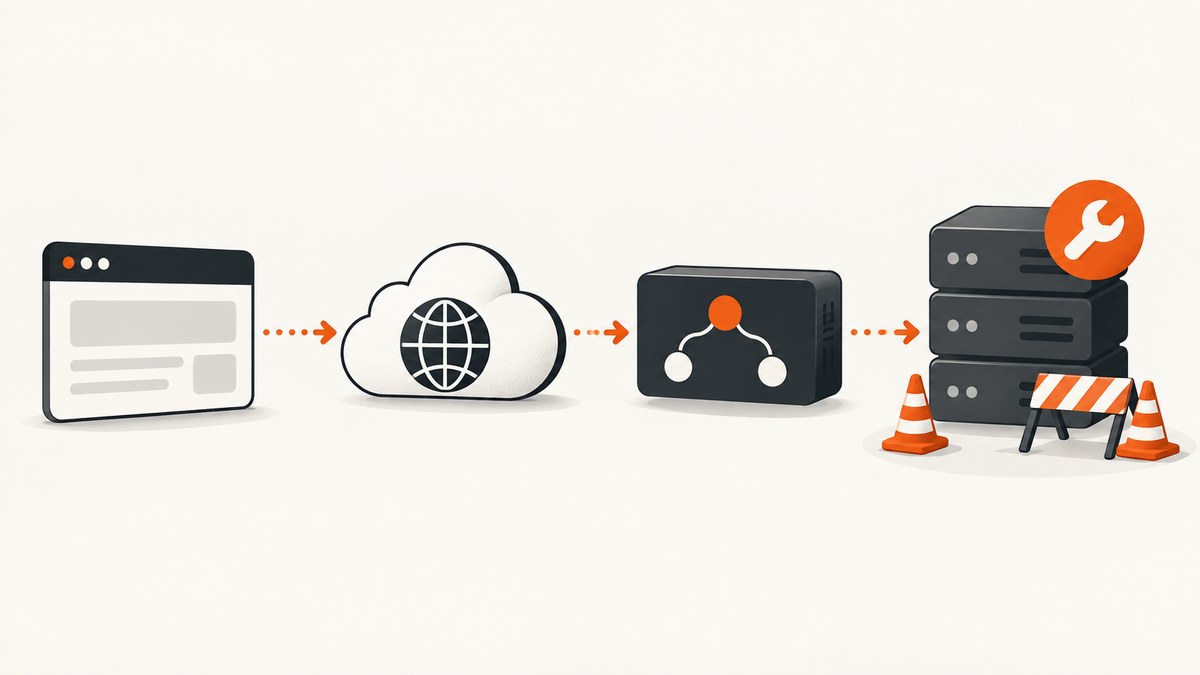
503 Service Unavailable means the server is temporarily unable to handle a request. The usual reasons are temporary overload or scheduled maintenance. The response may recover after a delay, but the status code alone does not identify which component failed.
RFC 9110 defines 503 as a condition that is “likely” to be alleviated after some delay. A response can include a Retry-After header telling clients when to try again. See the HTTP Semantics specification (RFC 9110).
What does 503 Service Unavailable mean?
A 503 is a server-side availability response. Your request reached a component that chose, or was forced, not to serve it at that moment. That component might be:
- the origin web server or application;
- a CDN or reverse proxy;
- a load balancer;
- an API gateway;
- a target service behind a load balancer.
The number does not prove that the origin is broken. A proxy can generate a 503 before the request reaches your application. Look at response headers, the response body, request path, provider logs and deployment metrics to identify the generator.
Why am I getting a 503 error?
| Possible condition | What to inspect |
|---|---|
| Temporary overload | CPU, memory, connection pools, queue depth, worker saturation and application logs. |
| Scheduled maintenance | Deployment windows, maintenance pages, provider notices and status dashboards. |
| No healthy load-balancer targets | Target registration, health checks, readiness state and routing rules. AWS documents an Application Load Balancer 503 case where a target group has no registered targets or all targets are unused. |
| Origin or provider limits | Hosting or CDN rate-limit logs, account limits and provider diagnostics. Cloudflare recommends determining whether its edge or the origin produced the response. |
| Bad routing or readiness | Recent configuration changes, service discovery, health-check paths and startup behavior. |
These are diagnostic categories, not a universal cause list. The same 503 can require different fixes at different layers. Cloudflare’s 503 troubleshooting guide explains how to distinguish Cloudflare-generated responses from origin responses. AWS lists related load-balancer checks in its Application Load Balancer troubleshooting documentation.
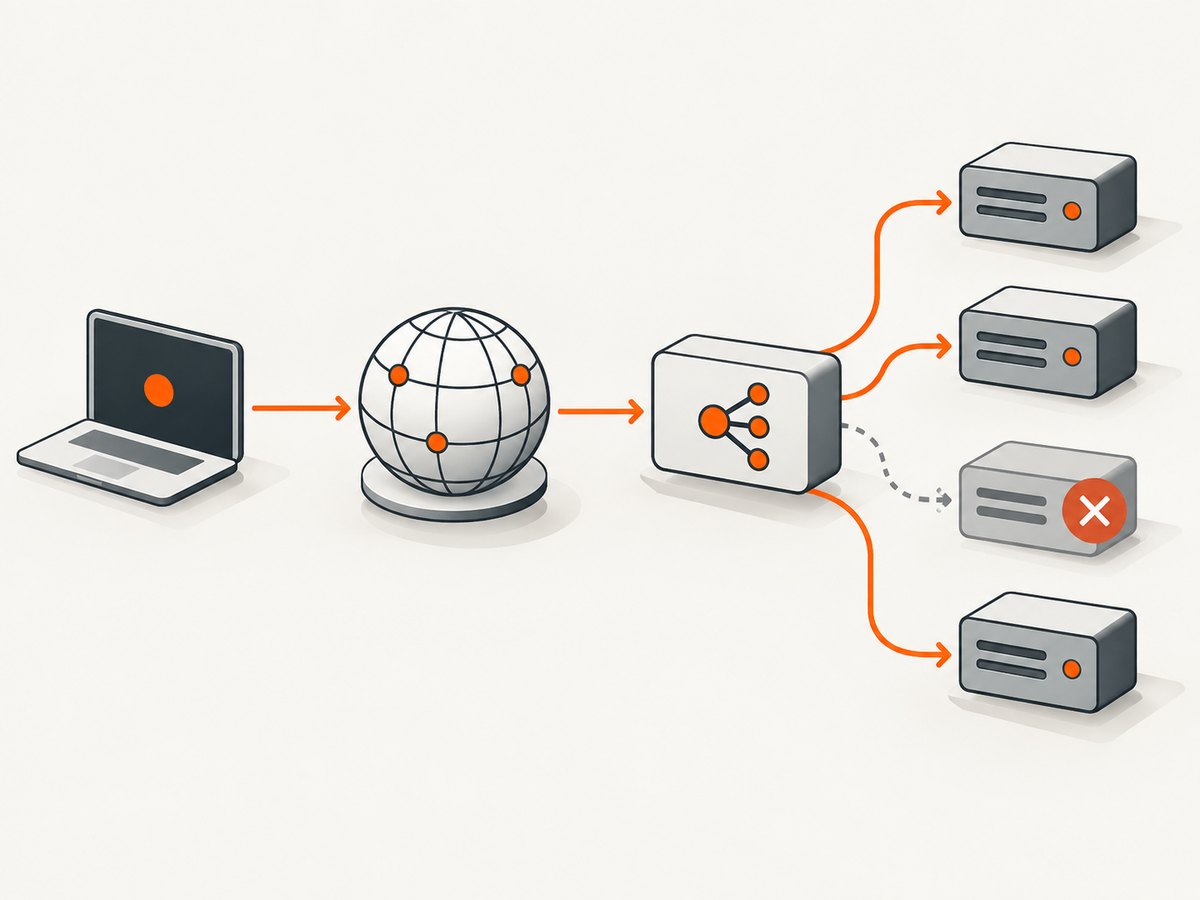
How to read a 503 response
Start with the status line, headers and body before changing configuration.
curl -i https://example.com/healthCheck:
Retry-After: with a 503, it can be an HTTP date or a number of seconds indicating expected unavailability.- Provider headers: these may show whether a CDN, proxy or origin generated the response.
- Request identifiers: use them to correlate edge, load-balancer and application logs.
- Body and URL: maintenance pages and provider error templates often identify the layer.
For example, a numeric retry interval might look like this:
HTTP/1.1 503 Service Unavailable
Retry-After: 30
Content-Type: text/html
How do I fix a 503 error as a visitor?
- Reload once after a short interval, especially when the page says maintenance is in progress.
- If
Retry-Afteris present, wait for the indicated interval before trying again. - Check the site’s official status page or support channel if the error continues.
- If you were buying something, submitting a form or triggering another consequential action, verify whether it completed before repeating it.
Changing browsers, clearing cookies or switching devices cannot generally repair an origin outage. A 503 is normally a service-side availability response, although the specific generating layer still needs evidence.
How do I fix a 503 error as the service owner?
- Identify the responding layer. Compare headers and body with CDN and origin logs. Check the request path and provider markers.
- Inspect health and capacity. Review application errors, host resource pressure, worker limits, connection pools and queue depth.
- Check maintenance and deployments. Confirm that a rollout, migration or maintenance switch did not leave the service unavailable.
- Validate load-balancer targets. Confirm targets are registered, healthy and ready, and that health checks use the correct path and port.
- Review provider limits. Look for origin rate limiting, account quotas and rejected connections in hosting or CDN logs.
- Correct the diagnosed condition. Restore healthy targets, fix routing or readiness, relieve capacity pressure, or coordinate with the provider about limits.
- Publish useful recovery information. When an estimate is meaningful, send
Retry-Afterso clients can defer requests.
Retrying 503 responses safely
Retries can reduce the effect of a short outage, but they can also amplify overload. Use exponential backoff with jitter, honor Retry-After, cap attempts and set an overall deadline.
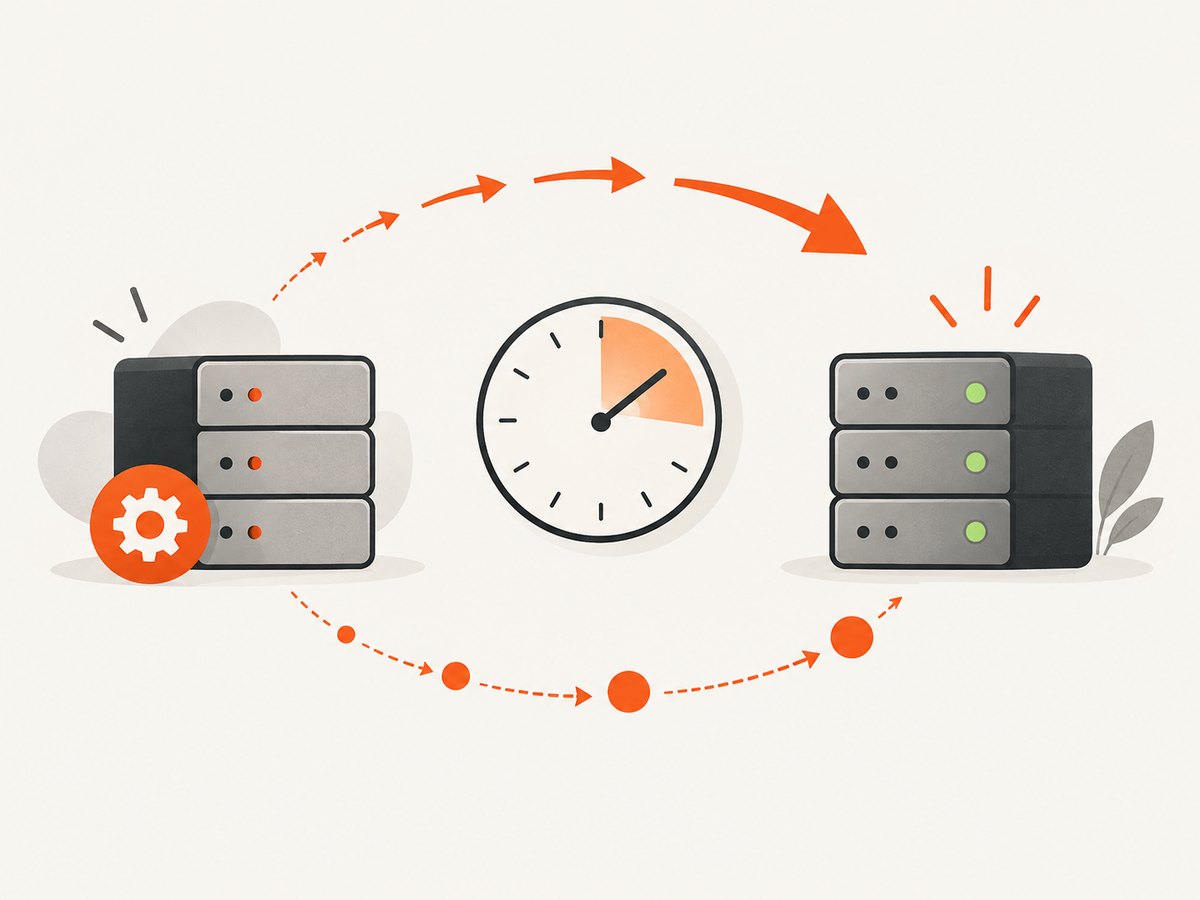
Only retry automatically when the operation is idempotent or you can prove the original operation was not applied. Do not blindly retry payments, account creation or other non-idempotent submissions; RFC 9110 warns that a repeated request can duplicate the action.
cURL: inspect before retrying
curl --include --max-time 20 https://api.example.com/healthPython: bounded retry for an idempotent GET
import random
import time
import requests

url = "https://api.example.com/health"
max_attempts = 5

for attempt in range(max_attempts):
    response = requests.get(url, timeout=10)
    if response.status_code != 503:
        response.raise_for_status()
        print(response.text)
        break

    retry_after = response.headers.get("Retry-After")
    try:
        delay = float(retry_after) if retry_after else min(30, 2 ** attempt)
    except ValueError:
        delay = min(30, 2 ** attempt)

    if attempt == max_attempts - 1:
        response.raise_for_status()
    time.sleep(delay + random.uniform(0, 0.5))
Node.js: bounded retry for an idempotent GET
const url = 'https://api.example.com/health';
const maxAttempts = 5;

for (let attempt = 0; attempt < maxAttempts; attempt++) {
  const response = await fetch(url, { signal: AbortSignal.timeout(10000) });
  if (response.status !== 503) {
    if (!response.ok) throw new Error(`HTTP ${response.status}`);
    console.log(await response.text());
    break;
  }

  const header = response.headers.get('retry-after');
  const seconds = header && /^\d+$/.test(header)
    ? Number(header)
    : Math.min(30, 2 ** attempt);

  if (attempt === maxAttempts - 1) {
    throw new Error('Service remained unavailable');
  }
  await new Promise(resolve => setTimeout(resolve, (seconds * 1000) + Math.random() * 500));
}
A date-form Retry-After value must be parsed as an HTTP date and converted to a non-negative delay. In production, also add request IDs, structured retry metrics and a circuit breaker so a failing dependency does not consume every worker.
503 versus nearby status codes
| Status | Meaning | Typical diagnostic question |
|---|---|---|
| 503 | The server is temporarily unable to handle the request. | Which layer is overloaded, under maintenance or missing healthy targets? |
| 502 | A gateway or proxy received an invalid response from upstream. | Did the upstream close the connection or return malformed data? |
| 504 | A gateway or proxy did not receive a timely upstream response. | Did the upstream exceed the proxy timeout? |
| 429 | The client is being rate limited. | Is a specific caller exceeding a request limit? |
MDN notes that 429 is the appropriate response when requests from particular clients are being rate limited. A 503 should not automatically be interpreted as a browser-specific problem. See MDN’s 503 reference.
Performance, reliability and cost considerations
- Backoff: exponential delays with jitter reduce synchronized retry bursts.
- Timeouts: bound connection and request time so unavailable dependencies do not exhaust workers.
- Capacity: monitor saturation before queues overflow; scale or shed load based on measured pressure.
- Health checks: use a lightweight endpoint that reflects readiness, not merely that a process exists.
- Deployment safety: drain old targets only after replacements are healthy.
- Observability: retain status, latency, retry count, response headers, provider request IDs and affected route.
- Cost: retries consume network, compute and quota. A capped retry policy and circuit breaker prevent an outage from multiplying usage.
Troubleshooting checklist
- Does the response happen for every user or only one route, region or client?
- Which component added the response headers and body?
- Is
Retry-Afterpresent and syntactically valid? - Are all load-balancer targets registered, healthy and ready?
- Did a deployment, migration or maintenance window start at the same time?
- Do CPU, memory, file descriptors, connections or queues show saturation?
- Is a provider applying an origin or account limit?
- Are clients retrying non-idempotent requests or retrying without a cap?
- After the fix, does a controlled request return a normal response from every relevant layer?
Or skip the browser setup
If you need screenshots of an error page, status page or recovery check, ScreenshotNeo returns a PNG, JPEG, WebP or PDF from one GET request. Its cleanup steps accept cookie banners and remove more than 60 known consent platforms, newsletter popups and chat widgets before capture. Bot checks, blank pages, failed loads, timeouts and cache hits are not billed, and response headers report the page verdict and billing result. Its MCP server lets Claude, Cursor and other MCP clients call take_screenshot, get_page_info and capture_pdf.
Read the ScreenshotNeo API documentation for all options.
curl -G "https://api.screenshotneo.com/v1/shot" -d access_key=YOUR_API_KEY --data-urlencode url=https://stripe.com -o shot.webpimport requests
r = requests.get("https://api.screenshotneo.com/v1/shot", params={"access_key": "YOUR_API_KEY", "url": "https://stripe.com"}, timeout=90)
open("shot.webp", "wb").write(r.content)const q = new URLSearchParams({ access_key: 'YOUR_API_KEY', url: 'https://stripe.com' });
const res = await fetch(`https://api.screenshotneo.com/v1/shot?${q}`);There are 1,000 screenshots per month on the free plan with no card. Paid plans start at $5 for 3,000 shots. Create a free ScreenshotNeo account.
FAQ
Will a 503 fix itself?
It may, because 503 is intended for temporary overload or maintenance, but the code does not promise a recovery time. Use Retry-After when supplied and investigate persistent responses.
Should I retry every 503?
Retry bounded, idempotent operations with backoff. Verify the result before repeating payments, submissions or other non-idempotent actions.
Can a CDN cause a 503?
Yes. A CDN, proxy, load balancer or origin can generate it. Headers, body, provider logs and request IDs help locate the layer.
Is 503 the same as 429?
No. 503 indicates temporary service unavailability; 429 indicates that a client is being rate limited.


