What Is a Meta Image and How Is It Used?
A meta image usually means Open Graph’s og:image. Learn how previews fetch it, how to implement it, and how to fix missing or stale images.
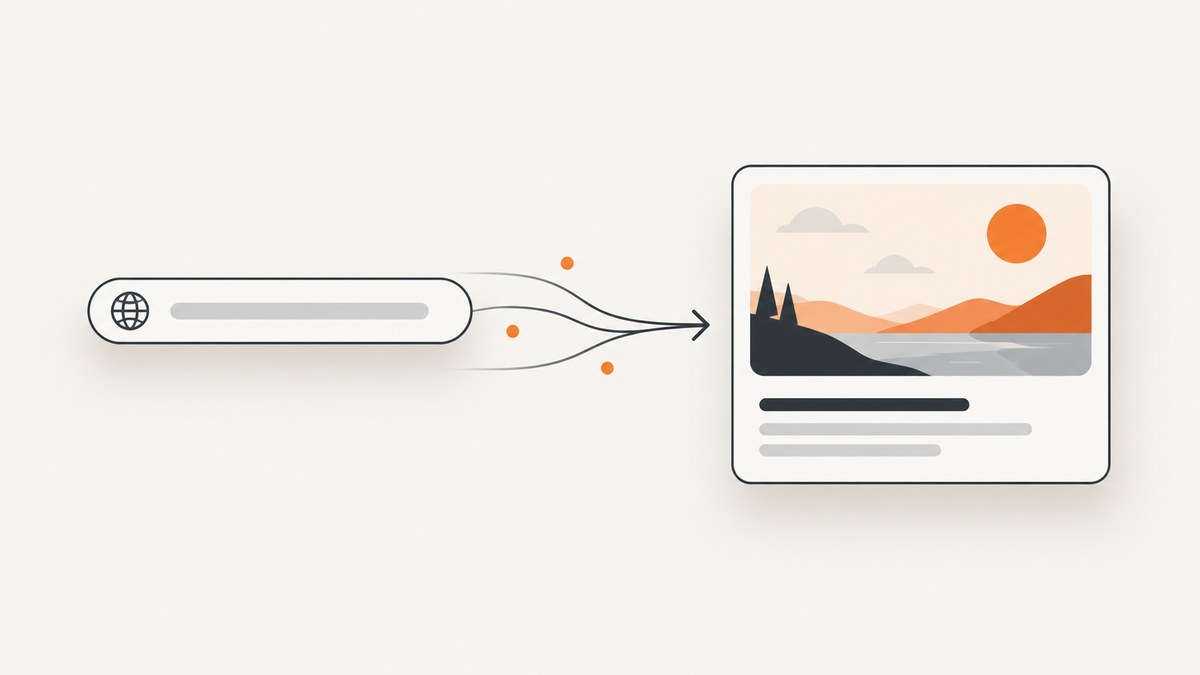
Short answer: A “meta image” usually means the Open Graph image, the URL in a page’s og:image metadata. When a compatible service receives a shared URL, it may fetch that image for a preview card. The page supplies metadata; each service decides what it displays.
The Open Graph Protocol defines og:image as “An image URL which should represent your object within the graph.”
What “meta image” means
“Meta image” is informal terminology, not a formal property name. “OG image” means the same thing in most developer discussions. The tag contains an image URL; it does not embed the file.
Minimal Open Graph markup
<head>
  <meta property="og:title" content="Example article">
  <meta property="og:type" content="article">
  <meta property="og:url" content="https://example.com/articles/example">
  <meta property="og:image" content="https://example.com/social/example.jpg">
</head>
The protocol lists title, type, image, and canonical URL as the basic properties. Put them in the initial HTML response and use an absolute, public URL.
Complete image metadata
| Property | Purpose |
|---|---|
og:image:secure_url |
HTTPS alternative. |
og:image:type |
MIME type. |
og:image:width, og:image:height |
Pixel dimensions. |
og:image:alt |
Description, not a caption. |
<meta property="og:image" content="https://example.com/social/example.jpg">
<meta property="og:image:secure_url" content="https://example.com/social/example.jpg">
<meta property="og:image:type" content="image/jpeg">
<meta property="og:image:width" content="1200">
<meta property="og:image:height" content="630">
<meta property="og:image:alt" content="A dashboard showing monthly API usage">
The numbers illustrate markup; the reviewed sources do not define one universal size. The protocol recommends og:image:alt.
Multiple images and ordering
<meta property="og:image" content="https://example.com/social/primary.jpg">
<meta property="og:image:alt" content="Primary article illustration">
<meta property="og:image" content="https://example.com/social/alternate.jpg">
<meta property="og:image:alt" content="Alternate article illustration">
The first image is preferred when values conflict. Put structured properties immediately after their root image.
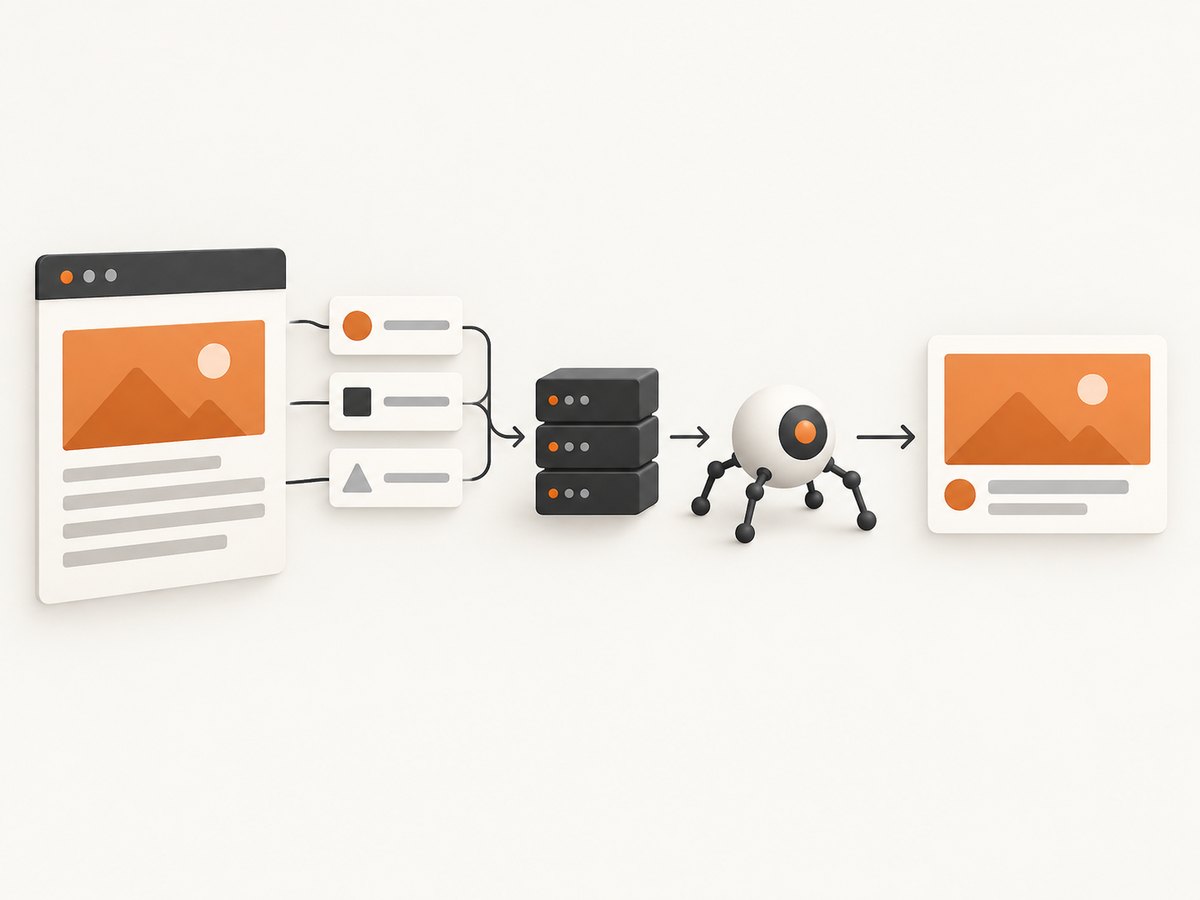
How a shared-link preview is built
- A user shares a URL.
- The service fetches or parses the page.
- It reads metadata and may fetch the image URL.
- Its rules choose what to show and how long to cache it.
Apple’s Messages note says previews do not follow meta redirects or run JavaScript, so metadata must be directly available. Google Search Central says image selection is automated.
DIY: add and verify a meta image
1. Publish the asset
- Use an absolute HTTPS URL.
- Allow unauthenticated fetches and return the correct content type.
- Keep the URL stable while previews refresh.
2. Render tags server-side
Client-side insertion is unreliable for crawlers and fails for Apple Messages previews.
3. Inspect raw HTML
curl -L https://example.com/articles/example | grep -i -E 'og:(title|type|url|image)'4. Capture a fallback image locally
import { chromium } from 'playwright';
const browser = await chromium.launch();
const page = await browser.newPage({ viewport: { width: 1200, height: 630 } });
await page.goto('https://example.com/articles/example', { waitUntil: 'networkidle' });
await page.screenshot({ path: 'social-card.png' });
await browser.close();
A screenshot is a pixel asset; it does not replace og:image.
Or skip the browser setup
ScreenshotNeo is a website screenshot API and MCP server. It accepts consent banners and removes 60+ known consent platforms, newsletter popups, and chat widgets before capture; each step can be disabled. Bot checks/CAPTCHAs, blank pages, timeouts, failed loads, and cache hits are not billed, and X-Page-Verdict and X-Billed identify the result.

See the ScreenshotNeo docs.
cURL
curl -G "https://api.screenshotneo.com/v1/shot" -d access_key=YOUR_API_KEY --data-urlencode url=https://example.com/articles/example -o shot.webpPython
import requests
r = requests.get("https://api.screenshotneo.com/v1/shot", params={"access_key": "YOUR_API_KEY", "url": "https://example.com/articles/example"}, timeout=90)
r.raise_for_status()
open("shot.webp", "wb").write(r.content)
Node.js
const q = new URLSearchParams({ access_key: 'YOUR_API_KEY', url: 'https://example.com/articles/example' });
const res = await fetch(`https://api.screenshotneo.com/v1/shot?${q}`);
if (!res.ok) throw new Error(`${res.status} ${res.statusText}`);
Options include full-page or selector capture, dark mode, device presets and custom viewports, retina scale, PDF, custom CSS/JavaScript, clicks, waits, request blocking, headers, cookies, user agent, Authorization, timezone, geolocation, transparent background, resizing, chosen cache TTL, signed links, async jobs, bulk capture (100 URLs), usage API, and OpenAPI. Other screenshot APIs’ parameter names also work.
Edge cases
- JavaScript apps: emit metadata server-side.
- Redirects: put tags on the final URL.
- Private images: use a public asset URL.
- Several templates: synchronize canonical URL, title, and image.
- Stale cards: consumers cache; version the image URL when needed.
Troubleshooting
| Symptom | Cause | Fix |
|---|---|---|
| No image | Missing tag, relative URL, inaccessible file | Inspect raw HTML; use an absolute public URL. |
| Old image | Preview cache | Wait or version the image URL. |
| Tags only in DOM | Client-side insertion | Render in initial response. |
| Wrong image | Multiple tags/order | Put preferred image first. |
| Messages differs | Parser/cache | Remove redirect/JavaScript dependency. |
| Blank screenshot | Bot check, timeout, lazy content | Use waits, load lazy images, or a capture service. |
Performance, reliability, and cost
- Keep metadata in the first response and serve images from a cacheable origin.
- Use stable URLs and avoid expiring authentication tokens.
- Cache screenshots when unchanged; ScreenshotNeo lets you choose a TTL and does not bill cache hits.
- Only clean ScreenshotNeo shots are billed; failed loads and listed verdicts are free.
- Plans: Free 1,000/month with no card; Starter $5/3,000; Growth $15/15,000; Pro $39/60,000; Scale $99/250,000; Business $249/1,000,000. Yearly billing gives two months free; every feature is on every plan.
Its MCP server exposes take_screenshot, get_page_info, and capture_pdf to Claude, Cursor, and other MCP clients. Create a free account for 1,000 screenshots a month with no card.
FAQ
Is “meta image” official?
No. It is shorthand for og:image.
Does it guarantee SEO image selection?
No. Services choose what to display; Google says selection is automated.
Is og:image:alt a caption?
No. It describes the image.
Can the image be private?
Only if the crawler can authenticate; a public URL is interoperable.


