What Is cURL? A Practical Guide to curl, Commands, and APIs
cURL is a command-line tool for transferring data with URLs. Learn what it does, how to use it, security options, and when to use a browser.
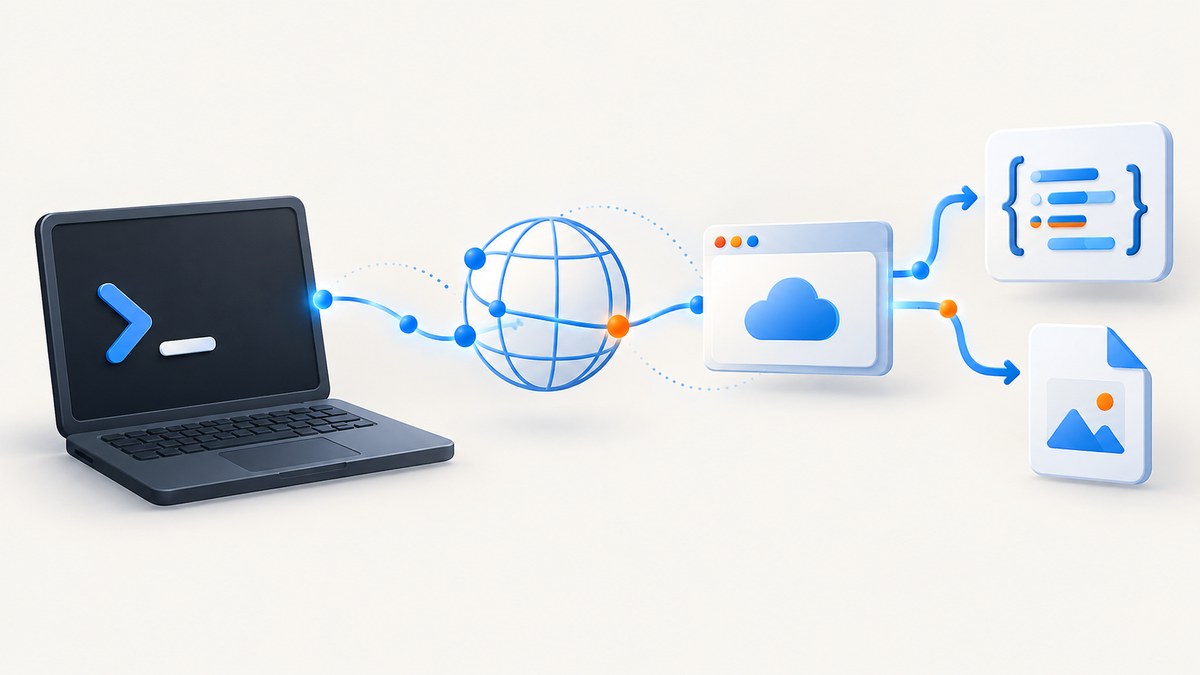
What Is cURL?
curl (usually pronounced “curl”) is a command-line program for transferring data to or from a URL. You give it a URL and options, and it makes a network request using a supported protocol. The response normally goes to your terminal unless you save it to a file.
The name is commonly written “cURL,” but the project styles the command as curl. The related library is libcurl, which applications can embed to perform the same kinds of transfers. curl is a transfer client, not a browser: it does not render HTML, run a page’s JavaScript like a browser, or provide a visual page interface.
For official reference material, see the curl documentation index, the man page, and Everything curl.
What does curl do?
At its simplest, curl requests a resource:
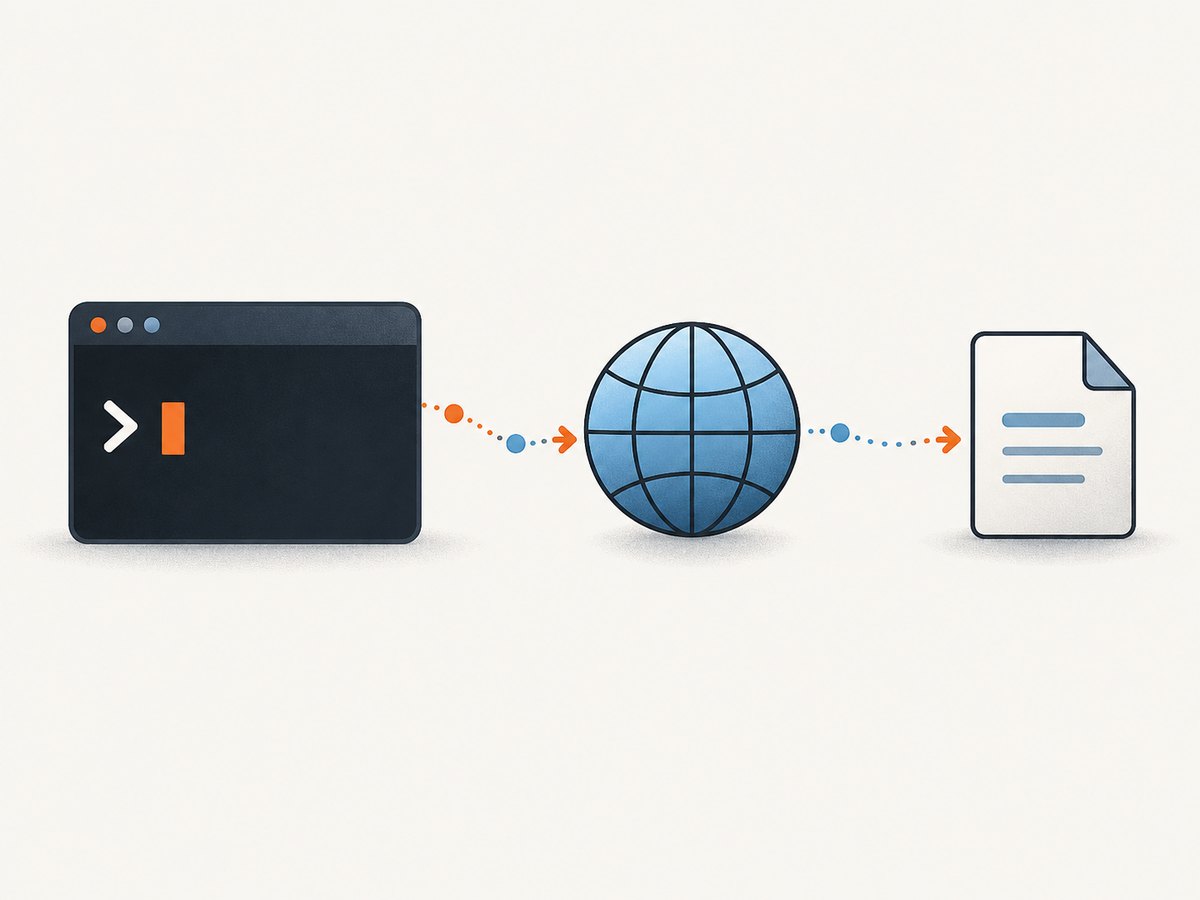
curl https://example.comcurl writes the received bytes to standard output, so an HTML response appears in the terminal. It can also upload data, submit forms, call JSON APIs, download files, inspect HTTP headers, follow redirects, send authentication, and work with many protocols. The exact protocols and features depend on how your installed build was compiled. Run this to see them:
curl --versionThe output includes the version, linked libraries, supported protocols, and features. Common protocols include HTTP and HTTPS, FTP and FTPS, IMAP, LDAP, MQTT, POP3, RTSP, SCP, SFTP, SMTP, TELNET, TFTP, and WebSocket variants, although no single build necessarily supports every one.
How curl works
- Parse the command. curl reads the URL and options you provide.
- Open a connection. It resolves the host, negotiates the protocol, and, for HTTPS, verifies the server certificate by default.
- Send the request. The default HTTP method is usually GET, but options can select POST, PUT, PATCH, DELETE, or another method.
- Receive bytes. curl transfers the response; it does not interpret it as a rendered page.
- Write the result. Data goes to standard output or to a destination selected with options such as
--output.
HTTP redirects are not followed automatically. Add -L or --location when following redirects is part of the intended request.
Saving downloads and inspecting responses
Save to a chosen filename
curl --output homepage.html https://example.comUse the remote filename
curl --remote-name https://example.com/archive.zip--output is explicit and predictable in scripts. --remote-name derives the filename from the URL, so check the URL before using it in automation.
Follow redirects and show headers
curl --location --dump-header headers.txt --output page.html https://example.com--dump-header saves response headers while the body is written separately. To show headers and the body together, use --include:
curl --include https://api.example.com/healthFor a headers-only request, use --head when the server supports HEAD correctly:
curl --head https://example.comCommon HTTP requests
GET with query parameters
curl --get https://api.example.com/search \
  --data-urlencode "q=command line" \
  --data-urlencode "page=2"
--get places the data on the query string. --data-urlencode safely escapes spaces and special characters.
POST form data
curl --request POST https://api.example.com/login \
  --data-urlencode "username=alice" \
  --data-urlencode "password=use-a-secret-manager"
POST JSON
curl --request POST https://api.example.com/items \
  --header "Content-Type: application/json" \
  --data '{"name":"keyboard","quantity":2}'
For larger or reusable payloads, put JSON in a file and pass it with --data @payload.json. Avoid putting real secrets directly in commands: process listings, shell history, CI logs, or copied terminal output can expose them.
Bearer authentication
curl https://api.example.com/me \
  --header "Authorization: Bearer $API_TOKEN"
Environment variables reduce accidental exposure, but protect the environment and CI logs as well. Use HTTPS for credentials and sensitive data.
Options developers use most
| Option | Purpose | Example |
|---|---|---|
-L, --location |
Follow HTTP redirects | curl -L URL |
-o, --output |
Write the response to a named file | curl -o result.json URL |
-O, --remote-name |
Use the URL’s filename | curl -O URL/file.zip |
-I, --head |
Request headers only | curl -I URL |
-i, --include |
Include response headers in output | curl -i URL |
-sS |
Quiet progress output but still show errors | curl -sS URL |
-v, --verbose |
Show connection and request details | curl -v URL |
-w, --write-out |
Print status, timing, or other metadata | curl -sS -o /dev/null -w '%{http_code} %{time_total}\n' URL |
--connect-timeout |
Limit time spent establishing a connection | curl --connect-timeout 10 URL |
--max-time |
Set a total request limit | curl --max-time 60 URL |
-H, --header |
Add an HTTP header | curl -H 'Accept: application/json' URL |
-b, --cookie |
Send cookies | curl -b 'session=abc' URL |
-A, --user-agent |
Set the User-Agent header | curl -A 'monitor/1.0' URL |
-u, --user |
HTTP or FTP username and password | curl -u "$USER:$PASSWORD" URL |
--retry |
Retry transient failures | curl --retry 3 URL |
-k, --insecure |
Disable certificate verification | curl -k URL |
Use --insecure only for a controlled diagnostic situation. It disables TLS certificate verification and makes the connection vulnerable to interception. A certificate error should normally be fixed by correcting the trust store, hostname, certificate chain, or server configuration.
curl versus a browser, wget, and libcurl
| Tool | Best suited to | Key limitation or distinction |
|---|---|---|
| curl | Single requests, API calls, uploads, downloads, scripting, and HTTP debugging | Transfers bytes; it does not render a page or execute browser UI interactions |
| Browser | Rendering HTML/CSS, running JavaScript, cookies, interaction, and visual validation | Heavier to automate and less convenient for simple repeatable transfers |
| wget or a mirroring tool | Recursive downloads and site mirroring | curl is designed for single-shot transfers; the curl project says it is not a Wget clone |
| libcurl | Embedding transfer capabilities in an application | It is a library, not the interactive curl command |
A script can call curl repeatedly, but that does not turn curl itself into a recursive crawler. For a page that requires JavaScript to produce its content, use a browser automation system or a rendering API.
Using curl in reliable scripts
Make output and failure behavior explicit. A useful baseline for shell automation is:
set -Eeuo pipefail
curl --fail-with-body --silent --show-error \
  --location \
  --connect-timeout 10 \
  --max-time 60 \
  --retry 3 \
  --retry-all-errors \
  --output response.json \
  https://api.example.com/data
--fail-with-body makes HTTP errors non-successful while retaining the response body for diagnostics. Check the option availability in your installed version. Set timeouts that match the operation, and retry only failures that are safe to repeat. Do not blindly retry non-idempotent requests such as payments or create operations unless the API supplies an idempotency key.
For timing information:
curl --silent --output /dev/null \
  --write-out 'status=%{http_code} dns=%{time_namelookup}s connect=%{time_connect}s total=%{time_total}s\n' \
  https://example.com
For repeated large downloads, consider server support for ranges and resume:
curl --continue-at - --output archive.zip https://example.com/archive.zipCalling a screenshot API with curl
curl is excellent for sending a request to a service that renders a page for you. A browser is still needed somewhere in the service for JavaScript and layout; curl is the client that submits the URL and receives the resulting bytes.

ScreenshotNeo is ScreenshotNeo, a website screenshot API and MCP server for developers. Its API base is https://api.screenshotneo.com/v1/shot. A GET request returns PNG, JPEG, WebP, or PDF output depending on the options. The simplest request is:
curl -G "https://api.screenshotneo.com/v1/shot" \
  -d access_key=YOUR_API_KEY \
  --data-urlencode url=https://stripe.com \
  -o shot.webp
See the ScreenshotNeo API documentation for the current parameter reference. Common capture controls include full-page screenshots with lazy images loaded, an element selected by CSS, dark mode, device presets or custom viewports, retina scale, custom CSS and JavaScript, clicking before capture, hiding selectors, waiting for a selector or delay or network idle, blocking ads or resource types, custom headers and cookies, user agents and Authorization, timezone and geolocation, transparent backgrounds, resizing, caching with a chosen TTL, signed image links, asynchronous jobs with signed webhooks, bulk capture of up to 100 URLs per call, usage reporting, and PDF paper, margin, orientation, and page-range options.
Python and Node.js examples
Python
import requests

r = requests.get(
    "https://api.screenshotneo.com/v1/shot",
    params={"access_key": "YOUR_API_KEY", "url": "https://stripe.com"},
    timeout=90,
)
r.raise_for_status()
open("shot.webp", "wb").write(r.content)
Node.js
const q = new URLSearchParams({ access_key: 'YOUR_API_KEY', url: 'https://stripe.com' });
const res = await fetch(`https://api.screenshotneo.com/v1/shot?${q}`);
if (!res.ok) throw new Error(`HTTP ${res.status}`);
const fs = await import('node:fs/promises');
await fs.writeFile('shot.webp', Buffer.from(await res.arrayBuffer()));
ScreenshotNeo reports the result through X-Page-Verdict and whether it was billed through X-Billed. Clean shots are billed; bot checks or CAPTCHAs, blank pages, timeouts, failed loads, and cache hits cost nothing.
Or skip the browser setup
Use ScreenshotNeo when you need a rendered page but do not want to maintain browser infrastructure:
curl -G "https://api.screenshotneo.com/v1/shot" -d access_key=YOUR_API_KEY --data-urlencode url=https://stripe.com -o shot.webpBefore capture, cookie and consent banners are accepted and more than 60 known consent platforms, newsletter popups, and chat widgets are removed; each step can be turned off. Bot checks, blank pages, and failed loads are never billed. An MCP server provides take_screenshot, get_page_info, and capture_pdf tools for Claude, Cursor, and other MCP clients. The Free plan includes 1,000 screenshots each month with no card, and paid plans start at $5 for 3,000 shots. Create a free ScreenshotNeo account.
Troubleshooting curl
“Could not resolve host”
This is DNS resolution failure. Check the hostname for typos, test DNS with your system tools, verify VPN or proxy settings, and try the same URL from another network.
Connection timeout
The host may be unreachable, overloaded, blocked by a firewall, or simply slow. Use --connect-timeout and --max-time, then inspect with -v. Do not solve a timeout by disabling TLS verification.
HTTP 301 or 302 response
curl does not follow redirects by default. Add -L, and inspect the destination before sending credentials or unsafe methods across domains.
HTTP 401 or 403
The server rejected authentication or authorization. Check the token, header spelling, scopes, cookies, and whether the endpoint expects a different method. A 403 can also indicate a bot policy or network allowlist.
HTTP 404
The URL or API route is wrong, or the resource is unavailable to that account. Confirm the complete path, URL encoding, API version, and environment.
TLS certificate errors
Verify the hostname, system clock, certificate chain, and CA bundle. Update the trust store or point curl to the correct CA file when appropriate. Treat -k as a temporary diagnostic switch only.
JSON appears malformed
Check whether the server returned an HTML error page, a redirect, or compressed data. Use -i, -v, or --write-out '%{content_type}', and save the body to inspect it separately.
A screenshot is blank or incomplete
curl itself cannot render a page. The screenshot service must wait for JavaScript, lazy loading, fonts, or a selector. In ScreenshotNeo, use a selector wait, delay, network-idle wait, full-page capture, custom JavaScript, or custom headers and cookies as appropriate. Check X-Page-Verdict and X-Billed to distinguish a failed load from a clean capture.
Performance, reliability, and cost notes
- Reduce transfer time: request only the resource you need, stream large responses to a file, and avoid printing binary data to a terminal.
- Measure before optimizing: use
--write-outto separate DNS, connection, TLS, and server time. - Reuse connections: one process making multiple transfers can benefit from connection reuse; repeatedly starting separate processes adds startup and connection overhead.
- Retry carefully: retries help with transient network errors but can duplicate side effects. Use idempotency keys for APIs that support them.
- Set bounded timeouts: an unbounded request can consume a worker indefinitely. Choose limits based on the endpoint and expected payload.
- Control concurrency: parallel requests improve throughput until the server, network, or local file descriptors become the bottleneck. Respect API rate limits.
- Screenshot costs: with ScreenshotNeo, only clean shots are billed. Bot checks, CAPTCHAs, blank pages, timeouts, failed loads, and cache hits cost nothing, and every response identifies the verdict and billing result. Caching with a TTL you choose can avoid repeated captures.
Security checklist
- Use HTTPS for credentials and private data.
- Never paste real secrets into public examples, tickets, or shell history.
- Prefer protected environment variables, files, or standard input for sensitive options.
- Do not run curl commands or config files from untrusted sources. A command that pipes downloaded content into a shell can execute code.
- Keep TLS verification enabled. Investigate certificate failures instead of making
-ka permanent workaround. - Review redirects before forwarding Authorization headers or cookies to another host.
FAQ
Is curl free?
curl and libcurl are free software, and the official curl learning book is available online and as a PDF.
Does curl execute JavaScript?
No. curl transfers the server response. Use browser automation or a rendering service when JavaScript must run.
Is curl the same as wget?
No. They overlap for downloads, but the curl project describes curl as a single-shot transfer tool rather than a Wget clone for recursive retrieval.
Why does curl print binary characters?
The response is raw bytes. Save it with -o instead of sending binary data to the terminal.
How can I see the exact request?
Use -v for connection details and headers, or --trace for a more detailed transfer trace. Protect traces because they can contain cookies or authorization values.
Where can I find version-specific options?
Run curl --version and consult the installed system’s man page with man curl, then compare it with the current documentation at curl.se.


