What Is Cypress Testing? A Complete Guide to E2E, Component, API, and Accessibility Tests
Cypress testing runs JavaScript or TypeScript tests in a real browser for end-to-end, component, API, and accessibility coverage.
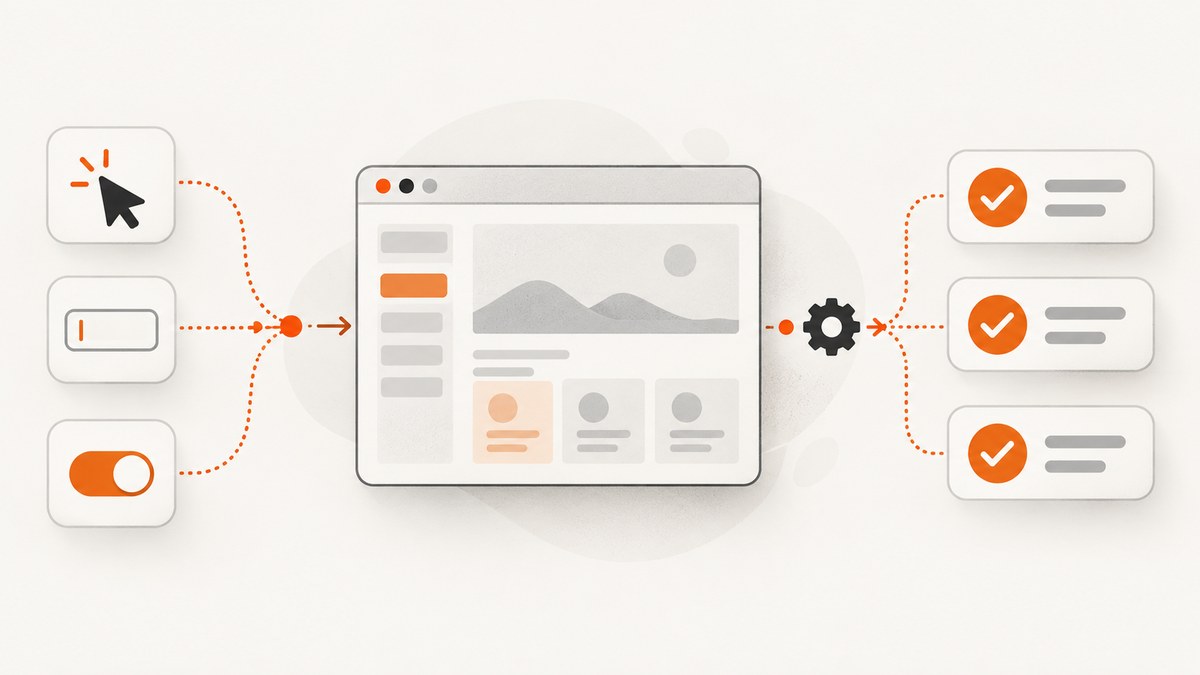
Cypress testing is browser-based automated testing for modern web applications. You write tests in JavaScript or TypeScript and run them in a real browser, locally or in continuous integration (CI). Cypress supports four main testing modes: end-to-end (E2E), component, API, and accessibility testing.
The right mix depends on the risk you need to cover. E2E tests validate complete user journeys through your frontend, backend, and integrations. Component tests validate an isolated UI component in a real browser. API tests check HTTP behavior directly, and accessibility tests look for standards-related regressions.
Cypress is useful because it runs browser-side commands in the same run loop as the application while a Node.js process handles privileged work. Automatic waiting, network control, command-log snapshots, browser DevTools, readable errors, spies, stubs, clocks, screenshots, and video recording make failures easier to investigate. See the Cypress documentation for the current implementation details and browser matrix.
What Cypress testing covers
| Mode | What it tests | Best for | Main limitation |
|---|---|---|---|
| End-to-end | The application from browser through backend services and integrations | Authentication, checkout, persistence, smoke tests, release confidence | More setup, test data, infrastructure, and maintenance |
| Component | An individual UI component mounted on a blank canvas in a real browser | Rendering, states, styles, and direct interaction | A passing component test cannot prove the full application works |
| API | HTTP endpoints and backend responses with cy.request() |
Fast checks of status codes, payloads, headers, and server behavior | Does not verify that a user can reach the behavior through the UI |
| Accessibility | Automated checks for common accessibility and standards regressions | Detecting issues early in pull requests and CI | Does not replace assistive-technology testing or human review |

How Cypress works
Cypress runs commands in the browser alongside your application. The browser-side test can access window, document, DOM elements, application functions, timers, service workers, and browser developer tools. A separate Node process performs tasks that require filesystem or operating-system access.
This architecture differs from tools that send remote commands through Selenium or WebDriver. Cypress commands are queued and automatically retry until the expected state appears or a timeout is reached. The Command Log records what happened and provides snapshots that help you inspect the page at each step.
Automatic waiting does not mean Cypress waits forever. A command still fails when its timeout expires, when an assertion is impossible, or when the application never reaches the expected state. Stable selectors, deterministic data, and explicit network control remain important.
End-to-end testing with Cypress
An E2E test follows the application as a user would: visit a URL, interact with controls, and assert the resulting state. Cypress describes E2E testing as exercising the application through the browser, backend, and third-party integrations.
Minimal E2E example
describe('checkout', () => {
  it('allows a signed-in user to place an order', () => {
    cy.visit('/login')
    cy.get('[data-cy=email]').type('buyer@example.test')
    cy.get('[data-cy=password]').type('correct-horse-battery-staple')
    cy.get('[data-cy=sign-in]').click()

    cy.url().should('include', '/account')
    cy.visit('/products/widget')
    cy.get('[data-cy=add-to-cart]').click()
    cy.get('[data-cy=checkout]').click()
    cy.get('[data-cy=place-order]').click()

    cy.get('[data-cy=order-confirmation]')
      .should('be.visible')
      .and('contain', 'Thank you')
  })
})
Use E2E tests for a small set of high-value journeys rather than every visual detail. Good candidates include login, permissions, purchasing, saving data, and a smoke test that runs before deployment.
Control data and third-party calls
beforeEach(() => {
  cy.intercept('GET', '/api/products*', {
    fixture: 'products.json'
  }).as('getProducts')
})

it('shows products returned by the API', () => {
  cy.visit('/products')
  cy.wait('@getProducts')
  cy.get('[data-cy=product-card]').should('have.length', 2)
})
Stub unstable payment, analytics, email, and recommendation services when the test is intended to validate your UI. Keep a smaller number of integration tests that exercise those real services in a controlled environment.
Component testing with Cypress
Cypress Component Testing mounts one component directly in a real browser. Cypress documents this as a real-browser test rather than a simulated DOM test, so styles, layout behavior, events, and browser APIs are available while the component runs.
React component example
import Counter from './Counter'

describe('<Counter />', () => {
  it('increments when clicked', () => {
    cy.mount(<Counter initialValue={0} />)
    cy.get('[data-cy=count]').should('have.text', '0')
    cy.get('[data-cy=increment]').click()
    cy.get('[data-cy=count]').should('have.text', '1')
  })
})
Cypress provides official mounting libraries for React, Angular, Vue, and Svelte. Component tests give faster feedback than full E2E flows, but they cannot prove routing, authentication, server persistence, or integration wiring across the complete application.
API testing with cy.request()
Cypress can make arbitrary HTTP requests without driving the UI. This is useful for fast endpoint checks, test setup, cleanup, and assertions about backend behavior.
it('returns a product from the API', () => {
  cy.request('GET', '/api/products/123').then((response) => {
    expect(response.status).to.eq(200)
    expect(response.headers).to.have.property('content-type')
    expect(response.body).to.include({ id: 123, inStock: true })
  })
})

it('creates a product with authentication', () => {
  cy.request({
    method: 'POST',
    url: '/api/products',
    headers: { Authorization: `Bearer ${Cypress.env('API_TOKEN')}` },
    body: { name: 'Widget', price: 1999 }
  }).then(({ status, body }) => {
    expect(status).to.eq(201)
    expect(body.name).to.eq('Widget')
  })
})
API tests complement E2E tests. They isolate server behavior and usually run faster; they do not verify that the browser renders the response or that a user can complete the flow.
Accessibility testing
Cypress supports accessibility checks through tests and plugins. A common pattern is to inject an accessibility engine, run it after the page reaches a stable state, and fail the test when violations exceed your policy.
import 'cypress-axe'

describe('accessibility', () => {
  it('has no detectable violations on the home page', () => {
    cy.visit('/')
    cy.injectAxe()
    cy.checkA11y()
  })
})
Automated checks catch only some classes of problems. Also test keyboard operation, focus order, zoom and reflow, forms, screen-reader behavior, meaningful labels, and real assistive technology. Cypress Accessibility in Cypress Cloud is a separate product for surfacing accessibility issues and standards failures.
Writing a maintainable Cypress test
- Choose stable selectors. Prefer dedicated
data-cyordata-testidattributes over CSS classes and visible text that changes frequently. - Keep tests independent. Create the required data in setup and clean it up afterward. Do not rely on the order in which specs happen to run.
- Wait on meaning, not time. Assert on a visible state or wait for an aliased request instead of adding arbitrary sleeps.
- Use the smallest suitable layer. Test pure transformations as unit code, component behavior as component tests, APIs with requests, and only critical journeys end to end.
- Control external systems. Stub nondeterministic services and reserve a few tests for deliberate integration coverage.
- Make failures diagnosable. Include useful assertion messages, preserve screenshots and videos in CI, and use the Command Log and browser DevTools.
Configuration that affects test runs
Cypress configuration is project-specific, but these settings commonly matter:
| Setting or practice | Why it matters |
|---|---|
baseUrl |
Lets tests use relative URLs and keeps environment-specific hosts out of specs. |
| Command timeouts | Set realistic limits for your application; increasing every timeout can hide real regressions. |
| Retries | Useful for diagnosing intermittent infrastructure failures, but a retry should not disguise flaky tests. |
| Environment variables | Keep credentials, API tokens, and deployment URLs outside source files. |
| Viewport and browser selection | Exercise supported responsive layouts and the browsers your users actually run. |
| Network stubbing | Controls response timing and data so assertions remain deterministic. |
Browser support and CI
The current Cypress browser reference lists Chrome-family browsers, including Edge, and Firefox for local and CI execution. Electron is deprecated as a test browser and is scheduled for removal in a future Cypress version. WebKit support is experimental. Check the current browser documentation and release notes before fixing a CI matrix.
A practical CI sequence is:
- Install dependencies with a locked package-file version.
- Start the application against a test database or isolated environment.
- Run component tests and API checks for fast feedback.
- Run a focused E2E smoke suite, then the broader E2E suite in parallel when the suite justifies it.
- Upload screenshots, videos, and the Cypress result output when a job fails.
The Cypress App is free and open source for local writing and execution. Cypress Cloud is a paid service for recording runs, analytics, replay, orchestration, parallelization, and spec prioritization. Pricing and packaging can change, so check the vendor before budgeting.
Performance, reliability, and cost trade-offs
- Performance: Component and API tests usually finish faster because they avoid full application setup. E2E tests cost more time per case because they load the browser, services, and test data.
- Reliability: Flakes often come from shared data, unmocked third parties, animation, race conditions, and selectors tied to presentation. Fix the cause before increasing retries or timeouts.
- Maintenance: A small number of meaningful E2E journeys plus broad component and API coverage is often easier to maintain than duplicating every assertion in browser flows.
- Cloud cost: Local Cypress execution is free. Cloud recording and orchestration are separate paid capabilities; verify current limits and pricing for your plan.
Common errors and fixes
| Symptom | Likely cause | Fix |
|---|---|---|
| “Timed out retrying” | The element or state never became available. | Check the selector and application logs, wait on the relevant request, and assert the state that proves readiness. |
| Element is covered or not actionable | A modal, sticky header, animation, or cookie banner is intercepting the click. | Remove the blocking state in setup, wait for it to disappear, or interact with the UI as a real user would. Avoid forcing clicks unless coverage of the covered state is intentional. |
| Tests pass locally but fail in CI | Different browser, viewport, timing, environment variables, data, or service availability. | Log the effective configuration, pin dependencies, isolate test data, and save CI screenshots and videos. |
| Random duplicate or missing records | Tests share state or run against a reused database. | Create unique records per test and reset or clean the database between runs. |
| Network request never resolves | The backend is unavailable, the route is wrong, or an intercept does not match. | Verify the URL and method, alias the request, inspect the browser network panel, and stub it when the server is outside the test’s scope. |
| Component test cannot find styles | The component-test bundler is missing global CSS, providers, or assets. | Configure the component support file to load the same providers, styles, and fixtures the component needs. |
| Accessibility scan reports violations | Missing labels, poor contrast, invalid structure, or focus problems. | Fix the semantic and interaction issue, then re-run automated checks and perform keyboard and assistive-technology review. |
When should you choose each Cypress mode?
- Choose E2E for release-critical journeys and checks that cross frontend, backend, authentication, and integrations.
- Choose component testing for fast feedback on rendering, states, styles, and interaction in isolation.
- Choose API testing for focused endpoint contracts, authentication behavior, and server-side rules.
- Add accessibility testing to detect regressions, while retaining manual and assistive-technology review.
Cypress is an end-to-end testing tool, but E2E is only one part of its testing platform. Teams commonly combine the modes because each covers a different layer of risk.
Or skip the browser setup
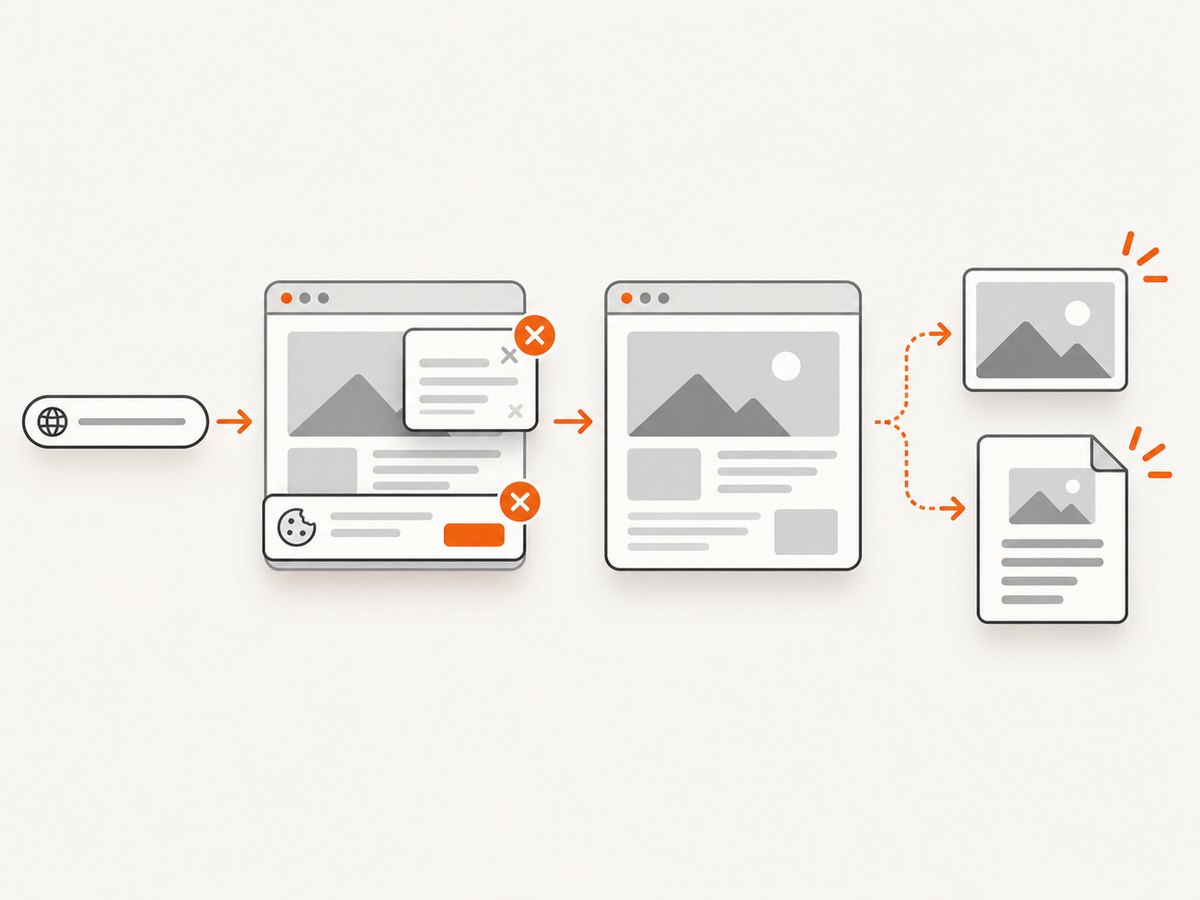
If your goal is to capture a clean screenshot of a website rather than verify an application flow, ScreenshotNeo provides a single HTTP request. It removes cookie and consent banners, newsletter popups, and chat widgets before capture. Bot checks, blank pages, timeouts, failed loads, and cache hits are not billed, and response headers identify the page verdict and billing status. Its MCP server lets Claude, Cursor, and other MCP clients call take_screenshot, get_page_info, and capture_pdf.
See the ScreenshotNeo API documentation for all options.
cURL
curl -G "https://api.screenshotneo.com/v1/shot" -d access_key=YOUR_API_KEY --data-urlencode url=https://stripe.com -o shot.webpPython
import requests

r = requests.get(
    "https://api.screenshotneo.com/v1/shot",
    params={"access_key": "YOUR_API_KEY", "url": "https://stripe.com"},
    timeout=90,
)
r.raise_for_status()
open("shot.webp", "wb").write(r.content)
Node.js
const q = new URLSearchParams({ access_key: 'YOUR_API_KEY', url: 'https://stripe.com' });
const res = await fetch(`https://api.screenshotneo.com/v1/shot?${q}`);
if (!res.ok) throw new Error(`Screenshot failed: ${res.status}`);
const fs = await import('node:fs/promises');
await fs.writeFile('shot.webp', Buffer.from(await res.arrayBuffer()));
ScreenshotNeo includes full-page capture with lazy images loaded, element capture by CSS selector, dark mode, device presets and custom viewports, retina scale, PDF output, custom CSS and JavaScript, click and wait controls, request blocking, headers, cookies, user agents, authorization, timezone and geolocation, transparent backgrounds, resizing, chosen cache TTLs, signed links, asynchronous jobs with signed webhooks, bulk capture for up to 100 URLs per call, usage reporting, and an OpenAPI specification. Every feature is available on every plan. The Free plan includes 1,000 shots per month with no card; paid plans start at $5 for 3,000 shots.
Start with 1,000 free screenshots a month—no card required.
FAQ
Is Cypress only for end-to-end testing?
No. Cypress supports E2E, component, API, and accessibility testing. E2E is the mode that exercises the complete application journey.
Does Cypress use a real browser?
Yes. E2E tests run through a real browser, and component tests mount components in a real browser rather than a simulated DOM.
Can Cypress test APIs without opening a page?
Yes. Use cy.request() for direct HTTP checks and backend setup or cleanup.
Is Cypress free?
The Cypress App is free and open source for local use. Cypress Cloud adds paid recording, analytics, replay, and orchestration capabilities.
Is Cypress the same as Selenium?
No. Cypress runs browser-side commands in the application’s run loop and provides its own command queue, waiting, snapshots, and debugging workflow. Selenium and WebDriver use a remote-command architecture.


