What Is Guzzle Used for in PHP? A Practical Guide
Guzzle is PHP’s HTTP client for APIs and web services. Learn requests, options, handlers, middleware, async calls, errors, and practical examples.
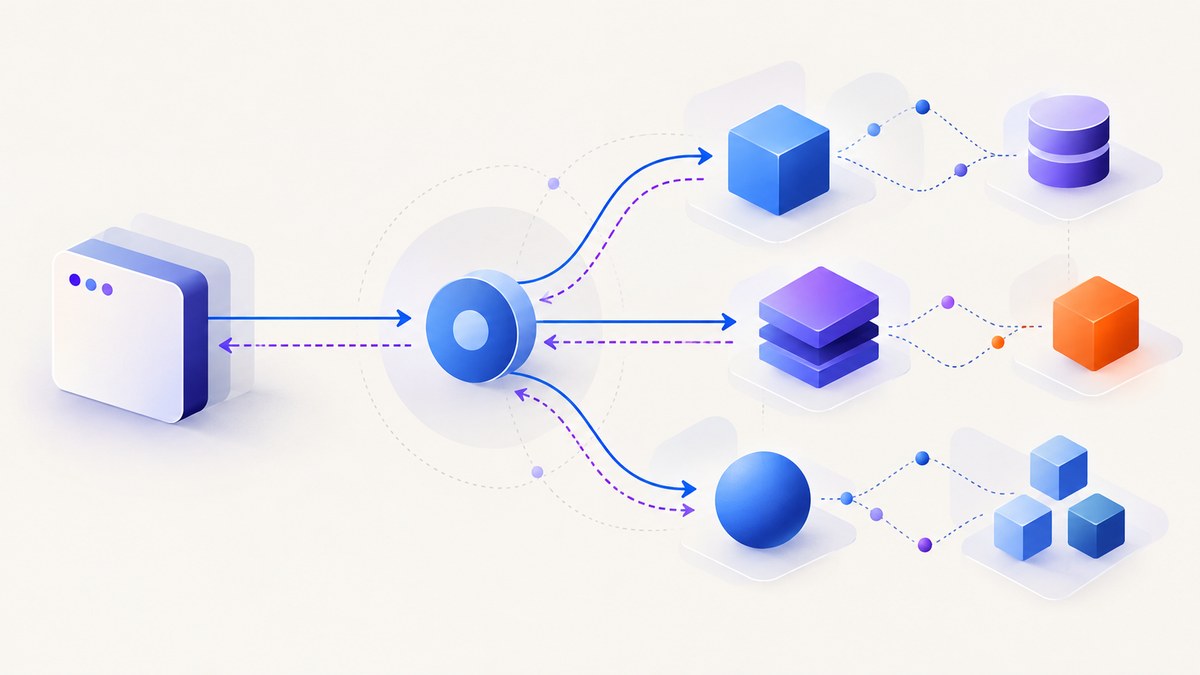
Guzzle is a PHP HTTP client library. PHP applications use it to send HTTP requests to APIs and websites, then read the responses. It provides a consistent client API, PSR-7 request and response objects, configurable transport handlers, middleware, synchronous methods, and asynchronous promises. It is a library for application code, not a web server or a PHP framework.
Typical uses include calling REST APIs, submitting JSON or form data, uploading and downloading files, setting headers and cookies, following redirects, authenticating requests, streaming large responses, and coordinating multiple HTTP operations. Install it with Composer and create a GuzzleHttp\\Client.
What Guzzle does in a PHP application
Without an HTTP client, PHP code must manage low-level stream or cURL details for every request. Guzzle gives that work a common interface:
- Request construction: methods such as
get(),post(), and the generalrequest()method. - Request options: query strings, JSON, forms, multipart uploads, headers, authentication, cookies, proxies, timeouts, redirects, TLS settings, and streaming.
- Responses: status codes, headers, and PSR-7 body streams.
- Transports: cURL, PHP stream wrappers, or a custom handler.
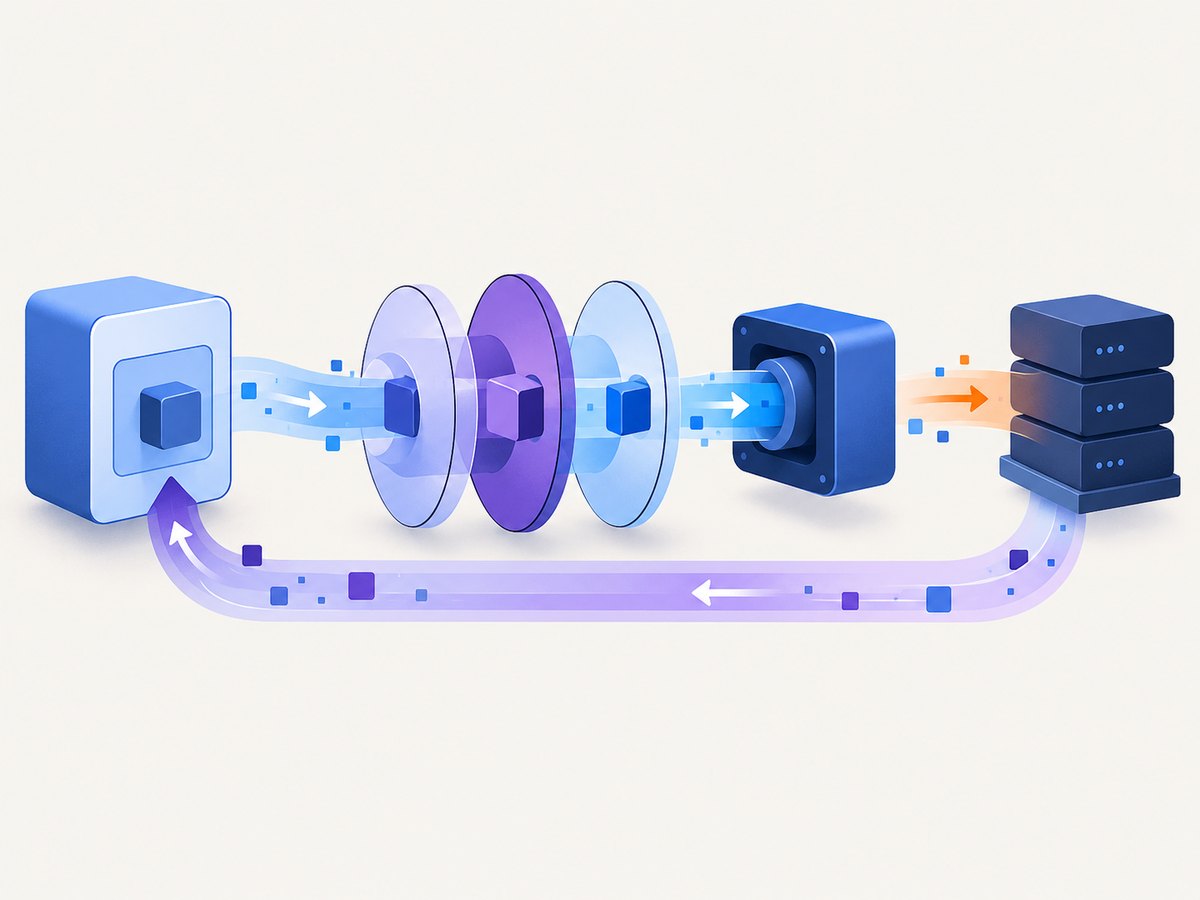
- Middleware: composable processing around a request, such as retries, logging, redirects, or cookies.
- Async API: promises returned by methods such as
getAsync()andrequestAsync().
Guzzle’s documentation describes it as a PHP HTTP client that makes sending requests and integrating with web services straightforward. See the official documentation for version-specific details.
Install Guzzle with Composer
From your PHP project directory, add the package:
composer require guzzlehttp/guzzleLoad Composer’s autoloader in your application:
<?php
require __DIR__ . '/vendor/autoload.php';
Use the current package metadata and your project’s supported PHP version when choosing a version constraint. Documentation examples that show an old ^7.0 constraint should not be treated as a current release recommendation.
Make a GET request
The shortest useful example creates a client, sends a request, checks the status, and reads the body:
<?php
require __DIR__ . '/vendor/autoload.php';

use GuzzleHttp\\Client;
use GuzzleHttp\\Exception\\GuzzleException;

$client = new Client([
    'base_uri' => 'https://api.example.com/',
    'timeout' => 10,
]);

try {
    $response = $client->get('users/42', [
        'headers' => [
            'Accept' => 'application/json',
        ],
    ]);

    echo $response->getStatusCode() . PHP_EOL;
    echo $response->getBody()->getContents();
} catch (GuzzleException $e) {
    error_log($e->getMessage());
}
base_uri is optional. With it, a relative URI such as users/42 is combined with the configured service root. The response exposes getStatusCode(), getHeaders(), and a PSR-7 body stream.
POST JSON, forms, and multipart data
Send JSON
$response = $client->post('users', [
    'json' => [
        'name' => 'Ada Lovelace',
        'role' => 'admin',
    ],
]);

$data = json_decode($response->getBody()->getContents(), true, 512, JSON_THROW_ON_ERROR);
The json option encodes the value and sets the JSON content type. Use body when you already have an encoded string and need exact control over its bytes.
Send a URL-encoded form
$response = $client->post('login', [
    'form_params' => [
        'email' => 'user@example.com',
        'password' => 'secret',
    ],
]);
Upload a file with multipart form data
$response = $client->post('documents', [
    'multipart' => [
        [
            'name' => 'description',
            'contents' => 'Quarterly report',
        ],
        [
            'name' => 'file',
            'contents' => fopen(__DIR__ . '/report.pdf', 'rb'),
            'filename' => 'report.pdf',
        ],
    ],
]);
Query strings, headers, authentication, and cookies
$response = $client->request('GET', 'search', [
    'query' => [
        'q' => 'guzzle',
        'page' => 2,
    ],
    'headers' => [
        'Accept' => 'application/json',
        'X-Request-ID' => 'abc-123',
    ],
    'auth' => ['api-user', 'api-password'],
    'cookies' => [
        'session' => 'session-value',
    ],
]);
For bearer tokens, set an Authorization header yourself:
'headers' => [
    'Authorization' => 'Bearer ' . $token,
]
Client defaults can be placed in the constructor; request options override those defaults for one call. Keep credentials outside source control and avoid logging authorization headers.
Important Guzzle request options
| Option | Purpose | Practical note |
|---|---|---|
base_uri |
Combines a service root with relative paths. | Use absolute URLs when a request must not inherit the base. |
query |
Adds query-string parameters. | Pass arrays instead of manually concatenating and encoding values. |
headers |
Sets HTTP headers. | Header names are case-insensitive; values still need correct formats. |
json |
Encodes an array or object as JSON. | Use body for pre-encoded data. |
form_params |
Sends URL-encoded form fields. | Do not combine it with multipart. |
multipart |
Sends fields and file streams. | Use readable streams for large files. |
timeout |
Maximum total request time. | Choose a value appropriate for the endpoint. |
connect_timeout |
Maximum time to establish a connection. | The built-in cURL handler supports this option; verify support for other handlers. |
http_errors |
Controls exceptions for 4xx and 5xx responses. | Set false when your code handles status codes directly. |
allow_redirects |
Controls redirect handling. | Redirect behavior depends on the handler and middleware stack. |
stream |
Leaves the response body as a live stream. | Useful for large downloads; consume it incrementally. |
sink |
Writes a response directly to a file or stream. | Avoids holding the complete download in memory. |
verify |
Controls TLS certificate verification. | Keep verification enabled in production. |
proxy |
Routes traffic through a proxy. | Configure credentials securely. |
The request options reference documents supported values and handler-specific behavior.
Handle errors correctly
There are two broad failure categories: transport failures and HTTP error responses. DNS failures, connection refusals, TLS errors, and timeouts normally produce a Guzzle exception. By default, 4xx and 5xx responses can also raise exceptions. If you want to inspect every response yourself:
$response = $client->request('GET', 'health', [
    'http_errors' => false,
]);

$status = $response->getStatusCode();
if ($status >= 400) {
    throw new RuntimeException('Remote service returned HTTP ' . $status);
}
Do not retry every exception blindly. Retry only operations that are safe to repeat, or use an idempotency key for APIs that support one. A POST that may have succeeded before the connection dropped can create duplicates if repeated without protection.
Asynchronous requests and promises
Guzzle’s asynchronous methods return promises. You can attach callbacks or wait for completion:
$promise = $client->getAsync('users/42');

$promise->then(
    function ($response) {
        echo $response->getBody()->getContents();
    },
    function ($reason) {
        error_log((string) $reason);
    }
);

$promise->wait();
To overlap independent requests, create multiple promises before waiting:
$promises = [
    'users' => $client->getAsync('users'),
    'teams' => $client->getAsync('teams'),
];

$results = GuzzleHttp\\Promise\\Utils::settle($promises)->wait();
Asynchronous methods expose an async API; actual concurrency depends on the selected handler. The official documentation notes that cURL is required for concurrent requests. Do not assume every handler provides identical concurrency or option support.
Handlers and middleware
A handler performs the transport operation. Guzzle can use cURL, PHP’s stream wrapper, or a custom handler. The stream-wrapper route requires allow_url_fopen. A custom handler must be compatible with the options your application relies on.
Middleware wraps request processing and can add behavior before or after the handler, such as logging, retries, redirects, cookies, or history. A custom handler without the appropriate middleware may not implement options such as cookies or redirects as you expect. See handlers and middleware.
use GuzzleHttp\\HandlerStack;
use GuzzleHttp\\Middleware;

$stack = HandlerStack::create();
$stack->push(Middleware::retry(
    function ($retries, $request, $response = null, $exception = null) {
        return $retries < 2 && $exception !== null;
    }
));

$client = new GuzzleHttp\\Client(['handler' => $stack]);
Keep retry predicates narrow. Include backoff and observe the remote service’s rate limits in production.
Does Guzzle require cURL?
No. Guzzle can use any compatible HTTP handler. The FAQ lists cURL, PHP’s stream wrapper, sockets, and non-blocking libraries as possibilities. cURL is the usual choice when you need concurrent requests, while the stream handler depends on allow_url_fopen. Option support varies by handler, so check the documentation for the installed Guzzle version and transport.
Performance, reliability, and cost
- Reuse clients: create one configured client per service or application component instead of rebuilding it for every call.
- Set timeouts: use both total and connection limits where your handler supports them so stalled upstreams do not consume workers indefinitely.
- Stream large bodies: use
sinkorstreamfor downloads and file handles for uploads. - Control concurrency: limit in-flight promises to protect PHP workers and the upstream API.
- Retry deliberately: use bounded retries with backoff for transient failures and idempotency protection for repeatable writes.
- Measure at the application boundary: record method, host, status, duration, and retry count while redacting secrets.
- Budget: Guzzle itself is an open-source Composer dependency. Your costs come from PHP infrastructure and the services you call; API providers may charge separately.

Troubleshooting common Guzzle errors
| Symptom | Likely cause | Fix |
|---|---|---|
Class "GuzzleHttp\\Client" not found |
Composer autoloader was not included, or the dependency is absent. | Run composer require guzzlehttp/guzzle and require vendor/autoload.php. |
| Could not resolve host | DNS or network configuration failure. | Check the hostname from the same runtime, resolver settings, and proxy configuration. |
| cURL error 28 | Connection or total timeout expired. | Check upstream latency, set suitable timeouts, and avoid unbounded retries. |
| SSL certificate problem | Missing CA certificates or an invalid certificate chain. | Install the runtime’s CA bundle and keep TLS verification enabled. |
| Redirects are not followed | Redirect middleware or handler support is missing. | Use the default handler stack or configure a compatible stack and allow_redirects. |
| Cookies do not persist | No cookie jar or compatible middleware was configured. | Provide a cookie jar and confirm the handler stack supports cookies. |
| Concurrent calls behave sequentially | The selected handler does not provide concurrency. | Use the built-in cURL handler and verify the deployment has cURL enabled. |
| JSON parse failure | The response is HTML, empty, or malformed JSON. | Log status and content type, inspect the body safely, then decode with error handling. |
| Request body is empty | Wrong option, consumed stream, or missing content type. | Use json, form_params, or multipart as appropriate and do not reuse an exhausted stream. |
Or skip the browser setup
If your PHP job ultimately needs a rendered image or PDF of a web page, you can avoid installing and operating a headless browser. ScreenshotNeo is a website screenshot API and MCP server. One GET request returns PNG, JPEG, WebP, or PDF output.
Here is the same idea from PHP with Guzzle:
<?php
require __DIR__ . '/vendor/autoload.php';

$client = new GuzzleHttp\\Client();
$response = $client->get('https://api.screenshotneo.com/v1/shot', [
    'query' => [
        'access_key' => 'YOUR_API_KEY',
        'url' => 'https://stripe.com',
    ],
    'sink' => __DIR__ . '/shot.webp',
    'timeout' => 90,
]);
Equivalent requests:
curl -G "https://api.screenshotneo.com/v1/shot" -d access_key=YOUR_API_KEY --data-urlencode url=https://stripe.com -o shot.webpimport requests
r = requests.get("https://api.screenshotneo.com/v1/shot", params={"access_key": "YOUR_API_KEY", "url": "https://stripe.com"}, timeout=90)
open("shot.webp", "wb").write(r.content)const q = new URLSearchParams({ access_key: 'YOUR_API_KEY', url: 'https://stripe.com' });
const res = await fetch(`https://api.screenshotneo.com/v1/shot?${q}`);See the ScreenshotNeo API documentation for all options. Cookie and consent banners, newsletter popups, and chat widgets are removed before the shot. Bot checks, blank pages, timeouts, failed loads, and cache hits are not billed, and response headers identify the page verdict and billing status. The service also provides an MCP server for Claude, Cursor, and other MCP clients, plus full-page capture, element selectors, custom CSS and JavaScript, device presets, PDFs, caching, signed links, async jobs, bulk capture, and a usage API. The free plan includes 1,000 screenshots per month with no card; paid plans start at $5 for 3,000 shots. Create a free ScreenshotNeo account.
FAQ
Is Guzzle a replacement for PHP’s cURL extension?
It is a higher-level client API that can use cURL as a transport. It can also use other handlers, so the relationship depends on your configuration.
Can Guzzle call SOAP or GraphQL services?
Yes, when the service accepts HTTP requests. You construct the protocol-specific body, headers, and endpoint request yourself.
Are Guzzle promises the same as PHP threads?
No. Promises represent eventual completion. Whether requests overlap depends on the handler and runtime configuration.
Should every failed request be retried?
No. Retry transient transport or server failures selectively, and protect non-idempotent operations from duplicate effects.
Where should I check option compatibility?
Check the request-options and handler documentation for your installed Guzzle version. Some options, including connect_timeout, are handler-specific.


