What Is Open Graph and How Does It Control Link Previews?
Learn Open Graph’s core tags, platform requirements, debugging steps, and how metadata determines the title, image, and URL in link previews.
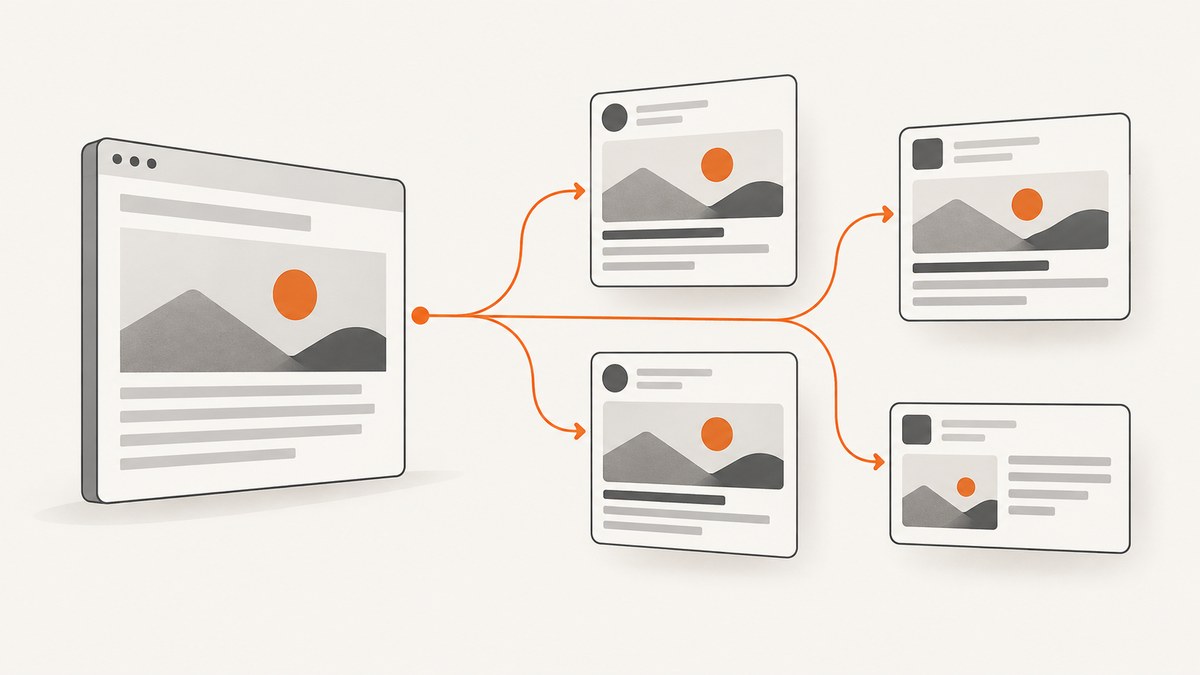
Open Graph (OGP) is a set of HTML metadata properties that describes a web page as a rich object. When a social network or messaging service fetches your page, it can read those properties to build a link preview with a title, description, image, and canonical URL. The metadata does not force every platform to render the same preview: each service decides which fields it reads, how it caches them, and which image rules it applies.
The protocol’s official documentation describes its purpose this way: “The Open Graph protocol enables any web page to become a rich object in a social graph.” You add the metadata as <meta> elements inside the document’s HTML <head>. The four core properties are og:title, og:type, og:image, and og:url (Open Graph Protocol specification).
What Open Graph controls
A crawler requests your page, reads the head, and extracts metadata. The platform then maps those values into its own preview component:
| Property | What it describes | Typical preview use |
|---|---|---|
og:title |
The object’s title | Headline shown in the card |
og:type |
The object category | Helps classify an article, website, video, and so on |
og:image |
A representative image URL | Thumbnail or large preview image |
og:url |
The object’s canonical URL and permanent identity | Destination and deduplication identity |
These tags describe the page itself. They do not describe the person sharing it, guarantee a click-through rate, or replace your normal <title> and description for search engines. Keep your canonical URL stable and make sure it resolves to the same page represented by the metadata.
Minimal Open Graph markup
Place this block in the <head> of the page you want people to share:
<!doctype html>
<html lang="en">
<head>
  <meta charset="utf-8">
  <meta name="viewport" content="width=device-width, initial-scale=1">
  <title>Open Graph guide | Example Docs</title>

  <meta property="og:title" content="What Is Open Graph?">
  <meta property="og:type" content="article">
  <meta property="og:image" content="https://example.com/images/open-graph-guide.png">
  <meta property="og:url" content="https://example.com/guides/open-graph">

  <meta property="og:description" content="A practical guide to Open Graph metadata and link previews.">
  <meta property="og:site_name" content="Example Docs">
  <meta property="og:locale" content="en_US">
</head>
<body>
  ...
</body>
</html>
Use absolute HTTPS URLs for og:image and og:url. A relative path such as /images/card.png leaves the crawler to guess the host and can fail when the page is rendered outside your expected environment.
Optional properties
The specification lists commonly used additions including og:description, og:site_name, og:locale, og:audio, and og:video. The description should normally be one or two sentences. Use a description that makes sense when read without the surrounding page.
Images support structured properties:
<meta property="og:image" content="https://example.com/images/card.png">
<meta property="og:image:secure_url" content="https://example.com/images/card.png">
<meta property="og:image:type" content="image/png">
<meta property="og:image:width" content="1200">
<meta property="og:image:height" content="630">
<meta property="og:image:alt" content="Diagram showing a page becoming a shared link preview">
og:image:alt should describe what is visible in the image; it is alternative text, not a caption. Specify it whenever you provide an image.
How to choose and order multiple images
Open Graph allows repeated properties, which creates an array. Put structured fields directly after the root image they belong to. The first value wins if a consumer finds conflicting values, so put your preferred image first:
<meta property="og:image" content="https://example.com/images/primary.png">
<meta property="og:image:width" content="1200">
<meta property="og:image:height" content="630">
<meta property="og:image:alt" content="Primary article illustration">

<meta property="og:image" content="https://example.com/images/fallback.jpg">
<meta property="og:image:width" content="1200">
<meta property="og:image:height" content="630">
<meta property="og:image:alt" content="Fallback article illustration">
Do not insert another root property between an image and its structured fields. If your CMS emits tags in an unpredictable order, inspect the final HTML response rather than the template source.
Platform rules are separate from the protocol
OGP defines the metadata vocabulary; platforms apply their own limits and rendering logic. LinkedIn’s documentation asks sites to provide og:title, og:image, og:description, and og:url, while also applying LinkedIn-specific image requirements (LinkedIn Help).
| LinkedIn image guidance | Documented value |
|---|---|
| Maximum file size | 5 MB |
| Minimum dimensions | 1200 × 627 pixels |
| Recommended ratio | 1.91:1 |
| Thumbnail behavior | Images under 401 pixels wide appear as thumbnails |
Those figures are LinkedIn requirements, not universal Open Graph requirements. Other services may crop, ignore a field, select a different image, or impose different size and aspect-ratio rules. Avoid assuming that a preview that looks correct on one platform will look identical everywhere.
Implementation checklist
- Add the four core properties to the server-rendered HTML head.
- Use one canonical HTTPS URL in
og:url. - Use an absolute, publicly reachable HTTPS image URL.
- Add a useful one or two sentence
og:description. - Provide image dimensions, MIME type, secure URL, and alt text.
- Put the preferred image first when declaring several images.
- Return the tags in the initial HTML response, especially for crawlers that do not run JavaScript.
- Check that robots rules, authentication, firewalls, and hotlink protection do not block social crawlers.
- Validate the final deployed URL, not only a local development page.
Why an Open Graph image may not appear
The phrase “og:image not loading” can describe several different failures. Work from the outside in: first confirm that the crawler can fetch the page, then confirm that the page points to a fetchable image.
1. The tag is missing from the response
View the raw HTML returned by your server with curl:
curl -L https://example.com/article \
  | grep -iE 'og:(title|type|image|url|description)'
If the tags appear only after a client-side JavaScript render, move them into server-rendered HTML or your framework’s head output. A browser’s Elements panel can show a DOM that a crawler never received.
2. The image URL is inaccessible
Open the image URL without a login and inspect its response:
curl -I https://example.com/images/card.pngLook for a successful status, an image content type, and a response that does not require cookies. LinkedIn specifically notes that previews can fail when a site blocks LinkedIn from retrieving the image or stores it in a protected directory.
3. Redirects, certificates, or mixed content interfere
Use HTTPS for both the page and image. Follow redirects and verify that the final host presents a valid certificate. Avoid URLs that redirect to a private origin, an expiring signed URL, or an HTML error page.
4. Dimensions or size do not meet the platform’s rules
For LinkedIn, verify the documented 1200 × 627 minimum, 5 MB maximum, and 1.91:1 recommendation. A valid OGP image can still be rejected or reduced to a thumbnail by a platform with stricter rules.
5. Duplicate tags conflict
Inspect the complete response for multiple og:title or og:image tags emitted by a theme, SEO plugin, and application layout at the same time. The first value is preferred in conflicts. Remove accidental duplicates or put the desired value first.
6. A stale preview is being displayed
Sharing services can retain a previously fetched representation. Recheck the deployed HTML and image independently, then use the platform’s own preview debugger or refresh control where available. The Open Graph specification identifies Facebook’s Object Debugger as Facebook’s official parser and debugger; behavior and cache timing differ by service.
Inspecting metadata programmatically
A small script can verify that required fields exist before deployment. This example uses Python and the standard library:
from html.parser import HTMLParser
from urllib.request import Request, urlopen

class OpenGraphParser(HTMLParser):
    def __init__(self):
        super().__init__()
        self.values = {}

    def handle_starttag(self, tag, attrs):
        if tag != "meta":
            return
        data = dict(attrs)
        prop = data.get("property")
        if prop and prop.startswith("og:") and prop not in self.values:
            self.values[prop] = data.get("content", "")

url = "https://example.com/article"
request = Request(url, headers={"User-Agent": "metadata-check/1.0"})
with urlopen(request, timeout=20) as response:
    html = response.read().decode(response.headers.get_content_charset() or "utf-8", errors="replace")

parser = OpenGraphParser()
parser.feed(html)
for name in ("og:title", "og:type", "og:image", "og:url"):
    value = parser.values.get(name)
    print(f"{name}: {value or 'MISSING'}")
This checks presence and ordering in the returned HTML. It does not reproduce every platform’s crawler, image validation, cache, or crop behavior.
Capture the rendered result when metadata is not enough
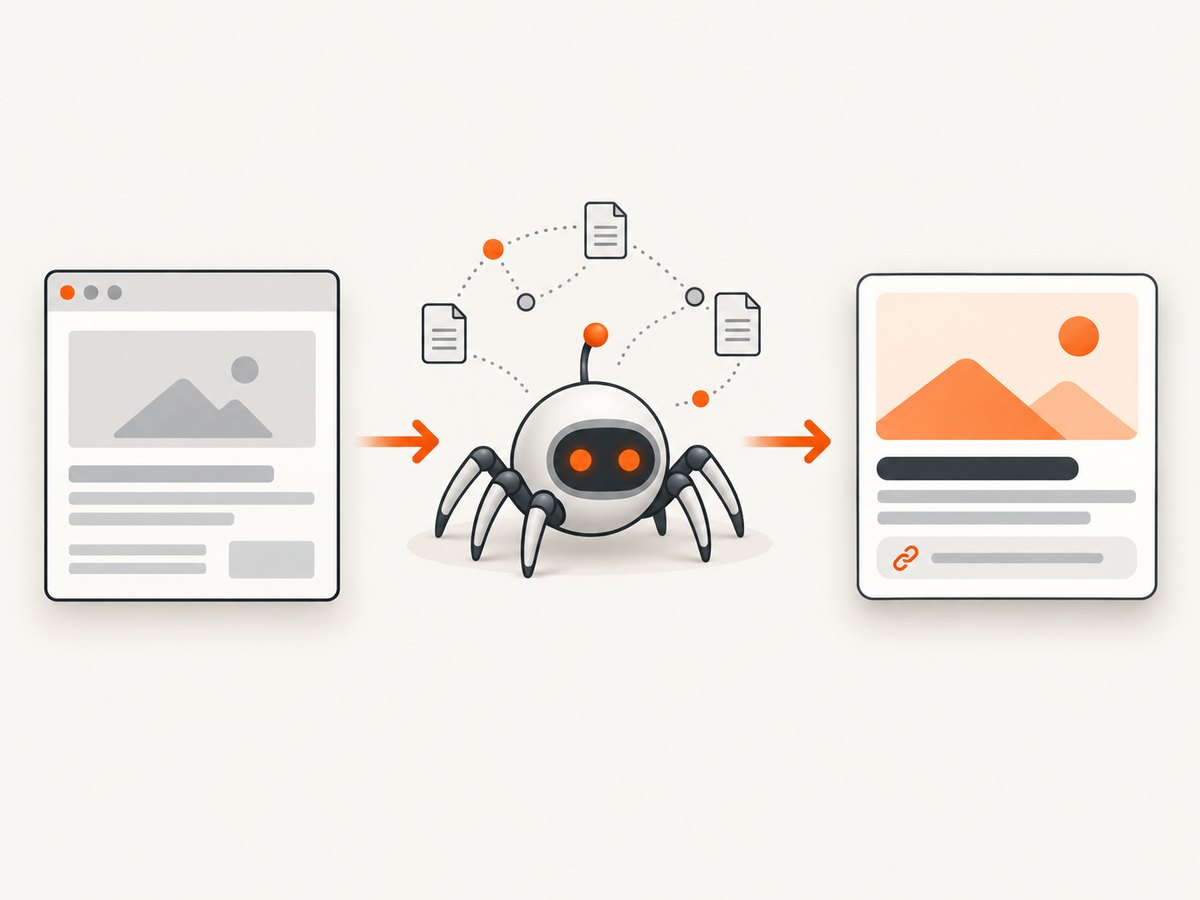
Sometimes you need a visual record of what a crawler or reviewer sees: a client-rendered page, a consent dialog covering the content, or a preview image generated by your own application. You can run a browser yourself with Playwright or Puppeteer, wait for the page, and save a full-page screenshot. That approach gives control but requires browser binaries, sandbox configuration, concurrency limits, retries, and cleanup.
Or skip the browser setup
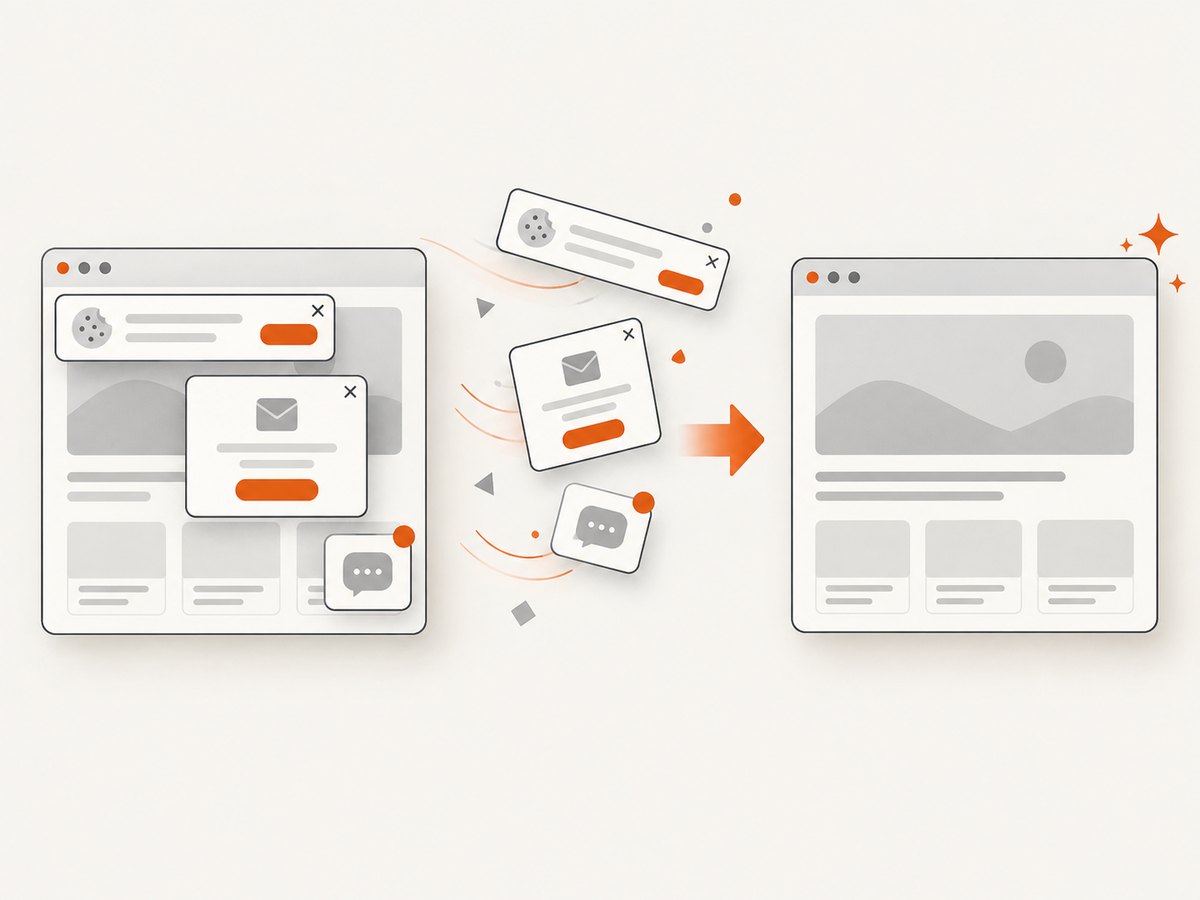
ScreenshotNeo provides a website screenshot API and MCP server. A single GET request returns PNG, JPEG, WebP, or PDF. Before capture it accepts cookie and consent banners like a visitor and removes more than 60 known consent platforms, newsletter popups, and chat widgets; each step can be turned off. Bot checks or CAPTCHAs, blank pages, timeouts, failed loads, and cache hits cost nothing, and response headers identify the page verdict and whether the shot was billed. An MCP server provides take_screenshot, get_page_info, and capture_pdf tools for Claude, Cursor, and other MCP clients.
See the ScreenshotNeo documentation for all options, including full-page lazy-image loading, CSS-selector element capture, device presets, custom viewports, dark mode, retina scale, PDF page ranges, custom CSS and JavaScript, clicks, waits, blocked resources, headers, cookies, user agents, authorization, timezone, geolocation, transparent backgrounds, resizing, TTL caching, signed links, asynchronous webhooks, bulk capture, usage data, and the OpenAPI specification.
cURL
curl -G "https://api.screenshotneo.com/v1/shot" -d access_key=YOUR_API_KEY --data-urlencode url=https://ogp.me/ -o shot.webpPython
import requests

r = requests.get(
    "https://api.screenshotneo.com/v1/shot",
    params={"access_key": "YOUR_API_KEY", "url": "https://ogp.me/"},
    timeout=90,
)
r.raise_for_status()
open("shot.webp", "wb").write(r.content)
Node.js
const q = new URLSearchParams({ access_key: 'YOUR_API_KEY', url: 'https://ogp.me/' });
const res = await fetch(`https://api.screenshotneo.com/v1/shot?${q}`);
if (!res.ok) throw new Error(`HTTP ${res.status}`);
const buffer = Buffer.from(await res.arrayBuffer());
require('fs').writeFileSync('shot.webp', buffer);
ScreenshotNeo includes 1,000 shots per month free with no card. Paid plans start at $5 for 3,000 shots; yearly billing gives two months free. Every feature is available on every plan. Create a free ScreenshotNeo account.
Performance, reliability, and cost considerations
- Reduce unnecessary work: Request an element instead of a full page when you only need the preview component. Block advertisements, trackers, or resource types that cannot affect the output.
- Wait deliberately: Use a selector wait, delay, or network-idle wait for client-rendered content. Excessive fixed delays increase latency without improving correctness.
- Cache safely: Choose a TTL that matches how often the page changes. A cache hit is identified in the response and is not billed by ScreenshotNeo.
- Handle failures: Set a client timeout longer than the page’s expected load time, retry transient network errors with backoff, and record
X-Page-VerdictandX-Billedfor accounting. - Control concurrency: For many pages, use asynchronous jobs, signed webhooks, or bulk capture rather than launching an unbounded number of browsers.
- Protect credentials: Keep the ScreenshotNeo access key on your server. Signed links are available when a public
<img>tag must load a capture without exposing the key.
FAQ
Is Open Graph the same as SEO metadata?
No. Open Graph is primarily for objects and previews consumed by social and sharing services. Search engines may use other metadata and their own ranking and snippet rules.
Do I need every optional property?
No. Start with the four core properties, then add description, site name, locale, and image fields that your target platforms use.
Can og:url be a shortened or tracking URL?
Use the canonical page URL as the object identity. Put campaign tracking parameters in sharing links when needed, while keeping og:url stable.
Why does the source contain the tags but the preview remain unchanged?
The service may have cached an earlier fetch, may be unable to retrieve the image, or may apply platform-specific filtering. Verify accessibility and use that service’s debugger or refresh mechanism.
Does Open Graph define image dimensions?
The protocol supports width and height structured properties, but platforms set their own minimums, ratios, and file-size limits. LinkedIn’s published limits are one platform-specific example.


