What OAuth Scopes Can You Request?
OAuth scopes are defined by each authorization server, so there is no universal list. Learn how to find the right scopes, check what was granted, and handle provider-specific behavior.
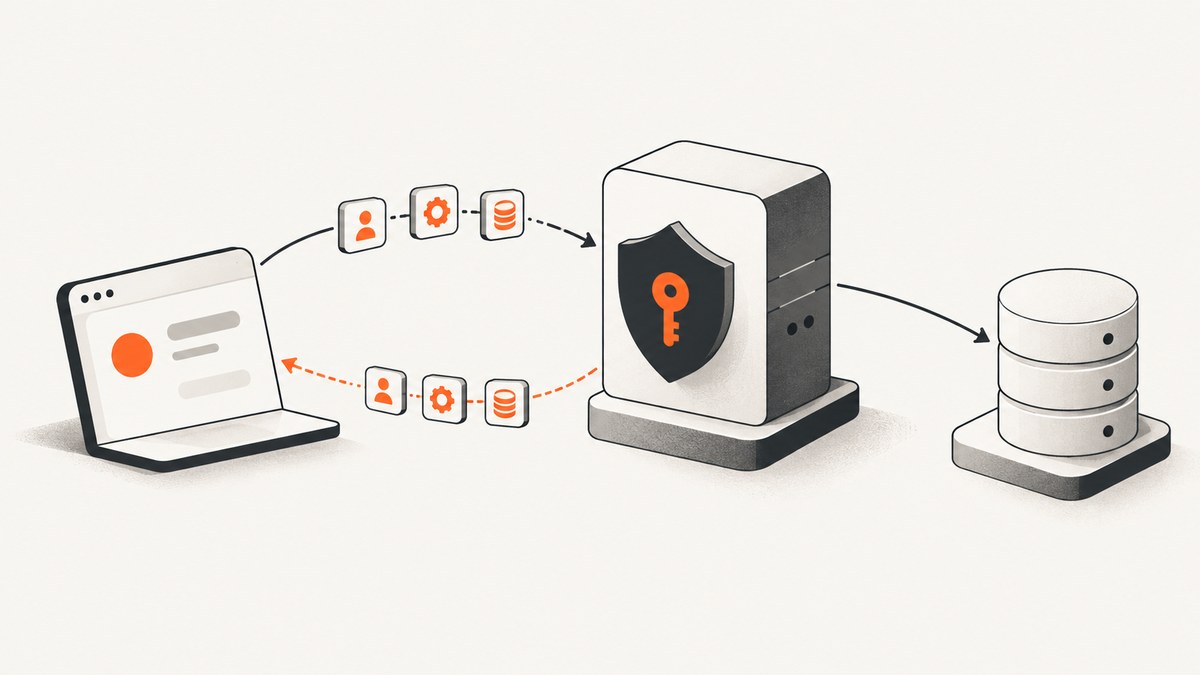
There is no universal list of OAuth scopes you can request. Scope values are strings defined by the authorization server for the API or resource you want to use. Find the exact permissions in that API’s documentation, request only what your feature needs, and check the scopes the server actually granted. A request does not guarantee that every requested scope will be granted.
This guide explains how to identify valid scopes, build and inspect an authorization request, and account for differences between providers. If you have a specific API in mind, its current operation-level documentation is the authority on which strings it accepts.
1. What an OAuth scope means
A scope is a provider-defined string that represents requested access. A request can include multiple scope values, separated by spaces. The values are case-sensitive, and their meanings are determined by the authorization server. OAuth does not maintain a central catalogue from which a client can choose universally valid strings. [RFC 6749 §3.3; RFC 6750 §3]
For example, a provider might define a read permission separately from a write permission, while another provider may group several actions under one named permission. Similar-looking scope names at different services do not imply the same access. A scope string that works with one authorization server may be meaningless or rejected by another.
Scopes describe requested access, but they are only one part of authorization. A token may also be constrained to an intended resource, and the API enforces whether that token can perform a particular operation. Do not treat a familiar scope label as proof that a token is valid for every service.
2. How to find the right scopes
- Identify the exact operation. Write down the API endpoint or user-facing feature your application needs, including whether it reads, writes, deletes, or administers data.
- Open that API’s official permission documentation. Look for the endpoint or method’s required scopes or permissions. Do not copy a scope from another provider or infer one from its name.
- Choose the narrowest useful access. Prefer read access when the feature only displays information. Avoid requesting broad write or administrative access for a read-only feature.
- Request access when needed. If the provider supports incremental authorization, ask for additional scopes when a user invokes the feature that needs them, rather than requesting every possible permission at initial sign-in. Google explicitly recommends this pattern. [Google OAuth 2.0 documentation]
- Inspect the grant. Compare the scopes actually granted with the scopes required by enabled features. Explain or disable functionality that depends on a permission the user did not grant.
Some protected-resource metadata may advertise a scopes_supported value. Treat that as information about what the server is willing to advertise, not as a replacement for operation-specific API documentation or a reason to request every listed value. [RFC 8414]
3. Constructing an authorization request
The authorization endpoint and the client’s flow depend on the provider and application type. In an authorization-code flow, the request commonly includes a client identifier, redirect URI, response type, state, and the requested scopes. The example below is a template, not a provider-independent endpoint: replace the endpoint and values with those documented for your authorization server.
GET https://authorization.example/authorize?
  response_type=code&
  client_id=YOUR_CLIENT_ID&
  redirect_uri=https%3A%2F%2Fapp.example%2Foauth%2Fcallback&
  scope=PROFILE_READ%20ORDERS_READ&
  state=RANDOM_CSRF_VALUE
Encode the request as query parameters using your HTTP library rather than assembling a URL with string concatenation. Scope values are separated by spaces in the parameter; URL encoding turns those spaces into an encoded form such as %20 or +. Use a securely generated, validated state value as required by your flow. Follow current OAuth security guidance for the applicable client type and authorization-code protections. [RFC 9700]
Do not copy the illustrative scope strings above. Replace them with exact values from the target API’s documentation. The same applies to the endpoint, redirect URI, client configuration, and any provider-specific parameters.
4. Requested scopes versus granted scopes
The server may ignore some or all requested scopes because of policy or the resource owner’s instructions. If the scope in an issued token differs from the scope requested, OAuth requires the authorization server to include the actual scope in its response. Your application should therefore treat the returned grant as authoritative rather than assuming the request was accepted unchanged. [RFC 6749 §3.3]
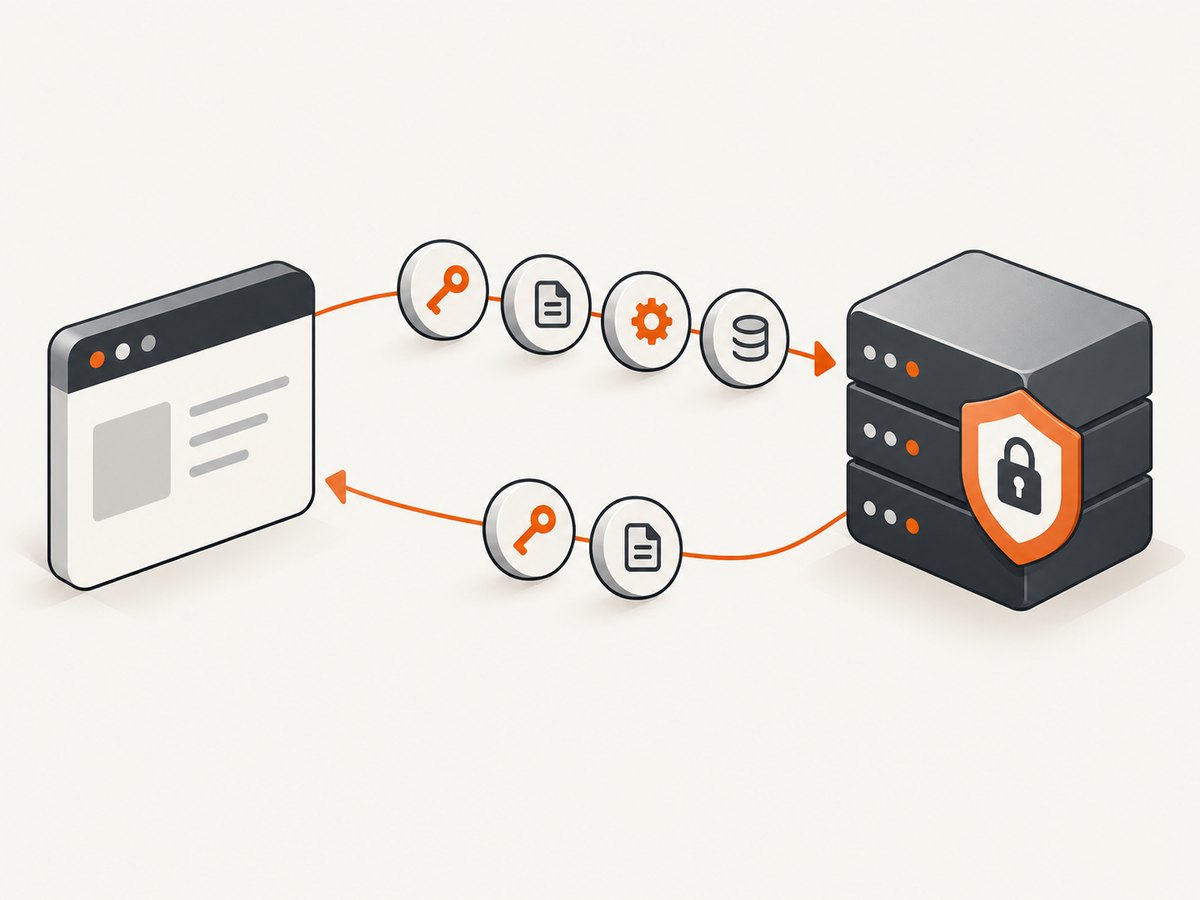
For a token response that contains a scope field:
{
  "access_token": "REDACTED",
  "token_type": "Bearer",
  "expires_in": 3600,
  "scope": "PROFILE_READ"
}
Parse and compare the returned values against the permissions needed for each feature. A missing scope field does not mean you can safely guess the grant: follow the provider’s documented response behavior and token introspection or account-permission facilities, if available. Never log access tokens or other credentials while debugging.
5. Provider-specific examples
Google APIs
Google’s APIs use provider-defined scope values, and the required scopes are documented by API method. Google notes that requested scopes can differ from returned scopes, including cases where several requested strings map to a returned scope. Check the requirements for every method your feature calls, then compare those requirements with the actual grant. [Google OAuth 2.0 documentation]
GitHub
GitHub OAuth Apps use named scope groups. For example, user:email permits reading private email addresses. A scope does not override the authorizing user’s own role: an admin:org token cannot give administrative access to someone who is not an organization owner. Also identify which GitHub application model you are using. GitHub Apps use fine-grained permissions rather than OAuth App scopes. [GitHub OAuth App scopes; GitHub App permissions]
Microsoft identity platform
Microsoft’s .default pattern names a resource and refers to permissions configured for the application. For example, https://graph.microsoft.com/.default targets Microsoft Graph. This is a Microsoft convention, not a universal scope value; use the identity platform’s documentation for the flow and resource involved. [Microsoft scopes and .default]
6. Scope, resource, and richer authorization requests
A scope expresses requested access; a resource indicator identifies the protected service where a token is intended to be used. These answer different questions: what access is requested, and where the token should be usable. The authorization server decides which resource values it accepts. Constrain tokens to the intended resource and actions where the system supports it. [RFC 8707; RFC 9700]
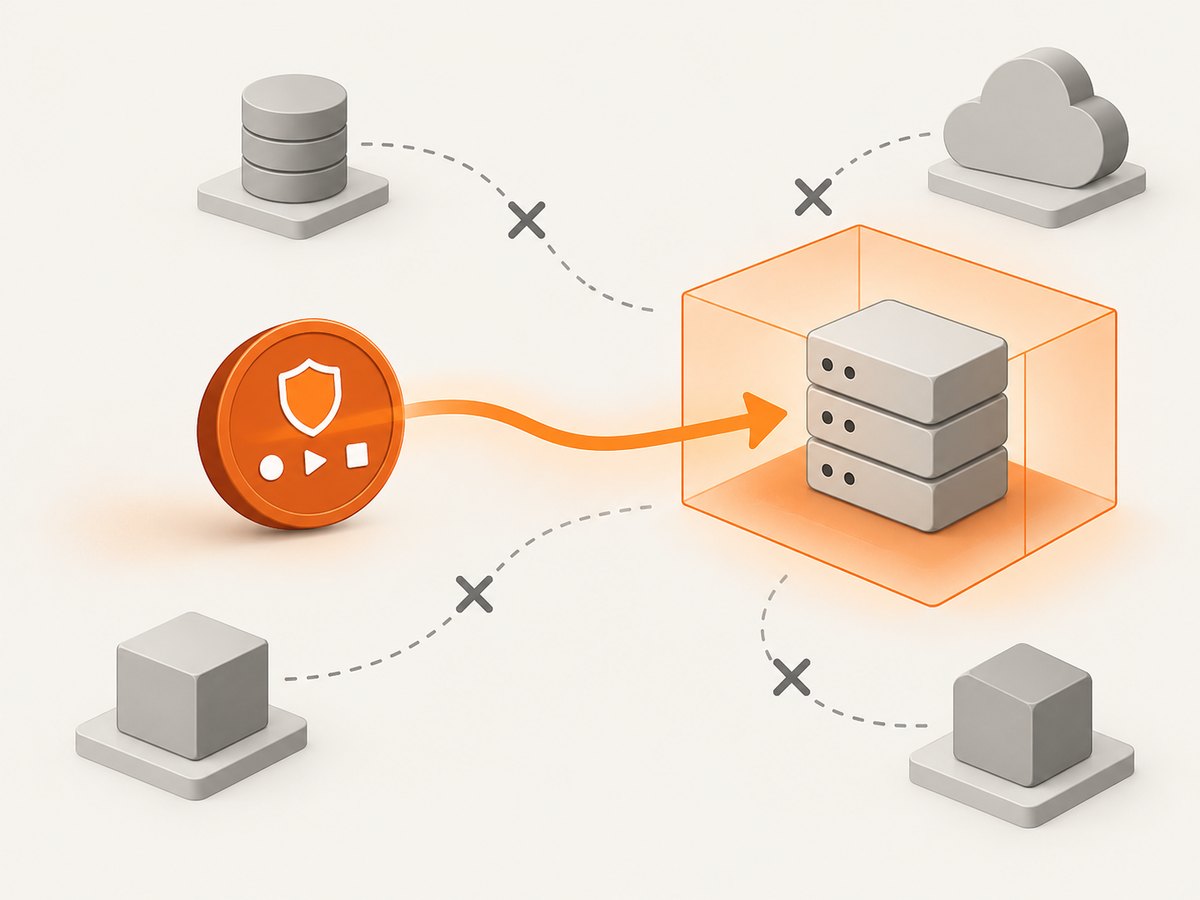
Some APIs need more detail than a flat scope string can express. RFC 9396 defines the authorization_details parameter for structured authorization requests. It can be used alongside scope; the API defines how those requirements are combined and presented for consent. Do not assume that one parameter replaces or broadens the other without checking the service’s rules. [RFC 9396]
7. Common errors and fixes
| Symptom | Likely cause | What to check or change |
|---|---|---|
| Invalid or unknown scope | The value is misspelled, has the wrong case, belongs to another provider, or is unsupported for this client or flow. | Copy the exact value from the target API’s current documentation; verify case, separators, application type, and flow. |
| Consent succeeds, but an API call returns forbidden | The grant lacks a permission required by that operation, or the user’s role does not permit it. | Compare granted access with method requirements, check the account role, and request additional access only if the feature needs it. |
| The returned scopes differ from the request | The server applied policy, resource-owner instructions, or scope mapping. | Use the actual grant in feature checks and explain unavailable features. Consult the provider’s documented grant behavior. |
| A scope works for one endpoint but not another | Different operations have different permission requirements. | Check requirements per method, including related endpoints called by the same feature. |
| Spaces or special characters break the request | The scope parameter was manually concatenated or encoded incorrectly. | Pass a list of query parameters to a URL encoder; confirm the server receives the intended space-separated value. |
| Permission seems too broad | A coarse provider scope groups several actions, or a resource constraint is missing. | Check for narrower permissions, use resource restriction if supported, and avoid enabling unrelated features with the token. |
8. Reliability, security, and operational notes
- Make authorization feature-aware. Keep a mapping from application features to required provider permissions. On startup or after authorization, determine which features are available from the actual grant.
- Handle partial grants. Show a clear path to authorize an additional permission when a user invokes a feature that needs it. Do not repeatedly send them through consent without explaining why.
- Keep tokens scoped to purpose. Request only relevant actions and the intended resource. Treat bearer tokens as secrets, transmit them securely, and avoid writing them to logs or error reports.
- Recheck provider documentation. Scope catalogues and provider policies can change. Validate exact values before release and when adding API operations.
- Separate authentication from authorization. A successful sign-in does not prove that a token has the access required for every API operation. Handle authorization failures at the operation boundary.
9. A practical implementation checklist
- List the API operations each user-visible feature calls.
- Record the official permission requirements for each operation and the provider documentation URL.
- Choose the smallest set that supports the enabled feature set.
- Build the authorization URL with a query-parameter encoder and the correct provider endpoint.
- Validate the OAuth response and store tokens securely according to the application’s architecture.
- Read the actual granted scopes or the provider’s equivalent permission data.
- Test the application’s behavior when optional access is declined or reduced.
- Request additional access only when a user reaches a feature that needs it, if the provider supports that flow.
10. FAQ
Can I request any OAuth scope string I want?
You can send a string in a request, but only the authorization server defines valid values and decides how to handle them. An arbitrary value does not create a permission.
Are OAuth scopes standardized across providers?
No. The protocol defines how scope values are represented and requested; individual authorization servers define their vocabulary and meaning.
Why did the server grant fewer scopes than I requested?
The server can apply policy or user instructions and issue a narrower grant. Use the actual grant returned or documented by that provider.
Should I request every scope at sign-in?
Usually request only what the current features need. Where supported, ask for additional permissions when the user invokes the feature that requires them.
Does a scope guarantee access to a resource?
No. Scope is one authorization dimension. The token’s intended resource, user or application role, and API-specific rules can also affect access.
11. Automating screenshots of OAuth documentation
When documenting a consent flow or reviewing a provider’s permission reference, screenshots can preserve the relevant page state for an issue or internal guide. ScreenshotNeo is a website screenshot API and MCP server from ScreenshotNeo. For a screenshot workflow, it accepts a URL and returns an image or PDF; see the API documentation for request options.
Or skip the browser setup
curl -G "https://api.screenshotneo.com/v1/shot" -d access_key=YOUR_API_KEY --data-urlencode url=https://developers.google.com/identity/protocols/oauth2 -o shot.webpScreenshotNeo removes cookie banners, newsletter popups, and chat widgets before capture. Bot checks, blank pages, and failed loads are never billed. Its MCP server lets AI agents use take_screenshot, get_page_info, and capture_pdf. The free plan includes 1,000 screenshots a month with no card; paid plans start at $5 for 3,000. Sign up for 1,000 free screenshots a month, no card required.
Sources
- RFC 6749: The OAuth 2.0 Authorization Framework, §3.3
- RFC 6750: The OAuth 2.0 Authorization Framework: Bearer Token Usage, §3
- RFC 8707: Resource Indicators for OAuth 2.0
- RFC 9396: OAuth 2.0 Rich Authorization Requests
- Google OAuth 2.0 documentation
- GitHub OAuth App scopes
- Microsoft identity platform scopes


