WhatsApp Link Preview Image Size in 2026
Use 1200 × 630 px as a practical target for a WhatsApp link preview image. Keep it under 600 KB, at least 300 px wide, and within a 4:1 ratio.
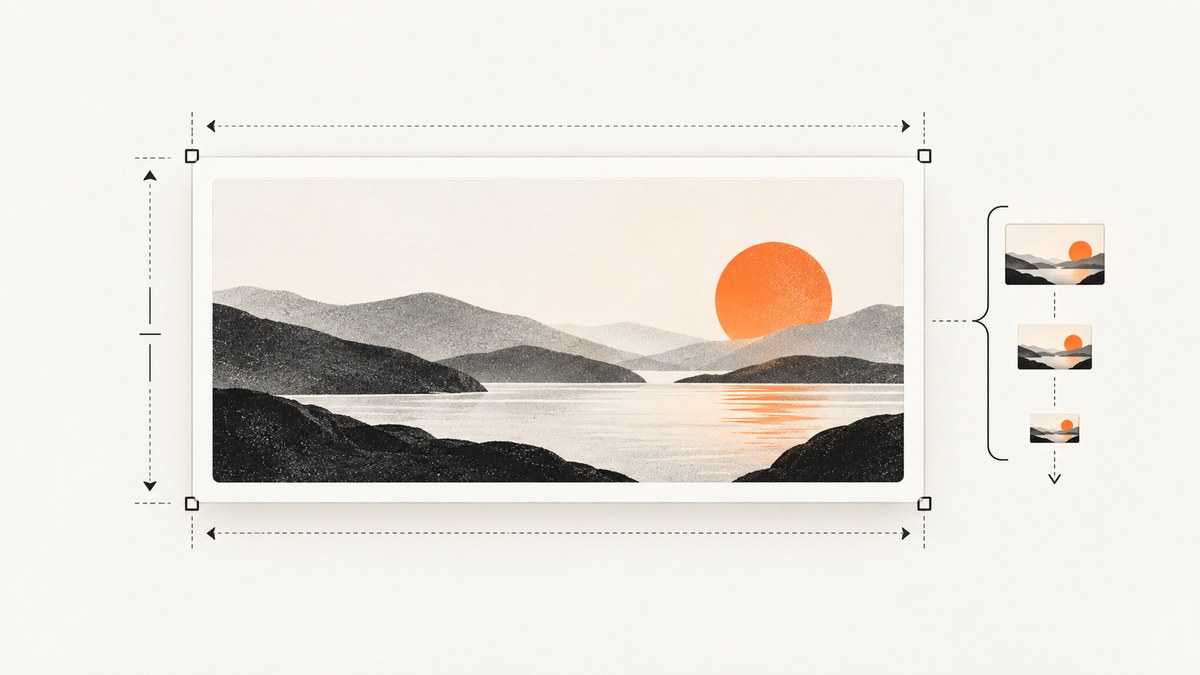
Use a 1200 × 630 px image as a practical target for a WhatsApp link preview. Keep the image under 600 KB, at least 300 px wide, and no wider than a 4:1 width-to-height ratio. The 1200 × 630 recommendation comes from a third-party Open Graph guide; the size and ratio bounds come from WhatsApp developer guidance reproduced by ChatArchitect. WhatsApp describes previews as best-effort, so meeting these constraints does not guarantee that a preview will appear or look identical everywhere.
This guide covers the image, the page metadata WhatsApp reads, how to publish and check it, and what to investigate when the preview is missing or small.
1. The recommended size and documented limits
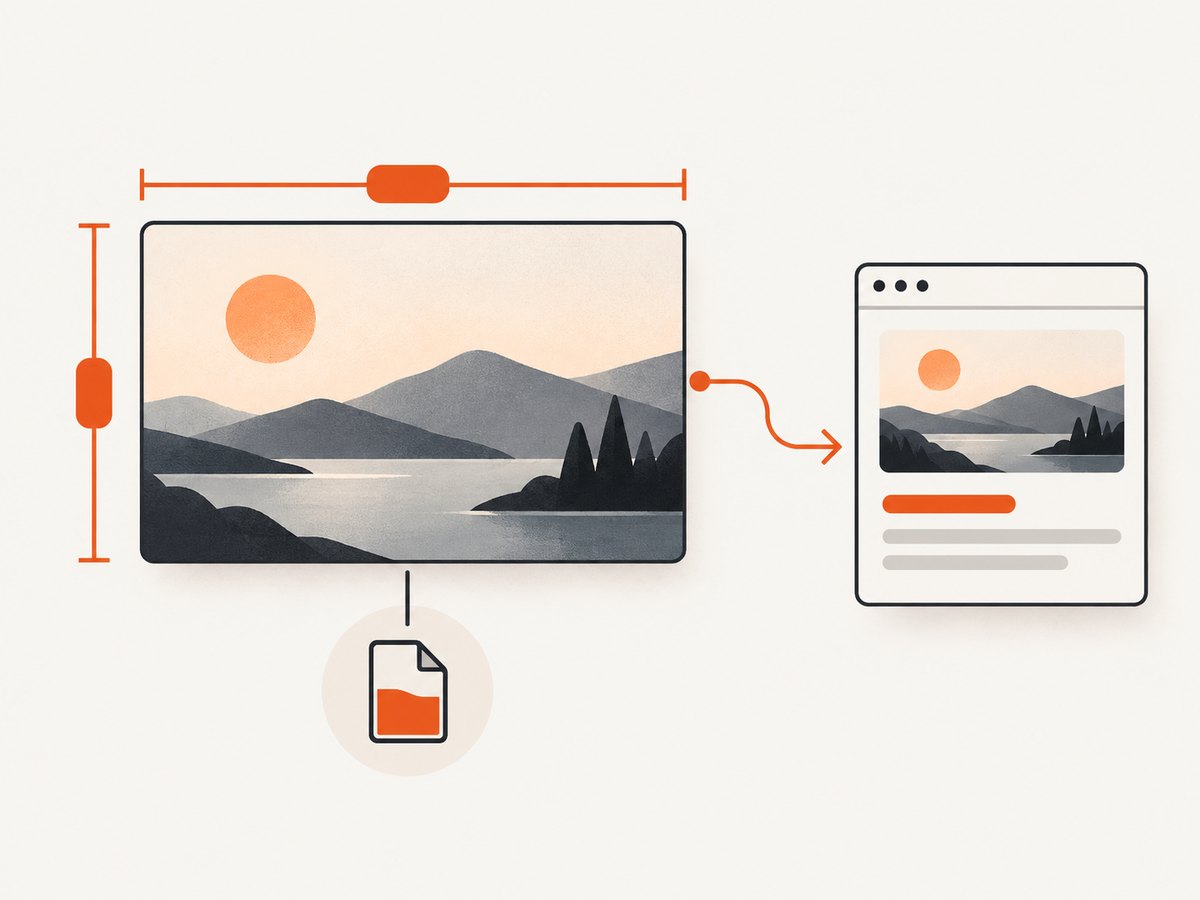
A 1200 × 630 px canvas has an aspect ratio of about 1.91:1. It is a useful landscape format when one image needs to work across social sharing contexts. Treat it as a practical recommendation, not a WhatsApp-required dimension.
| Property | Practical target | What the source says |
|---|---|---|
| Canvas | 1200 × 630 px | Third-party recommendation; not an official WhatsApp-mandated size. |
| Minimum width | At least 300 px | Stated in WhatsApp developer guidance reproduced by ChatArchitect. |
| File size | Under 600 KB | Stated in the reproduced developer guidance. |
| Aspect ratio | At or under 4:1 width-to-height | Stated in the reproduced developer guidance. |
The constraints are checks for the image you provide. They are not a rendering contract: WhatsApp may show a small preview, use other page markup, or omit the preview. Its reproduced developer guidance explicitly characterizes preview generation as an attempt, not something to rely on.
For example, a 1200 × 630 image is within the ratio limit. A 1600 × 400 image is exactly 4:1 and within the stated maximum; a 2000 × 400 image is 5:1 and exceeds it. When designing a new image, the 1.91:1 target leaves ample room under the 4:1 maximum and is widely recommended for Open Graph sharing.
2. Prepare the image file
- Create a landscape canvas. Start at 1200 × 630 px if you want a practical general-purpose social image. Keep important visual details near the center so they remain legible if a client crops or scales the preview.
- Export in a web-friendly format. Choose a format your page and image hosting setup can serve reliably. The cited WhatsApp guidance specifies the width, size and ratio constraints, not a required image format.
- Check the actual exported file. Image editors can change dimensions or increase file size during export. Verify the saved asset rather than relying only on the design canvas settings.
- Compress if needed. If the file is at or above 600 KB, reduce its dimensions or quality, or use an efficient supported format, then inspect the result for visible artifacts. Aback Tools recommends under 300 KB as a cautious optimization. That is third-party advice, not the official ceiling in the reproduced WhatsApp guidance.
- Publish it at an absolute URL. The image URL in the page metadata should include the scheme and host, for example
https://example.com/images/share-image.jpg.
Do not confuse a WhatsApp Business marketing-message image format with the webpage link-preview specification. The cited 12:7 format applies to a marketing message format; it is not the answer to the link-preview image-size question.
3. Add Open Graph metadata to the page
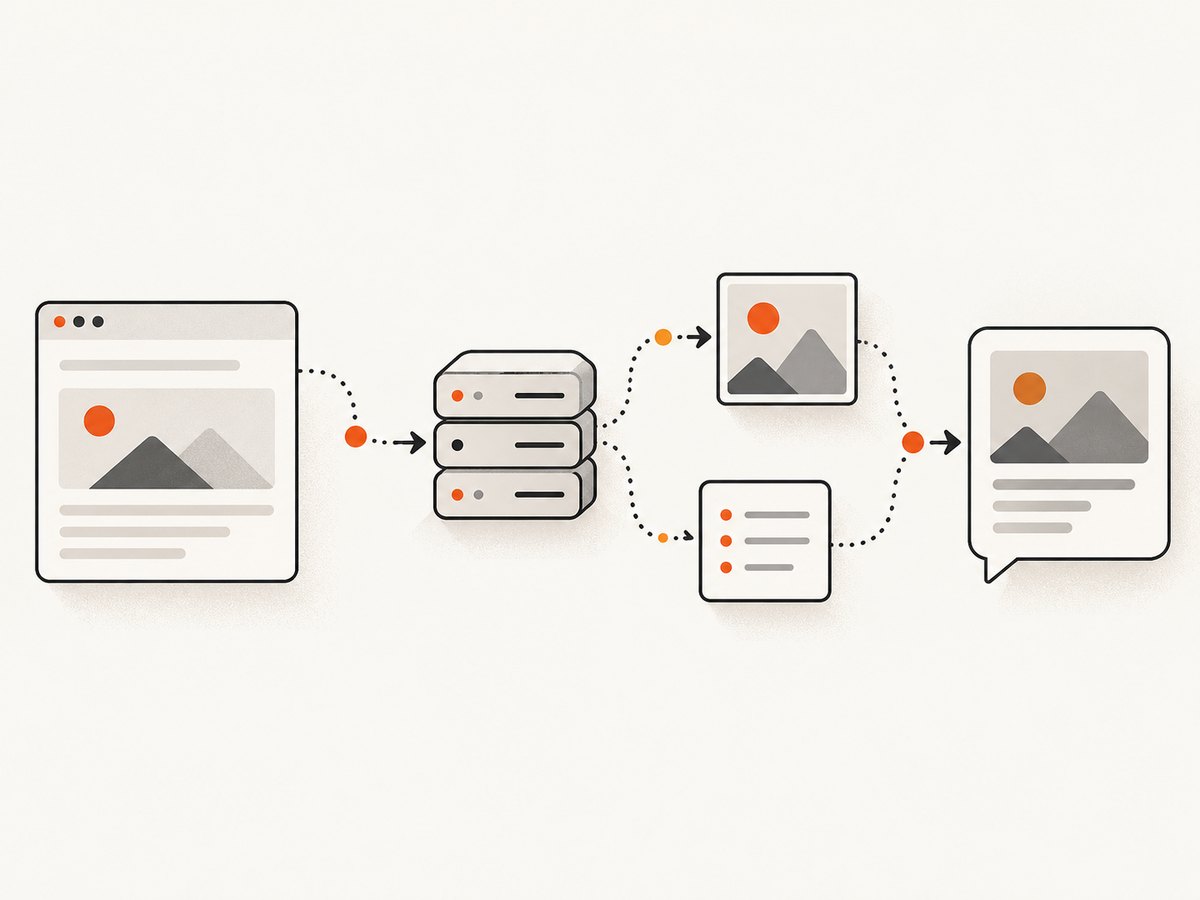
WhatsApp fetches the linked page with an HTTP GET request and a WhatsApp user-agent string. Put the preview metadata in the page’s <head> so it is available when the crawler requests the page. The reproduced guidance says og:title, og:description and og:url should not be empty, and that a short description is enough for the one or two lines shown in a preview.
<!doctype html>
<html lang="en">
<head>
  <meta charset="utf-8">
  <meta name="viewport" content="width=device-width, initial-scale=1">
  <title>Example page title</title>
  <meta property="og:title" content="Example page title">
  <meta property="og:description" content="A concise description of this page.">
  <meta property="og:url" content="https://example.com/page">
  <meta property="og:image" content="https://example.com/images/share-image.jpg">
</head>
<body>
  <main>Page content</main>
</body>
</html>
Replace the example values with the page’s real title, a short accurate description, its public canonical URL, and the absolute URL of the published image. The metadata belongs on the page being shared. If different pages need different preview images, output the appropriate image URL in each page’s head.
Server-rendered pages and JavaScript apps
Ensure the initial HTTP response contains the Open Graph tags. Aback Tools reports that JavaScript-injected metadata can fail in its observations; it advises keeping tags in the initial server response. This is not a WhatsApp-specific guarantee, but it is a sensible way to make the metadata available without depending on client-side rendering. Apple’s similar advice for Messages rich previews concerns Apple Messages and should not be presented as a WhatsApp rule.
4. Publish and verify the preview
- Deploy the page and image. Both should be publicly reachable by a crawler without a login, a private network, or a browser-only session.
- Check the source response. Confirm the deployed HTML contains all four metadata tags and that the image URL is absolute. Check for empty values or a stale image path.
- Check the image itself. Fetch the image URL directly and confirm it returns the intended file. Recheck the dimensions, byte size and ratio of that exact file.
- Compose a message containing the page URL. WhatsApp’s reproduced documentation recommends pasting the link into a message and waiting for the preview to appear above the composer before sending.
- If it is still absent after 10 seconds, investigate the documented requirements. The 10-second point is the documentation’s troubleshooting suggestion, not a promise that every preview loads within that time.
Testing by composing a message checks the experience in WhatsApp itself. A page can have valid-looking HTML and still fail to produce a preview because the crawler cannot fetch the page or image, or because preview generation is best-effort.
5. Troubleshoot missing, small or outdated previews
| Symptom | Likely cause | What to check or change |
|---|---|---|
| No image or no preview | Missing metadata, inaccessible page or image, or a URL that does not resolve for the crawler. | Put the Open Graph tags in the head, use an absolute image URL, and make both page and image publicly fetchable. |
| Image is rejected or absent | Image is below the documented width, at or above the stated size ceiling, or exceeds the ratio bound. | Use at least 300 px width, stay under 600 KB, and keep width-to-height at or under 4:1. |
| Small preview | WhatsApp may fall back to a small preview; behavior is best-effort. | Check the documented bounds and image URL, then test again in a composed message. A small preview is not proof of one specific failure. |
| Preview differs from expectation | Clients may render or crop previews differently; the sources do not guarantee identical results across Android, iOS and web. | Keep key artwork away from edges and validate the composed-message result on the clients relevant to your audience. |
| Old image or description appears | The page may still serve old metadata or an old image at the published URL. | Inspect the live HTML and image response. If you replace an asset, use a new image URL when practical and update og:image accordingly. |
| Works in a browser, not for WhatsApp | The browser may have cookies, scripts or access that the crawler does not. | Check that the initial page response contains the tags and that no access control blocks a plain HTTP GET to the page or image. |
OpenGraphPlus reports observed image-width patterns: under 100 px may lead to text only, 100–300 px may show a small thumbnail, and 300 px or more may produce a full-width image. Those are third-party observations, not official display thresholds. Use the documented minimum width as a baseline, but do not treat a particular display size as guaranteed.
6. Performance, reliability and cost considerations
A smaller image can take less time and bandwidth to fetch, which is why compressing beyond the 600 KB ceiling may be useful. Aback Tools’ under-300-KB suggestion is one conservative target, but image quality and the actual fetch environment matter. Do not sacrifice the image so much that it becomes visibly degraded merely to hit an unverified threshold.
Serve the image from a stable HTTPS URL and avoid requiring a browser session to retrieve it. Keep metadata in the initial response to reduce dependence on JavaScript execution. These steps improve the chance that a crawler can discover the image, but they cannot guarantee a preview because WhatsApp says rendering is best-effort.
There is no basis in the cited sources for assigning a preview success rate, a specific fetch-time guarantee, or a universal crop across WhatsApp clients. Verify important pages in the actual compose flow after publishing and after changing metadata or the image.
7. Capture and inspect the page when debugging
A screenshot can help you inspect the page’s visible state after deployment, though it does not establish what WhatsApp’s crawler received or guarantee how WhatsApp will render the link. For a local browser-based inspection workflow, use an automated browser to load the public page and capture it. Keep the page source and direct image response as the source of truth for metadata and fetchability.
cURL: request a ScreenshotNeo capture
If you want a rendered capture of the deployed page while checking its appearance, ScreenshotNeo accepts a URL in one GET request. See the ScreenshotNeo API documentation for options.
curl -G "https://api.screenshotneo.com/v1/shot" \
  -d access_key=YOUR_API_KEY \
  --data-urlencode url=https://example.com/page \
  -o page.webp
Python
import requests

r = requests.get(
    "https://api.screenshotneo.com/v1/shot",
    params={"access_key": "YOUR_API_KEY", "url": "https://example.com/page"},
    timeout=90,
)
r.raise_for_status()
open("page.webp", "wb").write(r.content)
Node.js
const q = new URLSearchParams({
  access_key: 'YOUR_API_KEY',
  url: 'https://example.com/page',
});
const res = await fetch(`https://api.screenshotneo.com/v1/shot?${q}`);
if (!res.ok) throw new Error(`Screenshot request failed: ${res.status}`);
const bytes = Buffer.from(await res.arrayBuffer());
await import('node:fs/promises').then(fs => fs.writeFile('page.webp', bytes));
These examples request a page screenshot for visual inspection. They do not replace checking the page’s Open Graph tags, the image’s HTTP response, or the WhatsApp compose preview.
8. Or skip the browser setup
ScreenshotNeo is a website screenshot API and MCP server from Yorker Media. A single GET request captures a URL as an image or PDF. For a visual inspection capture, run:
curl -G "https://api.screenshotneo.com/v1/shot" -d access_key=YOUR_API_KEY --data-urlencode url=https://example.com/page -o shot.webpScreenshotNeo removes cookie banners, newsletter popups and chat widgets before the shot, and each of those steps can be turned off. Bot checks, blank pages, failed loads and cache hits are not billed. Its MCP server provides take_screenshot, get_page_info and capture_pdf for AI agents. The free plan includes 1,000 screenshots a month with no card; paid plans start at $5 for 3,000. A screenshot helps inspect the rendered page, while WhatsApp’s metadata and preview behavior still need their own checks.
Sign up for 1,000 free screenshots a month, no card required.
9. FAQ
Is 1200 × 630 an official WhatsApp requirement?
No. It is a third-party recommended canvas. The reproduced WhatsApp developer guidance gives a minimum width, file-size guidance and maximum ratio, but not a mandated 1200 × 630 dimension.
Can I use an image that is wider than 4:1?
The reproduced developer guidance says the image should be no wider than a 4:1 width-to-height ratio. Keep within that bound.
Does under 300 KB have to be the target?
No. Under 300 KB is a third-party conservative optimization recommendation. The reproduced WhatsApp guidance says under 600 KB.
Will the preview always appear if my tags and image meet the limits?
No. WhatsApp describes link preview generation as best-effort and says it is not guaranteed to work or continue to work.
Should I use the WhatsApp Business 12:7 image format?
That guidance concerns a marketing-message format, not webpage link previews. For a link preview, use the bounds and metadata described above.
Sources and attribution
- WhatsApp link-preview developer guidance reproduced by ChatArchitect (mirror; the page is marked updated November 5, 2025).
- OpenGraphPlus guide for the 1200 × 630 recommendation and reported display observations.
- Aback Tools guide for its under-300-KB optimization recommendation and advice about initial-response metadata.


