Why Is Python Used for Web Scraping?
Python is popular for web scraping because readable code and a large ecosystem cover simple HTTP requests, parsing, browser rendering, and full crawlers.
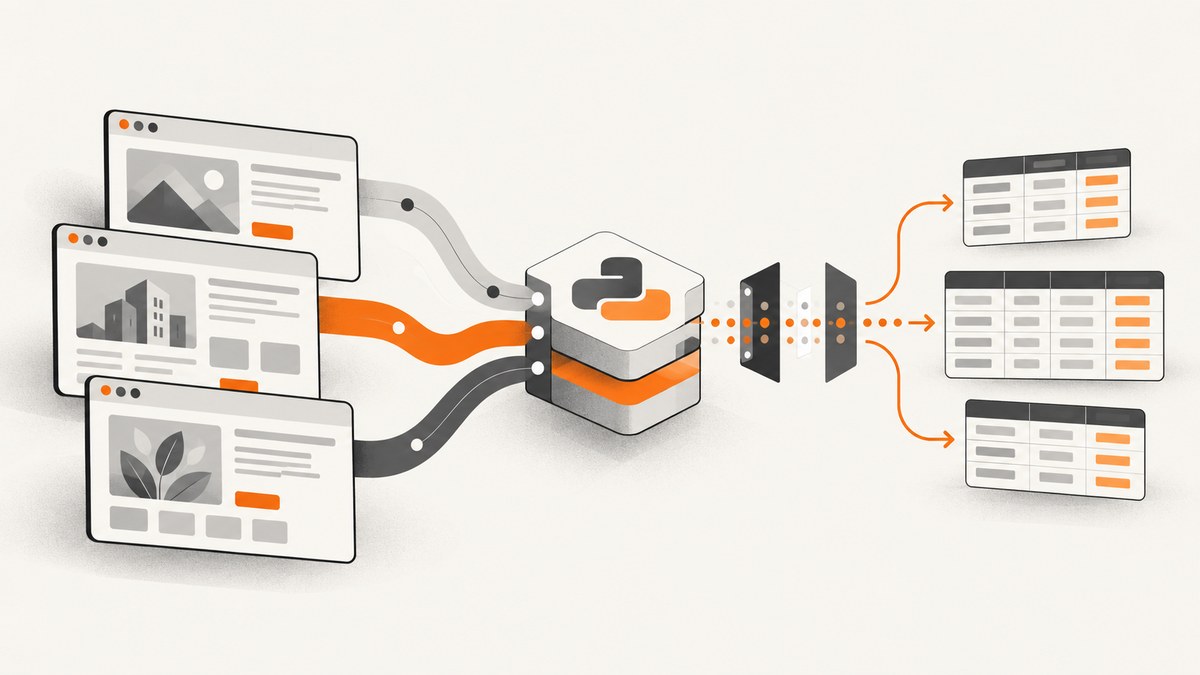
Python is used for web scraping because it makes every stage of data collection approachable: downloading pages, parsing HTML, following links, cleaning records, and exporting results. Its ecosystem also lets the same project grow from a short Requests and Beautiful Soup script into a Scrapy crawler with concurrency, retries, selectors, pipelines, feeds, and browser rendering for JavaScript-heavy sites.
Python is a practical choice, not a guarantee that a crawl will work or that access is permitted. Check the site’s terms and permissions, review robots.txt, limit request rates, validate URLs, and protect any system that accepts user-supplied targets.
Why Python fits web scraping
- Readable HTTP code: an HTTP client can fetch a page in a few lines, making experiments and maintenance fast.
- Strong parsing choices: Beautiful Soup is convenient for small jobs, while lxml and Scrapy selectors support CSS and XPath queries.
- A complete crawling ecosystem: Scrapy provides scheduling, asynchronous processing, concurrent requests, feed exports, middleware, pipelines, cookies, sessions, compression, authentication, caching, user-agent handling, and crawl-depth controls. Scrapy’s official overview describes it as an application framework for crawling websites and extracting structured data.
- One language across the pipeline: parsing, transformation, validation, storage, tests, and scheduled jobs can remain in Python.
- Browser integrations: projects such as
scrapy-playwrightcan render pages whose data appears only after JavaScript runs. Managed services can add browser rendering or proxy rotation when scale requires it. - Operational controls: Scrapy exposes download delays, per-domain concurrency limits, AutoThrottle, robots.txt handling, retries, and middleware hooks.
Choose the smallest tool that matches the job
| Workload | Recommended starting point | Why |
|---|---|---|
| One static page | Requests + Beautiful Soup | Minimal setup and easy debugging. |
| A small batch of known URLs | Requests + parser + CSV/JSON export | You control pacing and data shape directly. |
| Recurring multi-page crawl | Scrapy | Scheduler, concurrency, selectors, retries, feeds, middleware, and pipelines are already modeled. |
| JavaScript-rendered application | Browser automation or Scrapy with Playwright integration | The required data may not exist in the initial HTML response. |
| Large, distributed collection | Scrapy plus managed rendering/proxy infrastructure where permitted | Separates crawl logic from browser and network operations. |
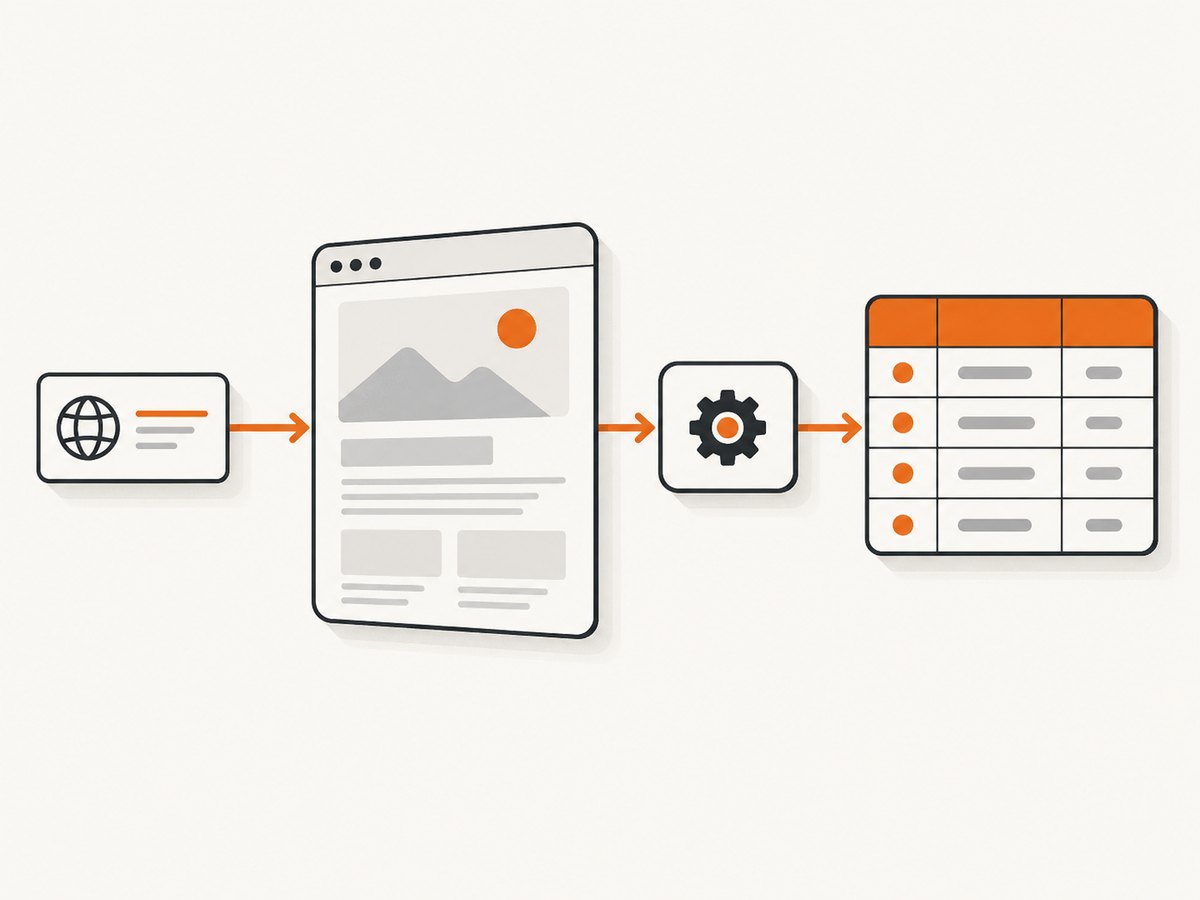
A complete small scraper in Python
Install the dependencies:
python -m pip install requests beautifulsoup4This example fetches a page, extracts headings and links, and writes JSON. It uses a timeout, checks the response, restricts links to HTTP(S), and keeps the result deterministic.
from __future__ import annotations

import json
from urllib.parse import urljoin, urlparse

import requests
from bs4 import BeautifulSoup

URL = "https://example.com/"


def valid_http_url(value: str) -> bool:
    parsed = urlparse(value)
    return parsed.scheme in {"http", "https"} and bool(parsed.netloc)


response = requests.get(
    URL,
    headers={"User-Agent": "research-crawler/1.0"},
    timeout=20,
)
response.raise_for_status()

soup = BeautifulSoup(response.text, "html.parser")
record = {
    "url": response.url,
    "title": soup.title.get_text(" ", strip=True) if soup.title else None,
    "headings": [h.get_text(" ", strip=True) for h in soup.select("h1, h2, h3")],
    "links": [],
}

for anchor in soup.select("a[href]"):
    absolute = urljoin(response.url, anchor["href"])
    if valid_http_url(absolute):
        record["links"].append({
            "text": anchor.get_text(" ", strip=True),
            "url": absolute,
        })

with open("page.json", "w", encoding="utf-8") as output:
    json.dump(record, output, indent=2, ensure_ascii=False)

print(json.dumps(record, indent=2, ensure_ascii=False))
Equivalent requests with cURL and Node.js
curl --fail --max-time 20 -A 'research-crawler/1.0' https://example.com/ -o page.htmlconst response = await fetch('https://example.com/', {
headers: { 'User-Agent': 'research-crawler/1.0' },
signal: AbortSignal.timeout(20_000)
});
if (!response.ok) throw new Error(`${response.status} ${response.statusText}`);
const html = await response.text();
console.log(html.length);When Beautiful Soup, Requests, Selenium, or Scrapy makes sense
Requests
Use Requests when the information is present in the server response. Add explicit timeouts, a descriptive user agent, bounded retries, and a session when you are making multiple requests to the same host.
Beautiful Soup
Use Beautiful Soup to turn HTML into a searchable tree. Prefer stable attributes and semantic structure over brittle positional selectors. Expect missing elements, malformed markup, and pages whose content varies by locale or login state.
Scrapy
Use Scrapy when you need a repeatable crawl. A spider defines how to request pages, extract items, and follow links; the framework supplies scheduling, asynchronous processing, exports, middleware, and pipelines. Its documentation also covers cookies, sessions, compression, authentication, caching, and robots.txt support.
python -m pip install scrapy
scrapy startproject catalog
cd catalog
scrapy genspider products example.com
In a spider, keep extraction separate from persistence:
import scrapy


class ProductsSpider(scrapy.Spider):
    name = "products"
    allowed_domains = ["example.com"]
    start_urls = ["https://example.com/products"]

    def parse(self, response):
        for card in response.css("article.product"):
            yield {
                "name": card.css("h2::text").get(default="").strip(),
                "url": response.urljoin(card.css("a::attr(href)").get()),
            }

        yield from response.follow_all(
            response.css("a.next::attr(href)"),
            callback=self.parse,
        )
Run it with an export and conservative settings:
scrapy crawl products -O products.json \
  -s ROBOTSTXT_OBEY=True \
  -s DOWNLOAD_DELAY=1 \
  -s CONCURRENT_REQUESTS_PER_DOMAIN=2
Selenium or Playwright
Use a browser when JavaScript creates the data after page load, interaction is required, or the site behaves differently without a real browser. Browser sessions consume more CPU and memory, are slower to start, and add synchronization problems. Wait for a meaningful selector or network condition instead of sleeping for an arbitrary long interval.
JavaScript pages, sessions, and access controls
Inspect the initial HTML before adding a browser. Many sites expose JSON endpoints or embedded data that can be requested directly. If rendering is necessary, use a browser integration only where access is allowed. Keep cookies and authentication secrets out of logs, and model login state explicitly.
Proxy rotation is a separate scaling concern from rendering. It can increase operational and legal complexity; do not add it merely to bypass a site’s controls. Follow permission, terms, and rate requirements.
Politeness, reliability, and security checklist
- Read the site’s terms, permission requirements, and
robots.txt. - Set download delays, per-domain concurrency, and a maximum crawl depth.
- Use retries only for transient failures, with exponential backoff and a limit.
- Cache responses when freshness permits; this reduces load and cost.
- Validate schemes and hosts before fetching user-provided URLs to reduce SSRF risk.
- Run crawlers in an isolated environment and treat scraped HTML, URLs, and text as untrusted data.
- Record status, latency, response size, parser failures, and the source URL for every item.
- Make jobs restartable with checkpoints or idempotent storage.
Or skip the browser setup
When your goal is a clean visual capture rather than parsed fields, ScreenshotNeo provides a single screenshot API request. See the API documentation for options.
curl -G "https://api.screenshotneo.com/v1/shot" -d access_key=YOUR_API_KEY --data-urlencode url=https://stripe.com -o shot.webpimport requests
r = requests.get("https://api.screenshotneo.com/v1/shot", params={"access_key": "YOUR_API_KEY", "url": "https://stripe.com"}, timeout=90)
open("shot.webp", "wb").write(r.content)const q = new URLSearchParams({ access_key: 'YOUR_API_KEY', url: 'https://stripe.com' }); const res = await fetch(`https://api.screenshotneo.com/v1/shot?${q}`);ScreenshotNeo removes cookie banners, newsletter popups, and chat widgets before capture. Bot checks, blank pages, failed loads, timeouts, and cache hits are not billed, and response headers identify the page verdict and billing status. Its MCP server lets AI agents call take_screenshot, get_page_info, and capture_pdf. The Free plan includes 1,000 screenshots per month without a card; paid plans start at $5 for 3,000.
Create a free ScreenshotNeo account.
Performance and cost considerations
Direct HTTP plus parsing is usually the lightest approach because it avoids a browser process. Scrapy can increase throughput with asynchronous scheduling and controlled concurrency, but the useful limit is the site’s tolerance and your bandwidth, not an arbitrary request count. Browser rendering adds startup time and memory per session. Measure end-to-end latency, error rate, response size, and extraction quality on a representative sample before increasing concurrency.

Most scraper costs come from compute, bandwidth, storage, browser sessions, and any managed proxy or rendering service. Caching, incremental crawls, narrow selectors, and avoiding unnecessary browser loads reduce spend. Treat retries as cost multipliers and cap them.
Troubleshooting common failures
| Symptom | Likely cause | Fix |
|---|---|---|
| 403 or 429 responses | Permission, rate, or bot controls | Stop and review access rules; lower concurrency and rate, identify your client, and use an approved access method. |
| Empty fields | Selector changed or content is rendered by JavaScript | Inspect the response HTML, update selectors, or use an allowed browser integration. |
| Read timeout | Slow server, oversized page, or network issue | Set a bounded timeout, retry transient errors with backoff, and record the URL for replay. |
| Too many duplicate items | Tracking parameters or multiple link paths | Canonicalize URLs, remove known tracking parameters, and keep a visited set. |
| Broken relative links | URL joined against the wrong base | Use the final response URL with urljoin and validate the resulting scheme and host. |
| Login or cookie state disappears | Requests are stateless between calls | Use a persistent session, handle cookies deliberately, and never log credentials. |
| Parser crashes on one page | Malformed or unexpected markup | Use defensive defaults, isolate the failed URL, and preserve the raw response for diagnosis. |
FAQ
Is Python good for scraping websites?
Yes, when its ecosystem matches the workload. It supports small scripts, structured crawlers, and browser-assisted jobs in one language.
Is Python the fastest scraping language?
There is no universal answer. Throughput depends on network latency, parsing, browser use, concurrency, and the target site’s limits.
Can Python scrape any website?
No. Technical barriers, authentication, changing markup, robots.txt, terms, and law can limit access. Permission and responsible rate controls remain your responsibility.
Should I start with Scrapy?
Start with Requests and a parser for one or a few static pages. Choose Scrapy when scheduling, link following, concurrency, exports, retries, or pipelines justify a framework.
Why not use a browser for every page?
Browsers add CPU, memory, startup time, and synchronization complexity. Use them when the required content or interaction genuinely needs rendering.


