How to Fix wicked_pdf_image_tag Resolving Images from the Public Folder
Fix missing images in wicked_pdf PDFs by checking where files live, inspecting the rendered image paths, and matching each path to the external renderer.
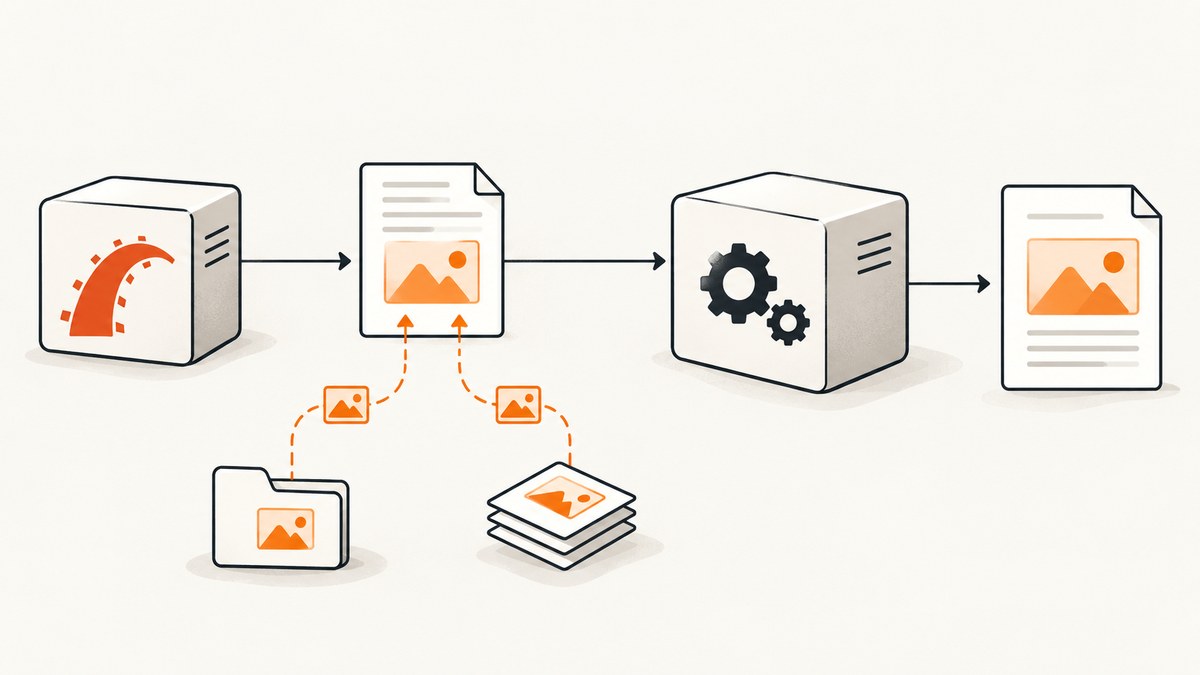
When a PDF generated with wicked_pdf cannot find an image under Rails’ public directory, first check the image’s real location and the src in the HTML that wicked_pdf sends to wkhtmltopdf. For a static file at public/images/header.png, Rails’ documented public-image convention is image_tag "header.png". Do not reflexively add public/ to the helper argument: the public directory is a filesystem location, while the helper expects a path or asset name according to its own resolution rules. The wkhtmltopdf process runs outside the Rails app, so the final reference must be accessible to that process. wicked_pdf’s README and the Rails asset guides document the distinction and relevant configuration.
1. Identify which image path you have
Rails applications commonly have three different image sources. Determine which one applies before changing code. Paths that happen to contain the same filename are not interchangeable.
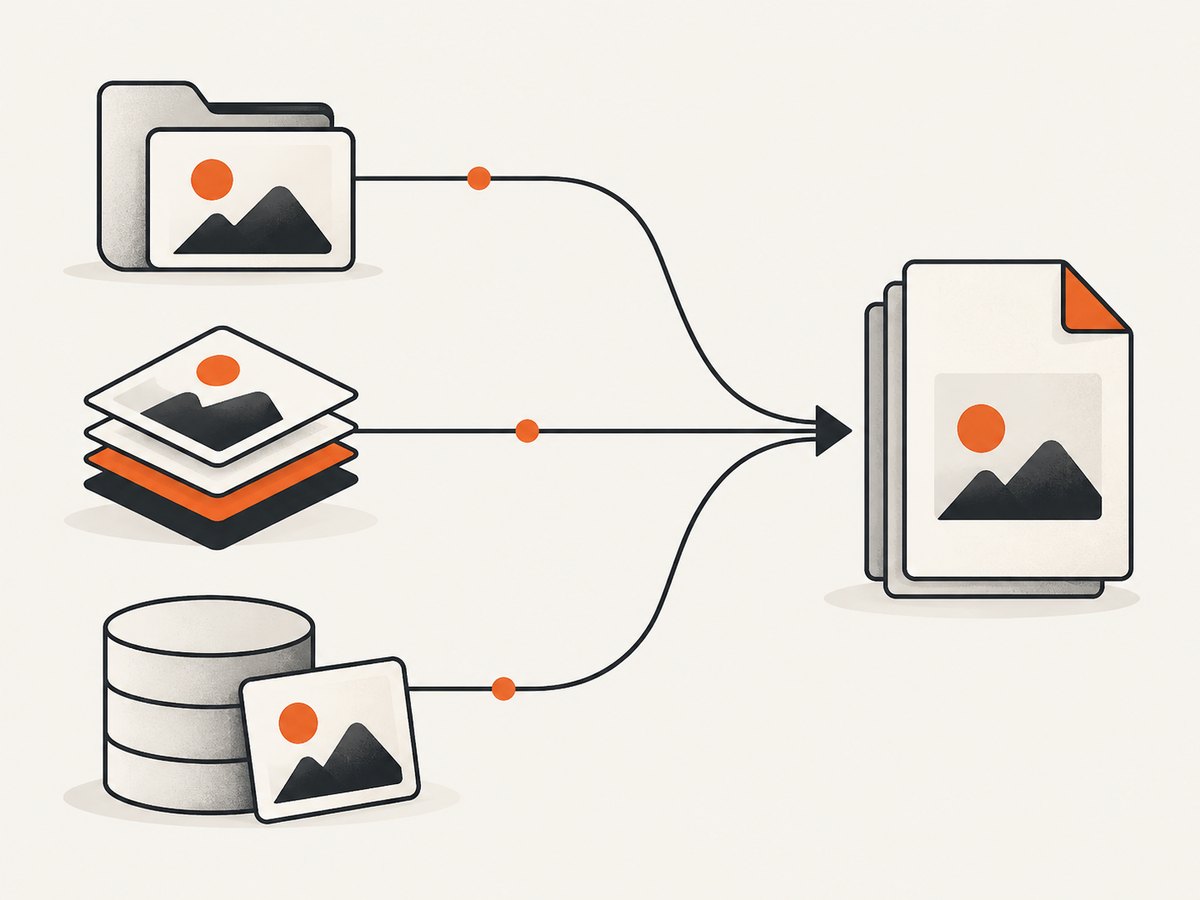
| Image source | Example location | Starting point | Deployment check |
|---|---|---|---|
| Public file | public/images/header.png |
image_tag "header.png" |
Inspect the generated URL/path and confirm wkhtmltopdf can access it. |
| Asset pipeline | app/assets/images/header.png |
Use the logical asset name through the Rails or wicked_pdf asset helper. | Ensure the asset is available or precompiled in the deployed environment. |
| Upload | Managed by Active Storage or another storage library | Use the storage library’s path or a URL accessible to the renderer. | Check storage configuration, permissions, and whether the URL is reachable from the PDF process. |
The public directory is served from the site root. Rails documents image_tag "header.png" as the usual form for a file in public/images. An argument such as "public/images/header.png" can make a helper or URL builder look for a path that contains the public-directory name twice, depending on the code path. A filename from an uploaded object is not automatically a path beneath public.
2. Inspect the HTML that wicked_pdf renders
Do not guess what the helper emitted. Capture or display the rendered HTML, then examine the exact src value for each missing image. wicked_pdf provides a show_as_html option useful for template debugging. Its README cautions that this debug mode can expose file:/// paths, and browser file-access restrictions can make its display differ from wkhtmltopdf’s behavior.
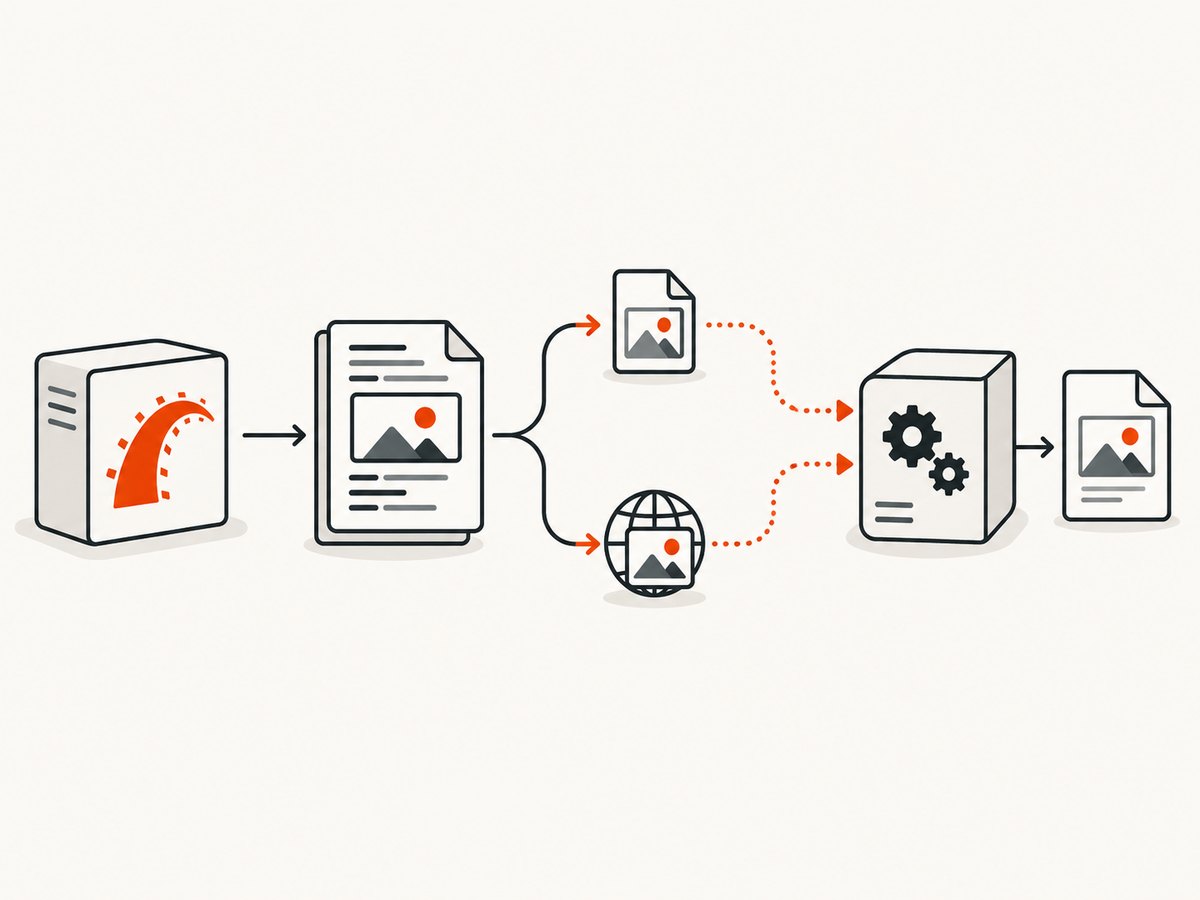
- Verify the file exists, including exact case and extension. On case-sensitive systems,
Header.pngandheader.pngdiffer. - Render the PDF template in HTML-debug mode or otherwise inspect the generated markup.
- Copy the complete image
src. Determine whether it is root-relative, a full HTTP URL, or afile://URL. - Check that the corresponding file or URL exists from the renderer’s environment, not merely from a browser on your workstation.
- Try the path in the same deployment or container where the PDF job runs. A path valid on a developer machine may not exist in a worker container.
For example, if the generated HTML contains src="/images/header.png", that is a root-relative web path. A headless renderer may need a resolvable host/base URL for that path. If it contains file:///.../public/images/header.png, the renderer needs permission to read that exact filesystem location. If it contains a fingerprinted /assets/... path, confirm that the asset was built and is being served in that environment.
3. Use the right helper for files in public
For an image committed as public/images/header.png, begin with Rails’ public image helper form:
<%= image_tag "header.png", alt: "Header" %>Keep the path relative to the helper’s expected image directory. Don’t prepend public/ simply because that is the directory name visible in the repository. Then inspect the generated src and establish whether wkhtmltopdf can resolve it. If the PDF process runs in a context where a root-relative URL has no host, configure or generate a full URL that the renderer can reach, or use a local file reference with the appropriate local-file permission.
For a file elsewhere under public, such as public/reports/header.png, use the public-relative route appropriate to your helper and verify its output. The key is the emitted path, not a presumed universal interpretation of a literal public/ prefix. Keep path construction in one place if several PDF templates use the same asset; that makes environment-specific URL or filesystem handling easier to audit.
4. Use the asset system for app/assets images
A file at app/assets/images/header.png belongs to the asset system, not the public folder. Use its logical asset name with the helper suitable for your Rails version and asset backend. wicked_pdf documents its helper family, including wicked_pdf_image_tag and asset-path helpers. For Webpacker, the README documents wicked_pdf_asset_pack_path. Do not pass an already expanded /assets/ path as though it were a logical asset name; the documented helper expects an asset name and an invalid name can raise an asset lookup error.
<%= wicked_pdf_image_tag "header.png", alt: "Header" %>This is a starting pattern, not a substitute for checking your backend and versions. Sprockets, Propshaft, and Webpacker have different lookup and compilation behavior. In production, ensure assets needed by PDF templates have been built and are available to the application or renderer. wicked_pdf’s README specifically warns that development and production asset serving differ and recommends precompilation for PDF views. Consult the README for the helper matching your installed integration.
5. Configure local file access only when using local paths
If the emitted reference is a local file URL, wkhtmltopdf must be able to read it. wicked_pdf documents enable_local_file_access and an allow path, for example allowing Rails.root/public. Configuration details depend on the wicked_pdf and wkhtmltopdf versions in use. Apply the narrowest directory access your PDF needs, then confirm the binary accepts the option in the deployed runtime.
# Example shape only: put this in the configuration location used by your app.
WickedPdf.config = {
  enable_local_file_access: true,
  allow: [Rails.root.join("public").to_s]
}
Verify the supported option names and configuration location against the installed version’s README. Some environments use a different wkhtmltopdf build or wrapper. Enabling local access does not fix a misspelled path, missing file, or asset that was never copied into the worker image. When possible, using a renderer-accessible HTTP URL can avoid local filesystem coupling, but it introduces network and authentication requirements.
6. Handle uploaded images using their storage location
For uploaded files, do not build a local path from original_filename alone. That value describes the client-side name; the storage library may rename, relocate, or store the bytes remotely. Resolve the attachment through the configured storage API. The exact call depends on whether the application uses Active Storage, CarrierWave, Paperclip, or another library, and on whether the PDF job can access local storage or needs a signed/public URL.
Before choosing the expression, answer these questions:
- Is the original file on local disk, object storage, or another service?
- Does the PDF job run on the same machine or container that holds a local copy?
- Can wkhtmltopdf fetch the generated URL without a browser session or expiring authentication?
- Will the URL remain valid for the full rendering duration?
- Does the file need to be downloaded to a temporary local path before rendering?
Build the URL or path using the storage library’s documented API, and log the final reference during diagnosis without exposing secrets or signed query parameters. A community report matching the duplicated-public symptom involved an uploaded filename; treat it as an example of a possible path-construction mistake, not proof that every helper resolves every path the same way.
7. Common errors and fixes
| Symptom | Likely cause | Fix |
|---|---|---|
public/public appears in the path |
The code prepended public/ to a value or helper that already resolves relative to public. |
Use the path form expected by the helper; inspect the final src and remove the duplicated prefix. |
| Works in browser, absent in PDF | The HTML browser can resolve an application-relative URL, but wkhtmltopdf lacks a base host, route, credentials, or local-file permission. | Use a renderer-accessible absolute URL or permitted local path. Check access from the PDF worker. |
| Works in development, absent in production | Asset compilation, fingerprinting, deployment paths, or serving differs between environments. | Precompile the PDF assets as required by the chosen backend and inspect the deployed HTML. |
| Asset-name lookup error | An expanded /assets/ URL was passed where a logical asset name is expected, or the asset is missing. |
Pass the logical name to the relevant helper and verify that it is in the asset build. |
| Local image is blocked | wkhtmltopdf local-file access is disabled or the path falls outside the allowed directory. | Use the version-supported enable_local_file_access/allow configuration and verify permissions. |
| Uploaded image returns file-not-found | The client filename was mistaken for the stored filesystem path, or storage is remote. | Resolve the object through the storage library and provide a path or URL the renderer can access. |
| Several images disappear together | One invalid image may affect other images in the resulting PDF, as wicked_pdf warns. | Validate every image source, not only the first visibly missing one; remove or fix broken references. |
| Intermittent missing remote image | The renderer cannot reliably fetch a URL due to network, expiry, access controls, or slow response. | Check worker network access, URL lifetime, response status, and render timing; use durable accessible sources. |
8. Performance and reliability considerations
Local files avoid a network request but couple rendering to filesystem layout and permissions. Remote URLs keep HTML independent of a particular disk path, but every image adds a fetch that can fail or take time. Uploaded images on remote storage may require a signed URL or a temporary download; account for URL expiry and job queue delay so authorization remains valid when wkhtmltopdf starts fetching.
Keep PDF image dimensions appropriate to the output. Very large source images increase transfer, decode, and memory work; resize them upstream where quality allows. Avoid repeatedly resolving or downloading the same upload during one render. For critical documents, validate required files before invoking the renderer and log which source failed. The project README notes that a missing image can affect other images in the result, so one broken reference deserves investigation across the full document.
For operational reliability, record the relevant versions and environment: Rails, wicked_pdf, wkhtmltopdf, asset backend, and upload storage. Include the final path type and a sanitized error in logs. Test a representative PDF from the production worker image, because local success does not prove production has the same assets, permissions, fonts, network access, or binary options. Avoid logging access tokens or signed URLs in full.
9. Quick diagnostic checklist
- ☐ Confirm the exact file location, case, and extension.
- ☐ Decide whether it is public, an asset-pipeline file, or an upload.
- ☐ Use that source’s path mechanism; do not assume
public/belongs in the helper argument. - ☐ Inspect the rendered HTML and copy the exact
src. - ☐ Confirm wkhtmltopdf can access the URL or file from its execution environment.
- ☐ For pipeline assets, verify production compilation and use the integration-specific helper.
- ☐ For file URLs, check local access settings, allow paths, and OS permissions.
- ☐ For uploads, ask the storage library for the stored path or accessible URL.
- ☐ Check every image reference before concluding the renderer has a general image failure.
10. FAQ
Should I write public/images/header.png in the helper?
Usually not for Rails’ documented public image convention. Start with image_tag "header.png" for public/images/header.png, then inspect the output. The right argument still depends on the specific helper and renderer path.
Is wicked_pdf_image_tag required for every image?
No single helper applies to every storage setup. Use the Rails public-image convention for public files and the appropriate asset helper for pipeline assets. Ensure the final reference works for wkhtmltopdf.
Why does show_as_html behave differently from the PDF?
The debug display runs in a browser context, while the PDF is rendered by an external process. File URL restrictions and differences in host, filesystem access, and asset serving can change the result.
Does an absolute URL always solve it?
No. It must be reachable from the renderer and may require credentials or remain valid long enough for the job. Check network access and authorization from the actual worker.
Or skip the browser setup
If the goal is a website screenshot rather than embedding an image in a generated PDF, ScreenshotNeo provides a website screenshot API and MCP server. A single GET request returns an image or PDF; see the API documentation for options. This does not repair Rails or wkhtmltopdf asset paths, but it can produce a screenshot without configuring a browser renderer.
curl -G "https://api.screenshotneo.com/v1/shot" -d access_key=YOUR_API_KEY --data-urlencode url=https://stripe.com -o shot.webpimport requests
r = requests.get("https://api.screenshotneo.com/v1/shot", params={"access_key": "YOUR_API_KEY", "url": "https://stripe.com"}, timeout=90)
open("shot.webp", "wb").write(r.content)const q = new URLSearchParams({ access_key: 'YOUR_API_KEY', url: 'https://stripe.com' });
const res = await fetch(`https://api.screenshotneo.com/v1/shot?${q}`);ScreenshotNeo removes cookie banners, popups, and chat widgets before the shot. Bot checks, blank pages, and failed loads are never billed. Its MCP server lets AI agents take screenshots. The free plan includes 1,000 screenshots a month with no card; paid plans start at $5 for 3,000. Sign up for 1,000 free screenshots a month, no card required.


