How to Fix the Argument List Too Long Error in wkhtmltoimage
Fix wkhtmltoimage’s “argument list too long” error by moving HTML out of argv, safely batching files, and diagnosing ARG_MAX.
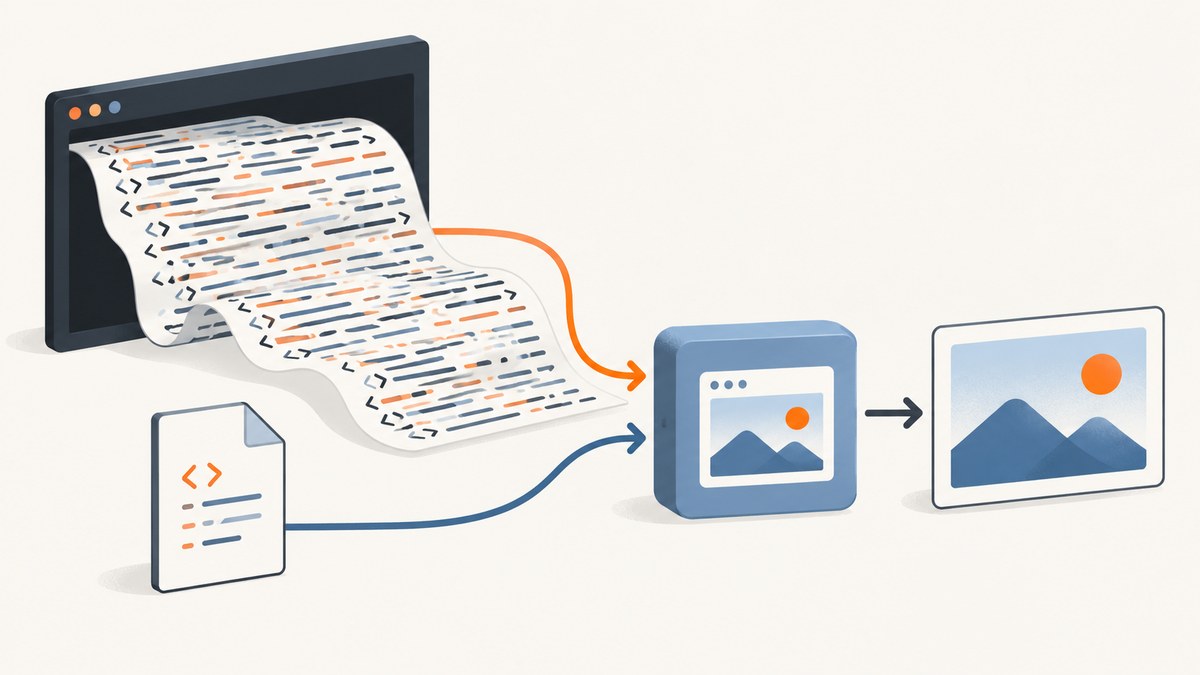
Direct answer: the error means your operating system refused to start wkhtmltoimage because the combined command-line arguments and environment exceeded its ARG_MAX limit. The usual cause is passing a complete HTML document, thousands of filenames, or a large command substitution directly in the command. Put the HTML in a file, pass the short pathname, and process large sets of inputs in a loop or bounded batches.
wkhtmltoimage is invoked as wkhtmltoimage [OPTIONS]... <input file> <output file>. Its normal file-based interface is exactly the solution: move the payload out of argv and give the program a small input path. The operating system can then start the process before the converter reads the document.
What “argument list too long” means
When a shell starts a program, it calls an operating-system execution function with an argument vector and an environment. POSIX defines E2BIG when those lists are too large, and Linux reports the same condition from execve. The shell may print the message before wkhtmltoimage runs at all. See the Linux execve documentation and the POSIX exec specification.
The GNU Coreutils FAQ describes the same failure: the argument list cannot exceed the operating system’s ARG_MAX, so the shell returns “Argument list too long.” This is a process-startup limit, not a maximum HTML size documented by wkhtmltoimage. The GNU explanation is useful when the error appears to come from a wildcard or shell expansion.
Common triggers
- Inline HTML:
wkhtmltoimage "$(cat page.html)" page.pngputs every byte of the document in one argument. - Variable expansion:
wkhtmltoimage "$HTML" page.pnghas the same problem whenHTMLis large. - Huge wildcards:
wkhtmltoimage pages/*.html out.pngexpands the wildcard before the program starts. Every matching name becomes an argument. - Generated URL lists: command substitutions that produce thousands of URLs create one very large argument list.
- Large environments: exported variables count toward the same combined limit. A service with long configuration values can fail even when the visible command looks short.
Fix one oversized HTML render
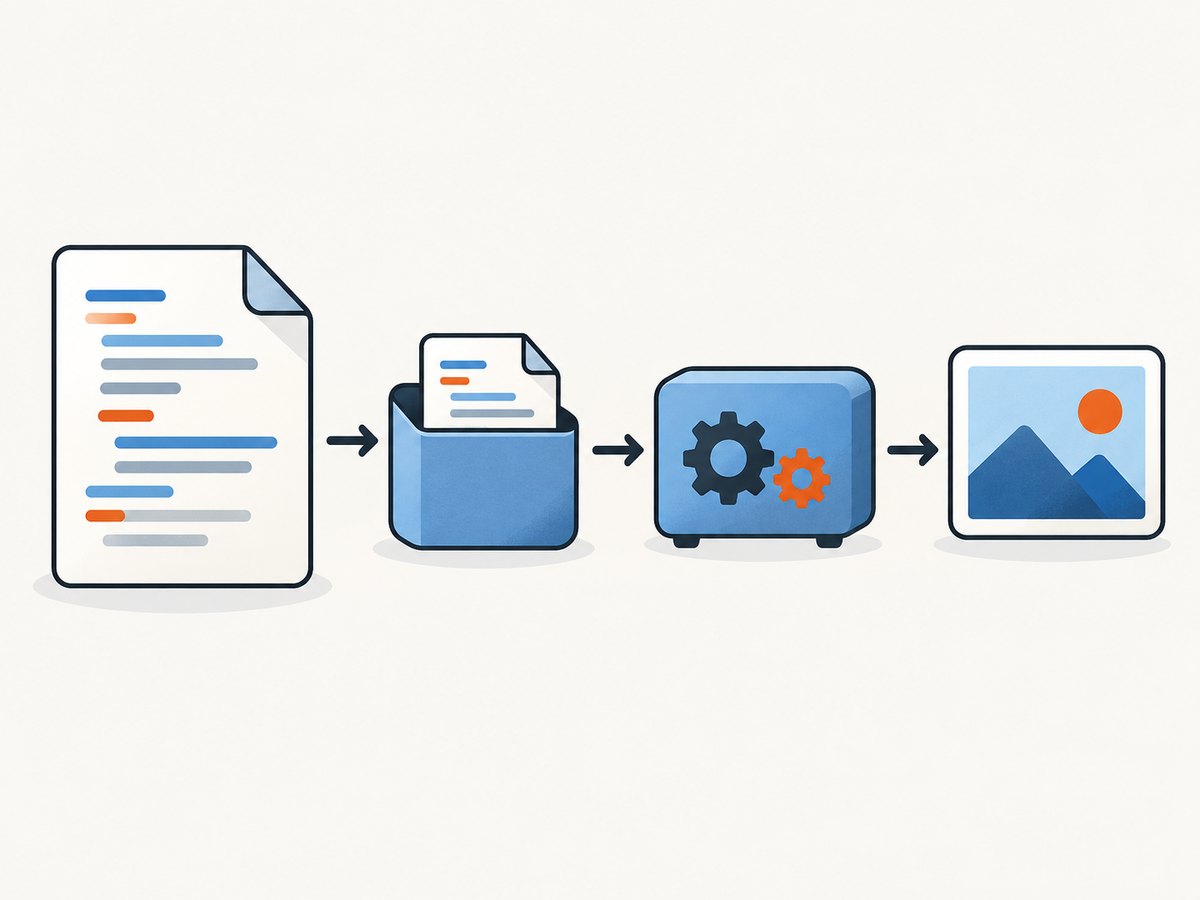
- Write the document to a file in a private directory.
- Call
wkhtmltoimagewith the input pathname and an output pathname. - Keep CSS, JavaScript, images and data in files or served resources rather than embedding their contents in the command line.
set -eu

tmp_dir="$(mktemp -d)"
trap 'rm -rf "$tmp_dir"' EXIT

cat > "$tmp_dir/page.html" <<'HTML'
<!doctype html>
<html>
  <head>
    <meta charset="utf-8">
    <style>body { font: 16px sans-serif; margin: 2rem; }</style>
  </head>
  <body><h1>A file-backed render</h1></body>
</html>
HTML

wkhtmltoimage "$tmp_dir/page.html" "$tmp_dir/page.png"
cp "$tmp_dir/page.png" ./page.png
A pathname is tiny compared with a complete document, so this invocation avoids the startup limit. The converter then opens the file itself. Use a securely created temporary file for untrusted or short-lived content, remove it after the render, and ensure another user cannot read sensitive HTML while it exists.
Local resources and security
If the document references local CSS, images or JavaScript, check the policy of the installed build. The Debian manual documents --enable-local-file-access and the narrower --allow <path> option. Prefer the smallest directory that contains the resources you need.
wkhtmltoimage \
  --enable-local-file-access \
  --allow "$PWD/assets" \
  page.html page.png
Do not enable broad filesystem access merely to make a missing asset work. Confirm the behavior deliberately with your installed version:
wkhtmltoimage --version
wkhtmltoimage --extended-help | grep -E 'local-file|allow'
Package builds differ, so rely on the options shown by your binary and its manual. The Debian wkhtmltoimage manual documents the file input/output model and these access controls.
Render many HTML files without overflowing argv
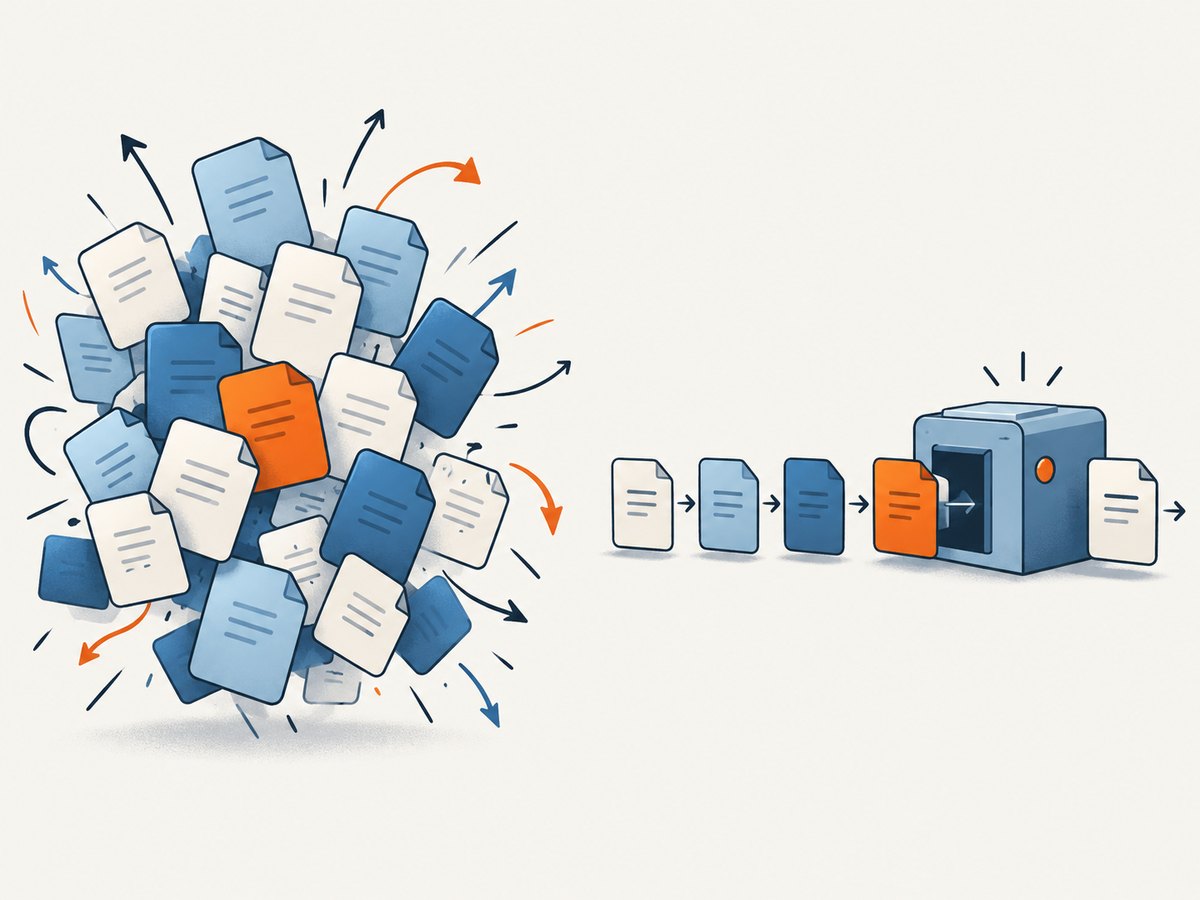
Never depend on a large wildcard expansion. Iterate over files so each process receives one short input path. The following version handles spaces, tabs, quotes and newlines in filenames by using null-delimited records.
set -eu
mkdir -p out

find pages -type f -name '*.html' -print0 |
while IFS= read -r -d '' page; do
  name="$(basename "${page%.html}")"
  wkhtmltoimage "$page" "out/$name.png" || exit 1
done
find ... -print0 and read -d '' preserve arbitrary filenames. Quote every expansion. If two files have the same basename in different directories, derive an output name that includes enough of the path to remain unique.
Bounded parallel batches
Parallelism can improve throughput, but it does not remove the argument limit. Give each worker one file, and bound the number of workers according to available CPU and memory:
find pages -type f -name '*.html' -print0 |
xargs -0 -n 1 -P 4 sh -c '
  page=$1
  name=$(basename "${page%.html}")
  wkhtmltoimage "$page" "out/$name.png"
' sh
For commands that genuinely need multiple input names, use a size bound below the platform limit:
find pages -type f -name '*.html' -print0 |
xargs -0 -s 50000 -n 100 sh -c '
  for page do
    name=$(basename "${page%.html}")
    wkhtmltoimage "$page" "out/$name.png" || exit
  done
' sh
-s 50000 is a conservative example, not a universal safe value. Choose a bound after measuring your environment, and leave headroom for the executable path, pointers and inherited variables.
Diagnose the limit on your machine
Start with the platform’s advertised maximum:
getconf ARG_MAX
env | wc -c
printf '%s\0' "$HTML" | wc -c
ARG_MAX is not portable as one fixed number. On modern Linux, the effective limit is related to the process’s soft stack limit and kernel rules; each individual string also has a limit. The environment and every argument consume the same budget. These measurements explain why a command fails, but they do not define an exact threshold at which every invocation will succeed.
Inspect the actual command before executing it. If a wrapper constructs a command string, log argument lengths rather than logging sensitive HTML:
printf 'html bytes: %s\n' "${#HTML}"
printf 'environment bytes: %s\n' "$(env | wc -c)"
wc -c page.html
If the shell fails instantly and no output or converter log appears, suspect E2BIG. If the process starts and then reports a load, network or rendering error, that is a separate wkhtmltoimage problem.
Options that help after the argv problem is fixed
Once the input is file-backed, rendering failures usually come from the page itself or from resource policy. Check these areas:
| Symptom | Likely cause | Action |
|---|---|---|
| Blank image | JavaScript has not finished or the page needs a longer delay. | Use the converter’s JavaScript and delay options supported by your build; verify the page in a browser and reduce the document to a minimal reproduction. |
| Missing local CSS or images | Local file access is disabled. | Use --allow for the exact asset directory, or enable local access only when justified. |
| Remote assets fail | DNS, TLS, authentication or network restrictions. | Fetch the URL from the same host/container, inspect stderr, and provide required headers or cookies through the supported options. |
| Fonts differ | The runtime lacks the font or uses a different fontconfig setup. | Install the required font in the rendering environment and verify the selected family. |
| Output is clipped | Viewport or page sizing does not match the content. | Use the appropriate width, height and full-page settings documented by your build, then compare at the target device size. |
Keep stderr and exit status. A successful process does not guarantee that every external resource loaded correctly, so inspect the resulting image in automated pipelines and retain a small diagnostic sample.
Performance, reliability and cost considerations
Performance
Starting one converter process per page has startup overhead. Bounded parallelism can increase throughput until CPU, memory, disk or network becomes the bottleneck. Very large HTML files also consume memory inside the renderer, but moving them to a file removes only the process-startup limit; it does not make an unrenderable document small.
Reliability
Use deterministic temporary directories, unique output names and cleanup traps. Retry transient network failures at the job level, not by blindly repeating every rendering error. Record the wkhtmltoimage version, command options and input identity so an image can be reproduced after a package upgrade.
Cost
Self-hosting has no per-shot API fee, but it consumes compute, storage and engineering time. If you need a service that handles browser setup, compare those operational costs with an API plan and its limits.
Or skip the browser setup
ScreenshotNeo provides a website screenshot API and MCP server. One GET request returns a PNG, JPEG, WebP or PDF, so you do not need to package wkhtmltoimage or manage a browser process. See the ScreenshotNeo API documentation for the complete parameter list.
cURL
curl -G "https://api.screenshotneo.com/v1/shot" -d access_key=YOUR_API_KEY --data-urlencode url=https://stripe.com -o shot.webpPython
import requests
r = requests.get("https://api.screenshotneo.com/v1/shot", params={"access_key": "YOUR_API_KEY", "url": "https://stripe.com"}, timeout=90)
open("shot.webp", "wb").write(r.content)
Node.js
const q = new URLSearchParams({ access_key: 'YOUR_API_KEY', url: 'https://stripe.com' });
const res = await fetch(`https://api.screenshotneo.com/v1/shot?${q}`);
const body = Buffer.from(await res.arrayBuffer());
require('fs').writeFileSync('shot.webp', body);
ScreenshotNeo removes cookie and consent banners, newsletter popups and chat widgets before capture. Bot checks, blank pages, failed loads and cache hits are not billed, and response headers identify the page verdict and billing status. Its MCP server includes take_screenshot, get_page_info and capture_pdf tools for Claude, Cursor and other MCP clients. You can use full-page capture, element selectors, device presets, custom CSS and JavaScript, waits, request blocking, headers, cookies, user agents, geolocation, caching, signed links, asynchronous jobs, bulk capture and a usage API.
The Free plan includes 1,000 screenshots each month with no card. Paid plans start at $5 for 3,000 shots; yearly billing gives two months free. Create a free ScreenshotNeo account and start with the included monthly shots.
Troubleshooting checklist
- Run
wkhtmltoimage --versionand record the build. - Check whether the error appears before wkhtmltoimage produces any stderr.
- Replace inline HTML, command substitutions and variables with a temporary file.
- Replace wildcards with
find -print0and a quoted loop. - Measure
getconf ARG_MAXand the inherited environment, but leave headroom. - Check local-file access and allow only the required resource directory.
- Test one small page, then one representative large page, then the batch.
- Capture exit codes and preserve a failing input for diagnosis.
FAQ
Can I increase the command-line limit?
Sometimes a platform’s process limits can be changed, but that is environment-specific and still leaves you with a fragile command. File-backed input is the portable fix and works with the interface wkhtmltoimage documents.
Does a larger HTML file always cause this error?
No. A large file passed by pathname does not occupy the argument list. The error depends on argument and environment bytes at process startup.
Does wkhtmltoimage support an argument response file?
Do not assume it does. The reviewed manual documents ordinary input and output files, not a portable response-file syntax such as @args.txt. Check your exact build before using one.
Why does the same script work on one host?
ARG_MAX, stack limits, environment size, shell behavior and package builds can differ. A command that fits on one host can exceed the combined limit on another.
Is this error caused by HTML syntax?
Usually no. If the shell reports the error before the converter starts, the document has not been parsed. After moving it to a file, any HTML, CSS or JavaScript errors are separate rendering issues.


