Why wkhtmltoimage Sometimes Captures Only Part of a Page and How to Fix It
Fix cropped wkhtmltoimage screenshots by checking geometry, smart width, JavaScript timing, local assets, and binary versions.
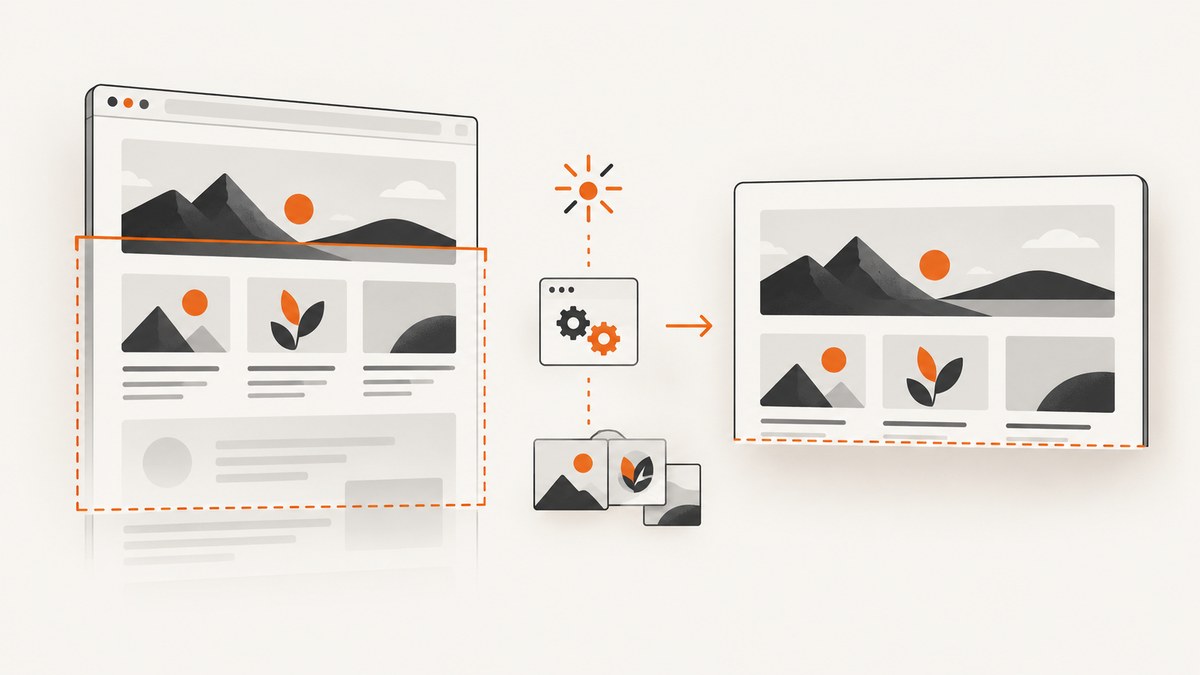
Short answer: wkhtmltoimage usually captures only part of a page for one of four reasons: the capture window is too small or cropped, smart-width changes the layout, JavaScript has not finished, or local assets failed to load. Make the viewport and crop explicit, wait for a reliable ready signal, verify local-file permissions, and check that your binary honors the timing flags.
The official option definitions cover crop.left, crop.top, crop.width, crop.height, screenWidth, and smartWidth. See the wkhtmltopdf command reference and the Debian wkhtmltoimage manual.
1. Identify which kind of truncation you have
| What you see | Likely cause | First check |
|---|---|---|
| Image ends at the same height every run | Explicit height or crop boundary | Remove crop values; set --height deliberately |
| Right side is missing or layout wraps differently | Screen width or smart-width behavior | Set --width and test --disable-smart-width |
| Static text appears but charts, menus, or lower sections do not | JavaScript still running or failed | Use --javascript-delay, --window-status, and --debug-javascript |
| Images, fonts, or styles are absent | Local-file access or load failure | Use --enable-local-file-access or narrowly scoped --allow |
| Timing flags appear to do nothing | Old or patched wkhtmltoimage build | Run wkhtmltoimage --version |
2. Fix capture geometry first
A screenshot is a window into the rendered page. A stale crop rectangle can clip a correct render, while a short screen height can make the output appear incomplete. Test geometry with a page containing one tall, visible block and no asynchronous code.
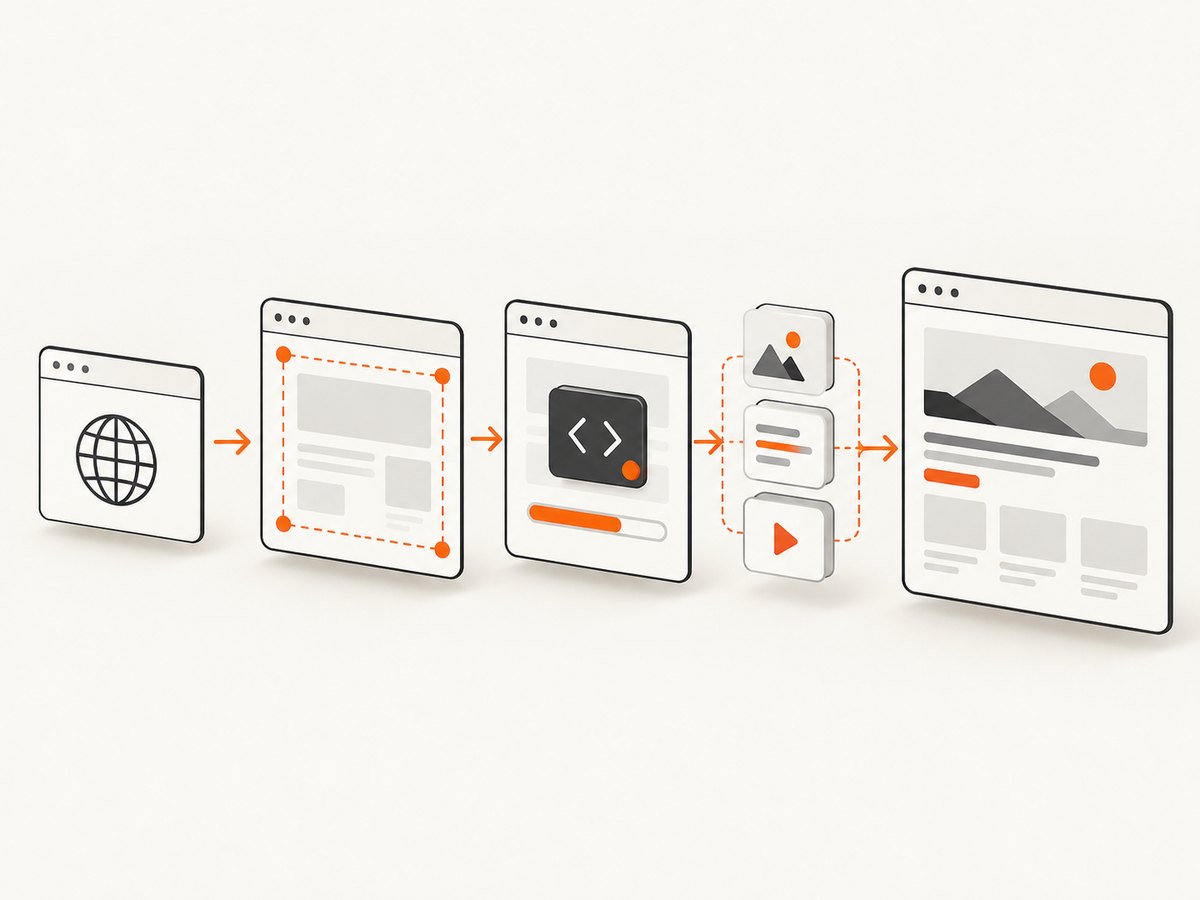
Use an explicit viewport
wkhtmltoimage --width 1280 --height 3000 --disable-smart-width input.html output.png--height is the screen height. The manual says height is calculated from page content by default, but width is only a guide unless smart width is disabled. Explicit values make a reproducible canvas. Choose dimensions that match your page; the example is not a universal default.
Understand smart width
screenWidth controls the rendering screen width. smartWidth allows the renderer to expand that width when content does not fit. This is useful for layouts that should grow to avoid horizontal clipping, but it is unsuitable when you need a strict viewport for visual regression tests.
- Use smart width when the whole layout should expand and you will inspect the resulting bitmap dimensions.
- Disable smart width and set a fixed width when responsive breakpoints must be deterministic.
Check crop coordinates
API users should inspect every crop value: crop.left, crop.top, crop.width, and crop.height. A nonzero top or a height smaller than the page can remove content even when the browser finished rendering. Remove the crop object for a baseline run, then add it back one value at a time.
3. Wait for JavaScript-driven content
Charts, infinite lists, client-side templates, and widgets may not exist when wkhtmltoimage takes its shot. The supported controls are:
--javascript-delay <msec>: wait a fixed amount of time after loading.--window-status <value>: wait until the page’s window status equals a value.--run-script <javascript>: run setup code after loading.--debug-javascript: print JavaScript warnings and errors.--disable-javascriptor--enable-javascript: make the JavaScript policy explicit.
Timed delay
wkhtmltoimage --javascript-delay 1500 --debug-javascript input.html output.pngMeasure how long the page actually needs. A delay that is too short produces missing content; an unnecessarily long delay reduces throughput.
Deterministic window status
If you control the page, set a status value after all data and components are ready:
<script>
  Promise.all([loadChartData(), loadRecommendations()]).then(() => {
    window.status = 'capture-ready';
  });
</script>
wkhtmltoimage --window-status capture-ready input.html output.pngThis avoids guessing a delay. If the page cannot signal readiness, use a measured delay and inspect debug output.
Check the installed version
wkhtmltoimage --versionAn upstream issue documents a historical failure where some wkhtmltoimage versions ignored --javascript-delay and --window-status, generating the image immediately. The issue associates the fix with milestone 0.12.2.1; verify your packaged binary before debugging page code. See the upstream issue record.
4. Verify local files and failed resources
A missing stylesheet, font, image, or script can make a page look truncated because its layout never reaches the expected size. Local-file access may be disabled by default.
wkhtmltoimage --enable-local-file-access input.html output.pngFor tighter control, allow only the required directory:
wkhtmltoimage --enable-local-file-access --allow /srv/site/assets input.html output.pngConfirm that every file:// URL resolves under the selected policy. Where possible, serve dependencies over HTTP so the same URLs work in CI and production. Also inspect load and media error handling settings in your package’s manual.
5. A repeatable diagnostic procedure
- Record
wkhtmltoimage --version, operating system, input URL or file, output format, and every flag. - Capture a tall static test page. If it is cropped, investigate height or crop before JavaScript.
- Remove all crop settings and compare fixed dimensions with defaults.
- Run with
--disable-smart-width, then with smart width enabled, and compare bitmap dimensions. - Enable
--debug-javascript. Look for syntax errors, blocked requests, and exceptions. - Replace a guessed delay with
--window-statuswhen you can edit the page. - Test local assets with
--enable-local-file-accessor a narrowly scoped--allow. - Keep the smallest command that reproduces the problem, then add options back one at a time.
6. Common errors and fixes
| Error or symptom | Cause | Fix |
|---|---|---|
| Bottom section is always absent | Height or crop boundary | Remove crop; set a larger explicit height; verify output dimensions |
| Desktop layout becomes unexpectedly wide | Smart width expanded the rendering surface | Use --disable-smart-width with a deliberate width |
| Chart is blank | Capture occurred before data or chart code completed | Use window status or a measured JavaScript delay |
| Delay has no effect | Binary ignores timing flags | Check version and package; reproduce with a build known to support the flags |
| CSS or images disappear from an HTML file | Local-file access is disabled | Enable access or allow only the needed path |
| JavaScript errors are invisible | Diagnostics are not enabled | Add --debug-javascript and review stderr |
| Different machines produce different crops | Unrecorded viewport, fonts, binary, or timing | Pin the binary, dimensions, flags, assets, and readiness method |
7. Performance, reliability, and cost considerations
Fixed dimensions and a readiness signal improve repeatability. A short fixed delay is faster but can be flaky when network or CPU load varies. A long delay is safer but lowers throughput. Prefer a status signal for pages you own, and reserve delays for pages you cannot modify.
Smart width can increase the rendered bitmap and memory use. Full-page captures of image-heavy pages also consume more memory than a viewport shot. Reuse a stable rendering environment with pinned fonts and a known wkhtmltoimage build for visual comparisons.
For public pages, failed loads, bot checks, and consent overlays can make local browser automation expensive to operate. ScreenshotNeo provides a hosted alternative with explicit response verdicts and billing headers.
8. Or skip the browser setup
ScreenshotNeo is a website screenshot API and MCP server. One GET request returns PNG, JPEG, WebP, or PDF. It accepts cookie and consent banners as a visitor, removes more than 60 known consent platforms plus newsletter popups and chat widgets, and lets you turn each step off. Bot checks, blank pages, timeouts, failed loads, and cache hits are not billed; the response reports the result in X-Page-Verdict and X-Billed headers. Its MCP tools let Claude, Cursor, and other MCP clients call take_screenshot, get_page_info, and capture_pdf.

See the ScreenshotNeo API documentation for all options.
cURL
curl -G "https://api.screenshotneo.com/v1/shot" -d access_key=YOUR_API_KEY --data-urlencode url=https://stripe.com -o shot.webpPython
import requests
r = requests.get("https://api.screenshotneo.com/v1/shot", params={"access_key": "YOUR_API_KEY", "url": "https://stripe.com"}, timeout=90)
open("shot.webp", "wb").write(r.content)
Node.js
const q = new URLSearchParams({ access_key: 'YOUR_API_KEY', url: 'https://stripe.com' });
const res = await fetch(`https://api.screenshotneo.com/v1/shot?${q}`);
It also supports full-page capture with lazy images loaded, CSS element capture, dark mode, device presets, custom viewports, retina scale, PDF paper and page options, custom CSS and JavaScript, clicks, waits, blocked resources, headers, cookies, user agents, authorization, timezone, geolocation, transparent backgrounds, resizing, cache TTLs, signed links, asynchronous webhooks, bulk capture of up to 100 URLs per call, a usage API, and an OpenAPI specification. The Free plan includes 1,000 shots per month with no card; paid plans start at $5 for 3,000 shots. Create a free ScreenshotNeo account.
9. FAQ
Does wkhtmltoimage always calculate full-page height?
Height is calculated from page content by default, but explicit crop settings, failed resources, or unfinished JavaScript can still produce an incomplete image.
Should I always disable smart width?
No. Disable it for a strict, reproducible viewport. Leave it enabled when the layout should expand to fit content, then verify the resulting width.
Is a delay better than window status?
A status signal is deterministic when you control the page. A measured delay is the fallback for pages that cannot report readiness.
Why does a local HTML file work in a browser but not in wkhtmltoimage?
The renderer may have local-file access disabled or may reject a dependency path. Enable access or allow the specific directory and verify each resource URL.


