How to Run Wkhtmltoimage with Xvfb on Headless Linux Servers
Use Xvfb with wkhtmltoimage when your installed build needs an X server. This guide covers setup, rendering options, security, and troubleshooting.
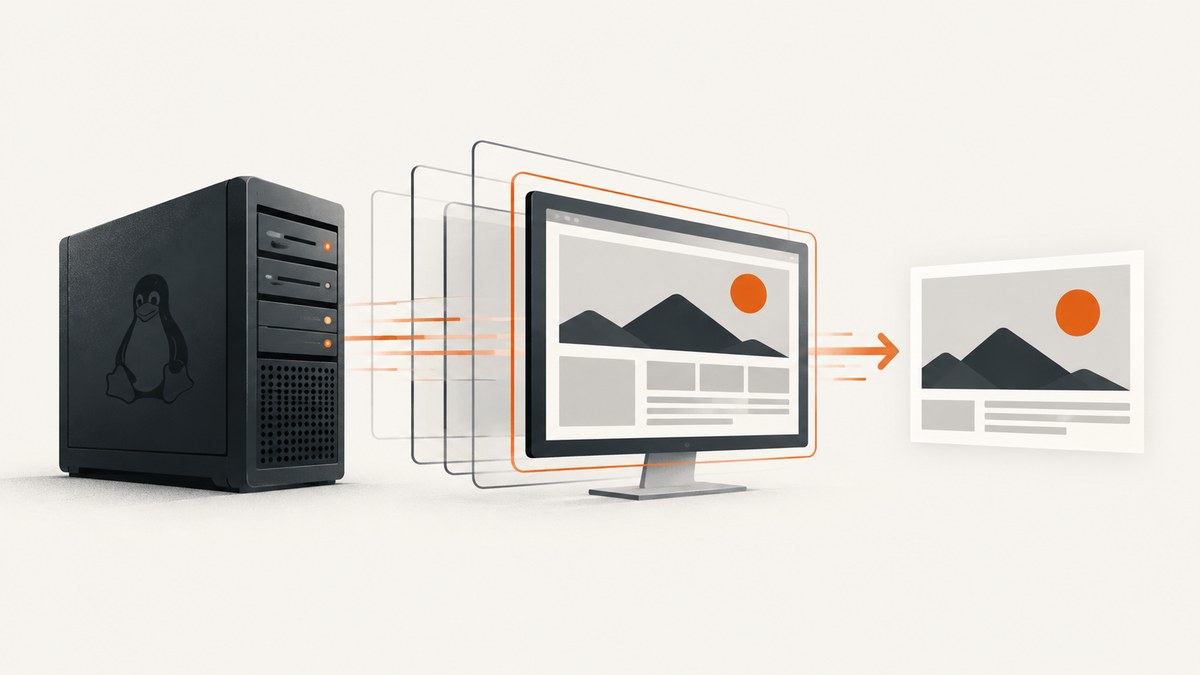
wkhtmltoimage can run on a headless Linux server, but whether you need Xvfb depends on the particular binary and package installed. The upstream project describes its tools as headless; some server packages and wrapper guidance still require an X server. Check your build, try a capture, and add xvfb-run if that build fails because it cannot open a display.
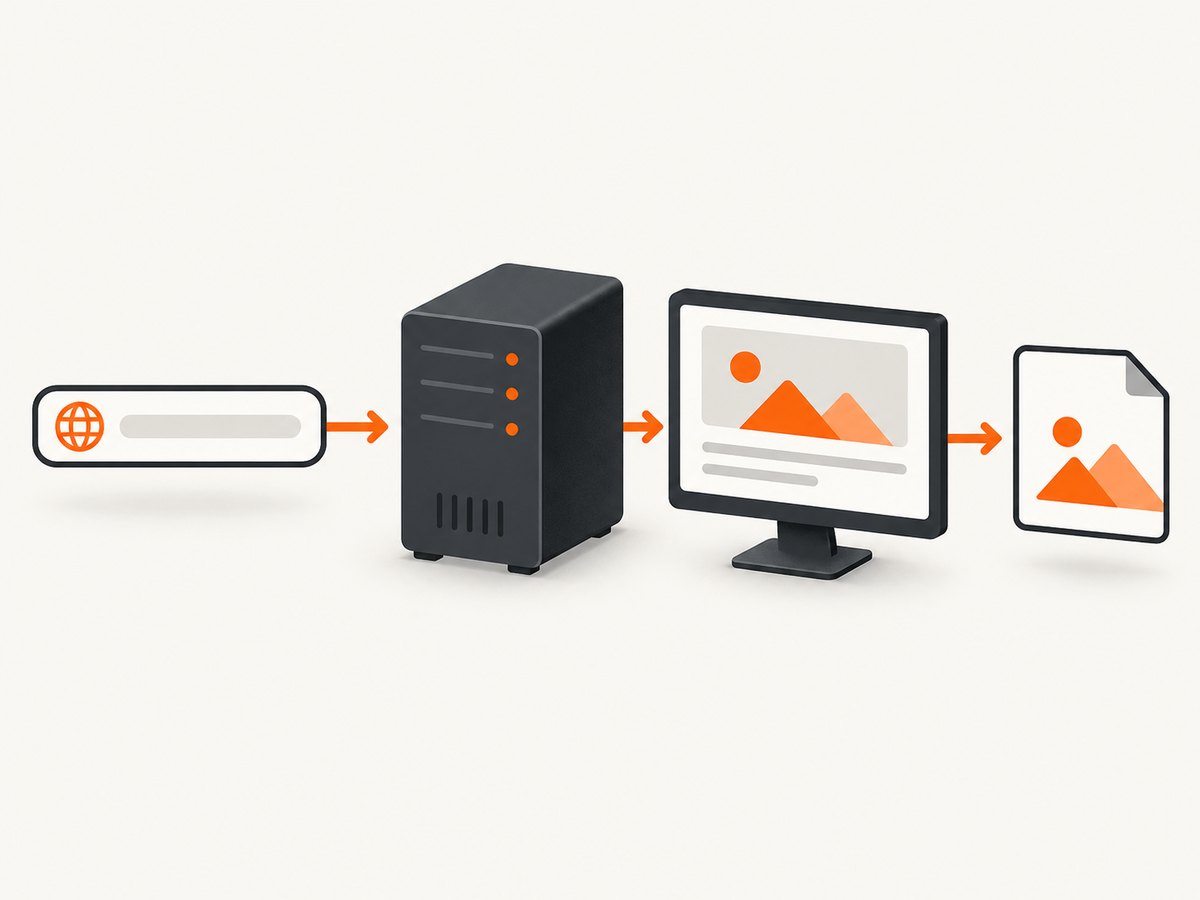
The basic command is wkhtmltoimage [OPTIONS]... <input> <output>. For a build that needs a virtual display, run xvfb-run -a wkhtmltoimage https://example.com page.png. The -a option asks the wrapper to select an available display number. Consult the installed wrapper’s help if its options differ.
1. Check the installed binary and whether it needs Xvfb
Start by identifying which executable the server will run. A machine can have more than one installation, and a Python wrapper may point to a different path from the shell’s default.
command -v wkhtmltoimage
wkhtmltoimage --version
wkhtmltoimage --help | head -n 40
command -v xvfb-run
Then make a simple test capture without Xvfb:
wkhtmltoimage https://example.com /tmp/example.png
file /tmp/example.png
If the command succeeds and the output is a valid image, Xvfb may not be necessary for that binary and workload. If it reports a display or X-server error, try the same capture through xvfb-run. A missing display error is a reason to investigate the installed build and package; it does not establish that all wkhtmltoimage builds require Xvfb.
The upstream project says its tools run headlessly without a display service. The IMGKit README nevertheless notes that some headless servers may need Xvfb, and a Debian deployment example uses it for a package built against unpatched Qt. Treat these as build-specific differences, and test the actual binary you deploy. [wkhtmltopdf project; IMGKit README; Debian deployment example]
2. Install Xvfb when your build requires a display
Install the virtual X server using the package manager for your distribution. IMGKit documents xvfb on Ubuntu and xorg-x11-server-Xvfb on CentOS. Package names and availability can vary by release, so check your distribution’s package index if the command does not find the package.
# Ubuntu or Debian-family systems, if the package is available
sudo apt-get update
sudo apt-get install xvfb

# CentOS-family systems, if the package is available
sudo yum install xorg-x11-server-Xvfb
Confirm that the wrapper is now available:
command -v xvfb-run
xvfb-run --help
Run the test capture again:
xvfb-run -a wkhtmltoimage https://example.com /tmp/example.png
file /tmp/example.png
Run the command as the same user and with the same environment as the production process. A capture that works in an interactive shell can still fail in a service because of a different executable path, permissions, environment variables, or working directory.
3. Render a URL or local HTML file
The first positional argument can be a web URL or a local HTML file; the second is the output path. Add options before those arguments. Here is a URL capture with an explicit viewport width and output format:
xvfb-run -a wkhtmltoimage \
  --width 1365 \
  --format png \
  https://example.com \
  /tmp/example.png
For local HTML, pass the file path as input:
xvfb-run -a wkhtmltoimage \
  --width 1200 \
  /srv/render/input.html \
  /srv/render/output.png
Use an absolute input and output path in a service when practical. This makes it easier to distinguish a rendering problem from an unexpected working directory. The process user must be able to read the HTML and write the output directory.
4. Choose the options that affect the result
Options in the installed binary’s --help output and man page are the final reference. Distribution packages ship different versions: Ubuntu’s Jammy manual describes 0.12.6-2, while its Bionic manual describes 0.12.4-1. Don’t assume an option or behavior from another machine applies to yours. [Jammy wkhtmltoimage man page; Bionic wkhtmltoimage man page]
| Need | Relevant controls | Things to check |
|---|---|---|
| Set capture dimensions | --width, --height |
Viewport dimensions are not necessarily the same as the full height of a long page. Test the output dimensions and page layout. |
| Select image type and quality | --format, --quality |
Use a format supported by the installed build. Quality matters for formats that support lossy compression. |
| Wait for page scripts | --javascript-delay |
Choose a delay appropriate to the page, then check whether it is long enough for the content you need. |
| Prevent page scripts | --disable-javascript |
This may make script-dependent pages incomplete or blank. |
| Control local resource access | --disable-local-file-access, --allow |
Keep local-file access restricted unless the task needs it. Allow only the required paths. |
| Handle failed page or media loads | --load-error-handling, --load-media-error-handling |
Choose behavior deliberately; tolerating a failed resource can produce an incomplete image. |
These controls are documented in the Ubuntu Jammy manual. Read the installed binary’s own documentation before relying on exact values or defaults.
Example: set a delay and choose output quality
xvfb-run -a wkhtmltoimage \
  --width 1365 \
  --format jpg \
  --quality 85 \
  --javascript-delay 1500 \
  https://example.com \
  /tmp/example.jpg
A fixed delay is a simple timing control, not proof that a dynamic page has finished rendering. If content loads after the chosen delay, it can be missing. If the delay is much longer than needed, each capture takes longer. Test representative pages and tune the value for the content and network conditions you expect.
5. Use Xvfb from a script or application
In a shell script, stop on command errors and create an output directory before the capture. This example takes a URL and output path as arguments:
#!/usr/bin/env bash
set -euo pipefail

if [ "$#" -ne 2 ]; then
  echo "Usage: $0 URL OUTPUT.png" >&2
  exit 2
fi

url="$1"
output="$2"
mkdir -p "$(dirname "$output")"

xvfb-run -a wkhtmltoimage \
  --width 1365 \
  --format png \
  --javascript-delay 1000 \
  "$url" \
  "$output"

file "$output"
Keep the URL and output path quoted so spaces and shell metacharacters are not split into unintended arguments. If callers can supply the URL, validate its scheme and destination according to your service’s policy. Rendering a URL from a server can expose that server to requests it should not make; rendering untrusted HTML or JavaScript poses a more direct execution risk, described below.
Use IMGKit with explicit executable paths
IMGKit is a Python wrapper around wkhtmltoimage. Its README documents configuring executable paths when the programs are not on PATH, and configuring the Xvfb wrapper. Install IMGKit in your environment using its documented installation instructions, then make the binary paths explicit where needed:
import imgkit

config = imgkit.config(
    wkhtmltoimage="/usr/bin/wkhtmltoimage",
    xvfb="/usr/bin/xvfb-run",
)

options = {
    "width": 1365,
    "format": "png",
    "javascript-delay": 1000,
}

imgkit.from_url(
    "https://example.com",
    "/tmp/example.png",
    options=options,
    config=config,
)
Change the paths to match the results of command -v. If your installed IMGKit version or wkhtmltoimage build has different configuration details, follow that version’s README and inspect the generated command. IMGKit recommends running the reported command directly when its wrapper reports a command failure; that helps separate wrapper configuration from renderer behavior. [IMGKit README]
6. Troubleshoot common failures
| Symptom | Likely cause to investigate | What to try |
|---|---|---|
| Cannot connect to X server or display | This build expects an X server, or the process has no usable display. | Try xvfb-run -a wkhtmltoimage ...; verify xvfb-run is installed and on the process’s PATH. |
xvfb-run: command not found |
The wrapper package is missing, or its location is not on PATH. |
Install the distribution’s Xvfb package and check command -v xvfb-run. Configure an explicit path in IMGKit if needed. |
| IMGKit cannot find wkhtmltoimage | The executable is outside the wrapper’s environment or configured path. | Check command -v wkhtmltoimage, then configure the absolute binary path in IMGKit. |
| The output is blank or incomplete | The page may not have loaded, may rely on JavaScript, or may have failed to load required media. | Try a suitable JavaScript delay, check the URL from the server, and inspect the renderer’s output for load errors. Review the load-error options in the installed man page. |
| Local images or styles are missing | Local-file access may be restricted, or the referenced files are unreadable or outside allowed paths. | Use absolute resource paths, check file permissions, and use --allow for only the required directories. Avoid enabling broad local access without a need. |
| Output file is missing or cannot be opened | The output directory may not exist or the process user may lack write permission. | Create the directory, check ownership and permissions, and use an absolute output path. |
| The process crashes or reports a segmentation fault | There can be a renderer or build-specific failure; the symptom alone does not identify one cause. | Run the exact command outside the wrapper, record the binary version and error output, and check package compatibility. IMGKit notes that some versions can fail with segmentation faults. |
| Different results across servers | The machines may have different package versions, builds, fonts, libraries, or options. | Record wkhtmltoimage --version, compare command lines and installed packages, and validate the target deployment image. |
When diagnosing a failure, first run the exact renderer command directly and save standard output and standard error. Then compare it with the wrapper invocation. That narrows the problem to path/configuration, virtual display setup, or the renderer and page itself.
7. Reliability, performance, cost, and security
Reliability
Pin or record the distribution and package version used in production, and test a representative set of pages after changing the package or base image. Distribution releases do not all ship the same version, and the upstream downloads page lists platform and architecture compatibility for its builds. Verify current compatibility against your target server rather than assuming a package from another release will behave identically. [wkhtmltopdf downloads]
For batch work, capture exit status and renderer output, validate that the resulting file exists and is non-empty, and define what the calling job should do when a page or media resource fails. Retrying every failure can waste time if the cause is a bad URL or incompatible build; retain enough diagnostics to distinguish transient network problems from repeatable rendering failures.
Performance and cost
Xvfb supplies a virtual display; it does not make rendering free of CPU, memory, network, or storage costs. Each capture starts or uses a rendering process, loads page resources, and may wait for JavaScript. Large pages, slow resources, and long delays increase the time and resources needed per job. Measure representative pages on the server size you plan to use, limit concurrent jobs to what that server can handle, and set a timeout in the calling job so a stuck capture cannot block a queue indefinitely.
The wkhtmltoimage and Xvfb tools are software; the direct operating cost is the server and the time spent operating the renderer. If you render pages you do not control, account for the work of maintaining the binary, packages, and isolation around rendering. No performance benchmark is implied here: results depend on the page, build, host, and network.
Security
The wkhtmltopdf project warns against using its tools with untrusted HTML and says user-supplied HTML or JavaScript must be sanitized because it can lead to a complete server takeover. Treat untrusted HTML and scripts as dangerous input. Do not expose an unrestricted renderer as a service; isolate the process, restrict filesystem access and network reachability, run it with limited permissions, and follow the project’s security guidance. Also be careful when accepting arbitrary URLs: a server-side renderer makes outbound requests from your environment. [Project downloads and security warning]
Or skip the browser setup
For a one-call screenshot API, ScreenshotNeo accepts a URL and returns an image or PDF. Its API supports screenshot options including viewport sizing, full-page capture, JavaScript delay, and output format. See the API documentation for available parameters and configuration.
curl -G "https://api.screenshotneo.com/v1/shot" \
  -d access_key=YOUR_API_KEY \
  --data-urlencode url=https://example.com \
  -o shot.webp
import requests
r = requests.get(
"https://api.screenshotneo.com/v1/shot",
params={"access_key": "YOUR_API_KEY", "url": "https://example.com"},
timeout=90,
)
r.raise_for_status()
with open("shot.webp", "wb") as f:
f.write(r.content)const q = new URLSearchParams({
access_key: 'YOUR_API_KEY',
url: 'https://example.com'
});
const res = await fetch(`https://api.screenshotneo.com/v1/shot?${q}`);
if (!res.ok) throw new Error(`Screenshot request failed: ${res.status}`);
const image = Buffer.from(await res.arrayBuffer());
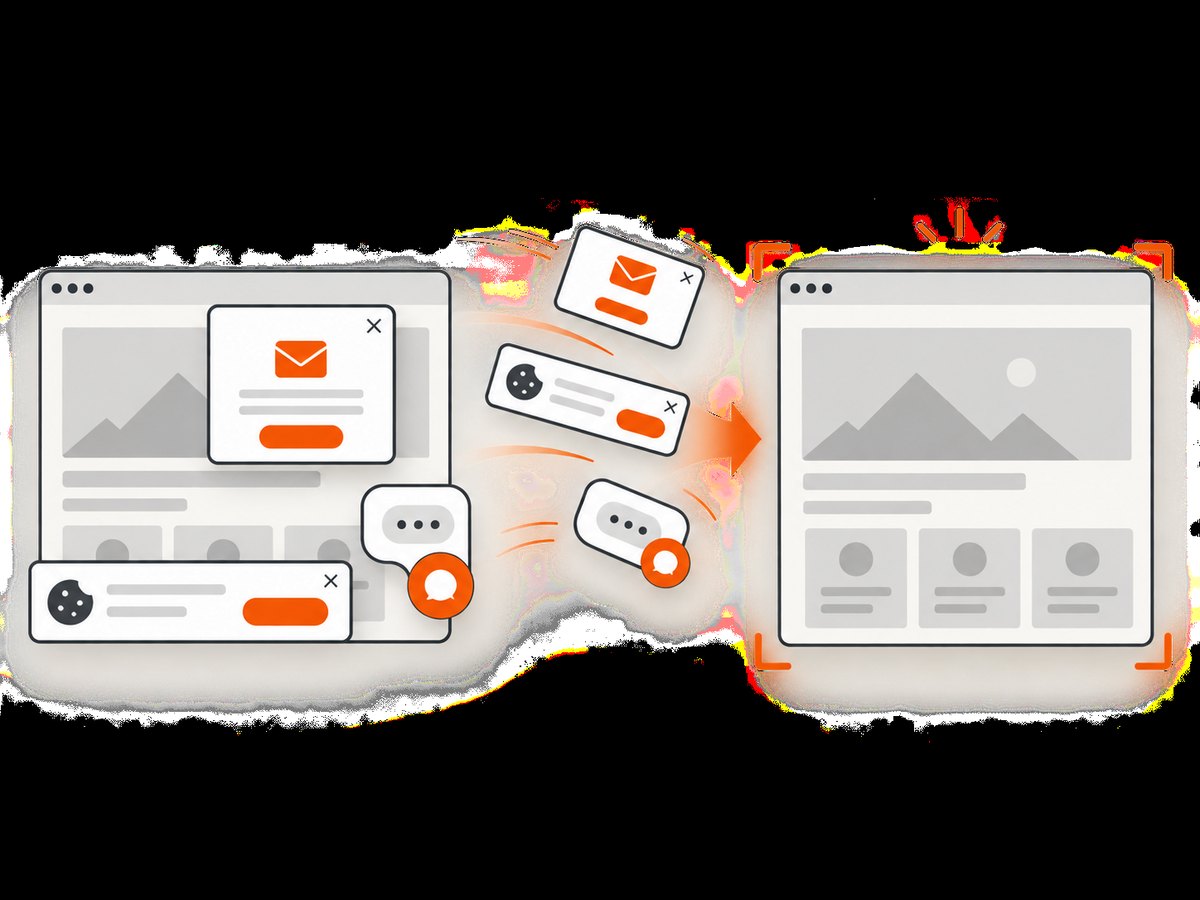
await import('node:fs/promises').then(fs => fs.writeFile('shot.webp', image));ScreenshotNeo removes cookie banners, newsletter popups, and chat widgets before capture; bot checks, blank pages, failed loads, timeouts, and cache hits are not billed. Its MCP server lets AI agents use screenshot tools. The free plan includes 1,000 screenshots per month with no card, and paid plans start at $5 for 3,000. Create a free ScreenshotNeo account.
Frequently asked questions
Does wkhtmltoimage always need Xvfb on Linux?
No. The upstream project describes its tools as headless, while some packages and deployment guidance require an X server. Test the installed build and use Xvfb if it needs one.
What does -a do in xvfb-run -a?
It tells the wrapper to select an available display number, which is useful when jobs may run without a manually configured display. Check your installed wrapper’s help for its exact behavior.
Can I render a local HTML file?
Yes. Pass the local HTML file as the input. Make sure the process can read the file and any referenced resources, and grant local-file access only as broadly as the task requires.
How do I know which options my server supports?
Check wkhtmltoimage --help and the man page installed with that binary. Package versions differ between distributions and releases.
Is wkhtmltoimage safe for arbitrary user-submitted HTML?
The project warns that untrusted HTML or JavaScript can put the server at risk. Sanitize inputs and isolate the renderer; do not treat a screenshot process as a safe sandbox by itself.


