wkhtmltopdf 0.12.6: Installation, Options, and Security
Choose the right wkhtmltopdf 0.12.6 build, generate a PDF, and understand its patched Qt differences, security limits, and maintenance status.
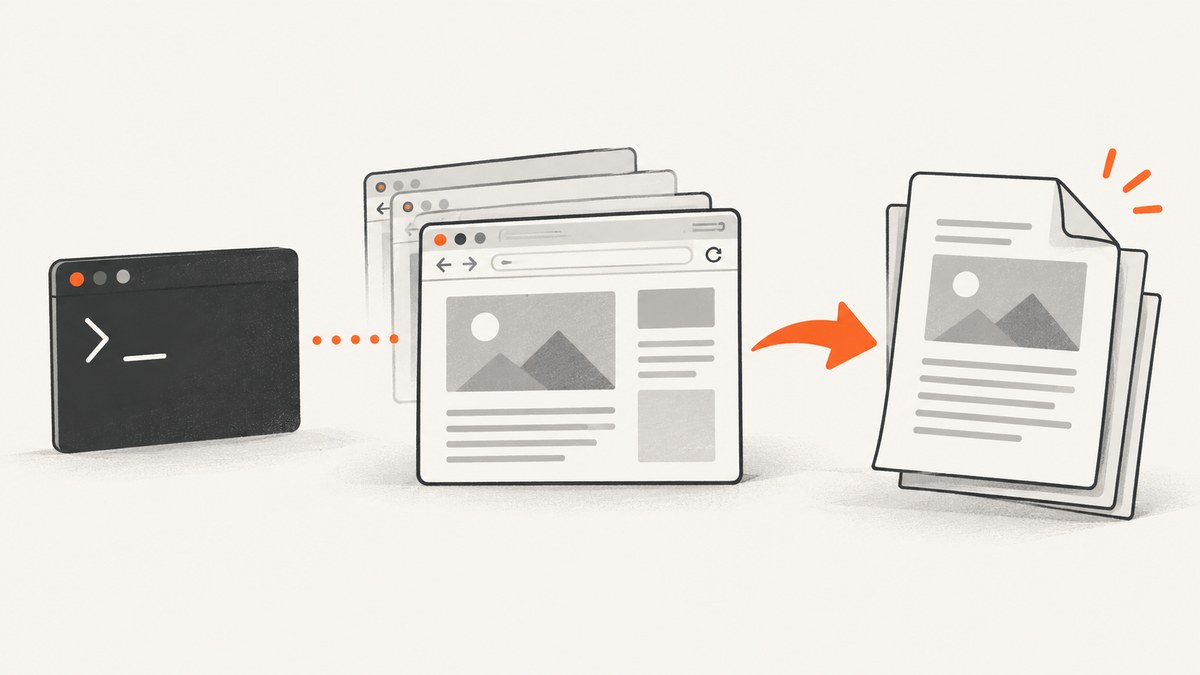
Direct answer: wkhtmltopdf 0.12.6 is the project’s last listed stable series, released June 11, 2020. Choose the package matching your operating system, distribution release, and CPU architecture; then decide whether your workflow requires the project’s patched Qt features. Treat it as a legacy renderer: its repository is archived, its Qt/WebKit stack is old, and the project warns against processing untrusted HTML or JavaScript. If you need a maintained browser engine or must render untrusted input, evaluate another approach before installing it.
This guide covers selecting a build, installing and using it, the options that matter, security and maintenance constraints, and when to use ScreenshotNeo for screenshot output instead of managing a local browser stack.
1. What wkhtmltopdf 0.12.6 is
wkhtmltopdf is a downloadable command-line program that renders HTML into PDF using a Qt/WebKit-based stack. The project downloads page calls 0.12.6 its current stable series and dates it June 11, 2020; that wording describes the project’s release listing, not active maintenance. The GitHub repository is archived and read-only. Project downloads and build notes; 0.12.6 release record.
The choice is less “which newest version?” and more three practical decisions:
- Which package matches this host? Match distribution and release, architecture, and runtime dependencies.
- Do you need patched-Qt behavior? The upstream project’s patched build exposes features that distribution builds may omit. Do not assume all packages behave the same.
- Can you accept the security and maintenance limits? The renderer is based on old components, and the project explicitly warns against untrusted HTML/JS.
2. Select the right 0.12.6 build
Start at the project’s downloads page and use its package links for the OS/distribution and architecture you actually deploy. The listed matrix includes Windows 32- and 64-bit installers/archives, 64-bit macOS, and distribution-specific Linux packages for the releases and architectures shown there. The matrix can change; check the source page rather than copying an old package URL into deployment automation.
| Build choice | Use it when | Trade-off to check |
|---|---|---|
| Project package with patched Qt | Your output depends on a feature supplied by the project’s Qt patches, such as particular print behavior. | Package is distribution and architecture specific; verify dependencies and behavior on the target host. |
| Distribution-provided build without those patches | You prefer the distribution package and your documents work with its feature set. | Features and rendering can differ; the project says these builds may use a later web engine. |
| Static package | You need the project’s static Qt packaging for a supported target. | “Static” does not mean self-contained: other system packages, libraries, and fonts may still be required. |
Do not infer compatibility from the words “Linux build” or “static.” The project explains that system libraries, OpenSSL, libc, fontconfig, and FreeType differences can affect portability; Alpine’s musl environment is specifically not covered by generic glibc assumptions. For containers and serverless packages, use a build matching the runtime image and include the required libraries and fonts. The project’s build notes.
Installation checklist
- Record the host OS and exact distribution release, CPU architecture, and libc/runtime family.
- Decide whether your output depends on patched-Qt-only features.
- Download the corresponding package from the official downloads page or use the distribution’s package source after confirming its build variant.
- Install the package using the OS-native installer or package manager. The exact command depends on the package format; the dossier does not establish one universal command.
- Check that the executable is on PATH and inspect the build with
wkhtmltopdf --version. - Render representative documents on the same OS image used in production, including fonts, local assets, headers/footers if used, and long tables.
- Pin the package artifact and its provenance in deployment configuration. Avoid silently switching between patched and unpatched builds.
3. Generate a PDF from a URL or HTML file
The positional form is wkhtmltopdf [options] input output.pdf. A minimal URL conversion is:

wkhtmltopdf https://example.com report.pdfFor a local HTML document:
wkhtmltopdf ./report.html ./report.pdfUse a file URL for local documents if your shell or environment requires it:
wkhtmltopdf file:///absolute/path/report.html /absolute/path/report.pdfRelative assets resolve relative to the document URL/location. Prefer absolute asset URLs or a deliberate local asset layout, and test fonts and images in the target runtime. In 0.12.6, local filesystem access is blocked by default as a breaking change; a document that previously read local files may therefore render without them. This default is a security change, not a reason to enable broad file access for untrusted documents. See the release notes.
4. Options and configuration that affect output
wkhtmltopdf accepts global options and document/page options. Exact support can vary with patched versus unpatched builds, so consult wkhtmltopdf --extended-help on the installed binary and check the matching build’s help output. Common option groups include:
| Need | Options to inspect | What to verify |
|---|---|---|
| Page geometry | --page-size, --page-width, --page-height, --orientation, --margin-top, --margin-right, --margin-bottom, --margin-left |
Paper dimensions, orientation, printable area, and whether content is clipped. |
| Document encoding | --encoding |
Set a suitable encoding for source documents; the 0.12.6 release record says this option was enabled for non-patched builds. |
| Header/footer | --header-* and --footer-* |
Patched-Qt dependence and exact feature availability on the installed binary. |
| Table of contents | Use the documented TOC input/object syntax and its options. | 0.12.6 fixed TOC and other special pages missing from output, but test the actual package and document structure. |
| JavaScript timing | --javascript-delay, --window-status, --disable-javascript |
Whether client rendering has completed; longer waits cost time and do not guarantee every app is ready. |
| Network and proxy | --proxy and documented load-error controls |
Reachability, credentials handling, allowed origins, and whether errors should fail the job. |
| Local files | Local-file access controls supported by the build | 0.12.6 blocks local filesystem access by default. Grant only narrow access to required assets, and never expose arbitrary host files to untrusted HTML. |
| Output compression and links | Relevant options in the installed binary’s help | Check PDF size, clickable links, and document-reader compatibility. |
Because package variants differ, this is a guide to option areas rather than a promise that every listed switch is present in every build. Use the binary’s own help and the project documentation for exact syntax. A representative command with common page options is:
wkhtmltopdf \
  --page-size A4 \
  --orientation Portrait \
  --margin-top 15mm \
  --margin-right 12mm \
  --margin-bottom 15mm \
  --margin-left 12mm \
  https://example.com report.pdf
5. What changed in 0.12.6
- Local filesystem access is blocked by default, a breaking change.
- Table-of-contents and other special pages missing from output were fixed.
- A Canvas
setLineDashregression was fixed. --encodingwas made to work with non-patched builds.- Support was added for ppc64le and 64-bit ARM in the project’s Qt work.
These are entries in the project release record; they are not independent proof that every downstream package behaves identically. Earlier 0.12.5 changelog entries included SSL client-certificate support and fixes related to blank pages/crashes, fonts, Unicode URLs, and read-only form fields. 0.12.6 release record; project changelog.
6. Security and maintenance: is 0.12.6 safe?
There is no blanket “safe” answer: exposure depends on the input, how the renderer is configured, and the provenance and patches of the installed package. The project’s downloads page gives a direct warning: “Do not use wkhtmltopdf with any untrusted HTML” and says user-supplied HTML/JS must be sanitized because it could lead to server takeover. Treat HTML rendering as execution of potentially active content, not as a passive file conversion step. Project warning.
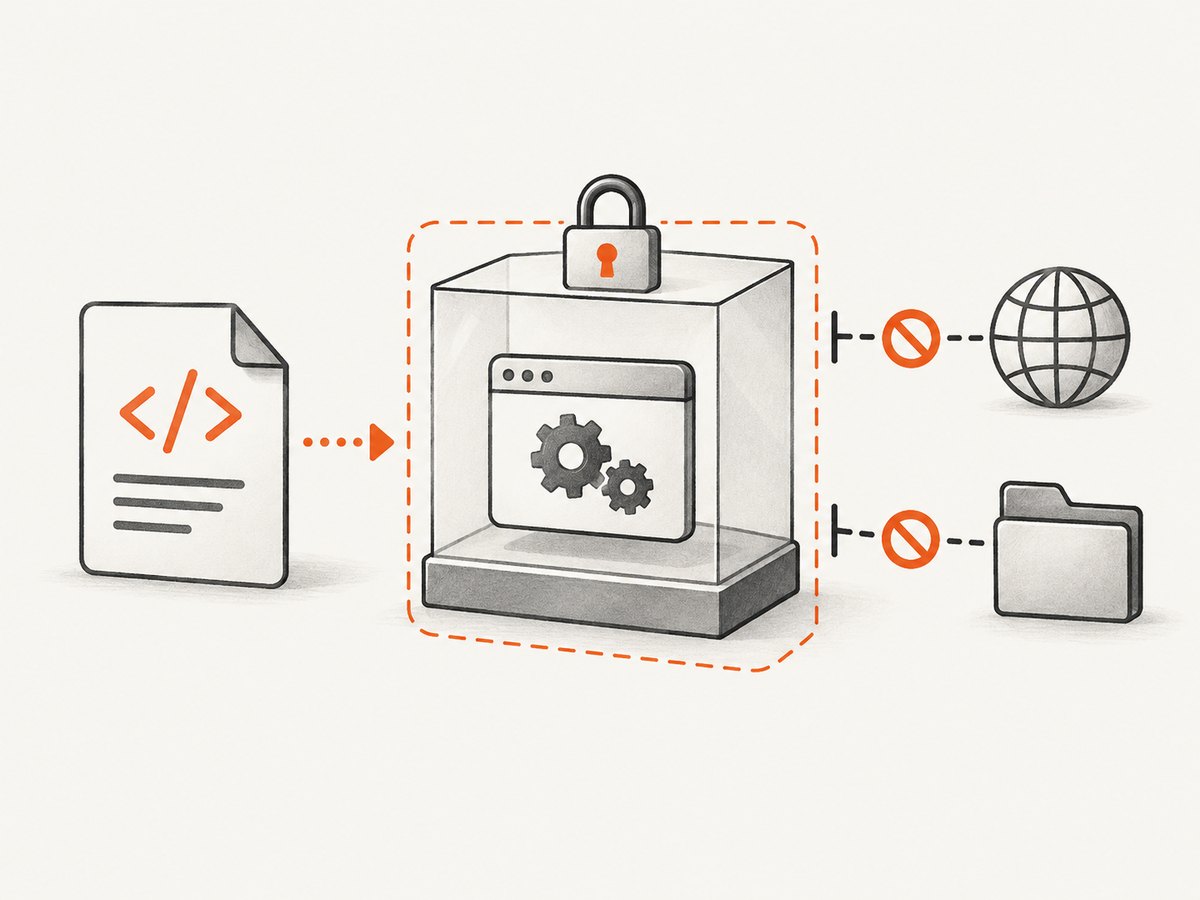
The project status page says Qt 4 has been unsupported since 2015 and the WebKit in it had not been updated since 2012; it describes security concerns around the WebKit1 in-process API. Debian’s security tracker separately lists bookworm package 0.12.6-2 as vulnerable for CVE-2022-35583, an SSRF issue. That is a Debian tracker finding for the named package context, not a complete audit of every distribution’s patched build. Project status; Debian CVE tracker.
If you must keep it
- Do not render arbitrary user-provided HTML or JavaScript. Sanitize input and apply application-level allowlists.
- Run conversion in a restricted worker/container with minimal filesystem access, network access, and credentials.
- Do not pass secrets or privileged URLs into the renderer’s reachable context.
- Keep the package provenance and variant documented; review security notices from your OS vendor because downstream patches may differ.
- Set a wall-clock timeout and resource limits in the calling service. Treat failed, slow, or unexpectedly large jobs as errors.
- Test output after changing OS images, fonts, package sources, or build variants.
These are operational precautions, not a claim that they eliminate the renderer’s vulnerabilities. If your threat model requires a supported browser engine or your inputs are untrusted, plan a migration and validate compatibility against your own HTML.
7. Troubleshooting
| Symptom | Likely cause | What to do |
|---|---|---|
wkhtmltopdf: command not found |
Package is absent or binary is not on PATH. | Check installation, locate the executable, and configure the service’s PATH explicitly. |
| Shared library / loader error | Package does not match the OS release, libc, or runtime libraries. | Use a package built for the target distribution and architecture; install its documented dependencies. “Static” still leaves system dependencies. |
| Fonts differ or text wraps differently | Font packages/fontconfig differ from development host or are missing. | Install and configure the required fonts in the runtime image; compare output there. |
| Local image, stylesheet, or file disappears | Relative path resolution or 0.12.6’s default local-file restriction. | Use correct absolute/URL paths; allow only the specific local asset access the trusted job needs, using syntax supported by the installed build. |
| Header/footer option is rejected or has no effect | Build lacks patched Qt support or syntax differs. | Check --extended-help and package provenance; choose a patched build only if the feature is required. |
| Blank or incomplete PDF | Page scripts/data are not ready, resource loads fail, or output code encounters a renderer limitation. | Check stderr and network access; use a deliberate JavaScript delay/readiness signal where supported; simplify and isolate the failing content. |
| TOC or special page is missing | Old package/build or document construction issue. | Confirm 0.12.6 package version, then reproduce with a minimal document and verify the exact build. |
| Different output after moving to another server | Patched/unpatched build, engine, fonts, libraries, or locale/timezone differ. | Pin the same package/runtime and font set; record build details as part of deployment. |
| Conversion can reach internal services | Renderer has network access to locations that should be restricted; SSRF risk may apply. | Restrict egress at the worker/network layer, validate URLs, and do not render untrusted input. Review the applicable package advisory. |
8. Performance, reliability, and cost
wkhtmltopdf runs within your infrastructure, so there is no per-call service price established by the project materials here. Your costs are operational: compute, memory, packaging, font maintenance, debugging, isolation, and ownership of a legacy renderer. Actual speed and resource use depend on document complexity, network resources, fonts, JavaScript, and host sizing; this dossier provides no benchmark, so measure representative documents in your deployment environment.
For reliability, make conversions bounded and observable: set caller-level timeouts, capture stderr and exit status, validate that the output exists and is a non-empty PDF, and retry only failures you understand. Network-loaded pages can change or hang, and delayed scripts may produce inconsistent output. Pin the renderer package and test after runtime changes. Avoid an unbounded retry loop, especially for documents that trigger resource exhaustion.
9. Or skip the browser setup
For screenshot output rather than a locally managed HTML-to-PDF conversion stack, ScreenshotNeo is a website screenshot API and MCP server for developers. One GET request returns a PNG, JPEG, WebP, or PDF. It accepts cookie/consent banners like a visitor and removes 60+ known consent platforms, newsletter popups, and chat widgets before capture; each step can be turned off. Bot checks/CAPTCHAs, blank pages, timeouts, failed loads, and cache hits cost nothing, and response headers say which outcome occurred. Its MCP server provides take_screenshot, get_page_info, and capture_pdf for Claude, Cursor, and other MCP clients. Every feature is on every plan: 1,000 shots/month free with no card; paid plans start at $5 for 3,000.
See the ScreenshotNeo API documentation. Example call, adapting the URL to your page:
curl -G "https://api.screenshotneo.com/v1/shot" -d access_key=YOUR_API_KEY --data-urlencode url=https://stripe.com -o shot.webpIt is a screenshot/PDF service alternative, not a drop-in replacement for every wkhtmltopdf workflow or its command-line options. Create a free account for 1,000 screenshots a month with no card.
10. Frequently asked questions
Is 0.12.6 the latest maintained wkhtmltopdf release?
The downloads page lists 0.12.6 as its stable series, released in 2020, while the GitHub repository is archived. Do not read “stable” as an assurance of active maintenance.
Does 0.12.6 work on every Linux distribution?
No. Select a package for the relevant distribution and architecture, then verify runtime libraries and fonts. Generic/static packaging does not remove every system dependency.
Can it convert screenshots to PDF?
Its core use is rendering HTML or a URL to PDF. If you need a visual website screenshot as PNG/JPEG/WebP, a screenshot API is a different fit; ScreenshotNeo documents those formats and PDF output.
Should I choose a patched Qt build?
Only after checking whether your output relies on features the distribution build omits. Compare the installed binary’s help and test your actual documents.
What is the first migration question?
Identify which output behaviors your templates depend on, then compare those outputs using a maintained rendering option in an isolated evaluation. The supplied sources do not establish a universally suitable replacement or migration effort.


