How to Use wkhtmltopdf with Angular Applications
Learn how to generate PDFs from Angular routes with wkhtmltopdf, wait for app readiness, troubleshoot missing content, and choose when to use SSR or a browser renderer.
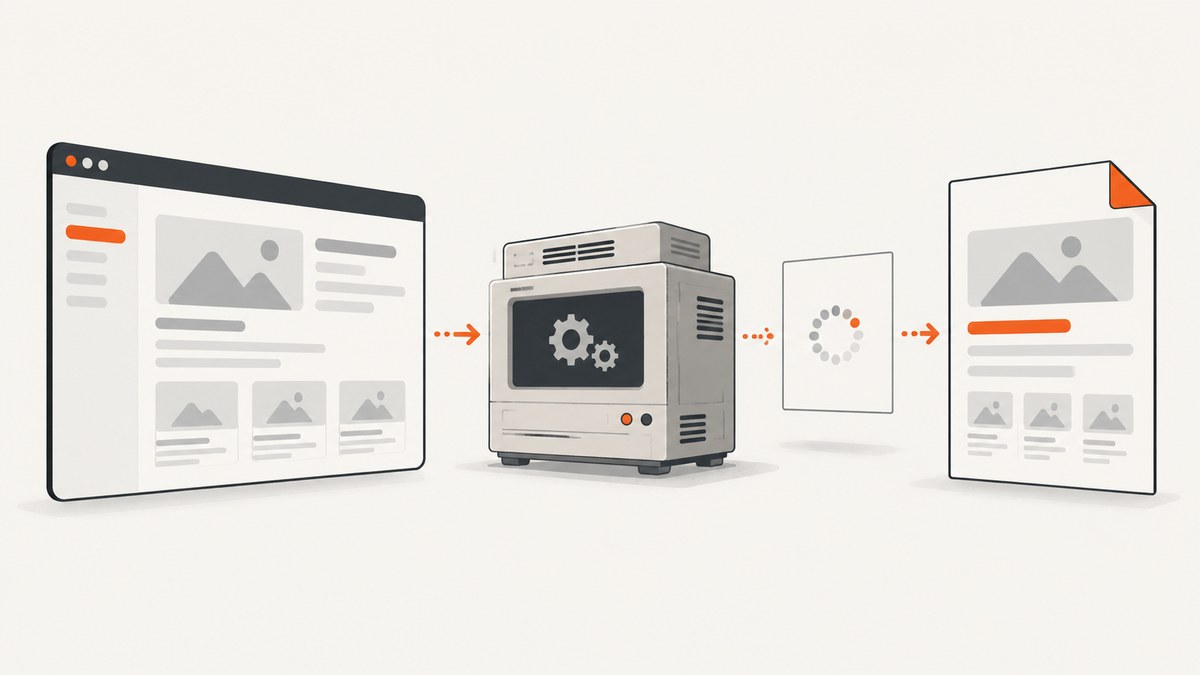
wkhtmltopdf can convert an Angular route to PDF if it can reach the page, the page has finished rendering the content you need, and the output is compatible with its older Qt WebKit engine. Angular’s default client-side rendering can leave a converter with only the application shell if it prints before JavaScript bootstrap and data loading finish. For reliable output, serve the route, wait for an application-specific readiness signal, and validate the result in the same environment where PDF generation will run.
If the route depends on modern browser features or substantial asynchronous behavior, evaluate Angular server-side rendering (SSR), prerendering, or a browser automation renderer such as Puppeteer. wkhtmltopdf 0.12.6 was released in 2020, and its GitHub repository was archived in 2023, so account for the engine’s age when choosing it for a new integration. wkhtmltopdf downloads · project repository
1. How the Angular-to-PDF flow works
wkhtmltopdf loads a URL and converts the resulting page to PDF. In a typical Angular application, the server first returns a small HTML shell. The browser downloads JavaScript, starts Angular, resolves the route, and may fetch data from one or more APIs. A converter that prints before those steps complete can produce a blank page, a loading indicator, or incomplete content.
- Build and serve the application. Make the intended route and its assets reachable from the machine running wkhtmltopdf. Angular’s
ng buildcompiles the application and writes the configured build output. Angular build documentation - Choose a route that represents the document. Use a dedicated report route when the regular screen has navigation, interactive controls, or content that should not appear in print.
- Wait for the actual content. Prefer a page-specific readiness signal over a guessed delay.
- Convert and inspect. Verify page count, line wrapping, fonts, images, page breaks, and any data populated by API calls.
For a local Angular build served at http://127.0.0.1:4200, a basic command is:
wkhtmltopdf http://127.0.0.1:4200/reports/monthly report.pdfThe server must be running and able to serve that route. Configure the application’s hosting server to fall back to its Angular entry point for client-side routes. Confirm that CSS, fonts, images, and API requests resolve from the converter’s network context; “works in my browser” does not guarantee that a server-side process can access the same resources.
2. Wait until Angular is ready
JavaScript is enabled by default in wkhtmltopdf, but its documented default JavaScript delay is 200 milliseconds. That may be too short for Angular bootstrap, route resolution, and network requests. A fixed delay is a timing guess, not proof that required data is present. The usage manual documents both delay and window-status options. wkhtmltopdf usage manual
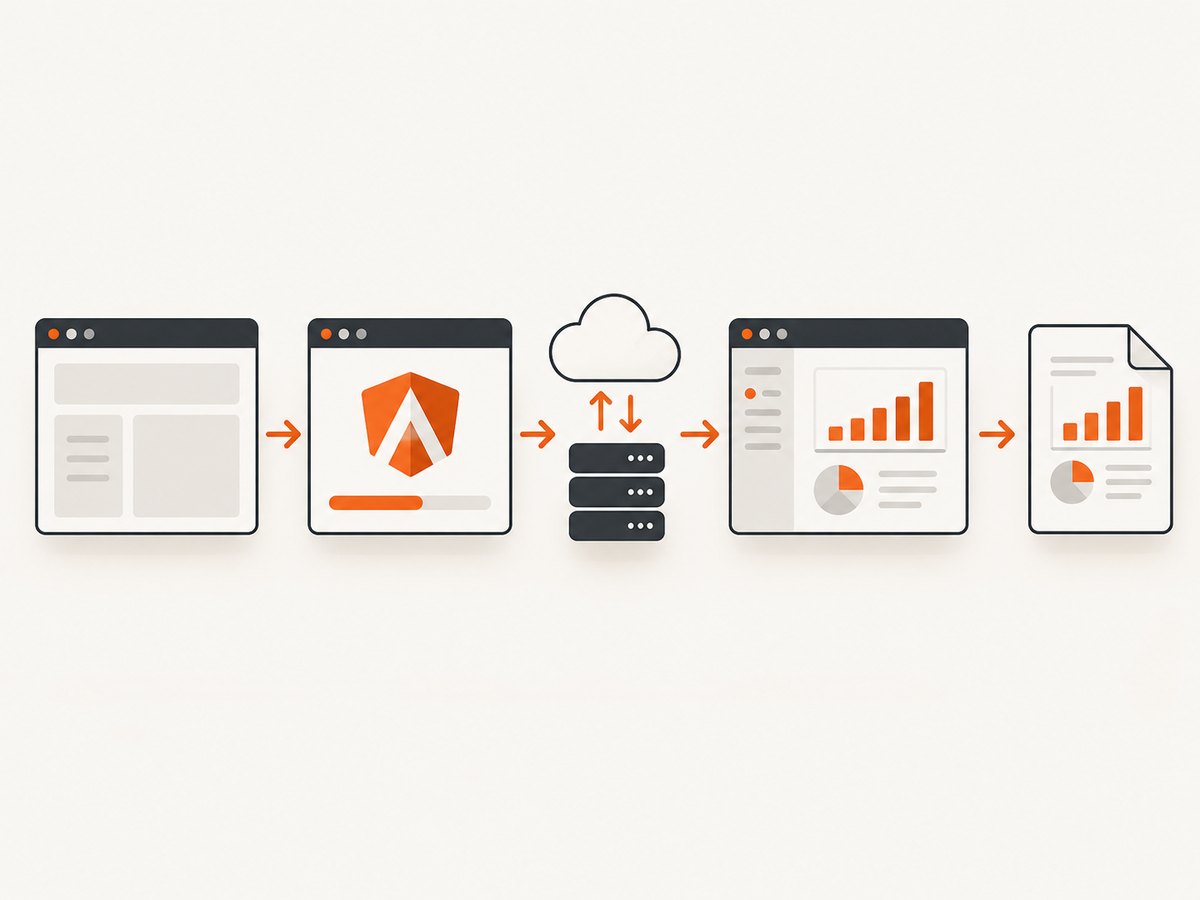
Use a page-specific window status
For a controlled report page, set window.status only after the data and view required for the PDF are ready. Then ask wkhtmltopdf to wait for that status. For example, the route’s component can set a marker after its data subscription completes and the view updates:
// Example Angular component logic: set this after required report data arrives.
this.reportService.load(this.reportId).subscribe(report => {
  this.report = report;
  this.ready = true;
  setTimeout(() => {
    window.status = 'pdf-ready';
  });
});
The timeout here defers the marker so the framework can apply the state change to the view first; it is not a universal Angular readiness recipe. If the report renders additional asynchronous child content, wait for that too. Validate the status mechanism against the exact wkhtmltopdf build you deploy.
wkhtmltopdf --window-status pdf-ready \
  http://127.0.0.1:4200/reports/monthly report.pdf
A delay can be used as a fallback when the page cannot expose a readiness signal:
wkhtmltopdf --javascript-delay 3000 \
  http://127.0.0.1:4200/reports/monthly report.pdf
Choose a delay based on observed application behavior in your environment, and allow enough time for slower requests. Increasing it adds latency to every conversion and still cannot guarantee that a failed API request succeeded. For production work, have the page expose an explicit ready state and a visible error state.
3. Print a prerendered or server-rendered route
Angular supports client-side rendering, SSR, and static prerendering. SSR returns HTML rendered for the initial request; prerendering generates HTML for known routes at build time. If a report route can be populated through either approach, wkhtmltopdf may not need to bootstrap the full client application to see the essential content. Angular SSR and prerendering
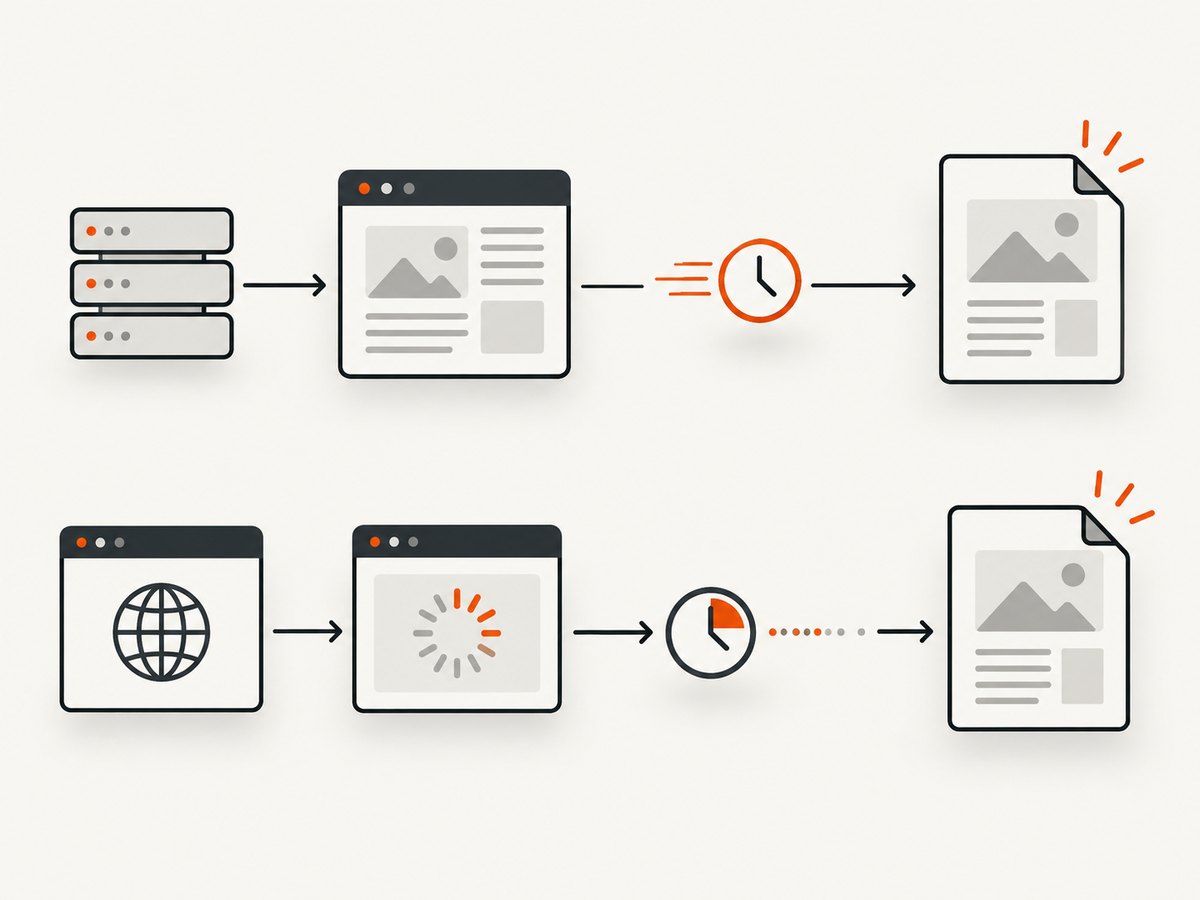
Before choosing this path, check that the generated HTML contains the report’s required data and that its styles and asset URLs resolve when loaded by the converter. A prerendered page is suitable for content that is known at build time; it does not automatically include current user-specific or frequently changing data. SSR can render per request, but authentication, API access, and deployment behavior still need to be designed for the PDF use case.
Angular’s build output and server setup depend on the application’s Angular version and build configuration. Use the relevant Angular build and SSR documentation rather than assuming a single output directory or command applies to every project. Build guide · SSR guide
4. Configure the PDF and its page layout
wkhtmltopdf accepts global options before the page URL and page-specific options between the URL and the output filename. Check wkhtmltopdf --extended-help for options supported by the exact installed binary. A practical starting point for a report is:
wkhtmltopdf \
  --page-size A4 \
  --orientation Portrait \
  --margin-top 15mm \
  --margin-right 12mm \
  --margin-bottom 15mm \
  --margin-left 12mm \
  --print-media-type \
  --window-status pdf-ready \
  http://127.0.0.1:4200/reports/monthly report.pdf
Use print styles to control what is visible and how content breaks. For example:
@media print {
  .screen-only, nav, .toolbar { display: none !important; }
  .report { color: #111; }
  .keep-together { page-break-inside: avoid; }
  h1, h2 { page-break-after: avoid; }
}
Older WebKit may interpret contemporary CSS differently from current Chromium, Firefox, or Safari. Test the actual PDF and simplify styles if the engine mishandles grid, flex layouts, newer selectors, or font features. Ensure print rules do not hide information needed in the final document.
5. Local assets, security, and deployment
Prefer serving assets over HTTP from the same application or a controlled asset host. If the page must load local files, note that wkhtmltopdf 0.12.6 blocks local-file access by default. The manual documents --allow to grant access to specific paths. Allow only the directories the job needs; broad file access can expose server files to content processed by the renderer. Usage manual · 0.12.6 release notes
Do not pass arbitrary user-controlled HTML or JavaScript to wkhtmltopdf. The project’s status page warns that untrusted input can create severe server-security risk. If user content must be rendered, sanitize and constrain it, run conversion in an isolated environment with limited filesystem and network access, and avoid giving the process credentials it does not need. wkhtmltopdf project status
For a container or production host, verify the binary version, fonts, network routes, file permissions, and the exact Qt build. Some features depend on patched Qt, and binaries packaged by different distributions may not behave identically. Keep a known-good sample PDF and compare output after changing the binary, base image, fonts, or Angular build.
6. Troubleshooting common failures
| Symptom | Likely cause | What to check or change |
|---|---|---|
| Blank shell or loading spinner | Conversion starts before Angular bootstrap or data loading completes; route or API is unreachable. | Open the exact route from the converter host, inspect API access, and wait for a page-specific ready status. |
| Intermittently missing report rows | A fixed delay races with variable request or rendering time. | Replace the delay with an explicit readiness signal that is set after all required data and child content are rendered. |
| Images, CSS, or fonts are missing | Relative URLs resolve differently, the host cannot reach the asset, or local-file access is denied. | Use absolute or correctly based URLs, check network access, and use narrowly scoped --allow only for necessary local paths. |
| Layout differs from a modern browser | The Qt WebKit engine is old and may lack support for current CSS or JavaScript behavior. | Reduce unsupported layout features, inspect the PDF itself, or evaluate SSR/prerendering or browser automation. |
| Works locally, fails in a container | Different binary or patched Qt build, missing fonts, network restrictions, or file permissions. | Compare wkhtmltopdf --version, install required fonts, and verify URLs and permissions from inside the runtime. |
| Some pages time out or are incomplete | Slow or failed API calls, a redirect, authentication mismatch, or a page waiting on unrelated network activity. | Use a report-specific ready condition, inspect server logs and response status, and pass only the headers or cookies the route requires. |
| Conversion exposes unexpected data | Untrusted markup or scripts can access resources available to the process. | Do not render arbitrary input in a privileged process; sanitize input and isolate conversion with restricted resources. |
7. When to use a different renderer
Choose based on the page’s rendering needs, compatibility requirements, and operational constraints. No renderer is universally best.
| Approach | Good fit | Tradeoffs to assess |
|---|---|---|
| wkhtmltopdf | Controlled pages that render correctly in its engine and have predictable assets. | Older Qt WebKit, maintenance status, and compatibility with current CSS/JavaScript. |
| Angular SSR or prerendering plus wkhtmltopdf | Routes whose useful content can be supplied in rendered HTML. | Freshness and personalization needs; asset and style compatibility still matter. |
| Browser automation such as Puppeteer | Dynamic JavaScript pages or output that depends on modern browser behavior. | Browser installation, resource use, process isolation, and deployment maintenance. |
| Other report renderers | Controlled report generation with requirements that fit their rendering model. | Evaluate CSS support, licensing, deployment, and output against your documents. The wkhtmltopdf project status names WeasyPrint and commercial Prince as options to consider. |
The wkhtmltopdf project status points to Puppeteer for dynamic JavaScript sites and mentions WeasyPrint and Prince for report-generation use cases. Treat those as options to investigate, then validate with your exact route, fonts, assets, and data. Project status and alternatives
8. Performance, reliability, and cost
The research sources provide no comparative performance benchmarks, so measure conversion time and resource use on representative pages rather than assuming a particular tool is faster. The main reliability variables are whether the route is reachable, required APIs respond, readiness is signaled correctly, assets load, and the installed renderer matches the environment used during validation.
- Set a bounded job timeout and capture the process exit status and stderr.
- Make readiness depend on the content required for the document, not on unrelated analytics or long-lived connections.
- Keep concurrency appropriate for available CPU and memory, and test large reports separately from simple pages.
- Record renderer version and deployment image with each release so layout changes can be traced.
- Estimate cost from your hosting, browser/runtime, operations, and maintenance requirements; wkhtmltopdf itself does not provide a universal per-document cost figure in the sources cited here.
Because the repository is archived and the stable 0.12.6 release dates to June 2020, include upgrade and security review costs in a new integration decision. Release information · Repository status
9. Or skip the browser setup
If your goal is a screenshot of a public route rather than a generated PDF, ScreenshotNeo provides a website screenshot API and MCP server. It can also return a PDF, but a screenshot call is a separate path from running wkhtmltopdf against your Angular deployment. Use a publicly reachable route containing the page state you want captured.
See the ScreenshotNeo API documentation for request options. One GET request can return an image or PDF; this example saves a WebP screenshot:
curl -G "https://api.screenshotneo.com/v1/shot" -d access_key=YOUR_API_KEY --data-urlencode url=https://stripe.com -o shot.webpWith an Angular page, replace the target URL with your publicly reachable route. ScreenshotNeo accepts cookie or consent banners like a visitor and removes 60+ known consent platforms, newsletter popups, and chat widgets before capture; each cleanup step can be turned off. Bot checks, blank pages, failed loads, timeouts, and cache hits are not billed, and response headers report the page verdict and billing status. Its MCP server offers take_screenshot, get_page_info, and capture_pdf for AI agents and MCP clients. The free plan includes 1,000 shots per month with no card; paid plans start at $5 for 3,000 shots.
Sign up free for 1,000 screenshots a month, no card required.
10. FAQ
Can wkhtmltopdf run Angular JavaScript?
JavaScript is enabled by default, but the older engine may not support all current Angular output. Even supported code needs enough time to run and fetch data; use a readiness signal and validate the exact route.
Does a longer JavaScript delay guarantee a complete PDF?
No. It only waits for a duration. A slow or failed request can still leave the page incomplete. Signal readiness after required content is actually available.
Should I use SSR for every PDF route?
No. SSR or prerendering can simplify rendering when the HTML can contain the required content. Choose based on freshness, personalization, and deployment needs.
Is wkhtmltopdf still maintained?
The 0.12.6 stable release is dated June 11, 2020, and the GitHub repository was archived on January 2, 2023. Factor that status into compatibility and security planning.
Can I use ScreenshotNeo to generate an Angular PDF?
ScreenshotNeo offers PDF capture, but the route must be reachable and render the intended content. For application-specific data readiness or private routes, confirm the documented request capabilities and your access model before choosing it.


