How to Cache Assets When Generating PDFs in Batches with wkhtmltopdf
Reuse static assets across wkhtmltopdf batch jobs with a controlled cache, predictable asset paths, and explicit failure handling.
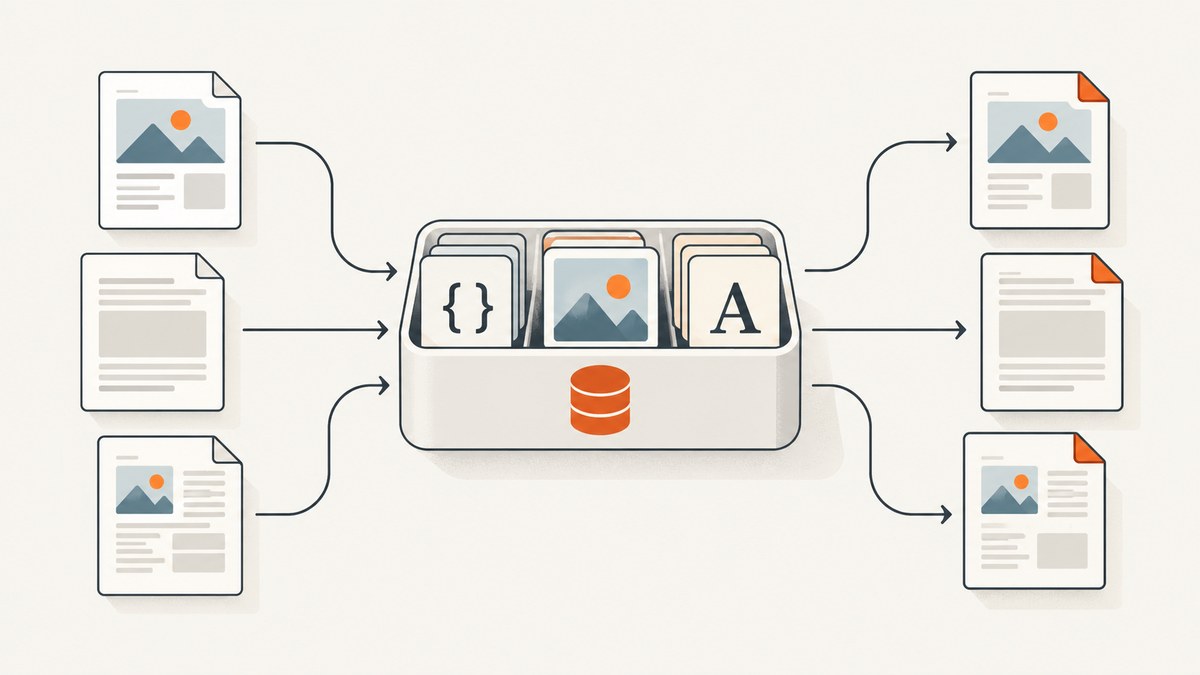
Direct answer: Give wkhtmltopdf a stable, writable cache directory with --cache-dir, and make every document refer to the same static asset paths or URLs. For repeatable batches, stage CSS, images, and fonts before rendering. The option identifies a web cache directory; the official documentation does not promise eviction rules, persistence, a cache format, or safe concurrent writers. Verify cache reuse with the exact binary, filesystem, and worker count you will deploy. wkhtmltopdf usage documentation.
This guide covers batch design, example commands, local-file access, error behavior, security, and operational checks. The key distinction is that --cache-dir is a renderer setting, while asset staging, immutable names, and concurrency limits are deployment choices you must validate.
1. What the cache does—and what it does not guarantee
wkhtmltopdf renders HTML and may load linked resources such as stylesheets, images, and fonts. The --cache-dir <path> option sets its web cache directory. When the same stable resource is requested repeatedly, a cache may avoid retrieving it again, but the option’s documentation does not specify exactly when a response is reused or how long it remains there.
Do not treat a shared cache as a guaranteed cross-process asset store. The official reference does not establish whether concurrent processes coordinate writes, whether cache entries survive a restart, or how entries are invalidated. If correctness depends on fresh assets, use versioned asset URLs or paths and test the deployed build. If correctness depends on cache reuse, measure that reuse in your own environment.
The project download page lists 0.12.6 as the stable series, released June 11, 2020. Record your actual version and build, including whether it uses patched Qt, rather than assuming all distributions behave identically. Fonts and fontconfig configuration also affect rendering and runtime. Project downloads.
2. A repeatable batch setup
- Pin the renderer environment. Use a fixed wkhtmltopdf binary, operating-system image, installed fonts, and fontconfig configuration. Record these alongside the template version so output differences can be traced.
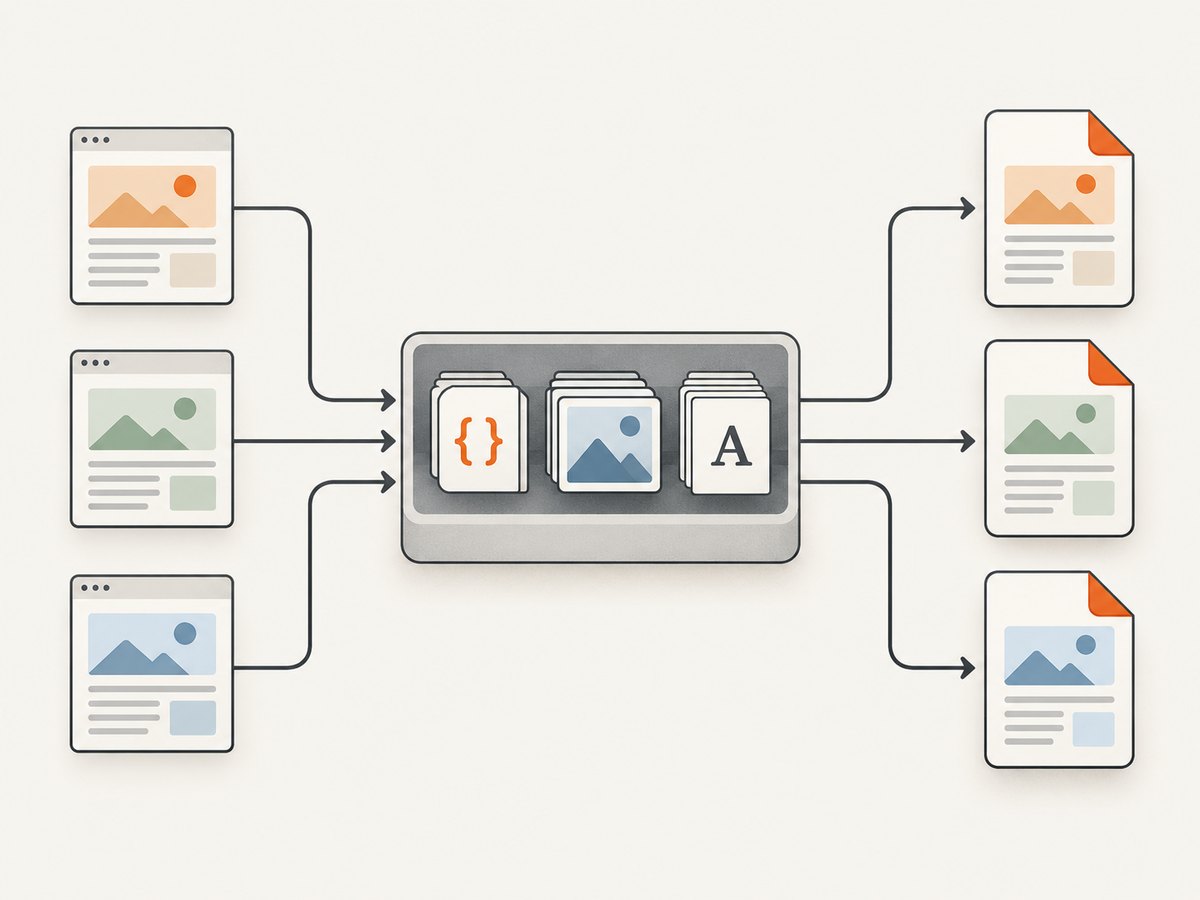
- Prepare shared assets once. Download or build CSS, images, and fonts before the batch starts. Store them in a controlled read-only directory or serve them from an internal origin. This reduces dependence on public CDNs during each render.
- Use consistent references. Each HTML document should point to the same asset URL or local path. Avoid per-document query strings or generated names when the bytes are unchanged.
- Choose a writable cache path. Create the directory when the worker starts and ensure the worker user can write to it. Use a per-worker directory until concurrent sharing has been tested on the production filesystem.
- Version changed assets. Use names such as
styles.2026-09.cssor a content hash. This gives changed content a new address and avoids relying on undocumented invalidation behavior. - Fail on required missing resources. Select an appropriate load-error policy, and verify the resulting exit status and output. A PDF that exists is not necessarily complete.
Example: one worker and a staged asset directory
Suppose the worker image contains a template and its assets at /srv/report-assets. The HTML can reference local files, but local-file access should be restricted to the approved directory. The command below uses --allow for that directory and assigns a worker-specific cache path:
wkhtmltopdf \
  --cache-dir /var/cache/wkhtmltopdf/worker-01 \
  --allow /srv/report-assets \
  --load-error-handling abort \
  --load-media-error-handling abort \
  /srv/jobs/report.html \
  /srv/jobs/output/report.pdf
The load-error options are documented by the command-line reference. Check the option spelling and behavior in the binary you actually ship. If your HTML uses no local files, omit --allow. If a required image or stylesheet should stop the job when unavailable, test that the selected error policy causes the batch runner to mark the job failed.
Example: render many input documents sequentially
This shell pattern reuses one worker cache path for sequential jobs. It stops on the first failed render instead of silently leaving a partial batch. It assumes each input has a matching output filename and that paths contain no newlines.
#!/usr/bin/env bash
set -euo pipefail

cache_dir=/var/cache/wkhtmltopdf/worker-01
mkdir -p "$cache_dir"

for html in /srv/jobs/html/*.html; do
  name=$(basename "$html" .html)
  wkhtmltopdf \
    --cache-dir "$cache_dir" \
    --allow /srv/report-assets \
    --load-error-handling abort \
    --load-media-error-handling abort \
    "$html" "/srv/jobs/output/${name}.pdf"
done
For parallel jobs, allocate a cache directory per worker unless you have verified shared-cache behavior under the same concurrency and filesystem as production. Sharing may reduce duplicate retrievals, but that benefit is a hypothesis to measure, not a documented guarantee.
3. Choose where assets live
| Strategy | Good fit | Trade-off |
|---|---|---|
| Pre-staged local files | High-volume deterministic batches with controlled templates | Assets must be packaged and local file access must be constrained correctly. |
| Shared internal HTTP origin plus cache directory | Workers need one managed asset source | Network access remains part of rendering; test cache reuse, HTTP behavior, and concurrent writers. |
| Per-worker cache directories | Isolated or short-lived workers | Workers can fetch duplicate copies and use more storage. |
| Inline CSS or data URIs | Very small, stable critical assets | HTML grows, updates are harder to manage, and large embedded resources are unwieldy. |
For a controlled batch, local staging is often the simplest way to reduce network variation. For shared assets that change independently of the worker image, an internal HTTP origin can be easier to update. Keep the asset strategy separate from the cache policy: first make the references stable, then confirm whether the cache is helping.
Local-file access boundaries
The command-line reference includes --allow <path>, --enable-local-file-access, and --disable-local-file-access. Prefer allowing only the directories the document needs. Enabling access broadly can let document content read files the worker can access. The project’s security guidance warns against using wkhtmltopdf with untrusted HTML unless user-supplied HTML and JavaScript are sanitized; it also discusses disabling local-file access and mandatory access controls. CLI options · Project security and status guidance.
4. Cache invalidation and consistency
Use immutable asset names as the primary invalidation rule. For example, when CSS changes, publish report.8f31c2.css and update the template to point to it. This makes the requested address identify a particular version, independent of any undocumented cache freshness behavior.
- Do not overwrite an asset at a stable URL during a batch if different documents must use the same version.
- Deploy templates and their referenced asset set together, or include a version identifier in both.
- Keep old asset versions available until jobs using older templates have completed.
- Clear or rotate cache directories only as an explicit operational action; do not assume a specific cleanup mechanism or eviction policy.
- Check HTTP caching headers on an internal origin if you use one, but confirm wkhtmltopdf’s actual behavior instead of inferring it from browser behavior.
If one document renders with old CSS and another with new CSS, first compare their exact asset URLs and the worker’s deployment version. Then reproduce with an empty cache and a warm cache. This separates address/version mistakes from cache behavior.
5. Reliability, performance, and cost
Measure your own workload
No official benchmark in the cited documentation establishes a cache-hit rate or a fixed speedup for batch rendering. Compare cold and warm runs using the same template, assets, renderer build, process count, and filesystem. Record total batch duration, per-document duration, failures, asset bytes fetched, and worker memory and storage. Change one variable at a time: local staging, cache reuse, worker concurrency, or asset size.
Cache reuse can reduce repeated retrieval, but it does not remove HTML parsing, layout, font shaping, image decoding, pagination, or PDF writing. Large images, complex layouts, and missing or slow dependencies can still dominate. Resize source images to the resolution the document needs, and avoid needlessly large CSS or fonts.
Keep outputs reproducible
Fix the renderer, fonts, fontconfig, template, and asset versions across workers. Set image DPI and JPEG quality deliberately when those settings apply to your output; the library settings expose controls for them. Compare rendered output after changing those values because smaller or faster output may alter image fidelity. Library page settings.
Budget the batch
There is no cache license price described in the cited documentation. Operational costs come from worker CPU and memory, cache storage, asset hosting, network transfer, and retries. A shared cache may reduce repeated transfer but can add coordination or filesystem contention; per-worker caches are simpler to isolate but may duplicate downloads. Use measurements from the target workload to choose. Set a maximum worker count based on observed resource use and queue capacity, and preserve enough disk space for both cache data and completed PDFs.
6. Troubleshooting
| Symptom | Likely cause | What to check or change |
|---|---|---|
| Cache directory cannot be created or written | Missing directory or worker permissions | Create it at worker startup; set ownership and permissions for the service account; verify available disk space. |
| Assets download again for every document | Different URLs, per-job cache paths, or cache behavior not reused across processes | Log the exact references; use stable names; test sequential reuse; verify cross-process behavior before sharing a path. |
| Updated CSS does not appear | Stable URL still names an old cached resource, or a different template is running | Version the asset URL, check the generated HTML, and compare a fresh-cache run. |
| Images or styles are missing from the PDF | Resource URL is unreachable, local path is outside the allow list, or load policy skipped/ignored an error | Check paths from the worker environment; allow only the needed directory; choose a strict error policy for required resources. |
| Local file access is denied | Local access is disabled or the path is not permitted | Use --allow for the narrow approved directory. Use broad local access only when the input and worker boundary justify it. |
| Batch outputs differ across workers | Different binary builds, fonts, fontconfig, templates, or assets | Record and pin those inputs; compare asset versions and renderer command lines. |
| Parallel jobs fail intermittently | Shared cache behavior or filesystem contention has not been validated | Reproduce at production concurrency. Try per-worker cache directories and compare reliability and transfer cost. |
| PDF is produced despite a missing resource | The configured load-error policy may skip or ignore that failure | Use the abort policy where appropriate and have the batch runner check the process exit code and output validity. |
7. Security checklist for batch workers
- Sanitize or reject untrusted HTML and JavaScript; wkhtmltopdf’s project guidance warns that untrusted markup can compromise the server.
- Run as a dedicated least-privilege user with access only to job inputs, approved assets, cache, and output directories.
- Use
--allowto limit local file access. Do not expose the whole worker filesystem to document content. - Restrict worker network access to required origins where practical, especially when HTML can contain externally supplied URLs.
- Separate cache and output directories by worker or tenant when isolation requirements call for it.
- Set job timeouts and resource limits in the surrounding worker system; test timeout and retry behavior with representative failures.
8. Or skip the browser setup
If your goal is to capture web pages as images rather than generate paginated PDFs, ScreenshotNeo provides a website screenshot API. Its API returns PNG, JPEG, WebP, or PDF; see the ScreenshotNeo API documentation for request options. For a one-call image capture:

curl -G "https://api.screenshotneo.com/v1/shot" \
  -d access_key=YOUR_API_KEY \
  --data-urlencode url=https://stripe.com \
  -o shot.webp
ScreenshotNeo accepts cookie and consent banners and removes more than 60 known consent platforms, newsletter popups, and chat widgets before capture; each cleanup step can be turned off. Bot checks, blank pages, timeouts, failed loads, and cache hits are not billed, and the response identifies page verdict and billing status in headers. Its MCP server gives AI agents tools for screenshots, page information, and PDF capture. The free plan includes 1,000 screenshots a month with no card; paid plans start at $5 for 3,000. Sign up for 1,000 free screenshots a month.
9. FAQ
Can multiple wkhtmltopdf processes use one cache directory?
The documentation does not establish cross-process locking or concurrent-writer guarantees. Test the exact build, filesystem, and process count you plan to run. Use per-worker paths if you need isolated behavior.
Does wkhtmltopdf automatically expire old cache entries?
The cited usage reference does not define eviction or persistence guarantees. Manage cache lifecycle operationally and do not rely on an assumed expiration interval.
Is --enable-local-file-access required for local images?
Local access must be permitted for local resources. Prefer --allow with the narrow directory needed; the broad enable option should be used only when its wider access is acceptable.
Will a warm cache make every PDF faster?
Not necessarily. Rendering and PDF writing still take time, and the amount of repeated asset retrieval varies. Measure cold and warm runs on your own documents and deployment.
Should I use wkhtmltopdf for every PDF workflow?
It fits HTML-to-PDF rendering where its output and deployment constraints work for you. For a website screenshot or a direct webpage-to-PDF API workflow, compare the required output and controls with ScreenshotNeo’s documented options.


