How to Make wkhtmltopdf Generate PDFs When HTML Images Are Broken
Diagnose missing HTML images in wkhtmltopdf and generate PDFs safely with practical fixes for paths, access, JavaScript, CSS, and failed resources.
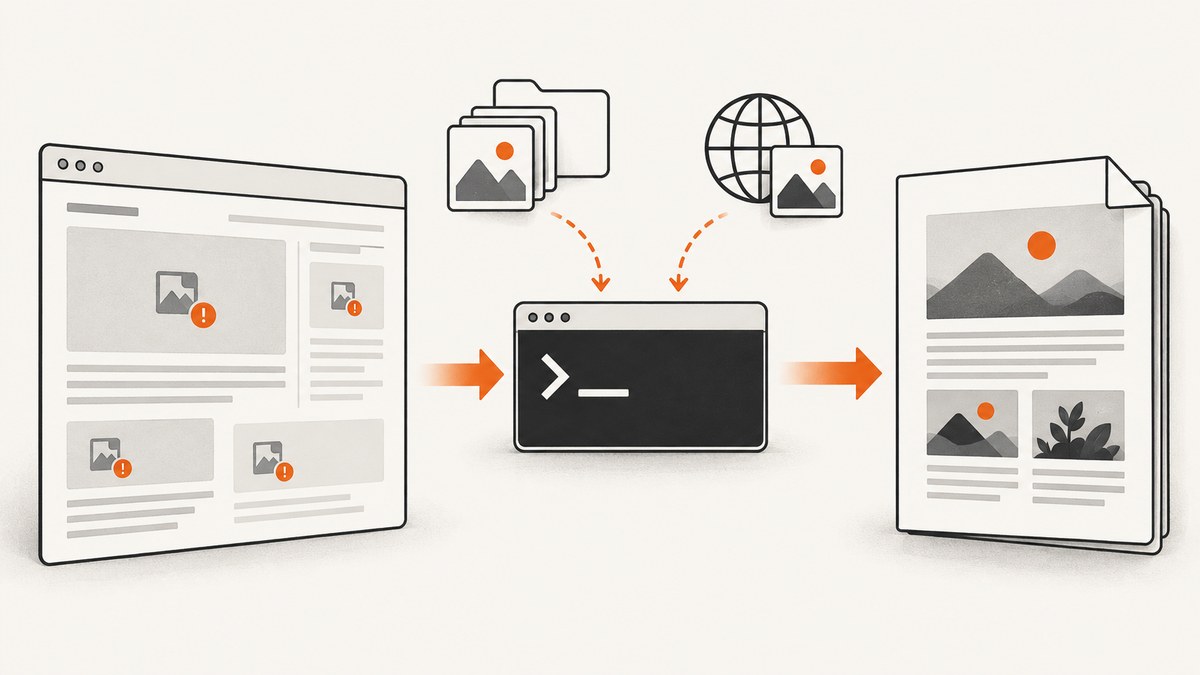
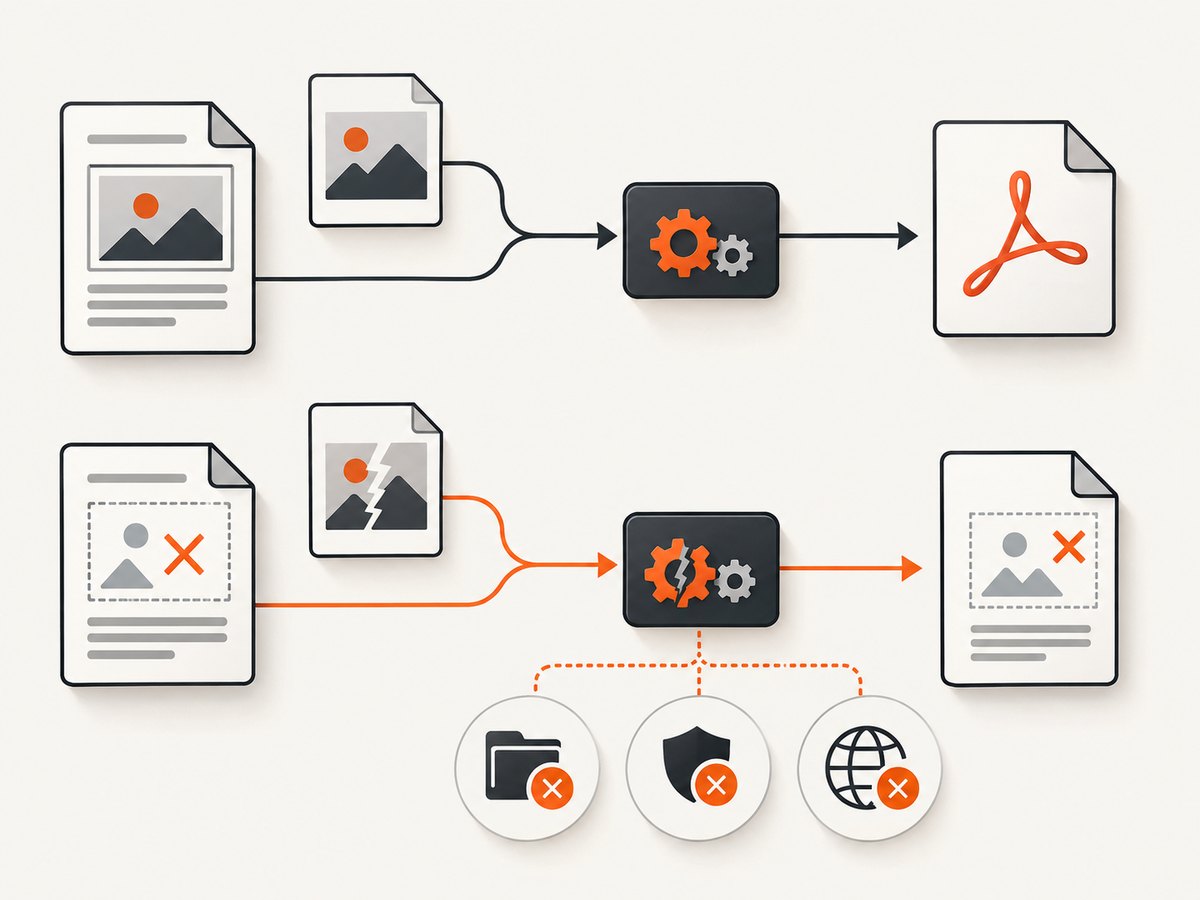
Short answer: wkhtmltopdf normally loads images. When images are missing, first confirm that --no-images was not added by a wrapper, then determine whether each image is local, remote, or inserted by JavaScript. Fix the path or access policy, verify that the converter process can reach the resource, wait for dynamically created images, and compare screen and print CSS. If the image still cannot load, choose a media-error policy that lets the PDF finish, but understand that this only controls failure handling; it does not repair a nonexistent or inaccessible image.
This guide gives a repeatable diagnostic process, runnable commands, security boundaries, production advice, and an API alternative when managing a browser binary is unnecessary.
1. Start with a minimal reproduction
Reduce the problem to one HTML file and one image. Record the exact wkhtmltopdf version, operating system, package source, and command line. Build differences matter: the official project download page lists 0.12.6 as the stable release dated June 11, 2020, and warns that distribution packages can differ from builds with patched Qt.
wkhtmltopdf --version
uname -a
wkhtmltopdf --log-level info input.html output.pdf 2>wkhtmltopdf.log
cat wkhtmltopdf.log
Use the upstream command reference as the source of truth for your build’s options. If your application uses a wrapper, log the final assembled command rather than only the settings in your application code.
2. Confirm that image loading is enabled
The upstream CLI documents --images as the default and --no-images as the switch that disables loading or printing images. A wrapper may silently add the latter. Search the generated command and configuration before changing HTML.
# Explicitly enable images while diagnosing
wkhtmltopdf --images input.html output.pdf
Do not confuse an empty image box with a disabled image feature. If some images appear and others do not, image loading is enabled and the problem is specific to paths, permissions, networking, timing, or CSS.
3. Check local image paths and file access
Relative paths
Relative URLs resolve from the HTML document’s location, not necessarily from your shell’s current directory. This file layout should work when index.html is passed as a local file:
project/
  index.html
  assets/
    logo.png
<img src="assets/logo.png" alt="Logo">If your program writes HTML to a temporary directory, copy or reference the assets relative to that directory. An absolute file URL can remove ambiguity:
<img src="file:///srv/render/assets/logo.png" alt="Logo">Local-file access controls
The upstream documentation lists local-file access as disabled by default in relevant builds. You can allow a specific directory with --allow, or enable broad access with --enable-local-file-access.
# Prefer the narrowest directory allowance
wkhtmltopdf --allow /srv/render/assets /srv/render/index.html output.pdf

# Broader access; use only when you fully trust the input
wkhtmltopdf --enable-local-file-access /srv/render/index.html output.pdf
Check the process identity and permissions as well as the path:
namei -l /srv/render/assets/logo.png
sudo -u wkhtmltopdf test -r /srv/render/assets/logo.png && echo readable
Do not broadly enable local-file access for untrusted HTML. The project’s security guidance warns against rendering untrusted HTML and recommends operating-system controls such as AppArmor to limit filesystem access. Treat HTML, CSS, JavaScript, and image URLs as input that can attempt to read local data.
4. Verify remote image URLs from the converter host
A URL that works in your laptop browser may fail in the machine or container running wkhtmltopdf. Test the exact URL there, including redirects, authentication, DNS, proxy, TLS, and hotlink restrictions.
curl -IL "https://example.com/assets/photo.jpg"
curl -L --fail --show-error "https://example.com/assets/photo.jpg" -o /tmp/photo.jpg
file /tmp/photo.jpg
Look for an HTML error page saved with an image extension, a redirect to a login page, certificate failures, or a response that requires cookies or an authorization header. The wkhtmltopdf command reference documents proxy and custom-request options; configure only what the target actually requires.
# Example proxy diagnostic
wkhtmltopdf --proxy http://proxy.internal:8080 page.html output.pdf
If a server blocks the wkhtmltopdf user agent, verify the policy before attempting to disguise the client. If the image requires credentials, use a controlled internal endpoint or a supported authenticated request configuration and avoid putting secrets in publicly readable HTML.
5. Decide how failed resources should affect the PDF
wkhtmltopdf has separate policies for page failures and media failures. The documented defaults are abort for page loading and ignore for media loading. Each option accepts abort, ignore, or skip.
# Finish the PDF while ignoring failed media
wkhtmltopdf --load-media-error-handling ignore page.html output.pdf

# Skip failed media explicitly
wkhtmltopdf --load-media-error-handling skip page.html output.pdf

# Fail the conversion if media cannot load
wkhtmltopdf --load-media-error-handling abort page.html output.pdf
These settings are failure policies, not image fixes. ignore can produce a PDF with a blank area; skip can omit the failed media; abort makes the failure visible to your job queue. Choose based on whether an incomplete document is acceptable, and inspect stderr so missing assets do not go unnoticed.
6. Wait for JavaScript-generated images
JavaScript is enabled by default, and the documented default delay is 200 milliseconds. Pages that insert an <img> after an API response, lazy-load images on scroll, or replace a placeholder after hydration may need a readiness signal.
Use a bounded delay
wkhtmltopdf --javascript-delay 1500 dynamic.html output.pdfIncrease the delay only after checking that the page actually becomes complete. A long delay increases latency for every request and still cannot fix a blocked URL.
Use a window-status marker
If you control the page, set a status value after all required images have loaded:
<script>
  Promise.all([...document.images].map(img => img.complete
    ? Promise.resolve()
    : new Promise(resolve => {
        img.addEventListener('load', resolve, { once: true });
        img.addEventListener('error', resolve, { once: true });
      }))).then(() => {
        window.status = 'pdf-ready';
      });
</script>
wkhtmltopdf --window-status pdf-ready page.html output.pdfThis coordinates with the page, but it does not make failed images successful. Resolve error events deliberately so one broken asset does not leave the converter waiting forever.
7. Test screen versus print media
wkhtmltopdf uses screen media by default. --print-media-type switches to print media. If images disappear only with that flag, inspect print rules for display:none, visibility:hidden, zero dimensions, replacement content, or a different generated markup path.
wkhtmltopdf screen.html screen.pdf
wkhtmltopdf --print-media-type screen.html print.pdf
@media print {
.hero-image { display: block; visibility: visible; }
img { max-width: 100%; }
}
An upstream issue reports missing images with --print-media-type on wkhtmltopdf 0.12.6 patched Qt on macOS 12.6.1. Treat that report as a reason to compare modes and builds, not as proof that every print-mode failure has the same cause.
8. A complete diagnostic command sequence
Run these commands in order and keep the outputs with the failed job:
# 1. Version and build
wkhtmltopdf --version

# 2. Explicit image loading and verbose log
wkhtmltopdf --images --log-level info input.html output.pdf 2>render.log

# 3. Restrict local access to the asset directory
wkhtmltopdf --images --allow "$PWD/assets" input.html output-allowed.pdf

# 4. Give JavaScript more time
wkhtmltopdf --javascript-delay 1500 input.html output-delayed.pdf

# 5. Compare print CSS
wkhtmltopdf --print-media-type input.html output-print.pdf

# 6. If incomplete output is acceptable, ignore media failures
wkhtmltopdf --load-media-error-handling ignore input.html output-partial.pdf
Do not apply every flag permanently. The useful result is the smallest change that explains the behavior.
9. Common errors and fixes
| Symptom | Likely cause | Fix |
|---|---|---|
| All images are missing | --no-images or wrapper default |
Remove it or pass --images; inspect the final command. |
| Local images fail with a warning | Path is wrong or local-file access is blocked | Resolve paths from the HTML location; use a narrow --allow directory. |
| Remote images fail only in production | DNS, proxy, TLS, authentication, or egress policy | Run curl from the converter host and fix the environment or request. |
| Placeholder remains | Image is inserted after the default delay | Use a bounded --javascript-delay or reliable --window-status. |
| PDF exits successfully but has blanks | Media failures are ignored | Review stderr and choose abort if missing images invalidate the document. |
| Only print output loses images | Print CSS or build-specific behavior | Inspect @media print, compare builds, and record version details. |
| Works on one machine only | Distribution package lacks patched Qt features or differs in fonts/libraries | Record package source and OS; test the same build in every environment. |
10. Reliability, performance, and cost considerations
Reliability
- Fail fast when required images are missing by using
abortand checking the exit status. - For optional images, use
ignoreorskip, but record a warning in your job metadata. - Pin the wkhtmltopdf build and fonts in your container so output does not change with distribution updates.
- Keep input HTML and assets together in a controlled temporary directory, then remove it after conversion.
- Set an external process timeout. A JavaScript page can wait indefinitely when a readiness condition is never reached.
Performance
Remote assets add DNS, connection, TLS, and download time. Large images increase memory and PDF size. Resize assets before rendering when print resolution does not require the original dimensions. A JavaScript delay adds fixed latency, so a readiness marker is usually more efficient than repeatedly increasing the delay. Parallelize independent conversions at the job-queue level while respecting CPU and memory limits.
Cost
wkhtmltopdf itself is a command-line converter, but your operational cost comes from the machines, network egress, retries, and engineering time needed to maintain browser-compatible HTML. Retrying a request with an inaccessible image usually repeats the same failure. Cache stable assets close to the converter and distinguish transient network errors from deterministic path or permission errors before retrying.
11. Or skip the browser setup
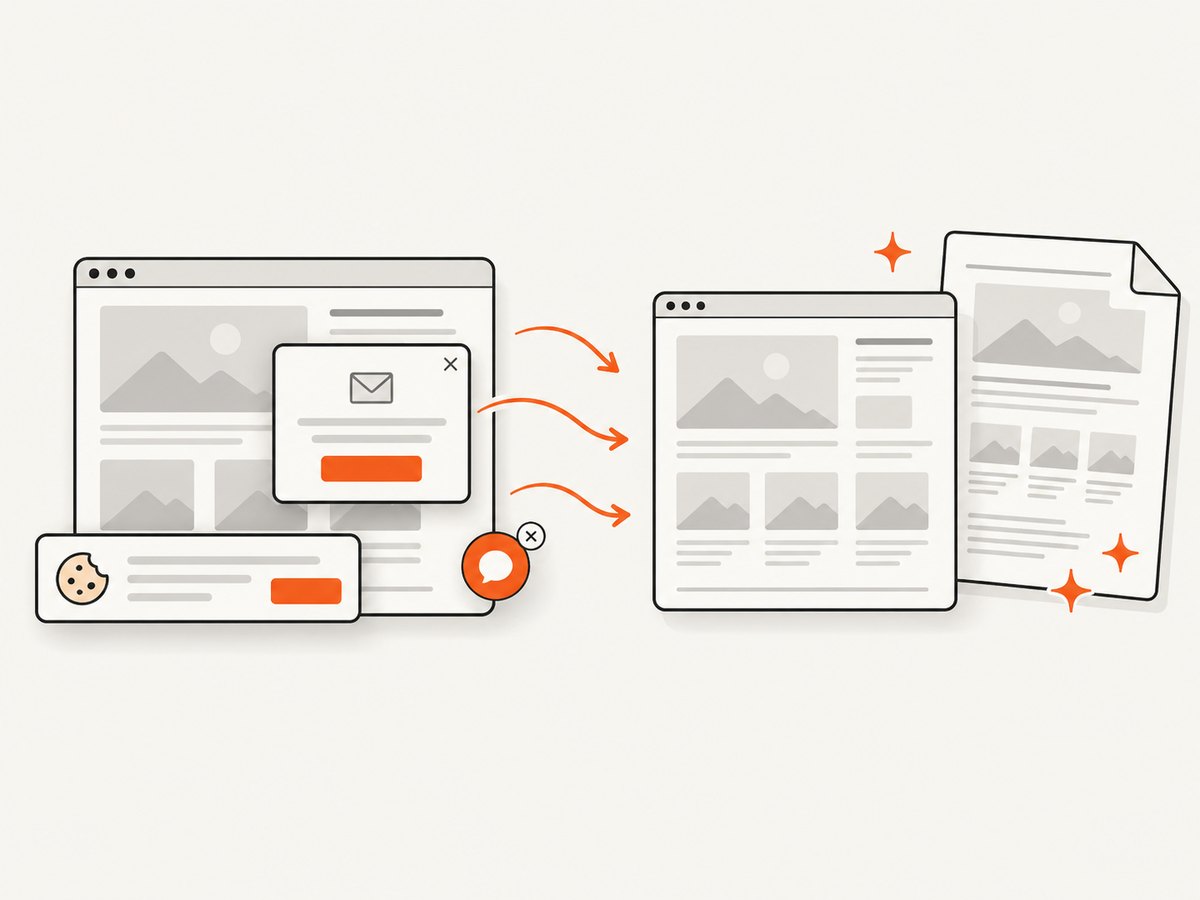
ScreenshotNeo provides a website screenshot API and MCP server. One GET request returns PNG, JPEG, WebP, or PDF output. It accepts cookie and consent banners before capture and removes more than 60 known consent platforms, newsletter popups, and chat widgets; each step can be turned off. Bot checks, CAPTCHAs, blank pages, timeouts, failed loads, and cache hits are not billed, and the response identifies the result with X-Page-Verdict and X-Billed headers.
See the ScreenshotNeo API documentation for all options, including full-page capture with lazy images loaded, CSS-selector element capture, custom CSS and JavaScript, waits, blocked resources, headers, cookies, user agents, authorization, timezone, geolocation, transparent backgrounds, resizing, caching, signed links, asynchronous jobs, webhooks, bulk capture, usage data, and PDF paper, margin, landscape, and page-range settings.
cURL
curl -G "https://api.screenshotneo.com/v1/shot" \
  -d access_key=YOUR_API_KEY \
  --data-urlencode url=https://stripe.com \
  -o shot.webp
Python
import requests

r = requests.get(
    "https://api.screenshotneo.com/v1/shot",
    params={"access_key": "YOUR_API_KEY", "url": "https://stripe.com"},
    timeout=90,
)
r.raise_for_status()
open("shot.webp", "wb").write(r.content)
Node.js
const q = new URLSearchParams({ access_key: 'YOUR_API_KEY', url: 'https://stripe.com' });
const res = await fetch(`https://api.screenshotneo.com/v1/shot?${q}`);
if (!res.ok) throw new Error(`HTTP ${res.status}`);
const data = Buffer.from(await res.arrayBuffer());
require('fs').writeFileSync('shot.webp', data);
ScreenshotNeo also provides an MCP server with take_screenshot, get_page_info, and capture_pdf for Claude, Cursor, and other MCP clients. The Free plan includes 1,000 shots per month with no card; paid plans start at $5 for 3,000 shots. Create a free ScreenshotNeo account.
12. FAQ
Does --load-media-error-handling ignore make a broken image appear?
No. It lets conversion continue after media loading fails. You still need to fix the URL, path, permissions, network, timing, or CSS if the image must be present.
Should I always use --enable-local-file-access?
No. Use --allow for the smallest required directory, especially when any HTML is supplied by users.
Why does increasing --javascript-delay sometimes do nothing?
The image may be blocked, unauthorized, hidden by CSS, or lazy-loaded only after scrolling. A delay cannot correct those conditions.
Which version should I install?
Record and standardize the build that works for your document. Official and distribution packages can differ in Qt patches and supported behavior, so test the exact package in your deployment environment.
Can I generate a PDF without running wkhtmltopdf?
Yes. ScreenshotNeo’s API can return PDF output from a URL and handles browser setup, consent elements, waits, and failed-page verdicts for you.


