What CSS3 Features Does wkhtmltopdf Support in Rotativa?
wkhtmltopdf in Rotativa uses an old Qt WebKit engine. Learn which CSS3 features are reliable, what commonly breaks, and how to test your build.
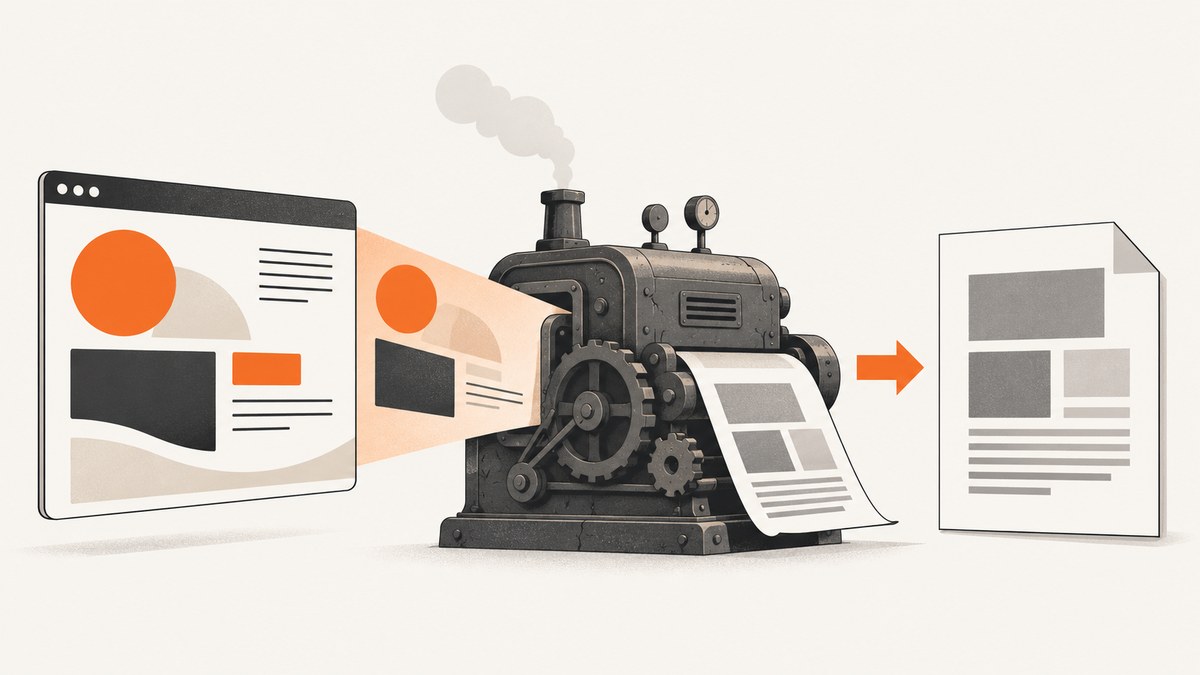
Short answer: Rotativa does not implement CSS3 itself. Rotativa.AspNetCore invokes the wkhtmltopdf executable, so CSS support depends on that exact binary, its Qt WebKit build, operating system, and command-line switches. Treat support as a compatibility question for your build rather than as a complete CSS3 checklist.
wkhtmltopdf uses Qt WebKit, an engine whose WebKit code was not kept current with modern browsers. The project says QtWebKit was deprecated in 2015, removed from Qt in 2016, and that the WebKit in Qt 4 had not been updated since 2012. The repository was archived on January 2, 2023. See the wkhtmltopdf project status page and its archived source repository.
What Rotativa actually supports
Rotativa passes HTML and CSS to wkhtmltopdf. Its custom switches can change conversion behavior, but they do not upgrade the embedded browser or add missing CSS implementations. Options such as a user stylesheet and smart shrinking affect configuration and layout, not the age of WebKit.
| CSS area | Practical expectation | How to treat it |
|---|---|---|
| Basic selectors, colors, fonts, borders and spacing | Usually the safest part of the stack | Still verify with the exact binary and fonts installed in production |
| Traditional block and inline layout | Generally the most dependable layout model | Prefer explicit widths, heights and margins for important PDF structure |
display:inline-block |
Reported as failing in at least one 2018 issue | Test it; use simpler block or table layout when the result is unstable |
transform:rotate() |
Reported as not rendering as expected in that issue | Test the required transform in your build before relying on it |
calc() |
width:calc(50% - 32px) was reported as failing in that issue |
Prefer explicit dimensions or a precomputed value where practical |
| Modern layout systems and newer CSS | No complete authoritative compatibility matrix exists | Do not infer support from a current Chrome preview; render a fixture PDF |
| JavaScript-driven styling | Depends on the old WebKit JavaScript environment and timing | Make the page deterministic and wait for required content before capture |
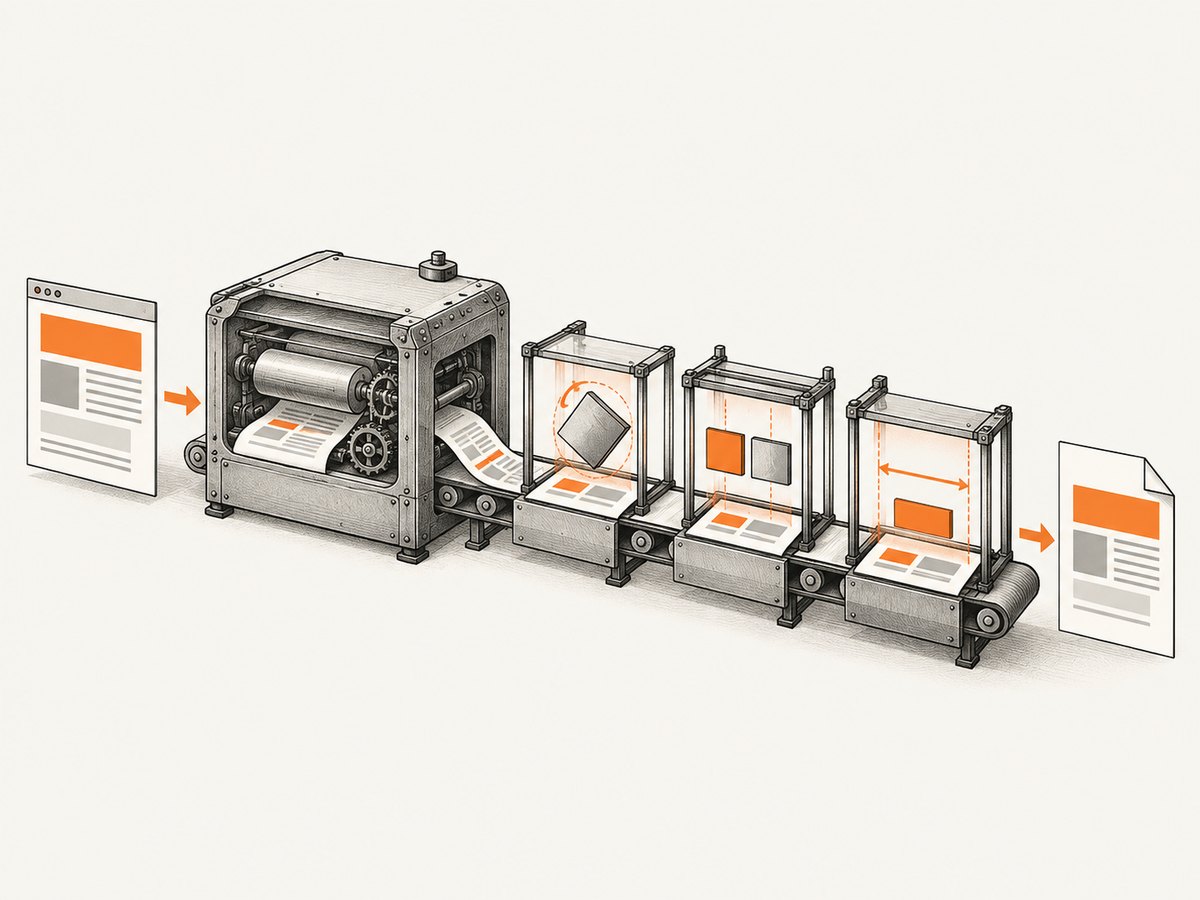
The transform, inline-block and calc() examples come from a user issue opened on September 18, 2018. That report is evidence of a failure in one environment, not proof that every packaged wkhtmltopdf build fails in exactly the same way. The project does not publish a property-by-property CSS3 support table for all builds.
Why the answer changes between environments
- Executable version: distributions and application bundles can contain different wkhtmltopdf releases.
- Patched Qt: some builds include wkhtmltopdf’s patched Qt; this changes conversion capabilities and defaults.
- Operating system and fonts: missing fonts, different font metrics and native dependencies alter line wrapping and pagination.
- Rotativa package and switches: Rotativa’s wrapper version and custom switches affect the input given to the executable.
- Input timing: delayed JavaScript, remote assets and blocked resources can make a CSS problem look like a layout problem.
Build a reproducible CSS support test
Use a small fixture that isolates one property at a time. Run it with the same binary, switches, fonts and deployment image used by your application.
1. Record the rendering environment
wkhtmltopdf --version
# Also record:
# - operating system and architecture
# - Rotativa.AspNetCore package version
# - whether the binary uses patched Qt
# - every custom switch
# - installed fonts
2. Create a fixture page
<!doctype html>
<html>
<head>
  <meta charset="utf-8">
  <style>
    @page { size: A4; margin: 16mm; }
    body { font-family: Arial, sans-serif; color: #111; }
    .case { border: 1px solid #777; margin: 10px 0; padding: 10px; }
    .inline-block > span { display: inline-block; width: 42%; padding: 8px; background: #d9ecff; }
    .transform { width: 120px; height: 40px; background: #ffd6d6; transform: rotate(8deg); margin: 30px; }
    .calc { width: calc(50% - 32px); height: 30px; background: #d9ffd9; }
    .control { width: 50%; height: 24px; background: #eee; }
  </style>
</head>
<body>
  <h1>wkhtmltopdf CSS fixture</h1>
  <div class="case inline-block"><span>Inline block A</span> <span>Inline block B</span></div>
  <div class="case"><div class="transform">Rotated box</div></div>
  <div class="case"><div class="calc">calc width</div></div>
  <div class="case"><div class="control">Explicit width control</div></div>
</body>
</html>
3. Render and inspect the PDF
wkhtmltopdf --enable-local-file-access fixture.html fixture.pdfInspect the PDF itself, not only a browser preview. Keep the fixture and output with your build information so a package or base-image change can be compared.
Using the fixture through Rotativa.AspNetCore
Rotativa’s documentation describes custom wkhtmltopdf switches, including user stylesheets and smart shrinking. The following controller illustrates the shape of a Rotativa response; adapt the setup to the package version and binary path in your application.
using Microsoft.AspNetCore.Mvc;
using Rotativa.AspNetCore;

public class ReportsController : Controller
{
    public IActionResult CssFixture()
    {
        var pdf = new ViewAsPdf("CssFixture")
        {
            FileName = "css-fixture.pdf",
            CustomSwitches = "--print-media-type --enable-local-file-access"
        };

        return pdf;
    }
}
Use switches only for supported conversion settings. A stylesheet switch can replace or add CSS, and smart shrinking can change sizing, but neither switch turns wkhtmltopdf into a current Chromium engine.
Practical CSS patterns for dependable PDFs
Prefer explicit dimensions for critical geometry
When a calculated width is essential, compute it in your server-side view model or use a fixed value appropriate to the page size. This is a local workaround for a tested failure, not a universal claim that every build rejects calc().
Keep important structure in block or table layout
Use normal block flow for sections and tables for tabular data. If an inline-block row is essential, test wrapping at the exact page width and provide a fallback layout.
Make print rules explicit
@media print {
  .screen-only { display: none; }
  .avoid-break { page-break-inside: avoid; }
  .section { page-break-before: always; }
}
Print rules control pagination; they do not compensate for unsupported layout properties. Verify page breaks with representative content lengths.
Control fonts and remote assets
Install the required fonts in the runtime image, use stable asset URLs, and confirm that images and stylesheets are reachable from the conversion process. A fallback font can change line wrapping enough to look like a CSS compatibility regression.
Troubleshooting common failures
| Symptom | Likely cause | Fix |
|---|---|---|
| Rotated element is upright | Transform support differs in the tested WebKit build | Reduce the case to one element, record the version, and use a pre-rotated asset or simpler layout if rotation is required |
| Two inline blocks stack or have unexpected gaps | Reported inline-block behavior or whitespace-sensitive sizing | Test a block/table fallback and remove layout-critical dependence on inline-block |
| Calculated width is wrong or missing | Reported calc() failure in one environment |
Use an explicit or server-computed width and compare the fixture PDF |
| CSS works in Chrome but not in the PDF | Different, older rendering engine | Debug against wkhtmltopdf output and document the supported subset you actually use |
| Layout changes after deployment | Different binary, Qt build, fonts or switches | Pin the executable and runtime image; log wkhtmltopdf --version |
| Stylesheet is ignored | Bad URL, inaccessible file, or local-file restrictions | Check the generated HTML, asset access and required local-file switch |
| Blank or incomplete content | JavaScript or remote resources were not ready | Make rendering deterministic, reduce remote dependencies and configure an appropriate wait strategy |
| Unexpected page count | Smart shrinking, font metrics or content dimensions | Compare with shrinking settings, fixed page dimensions and production fonts |
When to choose another renderer
If the document depends on CSS or JavaScript that your fixture cannot render correctly, evaluate another engine against the actual document. The wkhtmltopdf project status discussion mentions WeasyPrint and Prince for controlled report generation, and Puppeteer for pages that rely on dynamic JavaScript. Those are maintainer suggestions, not a current head-to-head benchmark.
Compare candidates on four axes:
- Fidelity for the CSS properties and JavaScript your pages actually use.
- Page breaks, headers, footers and print-specific controls.
- Deployment requirements, runtime dependencies and platform support.
- Licensing and commercial cost.
Performance, reliability and cost considerations
- Performance: smaller HTML, local assets and fewer blocking requests reduce conversion time. Measure with your real reports; the supplied sources do not provide a current benchmark.
- Reliability: pin the executable, fonts, OS image and switches. Keep a regression fixture for every CSS feature your templates require.
- Pagination: test long text, missing data, large tables and image-heavy pages because line wrapping and resource timing can change page breaks.
- Cost: wkhtmltopdf is a local executable, so infrastructure and engineering time are your main costs. Alternative renderers may have different licensing or service terms; verify them before adoption.
Or skip the browser setup
ScreenshotNeo provides a hosted screenshot and PDF API, so you can capture a URL without packaging wkhtmltopdf or maintaining a browser runtime. Its controls include full-page capture, custom CSS and JavaScript, waits, device and viewport settings, PDF paper size and margins, headers and cookies, and more. See the API documentation.
cURL
curl -G "https://api.screenshotneo.com/v1/shot" -d access_key=YOUR_API_KEY --data-urlencode url=https://stripe.com -o shot.webpPython
import requests
r = requests.get("https://api.screenshotneo.com/v1/shot", params={"access_key": "YOUR_API_KEY", "url": "https://stripe.com"}, timeout=90)
open("shot.webp", "wb").write(r.content)
Node.js
const q = new URLSearchParams({ access_key: 'YOUR_API_KEY', url: 'https://stripe.com' });
const res = await fetch(`https://api.screenshotneo.com/v1/shot?${q}`);
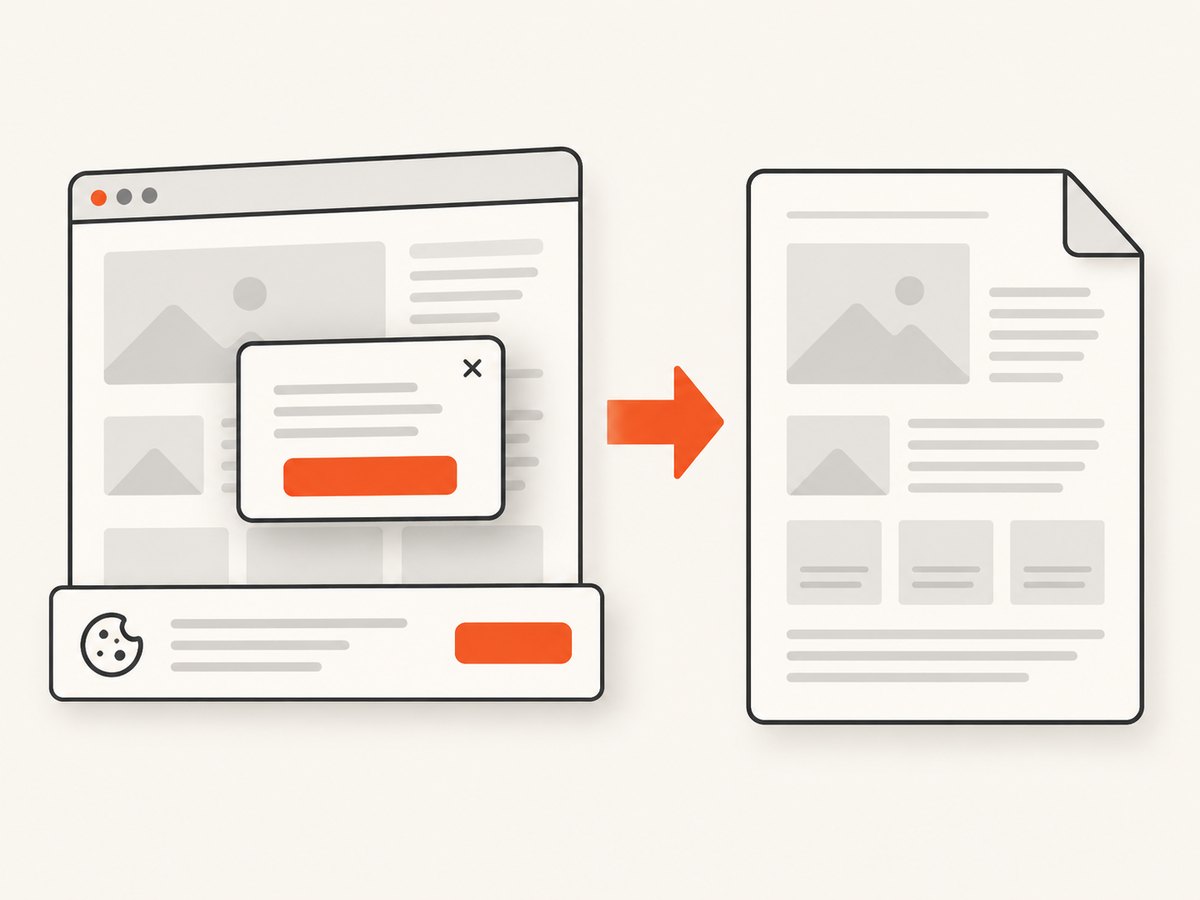
Cookie banners, newsletter popups and chat widgets are removed before the shot. Bot checks, blank pages and failed loads are never billed, and response headers identify the page verdict and billing result. An MCP server lets AI agents take screenshots, inspect pages and capture PDFs. The Free plan includes 1,000 screenshots a month with no card; paid plans start at $5 for 3,000.
Create a free ScreenshotNeo account and start with 1,000 screenshots a month without a card.
FAQ
Does Rotativa add CSS3 support?
No. Rotativa configures and invokes wkhtmltopdf; the embedded Qt WebKit engine determines CSS behavior.
Is there an official complete CSS3 matrix?
Not for every wkhtmltopdf build used through Rotativa. Test the exact binary and deployment environment.
Should I trust a browser preview?
No. Render the same HTML with the production executable and inspect the resulting PDF.
Can a custom stylesheet fix an unsupported property?
It can provide a fallback rule, but a stylesheet switch cannot upgrade the rendering engine.
What should I pin in CI?
Pin the wkhtmltopdf executable or container image, OS dependencies, fonts, Rotativa package and conversion switches, then run a small visual regression fixture.


