How to Set a div Background Color in wkhtmltopdf PDFs
Set a div background in wkhtmltopdf with explicit CSS, then check background printing, media rules, page structure, and common PDF rendering issues.
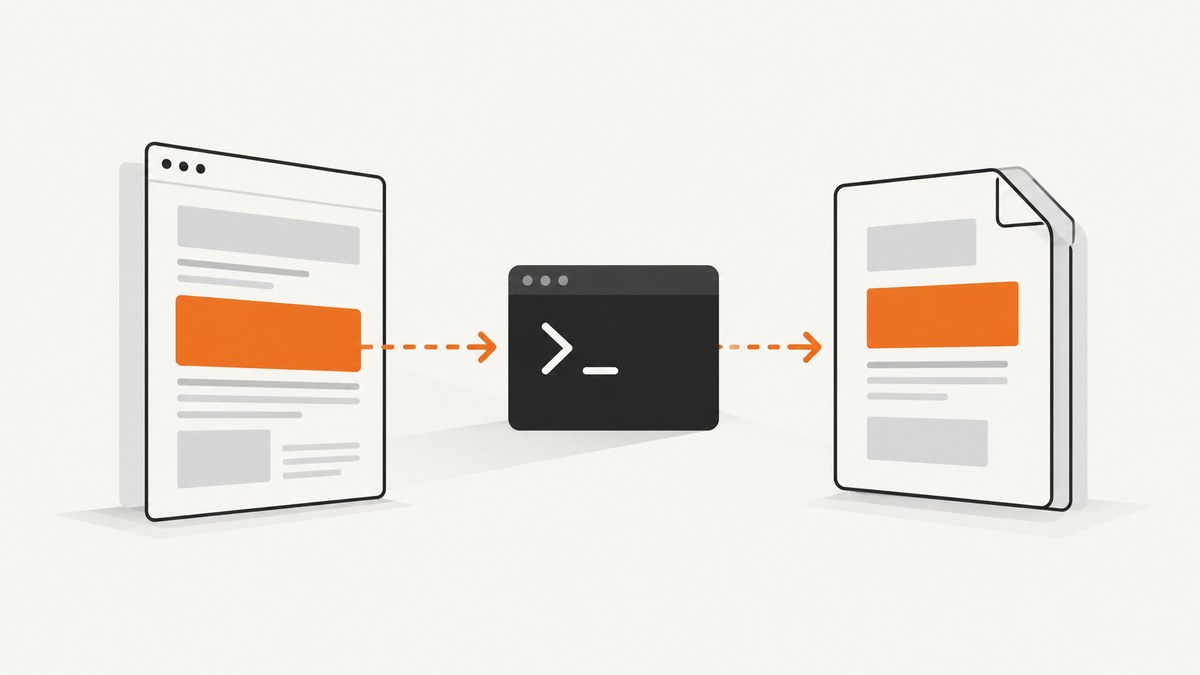
Direct answer: give the div an explicit CSS background-color, then make sure wkhtmltopdf is allowed to print backgrounds. For example:
<div class="panel">Content</div>

<style>
.panel {
  background-color: #e8eef5;
}
</style>
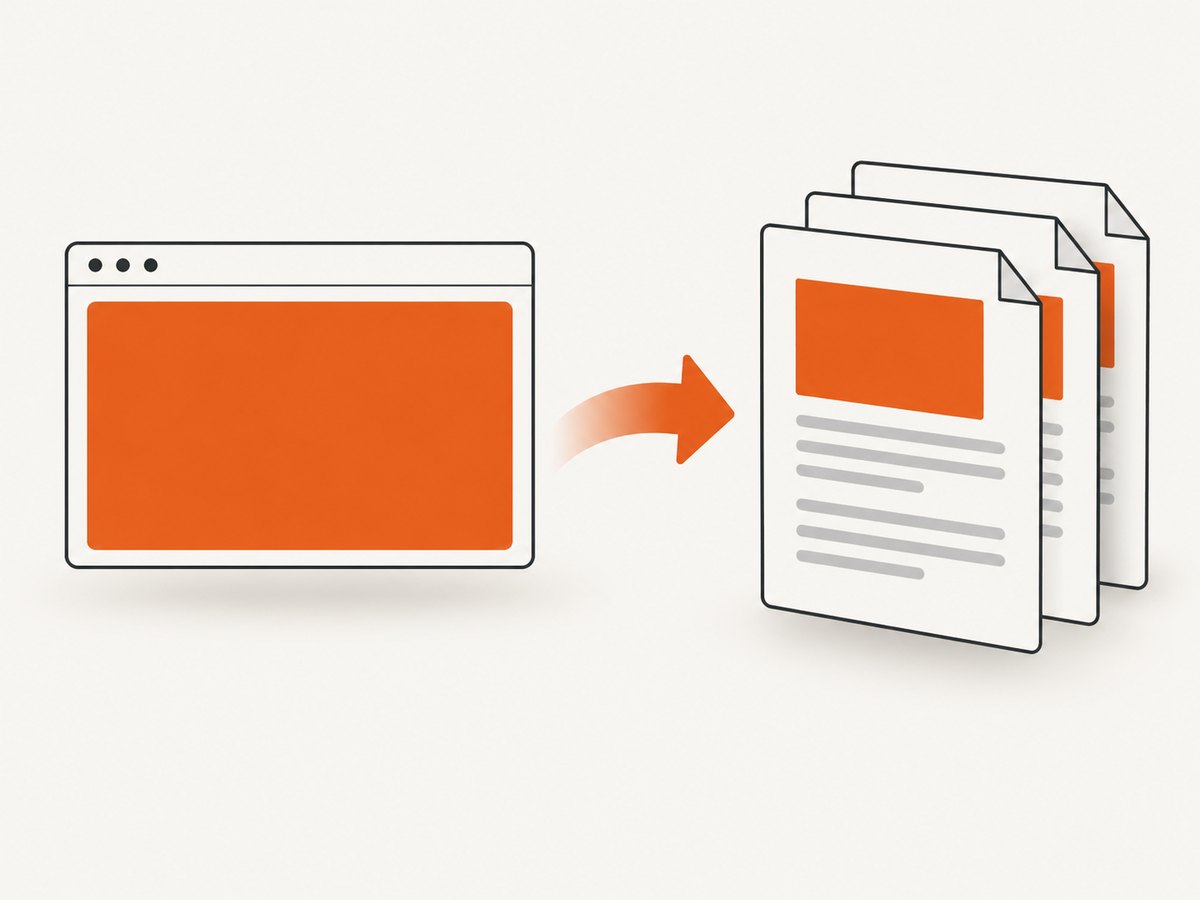
wkhtmltopdf’s documented default is to print backgrounds. The --no-background option disables them, while --background enables them explicitly. See the wkhtmltopdf usage manual.
1. Minimal working example
Save this as card.html:
<!doctype html>
<html>
<head>
  <meta charset="utf-8">
  <style>
    .panel {
      background-color: #e8eef5;
      color: #182230;
      padding: 24px;
      width: 420px;
      border-radius: 8px;
    }
  </style>
</head>
<body>
  <div class="panel">This panel should have a pale blue background in the PDF.</div>
</body>
</html>
Convert it with:
wkhtmltopdf --background card.html card.pdf--background is optional for standard builds because background printing is the default, but specifying it makes the intended behavior clear in scripts and wrappers.
2. Verify that the CSS rule matches the div
- Use a simple, explicit color such as
#e8eef5orred. - Check that the class or ID in the selector exactly matches the HTML.
- Make sure a later rule does not override the background with
background: noneor another color. - Check for inline styles, CSS specificity, and framework styles that apply to the same element.
- Confirm that the HTML file you convert is the file you edited, especially when a build step generates a separate output directory.
/* A diagnostic rule with high specificity */
body div.panel {
  background-color: #ffcc00 !important;
}
Use !important only as a short diagnostic. Once the rule is confirmed, remove it and fix the selector or cascade.
3. Background printing options
| Goal | wkhtmltopdf option | Effect |
|---|---|---|
| Print CSS backgrounds | --background |
Enables background printing. This is the documented default. |
| Suppress CSS backgrounds | --no-background |
Prevents backgrounds from appearing in the PDF. |
| Use screen styles | (default) | Applies rules in the screen media context. |
| Use print styles | --print-media-type |
Applies rules in the print media context. |
If a wrapper, library, or deployment script adds --no-background, the CSS can be correct and the PDF can still have no color. Inspect the final command line rather than only the source code.
4. Screen media versus print media
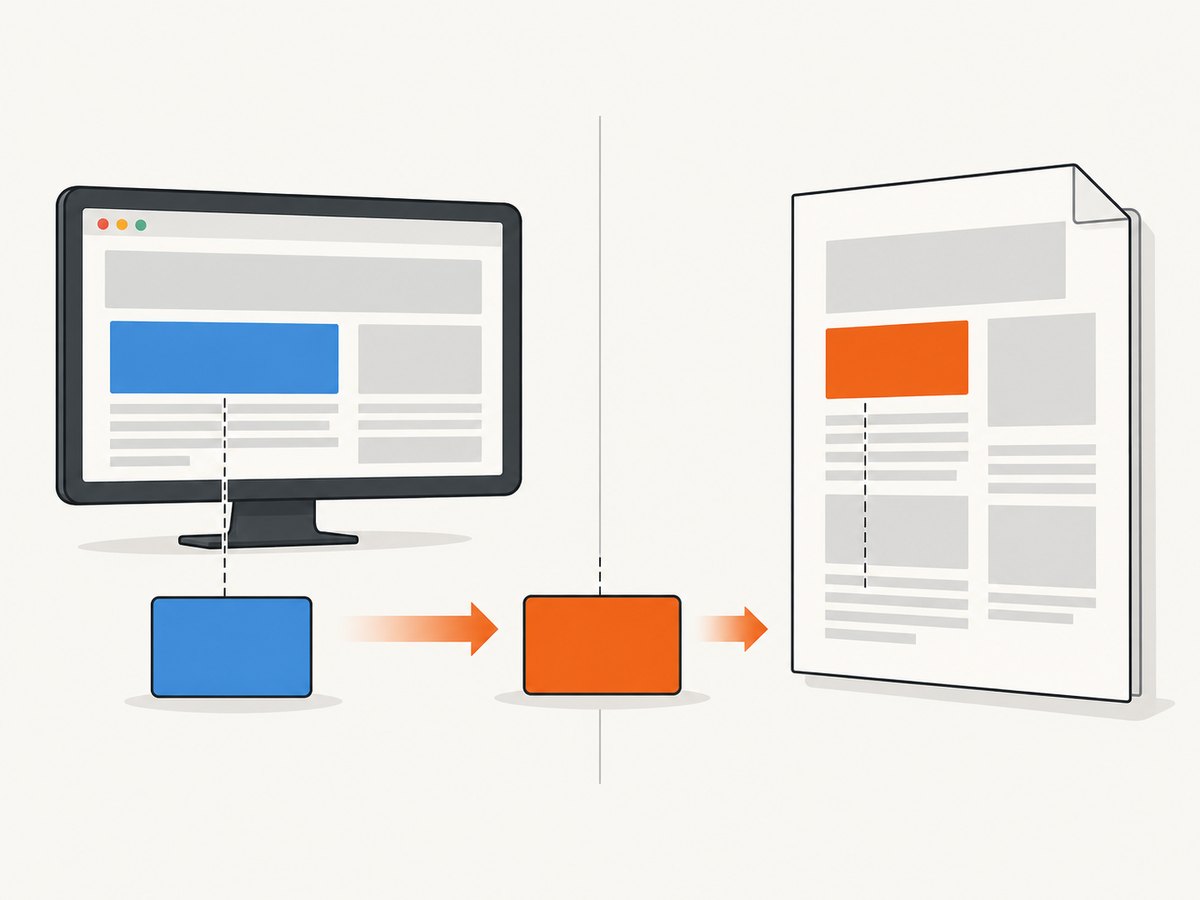
By default, wkhtmltopdf uses screen media. Adding --print-media-type switches to print media. That choice matters when your stylesheet contains separate rules:
.panel { background-color: #dbeafe; }

@media print {
  .panel {
    background-color: #ffffff;
  }
}
With the default invocation, the panel uses the screen rule. With --print-media-type, it uses the print rule and becomes white. Test both modes when a browser preview and the PDF disagree:
wkhtmltopdf --background page.html screen-media.pdf
wkhtmltopdf --background --print-media-type page.html print-media.pdf
Keep the media mode consistent with the stylesheet you intend to render. A print stylesheet may deliberately remove colors to save ink, while a screen stylesheet may contain the colored design.
5. Multi-page documents and full-width backgrounds
A div’s background is painted over that element’s box. If the element ends at a page boundary, its color will not automatically continue onto later pages. For a background that should cover several pages, check the document structure:
- Put the background on a wrapper that actually contains all of the content.
- Avoid fixed heights that end before the content does; prefer
height: auto. - Inspect explicit page breaks such as
page-break-beforeandpage-break-after. - Test with the exact wkhtmltopdf binary and options used in production.
.document {
  background-color: #f3f4f6;
  min-height: 100%;
  height: auto;
}

.section {
  page-break-inside: avoid;
}
Historical issue reports describe backgrounds that stop at content boundaries on later pages and suggest page-structure workarounds. Treat those reports as symptoms to reproduce, not as a universal CSS recipe: behavior can vary by build, document structure, and options.
6. Flat colors versus background images
A flat background-color and a background-image follow different rendering paths. Diagnose them separately. If a color works but an image does not:
- Confirm the image URL is reachable from the conversion environment.
- Use an absolute URL or a correctly resolved local path.
- Check whether the image rule exists only inside
@media print. - Try the default screen-media conversion and then
--print-media-typeto compare. - Check the installed wkhtmltopdf version and its Qt/WebKit build.
A report for wkhtmltopdf 0.12.5 described a print-only background image failing when --print-media-type was used, while making the image rule available outside the print-only block worked around that case. This is version-specific evidence and should not be generalized to every flat color or every release.
7. Complete command examples
Explicit background printing
wkhtmltopdf --background --encoding utf-8 input.html output.pdfPrint stylesheet mode
wkhtmltopdf --background --print-media-type input.html output-print.pdfConvert a local file by absolute path
wkhtmltopdf --background file:///absolute/path/input.html output.pdfUse an absolute path when a relative path causes assets or stylesheets to resolve differently from your shell’s working directory.
8. Automating conversion
Python
from pathlib import Path
import subprocess

html = Path("card.html").resolve()
subprocess.run([
    "wkhtmltopdf",
    "--background",
    str(html),
    "card.pdf",
], check=True)
Node.js
import { execFile } from "node:child_process";

execFile(
  "wkhtmltopdf",
  ["--background", "card.html", "card.pdf"],
  (error, stdout, stderr) => {
    if (error) throw error;
    if (stderr) console.error(stderr);
    console.log("PDF written to card.pdf");
  }
);
In either language, log the exact argument list and wkhtmltopdf version when diagnosing differences between local and production output.
9. Troubleshooting checklist
| Symptom | Likely cause | Fix |
|---|---|---|
| No div backgrounds anywhere | --no-background is being passed. |
Remove it or add --background. |
| Only some divs have color | Selector mismatch, override, or different element structure. | Inspect computed styles and simplify the selector. |
| Browser shows blue, PDF is white | Print media rules replace the screen rule. | Compare default mode with --print-media-type. |
| Color stops on later pages | Wrapper height or page-break structure ends the painted box. | Use an auto-height wrapper and inspect page breaks. |
| Background image missing but color works | Asset path, media rule, or version-specific image behavior. | Test absolute URLs, both media modes, and the installed version. |
| Local and server PDFs differ | Different binary, fonts, options, working directory, or network access. | Record versions, use identical arguments, and make assets resolvable. |
10. Performance, reliability, and cost considerations
- A flat CSS color is usually simpler to render than a large background image; keep the rule explicit and avoid unnecessary assets.
- Every external stylesheet, font, and image adds another dependency. Self-host or make required assets reachable from the conversion environment.
- For reliable builds, pin the wkhtmltopdf binary and record the full command-line options.
- Background printing affects output size and appearance, but this research provides no benchmark for conversion speed or PDF size.
- When diagnosing a failure, reproduce the exact HTML, binary, options, media mode, and environment before attributing the result to one CSS declaration.
11. Or skip the browser setup
If you need rendered screenshots or PDFs without maintaining a wkhtmltopdf environment, ScreenshotNeo provides a website screenshot API. It removes cookie and consent banners, newsletter popups, and chat widgets before capture; bot checks, blank pages, failed loads, timeouts, and cache hits are not billed. Responses identify the page verdict and billing status with X-Page-Verdict and X-Billed headers. Its MCP server lets Claude, Cursor, and other MCP clients call take_screenshot, get_page_info, and capture_pdf.
See the ScreenshotNeo API documentation for all capture options.
curl -G "https://api.screenshotneo.com/v1/shot" -d access_key=YOUR_API_KEY --data-urlencode url=https://stripe.com -o shot.webpimport requests
r = requests.get("https://api.screenshotneo.com/v1/shot", params={"access_key": "YOUR_API_KEY", "url": "https://stripe.com"}, timeout=90)
open("shot.webp", "wb").write(r.content)const q = new URLSearchParams({ access_key: 'YOUR_API_KEY', url: 'https://stripe.com' });
const res = await fetch(`https://api.screenshotneo.com/v1/shot?${q}`);The free plan includes 1,000 screenshots per month with no card. Paid plans start at $5 for 3,000 screenshots, and every feature is included on every plan. Create a free ScreenshotNeo account.
12. FAQ
Does wkhtmltopdf print div background colors by default?
Yes. The usage manual documents background printing as enabled by default. Check that no wrapper adds --no-background.
Should I use --print-media-type?
Use it only when you want print-media CSS. The default is screen media, so compare both when your media queries define different backgrounds.
Why does a background cover only one page?
The painted element may end at the first page or be constrained by a fixed height. Move the color to a wrapper with auto height and inspect page breaks.
Is a missing background image the same as a missing background color?
No. Check image paths, network access, media rules, and version-specific behavior separately from flat-color CSS.


