How to Fix wkhtmltopdf Encoding Issues in C# ASP.NET MVC 4
Trace garbled or missing PDF characters from MVC strings through response bytes, HTML declarations, wkhtmltopdf settings, and server fonts.

When wkhtmltopdf produces garbled or missing characters from an ASP.NET MVC 4 page, trace the whole conversion path: the source file and C# string, the HTML bytes actually returned by MVC, the HTTP Content-Type charset, the HTML document’s own encoding declaration, wkhtmltopdf’s fallback setting, and finally font glyph coverage. Make those layers agree before changing converter settings. --encoding utf-8 supplies a default for input that is not properly declared; it cannot turn incorrectly encoded bytes into valid UTF-8 or resolve contradictory declarations.
This guide shows how to inspect each layer, create a small reproducible case, configure wkhtmltopdf, and distinguish decoding problems from missing fonts. The exact controller, view engine, and wrapper are application-specific, so adapt the examples to the component that writes your PDF. Microsoft’s legacy ASP.NET guidance says that ASP.NET code handles string data as Unicode, while response encoding controls the response charset. Those are related but distinct facts: a Unicode .NET string does not by itself guarantee that the final HTTP bytes and declarations agree. Microsoft Learn: ASP.NET page encoding.
1. Record the environment and make a minimal reproduction
Before changing production code, write down the exact wkhtmltopdf version and build, operating system and version, MVC output path, wrapper library and version, converter arguments, and a small input containing the affected characters. Keep the complete HTML and the command used to convert it. wkhtmltopdf’s support guidance asks for version, OS details, and a detailed test case when reporting issues: wkhtmltopdf support.
- Choose representative text that fails, including punctuation and characters from the affected language or script. Include ordinary ASCII as a control.
- Save a minimal HTML file with the intended UTF-8 declaration and convert it directly with the installed binary.
- Fetch or save the final HTML emitted by the MVC route, preserving its response headers and bytes, and convert that response by the same path used in production.
- Compare the two PDFs and inputs. Failure only in the MVC route points toward response bytes, headers, or HTML generation; failure in both also warrants checking the converter build and fonts.
Do not infer the output encoding from the editor display or the C# string debugger. Inspect the bytes and headers the converter receives. A useful test matrix records whether the problem affects all non-ASCII text or only certain glyphs, whether it appears from a standalone file or only the web response, and whether behavior changes by host or converter build.
2. Verify the HTML bytes and MVC response charset
ASP.NET strings are Unicode in memory, but a response has to be serialized into bytes. The HTTP response’s charset tells a consumer how to interpret those bytes. Separately, the HTML can contain a declaration such as <meta charset="utf-8">. Confirm that the actual byte sequence is valid for the encoding declared by the response and document.
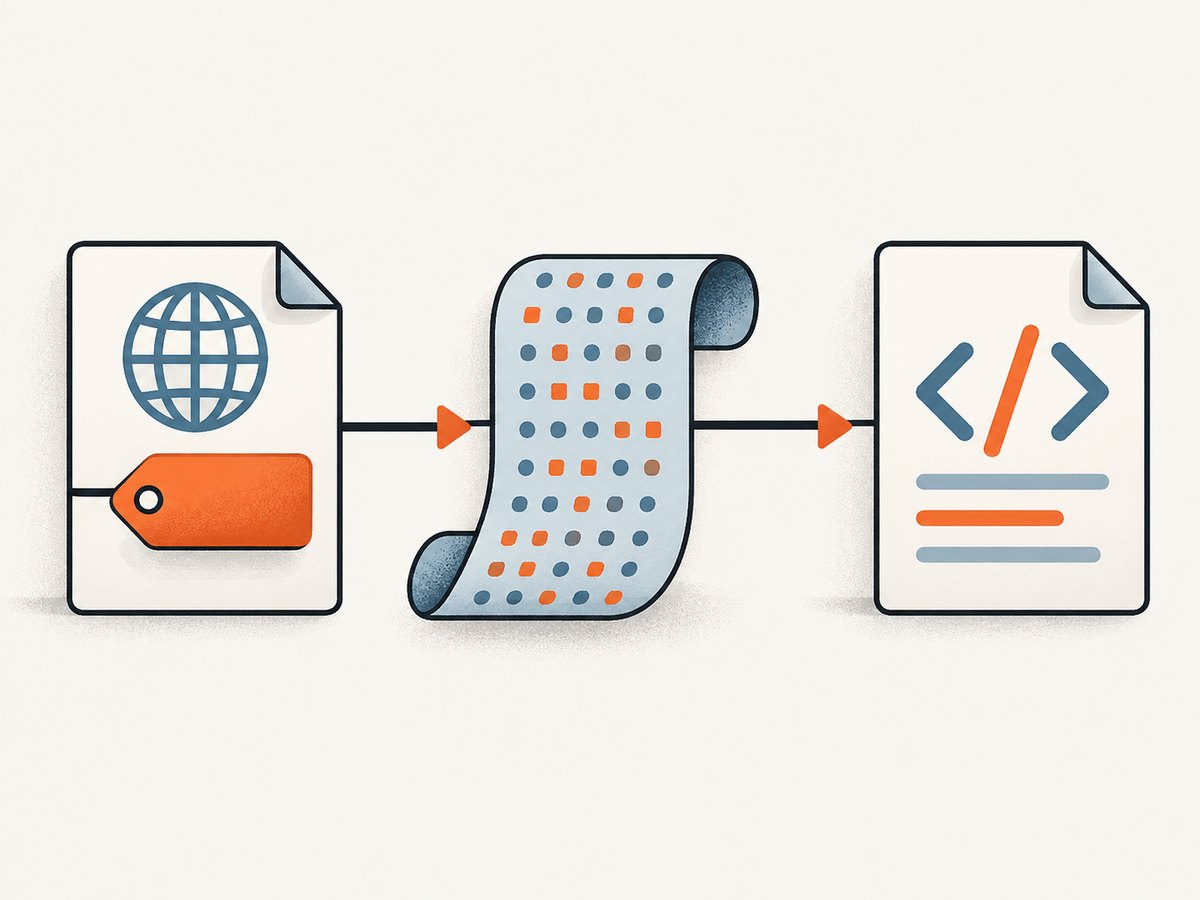
For an MVC action that returns HTML for a downstream converter, make the intended content type explicit. A minimal example is:
public ActionResult PdfSource()
{
    var html = "<!doctype html>" +
        "<html><head><meta charset=\"utf-8\"></head>" +
        "<body><p>Café — 東京 — Привет</p></body></html>";

    return Content(html, "text/html", System.Text.Encoding.UTF8);
}
This illustrates a UTF-8 HTML response; it is not a universal prescription for every MVC action or PDF wrapper. If the wrapper takes a string directly rather than making an HTTP request, find out how that wrapper passes the string to wkhtmltopdf and whether it writes a temporary file or applies a default. Validate that path too.
Inspect the returned response’s Content-Type header and capture its body as bytes. If you save the body for examination, avoid silently opening and re-saving it in an editor that changes the encoding. A diagnostic request can be made with:
curl -D response-headers.txt \
  -o mvc-output.html \
  https://localhost:44300/Report/PdfSource
Check response-headers.txt for a content type such as text/html; charset=utf-8. Then inspect a hex dump or use a script that decodes the bytes strictly as UTF-8. For example, in PowerShell:
$bytes = [System.IO.File]::ReadAllBytes("mvc-output.html")
$utf8 = New-Object System.Text.UTF8Encoding($false, $true)
$html = $utf8.GetString($bytes)
$html.Contains("東京")
A strict decoder throws if the bytes are not valid UTF-8, which is useful diagnostically. A successful decode does not prove the HTML declaration is correct, so inspect the content and markup as well.
ASP.NET configuration distinguishes responseEncoding, which affects response output, from fileEncoding, which concerns source files such as .aspx, .asmx, and .asax. Do not copy a Web Forms configuration example into an MVC application without checking where its HTML is produced. The relevant setting may live in a controller, view, response filter, wrapper, or application configuration. See Microsoft Support’s globalization guidance.
3. Align the HTTP and in-document declarations
If the intended encoding is UTF-8, use actual UTF-8 bytes and declare UTF-8 consistently in the HTML and, for an HTTP response, in the response charset. Put the HTML declaration near the beginning of the document’s head:
<!doctype html>
<html lang="en">
<head>
  <meta charset="utf-8">
  <title>Report</title>
</head>
<body>
  <p>Café — 東京 — Привет</p>
</body>
</html>
For content returned over HTTP, the header and meta declaration should not contradict each other. Also check templates, partial views, and data sources: a view can be correctly encoded while text imported from a legacy database or file has already been decoded incorrectly. Once the wrong characters have entered a .NET string, adding a UTF-8 declaration later only labels the resulting bytes; it cannot recover the original text.
A historical report for wkhtmltopdf 0.12.5 on Debian/Linux describes a case where adding an explicit UTF-8 meta declaration helped even though the locale and converter encoding option did not. Treat that report as a reproduction clue, not a universal fix: wkhtmltopdf issue #5006.
4. Use wkhtmltopdf encoding options as fallbacks
The command-line documentation lists --encoding as the default input text encoding. The settings documentation describes web.defaultEncoding as the encoding to guess when content does not specify it properly. In other words, these settings help when the content is missing a useful declaration. They do not prove that the bytes emitted by MVC are valid UTF-8, and they should not be used to paper over a mismatch.
For a standalone UTF-8 file, a diagnostic command can explicitly select UTF-8:
wkhtmltopdf --encoding utf-8 mvc-output.html report.pdfSome .NET integrations expose wkhtmltopdf through wrapper-specific option objects rather than letting you pass raw command-line arguments. Set the wrapper’s equivalent of --encoding or web.defaultEncoding only after confirming how that wrapper maps options. Do not assume an option name in a wrapper exactly matches the command-line interface.
Primary references: wkhtmltopdf command-line usage and wkhtmltopdf settings.
5. Distinguish encoding corruption from missing glyphs
Encoding problems usually change text into the wrong characters or replacement symbols. Font coverage problems often leave a blank, box, or tofu glyph in place of a particular character while nearby text remains correct. This distinction is a diagnostic hint, not a guarantee.
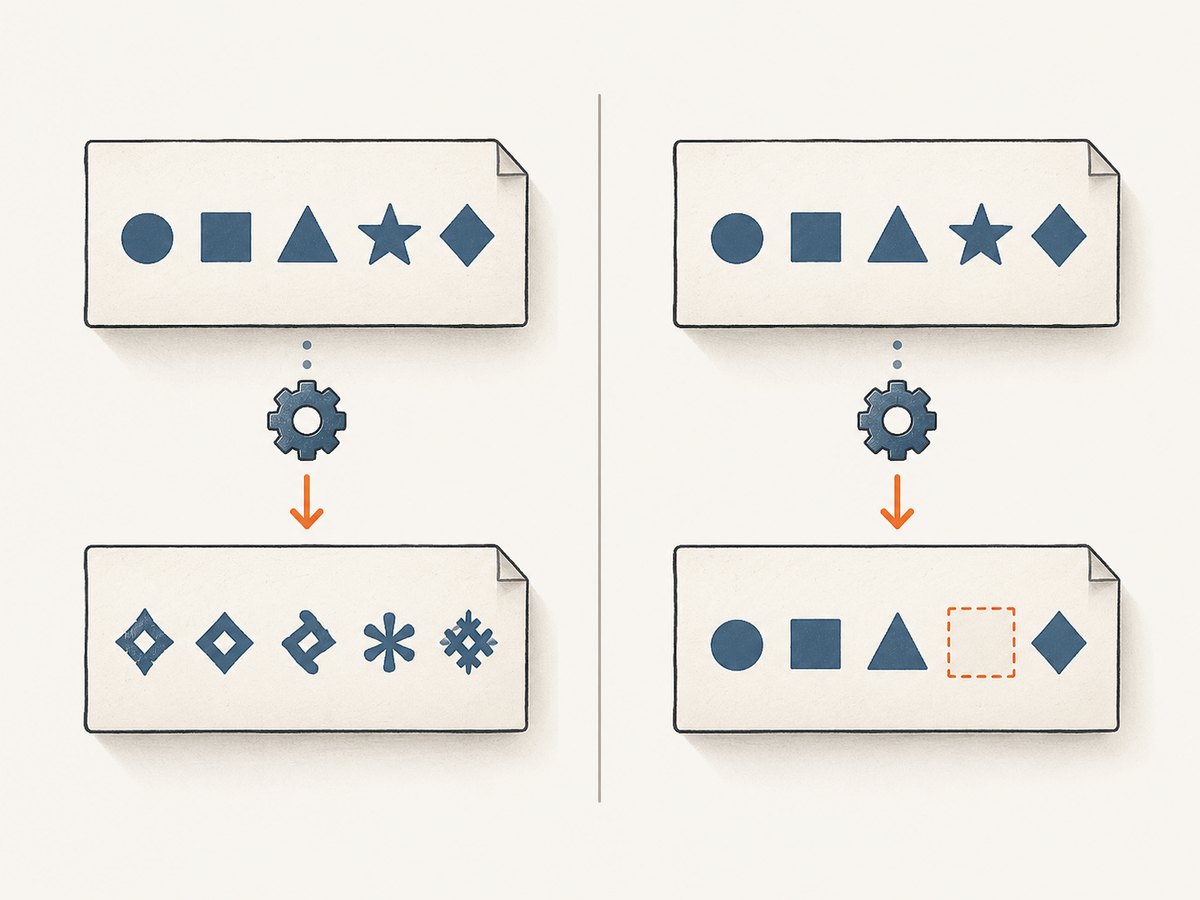
- If many languages become nonsensical, inspect bytes, response charset, and document declaration first.
- If only one script or a few characters are absent, check that the font selected by the HTML is installed on the machine running wkhtmltopdf and includes those glyphs.
- Check the actual service account and runtime environment. A font visible to an interactive desktop user may not be available to a server process.
- Test with a known font available on that host, then verify the same document in the exact production runtime.
A historical issue discussion includes a report attributing missing Chinese characters to font availability on Ubuntu 14.04. A commenter suggested a particular package for that environment; do not treat it as a general package recommendation for modern systems. Confirm the required glyph coverage and package availability on your own OS first: wkhtmltopdf issue #3233.
6. Troubleshooting checklist
| Symptom | Likely layer | What to check | Next step |
|---|---|---|---|
| Text appears as unrelated characters throughout | Bytes and declarations | Do the bytes match the HTTP charset and HTML meta declaration? | Capture the response body and align its real encoding and both declarations. |
| Only MVC output fails; standalone HTML works | Application response path | Is the wrapper requesting the same route? What charset and bytes are returned? | Compare the saved response with the standalone input; correct the MVC serialization or wrapper input path. |
--encoding utf-8 has no effect |
Contradictory declaration or already-corrupt string | Is the input properly declared with bytes that really are UTF-8? | Fix the upstream encoding and declarations; keep the option as a fallback where appropriate. |
| One language appears as boxes or blank spaces | Font coverage | Does the process host have the selected font and the affected glyphs? | Install or select a font with coverage and retest as the production process account. |
| Direct file and HTTP URL differ | HTTP headers or response bytes | Does the URL response include the expected charset, and is the body identical? | Compare saved body bytes and headers; make document declarations consistent. |
| Behavior changes after deployment | Environment or converter build | Did OS, installed fonts, wrapper, binary, or service account change? | Record exact versions and reproduce on the deployed host with the same input. |
Keep a compact diagnostic record for each reproduction: converter version/build, OS/version, input HTML, response headers, representative bytes, wrapper settings, command or API call, and the observed PDF symptom. This makes environment-specific issues easier to isolate and gives maintainers the detailed test case their reporting guidance requests.
7. Performance, reliability, and cost considerations
Encoding checks are usually small compared with the conversion itself, but do not add repeated transcoding or lossy “cleanup” passes to production as a workaround. Decode input once using the known source encoding, keep application strings as Unicode, and encode the final HTML consistently at the boundary where it is serialized. Avoid converting arbitrary bytes through the machine’s current locale: that makes output dependent on host configuration and can silently change characters.
For reliable PDF generation, log the converter version and relevant options with each failure, preserve a representative input, and validate output on the same OS and service account used in deployment. If a wrapper or command returns an error, capture that separately from a PDF that succeeds but has wrong glyphs; they are different failure classes. The research sources provide no benchmark or universal speed/cost figures for this encoding issue, so estimate operational impact from your own workload and deployment.
Or skip the browser setup
If your task is to capture a website as an image or PDF rather than debug a legacy MVC-to-wkhtmltopdf pipeline, ScreenshotNeo provides a website screenshot API and MCP server. A single request can return a screenshot or PDF. See the API documentation for parameters.
curl -G "https://api.screenshotneo.com/v1/shot" \
  -d access_key=YOUR_API_KEY \
  --data-urlencode url=https://stripe.com \
  -o shot.webp
ScreenshotNeo accepts cookie and consent banners and removes more than 60 known consent platforms, newsletter popups, and chat widgets before capture; each of those steps can be turned off. Bot checks, blank pages, timeouts, failed loads, and cache hits cost nothing, and response headers report the page verdict and billing status. Its MCP server provides take_screenshot, get_page_info, and capture_pdf tools for Claude, Cursor, and other MCP clients. The free plan includes 1,000 screenshots a month with no card; paid plans start at $5 for 3,000. Sign up for 1,000 free screenshots a month, with no card.
8. Frequently asked questions
Does ASP.NET MVC 4 store strings as UTF-8?
.NET strings represent Unicode text; UTF-8 is a byte encoding used when text is serialized. Verify the output boundary rather than treating the in-memory string as proof of the response encoding.
Should I set the server locale to UTF-8?
A locale may affect parts of a process environment, but it does not establish that the HTML bytes, HTTP charset, and document declaration agree. Diagnose those directly first.
Why does the PDF show a box for just one character?
A missing glyph is a plausible cause when surrounding text is correct. Check font availability and glyph coverage on the rendering host before changing encoding settings.
Which wkhtmltopdf version fixes this?
The cited reports do not establish a universally fixed version. Record the exact build and reproduce with a minimal input on the actual deployment OS.


