How to Add Folding Marks to Every wkhtmltopdf Page
Repeat folding marks on every wkhtmltopdf page with an HTML header or footer, correct margins, tested commands, troubleshooting, and print-ready tips.
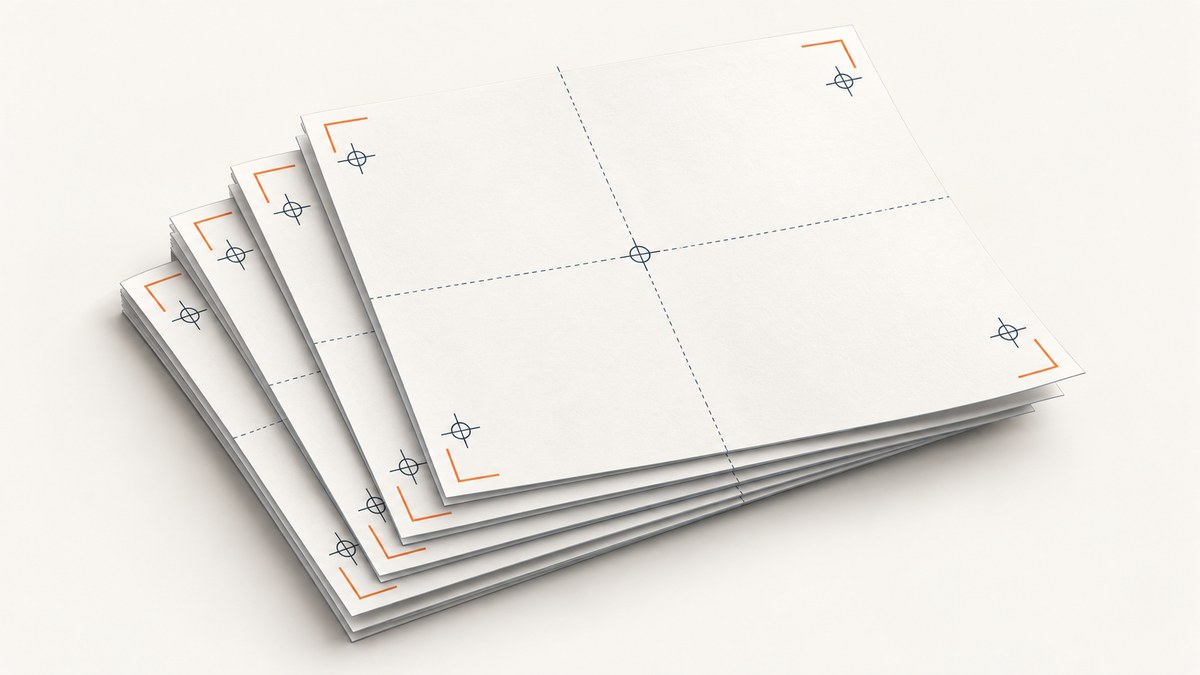
Use a repeated HTML header or footer. wkhtmltopdf does not document a dedicated folding-mark or crop-mark switch, but it does document --header-html and --footer-html. Put your marks in a small standalone HTML file, attach it with one of those options, then reserve enough margin and header/footer spacing so the marks stay inside the page box.
This method repeats the marks on every rendered page because the header or footer is part of wkhtmltopdf’s page layout. It is more dependable than placing a position: fixed element in the main document, whose repetition has varied by version and build.
1. Create a reusable folding-mark header
Save the following as marks.html. The example draws two short horizontal marks: one at the top edge and one at the bottom edge of the header area. Adjust the dimensions and positions for your paper size and folding plan.
<!doctype html>
<html>
<head>
  <meta charset="utf-8">
  <style>
    html, body {
      margin: 0;
      padding: 0;
      width: 100%;
      height: 12mm;
      background: transparent;
    }

    .marks {
      position: relative;
      width: 100%;
      height: 12mm;
    }

    .mark {
      position: absolute;
      width: 8mm;
      height: 0;
      border-top: 0.3mm solid #000;
    }

    /* Example positions for an A4 page folded into thirds. */
    .mark.top-third {
      top: 0;
      left: 33.333%;
    }

    .mark.top-two-thirds {
      top: 0;
      left: 66.666%;
    }
  </style>
</head>
<body>
  <div class="marks" aria-hidden="true">
    <span class="mark top-third"></span>
    <span class="mark top-two-thirds"></span>
  </div>
</body>
</html>
The marks are authored content, not a native wkhtmltopdf print-mark feature. You can use vertical marks instead by giving the element a height and a left or right position, for example:
.vertical-mark {
  position: absolute;
  top: 8mm;
  left: 33.333%;
  width: 0;
  height: 8mm;
  border-left: 0.3mm solid #000;
}
Keep the file deliberately simple. Older Qt WebKit builds do not behave exactly like current browsers, and complex layout, transforms, or modern CSS can produce different results between installations.
2. Attach the header to the PDF command
A minimal command is:
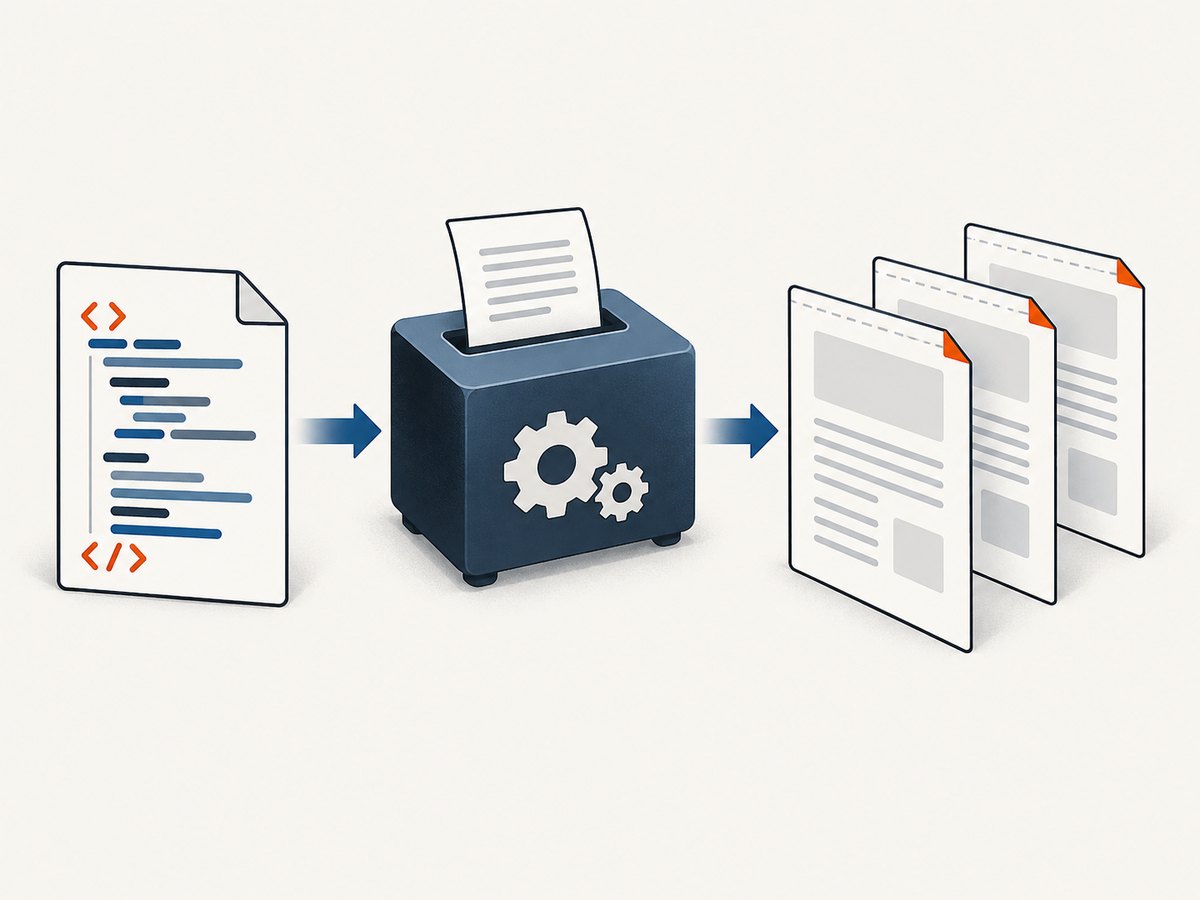
wkhtmltopdf \
  --page-size A4 \
  --margin-top 15mm \
  --header-spacing 2 \
  --header-html marks.html \
  input.html output.pdf
The official wkhtmltopdf usage manual documents HTML headers and footers, page margins, spacing, and page-specific options. The top margin creates room for the header; --header-spacing controls the gap between the header and the document body. If the margin is too small, body content can overlap the marks. If spacing is too large, the header can be pushed outside the PDF page.
For marks that should appear near the bottom, use a footer:
wkhtmltopdf \
  --page-size A4 \
  --margin-bottom 15mm \
  --footer-spacing 2 \
  --footer-html marks.html \
  input.html output.pdf
Use one header or footer for a given mark layout. If you need marks at both edges, make the header taller and include both positions, or use separate header and footer files and reserve both margins.
3. Position marks for the actual paper and fold
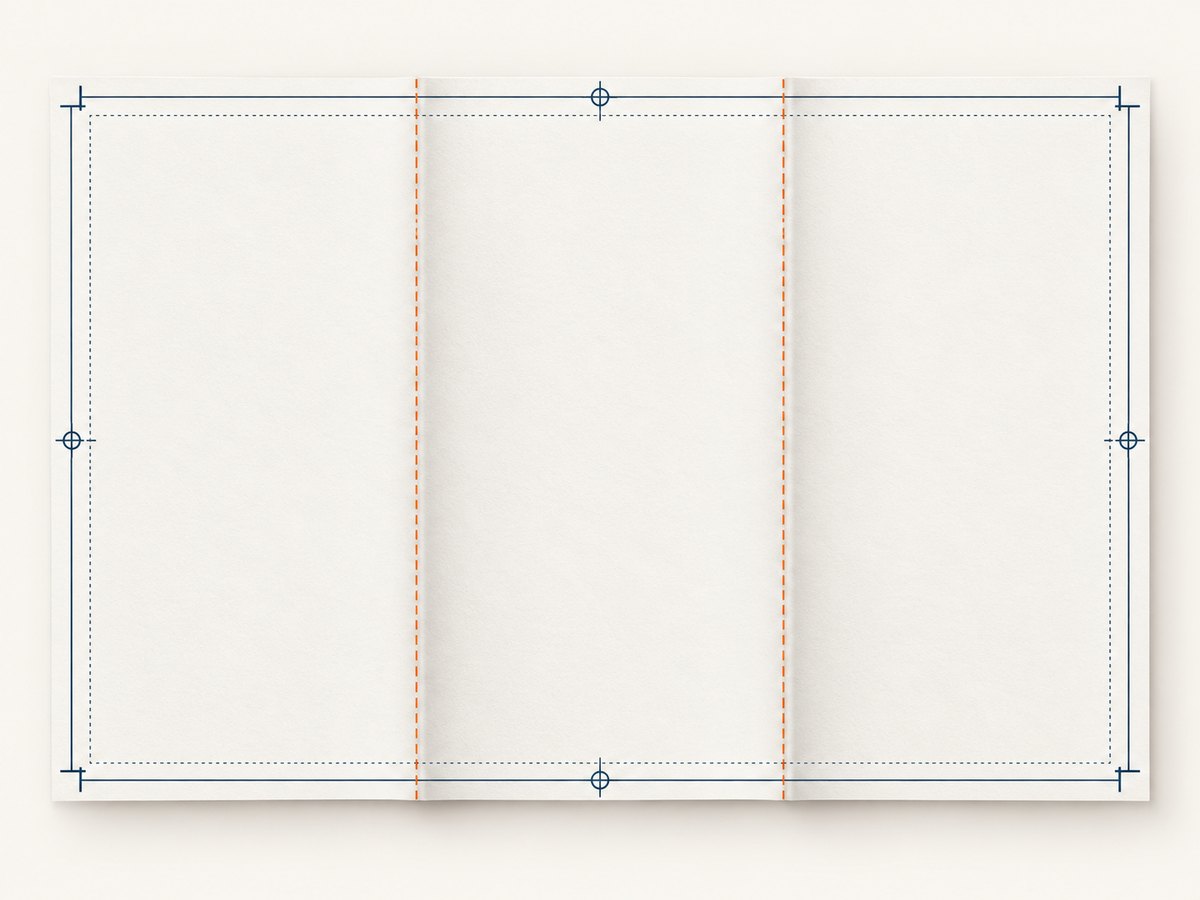
Percentages in a header are relative to the available header width, which is affected by the left and right margins. For a mark at an exact physical distance from the page edge, use millimetres and account for the page margins.
| Requirement | Setting to review | Why it matters |
|---|---|---|
| Paper dimensions | --page-size A4 or --page-width/--page-height |
Changes the coordinate system and fold positions. |
| Printable content width | --margin-left, --margin-right |
Header percentages apply within the usable area. |
| Header room | --margin-top |
Prevents body content from covering the marks. |
| Header-to-body gap | --header-spacing |
Moves the body away from the repeated header. |
| Footer room | --margin-bottom |
Provides space for bottom marks. |
| Orientation | --orientation Landscape |
Changes the fold axis and page width. |
For a custom sheet, specify both dimensions:
wkhtmltopdf \
  --page-width 210mm \
  --page-height 297mm \
  --margin-top 15mm \
  --margin-right 12mm \
  --margin-bottom 12mm \
  --margin-left 12mm \
  --header-spacing 2 \
  --header-html marks.html \
  input.html output.pdf
Remember that a mark placed at one-third of the content area is not necessarily one-third of the physical sheet when asymmetric margins are used. If the marks must align with a physical folding machine, print a test sheet and measure from the paper edge.
4. Use a footer when the mark belongs at the bottom edge
A footer file can be identical to the header file, but its coordinate system is anchored to the bottom reserved area. A separate file makes intent clearer:
<!doctype html>
<html>
<head>
  <meta charset="utf-8">
  <style>
    html, body { margin: 0; padding: 0; height: 10mm; }
    .mark {
      position: absolute;
      bottom: 0;
      width: 8mm;
      border-top: 0.3mm solid #000;
    }
    .one-third { left: 33.333%; }
    .two-thirds { left: 66.666%; }
  </style>
</head>
<body>
  <span class="mark one-third"></span>
  <span class="mark two-thirds"></span>
</body>
</html>
wkhtmltopdf \
--margin-bottom 14mm \
--footer-spacing 2 \
--footer-html footer-marks.html \
input.html output.pdf5. Add marks with Python
If your application generates PDFs, call the same executable with Python’s subprocess. This keeps the mark layout in one HTML file while allowing input and output paths to be selected at runtime.
from pathlib import Path
import subprocess

wkhtmltopdf = "wkhtmltopdf"
input_html = Path("input.html").resolve()
marks_html = Path("marks.html").resolve()
output_pdf = Path("output.pdf").resolve()

command = [
    wkhtmltopdf,
    "--page-size", "A4",
    "--margin-top", "15mm",
    "--margin-right", "12mm",
    "--margin-bottom", "12mm",
    "--margin-left", "12mm",
    "--header-spacing", "2",
    "--header-html", str(marks_html),
    str(input_html),
    str(output_pdf),
]

subprocess.run(command, check=True)
print(output_pdf)
Use absolute paths when possible. Relative paths are resolved from the process working directory, which is a common source of “header file not found” errors in web servers and job queues.
6. Add marks with Node.js
import { execFile } from "node:child_process";
import { promisify } from "node:util";
import path from "node:path";

const execFileAsync = promisify(execFile);
const root = process.cwd();

await execFileAsync("wkhtmltopdf", [
  "--page-size", "A4",
  "--margin-top", "15mm",
  "--margin-right", "12mm",
  "--margin-bottom", "12mm",
  "--margin-left", "12mm",
  "--header-spacing", "2",
  "--header-html", path.join(root, "marks.html"),
  path.join(root, "input.html"),
  path.join(root, "output.pdf")
]);

console.log("Created output.pdf");
execFile passes arguments without invoking a shell, so URLs and file names containing shell metacharacters are handled more safely than string-building a shell command.
7. Why fixed elements often fail
A tempting alternative is to put a fixed element in the main document:
<style>
@media print {
  .fold-mark { position: fixed; bottom: 0; }
}
</style>
Do not rely on this as the primary solution. A report against wkhtmltopdf 0.12.4 described a fixed bottom element appearing only on the last page. That report is version-specific and does not prove identical behavior in every build, but it explains why the documented header/footer mechanism is the safer starting point. The wkhtmltopdf project renders through Qt WebKit, so behavior should be verified with the exact binary used in production.
Likewise, CSS2 discusses crop marks in paged media, but that specification does not prove that wkhtmltopdf implements an @page crop-mark declaration. Treat CSS page marks as unsupported unless your installed build demonstrates otherwise.
8. Validate every page before production
- Create an input document long enough to produce at least three pages.
- Render with the exact wkhtmltopdf binary, flags, fonts, and page size used in production.
- Open the PDF in your target viewer and inspect the first, middle, and last pages.
- Print a representative sample at 100% scale. Browser preview scaling can hide a one or two millimetre error.
- Measure the marks from the physical paper edge and record the tested settings.
Do not assume marks can safely extend beyond the PDF page box into bleed. Whether that survives PDF viewers, printers, and finishing equipment depends on the complete output chain. Keep marks inside the page unless you have verified the target workflow.
9. Troubleshooting
Marks appear only on the first or last page
Cause: The marks are in the main document, often using position: fixed, rather than in a header or footer.
Fix: Move them to marks.html and pass --header-html or --footer-html.
The header is missing entirely
Cause: The file path is wrong, the process cannot read the file, or the installed build lacks the expected patched-Qt features.
Fix: Use an absolute path, confirm file permissions, and run wkhtmltopdf --version. Test the smallest possible header HTML.
Body text overlaps the marks
Cause: The top or bottom margin is smaller than the header/footer height, or spacing is zero.
Fix: Increase --margin-top or --margin-bottom, then tune --header-spacing or --footer-spacing.
The header is clipped or outside the page
Cause: Excessive spacing or a header whose dimensions exceed the reserved margin. The settings documentation warns that too much header spacing can place the header outside the PDF document.
Fix: Reduce the header height and spacing, increase the corresponding margin, and inspect the PDF page box.
Marks are horizontally misaligned
Cause: Percent positions are based on the usable content width, not the physical sheet width. Left and right margins may be asymmetric.
Fix: Use symmetric margins, calculate the usable width explicitly, or position with millimetres after measuring a printed test page.
Marks differ between machines
Cause: Different wkhtmltopdf versions, patched-Qt builds, fonts, page sizes, or command-line defaults.
Fix: Pin the executable version, record all page options, and render in the same container or image used for deployment.
10. Performance, reliability, and maintainability
Header and footer HTML is small, so its direct rendering cost is usually negligible compared with loading the main document, fonts, images, and JavaScript. Keep the mark file free of external assets so a network delay cannot postpone or change the repeated header.
For reliable batch jobs:
- Pin the wkhtmltopdf binary and operating-system image.
- Use local, absolute paths for input and mark files.
- Set an application-level timeout around the subprocess.
- Capture stderr so missing resources and rendering warnings are diagnosable.
- Check that the output PDF exists and has a non-zero size before publishing it.
- Keep a multi-page regression fixture and compare mark positions after upgrades.
Do not solve dynamic fold positions by inserting marks into every content fragment unless you control page breaks yourself. Dynamic HTML pagination can move content after your insertion point. A repeated header/footer centralizes the geometry and remains independent of the number of pages.
11. Or skip the browser setup
If your actual requirement is to capture web pages as images or PDFs rather than generate a PDF from local HTML, ScreenshotNeo provides a single HTTP request. Its API can return PNG, JPEG, WebP, or PDF and supports PDF paper size, margins, landscape mode, and page ranges.
cURL:
curl -G "https://api.screenshotneo.com/v1/shot" -d access_key=YOUR_API_KEY --data-urlencode url=https://stripe.com -o shot.webpPython:
import requests
r = requests.get("https://api.screenshotneo.com/v1/shot", params={"access_key": "YOUR_API_KEY", "url": "https://stripe.com"}, timeout=90)
open("shot.webp", "wb").write(r.content)
Node.js:
const q = new URLSearchParams({ access_key: 'YOUR_API_KEY', url: 'https://stripe.com' }); const res = await fetch(`https://api.screenshotneo.com/v1/shot?${q}`);See the ScreenshotNeo documentation for request options and response handling. Cookie banners, newsletter popups, and chat widgets are removed before the shot. Bot checks, blank pages, failed loads, timeouts, and cache hits are not billed, and the response identifies the result with X-Page-Verdict and X-Billed headers. An MCP server lets AI agents use take_screenshot, get_page_info, and capture_pdf from Claude, Cursor, or another MCP client. The Free plan includes 1,000 screenshots each month with no card; paid plans start at $5 for 3,000 shots. Create a free ScreenshotNeo account.
12. FAQ
Does wkhtmltopdf have a folding-mark option?
No native folding-mark switch is documented. Repeated HTML in a header or footer is the practical implementation.
Can I put marks outside the PDF page?
Do not assume so. Keep them inside the page box unless the complete PDF and printing workflow has been verified for bleed or trim output.
Should I use a header or a footer?
Use the area nearest the desired mark. A header needs top margin; a footer needs bottom margin. Both repeat on every page.
Why do my marks shift after changing margins?
Header and footer percentages use the available content width. Changing left or right margins changes that width and therefore the physical mark position.
Can I add page numbers with the same file?
Yes. wkhtmltopdf documents header/footer substitutions such as [page], [frompage], and [topage]. Static folding marks do not require those substitutions.


