How to Add a Footer at the Bottom of Every Wkhtmltopdf Page
Add text or HTML footers to every wkhtmltopdf page with page numbers, correct margins, spacing, troubleshooting, and production-ready examples.

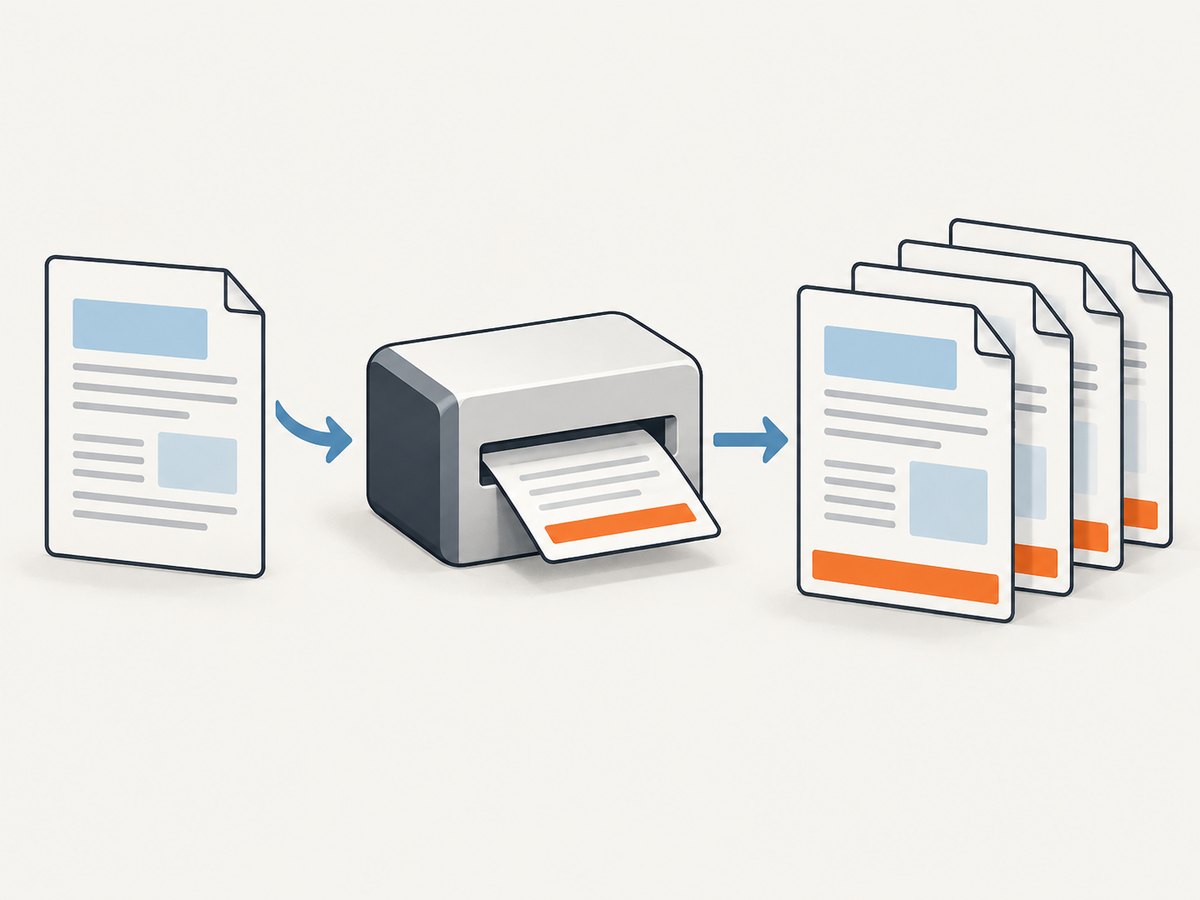
To add a footer to every normal wkhtmltopdf page, use a footer option and reserve space for it:
wkhtmltopdf \
  --margin-bottom 18mm \
  --footer-spacing 4 \
  --footer-center 'Page [page] of [topage]' \
input.html output.pdf--footer-left, --footer-center, and --footer-right handle simple text. Use --footer-html when you need custom markup, styling, or logic. The bottom margin creates room for the footer; footer spacing controls the gap between the document content and footer.
This guide covers command-line usage, custom HTML, page-number variables, library settings, covers and multi-object documents, diagnostics, performance, and a ScreenshotNeo alternative for teams that need hosted capture or PDF generation.
1. Choose the footer method
| Requirement | Option | When to use it |
|---|---|---|
| Plain text on the left | --footer-left |
Short labels such as a document name |
| Plain text in the center | --footer-center |
Page counts or a centered disclaimer |
| Plain text on the right | --footer-right |
Dates, versions, or identifiers |
| Rich layout | --footer-html footer.html |
Multiple fields, logos, borders, CSS, or dynamic values |
The official wkhtmltopdf usage documentation defines these footer arguments and the [page] and [topage] placeholders. The generated footer only appears when the page has enough reserved space, so set the margin before tuning the visual details.
2. Add a simple text footer
For a page number centered at the bottom of each page:
wkhtmltopdf \
  --margin-bottom 18mm \
  --footer-spacing 4 \
  --footer-center 'Page [page] of [topage]' \
  input.html output.pdf
[page] is the current page number and [topage] is the final page number. You can combine all three text positions:
wkhtmltopdf \
  --margin-bottom 20mm \
  --footer-spacing 5 \
  --footer-left 'Internal use' \
  --footer-center 'Page [page] of [topage]' \
  --footer-right 'Revision 3' \
  input.html output.pdf
Keep each value short. Long strings can collide at narrow paper sizes. If that happens, move content into an HTML footer where you can control widths and wrapping.
Footer font and line settings
The command-line interface exposes footer settings for alignment, font, size, color, and line behavior in the installed build. Check the help output for your build:
wkhtmltopdf --extended-help | grep -A20 footerOption availability can vary between packaged builds. If a flag is rejected, use wkhtmltopdf --version to record the build and consult its matching documentation.
3. Build a custom HTML footer
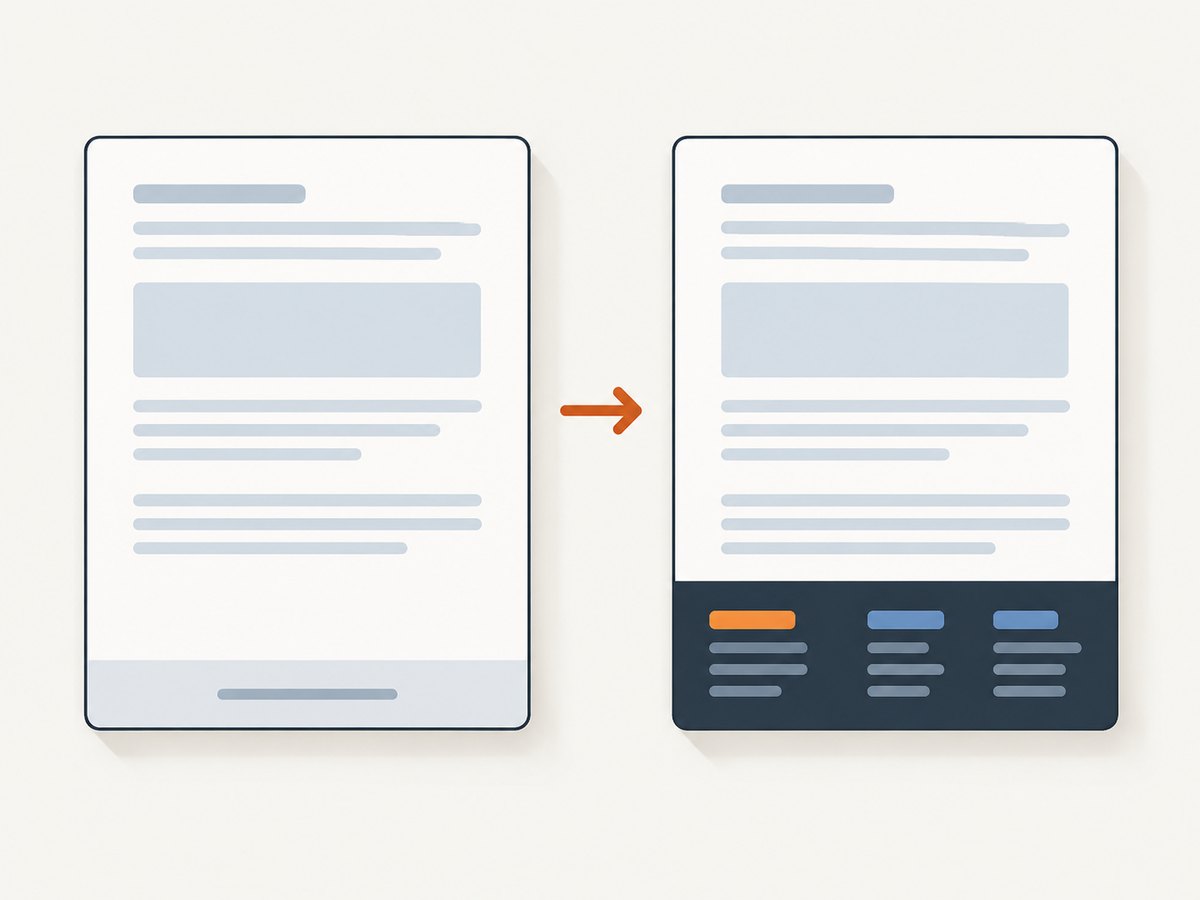
Use --footer-html when the footer needs more than one text field or needs CSS layout. wkhtmltopdf loads the footer document separately and supplies values as URL query parameters. This minimal footer reads page and topage:
<!doctype html>
<html>
<head>
  <meta charset="utf-8">
  <style>
    html, body { margin: 0; padding: 0; }
    body { font: 9pt Arial, sans-serif; color: #555; }
    .footer {
      border-top: 0.5pt solid #bbb;
      padding-top: 3mm;
      display: flex;
      justify-content: space-between;
    }
  </style>
  <script>
    function subst() {
      const vars = {};
      const query = document.location.search.substring(1).split('&');
      for (const part of query) {
        const pair = part.split('=', 2);
        vars[pair[0]] = decodeURIComponent(pair[1] || '');
      }
      for (const name of ['page', 'topage']) {
        for (const element of document.getElementsByClassName(name)) {
          element.textContent = vars[name] || '';
        }
      }
    }
  </script>
</head>
<body onload="subst()">
  <div class="footer">
    <span>Example report</span>
    <span>Page <span class="page"></span> of <span class="topage"></span></span>
  </div>
</body>
</html>
Convert with a bottom margin that is at least as tall as the footer:
wkhtmltopdf \
  --margin-bottom 18mm \
  --footer-spacing 4 \
  --footer-html footer.html \
  input.html output.pdf
The 18 mm margin and 4 unit spacing above are starting points, not universal defaults. Measure the actual footer height at the target paper size and increase the margin if content overlaps or the footer is clipped. The official manual’s HTML example uses the same query-parameter approach.
4. Make the footer fit the page layout
Bottom margin versus footer spacing
--margin-bottom reserves the lower page area. --footer-spacing adds separation between the content box and footer. A footer can be visible yet still overlap body content when the margin is too small. Increase the margin first, then adjust spacing:
wkhtmltopdf \
  --page-size A4 \
  --margin-bottom 24mm \
  --footer-spacing 6 \
  --footer-html footer.html \
  input.html output.pdf
Paper size, orientation, and long text
Test each paper and orientation combination you support. A footer that fits on A4 portrait may wrap on Letter portrait or become crowded in landscape. Keep CSS widths fluid, avoid fixed pixel widths, and allow enough horizontal room for localized text.
Multiple page objects
wkhtmltopdf accepts global options and page-specific options. Put global footer options in the global options area when they should apply to every page object. Put page options after the relevant input when only one object should receive them. Review the manual’s option-scope rules when combining a cover, table of contents, and several HTML pages.
Covers are an exception
The manual explicitly states that a cover object does not have headers or footers. If the first page is created with cover, place any cover-specific branding in the cover HTML itself. Apply the repeating footer to the subsequent page objects.
5. Page offsets and library integrations
If you use libwkhtmltox instead of the command line, the equivalent settings are exposed through the page and header/footer structures. The page settings reference documents the bottom margin, footer spacing, footer font, footer text, and HTML URL fields. The HeaderFooter API reference describes alignment, line, HTML URL, font, and spacing properties.
Use the page offset setting when numbering must begin at a value other than one. The settings reference notes that pageOffset affects page numbers in headers, footers, and the table of contents. Keep the offset decision in one place so the footer and table of contents do not disagree.
6. Runnable examples in common workflows
Shell script
#!/usr/bin/env sh
set -eu

input=${1:-input.html}
output=${2:-output.pdf}

wkhtmltopdf \
  --page-size A4 \
  --margin-bottom 20mm \
  --footer-spacing 4 \
  --footer-center 'Page [page] of [topage]' \
  "$input" "$output"
Python subprocess
import subprocess

subprocess.run([
    "wkhtmltopdf",
    "--page-size", "A4",
    "--margin-bottom", "20mm",
    "--footer-spacing", "4",
    "--footer-center", "Page [page] of [topage]",
    "input.html",
    "output.pdf",
], check=True)
Node.js child process
import { spawn } from "node:child_process";

const args = [
  "--page-size", "A4",
  "--margin-bottom", "20mm",
  "--footer-spacing", "4",
  "--footer-center", "Page [page] of [topage]",
  "input.html", "output.pdf"
];

const child = spawn("wkhtmltopdf", args, { stdio: "inherit" });
child.on("close", code => {
  if (code !== 0) process.exit(code ?? 1);
});
7. Troubleshooting checklist
| Symptom | Likely cause | Fix |
|---|---|---|
| No footer appears | Footer option is in the wrong scope, margin is too small, or the build lacks the option | Move the option to the global or page area as appropriate, increase --margin-bottom, and inspect --extended-help |
| Footer overlaps body text | Reserved margin is shorter than the rendered footer | Increase bottom margin; then tune --footer-spacing |
| Page numbers are blank in HTML | Footer script did not parse query parameters or ran before the document loaded | Run the substitution function on onload and decode the supplied values |
| HTML footer cannot be loaded | Bad path, inaccessible URL, or restricted local-file access | Use an absolute path or reachable URL, verify permissions, and check stderr output |
| Footer is missing only on the first page | The first page is a cover object |
Put cover content in the cover HTML; apply the footer to later page objects |
| Footer wraps or clips | Text is too long for the paper width or font is too large | Shorten text, reduce font size, use an HTML layout, or change orientation |
| Numbers restart unexpectedly | Page objects or offset settings are configured separately | Set one page offset strategy and verify object order |
When debugging, create a small two-page HTML fixture with obvious content at the bottom of each page. This isolates footer geometry from application CSS. Inspect the PDF at 100% zoom and print it if physical margins matter.
8. Performance and reliability considerations
Text footers add little rendering work. HTML footers require an additional document load and layout pass, so keep the footer self-contained: inline critical CSS, avoid external fonts, and do not depend on JavaScript resources that may be unavailable in a restricted environment. A local footer file removes network variability.
Pin the wkhtmltopdf build used in CI and production. Different distributions may package different Qt patches and option sets. Record the version in build logs and compare generated PDFs after upgrades. For reliable output, fail the job when wkhtmltopdf returns a nonzero exit code and retain stderr for diagnosis.
For large batches, reuse a stable footer file and process jobs with bounded concurrency. Excessive parallel conversions can exhaust CPU, memory, or file descriptors even when each individual document is small.
9. Or skip the browser setup
If your real requirement is a hosted screenshot or PDF endpoint rather than maintaining wkhtmltopdf, ScreenshotNeo provides one GET request for a clean screenshot or PDF. See the ScreenshotNeo API documentation for all options.
curl -G "https://api.screenshotneo.com/v1/shot" -d access_key=YOUR_API_KEY --data-urlencode url=https://stripe.com -o shot.webpimport requests
r = requests.get("https://api.screenshotneo.com/v1/shot", params={"access_key": "YOUR_API_KEY", "url": "https://stripe.com"}, timeout=90)
open("shot.webp", "wb").write(r.content)const q = new URLSearchParams({ access_key: 'YOUR_API_KEY', url: 'https://stripe.com' });
const res = await fetch(`https://api.screenshotneo.com/v1/shot?${q}`);ScreenshotNeo accepts cookie and consent banners before capture and removes more than 60 known consent platforms, newsletter popups, and chat widgets; each step can be disabled. Bot checks, blank pages, timeouts, failed loads, and cache hits are not billed, and the response identifies the result with X-Page-Verdict and X-Billed headers. It also provides PDF capture, custom CSS and JavaScript, waits, request blocking, headers and cookies, device presets, full-page and element capture, caching, signed links, asynchronous jobs, bulk capture, a usage API, and an MCP server with take_screenshot, get_page_info, and capture_pdf for AI clients.
The Free plan includes 1,000 shots per month with no card. Paid plans start at $5 for 3,000 shots; yearly billing gives two months free, and every feature is available on every plan. Sign up for the free plan.
10. FAQ
Can I show only the current page number?
Yes. Use --footer-center 'Page [page]' or populate only the page value in an HTML footer.
Can a footer contain images?
Yes, with --footer-html. Keep assets local or reliably reachable and reserve enough bottom margin for the rendered height.
Why does a cover have no footer?
wkhtmltopdf treats a cover as a special object and documents that covers do not receive headers or footers. Add cover content directly to the cover page.
What margin should I use?
There is no universal value. Start with the footer’s measured height plus a small gap, render a representative document, and increase the margin until the footer neither overlaps nor clips.
Where are the official option definitions?
Use the wkhtmltopdf usage manual for command-line flags and the libwkhtmltox settings reference for library integrations.


