How to Display Footer Content and Page Numbers with wkhtmltopdf
Add text or HTML footers to wkhtmltopdf PDFs, show Page X of Y, fix overlap, and control numbering with practical commands and code.

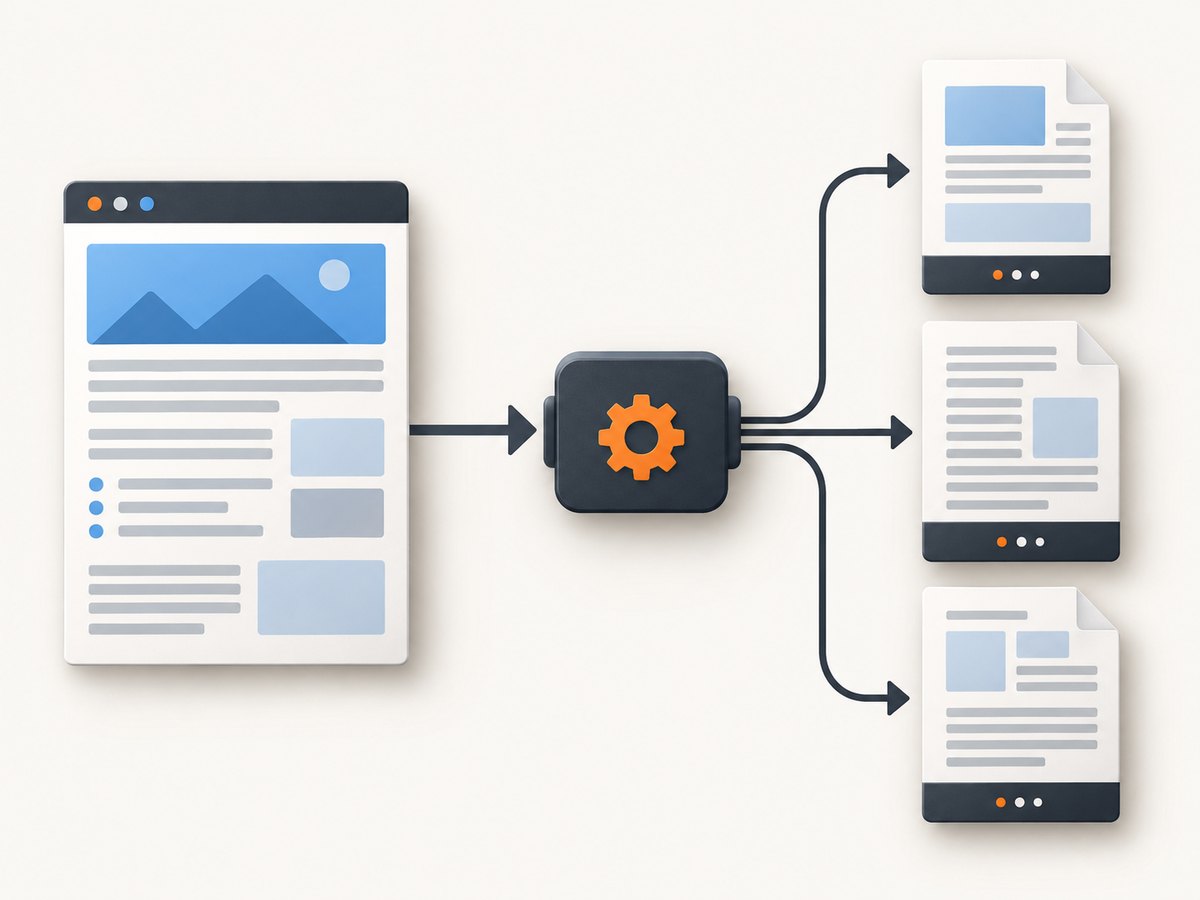
Use wkhtmltopdf’s footer switches and replacement tokens. For a right-aligned page counter, run:
wkhtmltopdf \
  --margin-bottom 18mm \
  --footer-spacing 4 \
  --footer-right "Page [page] of [topage]" \
  input.html output.pdf
[page] is replaced with the current page number and [topage] with the final page number. The footer options, variables, and spacing controls are documented in the official wkhtmltopdf usage documentation.
Choose a footer method
| Approach | Best for | Main controls | Trade-offs |
|---|---|---|---|
| Text footer | One-line labels and page numbers | --footer-left, --footer-center, --footer-right |
Limited markup and styling |
| HTML footer | Logos, columns, custom CSS, metadata | --footer-html plus substitution classes |
Requires a separate footer document |
| Numbering offset | Documents whose visible numbering starts at a chosen value | Library pageOffset |
Changes arithmetic numbering only |
How to add a footer to wkhtmltopdf
1. Add a left, center, or right footer
wkhtmltopdf --footer-left "Internal" input.html output.pdf
wkhtmltopdf --footer-center "Page [page] of [topage]" input.html output.pdf
wkhtmltopdf --footer-right "Page [page] of [topage]" input.html output.pdf
Each switch accepts plain text. Put the page variables inside the value exactly as shown. If your shell treats brackets specially, quote the entire argument.
2. Reserve room below the document body
wkhtmltopdf \
  --margin-bottom 18mm \
  --footer-spacing 4 \
  --footer-center "Page [page] of [topage]" \
  input.html output.pdf
--margin-bottom creates the physical space for the footer. --footer-spacing controls the gap between the body and footer. If content reaches the footer, increase the bottom margin first, then adjust spacing. The library documentation explains that insufficient margins can place header or footer content outside the page.
Display Page X of Y with HTML
Use --footer-html when you need multiple elements, borders, custom fonts, or CSS. wkhtmltopdf loads the footer URL or file and passes replacement values in its query string. Your footer must copy those values into elements whose classes match the documented variables.
Complete footer.html
<!doctype html>
<html>
<head>
  <meta charset="utf-8">
  <style>
    body { margin: 0; font: 10px Arial, sans-serif; color: #555; }
    .footer { width: 100%; border-top: 1px solid #999; padding-top: 2mm; }
    .page-count { float: right; }
  </style>
  <script>
    function subst() {
      const vars = {};
      const parts = window.location.search.substring(1).split('&');
      for (const part of parts) {
        if (!part) continue;
        const pair = part.split('=');
        vars[pair[0]] = decodeURIComponent(pair.slice(1).join('='));
      }
      for (const name of ['page','frompage','topage','webpage','section',
        'subsection','date','isodate','time','title','doctitle',
        'sitepage','sitepages']) {
        for (const element of document.getElementsByClassName(name)) {
          element.textContent = vars[name] || '';
        }
      }
    }
  </script>
</head>
<body onload="subst()">
  <div class="footer">
    <span>Generated document</span>
    <span class="page-count">Page <span class="page"></span> of <span class="topage"></span></span>
  </div>
</body>
</html>
The substitution pattern follows the official usage example. The documented variables include page, topage, section, title, dates, and site-level page values.
Render the HTML footer
wkhtmltopdf \
  --margin-bottom 22mm \
  --footer-spacing 4 \
  --footer-html footer.html \
  input.html output.pdf
A local footer file works in normal builds. If it references stylesheets, images, or scripts, use accessible paths and verify the wkhtmltopdf build permits local file access. For a remote footer URL, make sure the conversion environment can resolve and reach it.
Control numbering and document structure
Use a page offset
When using a language binding or the wkhtmltopdf library, pageOffset adds an arithmetic offset to page numbers in headers, footers, and the table of contents. For example, an offset of 4 makes the first printed page appear as page 5. It does not change the number of physical pages or redesign the footer.

CLI wrappers expose this setting differently, so check the binding’s option name. Do not confuse an offset with a cover page or an inserted section.
Understand cover behavior
A wkhtmltopdf cover object is a special document. The official documentation states that a cover does not receive headers or footers and does not appear in the table of contents. If the cover itself must show a page number, put the cover markup in the main input or create the complete document as one HTML structure instead of relying on a cover object.
Complete automation examples
Shell script
#!/usr/bin/env bash
set -euo pipefail

input="${1:-input.html}"
output="${2:-output.pdf}"

wkhtmltopdf \
  --margin-bottom 18mm \
  --footer-spacing 4 \
  --footer-right 'Page [page] of [topage]' \
  "$input" "$output"

echo "Wrote $output"
Python
from pathlib import Path
import subprocess

input_file = Path("input.html")
output_file = Path("output.pdf")

subprocess.run([
    "wkhtmltopdf",
    "--margin-bottom", "18mm",
    "--footer-spacing", "4",
    "--footer-center", "Page [page] of [topage]",
    str(input_file),
    str(output_file),
], check=True)

print(output_file.resolve())
Node.js
import { execFile } from "node:child_process";
import { promisify } from "node:util";

const execFileAsync = promisify(execFile);
await execFileAsync("wkhtmltopdf", [
  "--margin-bottom", "18mm",
  "--footer-spacing", "4",
  "--footer-right", "Page [page] of [topage]",
  "input.html",
  "output.pdf"
]);
console.log("Wrote output.pdf");
Relevant options and configuration
--footer-left,--footer-center,--footer-right: place plain text in an aligned footer.--footer-html <url>: load a complete HTML footer.--margin-bottom: reserve page space for the footer.--footer-spacing: set the gap between body content and footer.[page]: current page number.[topage]: final page number.pageOffset: add a numeric offset in library-level settings.--header-*options: equivalent controls for headers when you need matching top-of-page metadata.
Common errors and fixes
Footer is missing
Cause: the installed build may not support the option, the footer path is wrong, or the footer resource cannot be reached.
Fix: run wkhtmltopdf --extended-help and confirm the footer switches exist. Use an absolute path for --footer-html, verify file permissions, and test the footer URL from the same machine and user account that performs conversion.
The footer overlaps body content
Cause: the bottom margin is too small for the footer’s height.
Fix: increase --margin-bottom (for example, from 12mm to 22mm), then tune --footer-spacing. Keep the footer’s CSS height predictable; large images and wrapping text require more margin.
“Page [page] of [topage]” appears literally
Cause: the token was placed in the document body or in HTML without substitution.
Fix: pass it through a footer switch, or use --footer-html with elements carrying the page and topage classes and a script that reads the query string.
HTML footer is blank
Cause: JavaScript did not run, the query string was parsed incorrectly, or the footer’s resources failed to load.
Fix: keep the substitution script inline, call it from onload, and inspect the generated footer in a minimal test. Avoid relying on modern browser APIs unsupported by the Qt WebKit engine used by some wkhtmltopdf builds.
Page numbers start at the wrong value
Cause: a cover, front matter, or library offset changes the visible sequence.
Fix: decide whether those pages should count. Use pageOffset for a fixed arithmetic shift, or restructure the input when a cover must be numbered differently.
Cover page has no footer
Cause: cover objects intentionally do not receive headers or footers.
Fix: move the cover into the main HTML or generate it as a separate PDF and merge files afterward.
Performance, reliability, and cost notes
Footer rendering adds little work compared with loading the source page, but HTML footers can increase conversion time when they load remote assets or execute JavaScript. Keep footer HTML self-contained, use small inline CSS, and avoid network dependencies for repeatable builds. Run conversions with a fixed wkhtmltopdf version so pagination and WebKit rendering do not change unexpectedly.
For batch jobs, write to a temporary output and rename it only after wkhtmltopdf exits successfully. Capture stderr, check the process exit code, and retain the input HTML and options with failed jobs. Set an external process timeout because a page or footer resource can remain unavailable indefinitely on misconfigured systems. wkhtmltopdf itself has no per-page service fee; your costs are compute, storage, and any network resources loaded during conversion.
Or skip the browser setup
If you need a clean screenshot or PDF from a URL instead of maintaining a wkhtmltopdf runtime, ScreenshotNeo provides a single API request. Its capture pipeline accepts cookie and consent banners as a visitor and removes more than 60 known consent platforms, newsletter popups, and chat widgets before the shot. Bot checks, blank pages, timeouts, failed loads, and cache hits are not billed, and response headers identify the page verdict and billing result.
For PDF output, use the API’s PDF options for paper size, margins, landscape mode, and page ranges. Other options include full-page capture with lazy images loaded, CSS element capture, custom CSS and JavaScript, click and wait actions, request blocking, custom headers and cookies, device presets, timezone and geolocation, caching, signed links, asynchronous jobs, webhooks, bulk capture, and a usage API. ScreenshotNeo also provides an MCP server with take_screenshot, get_page_info, and capture_pdf for Claude, Cursor, and other MCP clients.
See the ScreenshotNeo API documentation for all parameters. A cURL request is:
curl -G "https://api.screenshotneo.com/v1/shot" -d access_key=YOUR_API_KEY --data-urlencode url=https://stripe.com -o shot.webpPython:
import requests
r = requests.get("https://api.screenshotneo.com/v1/shot", params={"access_key": "YOUR_API_KEY", "url": "https://stripe.com"}, timeout=90)
open("shot.webp", "wb").write(r.content)
Node.js:
const q = new URLSearchParams({ access_key: 'YOUR_API_KEY', url: 'https://stripe.com' });
const res = await fetch(`https://api.screenshotneo.com/v1/shot?${q}`);
The Free plan includes 1,000 shots per month with no card. Starter is $5 for 3,000 shots, and every feature is available on every plan. Create a free ScreenshotNeo account.
FAQ
Can wkhtmltopdf show both current and total pages?
Yes. Put [page] and [topage] in a footer switch or substitute them in an HTML footer.
Which is easier, text or HTML footer mode?
Text mode is simplest for one line. HTML mode is appropriate when you need styling, multiple fields, or custom layout.
Why does my footer disappear only on the last page?
Check bottom margin and footer height. A footer that does not fit in the reserved margin can be clipped or moved outside the printable area.
Can I number a wkhtmltopdf cover?
Not when it is a cover object. Put the cover in the main document or generate and merge it separately.
Does pageOffset create Roman numerals?
No. It adds a numeric offset. Roman numerals require custom footer content and a numbering strategy outside the built-in offset.


