How to Fix wkhtmltopdf Footers Not Showing in Docker
Diagnose missing wkhtmltopdf footers in Docker by checking the actual binary, option scope, footer files, page geometry and runtime dependencies.
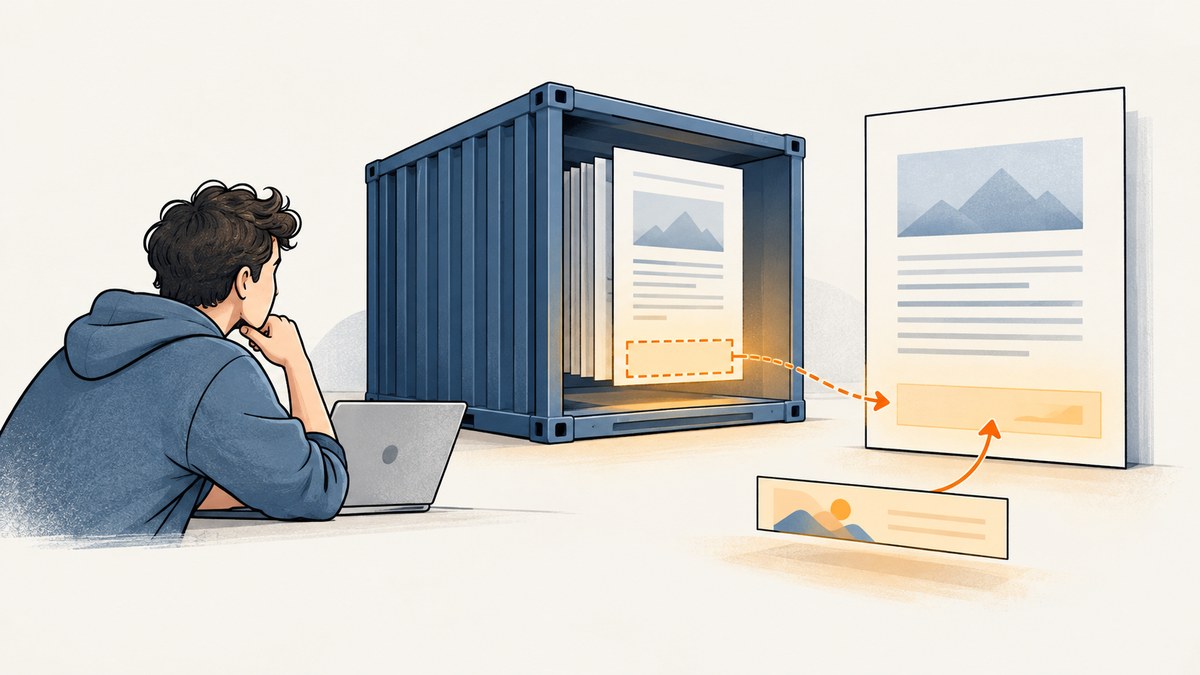
If wkhtmltopdf footers are missing in Docker, start by checking the exact executable and version inside the runtime container that creates the PDF. Footer failures commonly come down to a build without the needed patched Qt features, options applied to the wrong document object, an HTML footer or its assets that the container cannot read, or page geometry that puts the footer outside the printable area.
Reduce the problem to a one-page input and a plain text footer. If that works, add your HTML footer, styles and assets back one at a time. This separates renderer support from paths, application wrappers and layout.
1. Check the wkhtmltopdf build in the runtime container
Run these commands in the same container, image stage, and runtime environment as the application process:
wkhtmltopdf --version
command -v wkhtmltopdf
Record both outputs. A host installation, a build stage, or a developer laptop does not prove which binary the production process invokes. If your application calls a configured absolute path, inspect that path too.
The project documents 0.12.6 as its stable series, released on June 11, 2020, but the version number alone does not establish that a particular package has every feature you need. Build variants matter: footer options are among the features associated with patched Qt builds, and distribution packages can differ. Check the [official download and build guidance](https://wkhtmltopdf.org/downloads) and verify the installed binary after changing it.
A [historical issue](https://github.com/wkhtmltopdf/wkhtmltopdf/issues/4538) describes HTML headers and footers failing with one non-patched 0.12.4 package and working with a patched 0.12.5 build in that reported setup. It is an individual report, not a universal diagnosis. Use it as a reason to verify build provenance, not as proof that your container has the same problem.
2. Reproduce the problem with a plain text footer
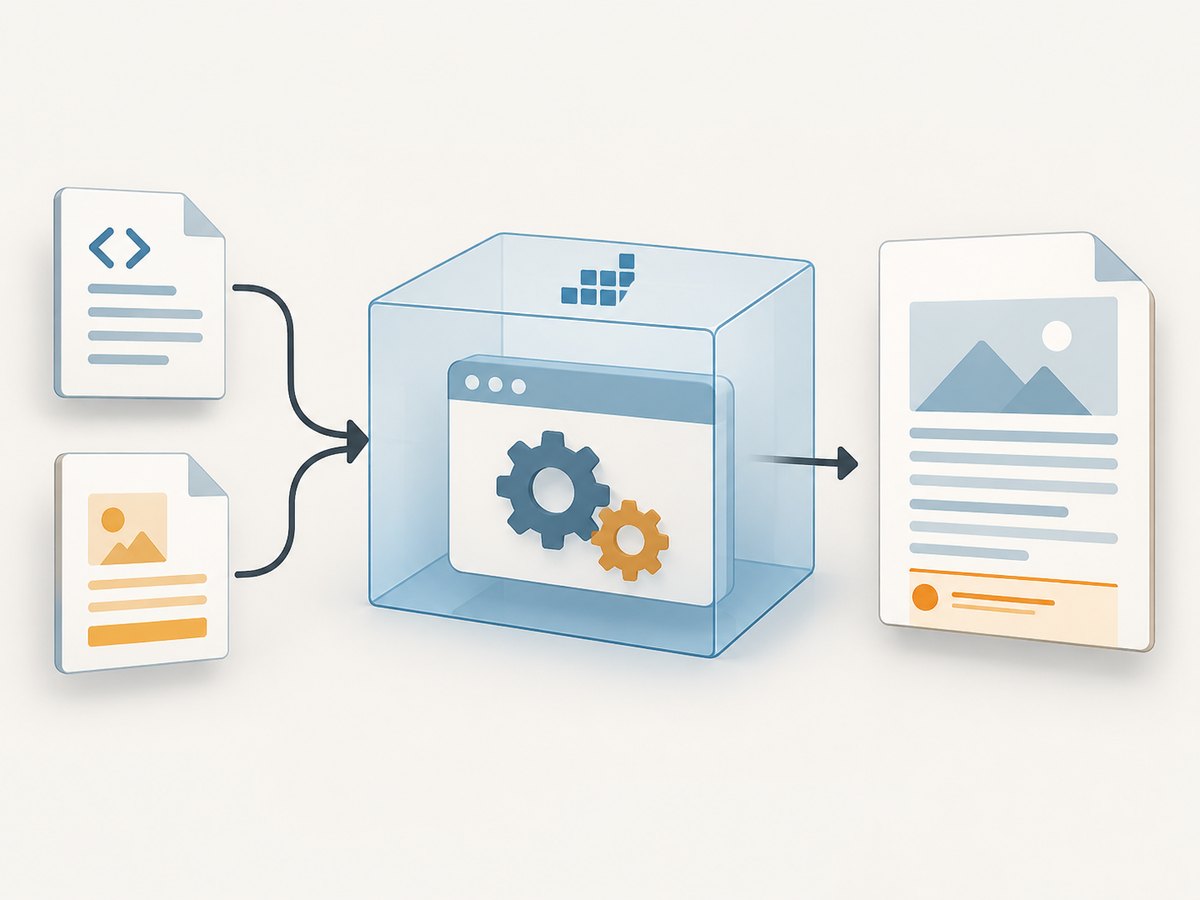
First isolate the renderer from your application template, wrapper library, footer HTML and external assets. Create a simple body file and ask wkhtmltopdf to put plain text in the center footer:
cat > /tmp/body.html <<'HTML'
<!doctype html>
<html>
<head><meta charset="utf-8"><title>Footer check</title></head>
<body>
  <h1>Footer check</h1>
  <p>A short page to test footer rendering.</p>
</body>
</html>
HTML

wkhtmltopdf \
  --margin-bottom 20mm \
  --footer-spacing 5 \
  --footer-center 'Footer check' \
  /tmp/body.html /tmp/footer-check.pdf
Open /tmp/footer-check.pdf and inspect the bottom of the page. The margin and spacing values here are a diagnostic starting point, not universal layout settings. If the text footer appears, the binary supports this path and you can focus on your HTML footer, its resources, or the production command. If it does not appear, check the build, the command actually invoked, and the logs before investigating CSS.
The usage manual documents text options including --footer-left, --footer-center and --footer-right, as well as --footer-html. Read the [wkhtmltopdf usage manual](https://github.com/wkhtmltopdf/wkhtmltopdf/blob/master/docs/usage/wkhtmltopdf.txt) for the options supported by your build and their syntax.
3. Confirm footer options apply to the page being rendered
When a command contains multiple objects, make sure the footer settings are associated with the page object that should show them. A cover object explicitly does not receive headers or footers. If your PDF starts with a cover, test the content page separately and do not expect a footer on the cover.
Also inspect the command produced by your application or PDF library. A setting in application configuration has no effect if the wrapper drops it, places it in the wrong argument group, or invokes a different executable. Compare the actual argument list with a known-good direct command. Remove secrets before logging or sharing it.
4. Check HTML footer paths and local-file access
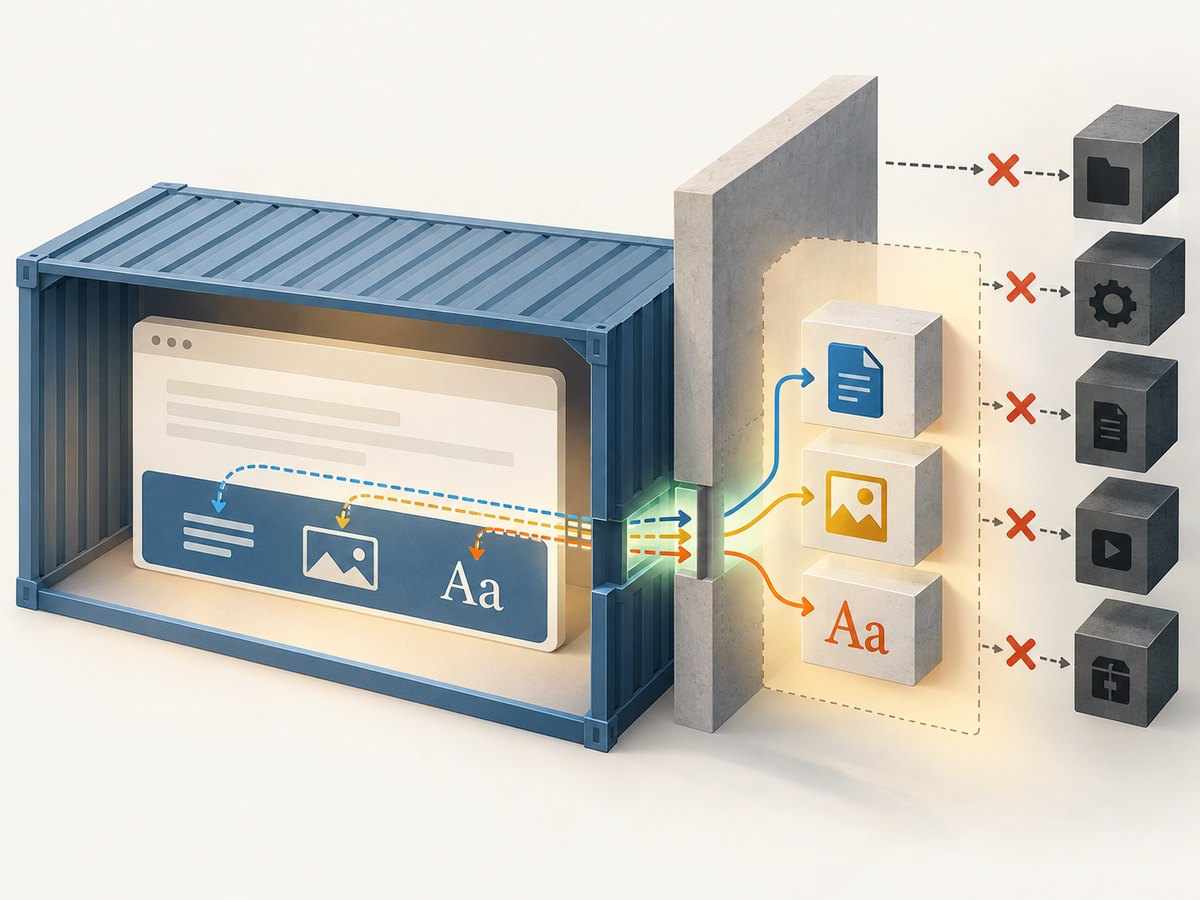
If plain text works but --footer-html does not, investigate the footer document and every resource it needs. The path or URL must resolve from the process inside the container. Check the footer file itself, file permissions, the working directory, mount paths, network access and relative references to CSS, images and fonts.
For a local footer, use an explicit path while diagnosing:
wkhtmltopdf \
  --margin-bottom 25mm \
  --footer-spacing 5 \
  --footer-html file:///app/pdf/footer.html \
  file:///app/pdf/body.html /app/pdf/output.pdf
Adapt the paths to files that actually exist in your image. If the footer loads CSS or images by relative path, confirm those references resolve relative to the footer document as expected. A page may render while its footer stylesheet or logo silently fails to load.
The documented default local-file behavior restricts an input from reading other local files unless access is permitted. Use the manual’s narrowly scoped local-file access option to allow only the required directory, and inspect the [usage manual](https://github.com/wkhtmltopdf/wkhtmltopdf/blob/master/docs/usage/wkhtmltopdf.txt) for exact syntax supported by your version. Do not broadly allow local access for untrusted HTML: the project describes security concerns and OS-level controls in its [AppArmor guidance](https://wkhtmltopdf.org/apparmor.html).
5. Check margins, spacing and footer visibility
A footer can be rendered but positioned beyond the page’s printable area, clipped, or made hard to see by its CSS. Inspect the generated PDF itself rather than relying only on application logs.
- Increase the bottom margin temporarily to make room for the footer.
- Adjust footer spacing so it sits within that margin.
- Check the page size and orientation used by the command.
- Look for white text on a white background, tiny font sizes, or CSS positioning that moves content off-page.
- Test on a short document before checking multi-page behavior.
The [page settings documentation](https://wkhtmltopdf.org/libwkhtmltox/pagesettings.html) describes margins and header/footer spacing. Use explicit values during diagnosis, then tune them to the layout you need. Do not assume that a blank-looking footer means it was never loaded.
6. Verify the container’s OS, architecture and rendering dependencies
Linux builds are distribution-specific. The project download guidance also calls out runtime packages and installed fonts; fontconfig and freetype support and the fonts actually available can affect rendered output. Static Qt linkage does not eliminate every system dependency.
Record the base image, architecture, package source and binary provenance. Compare candidate builds by patched Qt feature support, compatibility with the container OS/libc and architecture, required runtime libraries and fonts, and package maintenance. There is not enough information in the title alone to recommend a specific Alpine or Debian installation recipe. Those choices depend on the image, architecture, binary and observed error.
If the footer is present but text is missing, substituted or malformed, inspect installed fonts and the runtime’s font support. If the process exits with a library-loading error, identify the missing dependency in that exact container and choose a compatible build or provide the dependency appropriate to its distribution.
7. Add production complexity back in stages
Once the plain text footer works, expand the reproduction incrementally:
- Replace the text footer with a minimal local HTML footer containing one visible line.
- Add its CSS, then images and fonts, checking the PDF after each change.
- Switch from local files to the production URL or mounted path.
- Use the same binary, working directory, environment and user permissions as the application.
- Compare the minimal command with the wrapper’s actual command and generated output.
This sequence helps identify whether the failure comes from renderer support, option handling, file access, styling or application behavior. Docker itself is not established as the root cause simply because the failure occurs in a container.
Quick diagnostic table
| Symptom | Likely area | Next check |
|---|---|---|
| Neither text nor HTML footer appears | Build, executable or argument scope | Check version and executable in the runtime container; try the minimal command. |
| Text works; HTML footer does not | Footer path, access rules or assets | Check file existence, permissions, local access and resource references. |
| Footer appears on content pages but not cover | Document object behavior | Expected for a cover object; test a content page. |
| Footer is clipped or invisible | Page geometry or CSS | Inspect the PDF, bottom margin, spacing, page size and footer styles. |
| Text is blank or has substituted glyphs | Fonts or rendering dependencies | Inspect fonts and fontconfig/freetype support in the runtime image. |
| Works by hand, fails in the application | Wrapper, environment or filesystem differences | Compare executable, arguments, user, working directory and mounted files. |
What to include in a reproducible report
If the reduced case still fails, collect the information needed to distinguish a build problem from a container or command problem:
- The exact
wkhtmltopdf --versionoutput and executable path from the runtime container. - The full command or argument list, with credentials and other secrets removed.
- The base image, architecture and package or binary provenance.
- Whether the footer uses text options or
--footer-html. - A minimal body and footer that reproduce the issue, plus relevant logs.
- Whether the same command works when run directly in the application container.
The project’s [support instructions](https://wkhtmltopdf.org/support.html) request version information and a detailed reproducible test case. A small reproduction makes it easier to see which layer needs attention.
Or skip the browser setup
If your task is to capture a web page as an image or PDF rather than generate a PDF with a custom wkhtmltopdf footer, [ScreenshotNeo](https://screenshotneo.com) provides a website screenshot API and MCP server. See the [API documentation](https://screenshotneo.com/docs/). A basic cURL request is:
curl -G "https://api.screenshotneo.com/v1/shot" -d access_key=YOUR_API_KEY --data-urlencode url=https://stripe.com -o shot.webpThe same request in Python:
import requests

r = requests.get(
    "https://api.screenshotneo.com/v1/shot",
    params={"access_key": "YOUR_API_KEY", "url": "https://stripe.com"},
    timeout=90,
)
open("shot.webp", "wb").write(r.content)
And Node.js:
const q = new URLSearchParams({ access_key: 'YOUR_API_KEY', url: 'https://stripe.com' });
const res = await fetch(`https://api.screenshotneo.com/v1/shot?${q}`);
if (!res.ok) throw new Error(`Screenshot request failed: ${res.status}`);
await import('node:fs/promises').then(({ writeFile }) => writeFile('shot.webp', Buffer.from(await res.arrayBuffer())));
ScreenshotNeo removes cookie banners, newsletter popups and chat widgets before capture; bot checks, blank pages and failed loads are never billed. Its MCP server lets AI agents take screenshots. The free plan includes 1,000 screenshots a month with no card, and paid plans start at $5 for 3,000.
Sign up for 1,000 free screenshots a month with no card.
FAQ
Does wkhtmltopdf 0.12.6 guarantee footer support?
No. The release number does not identify every package’s build features. Verify the actual binary and whether it has the needed patched Qt support.
Why does the footer show locally but not in Docker?
Compare the binary, paths, permissions, fonts, environment and exact arguments in each runtime. A local success does not establish that the container has the same build or files.
Should I enable unrestricted local file access?
No. Allow only the paths the footer needs, and avoid broad local access when rendering untrusted HTML.
Does this fix add a footer to a cover page?
No. The manual says cover objects do not receive headers or footers. Apply the footer to the content page object instead.


