How to Create Full-Bleed Columns with Bottom Padding in wkhtmltopdf
Keep a column’s background flush with the PDF edge while adding space around its content. Learn the layout pattern, page settings, and checks for paginated output.
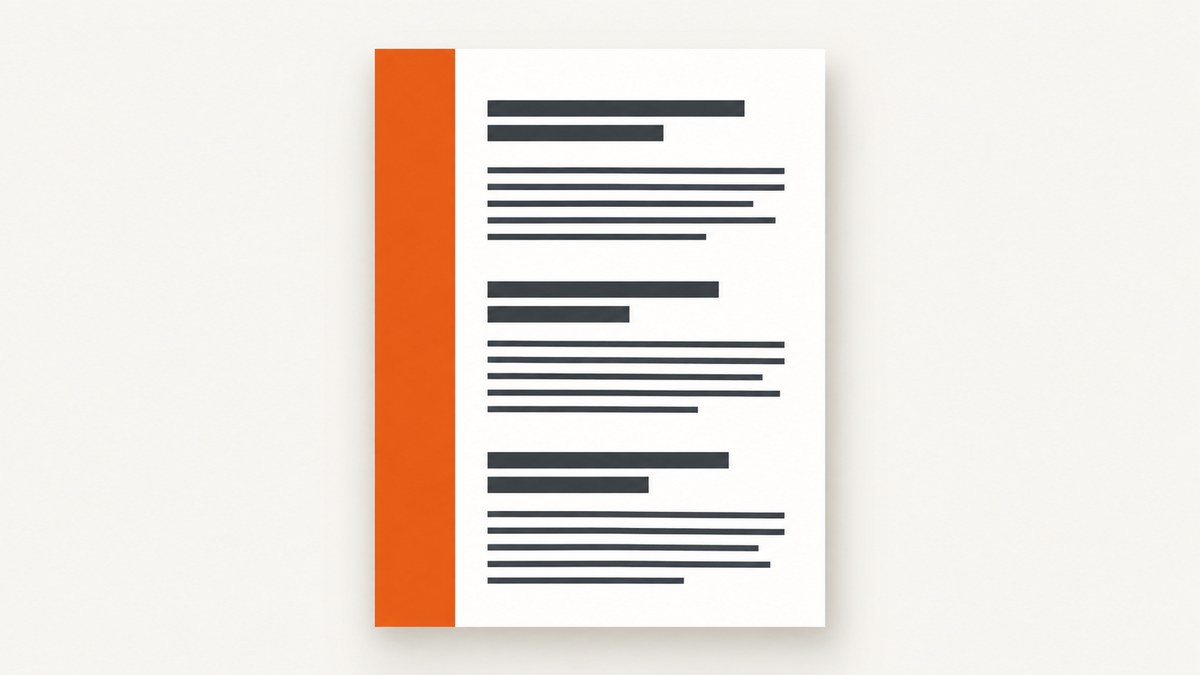
To keep a column’s color flush with the PDF edge while adding bottom padding to its content, put the background on an outer column and put the text in a nested inner wrapper with padding. Keep page margins separate: wkhtmltopdf margins set page geometry, while CSS padding insets content inside the colored column. This is a practical layout pattern to try, not a recipe verified for every wkhtmltopdf build. The Stack Overflow question that prompted this issue has no posted answer. Source question.
A content-relative gap after a short block is different from a fixed reserved strip at the bottom of every physical page. The nested wrapper handles the former; pagination and background painting must be checked in the generated PDF for the latter.
1. Separate the page, background, and content
Think of the layout as three layers:
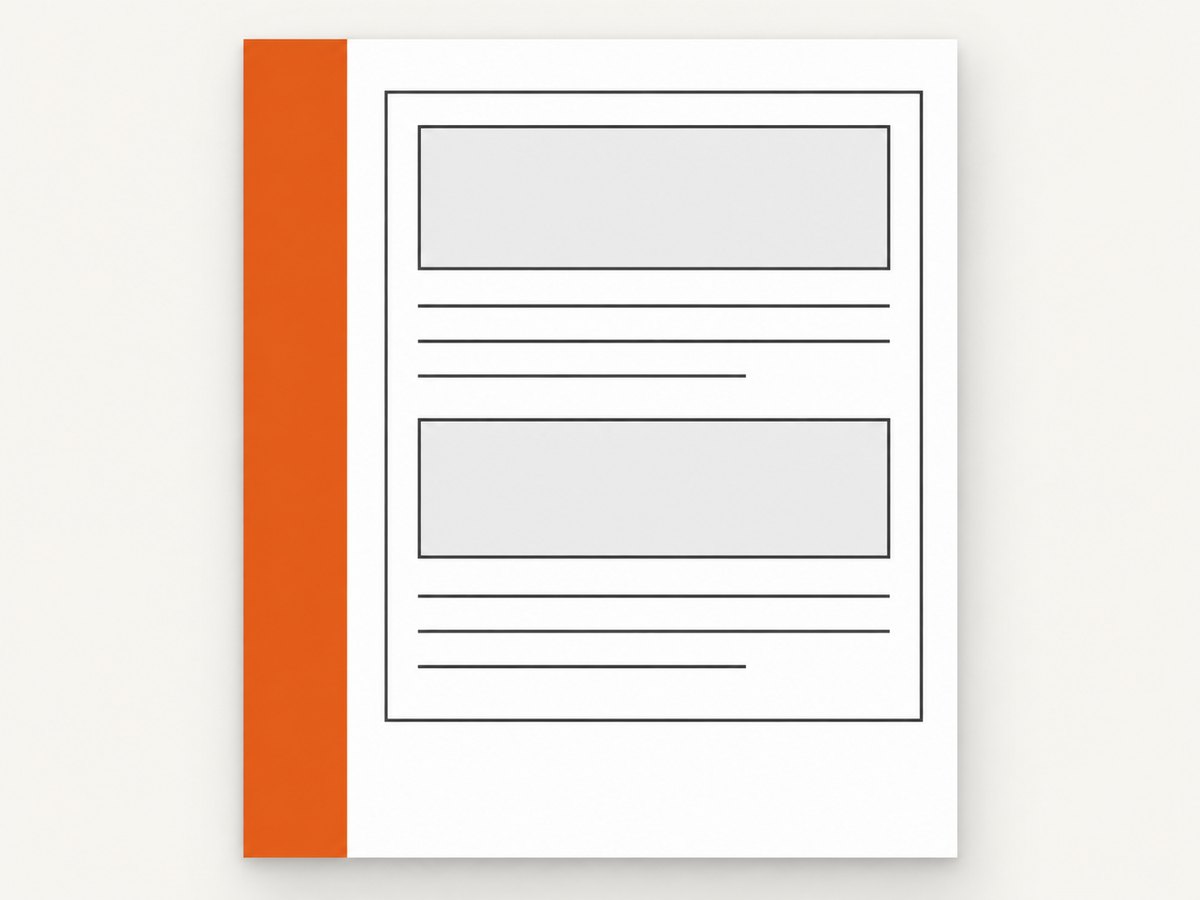
- Page geometry: paper size and page margins passed to wkhtmltopdf.
- Painted column: the element whose background color reaches the desired edge.
- Readable content: an inner element with left, right, top, and bottom padding.
Do not add the content inset to the same page-level box that needs to paint to the edge. Instead, leave the outer column at the bleed edge, then inset only its child. A minimal example follows.
<!doctype html>
<html>
<head>
<meta charset="utf-8">
<style>
  html, body { margin: 0; padding: 0; }
  .page { min-height: 100vh; display: flex; }
  .column {
    box-sizing: border-box;
    width: 38%;
    background: #17324d;
    color: white;
  }
  .column-content {
    padding: 24px 22px 40px;
  }
  .main { flex: 1; padding: 24px; }
</style>
</head>
<body>
  <div class="page">
    <aside class="column">
      <div class="column-content">
        <h1>Report</h1>
        <p>This text has room below it while the outer column paints behind it.</p>
      </div>
    </aside>
    <main class="main">Main content goes here.</main>
  </div>
</body>
</html>
The final value in padding: 24px 22px 40px is the content’s bottom inset. Change it to suit the design. The outer .column has no padding; its child owns the inset. For a single-page composition, a flex layout expresses the side-by-side columns clearly. For long documents, do not assume a flex container or its background will fragment the way a browser screen layout suggests; inspect real paginated output.
2. Set paper dimensions and margins deliberately
wkhtmltopdf provides independent top, bottom, left, and right page margins, plus standard and custom page dimensions. Its documented default page size is A4. A margin reserves page space; it is not equivalent to padding inside a colored column. When color must occupy the margin area, a nonzero page margin may leave a white band around the rendered document. Start with zero margins only if the document design actually calls for content at the page box edge.
wkhtmltopdf \
  --page-size A4 \
  --margin-top 0 \
  --margin-right 0 \
  --margin-bottom 0 \
  --margin-left 0 \
  --background \
  report.html report.pdf
To use a custom page box, specify dimensions explicitly:
wkhtmltopdf \
  --page-width 210mm \
  --page-height 297mm \
  --margin-top 0 --margin-right 0 --margin-bottom 0 --margin-left 0 \
  --background report.html report.pdf
These dimensions are equivalent to an A4-sized box for illustration; use the actual dimensions required by the job. The manual documents --page-size, --page-width, and --page-height. It also documents --background and --no-background. If relying on CSS background colors, do not disable backgrounds.
3. Decide what the bottom space should mean
Padding after content on a short page
If you only need a visual gap beneath the column’s content, set bottom padding on the inner wrapper. This space travels with that content. It does not reserve a fixed region at the bottom of every sheet.
A fixed strip on every physical page
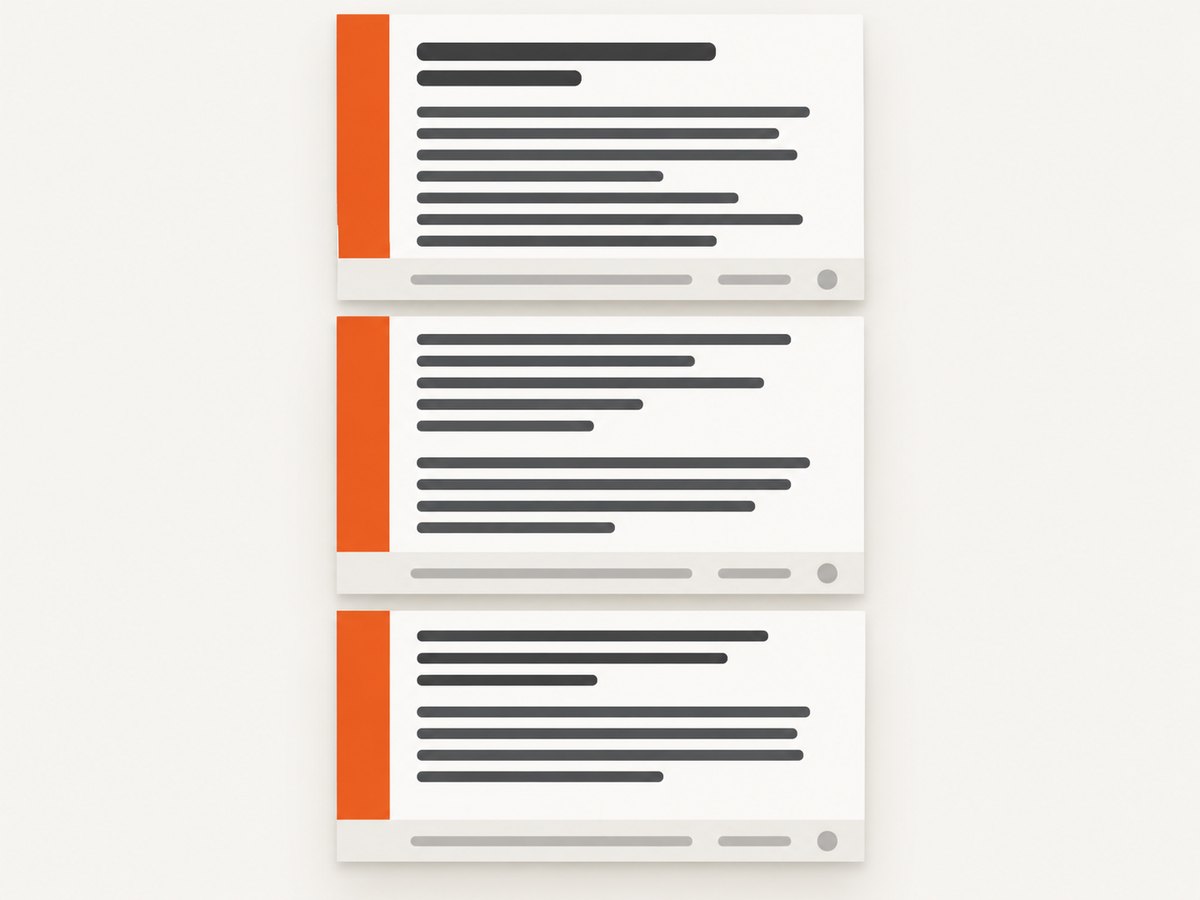
If every PDF page must have a colored area or clear strip at the bottom, treat that as a page-level layout requirement. Content can break across pages, and a wrapper’s bottom padding may land at the end of its final fragment rather than at the bottom edge of each physical page. A fixed footer or repeated page element is a separate design problem; reserve its space and test it across page breaks.
The wkhtmltopdf manual describes WebKit laying content out as one long page and then cutting it into pages. It says the current page-breaking algorithm “leaves much to be desired”; the patched-Qt page-break-inside behavior can help somewhat, but is not a general solution. The property does not create bottom padding.
.keep-together {
  page-break-inside: avoid;
}
Apply that selectively to short units such as a card or paragraph group, then check whether the element moves intact or leaves unexpectedly large gaps. The original questioner said p { page-break-inside: avoid; } did not solve their issue; that is consistent with the property not being a page-bottom-spacing control.
4. Build and inspect a diagnostic document
- Use one short page with the same outer background and inner padding as the target document.
- Generate a PDF with the intended wkhtmltopdf binary, options, paper size, and CSS.
- Inspect all four edges. Confirm whether the color reaches the page box and whether the content has the intended inset.
- Add enough content to force multiple pages. Check the last content line and bottom region on each page.
- Repeat with the actual headers, footers, fonts, images, and external resources used in production.
- Record the wkhtmltopdf version and whether it reports patched Qt. Validate after changing either.
Use a PDF viewer at high zoom, or rasterize pages for a pixel-level edge check. A single-page preview cannot demonstrate how the layout fragments across pages. If the requirement is commercial printing to a trimmed edge, ask the print provider for the required bleed and trim specifications; PDF background-to-page-box coverage alone does not establish print bleed.
5. Troubleshoot white edges and misplaced content
| Symptom | Likely cause | What to check |
|---|---|---|
| White border remains with zero margins | CSS body/html spacing, element sizing, scaling, background setting, or renderer behavior. | Check html, body margins, outer element width/height, --background, smart-shrinking behavior, page dimensions, and the exact binary/Qt build. |
| Explicit page dimensions do not remove the sliver | Dimensions alone are not a universal fix; reports differ by setup. | Compare CSS box dimensions and page dimensions, inspect scaling, and test the exact output version. Do not assume a reported workaround generalizes. |
| Text is flush to the bottom but color reaches the edge | Padding was applied to the wrong element, or the desired gap is page-relative rather than content-relative. | Put padding on the inner content wrapper. If the gap must repeat on every physical page, model and test that page-level requirement separately. |
| Column background stops at a page break | The element is being fragmented, or the background does not paint as expected across fragments. | Test a multi-page document; consider the layout structure and whether the design needs a repeated page element. Validate the PDF itself. |
| Background color is missing | Background printing may be disabled. | Use --background and remove --no-background if present. |
| Header or footer is clipped | Header/footer spacing can place it outside the PDF page. | Review header spacing and page margins. The official settings documentation says excessive header spacing can put the header outside the PDF and that the top margin can correct it. |
| Content unexpectedly moves or leaves a large gap | page-break-inside: avoid can move an unbreakable unit, and page breaking is imperfect. |
Use the rule only on appropriately sized blocks, then inspect page boundaries and try a smaller unit. |
Two archived issue reports illustrate why these are diagnostics, not guaranteed fixes. One reporter said explicit page dimensions addressed a white edge in their setup. Another reported persistent whitespace with wkhtmltopdf 0.12.6 and patched Qt despite zero margins and explicit dimensions. The repository is archived and read-only; issue reports are individual observations, not a compatibility specification.
6. Performance, reliability, and production checks
The nested-wrapper pattern adds little structural complexity; the heavier operational variables are document size, remote assets, fonts, and the renderer’s pagination work. Keep important styles in the document or make dependencies available to the renderer, and avoid relying on a screen-only preview as proof of page output. For repeatability, pin the wkhtmltopdf build used by your service and retain a representative PDF fixture for visual review when changing CSS or command options.
There is no universal success rate or version matrix established by the sources for this exact layout. The official manual acknowledges page-breaking limitations, and the archived issues show differing white-edge results. Treat the generated PDF as the output contract: check a short document, a long document, the final page, headers/footers if present, and the page edges after any renderer or page-size change.
For cost planning, include the operational cost of rendering and reviewing failed or changed layouts in your own pipeline. The research sources do not establish wkhtmltopdf pricing or quantified performance for this pattern, so there is no defensible benchmark to quote.
7. Or skip the browser setup
If the task is to capture a website rather than generate a paginated document from your own HTML, ScreenshotNeo provides a website screenshot API and MCP server. Its one-call API returns an image or PDF. Here is the cURL request:
curl -G "https://api.screenshotneo.com/v1/shot" -d access_key=YOUR_API_KEY --data-urlencode url=https://stripe.com -o shot.webpSee the ScreenshotNeo API documentation for request options. The equivalent Python request is:
import requests

r = requests.get(
    "https://api.screenshotneo.com/v1/shot",
    params={"access_key": "YOUR_API_KEY", "url": "https://stripe.com"},
    timeout=90,
)
open("shot.webp", "wb").write(r.content)
And Node.js:
const q = new URLSearchParams({ access_key: 'YOUR_API_KEY', url: 'https://stripe.com' });
const res = await fetch(`https://api.screenshotneo.com/v1/shot?${q}`);- Cookie banners, newsletter popups, and chat widgets are removed before the shot; each cleanup step can be turned off.
- Bot checks/CAPTCHAs, blank pages, timeouts, failed loads, and cache hits are never billed; response headers identify the page verdict and billing status.
- An MCP server lets AI agents use
take_screenshot,get_page_info, andcapture_pdf. - 1,000 screenshots a month are free with no card; paid plans start at $5 for 3,000 shots. Every feature is available on every plan.
Sign up for 1,000 free screenshots a month, with no card required.
FAQ
Does setting padding-bottom on the body preserve a full-bleed column?
It may inset or constrain the overall content area, depending on the layout. Put the padding on the column’s inner content wrapper when the outer column must reach the edge.
Does zero page margin guarantee edge-to-edge color?
No. Reports show whitespace can remain even with zero margins, and explicit dimensions have not fixed every reported setup. Check CSS sizing, background printing, scaling, and the actual renderer build.
Will page-break-inside: avoid add a bottom gap to each page?
No. It can help keep an element together in some patched-Qt builds, but it is only a partial page-break aid and does not reserve a page-bottom strip.
Should I use wkhtmltopdf for screenshots of live websites?
For a live-site screenshot, a screenshot API may avoid maintaining a browser-rendering setup. For paginated PDFs generated from your own HTML, the page geometry and layout still need to be designed and validated for the renderer you use.


