How to Create Internal Links in PDFs with wkhtmltopdf
Create clickable same-document PDF links with HTML fragments, wkhtmltopdf options, TOCs, outlines, and fixes for footer and build issues.
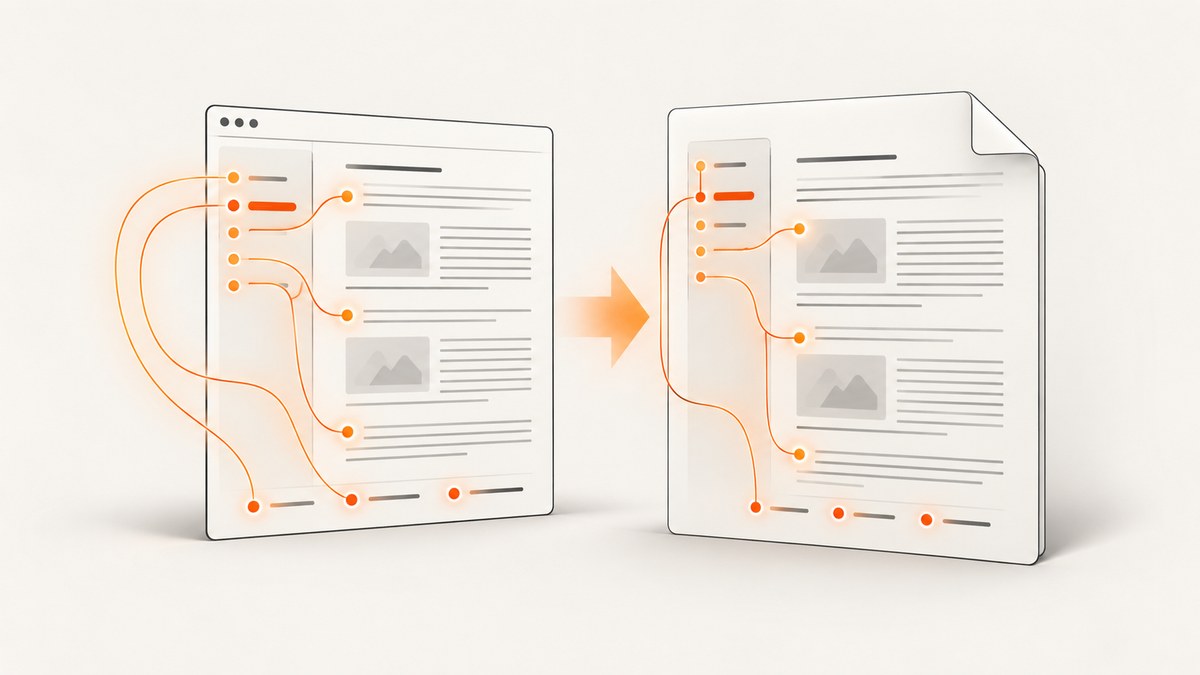
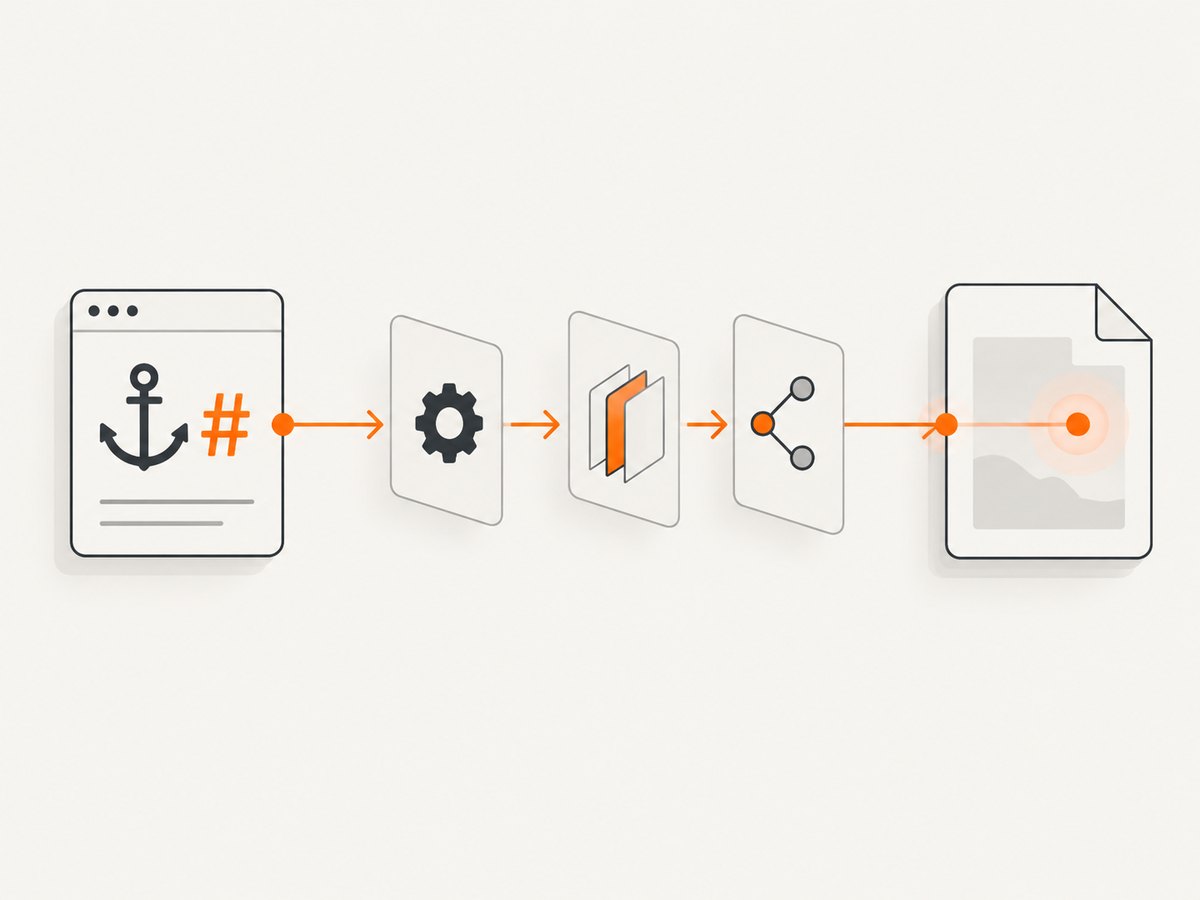
Direct answer: create a normal HTML fragment link such as href="#details", give the destination element the matching id="details", and convert the document with wkhtmltopdf’s local links enabled. Internal links are enabled by default, but --enable-internal-links makes the intent explicit. Do not use --disable-internal-links when the PDF needs same-document navigation.
This pattern works because the HTML link and target form a same-document fragment relationship. The HTML specification defines an element’s id as a destination that a fragment identifier can address. The wkhtmltopdf manual calls these “local links” and documents the conversion option that turns them into PDF references.
1. Minimal working example
Save this as input.html:
<!doctype html>
<html lang="en">
<head>
  <meta charset="utf-8">
  <title>Internal link example</title>
  <style>
    body { font: 16px/1.5 sans-serif; margin: 48px; }
    section { page-break-before: always; }
  </style>
</head>
<body>
  <h1>Project guide</h1>

  <p><a href="#details">Jump to details</a></p>

  <p>Introductory content appears here.</p>

  <section id="details">
    <h2>Details</h2>
    <p>This is the destination of the internal link.</p>
  </section>
</body>
</html>
Convert it with the default behavior:
wkhtmltopdf input.html output.pdfOr state the local-link setting explicitly:
wkhtmltopdf --enable-internal-links input.html output.pdfOpen output.pdf in your target viewer and click “Jump to details.” It should move to the element whose ID is details.
The upstream wkhtmltopdf usage manual documents --enable-internal-links as the default and --disable-internal-links as the switch that turns local links off. The W3C link specification describes the fragment-and-target relationship.
2. How fragment links are resolved
A fragment link has two parts:
| Part | Example | Rule |
|---|---|---|
| Source link | <a href="#details"> |
The value after # is the destination ID. |
| Destination | <h2 id="details"> |
The id must match the fragment exactly. |
| PDF result | Clickable annotation | wkhtmltopdf maps the local HTML relationship into PDF navigation. |
Use unique IDs. Matching is case-sensitive in practice, so treat #Details and id="details" as different values. Avoid spaces and punctuation that need URL encoding; short lowercase IDs with hyphens are easiest to maintain.
<nav aria-label="Contents">
  <a href="#installation">Installation</a>
  <a href="#configuration">Configuration</a>
</nav>

<h2 id="installation">Installation</h2>
<p>Install the required package.</p>

<h2 id="configuration">Configuration</h2>
<p>Set the required options.</p>
Putting the ID on the heading is usually clearest. You can put it on a wrapper such as a section when the link should land before the heading and its related content.
3. A complete document with a linked footer
Footer links need extra care because wkhtmltopdf renders header and footer content separately from the main page object. A body-to-body link is the simplest case. A footer link to a main-document anchor has been reported as an edge case in upstream issue #2522; the report does not establish that every current build behaves the same way.
Start with a body link and target that you know works:
<body>
  <main>
    <h1 id="top">Report</h1>
    <p>Report content...</p>
    <h2 id="appendix">Appendix</h2>
    <p>Supporting information...</p>
  </main>
</body>
Then add the footer link through a footer HTML file:
<!doctype html>
<html>
<body style="font: 10px sans-serif; margin: 0 24px;">
  <a href="#top">Back to report</a>
</body>
</html>
Convert with:
wkhtmltopdf \
  --enable-internal-links \
  --footer-html footer.html \
  input.html output.pdf
If the footer link opens as an external link, does nothing, or lands incorrectly, test the same link in the body. If the body version works but the footer version fails, you have isolated the separate header/footer case. Check the exact wkhtmltopdf version, the viewer, and whether the footer is being rendered as a separate object. A practical workaround is to place navigation links in the document body when that layout is acceptable.
4. Internal links, table of contents, and PDF outlines are different
These three features are often combined, but they are not interchangeable:
| Feature | How it is created | Typical use |
|---|---|---|
| Authored local link | href="#id" plus a matching id |
“Jump to details” or “Back to top” links. |
| Generated TOC | A toc object in wkhtmltopdf |
A contents page generated from heading tags. |
| PDF outline/bookmarks | Heading-derived outline support | Navigation pane entries in a PDF viewer. |
The manual says generated TOCs and outlines are based on heading tags. TOC links can be disabled with --disable-toc-links; that option affects generated TOC navigation, not a hand-authored href="#id".
A multi-object command can add a TOC before the main document:
wkhtmltopdf \
  --enable-internal-links \
  toc \
  input.html \
  output.pdf
Inspect the outline XML when you need to diagnose bookmarks:
wkhtmltopdf --dump-outline outline.xml input.html output.pdfThe manual also documents --dump-default-toc-xsl as a starting point for customizing generated TOC output and --xsl-style-sheet for supplying a stylesheet. These settings do not replace explicit fragment links.
5. Options that control local navigation
| Option or setting | Effect | When to use it |
|---|---|---|
--enable-internal-links |
Enables local HTML links in the PDF. | Use it explicitly in build scripts for readability. |
--disable-internal-links |
Disables local links. | Only when navigation annotations are unwanted. |
--disable-toc-links |
Removes links generated by the TOC. | When you need a visual contents page without clickable entries. |
--dump-outline |
Writes the generated outline XML. | Debugging heading-derived bookmarks. |
toc |
Adds a generated table of contents object. | Documents with heading-based navigation. |
useLocalLinks |
libwkhtmltox page setting corresponding to local links. | Applications embedding the library instead of invoking the CLI. |
toc.forwardLinks |
Controls TOC-to-content links. | Library-level TOC configuration. |
toc.backLinks |
Controls links back to the TOC. | Library-level return navigation. |
The older libwkhtmltox page-settings documentation exposes the library equivalents. Keep command-line options and library settings aligned; enabling useLocalLinks in code while passing a conflicting command-line configuration can make debugging harder.
6. Multi-page documents and object boundaries
A long HTML document can span many PDF pages without changing the fragment-link syntax. The destination ID remains attached to the source element, even when that element moves to a later page.
Problems become more likely when you combine multiple wkhtmltopdf objects, such as a cover, a TOC, and one or more page objects. Keep IDs unique across the complete input set. Give each destination a descriptive prefix if separate HTML files are assembled:
<h2 id="guide-installation">Installation</h2>
<h2 id="appendix-installation">Appendix installation notes</h2>
Verify links after the final PDF is assembled. A link that works when converting one HTML file can behave differently when a cover, TOC, or separate object changes page ordering.
7. Troubleshooting checklist
“The link is not clickable”
- Confirm the source uses a fragment such as
href="#details", not a misspelled or full URL. - Confirm a destination has exactly
id="details". - Ensure
--disable-internal-linksis not present. - Rebuild the PDF; changing HTML does not update an existing file.
- Try another PDF viewer to distinguish a viewer display issue from a missing annotation.
“It clicks, but lands on the wrong section”
- Search for duplicate IDs and remove them.
- Check case, hyphens, and spelling in both values.
- Inspect whether the target is inside content that is hidden, repositioned, or conditionally rendered by CSS.
- Test a short document with one link and one target to isolate layout effects.
“Body links work, but footer links do not”
Treat this as the documented historical footer edge case. Test the exact installed version and viewer, then move the link into the body or provide a body navigation link if the footer arrangement remains unreliable.
“The TOC has entries but they are not linked”
Check that --disable-toc-links was not supplied. Also distinguish generated TOC links from authored fragment links: a working href="#id" does not prove that the TOC object is configured correctly.
“Bookmarks are missing”
Outline support depends on the build. The upstream manual describes outline support with patched Qt, while the Debian bookworm manual documents a build without patched Qt. Check the installed binary and package documentation instead of assuming every distribution provides identical features.
“The command succeeds, but navigation differs between viewers”
Open the final PDF in the viewer used by your readers and in a second viewer during diagnosis. Verify both the clickable annotation and the landing location. The documented options describe intended behavior, but builds and viewers can differ at the edges.
8. Verification and build reliability
Make link verification part of the PDF build review:
- Generate the PDF from the exact binary used in production.
- Open it in the target viewer.
- Click every navigation class: body-to-section, back-to-top, TOC-to-section, and footer links.
- Confirm the destination is visible and at the expected heading.
- Repeat after changes to headings, pagination, CSS, object order, or wkhtmltopdf packages.
For deterministic builds, keep the HTML, CSS, wkhtmltopdf version, command-line flags, and input object order under version control. Avoid relying on implicit defaults in scripts: include --enable-internal-links when local navigation is required, and record whether TOC and outline features are supported by the installed package.
9. Performance, reliability, and cost considerations
Internal links add little authoring complexity because they are ordinary HTML relationships. Conversion time is usually dominated by page rendering, external assets, JavaScript, fonts, and the number of pages rather than by the presence of fragment links. Keep navigation IDs stable so content edits do not require rewriting every link.
For reliability, avoid duplicate IDs, verify generated output, and test header/footer links separately. A successful process exit only says that wkhtmltopdf produced a file; it does not prove every annotation works in the reader’s PDF viewer.
wkhtmltopdf is a local command-line workflow, so its cost depends on the machines and infrastructure running it. If you need a hosted screenshot or PDF endpoint instead of maintaining browser setup, ScreenshotNeo provides PDF capture through its API. It also supports paper size, margins, landscape mode, and page ranges.
10. Or skip the browser setup
For a hosted capture workflow, ScreenshotNeo accepts one GET request and returns a screenshot or PDF. See the ScreenshotNeo API documentation for the full option set.

cURL
curl -G "https://api.screenshotneo.com/v1/shot" -d access_key=YOUR_API_KEY --data-urlencode url=https://example.com -o shot.webpPython
import requests
r = requests.get("https://api.screenshotneo.com/v1/shot", params={"access_key": "YOUR_API_KEY", "url": "https://example.com"}, timeout=90)
open("shot.webp", "wb").write(r.content)
Node.js
const q = new URLSearchParams({ access_key: 'YOUR_API_KEY', url: 'https://example.com' });
const res = await fetch(`https://api.screenshotneo.com/v1/shot?${q}`);
ScreenshotNeo removes cookie and consent banners, newsletter popups, and chat widgets before capture. Bot checks, blank pages, failed loads, timeouts, and cache hits are not billed as clean shots, and the response identifies the result with X-Page-Verdict and X-Billed headers. An MCP server lets Claude, Cursor, and other MCP clients use take_screenshot, get_page_info, and capture_pdf. The free plan includes 1,000 screenshots per month with no card; paid plans start at $5 for 3,000 screenshots. Create a free ScreenshotNeo account.
11. FAQ
Do I need JavaScript to create an internal PDF link?
No. A standard HTML anchor and matching element ID are sufficient.
Should the ID go on the heading or its parent section?
Put it on the heading for a precise landing point, or on a section wrapper when the link should land before a group of content.
Are local links the same as PDF bookmarks?
No. Local links are authored fragment links. Bookmarks are outline entries commonly derived from heading tags.
Can I use a link from a footer to an anchor in the body?
It may work, but it has a documented historical edge-case report. Test the exact build and viewer, and keep a body-link fallback when necessary.
How do I inspect generated outline data?
Use --dump-outline and inspect the resulting XML separately from ordinary fragment links.


