How to Set Landscape Orientation with wkhtmltopdf
Set wkhtmltopdf to landscape with the correct flag, paper size, scripts, troubleshooting steps, and a hosted ScreenshotNeo alternative.
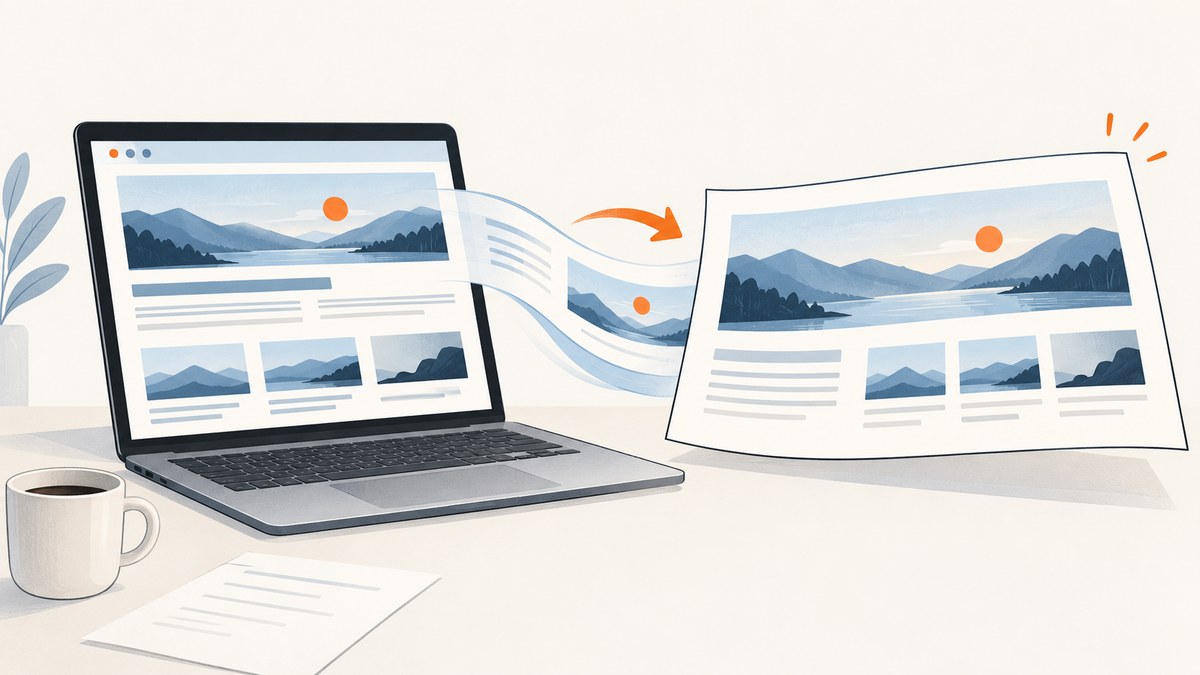
Use -O Landscape (or --orientation Landscape) as a global option before the input and output paths:
wkhtmltopdf -O Landscape input.html output.pdfwkhtmltopdf uses Portrait by default. Orientation controls whether the page is tall or wide; it does not select the paper size. Add a separate --page-size option when you need A4, Letter, or another named size, or use --page-width and --page-height for custom dimensions. The official command reference documents this syntax for wkhtmltopdf 0.12.6 with patched Qt: wkhtmltopdf command-line usage.
1. Basic landscape command
For a local HTML file:
wkhtmltopdf --orientation Landscape input.html output.pdfThe short form is equivalent:
wkhtmltopdf -O Landscape input.html output.pdfFor a web page, replace the input file with a URL:
wkhtmltopdf -O Landscape https://example.com report.pdfKeep the orientation option in the global-options area, before the page object and input. The general command shape is:
wkhtmltopdf [GLOBAL OPTION]... [OBJECT]... <output file>For a single page, placing -O Landscape before the URL or filename is the clearest and most portable form.
2. Choose the paper size separately
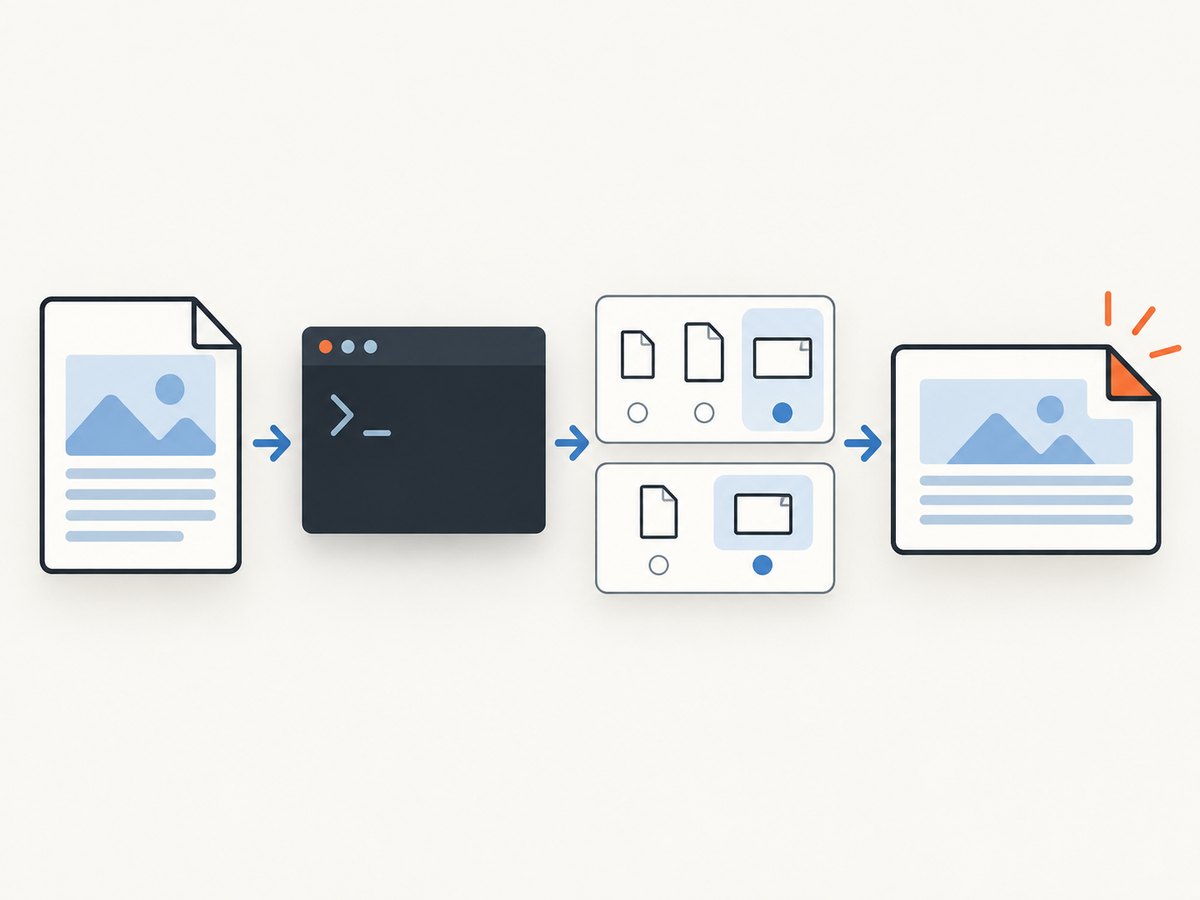
Landscape changes the direction of the page. Paper size determines its physical dimensions. Combine both options when the PDF must match a known sheet:
# A4 landscape
wkhtmltopdf --orientation Landscape --page-size A4 input.html output.pdf

# US Letter landscape
wkhtmltopdf --orientation Landscape --page-size Letter input.html output.pdf
The documented default paper size is A4. Do not assume that changing orientation also changes the size: a landscape A4 page and a landscape Letter page have different proportions.
Custom paper dimensions
Use explicit width and height when producing tickets, labels, slides, or another nonstandard format:
wkhtmltopdf \
  --orientation Landscape \
  --page-width 297mm \
  --page-height 210mm \
  input.html output.pdf
Use the units accepted by your installed build, such as mm, cm, in, or px. Orientation and explicit dimensions are separate settings. If you supply dimensions, verify that width is greater than height for a naturally landscape canvas; the orientation flag still communicates the intended document direction to wrappers and readers. The library settings reference lists orientation, paperSize, pageWidth, and pageHeight independently: libwkhtmltox page settings.
3. Prepare HTML for a wide page
A landscape page gives you more horizontal space, but your HTML still controls wrapping, overflow, and pagination. Set print styles explicitly:
<style>
  @page {
    size: A4 landscape;
    margin: 12mm;
  }

  * { box-sizing: border-box; }
  body {
    margin: 0;
    font-family: Arial, sans-serif;
    color: #222;
  }

  .wide-table {
    width: 100%;
    border-collapse: collapse;
    table-layout: fixed;
  }

  .wide-table th,
  .wide-table td {
    padding: 5px;
    border: 1px solid #bbb;
    overflow-wrap: anywhere;
  }
</style>
Use table-layout: fixed or defined column widths for wide tables. Long unbroken URLs, code strings, and identifiers can force the page beyond the printable area. Add overflow-wrap: anywhere where breaking is acceptable.
CSS @page declarations can document the intended print size, but the wkhtmltopdf command-line options remain the controlling configuration. Keep both aligned to avoid surprises when the same HTML is printed by another engine.
4. Margins, headers, footers, and page breaks
Margins reduce the usable landscape width. Set them deliberately:
wkhtmltopdf \
  --orientation Landscape \
  --page-size A4 \
  --margin-top 15mm \
  --margin-right 12mm \
  --margin-bottom 15mm \
  --margin-left 12mm \
  input.html output.pdf
Headers and footers consume vertical space even in landscape mode. If you use HTML header or footer documents, reserve enough margin for them and inspect the first and last pages for collisions. A practical sequence is:
- Set paper size and orientation.
- Set all four margins.
- Add header and footer options.
- Inspect page breaks and adjust CSS.
For deliberate breaks, use print CSS such as page-break-before: always or page-break-inside: avoid where supported by your build. Large tables and flex layouts may still split differently than a modern browser.
5. Multiple input pages
wkhtmltopdf can combine page objects into one PDF. Apply the global orientation once:
wkhtmltopdf \
  --orientation Landscape \
  cover cover.html \
  toc \
  chapter-1.html \
  chapter-2.html \
  book.pdf
Global options affect the document unless an object-specific option overrides them. Read the installed help output when mixing cover, toc, and page objects because builds can differ in supported features.
6. Complete runnable examples
Shell
#!/usr/bin/env sh
set -eu

INPUT="${1:-input.html}"
OUTPUT="${2:-output-landscape.pdf}"

wkhtmltopdf \
  --orientation Landscape \
  --page-size A4 \
  --margin-left 12mm \
  --margin-right 12mm \
  --margin-top 15mm \
  --margin-bottom 15mm \
  "$INPUT" "$OUTPUT"

echo "Wrote $OUTPUT"
Python
from pathlib import Path
import subprocess

source = Path("input.html").resolve()
target = Path("output-landscape.pdf").resolve()

subprocess.run([
    "wkhtmltopdf",
    "--orientation", "Landscape",
    "--page-size", "A4",
    "--margin-left", "12mm",
    "--margin-right", "12mm",
    "--margin-top", "15mm",
    "--margin-bottom", "15mm",
    str(source),
    str(target),
], check=True)

print(f"Created {target}")
Node.js
import { spawn } from "node:child_process";

const args = [
  "--orientation", "Landscape",
  "--page-size", "A4",
  "--margin-left", "12mm",
  "--margin-right", "12mm",
  "--margin-top", "15mm",
  "--margin-bottom", "15mm",
  "input.html",
  "output-landscape.pdf",
];

const child = spawn("wkhtmltopdf", args, { stdio: "inherit" });
child.on("exit", (code) => {
  if (code !== 0) process.exit(code ?? 1);
  console.log("Created output-landscape.pdf");
});
These wrappers assume the wkhtmltopdf executable is installed and available on PATH. If it is installed elsewhere, use its absolute path.
7. Verify the installed build
Before debugging a rendering difference, record the binary and its capabilities:
wkhtmltopdf --version
wkhtmltopdf --extended-help
The project documentation identifies the reference release as wkhtmltopdf 0.12.6 (with patched qt). Distribution packages may be built differently. The Debian Bookworm man page warns that its package is compiled against Qt without wkhtmltopdf patches and therefore lacks some features: Debian wkhtmltopdf man page. A missing feature in a package build does not mean that the orientation option itself is invalid.
8. Troubleshooting
The output is still portrait
- Confirm the value is exactly
Landscape, with a capital L. - Put
-O Landscapebefore the input and output paths. - Check that a wrapper has not overwritten the orientation with
Portrait. - Run
wkhtmltopdf --extended-helpand inspect the installed build.
The page is landscape but content is cut off
- Reduce left and right margins.
- Check fixed widths, minimum widths, and long unbroken strings.
- Use a wider named size or custom dimensions.
- Inspect tables, positioned elements, and images wider than the content box.
Some CSS or JavaScript does not render
wkhtmltopdf uses its bundled rendering engine, which is not equivalent to a current Chromium browser. Simplify unsupported CSS, wait for required content, and confirm that external assets are reachable from the conversion process. Package builds with reduced functionality can behave differently.
Images or fonts are missing
Use accessible absolute URLs or local file paths, verify permissions, and ensure the process can resolve DNS and establish HTTPS connections. For local assets, follow the security settings and file-access rules shown by your build’s help output.
The command exits successfully but the PDF is blank
Check the source URL directly, authentication requirements, JavaScript-generated content, and network access from the host running wkhtmltopdf. Capture stderr in automation so redirects, certificate errors, and resource failures are visible.
Python or Node reports “executable not found”
Install wkhtmltopdf on the machine that runs the script or replace wkhtmltopdf with the full executable path. Print the path used by the process and run the same command manually under the same account.
9. Performance and reliability
Conversion time depends on page size, external assets, JavaScript, fonts, and network latency. For repeatable jobs:
- Prefer local HTML and assets when possible.
- Use a fixed paper size, margins, and viewport assumptions.
- Keep input pages deterministic and avoid indefinitely running scripts.
- Set a process timeout in your application and terminate stuck conversions.
- Write to a temporary file, check the exit code, then move the completed PDF into place.
- Log the exact command, binary version, stderr, input URL, and output size.
Run conversions in isolated workers when processing untrusted URLs. Limit concurrency according to available CPU and memory, and retain failed inputs for diagnosis. There is no documented universal benchmark in the supplied sources, so measure your own pages rather than assuming a fixed throughput.
10. Cost and operational choices
Self-hosting wkhtmltopdf means you manage installation, patch level, fonts, browser behavior, worker capacity, and failures. It can be appropriate for controlled internal HTML. A hosted screenshot API is useful when you need consistent capture without maintaining a browser binary.
11. Or skip the browser setup
ScreenshotNeo provides a website screenshot API and MCP server. One GET request returns a PNG, JPEG, WebP, or PDF, so you do not install wkhtmltopdf or maintain rendering workers. For PDF capture, its options include paper size, margins, landscape mode, and page ranges. See the ScreenshotNeo API documentation.
curl -G "https://api.screenshotneo.com/v1/shot" -d access_key=YOUR_API_KEY --data-urlencode url=https://stripe.com -o shot.webpimport requests
r = requests.get("https://api.screenshotneo.com/v1/shot", params={"access_key": "YOUR_API_KEY", "url": "https://stripe.com"}, timeout=90)
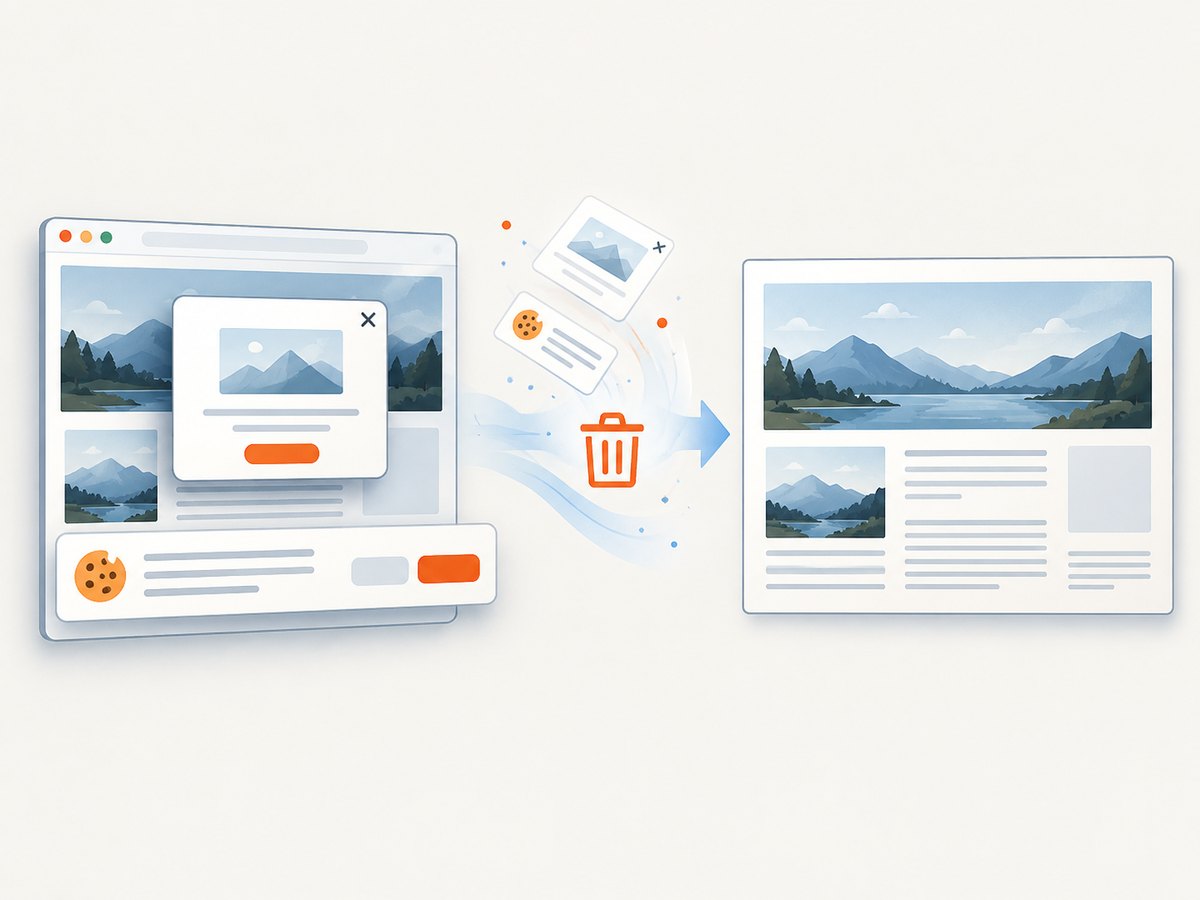
open("shot.webp", "wb").write(r.content)const q = new URLSearchParams({ access_key: 'YOUR_API_KEY', url: 'https://stripe.com' }); const res = await fetch(`https://api.screenshotneo.com/v1/shot?${q}`);Cookie banners, newsletter popups, and chat widgets are removed before the shot. Bot checks, blank pages, failed loads, timeouts, and cache hits are not billed, and response headers identify the page verdict and billing status. An MCP server lets Claude, Cursor, and other MCP clients call take_screenshot, get_page_info, and capture_pdf. The Free plan includes 1,000 screenshots per month with no card; paid plans start at $5 for 3,000 shots. Create a free ScreenshotNeo account.
12. FAQ
What is the shortest landscape command?
wkhtmltopdf -O Landscape input.html output.pdf.
Should I use -O or --orientation?
They select the same setting. Use the long form in scripts where readability matters; use the short form for quick commands.
Does landscape automatically select Letter paper?
No. Select Letter explicitly with --page-size Letter. The documented default is A4.
What does the library API call the setting?
The libwkhtmltox settings reference calls it orientation and accepts Landscape or Portrait.
Why do two machines produce different PDFs?
Compare wkhtmltopdf versions, package patches, fonts, installed libraries, and network responses. Distribution builds can expose different capabilities.


