How to Handle Local Storage Dependencies in wkhtmltopdf
Fix missing CSS, images, and fonts in wkhtmltopdf by scoping local file access, checking runtime paths, and troubleshooting permissions safely.
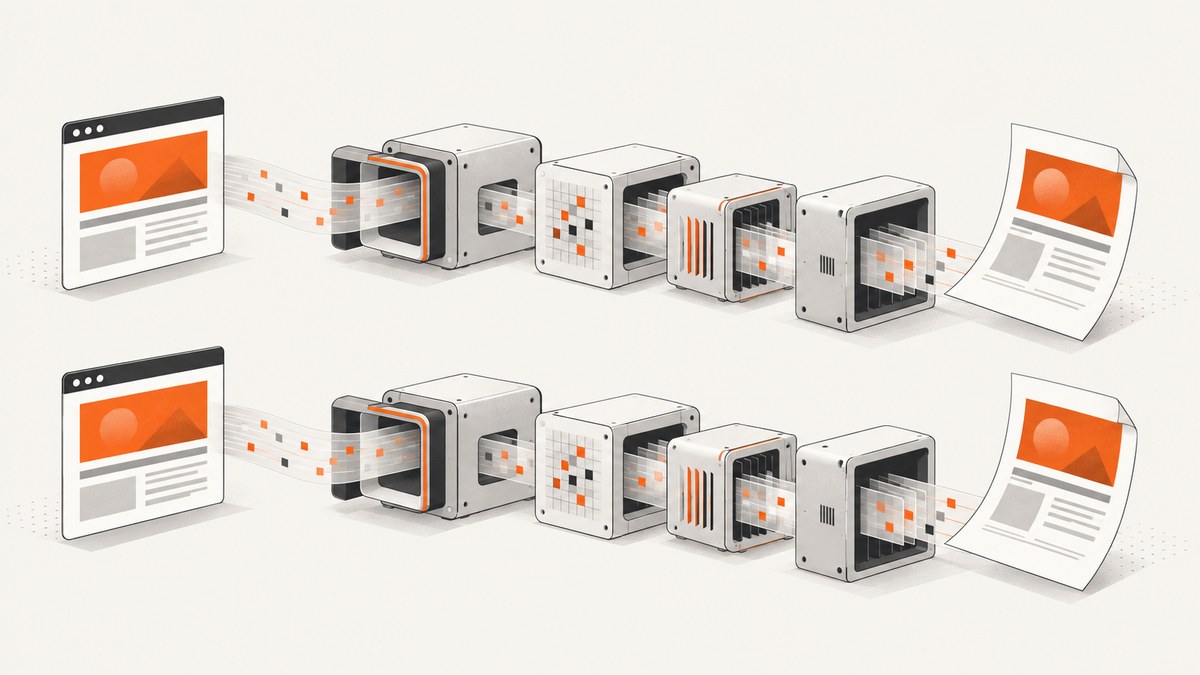
wkhtmltopdf can load local CSS, images, fonts, JavaScript files, and other resources, but its command-line interface uses restrictive local-file access by default. The usual fix is to allow only the asset directories the document needs with --allow. Use --enable-local-file-access only when broad access is genuinely required, and never treat that flag as a complete security boundary for untrusted HTML.
The reliable workflow is:
- Identify the exact wkhtmltopdf binary, version, wrapper, and runtime that generate the PDF.
- Confirm that every referenced asset exists inside that runtime.
- Use
--disable-local-file-accessplus one or more narrowly scoped--allowpaths. - Check image loading, stylesheet settings, path resolution, and load-error policy separately.
- Constrain the operating-system process as an additional security layer.
1. How wkhtmltopdf reads local resources
An HTML document can refer to local resources with relative URLs such as css/site.css, root-relative URLs such as /assets/logo.png, or absolute file URLs such as file:///app/assets/logo.png. wkhtmltopdf resolves those references according to the input URL or file and the environment in which the renderer runs. A path that works in an interactive shell may not exist in a web worker, container, or serverless function.
The upstream command-line reference documents --disable-local-file-access as the restrictive default. With that policy, a local input cannot read other local files unless their locations are explicitly permitted with --allow <path>. --enable-local-file-access enables local reads more broadly. See the upstream usage reference for the flags and their exact syntax.
Permission is only one part of loading. A permitted file can still be missing, unreadable by the process user, referenced with the wrong base path, rejected by a wrapper, or affected by a library setting. The libwkhtmltox API separately exposes settings for web images, user stylesheets, local-file blocking, and load-error behavior; review the library documentation when a wrapper does not expose the CLI flags directly.
2. The narrowest working CLI configuration
Put the document and its assets in a known directory tree. Then allow only the directories that must be read.
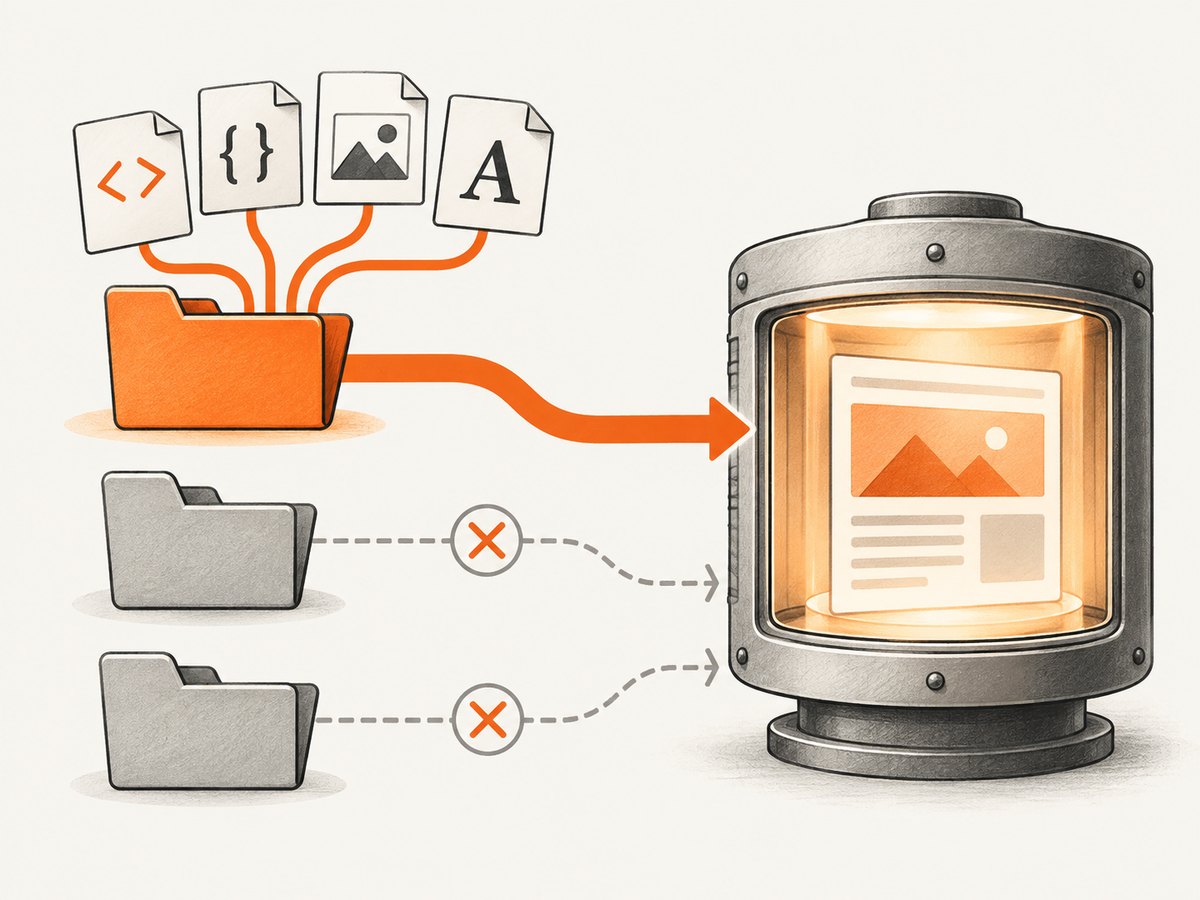
wkhtmltopdf \
  --disable-local-file-access \
  --allow /srv/report/assets \
  --allow /srv/report/css \
  /srv/report/index.html /srv/report/output.pdf
If all resources are below one directory, one allow-list entry is simpler:
wkhtmltopdf \
  --disable-local-file-access \
  --allow /srv/report \
  /srv/report/index.html /srv/report/output.pdf
Use absolute paths in deployment commands so the process does not depend on its current working directory. Keep the HTML references consistent with the input mode. For example, if index.html is in /srv/report and the stylesheet is in /srv/report/css/site.css, use:
<link rel="stylesheet" href="css/site.css">
<img src="assets/logo.png" alt="Company logo">
For a one-off diagnostic, broader access can show whether the problem is the allow-list:
wkhtmltopdf --enable-local-file-access /srv/report/index.html /srv/report/debug.pdfDo not leave that setting in a service that accepts user-controlled HTML. Once the cause is confirmed, return to --disable-local-file-access and add only the required directories.
3. Complete examples by environment
Shell and CI
set -eu

WKHTMLTOPDF="$(command -v wkhtmltopdf)"
"$WKHTMLTOPDF" --version

mkdir -p /tmp/report-output
"$WKHTMLTOPDF" \
  --disable-local-file-access \
  --allow /workspace/report \
  --enable-local-file-access=false \
  /workspace/report/index.html \
  /tmp/report-output/report.pdf
Some builds do not accept every boolean spelling, and wrappers may rewrite arguments. Run wkhtmltopdf --help for the installed binary and remove an option if that build rejects it. The important controls are the documented local-file policy and the allow-list.
Python subprocess
from pathlib import Path
import subprocess

root = Path("/srv/report").resolve()
source = root / "index.html"
target = Path("/tmp/report.pdf")

if not source.is_file():
    raise FileNotFoundError(source)

subprocess.run([
    "wkhtmltopdf",
    "--disable-local-file-access",
    "--allow", str(root),
    str(source),
    str(target),
], check=True)

print(target, target.stat().st_size, "bytes")
Node.js child process
import { execFile } from "node:child_process";
import { promisify } from "node:util";

const execFileAsync = promisify(execFile);
const args = [
  "--disable-local-file-access",
  "--allow", "/srv/report",
  "/srv/report/index.html",
  "/tmp/report.pdf",
];

const { stdout, stderr } = await execFileAsync("wkhtmltopdf", args);
console.log(stdout);
if (stderr) console.error(stderr);
Library wrappers
Bindings often expose settings such as enableLocalFileAccess, allow, loadErrorHandling, web.loadImages, or userStyleSheet under different names. Confirm that the wrapper forwards the setting to the binary or libwkhtmltox instance actually running. A setting in a configuration file is ineffective if a different executable is selected by the application.
4. Paths, URLs, and runtime permissions
| Symptom | Likely cause | Check |
|---|---|---|
| CSS is missing | Wrong base path or stylesheet blocked | Inspect the resolved stylesheet path and allow its directory |
| Images show broken icons | File absent, unreadable, or local access denied | Test existence and permissions as the renderer user |
| Fonts fall back | Font files or font configuration unavailable | Verify packaged fonts, fontconfig, and CSS URLs |
| Works locally, fails in production | Different container filesystem or working directory | Run path checks inside the production runtime |
Use a small diagnostic page to isolate resource loading:
<!doctype html>
<html><head>
  <meta charset="utf-8">
  <link rel="stylesheet" href="css/site.css">
</head><body>
  <h1>Resource check</h1>
  <img src="assets/test.png" alt="Test asset">
  <p class="font-check">Font check</p>
</body></html>
Then verify each file from the same account and namespace as wkhtmltopdf:
id
pwd
ls -l /srv/report/index.html /srv/report/css/site.css /srv/report/assets/test.png
namei -l /srv/report/assets/test.png
On Linux, every parent directory needs execute permission for traversal. A file can be world-readable while its parent directory still prevents access.
5. Images, stylesheets, fonts, and JavaScript
Images
The CLI and library have separate image-loading controls. If local access is allowed but images remain absent, check that image loading has not been disabled by a wrapper or option. Confirm the image format is supported by the installed build and that the file is not a zero-byte or partially mounted asset.
Stylesheets
Relative stylesheet URLs are resolved from the document base. A generated HTML string may have no useful filesystem base unless the wrapper writes it to a file or supplies a base URL. When generating HTML in memory, prefer an explicit temporary directory and write the document there, or use a wrapper feature that sets the base URL.
Fonts
Fonts require both a readable file and a working font stack. The project downloads page lists fontconfig and freetype2 among runtime concerns and explains that distributions differ even when a build is described as static. It also gives a Lambda example that bundles dependencies and sets FONTCONFIG_PATH=/opt/fonts. See the official downloads guidance before packaging a container or function.
JavaScript-generated resources
wkhtmltopdf is based on an older Qt/WebKit stack. Scripts that fetch local files, wait for modern browser APIs, or depend on current JavaScript features may behave differently from a desktop browser. If the page is dynamic, first prove that a static diagnostic asset loads, then investigate script timing and renderer compatibility separately.
6. Troubleshooting blocked access and silent failures
- Identify the invoked binary. Log the absolute executable path and run its
--version. A system package, container image, and language wrapper may select different builds. - Inspect the exact HTML. Save the rendered input and search for every
src,href, stylesheet, font, and script URL. - Check existence inside the runtime. Do not rely on host paths when the converter runs in a container or function.
- Check the effective policy. Start with
--disable-local-file-accessand add--allowfor each required root. - Check loading settings. Verify images, user stylesheet configuration, JavaScript timing, and wrapper defaults.
- Make errors visible. During diagnosis, configure strict load-error handling where your wrapper supports it. The documented policies include
abort,ignore, andskip; strict handling prevents a missing asset from producing a plausible but incomplete PDF. - Compare users and permissions. Run the same command as the service account, not as an administrator.
- Check packaging. Confirm shared libraries, fonts, environment variables, and temporary directories are present in the deployed image.
“Blocked access to file”
This usually means the local-file policy denied a referenced path. Add the smallest parent directory needed with --allow, then rerun. If the wrapper does not forward that flag, configure its equivalent or invoke the binary directly. Do not jump straight to global access for untrusted input.
“QPainter” or output errors after fixing paths
These indicate a later rendering or output problem rather than proof that local access works. Check that the output directory exists and is writable, that the PDF target is not a directory, and that the process has enough temporary storage.
7. Containers, serverless, and operating-system confinement
Container and serverless failures commonly come from incomplete packaging. Include the wkhtmltopdf executable, compatible system libraries, font files, and the asset tree. Test the conversion from inside the image or function. For Lambda-style deployments, follow the official packaging notes and set the font configuration path required by the bundle.
Local-file flags are application controls, not a complete security boundary. The project warns against rendering untrusted HTML and JavaScript. Its AppArmor guidance describes restricting approved directories and process capabilities; Red Hat systems generally use SELinux instead. Customize the policy for the actual work directory, temporary directory, executable, and output path. Sanitize user-supplied HTML before rendering and isolate the process with a dedicated account or container.
8. Performance, reliability, and cost considerations
- Keep the allow-list small. It reduces filesystem traversal and makes deployments easier to reason about.
- Package assets locally. Local files avoid network variability, but every file must be included in the runtime image.
- Reuse a prepared asset tree. Avoid rebuilding identical CSS and fonts for every job.
- Set timeouts in the caller. A hung page, script, or font lookup should not consume an unbounded worker.
- Capture diagnostics. Store the command, version, stderr, input path, and output size for failed jobs.
- Plan for the renderer lifecycle. The project downloads page lists version 0.12.6 as the stable series released June 11, 2020, and the status page discusses its older Qt/WebKit foundation. Recheck compatibility and security posture before committing to a new deployment.
9. Or skip the browser setup
If your goal is a clean screenshot or PDF rather than maintaining a local browser renderer, ScreenshotNeo provides a website screenshot API and MCP server. It accepts one GET request and returns PNG, JPEG, WebP, or PDF. Cookie and consent banners, newsletter popups, and chat widgets are removed before capture; bot checks, blank pages, timeouts, failed loads, and cache hits are not billed, and response headers identify the page verdict and billing result.
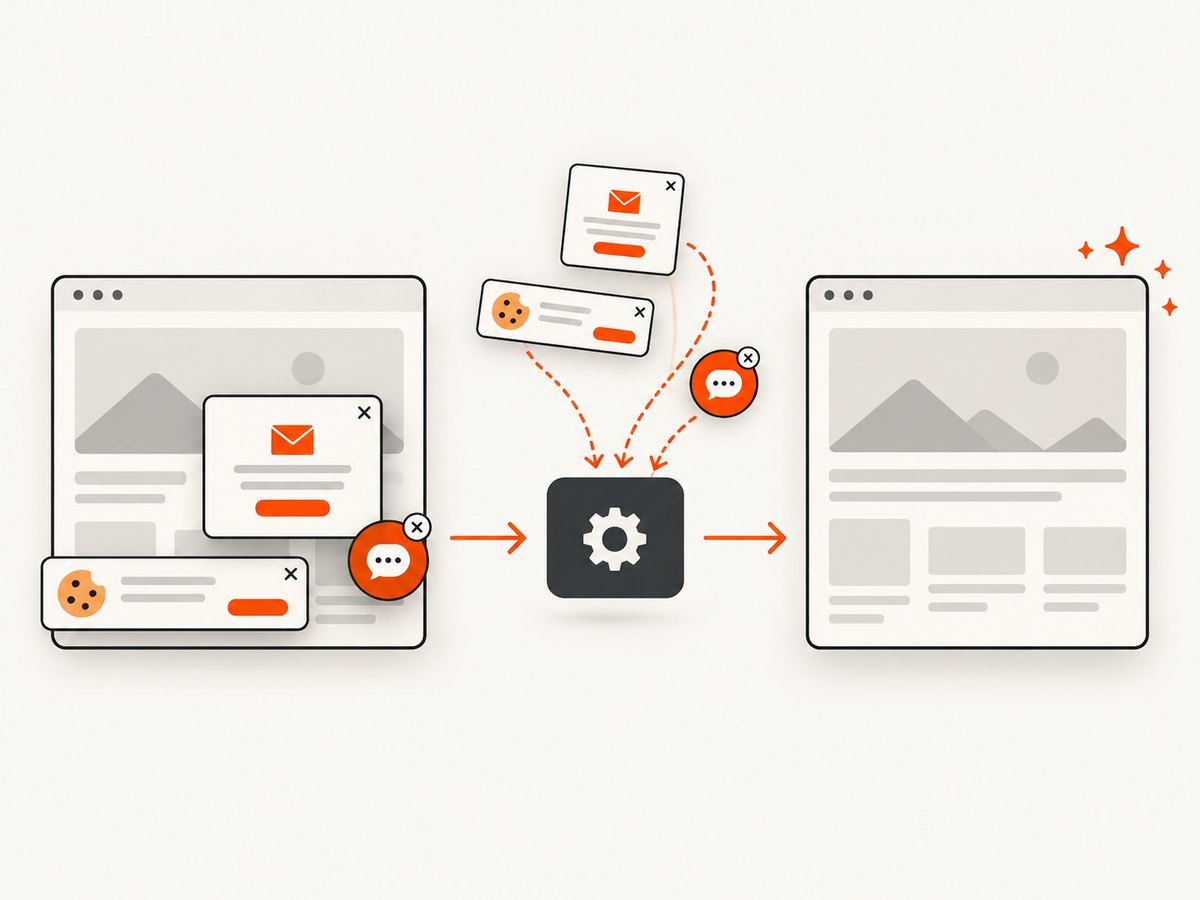
See the ScreenshotNeo API documentation for the complete option list. A minimal request is:
curl -G "https://api.screenshotneo.com/v1/shot" -d access_key=YOUR_API_KEY --data-urlencode url=https://stripe.com -o shot.webpimport requests
r = requests.get("https://api.screenshotneo.com/v1/shot", params={"access_key": "YOUR_API_KEY", "url": "https://stripe.com"}, timeout=90)
open("shot.webp", "wb").write(r.content)const q = new URLSearchParams({ access_key: 'YOUR_API_KEY', url: 'https://stripe.com' });
const res = await fetch(`https://api.screenshotneo.com/v1/shot?${q}`);ScreenshotNeo also supports full-page capture with lazy images loaded, CSS element capture, dark mode, device presets and custom viewports, retina scale, PDF paper and margin controls, custom CSS and JavaScript, clicks, waits, blocking rules, headers, cookies, user agents, authorization, timezone, geolocation, transparent backgrounds, resizing, selectable cache TTLs, signed links, asynchronous jobs with signed webhooks, bulk capture of up to 100 URLs per call, a usage API, and an OpenAPI specification. Its MCP server includes take_screenshot, get_page_info, and capture_pdf for Claude, Cursor, and other MCP clients.
There is a free allowance of 1,000 screenshots per month with no card. Paid plans start at $5 for 3,000 shots; every feature is available on every plan. Create a free ScreenshotNeo account.
10. FAQ
Should I always use --enable-local-file-access?
No. Prefer --disable-local-file-access with specific --allow directories. Broad access is mainly a diagnostic or controlled internal option.
Why does an allowed file still fail?
Check the runtime path, parent-directory permissions, file existence, URL base, wrapper forwarding, image settings, and font libraries. Allow-list permission does not create or repair a file.
Can --allow protect untrusted HTML?
It reduces the files the normal policy can read, but the project recommends sanitizing untrusted HTML and adding OS-level confinement such as AppArmor or SELinux.
Do static wkhtmltopdf builds need system packages?
The official downloads guidance says distribution libraries, OpenSSL, libc, fontconfig, and freetype infrastructure can still matter. Test the exact build in the target runtime.
What should I log for a reproducible failure?
Record the binary path and version, wrapper version, command or settings, input location, allow-list, process user, runtime image, stderr, and output size.


